What is a Router?
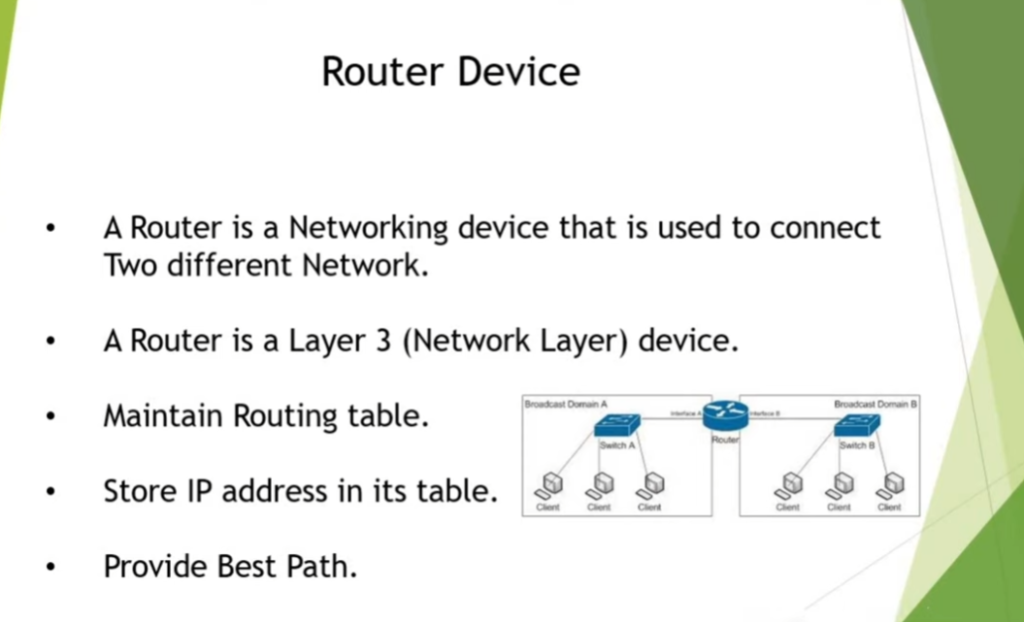
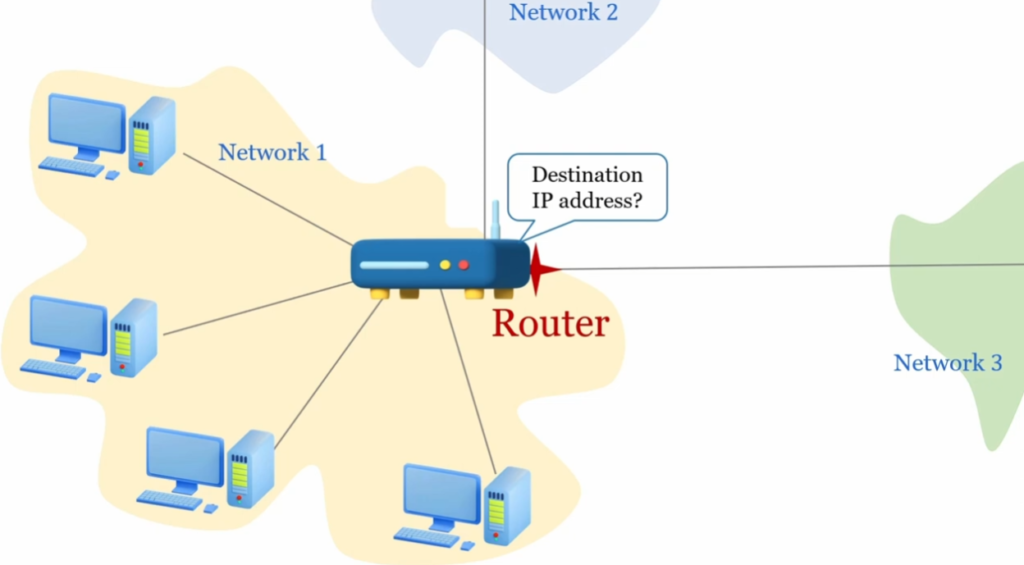
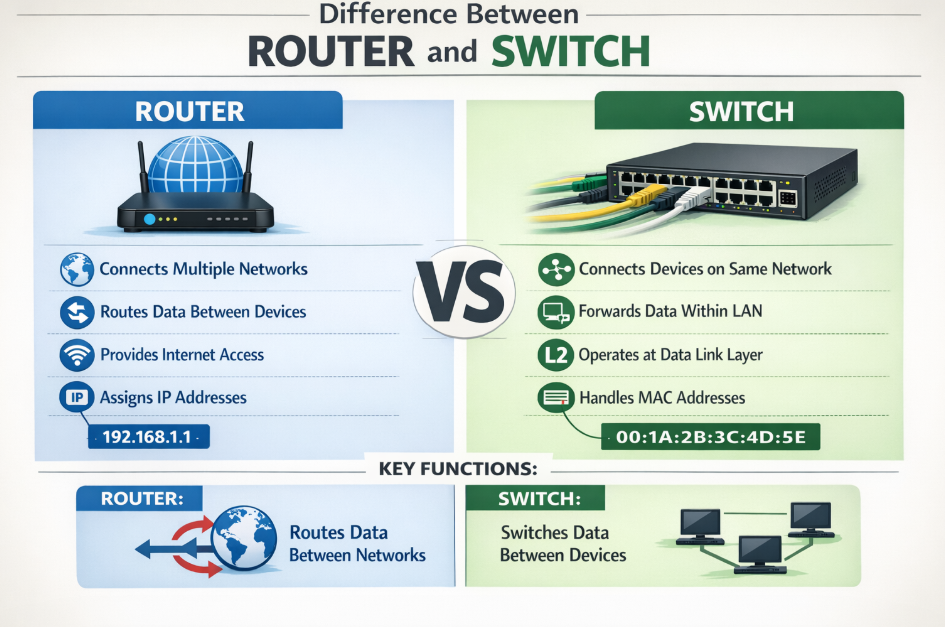
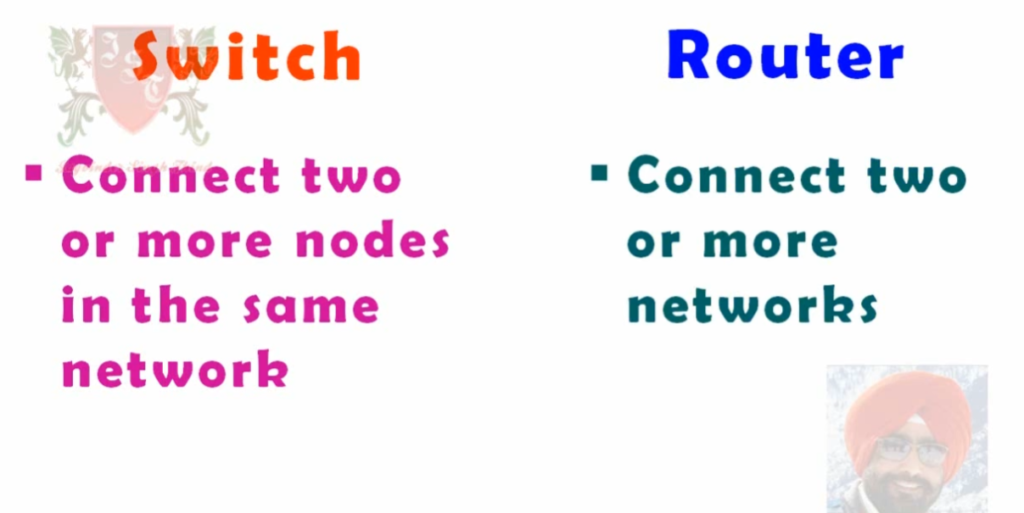
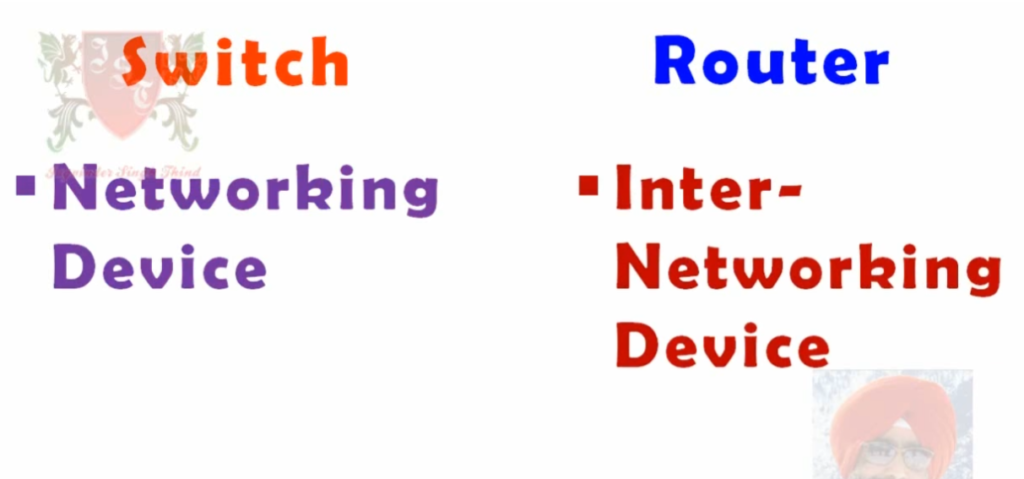
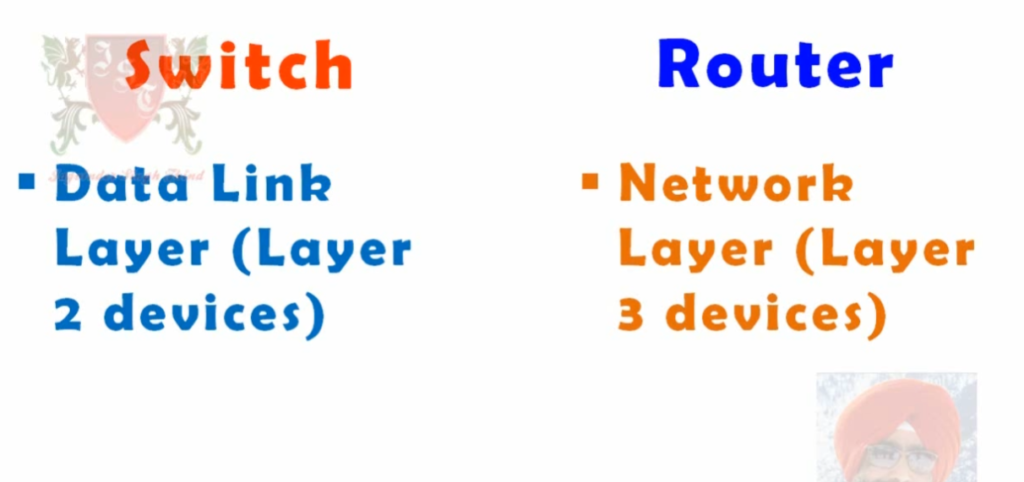
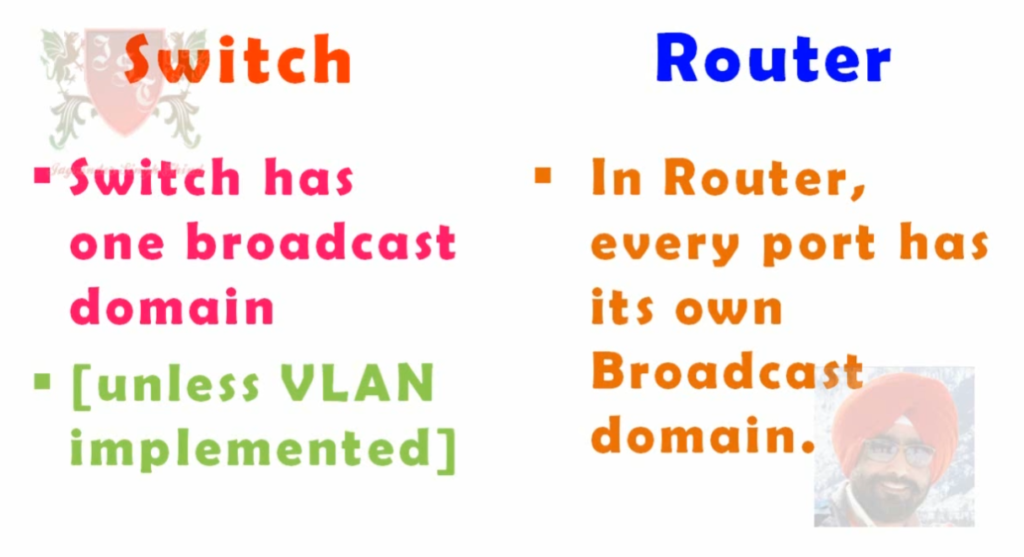
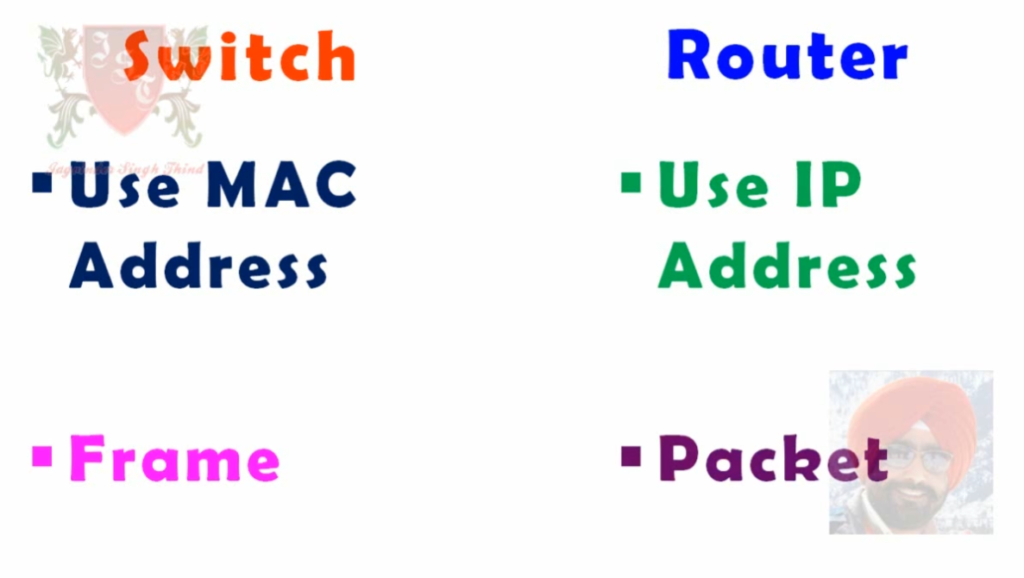
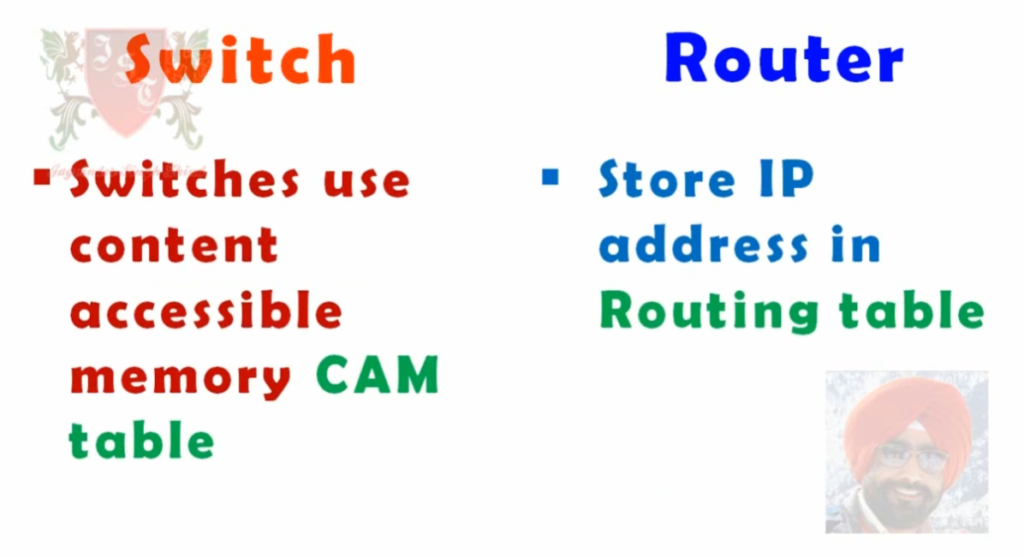
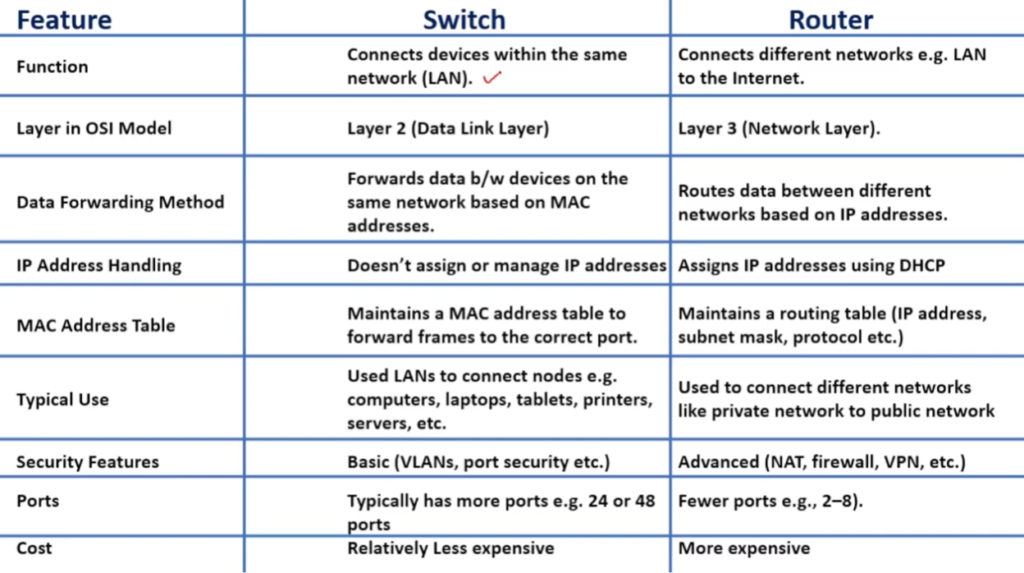
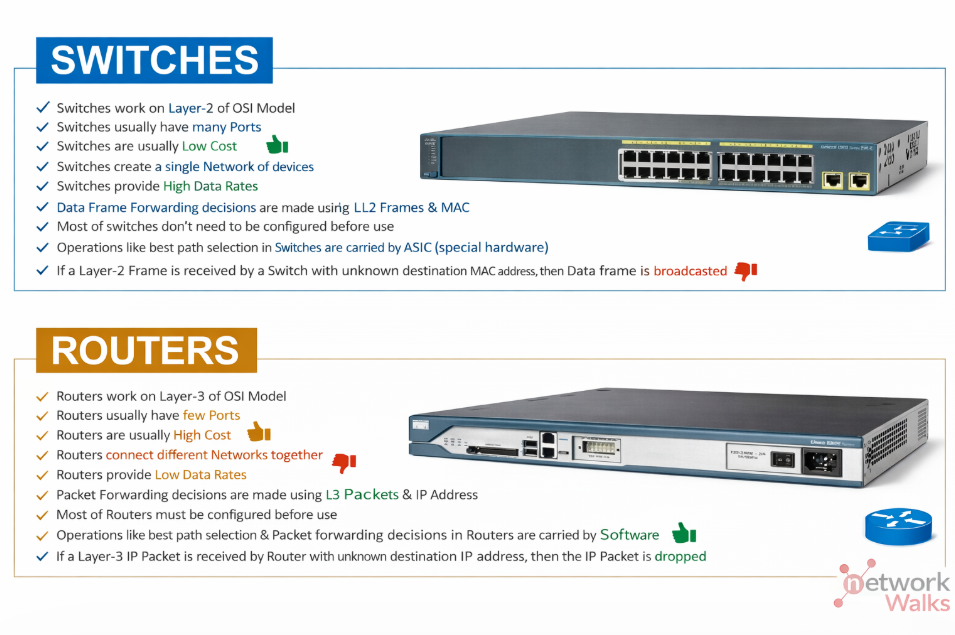
A router is a networking device that allows communication between multiple networks by forwarding data packets. It uses routing tables to store paths and determine the best route for sending data packets.
They serve as a barrier between internal and external networks, enhancing security by implementing access control lists (ACLs) to filter traffic and prevent unauthorized access.
Routers also perform Network Address Translation (NAT) to allow multiple devices on a private network to share a single public IP address, which conserves IP addresses and protects internal network details from external exposure.
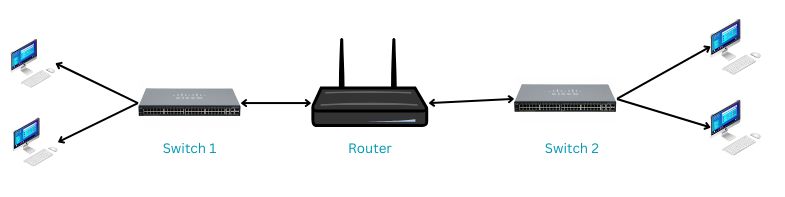
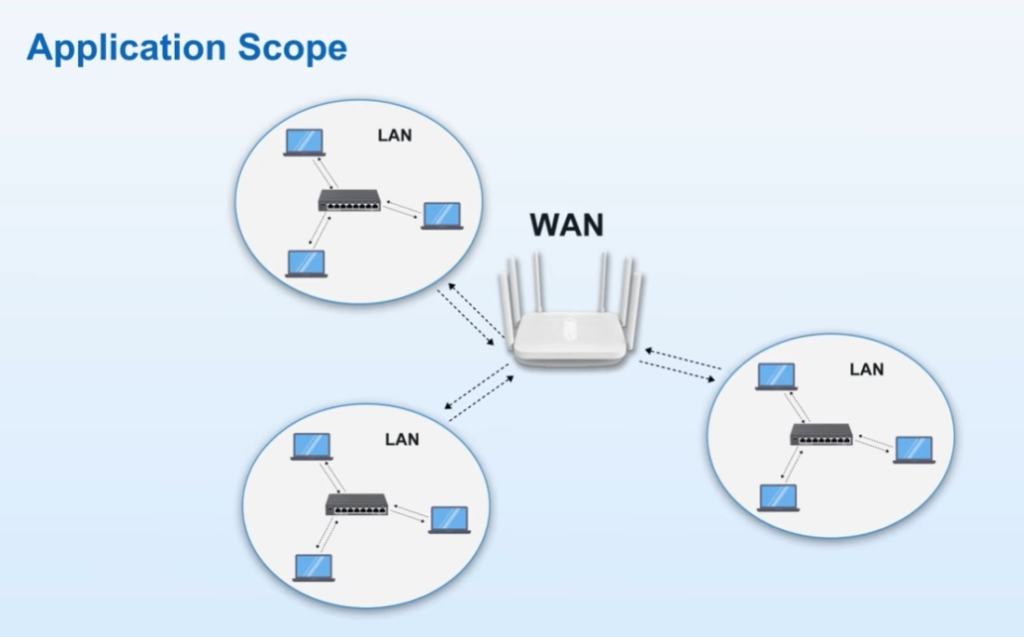
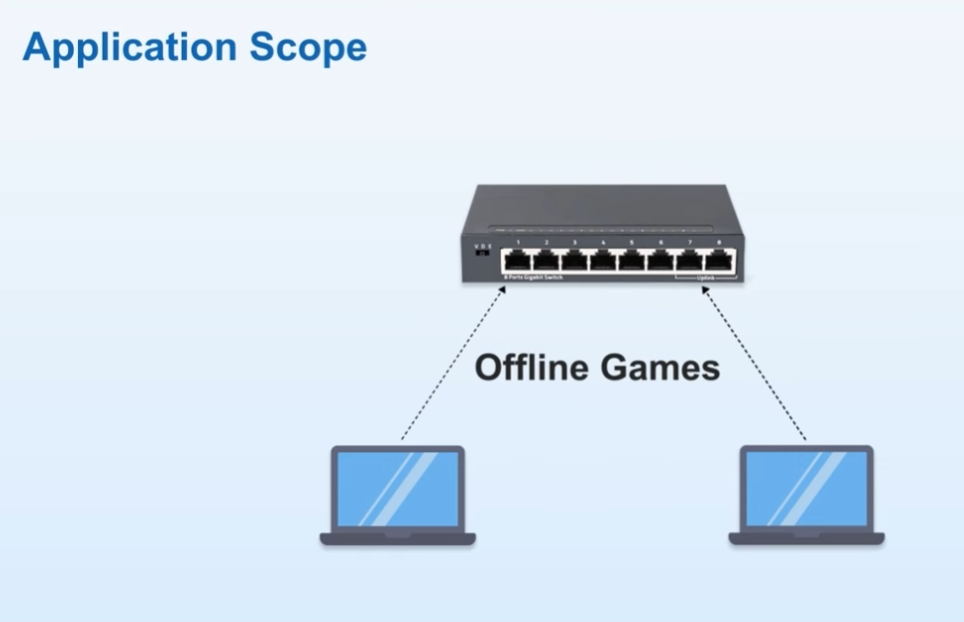
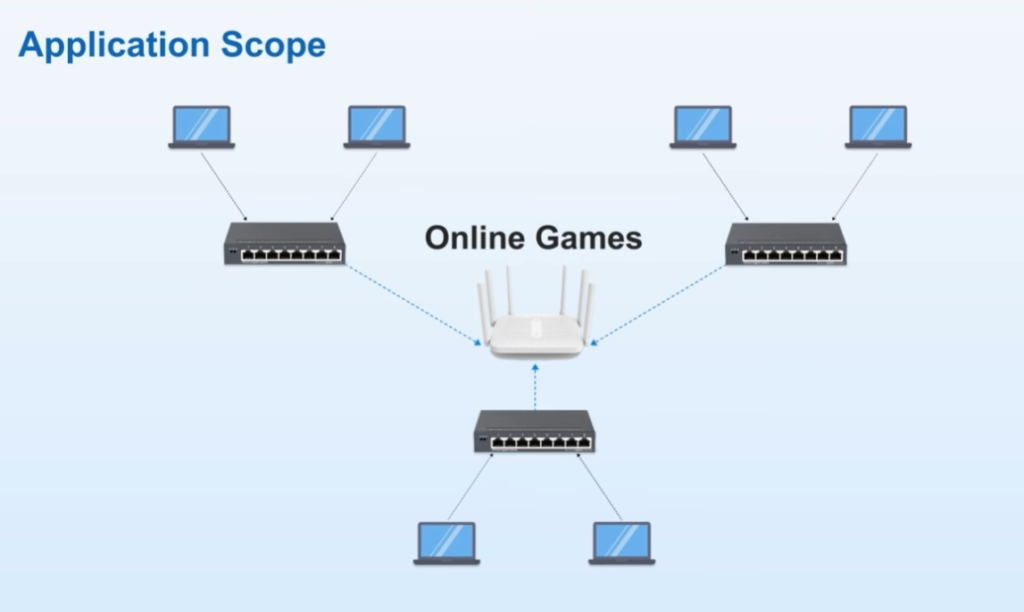
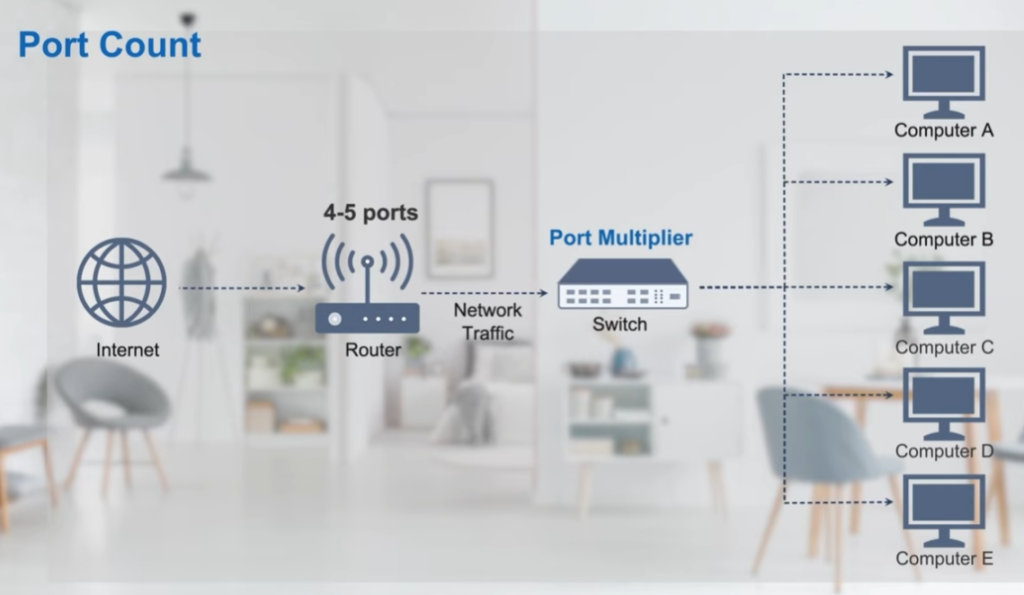
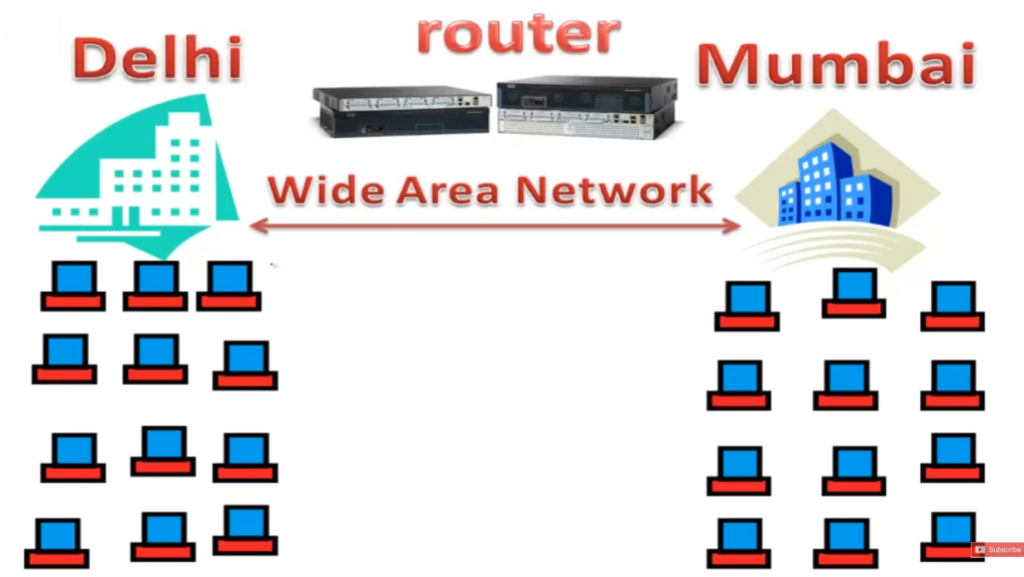
Here is a diagram showing the router position in a computer network.
Uses of a Router
A router is a fundamental networking device that connects different networks and directs data between them. Its uses are wide-ranging in both home and enterprise environments. Below are the main uses explained paragraph-wise:
1. Connecting Multiple Networks
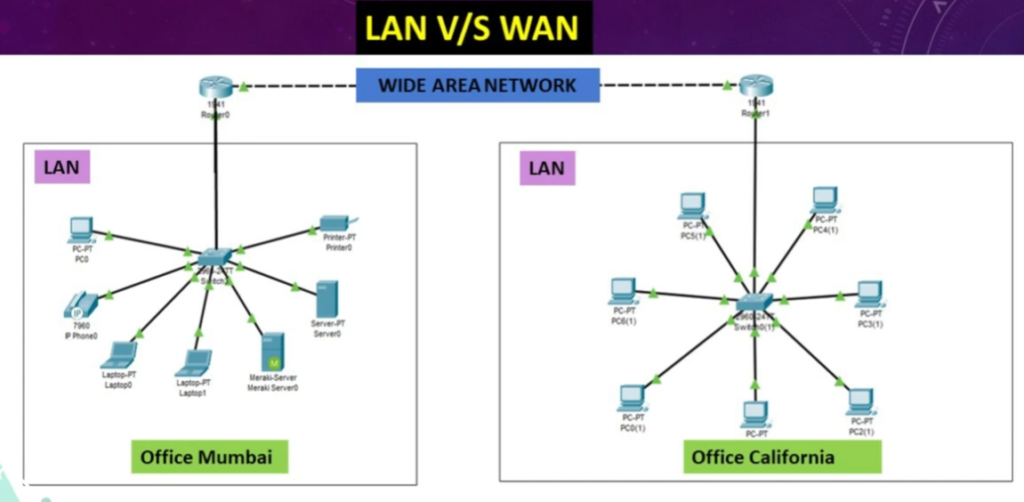
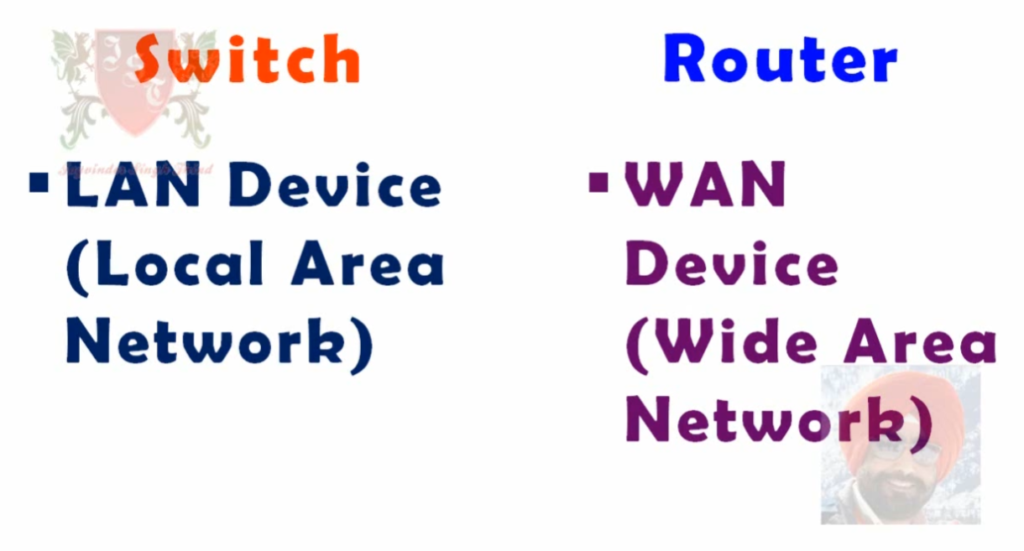
The primary use of a router is to connect two or more different networks. For example, in a home network, a router connects your local network (LAN) to the internet (WAN). In companies, routers connect branch offices to the central office, allowing communication between different locations.
2. Data Packet Routing (Path Selection)
Routers decide the best path for data to travel from source to destination using routing tables and protocols like OSPF or RIP. This ensures that data reaches its destination quickly and efficiently. For example, when you open a website, the router helps forward your request through the best possible route.
3. Internet Sharing (NAT – Network Address Translation)
Routers allow multiple devices (phones, laptops, smart TVs) to share a single internet connection using NAT. It converts private IP addresses into a public IP address so that all devices can access the internet simultaneously.
4. Network Security (Basic Firewall Function)
Routers provide basic security by filtering incoming and outgoing traffic. Many routers have built-in firewall features that block unauthorized access, protecting your network from hackers and malicious traffic.
5. Traffic Management and QoS (Quality of Service)
Routers can prioritize certain types of traffic using QoS. For example, video calls or online gaming traffic can be given higher priority over file downloads, ensuring smooth performance.
6. Wireless Connectivity (Wi-Fi Support)
Modern routers act as wireless access points, providing Wi-Fi connectivity. This allows devices to connect to the network without cables, making it convenient for homes, offices, and public spaces.
7. Connecting Different Network Types
Routers can connect networks using different technologies (like Ethernet, fiber, MPLS, etc.). For example, a company may use MPLS to connect branches and Ethernet inside the office, and the router handles communication between them.
8. VPN Support (Secure Remote Access)
Routers support VPN (Virtual Private Network), allowing users to securely access a private network over the internet. For example, employees can connect to their office network from home securely.
9. Network Address Management (DHCP Service)
Routers can automatically assign IP addresses to devices using DHCP. This removes the need for manual IP configuration and simplifies network management.
10. Monitoring and Troubleshooting
Routers help network administrators monitor traffic, detect issues, and troubleshoot connectivity problems. They provide logs and status information that help identify network faults.
Types of Routers
1. Wired Router: It connects devices using Ethernet cables for stable and fast internet access.
2. Wireless Router: Provides Wi-Fi connectivity, allowing multiple devices to connect wirelessly.
3. Virtual Router: Software-based router running on virtual machines, used in cloud environments.