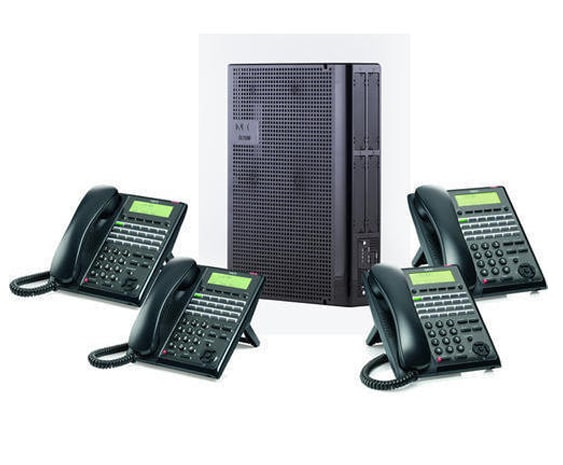
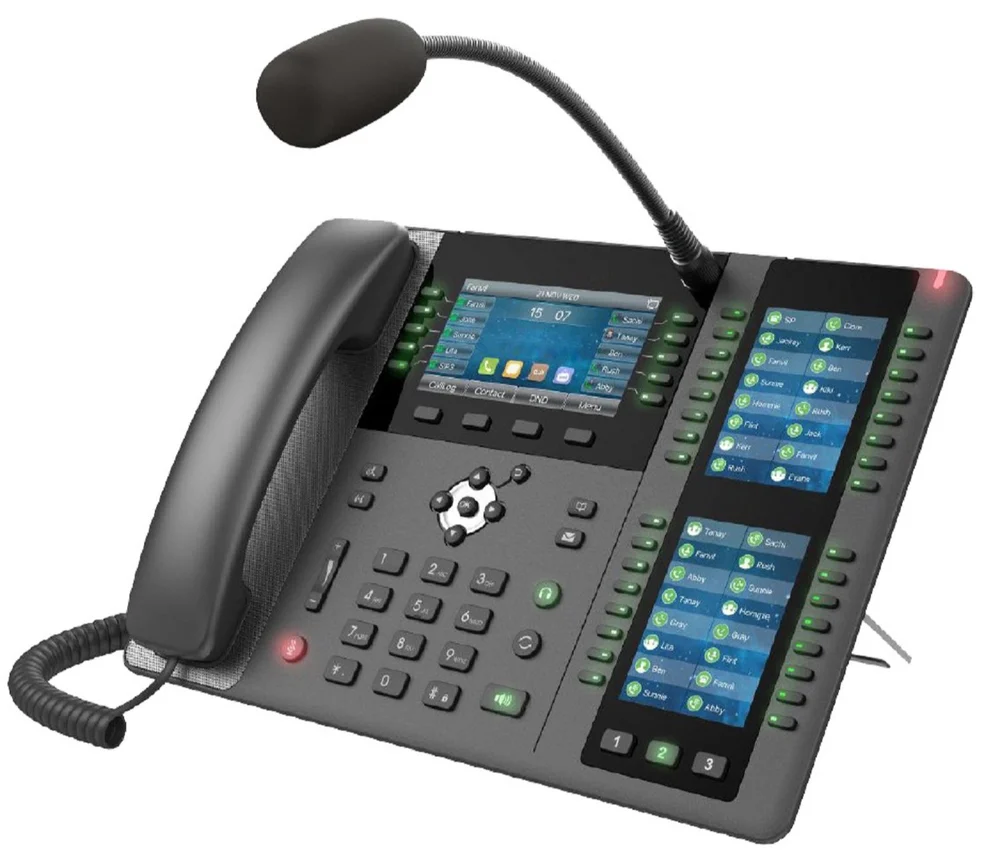
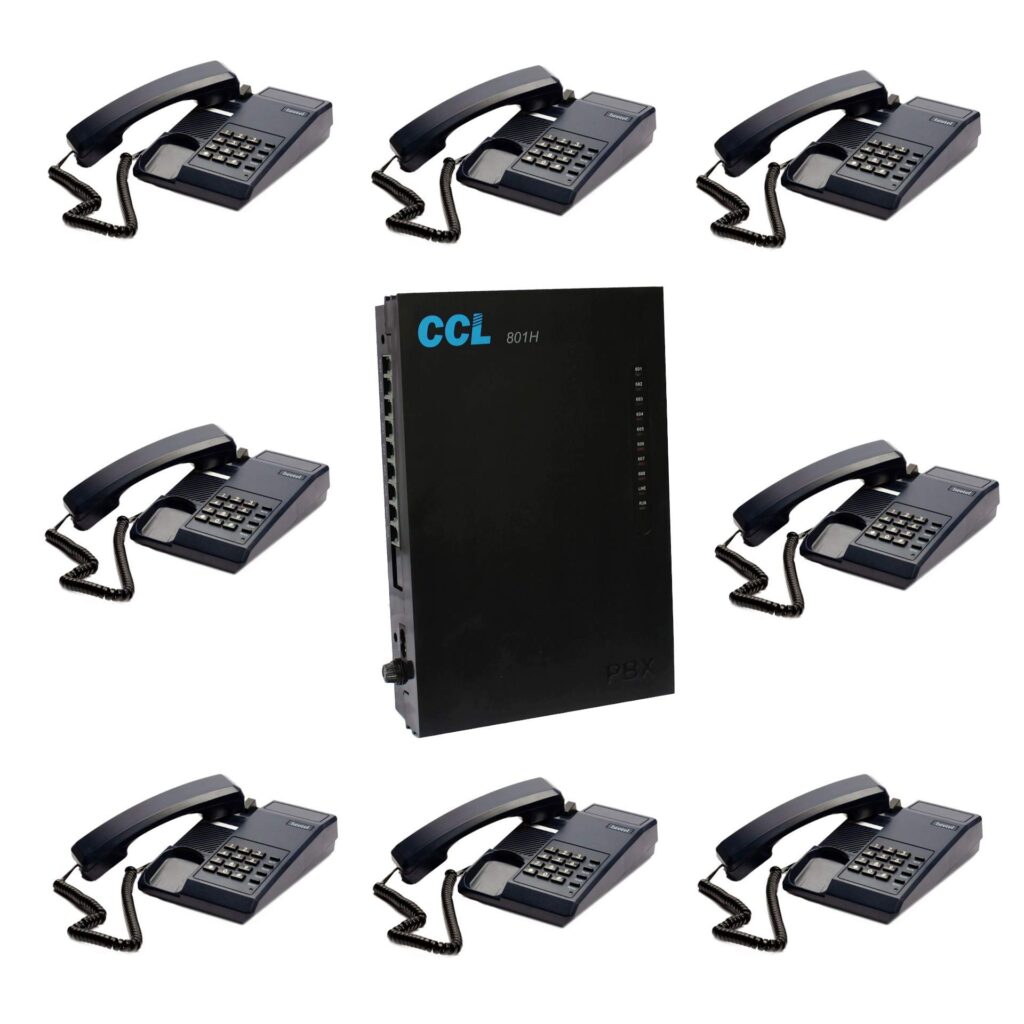
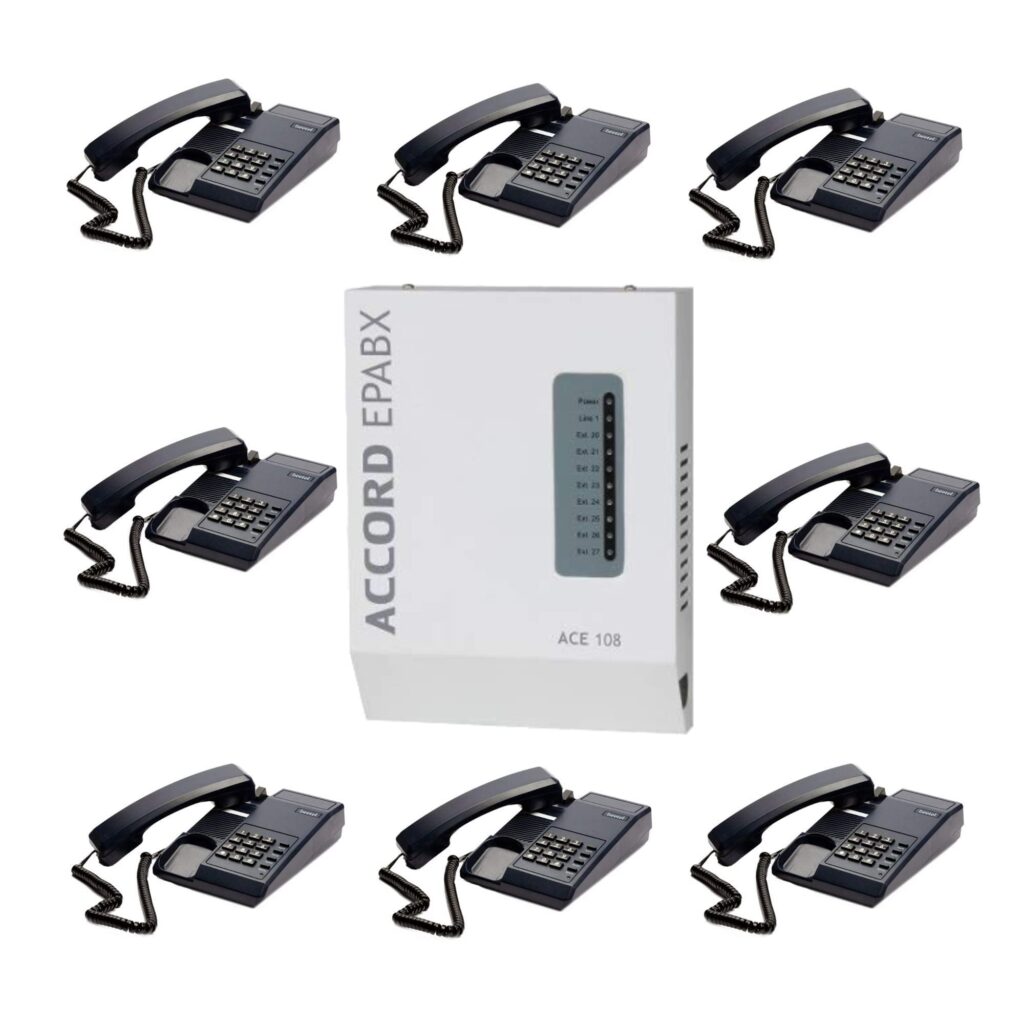
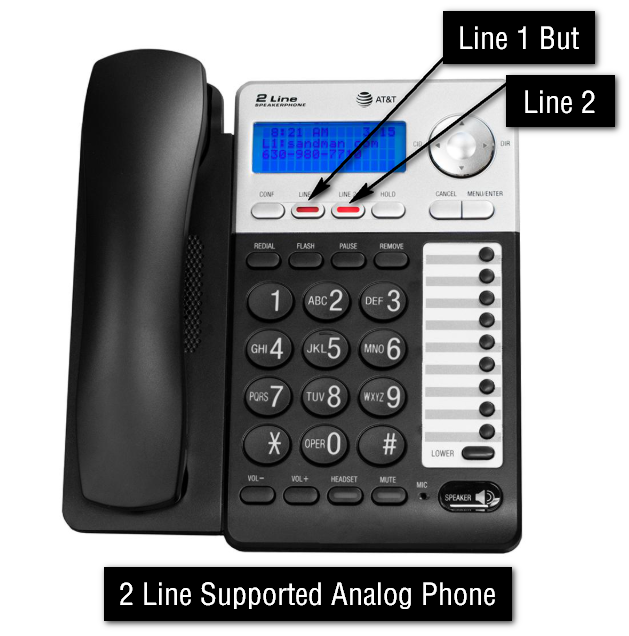
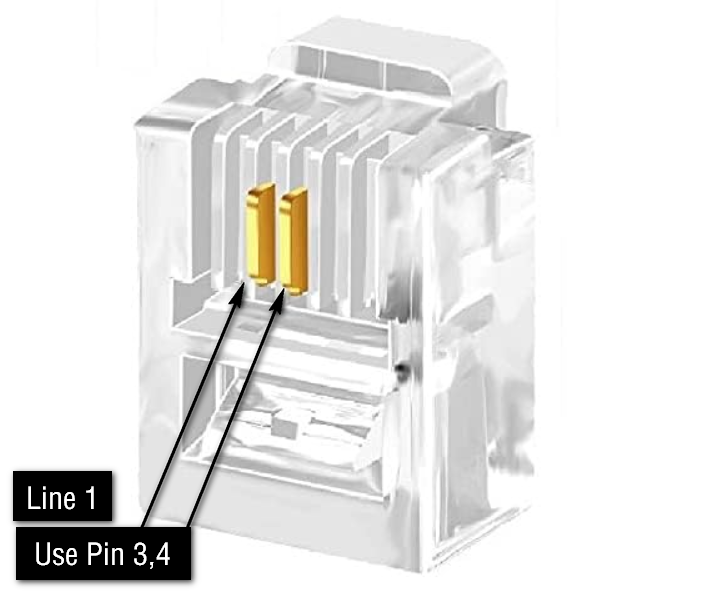
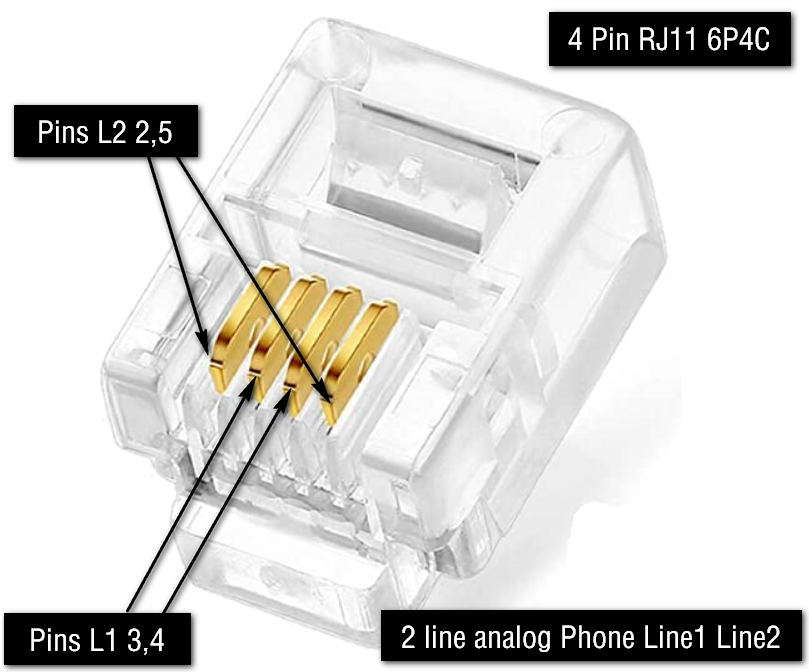
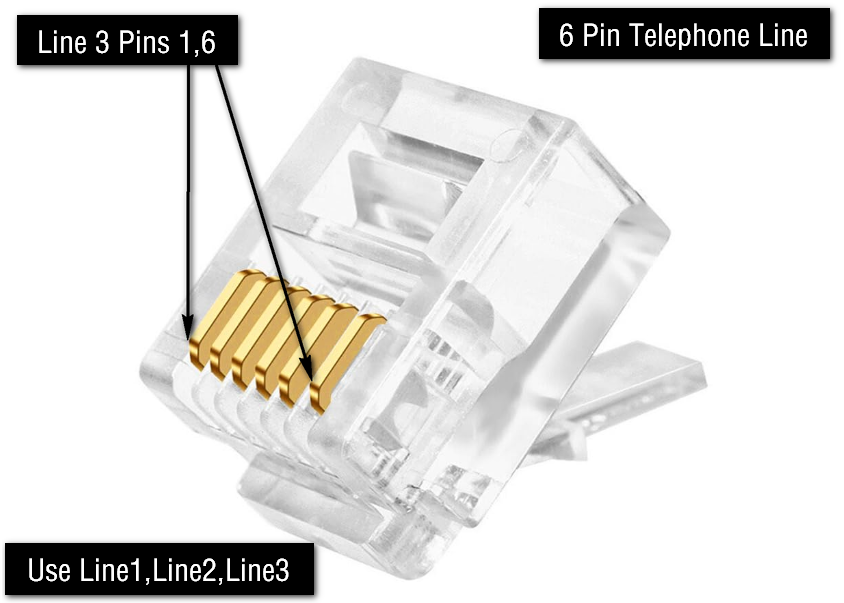
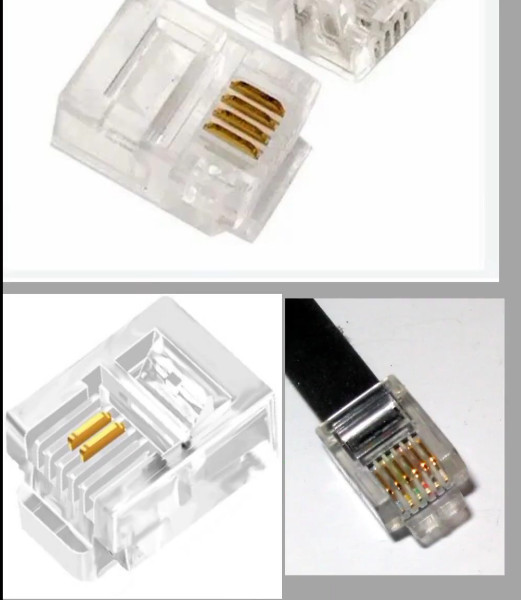
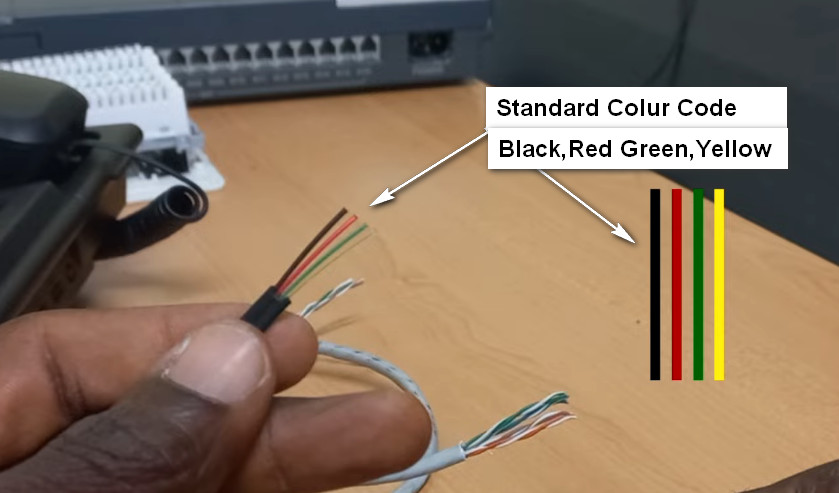
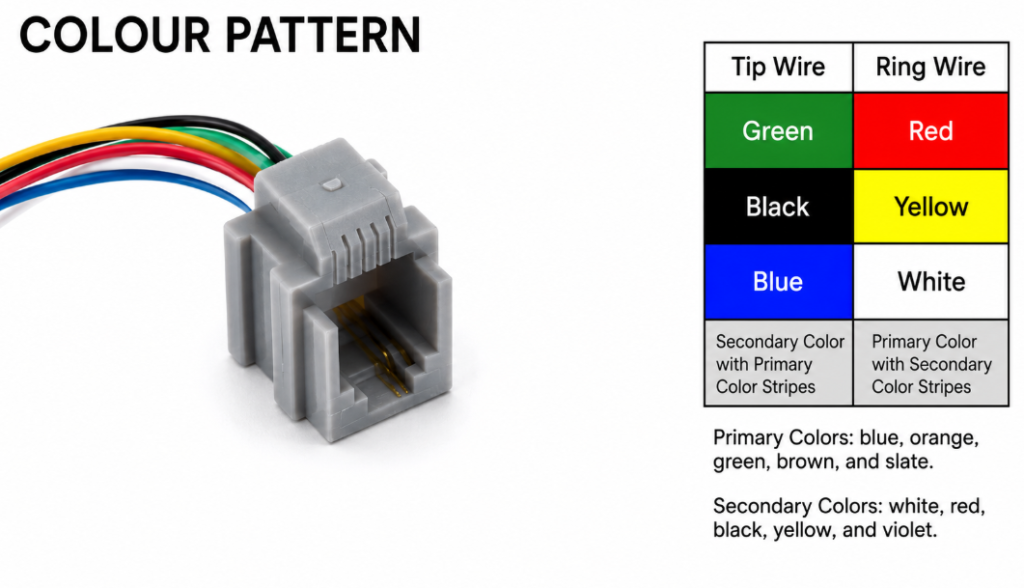
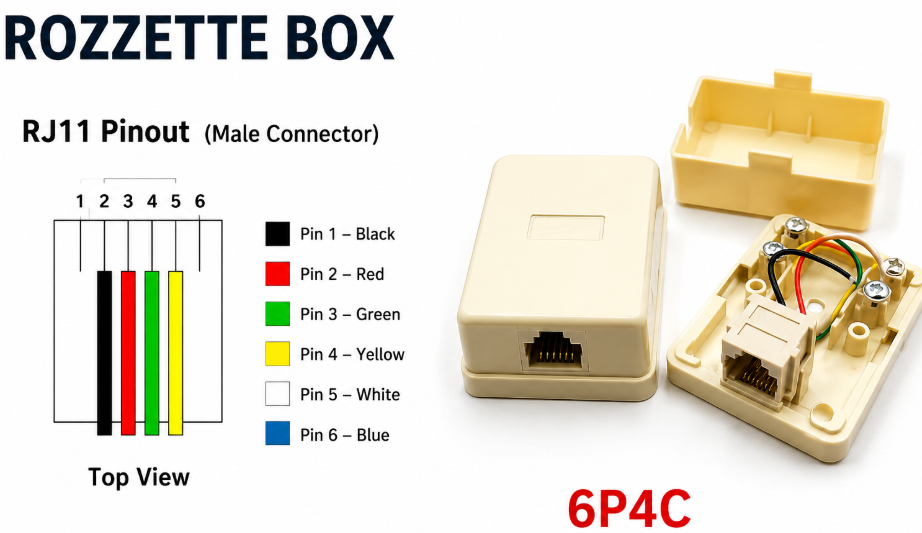
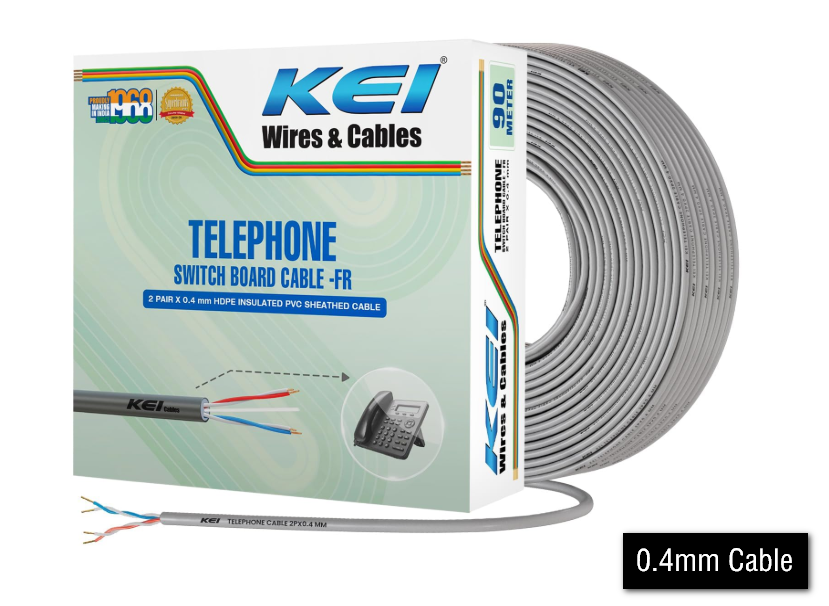
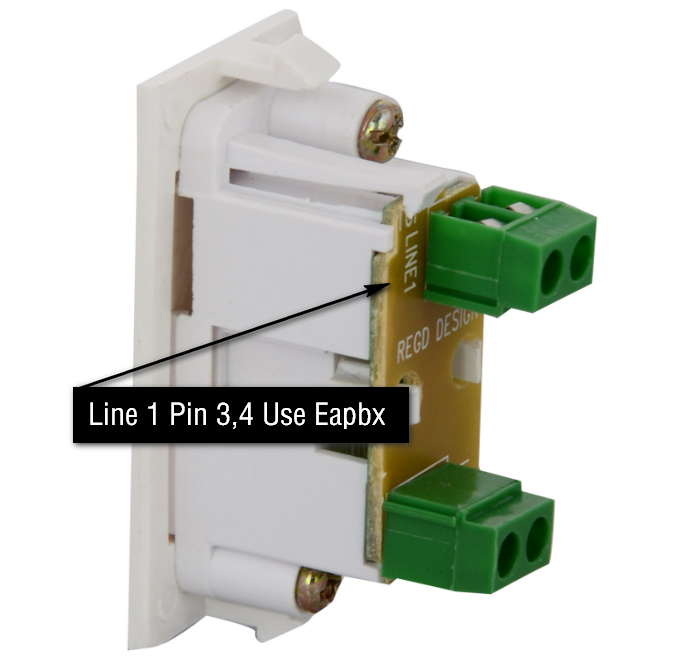
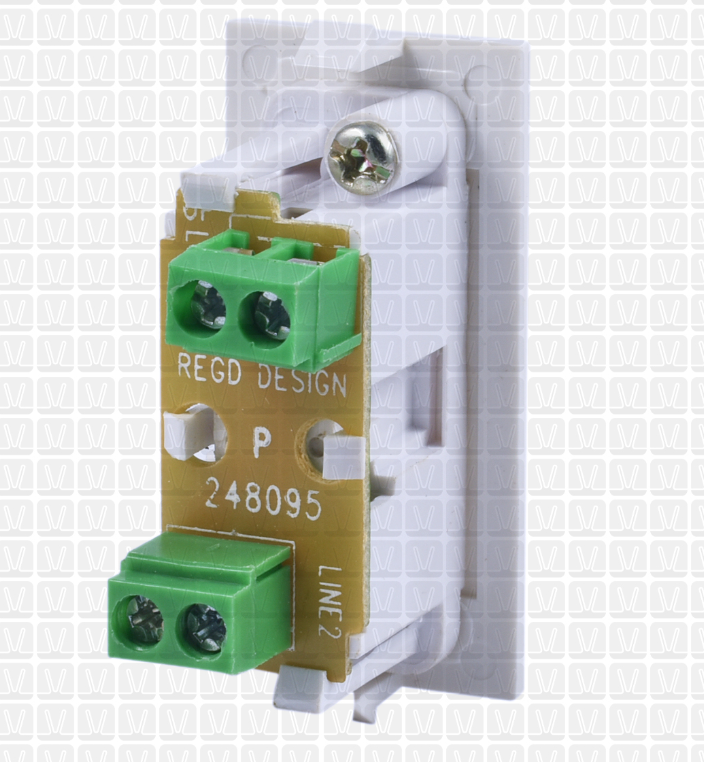
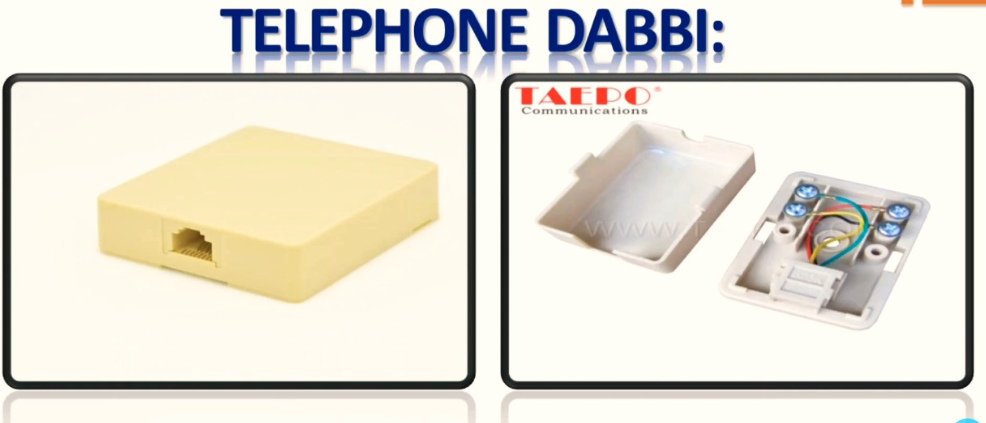
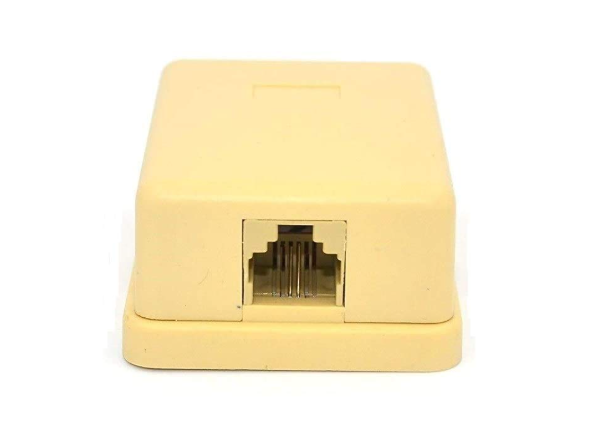
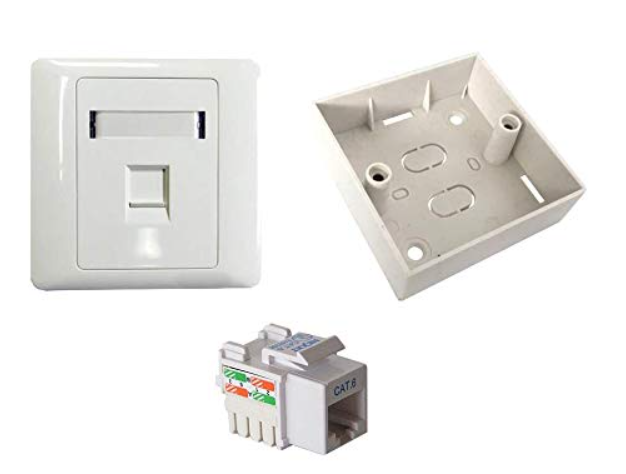
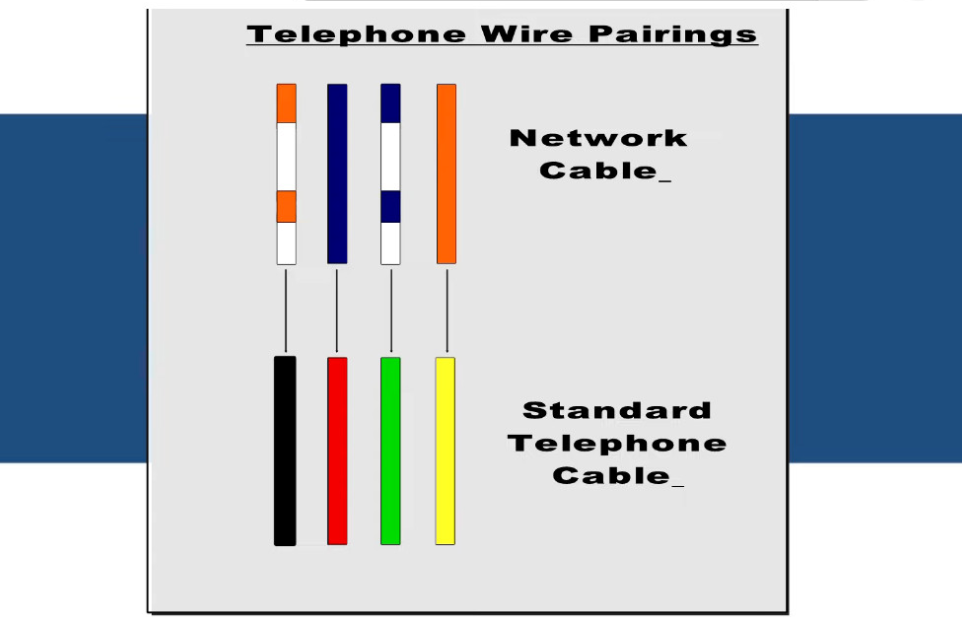
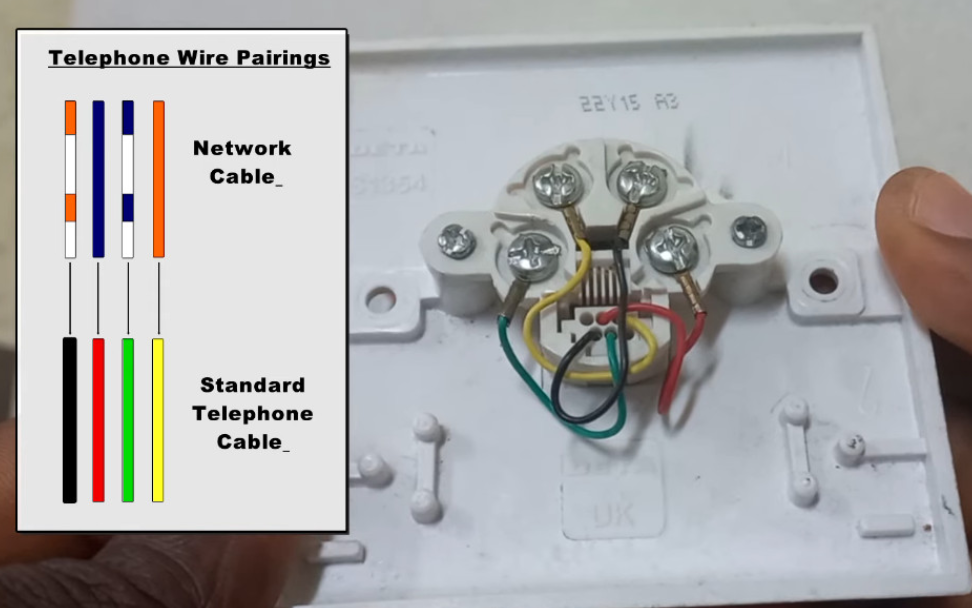
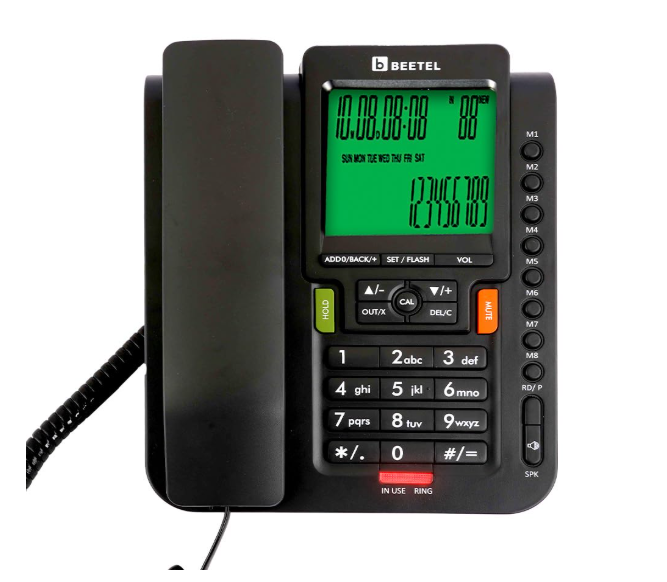
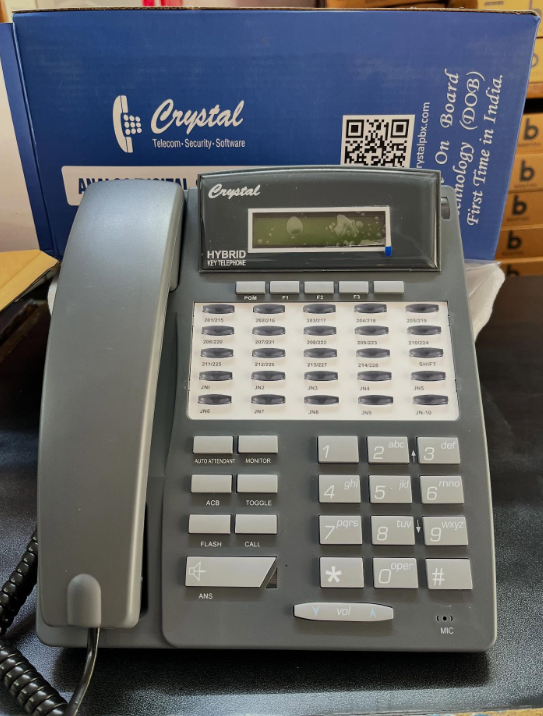
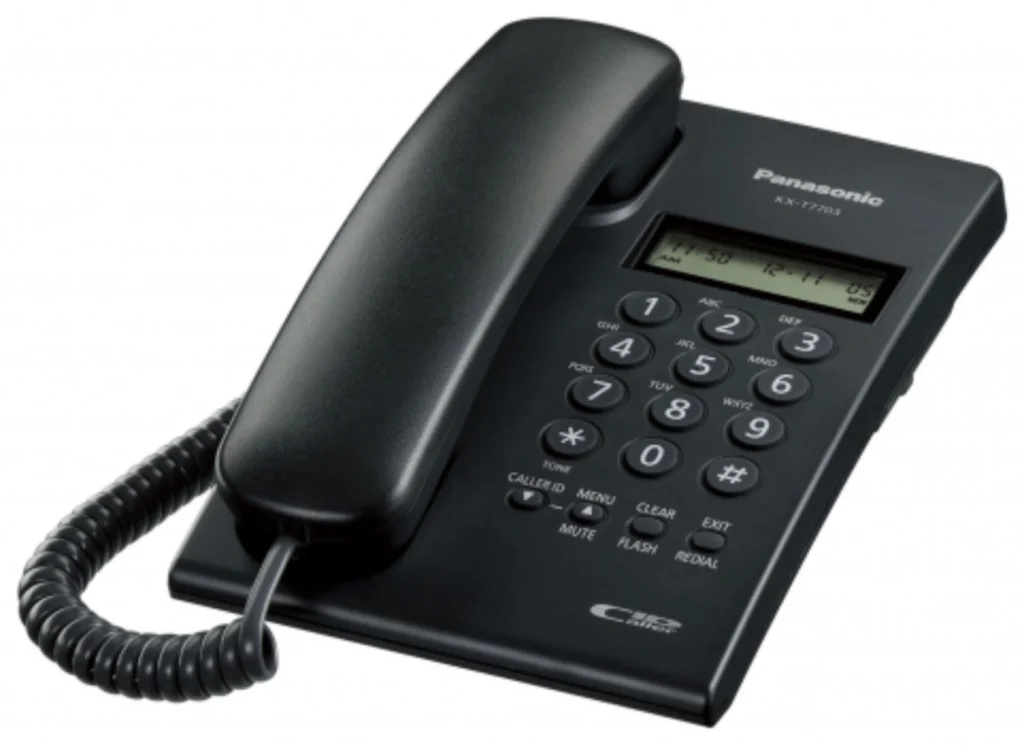
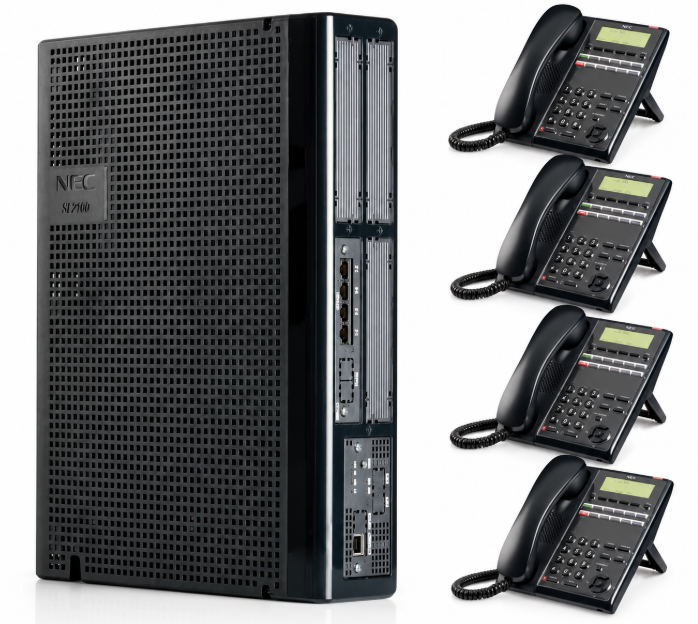
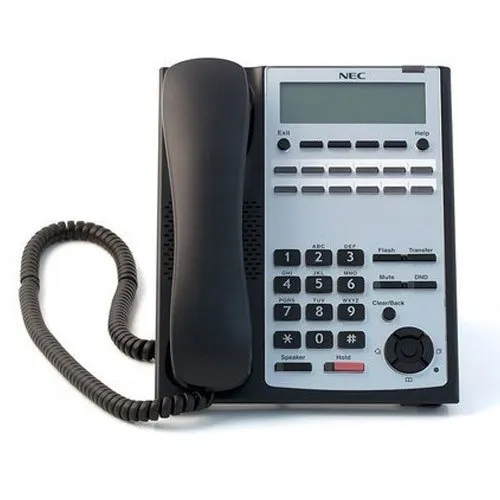
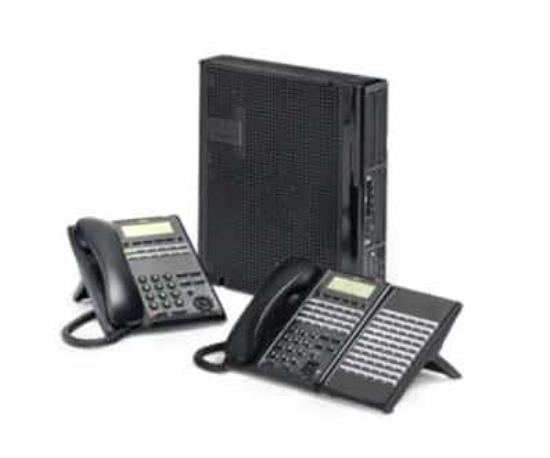
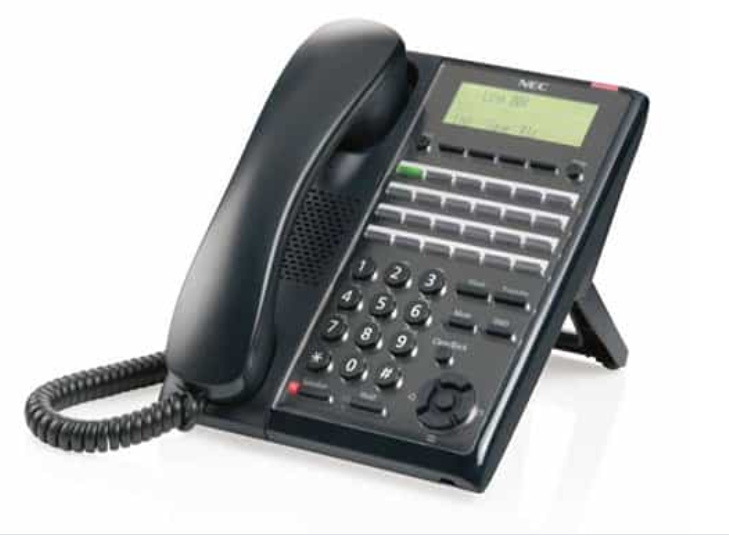
A 2-Line Analog Telephone is designed to manage two independent telephone lines from a single device. Unlike a standard analog telephone, it includes dedicated line selection buttons and additional call management features, making it ideal for offices, hotels, hospitals, reception desks, and small businesses.
LINE 1 Button:
The LINE 1 button is used to access the first telephone line. Pressing this button allows users to make outgoing calls, answer incoming calls, or return to an active call on the first line. Most telephones have an LED indicator that lights up when Line 1 is in use or flashes when there is an incoming call.
Example:
In an office, Line 1 is connected to the company’s main telephone number. When a customer calls the office, the receptionist presses the LINE 1 button to answer the call.
LINE 2 Button:
The LINE 2 button provides access to the second telephone line. It works independently of Line 1, allowing users to handle another call while the first line is already busy. Like Line 1, it usually has an LED indicator to show line status.
Example:
An office uses:
- Line 1 → Main Office Number
- Line 2 → Accounts Department
If a supplier calls the Accounts Department while the receptionist is already talking on Line 1, the receptionist can simply press LINE 2 to answer the second call.
HOLD Button:
The HOLD button temporarily places the current call on hold without disconnecting it. This feature is useful when users need to answer another incoming call or consult a colleague before returning to the original caller.
Example:
A customer is speaking on Line 1. Another call arrives on Line 2. The receptionist presses HOLD, answers the second call, and later returns to the first caller.
FLASH Button:
The FLASH button sends a flash signal to the PBX or telephone exchange. It is commonly used for advanced telephone features such as Call Transfer, Call Waiting, Call Park, and Three-Way Conference, depending on the PBX system.
Example:
A customer calls Reception. The receptionist presses FLASH and dials Extension 105 to transfer the call to the Sales Department.
REDIAL Button:
The REDIAL button automatically dials the last telephone number that was called. This saves time when calling the same number repeatedly.
Example:
If a customer does not answer, the receptionist can press REDIAL instead of entering the phone number again.
MUTE Button:
The MUTE button disables the telephone’s microphone while allowing the user to continue hearing the other person. This is useful when discussing something privately without the caller hearing the conversation.
Example:
During a customer call, the receptionist needs to ask a colleague a question. Pressing MUTE prevents the customer from hearing the internal discussion.
SPEAKER Button:
The SPEAKER button activates the built-in speakerphone, allowing users to make or receive calls without lifting the handset. This enables hands-free communication.
Example:
During a meeting, the manager presses the SPEAKER button so everyone in the room can participate in the conversation.
VOLUME Control:
The VOLUME buttons adjust the handset volume, speaker volume, and ringer volume according to the user’s preference.
Example:
If the office environment is noisy, the user can increase the speaker volume to hear the conversation more clearly.
TRANSFER Button (Available on Some Models):
Some business telephones include a dedicated TRANSFER button. This button allows users to quickly transfer an active call to another extension without using feature codes.
Example:
Reception receives a call for the HR department and presses the TRANSFER button, then dials Extension 120.
CONFERENCE Button (Available on Some Models):
The CONFERENCE button is used to create a conference call involving three or more participants.
Example:
A manager, customer, and technical engineer all join the same call to discuss a project.
MESSAGE Button (Available on Some Models):
Some telephones provide a MESSAGE button for accessing voicemail or message waiting services supported by the PBX.
Example:
When the Message LED is illuminated, pressing the MESSAGE button connects the user directly to the voicemail system.
Numeric Keypad:
Every 2-line analog telephone includes a standard numeric keypad consisting of 0–9, *, and #. These keys are used to dial telephone numbers, PBX extensions, and feature access codes.
Example:
To call Extension 115, the user simply enters 115 using the keypad.
Indicator LEDs:
Most 2-line telephones have LED indicators next to the LINE 1 and LINE 2 buttons.
- Solid Light – The line is currently in use.
- Flashing Light – There is an incoming call on that line.
- Off – The line is idle and available.