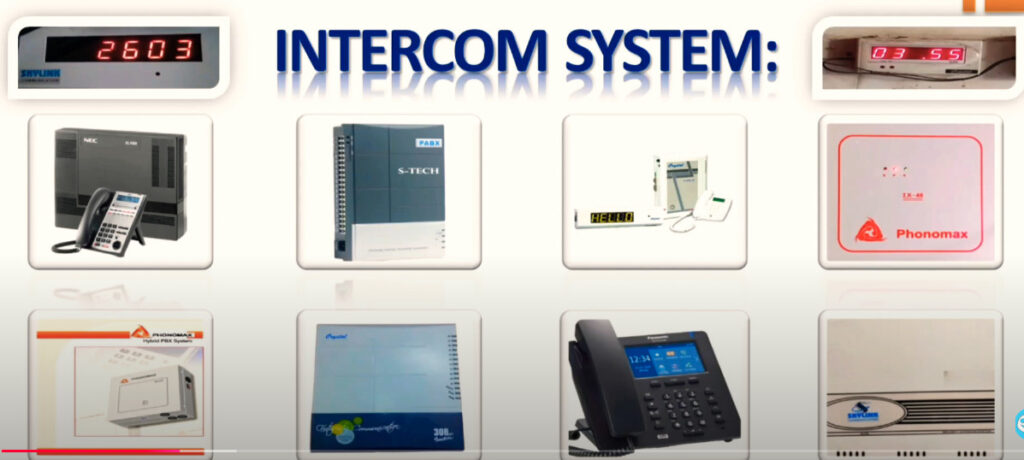
An intercom system (short for intercommunication system) is a standalone voice or video communication system used within a building or small group of buildings to allow people to communicate with each other without using external phone networks.
Basic Definition
An intercom system lets people talk (and sometimes see each other) from different rooms or locations — for example, between:
A front door and inside a house,
Rooms within a building, or
Different offices or security stations.
Main Types of Intercom Systems
Wired Intercom Systems
Use physical cables to connect stations.
Reliable and secure but harder to install or expand.
Common in schools, offices, and older buildings.
Wireless Intercom Systems
Use radio signals or Wi-Fi.
Easier to install; portable units.
Common in homes, warehouses, and temporary setups.
Video Intercom Systems
Include a camera and screen for visual identification.
Often used in apartment buildings and gated homes.
Modern versions integrate with smart doorbells and phones.
IP (Network) Intercom Systems
Use the internet or a local network (Ethernet).
Offer remote access, smartphone integration, and better scalability.
Common in modern commercial or security systems.
Deployment location of an intercom system
1. Residential Buildings / Homes
Purpose: Visitor identification, internal communication, gate or door control.
Deployment locations:
Main entrance or gate: Video or audio door intercom for visitors.
Inside the house: Stations in the living room, kitchen, bedrooms, etc., for room-to-room communication.
Garage or back door: For convenience and security.
Apartments: One at each unit + main lobby entry panel connected to all apartments.
Production areas / loading bays: For quick internal communication.
Security gates: For verifying deliveries and staff entry.
Control room: Central intercom hub for monitoring and management.
5. Hospitals and Healthcare Facilities
Purpose: Emergency and service communication.
Deployment locations:
Patient rooms: To call nurses or staff (nurse call systems).
Operating rooms and wards: Internal staff communication.
Entrances: For visitor management and restricted access control.
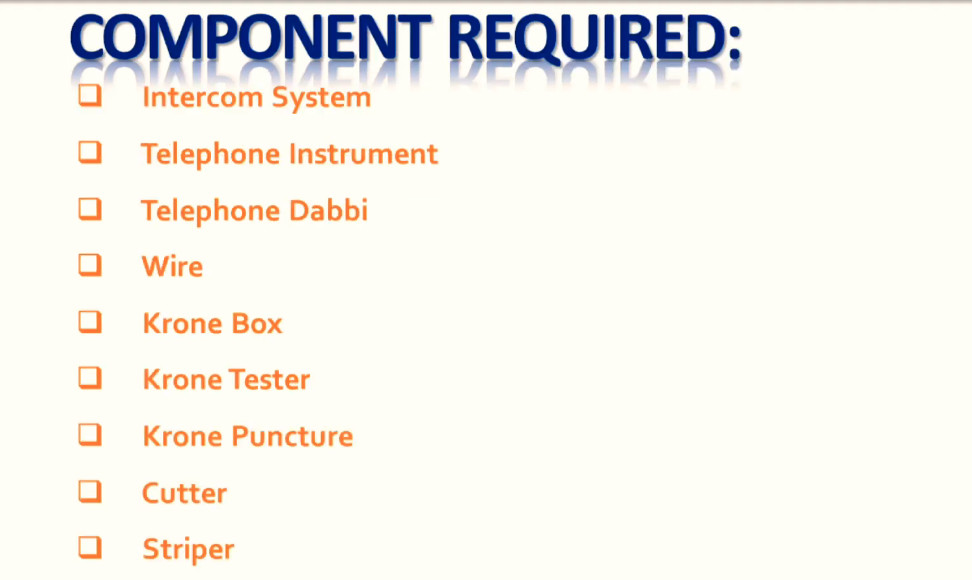
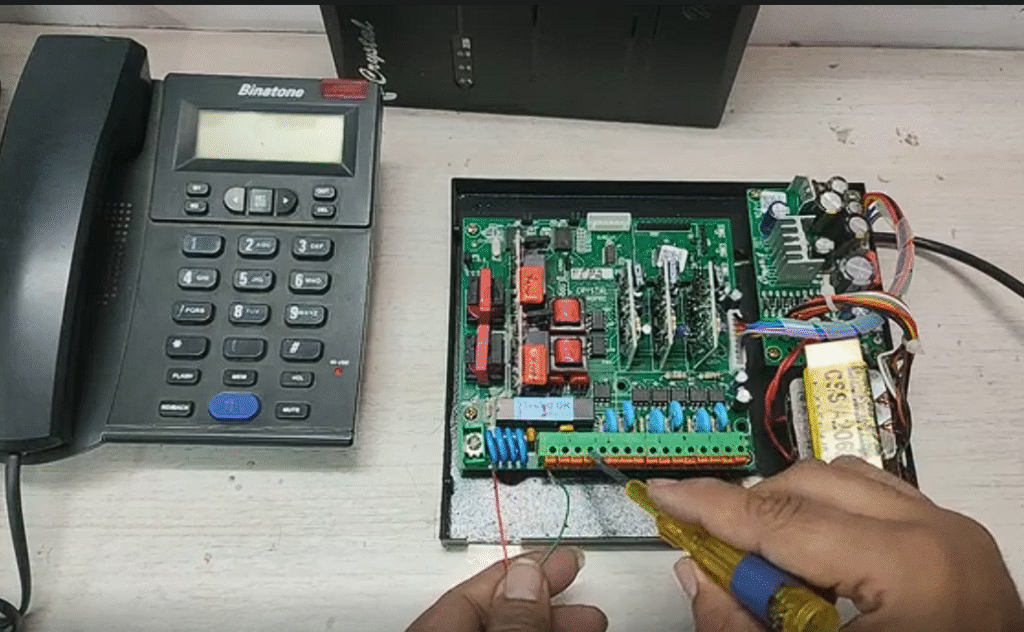
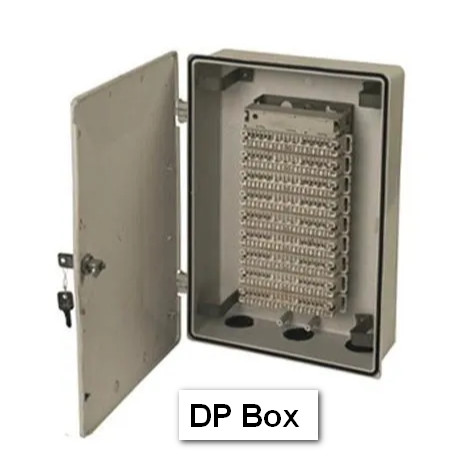
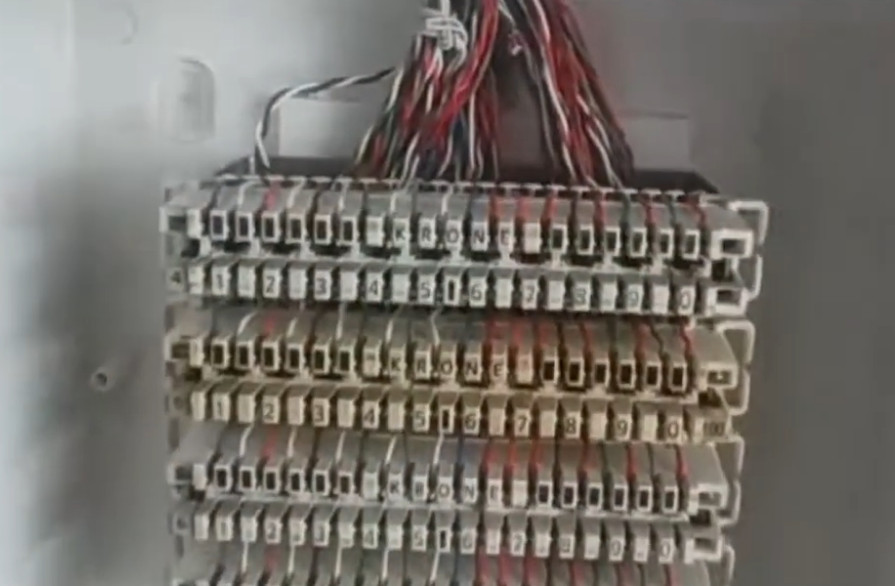
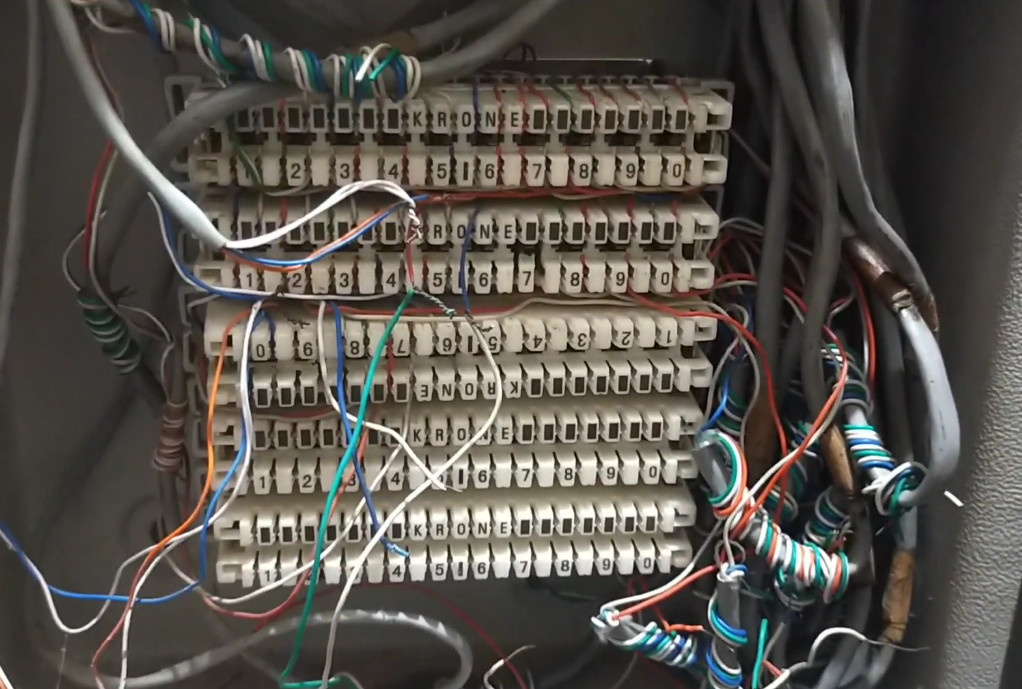
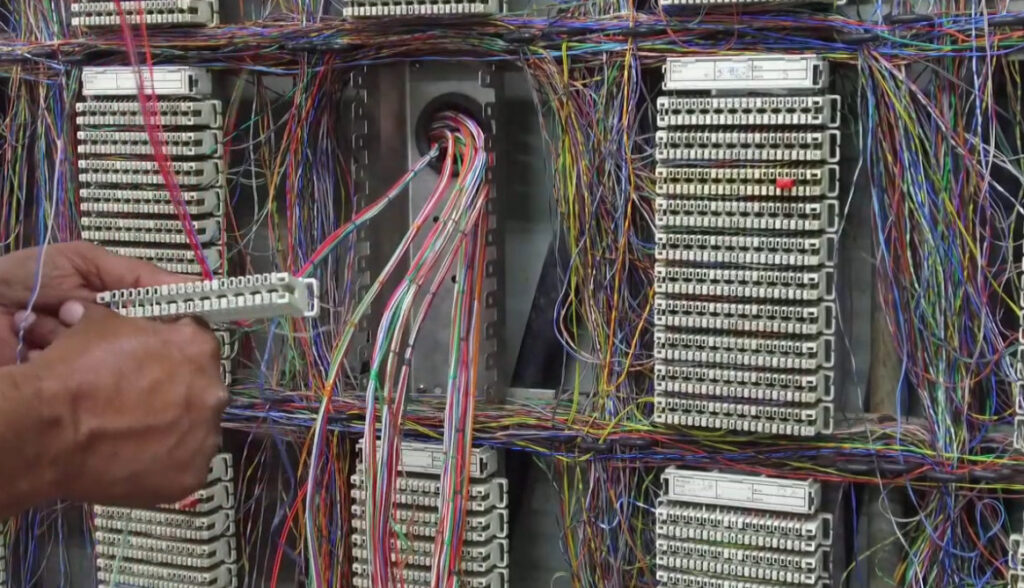
Intercom Installtion Components
Intercom System Top Vendor
Phonomax
Crystal
NEC
Skylink
CCL
Matrix
Panasonic
Telephone Socket Wiring
Telephone socket wiring refers to how telephone lines are connected to wall sockets (jacks) so that phones and other communication devices can access the telephone network.
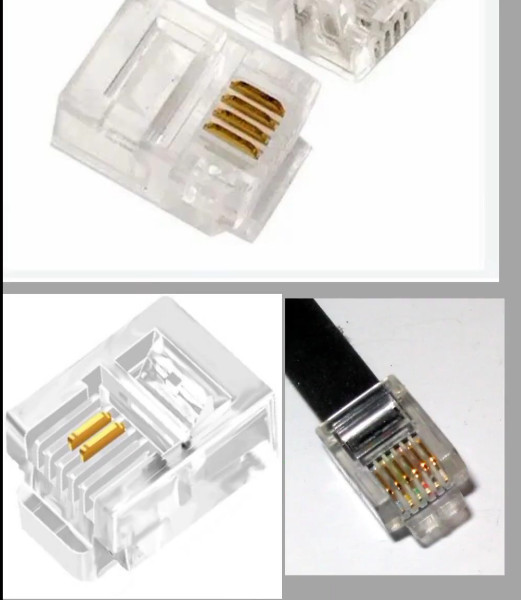
RJ Connectors — Overview
“RJ” stands for Registered Jack, a U.S. standard (from the FCC) that defines how telecommunication connectors and wiring are arranged. Each RJ type (like RJ11, RJ14, RJ45, etc.) specifies the physical connector size and pin assignments.
RJ11 Color Codes for Two Lines (Optional)
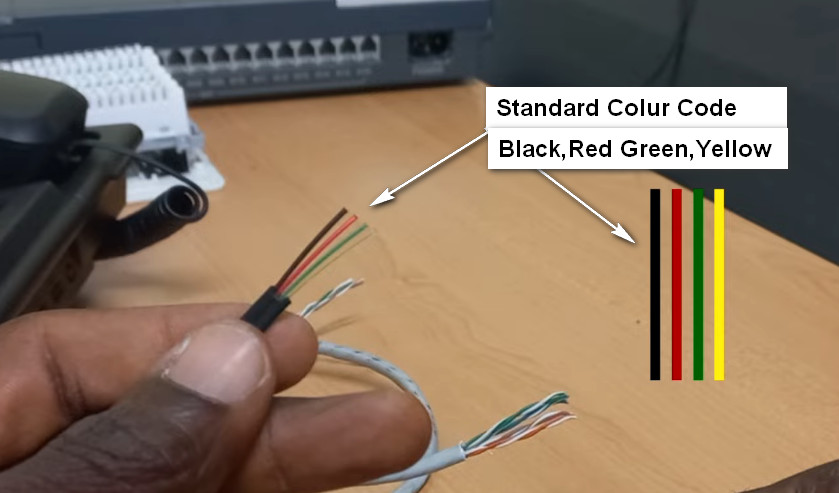
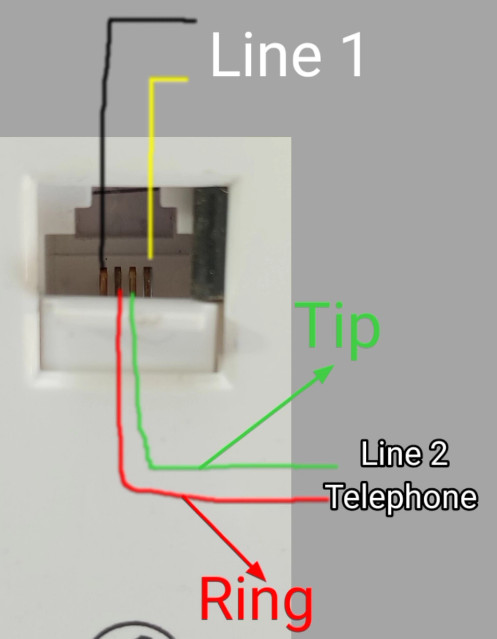
If the cable supports two lines (like in RJ14 / 6P4C):