
Intel Corporation
What is Intel
Introduction:
Intel is one of the largest and most famous computer technology companies in the world. The company is mainly known for manufacturing processors, also called CPUs (Central Processing Units), which are considered the brain of a computer. Intel processors are used in desktops, laptops, servers, and many electronic devices. The company has played a major role in the growth and development of modern computers and digital technology.
History of Intel:
Intel was founded in 1968 by Gordon Moore and Robert Noyce in Santa Clara. In the beginning, Intel mainly produced memory chips. Later, the company started developing microprocessors, which became its most successful products. Intel gained worldwide popularity during the 1980s and 1990s when personal computers became common in homes, schools, and offices. The company’s famous “Intel Inside” campaign helped build trust among computer users around the world.
What Intel Manufactures:
Intel manufactures many types of computer hardware and semiconductor products. Its main products are processors for desktops, laptops, servers, and workstations. The company also produces graphics chips, motherboard chipsets, networking hardware, storage devices, and artificial intelligence processors. Intel technology is widely used in business systems, gaming computers, educational devices, and cloud data centers.
Intel Processor Series:
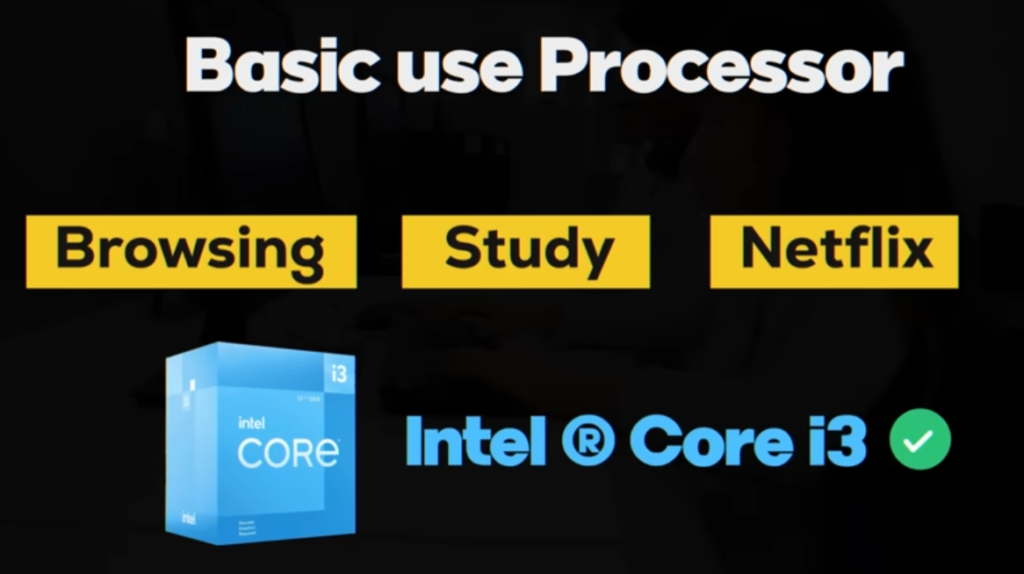
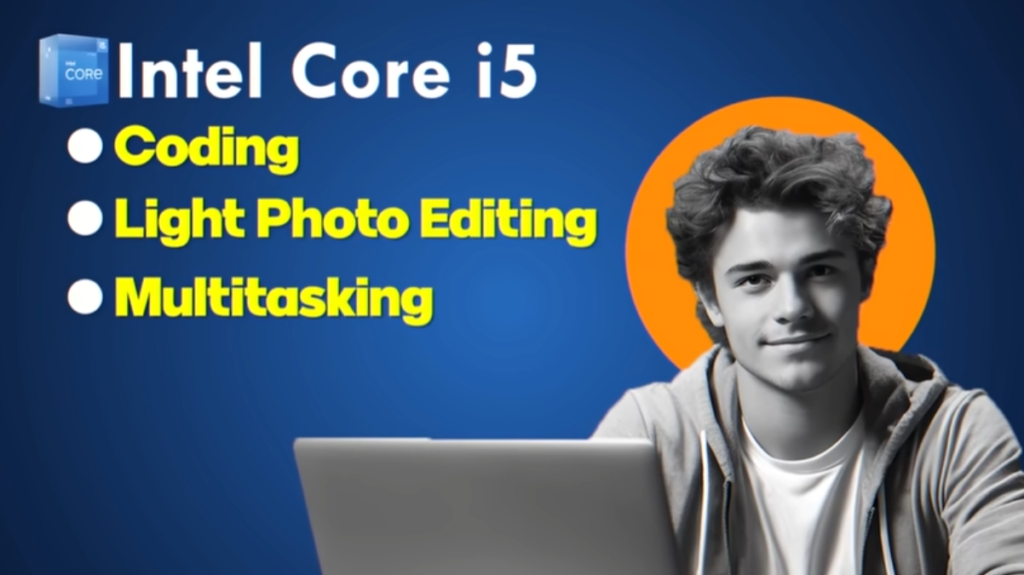
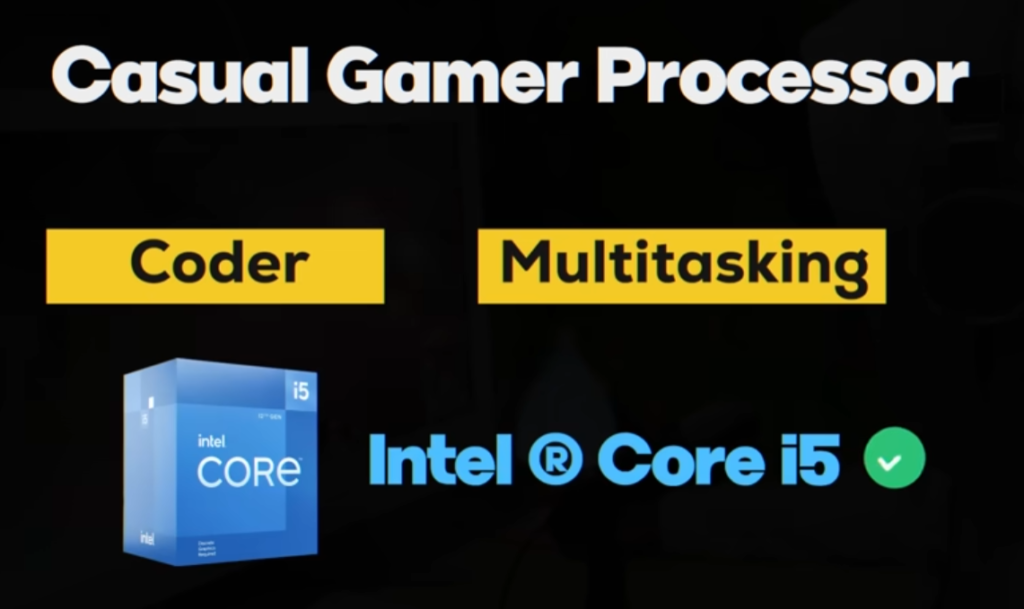
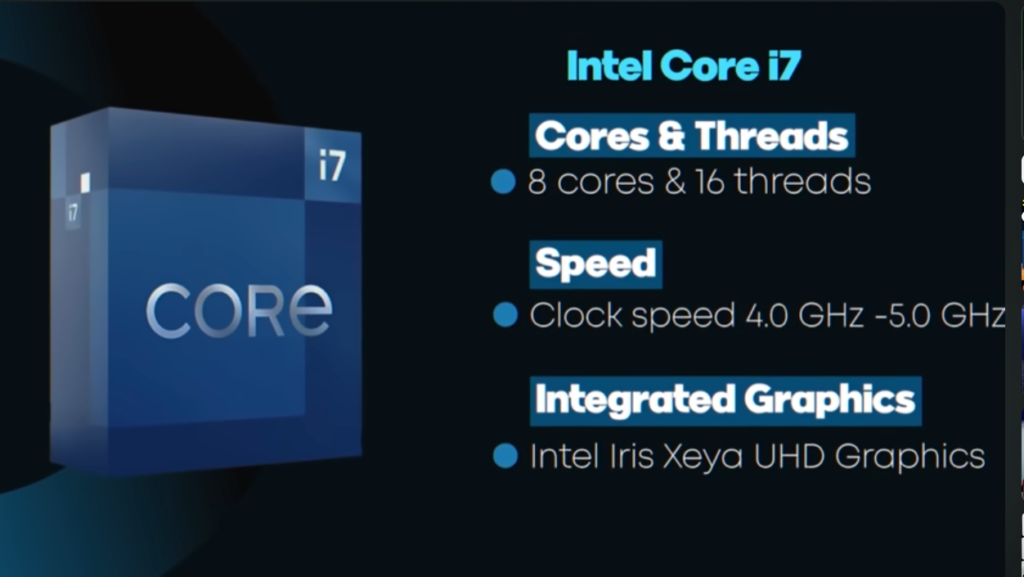
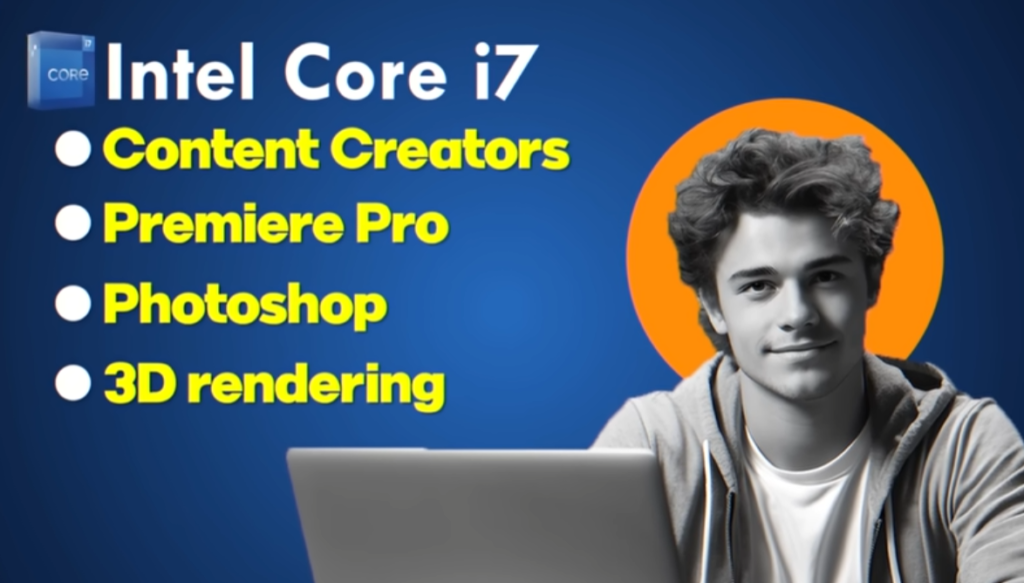
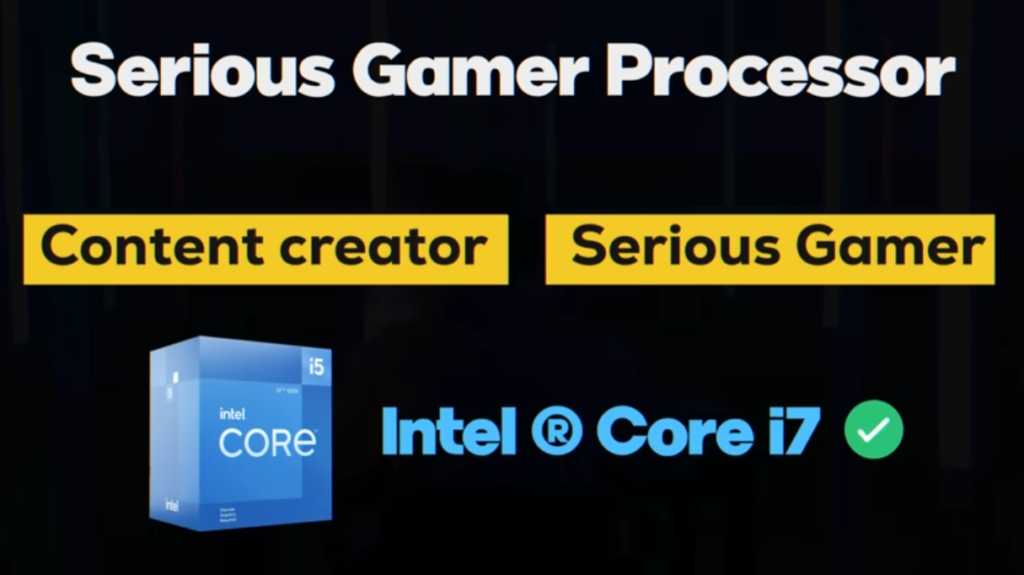
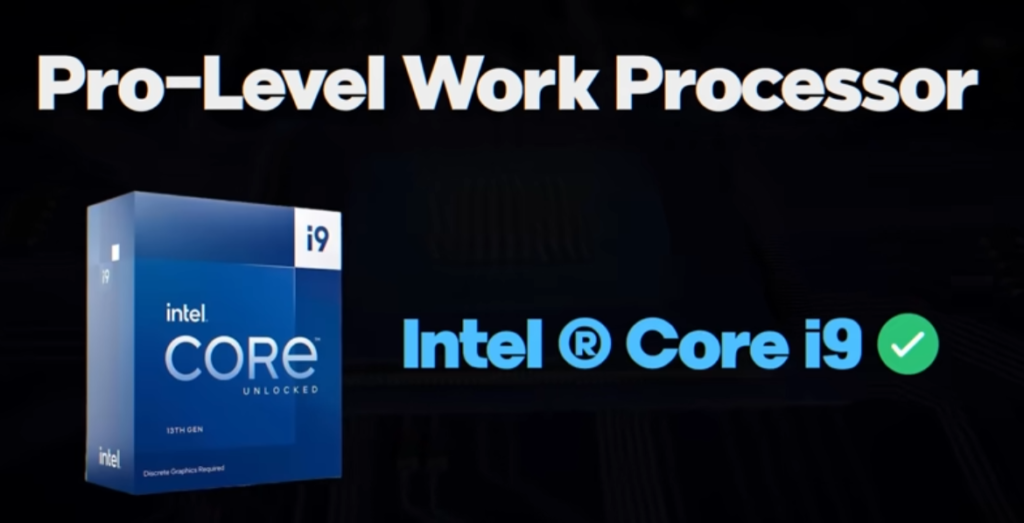
Intel has different processor families designed for different types of users. Intel Core i3 processors are suitable for basic tasks such as internet browsing, typing, and online learning. Core i5 processors are more powerful and are commonly used for office work, multitasking, and moderate gaming. Core i7 and Core i9 processors provide high performance for gaming, video editing, programming, animation, and professional applications. Intel also manufactures Xeon processors, which are specially designed for servers and enterprise-level systems.
Importance of Intel:
Intel has made a significant contribution to the computer industry by developing faster and more efficient processors. The company helped make personal computers more powerful, affordable, and accessible to people around the world. Intel invests heavily in research and development to improve chip performance, energy efficiency, and security. Many modern technologies depend on Intel processors and semiconductor innovations.
Global Presence of Intel:
Intel operates in many countries and supplies technology products worldwide. The company has manufacturing plants, research centers, and offices in different parts of the world. Its headquarters is located in Santa Clara. Intel continues to compete with other major semiconductor companies in creating advanced processor technology for future computing needs.
Conclusion:
Intel is one of the most important technology companies in the world. It is best known for manufacturing processors that power millions of computers and electronic devices. Through continuous innovation and advanced semiconductor technology, Intel has played a major role in shaping the modern digital world and continues to develop new technologies for the future.
- Intel is a famous company that makes computer processors and semiconductor chips.
- Intel was founded in 1968 by Gordon Moore and Robert Noyce.
- Intel’s headquarters is located in Santa Clara.
- Intel manufactures CPUs, graphics chips, server processors, and networking hardware.
- Intel Core i3, i5, i7, and i9 are popular processor families.
- Intel Xeon processors are mainly used in servers and workstations.
- Intel helped improve computer speed and modern computing technology.
- Intel invests heavily in research and semiconductor innovation.
- Intel operates and sells products in many countries around the world.
- Intel is one of the leading semiconductor and computer technology companies globally.
Intel First CPU
- Intel created its first CPU in 1971, called the Intel 4004. It was the world’s first commercial microprocessor and marked the beginning of modern computer processor technology. Before the Intel 4004, computers used many separate electronic components, which made systems large and expensive. The Intel 4004 combined the processing functions into a single chip, making computers smaller and more efficient.
- The Intel 4004 was a 4-bit processor and contained approximately 2,300 transistors. It operated at a clock speed of around 740 kHz and could perform nearly 92,000 instructions per second. Although its performance was very limited compared to modern processors, it was a revolutionary invention during that time. The processor was mainly developed for calculators and basic electronic machines.
- The success of the Intel 4004 encouraged Intel to develop more advanced processors such as the Intel 8008, Intel 8080, and Intel 8086. These processors later became the foundation of modern personal computers. The Intel 4004 is considered one of the most important inventions in computer history because it started the microprocessor revolution that changed the technology world.
The first CPU made by Intel was the Intel 4004.
- It was released in 1971.
- Intel 4004 was the world’s first commercial microprocessor.
- It was a 4-bit processor.
- The CPU contained about 2,300 transistors.
- It was originally designed for calculators and simple electronic devices.
- The processor could perform around 92,000 instructions per second.
- Intel 4004 started the modern microprocessor revolution.
- After the 4004, Intel developed more advanced processors like the Intel 8008 and Intel 8086.
Intel Success
- Intel started its journey in 1968 as a small semiconductor company founded by Gordon Moore and Robert Noyce. In the beginning, Intel mainly produced memory chips for electronic devices. The company quickly gained attention because of its advanced semiconductor technology and innovative ideas in computer hardware development.
- Intel’s major growth began in 1971 after launching the Intel 4004, the world’s first commercial microprocessor. This invention changed the computer industry because it placed the processing power of a computer onto a single chip. After the success of the Intel 4004, the company introduced more powerful processors such as the Intel 8008, Intel 8080, and Intel 8086. These processors became widely used in early computers and helped Intel grow rapidly.
- During the 1980s and 1990s, Intel became one of the leading processor manufacturers in the world. The rise of personal computers increased the demand for Intel CPUs, especially after many computer companies started using Intel processors in their systems. The famous “Intel Inside” advertising campaign also helped strengthen the company’s global reputation and brand value.
- Intel continued expanding by developing faster and more advanced processors for desktops, laptops, servers, and enterprise systems. The company invested billions of dollars in research, semiconductor manufacturing, and processor design. Intel also expanded into graphics technology, artificial intelligence, cloud computing, and data center products.
- Today, Intel is one of the largest semiconductor companies in the world and operates in many countries. Although it faces competition from companies like AMD and NVIDIA, Intel remains a major force in the computer and semiconductor industry through continuous innovation and technological development.
- 1968 — Intel was founded by Gordon Moore and Robert Noyce.
- 1971 — Intel released the Intel 4004, the world’s first commercial microprocessor.
- 1972 — Intel introduced the Intel 8008 processor with better performance.
- 1974 — Intel launched the Intel 8080 CPU, widely used in early computers.
- 1978 — Intel released the Intel 8086 processor, which became the base of x86 architecture.
- 1981 — IBM used Intel processors in IBM personal computers, increasing Intel’s popularity.
- 1993 — Intel launched the Pentium processor series for faster computing.
- 2006 — Intel introduced the Intel Core processor family.
- 2010s — Intel expanded into AI, graphics, cloud computing, and data center technology.
- Present — Intel remains one of the world’s leading semiconductor and processor companies.
Q: What is Intel?
A: Intel is a company that makes computer processors and semiconductor chips.
Q: When was Intel founded?
A: Intel was founded in 1968 by Gordon Moore and Robert Noyce.
Q: What was Intel’s first CPU?
A: The first CPU was the Intel 4004 released in 1971.
Q: Why is Intel important?
A: Intel made the first microprocessor and helped start the modern computer era.
Q: What are Intel processors used for?
A: They are used in laptops, desktops, servers, and gaming systems.
Q: Where is Intel’s headquarters?
A: In Santa Clara.
What is Intel Generation
What is Intel Generation?
A generation in Intel processors refers to the version or stage of CPU development over time. Each new generation of Intel processors is designed with improved technology, better speed, higher efficiency, and more advanced features compared to the previous one. Generation helps us understand how modern or powerful a processor is.
Why Intel releases new generations:
Intel releases new generations to improve computer performance. With each generation, the company upgrades architecture, increases processing speed, improves battery life in laptops, and reduces heat production. These upgrades help computers run faster and handle more tasks at the same time.
How Intel generations improve performance:
Every new generation brings better CPU architecture. This means the processor can do more work in less time. It also improves multitasking, gaming performance, video editing speed, and overall system stability. New generations also support advanced technologies like AI processing and faster memory usage.
Examples of Intel generations:
Early generations like 1st to 4th were slower and used in basic computers. Middle generations such as 5th to 8th improved graphics performance and energy efficiency. Modern generations like 9th, 10th, 11th, 12th, 13th, and 14th are much faster and are used in gaming PCs, professional workstations, and high-performance laptops. These newer CPUs support advanced tasks like 4K video editing, gaming, software development, and artificial intelligence applications.
Importance of Intel generation:
Intel generation is important because it helps users choose the right processor. A higher generation usually means better performance, faster speed, and more modern features. It also helps compare old and new processors easily without needing deep technical knowledge.
Simple meaning:
Intel generation means the upgraded version of Intel processors that becomes faster, smarter, and more powerful with each new release.
- Intel generation means the upgraded version of Intel processors released over time with better speed and performance.
- 1st Generation – Basic processors with very low speed and simple performance
- 2nd Generation – Improved speed and better efficiency than 1st gen
- 3rd Generation – Better graphics and power saving features
- 4th Generation – Faster performance and improved multitasking
- 5th Generation – Better battery life and smooth computing
- 6th Generation – Strong performance boost and DDR4 support
- 7th Generation – Improved graphics and 4K video support
- 8th Generation – Big jump in performance, more cores added
- 9th Generation – Better gaming and heavy workload performance
- 10th Generation – Faster speed with better AI and graphics support
- 11th Generation – Improved integrated graphics and productivity
- 12th Generation – Hybrid cores design for high performance
- 13th Generation – Better multitasking and gaming performance
- 14th Generation – Latest generation with highest speed and efficiency
All these generations belong to Intel and show how processors improved over time
Intel CPU Generation Model Number
1st Generation (2008–2010)
Intel 1st generation CPUs included models like Core i3-530, Core i5-750, and Core i7-920, which were early modern processors for basic computing.
2nd Generation (2011)
This generation included Core i3-2100, Core i5-2500K, and Core i7-2600, offering better speed and efficiency than the first generation.
3rd Generation (2012)
Models like Core i3-3220, Core i5-3570K, and Core i7-3770 improved graphics performance and power efficiency.
4th Generation (2013–2014)
This generation included Core i3-4130, Core i5-4690K, and Core i7-4790K with better multitasking and higher speed.
5th Generation (2015)
Examples include Core i5-5200U and Core i7-5500U, mainly focused on battery life and mobile performance.
6th Generation (2015–2016)
This generation had Core i3-6100, Core i5-6600K, and Core i7-6700K with DDR4 support and stronger performance.
7th Generation (2017)
Models like Core i3-7100, Core i5-7600K, and Core i7-7700K improved 4K video support and graphics performance.
8th Generation (2017–2018)
This generation included Core i3-8100, Core i5-8600K, Core i7-8700, and Core i9-9900K with more cores and better performance.
9th Generation (2018–2019)
Models such as Core i5-9400, Core i7-9700K, and Core i9-9900K were focused on gaming and heavy workloads.
10th Generation (2019–2020)
This generation included Core i3-10100, Core i5-10400, and Core i9-10900K with improved AI and graphics support.
11th Generation (2020–2021)
Examples include Core i5-11400, Core i7-11700K, and Core i9-11900K with better graphics and performance.
12th Generation (2021–2022)
This generation introduced Core i3-12100, Core i5-12400, and Core i9-12900K with hybrid architecture (P-cores + E-cores).
13th Generation (2022–2023)
Models like Core i5-13600K, Core i7-13700K, and Core i9-13900K improved gaming and multitasking performance.
14th Generation (2024–2025)
Latest models include Core i5-14400, Core i7-14700K, and Core i9-14900K with higher speed and efficiency
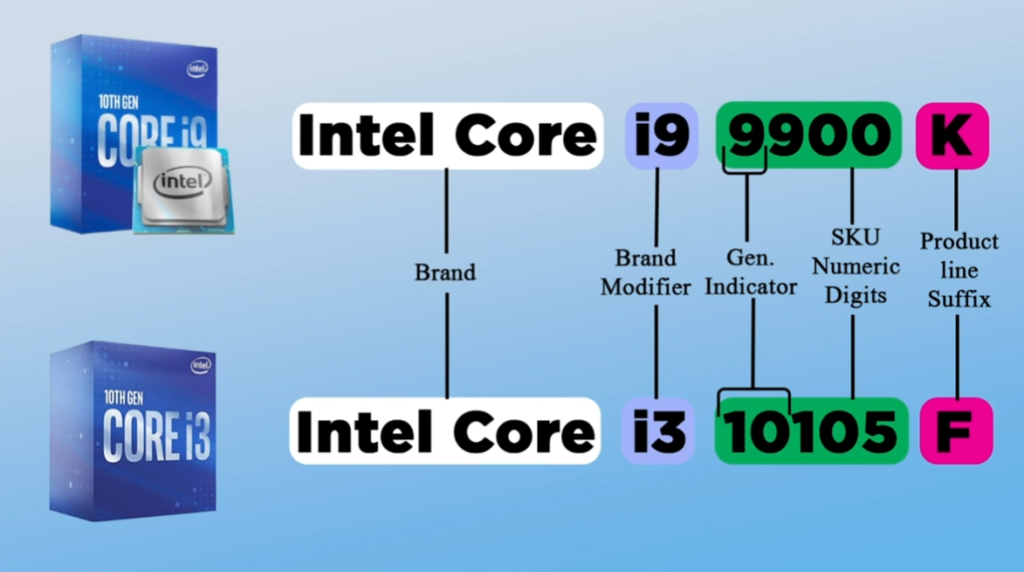
Intel Core i3 CPU Model Number List
Core i3 models:
i3-530, i3-540, i3-550, i3-560, i3-2100, i3-2120, i3-2130, i3-2105, i3-3220, i3-3240, i3-3250, i3-3245, i3-4130, i3-4150, i3-4160, i3-4170, i3-4330, i3-4330T, i3-4350, i3-4360, i3-4370, i3-5005U, i3-5010U, i3-5020U, i3-5157U, i3-6100, i3-6300, i3-6320, i3-7100, i3-7130U, i3-7300, i3-7320, i3-7350K, i3-8100, i3-8300, i3-8350K, i3-9100, i3-9100F, i3-9300, i3-9320, i3-9350K, i3-10100, i3-10105, i3-10300, i3-10320, i3-11100, i3-11100F, i3-12100, i3-12100F, i3-12300, i3-13100, i3-13100F, i3-14100, i3-14100F.
- 3-2100 (2nd Gen) – 2 cores, 4 threads, basic office and study use, no turbo boost
- i3-3220 (3rd Gen) – better speed, good for browsing and light work
- i3-4130 (4th Gen) – improved efficiency, HD graphics support
- i3-6100 (6th Gen) – 2 cores, 4 threads, DDR4 support, smooth daily use
- i3-7100 (7th Gen) – higher clock speed, good for basic gaming
- i3-8100 (8th Gen) – 4 cores (big upgrade), good multitasking
- i3-9100 (9th Gen) – strong basic performance, budget gaming
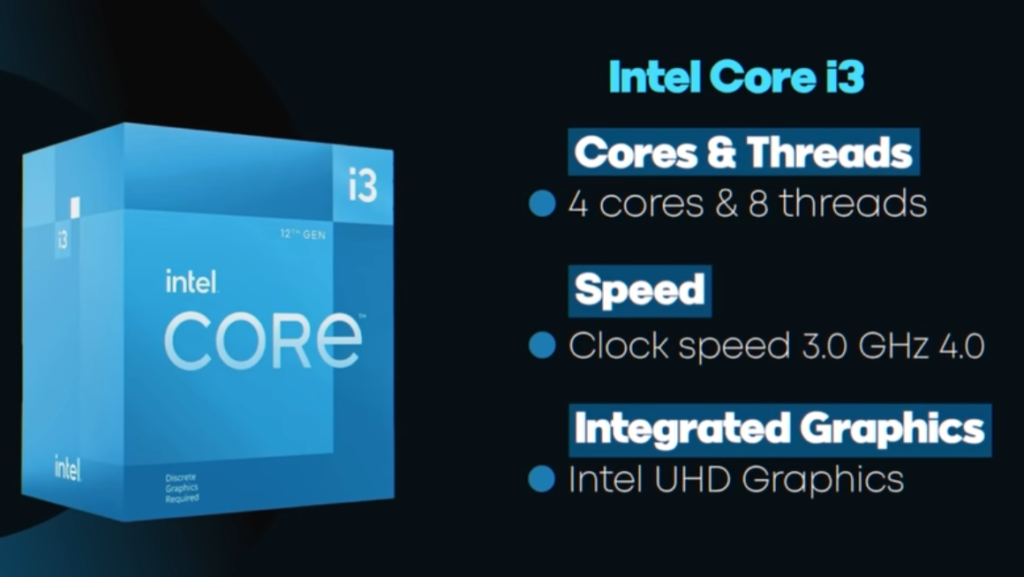
- i3-10100 (10th Gen) – 4 cores, 8 threads, very popular budget CPU
- i3-10105 (10th Gen) – slightly faster version of i3-10100
- i3-12100 (12th Gen) – 4 cores, 8 threads, very high performance for i3 class
- i3-13100 (13th Gen) – improved speed, good for gaming and work
- i3-14100 (14th Gen) – latest i3, best efficiency and modern features
Intel Core i5 CPU Model Number List
Core i5 models:
i5-650, i5-750, i5-760; i5-2300, i5-2400, i5-2500, i5-2500K; i5-3330, i5-3470, i5-3570, i5-3570K; i5-4430, i5-4440, i5-4570, i5-4590, i5-4670, i5-4690K; i5-5200U, i5-5250U, i5-5300U; i5-6200U, i5-6300U, i5-6400, i5-6500, i5-6600K; i5-7200U, i5-7300HQ, i5-7400, i5-7500, i5-7600K; i5-8250U, i5-8300H, i5-8400, i5-8500, i5-8600K; i5-9300H, i5-9400, i5-9500, i5-9600K; i5-10300H, i5-10400, i5-10500, i5-10600K; i5-11300H, i5-11400, i5-11500, i5-11600K; i5-12400, i5-12400F, i5-12500, i5-12600K; i5-13400, i5-13500, i5-13600K; i5-14400, i5-14500, i5-14600K.
- i5-750 (1st Gen) – 4 cores, no hyper-threading, good early performance desktop CPU
- i5-2500K (2nd Gen) – very popular gaming CPU, strong overclocking support
- i5-3570K (3rd Gen) – improved speed and better efficiency than older i5
- i5-4590 (4th Gen) – stable performance for office + light gaming
- i5-6200U (6th Gen) – laptop CPU, low power, good battery life
- i5-7300HQ (7th Gen) – gaming laptop CPU, balanced performance
- i5-8250U (8th Gen) – 4 cores, big upgrade, good multitasking
- i5-8400 (8th Gen) – desktop CPU, strong budget gaming performance
- i5-9400F (9th Gen) – no integrated graphics, good for gaming PCs
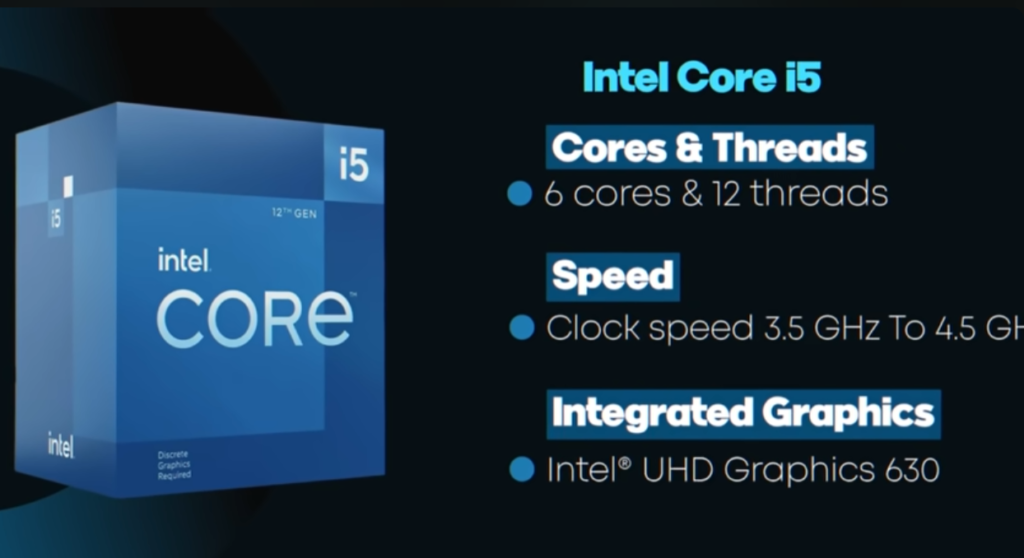
- i5-10400 (10th Gen) – 6 cores, 12 threads, very popular budget CPU
- i5-11400 (11th Gen) – better IPC performance and strong productivity
- i5-12400 (12th Gen) – 6 cores, 12 threads, excellent gaming performance
- i5-12600K (12th Gen) – hybrid cores, high performance gaming CPU
- i5-13400 (13th Gen) – improved efficiency + multitasking support
- i5-14600K (14th Gen) – latest high-performance i5 for gaming and work
Intel Core i7 CPU Model Number List
Core i7 models:
i7-920, i7-930, i7-940, i7-950, i7-960, i7-980X; i7-2600, i7-2600K, i7-2700K; i7-3770, i7-3770K; i7-4770, i7-4790, i7-4790K; i7-5775C, i7-5500U, i7-5557U, i7-5600U; i7-6700, i7-6700K; i7-7700, i7-7700K; i7-8700, i7-8700K; i7-9700, i7-9700K; i7-10700, i7-10700K; i7-11700, i7-11700K; i7-12700, i7-12700K; i7-13700, i7-13700K; i7-14700, i7-14700K.
- i7-920 (1st Gen) – 4 cores, powerful for its time, used in early high-end PCs
- i7-2600K (2nd Gen) – very popular, strong gaming + overclocking CPU
- i7-3770K (3rd Gen) – improved efficiency and good performance boost
- i7-4790K (4th Gen) – “Devil’s Canyon”, very strong gaming CPU in its era
- i7-5600U (5th Gen) – laptop CPU, good battery life + decent performance
- i7-6700K (6th Gen) – strong desktop CPU, great for gaming and editing
- i7-7700K (7th Gen) – high clock speed, popular gaming processor
- i7-8700K (8th Gen) – 6 cores, big performance jump for multitasking
- i7-9700K (9th Gen) – 8 cores, strong gaming performance
- i7-10700K (10th Gen) – 8 cores, 16 threads, very balanced CPU
- i7-11700K (11th Gen) – improved architecture and better IPC performance
- i7-12700K (12th Gen) – hybrid cores (P-cores + E-cores), major upgrade
- i7-13700K (13th Gen) – very high performance for gaming and editing
- i7-14700K (14th Gen) – latest i7, excellent for heavy gaming + professional work
Intel Core i9 CPU Model Number List
Core i9 models:
i9-7900X, i9-7920X, i9-7940X, i9-7960X, i9-7980XE; i9-9900K, i9-9900KF; i9-10900K, i9-10920X, i9-10940X, i9-10980XE; i9-11900K; i9-12900K, i9-12900KS; i9-13900K, i9-13900KS; i9-14900K, i9-14900KS.
- i9-7900X (7th Gen) – 10 cores, high-end desktop/workstation CPU
- i9-9900K (9th Gen) – 8 cores, very strong gaming performance
- i9-10900K (10th Gen) – 10 cores, 20 threads, excellent multitasking
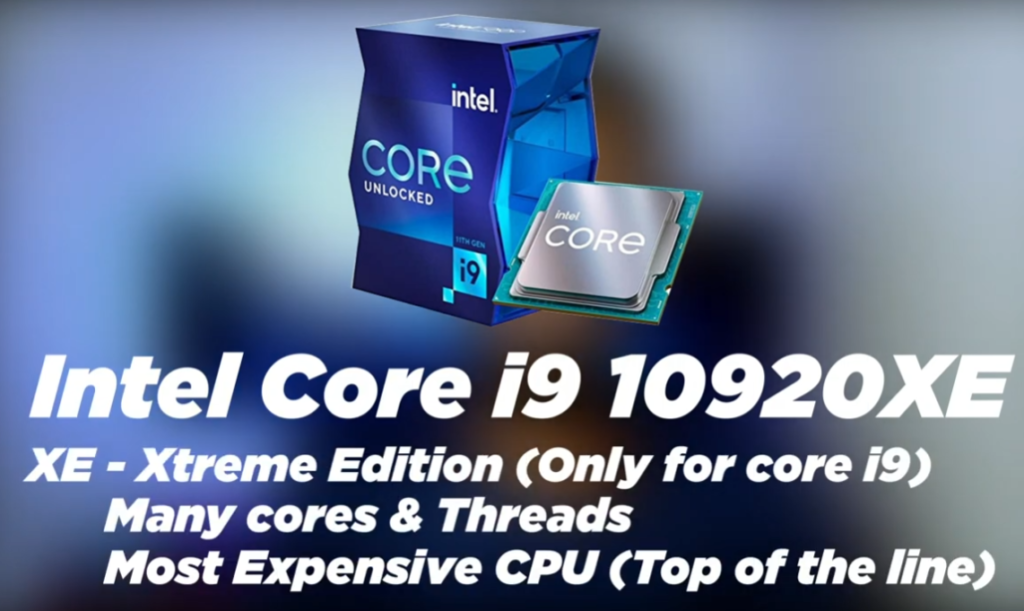
- i9-10980XE (10th Gen) – extreme edition, workstation-level performance
- i9-11900K (11th Gen) – high clock speed, strong single-core performance
- i9-12900K (12th Gen) – hybrid cores (P + E cores), major performance jump
- i9-12900KS (12th Gen) – special edition, faster than 12900K
- i9-13900K (13th Gen) – 24 cores (8P + 16E), very powerful for gaming + editing
- i9-13900KS (13th Gen) – highest clocked 13th gen i9, extreme performance
- i9-14900K (14th Gen) – latest i9, improved speed and efficiency
- i9-14900KS (14th Gen) – fastest Intel consumer CPU, top performance
Meaning of Intel CPU Suffix
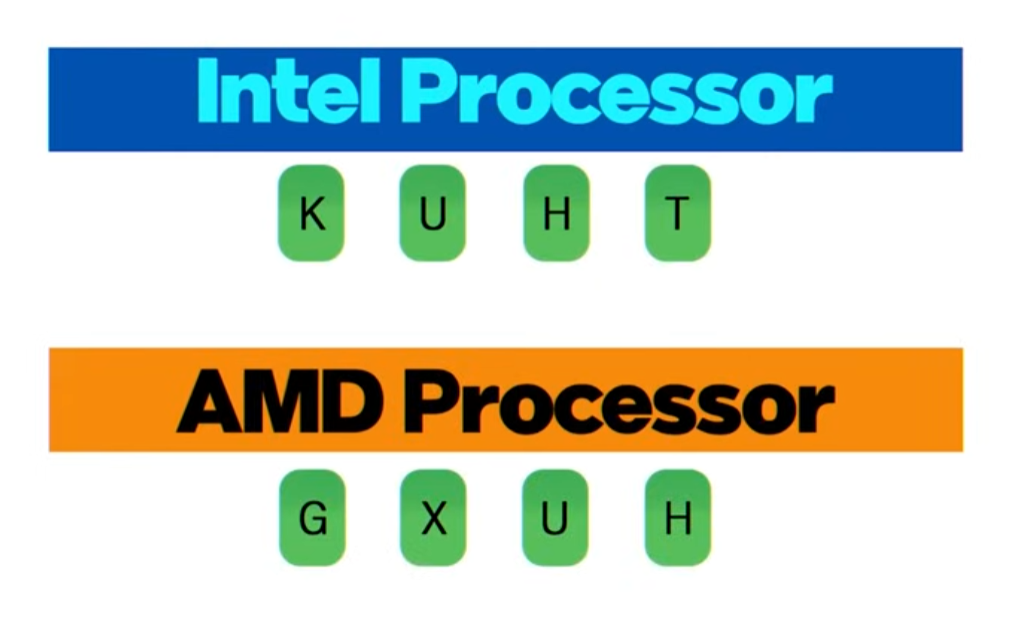
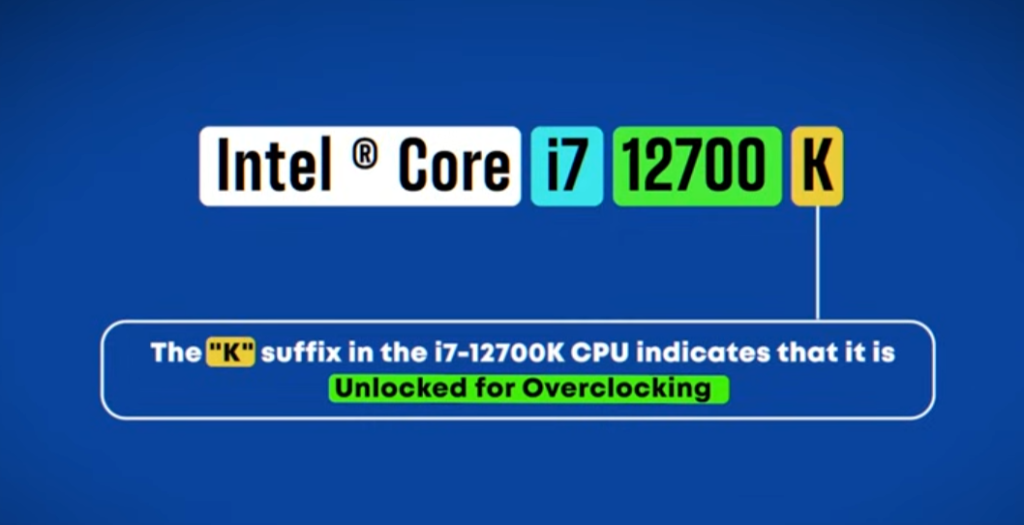
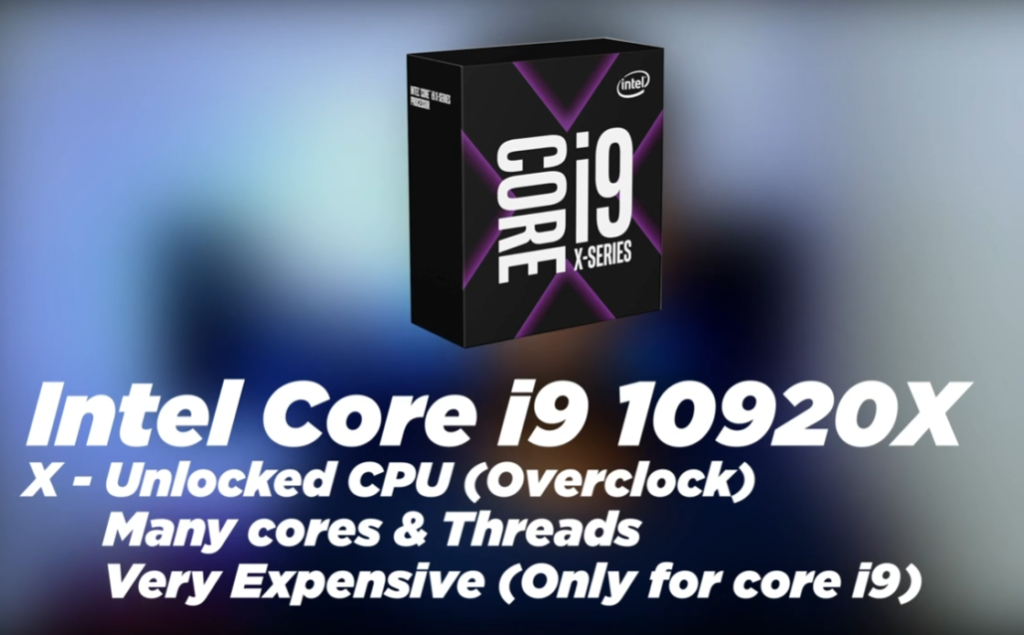
K (Unlocked):
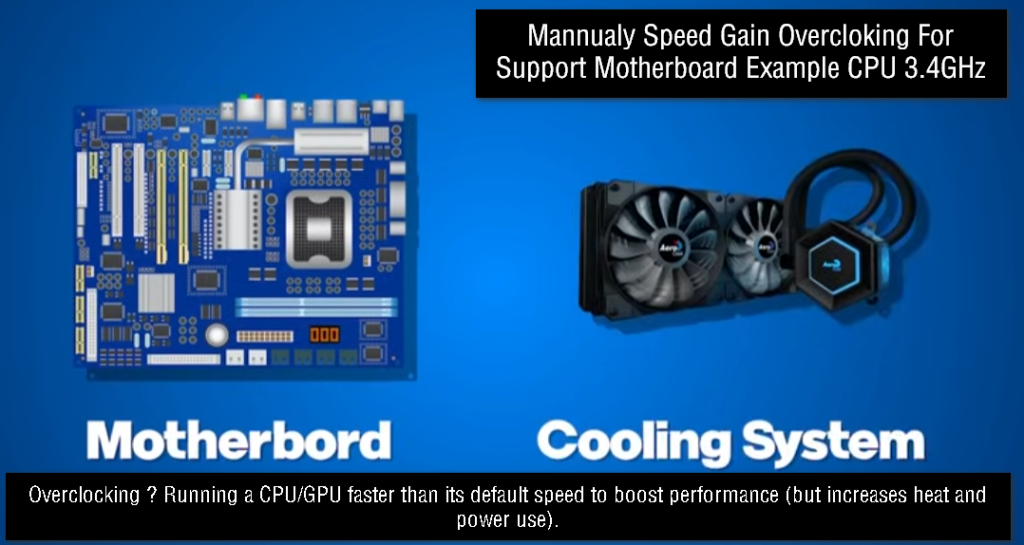
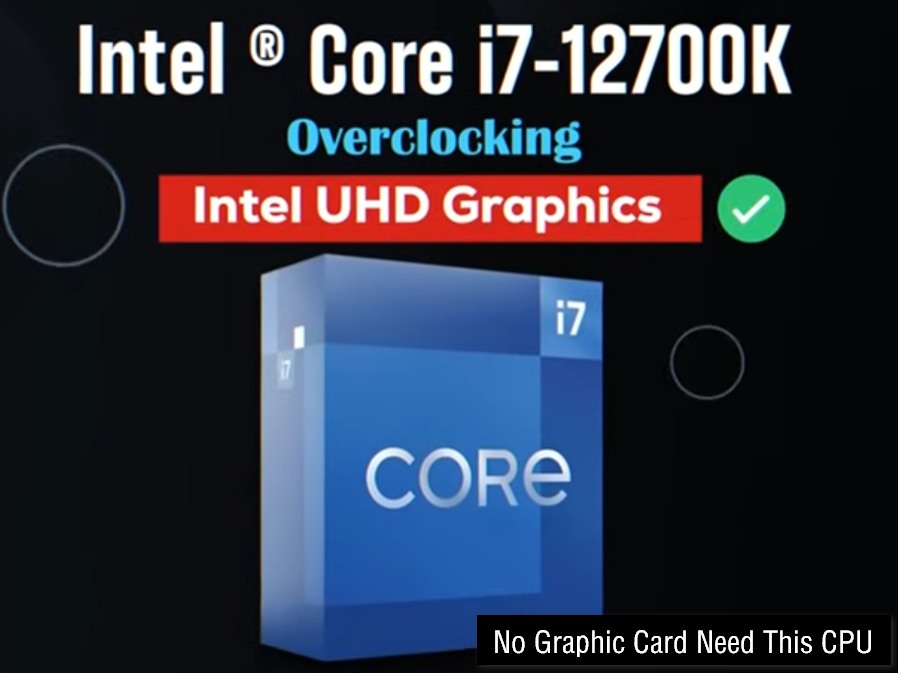
“K” means the processor is unlocked and can be overclocked for higher performance. These CPUs are mainly used by gamers and power users who want extra speed.
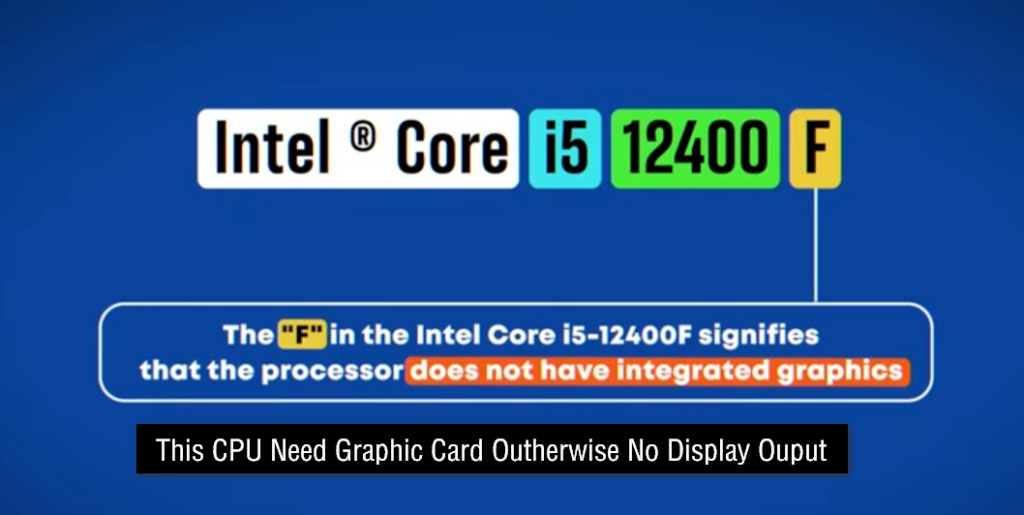
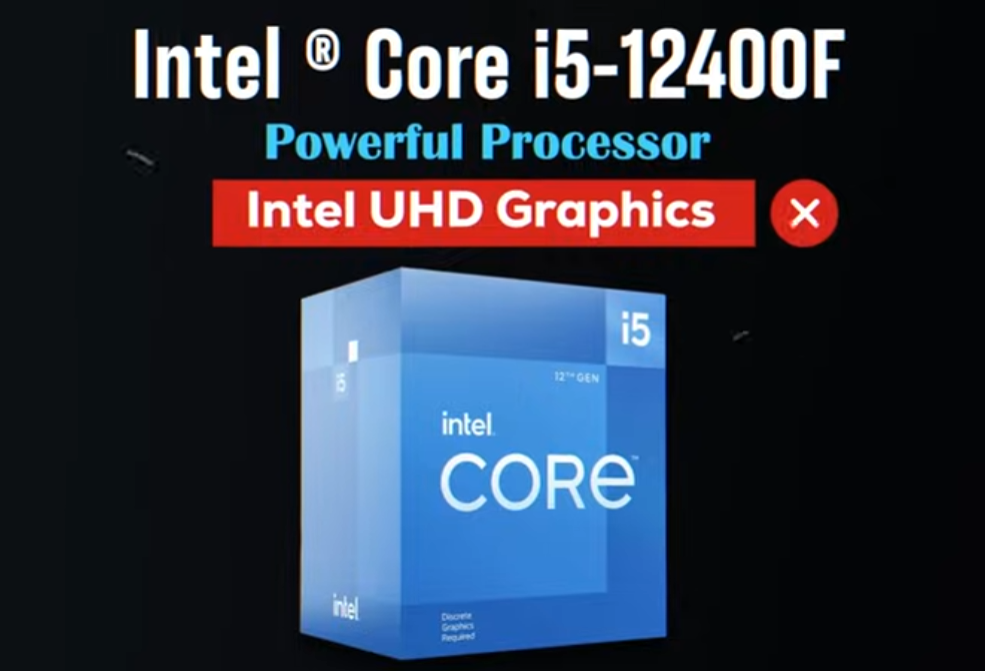
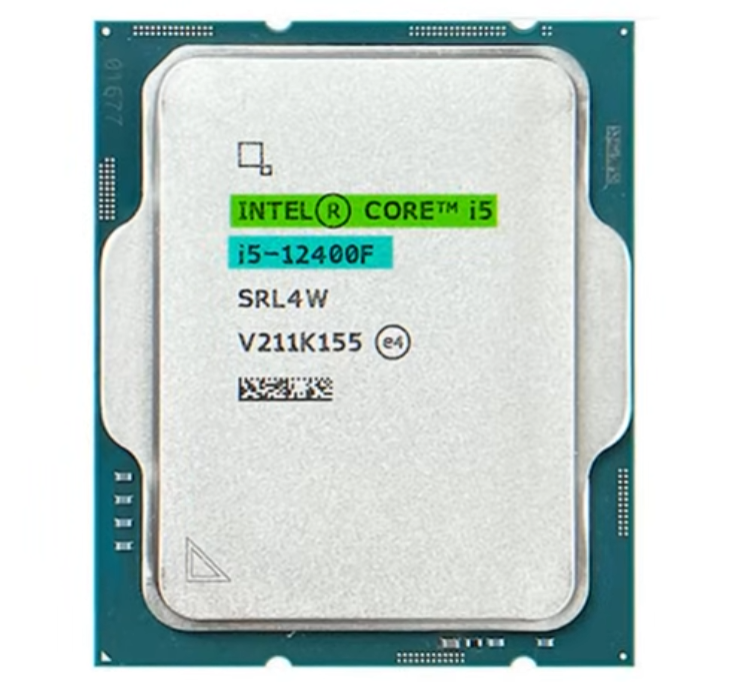
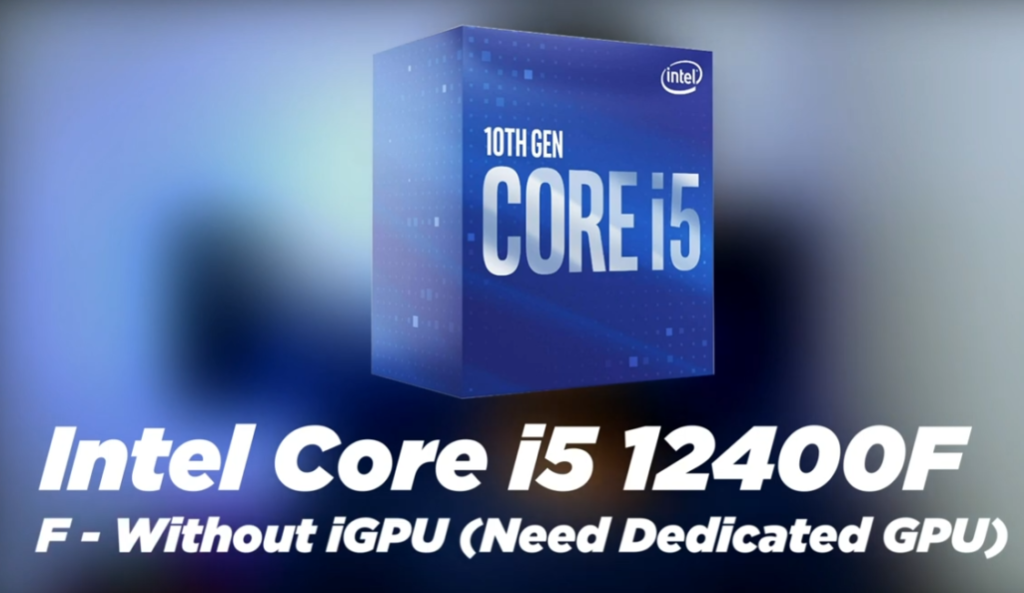
F (No Integrated Graphics):
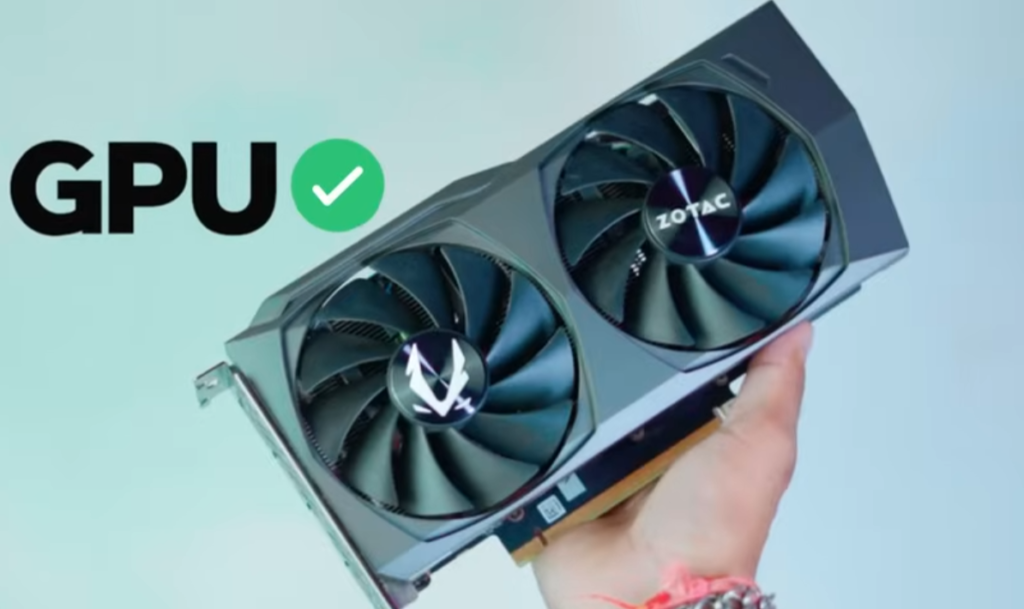
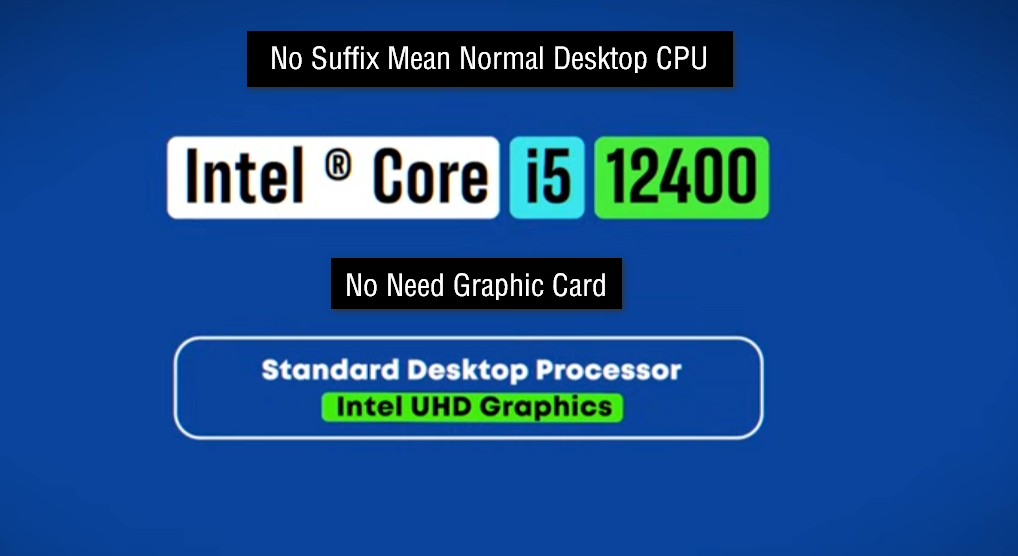
“F” means the CPU does not have built-in graphics. A separate graphics card (GPU) is required to display visuals.
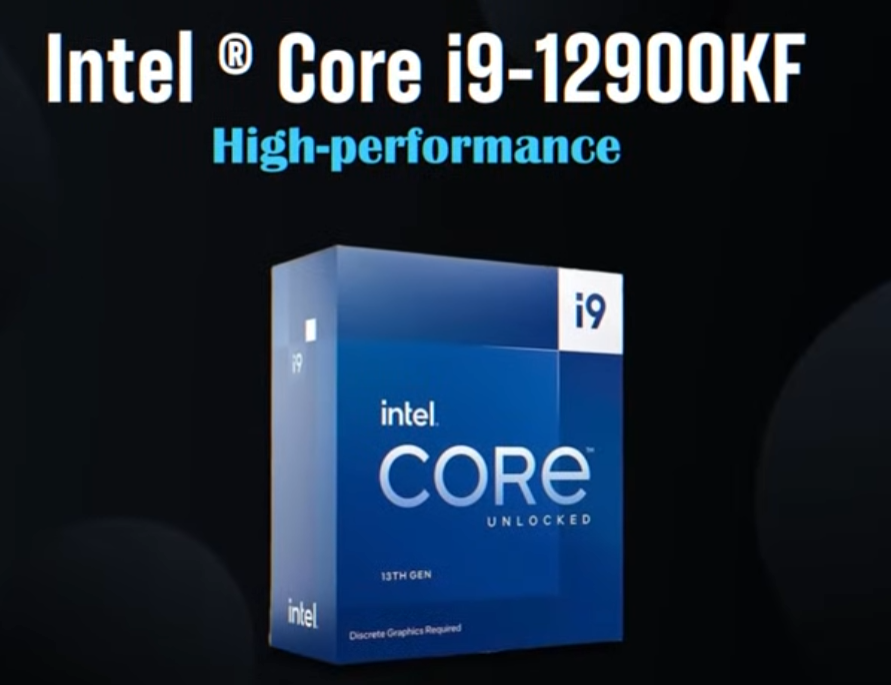
KF (Unlocked + No Graphics):
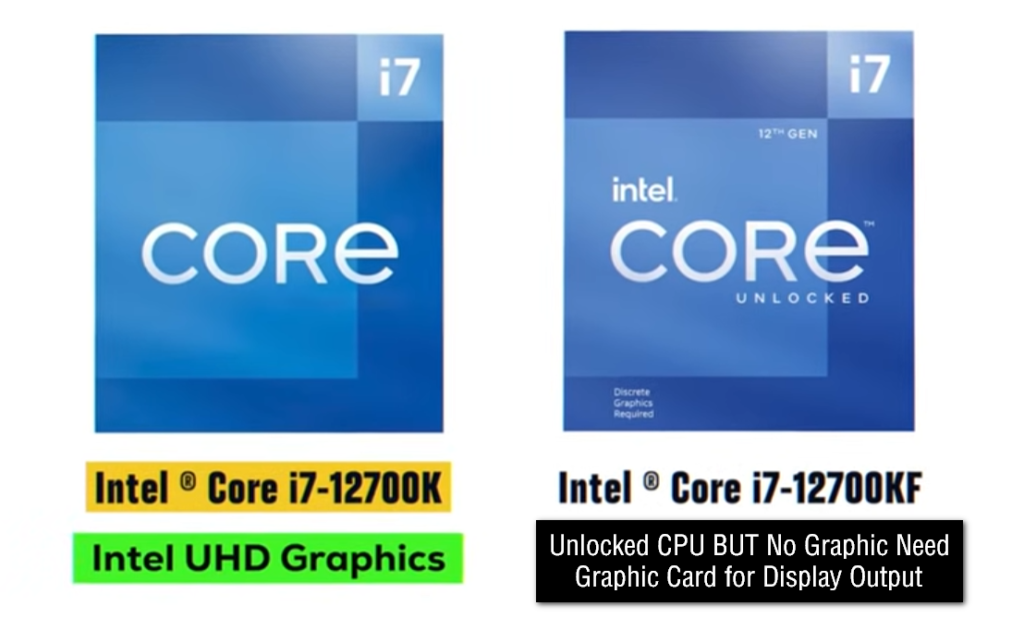
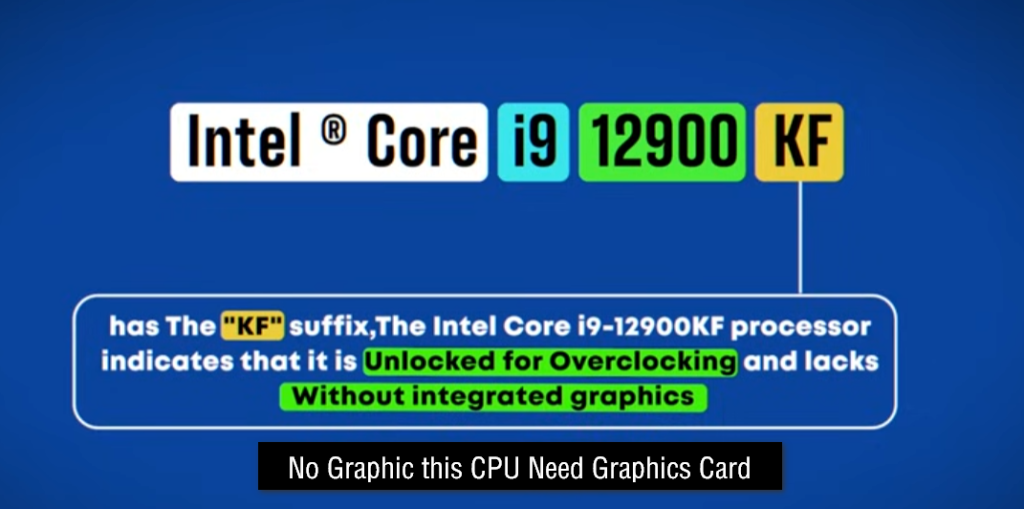
“KF” combines both features: it is unlocked for overclocking but does not include integrated graphics, so a GPU is necessary.
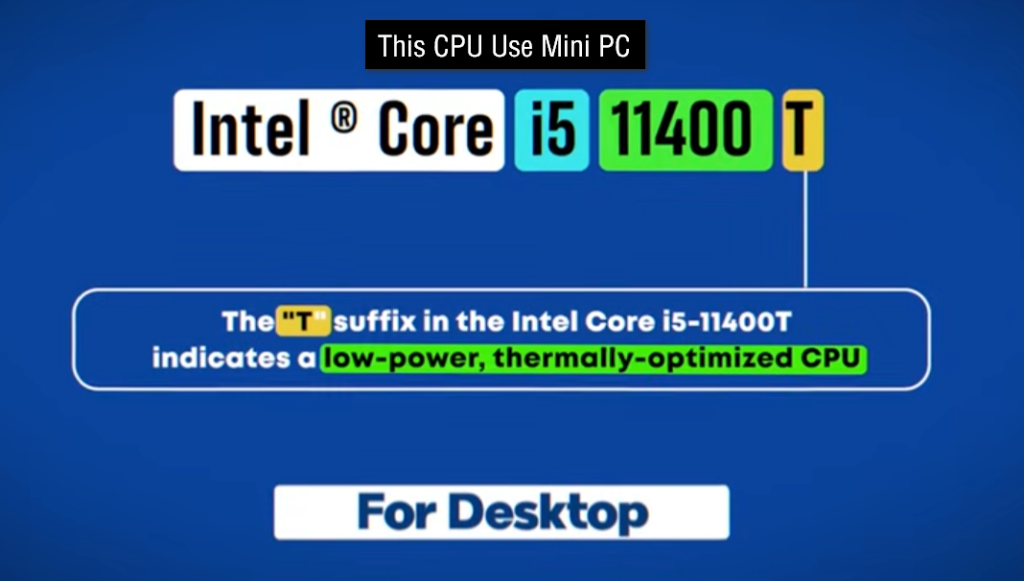
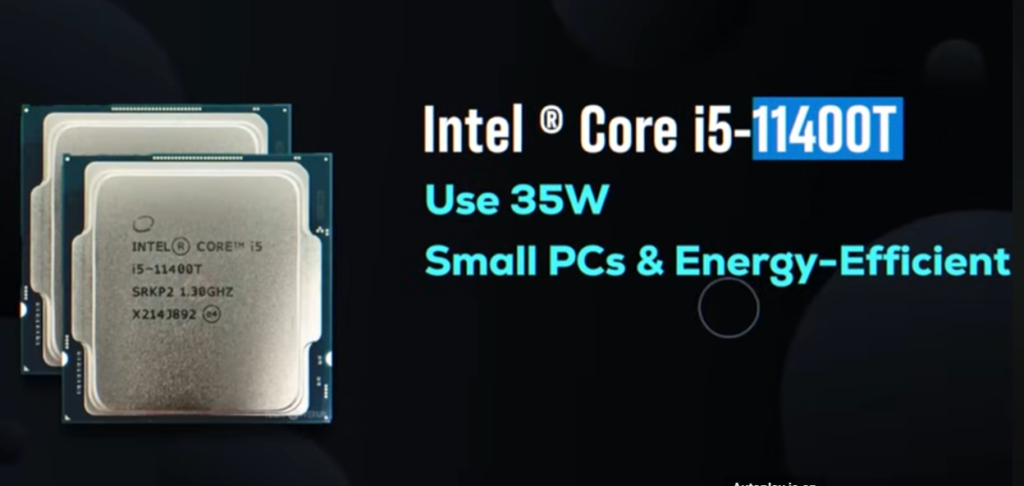
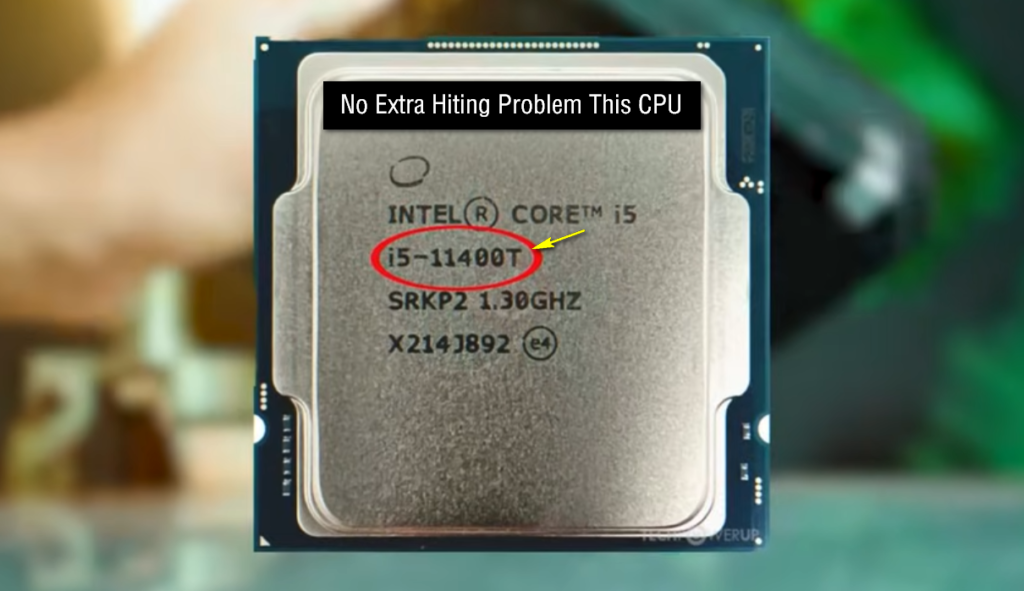
T (Low Power):
“T” CPUs are low-power versions designed to consume less electricity and produce less heat, making them suitable for small or energy-saving PCs.
H (High Performance Laptop):
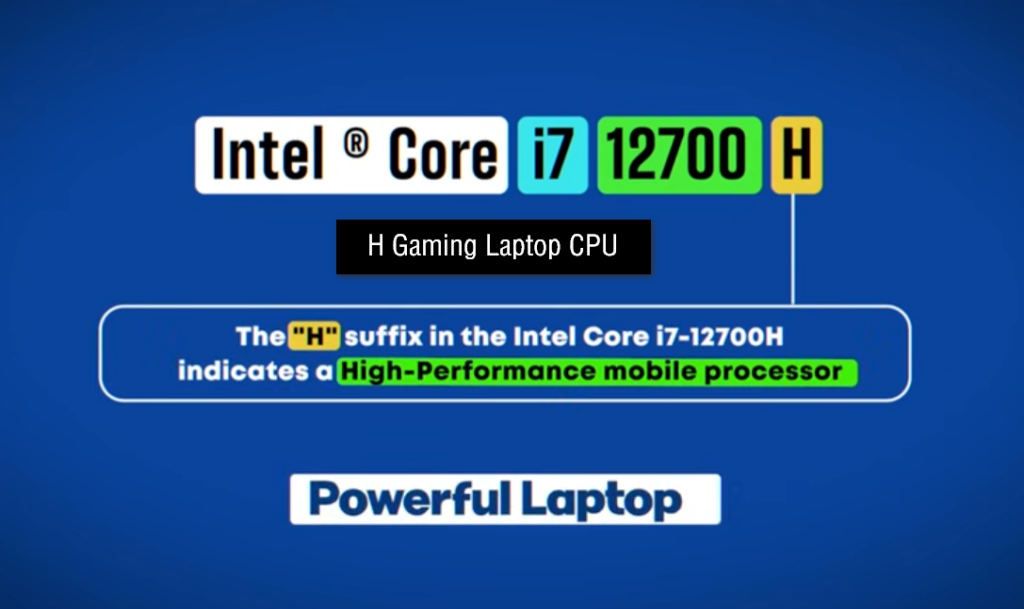
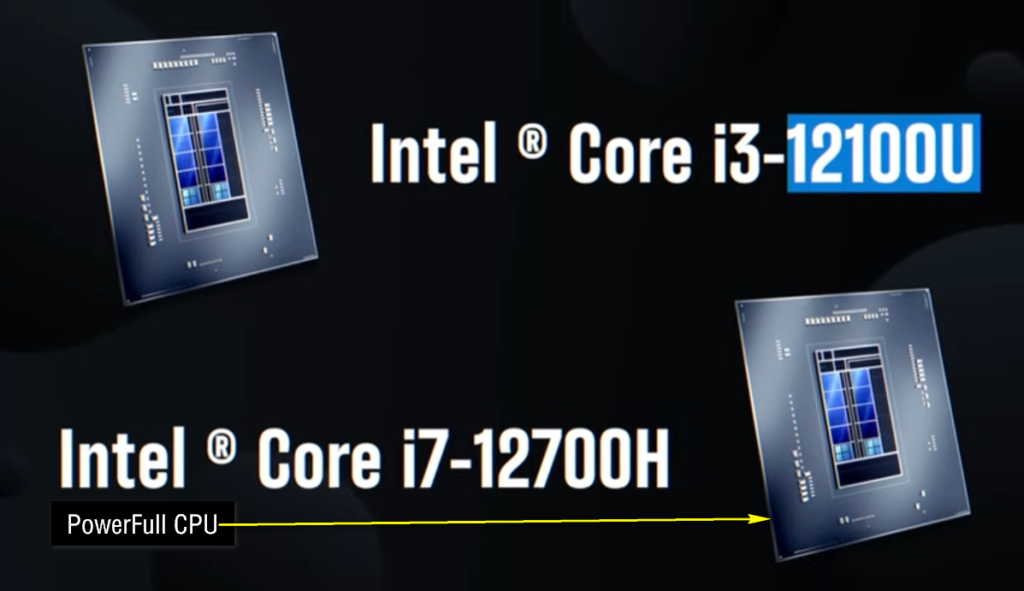
“H” stands for high-performance laptop processors. These are used in gaming laptops and powerful mobile workstations.
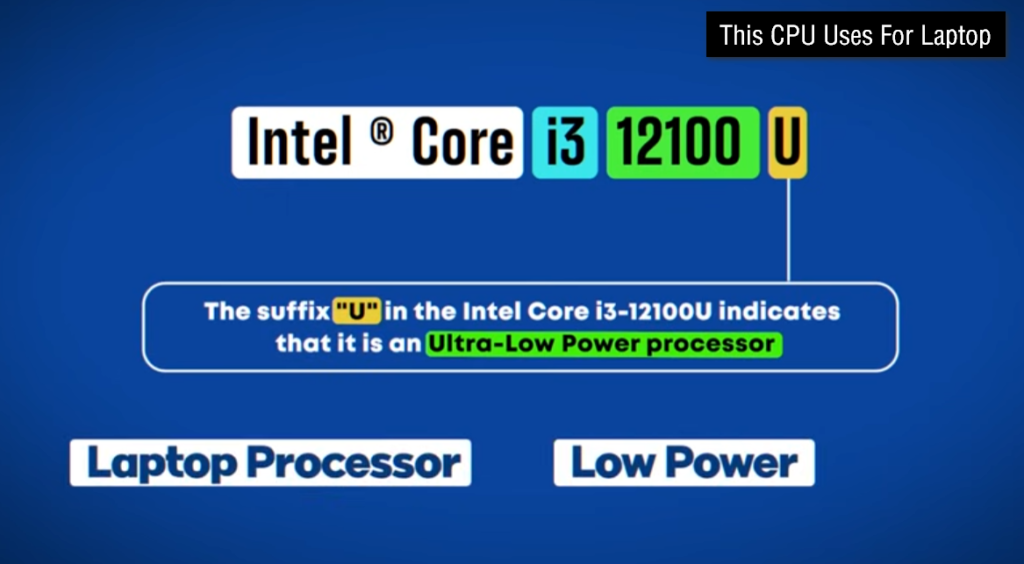
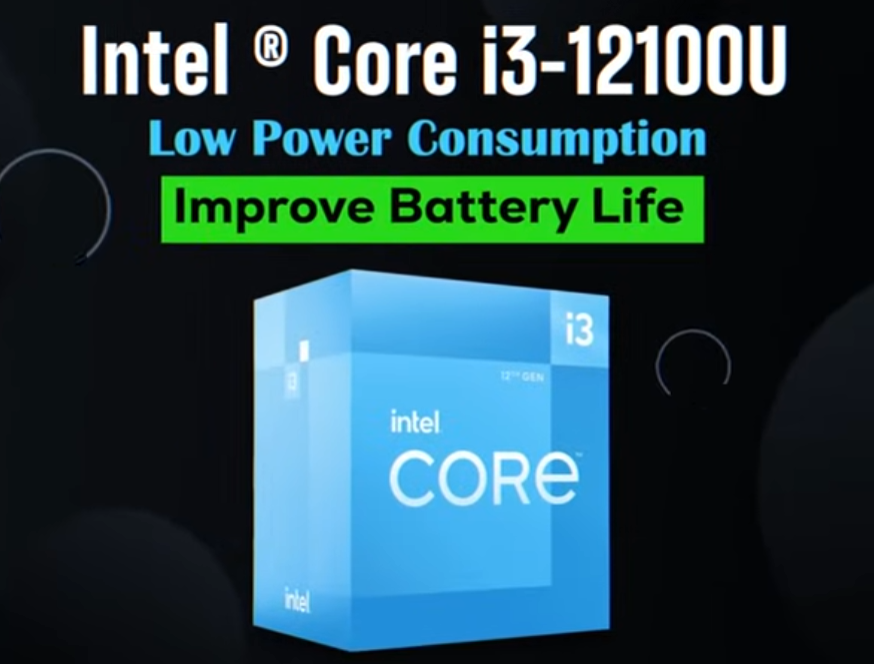
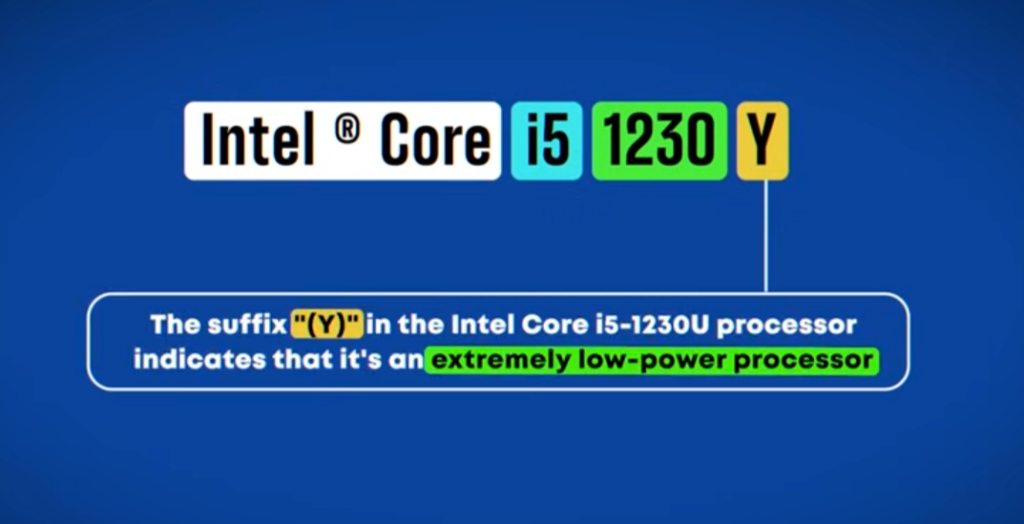
U (Ultra Low Power):
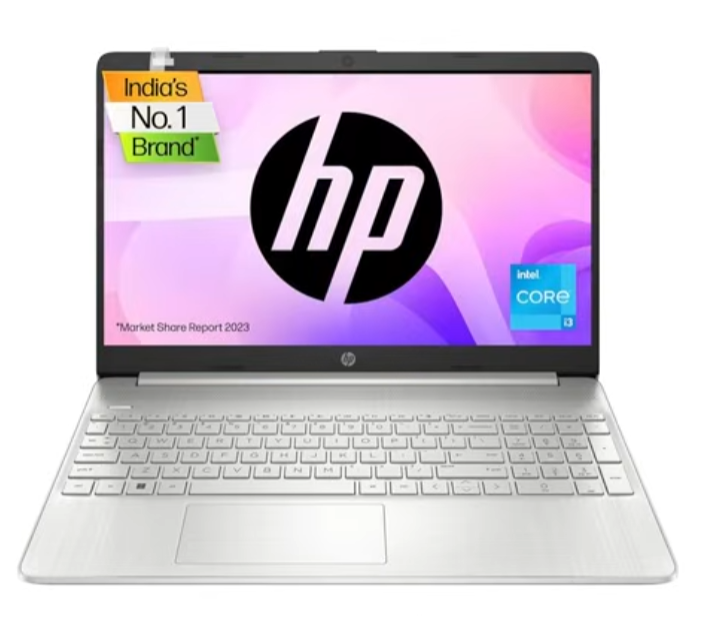
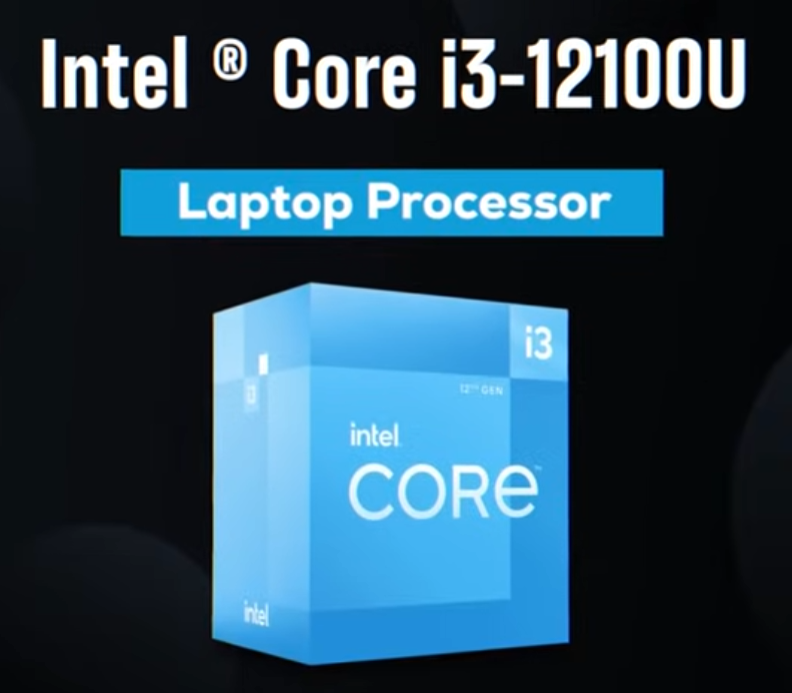
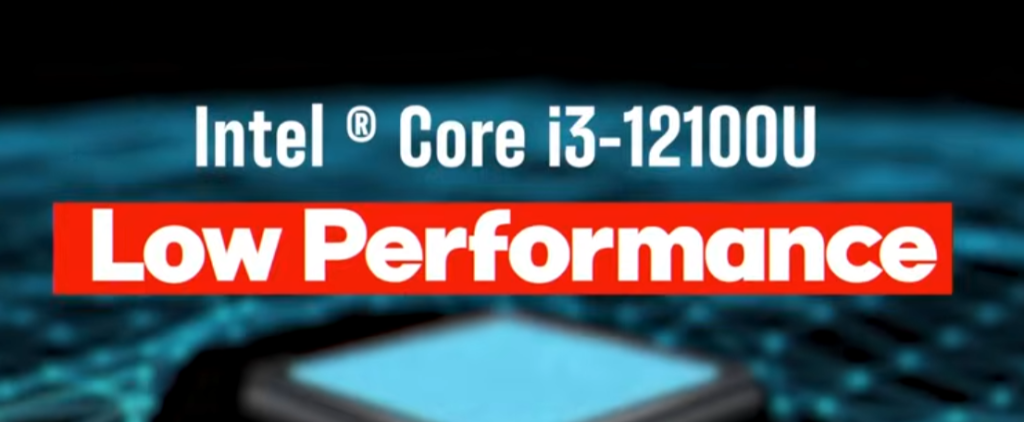
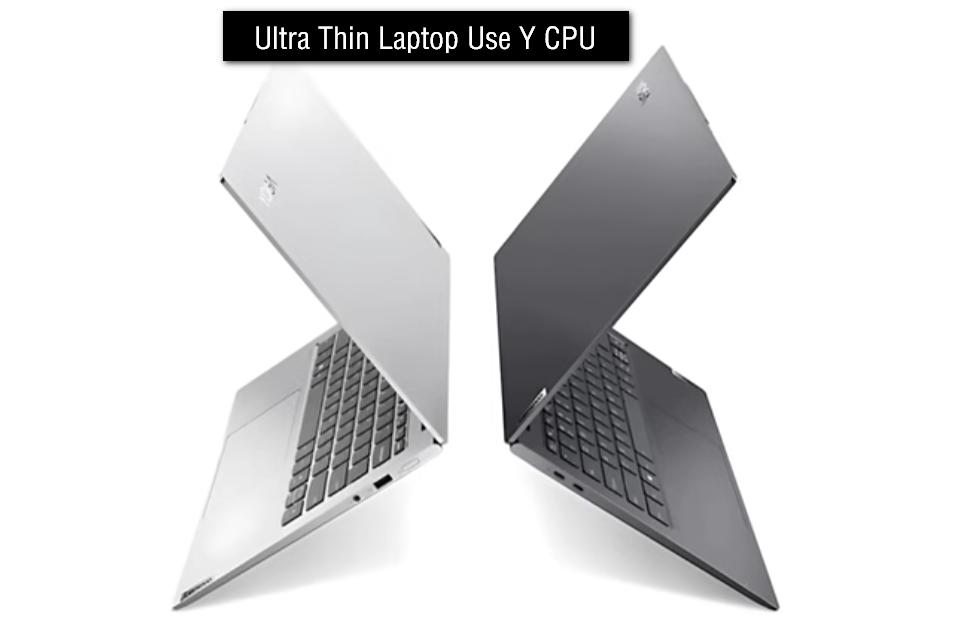
“U” processors are designed for thin laptops. They use very low power to improve battery life, but performance is lower compared to H-series.
HX (Extreme Laptop Performance):
“HX” processors are the most powerful laptop CPUs. They are similar to desktop-grade performance and used in high-end gaming laptops.
Simple meaning
Intel suffix codes show CPU power level, graphics support, and usage type (desktop or laptop).
- K – unlocked CPU with graphics, supports overclocking for high performance
- F – no integrated graphics, requires dedicated GPU
- KF – unlocked CPU without integrated graphics
- H – high-performance laptop CPU with graphics
- U – low-power laptop CPU with graphics and better battery life
- HX – extreme high-performance laptop CPU with graphics
- T – low-power desktop CPU with integrated graphics
- HS – high-performance and power-efficient laptop CPU with integrated graphics, mainly used in thin gaming and creator laptops.
Laptop CPU Suffix Codes:
- U Series (Ultra-Low Power) – Designed for thin laptops with long battery life and everyday tasks such as browsing, office work, and online classes.
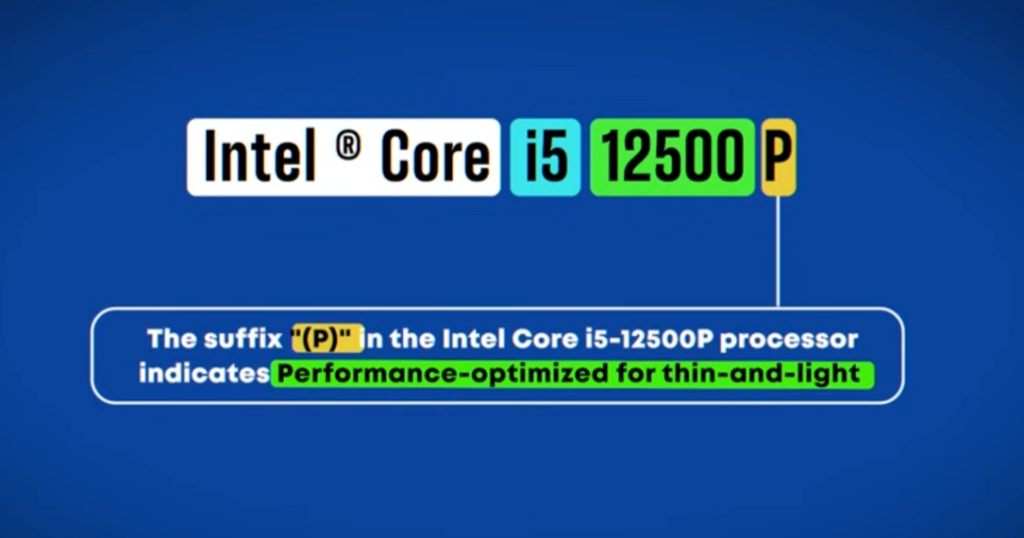
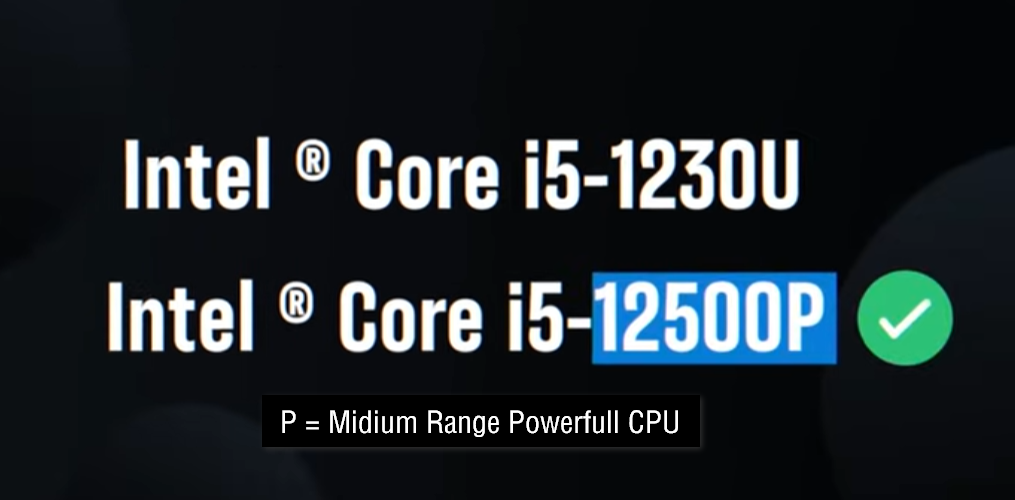
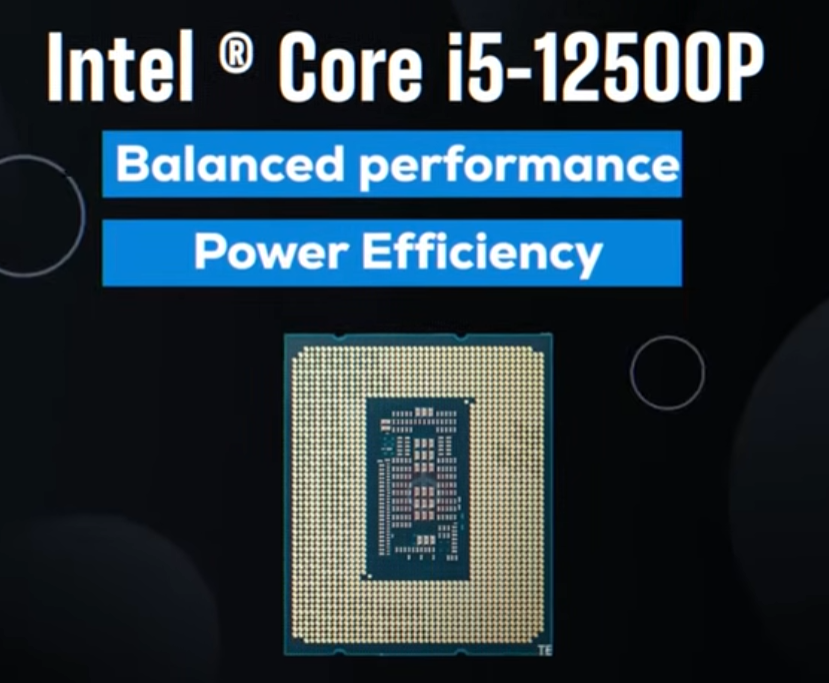
- P Series (Performance) – Offers better performance than U series while maintaining good battery life. Suitable for multitasking and professional use.
- H Series (High Performance) – Built for gaming, video editing, programming, and other demanding applications.
- HS Series (High Performance Slim) – Delivers gaming-level performance in thinner and lighter laptops with better efficiency than standard H-series chips.
- HX Series (Extreme High Performance) – Provides desktop-class performance for high-end gaming, 3D rendering, engineering, and workstation workloads.
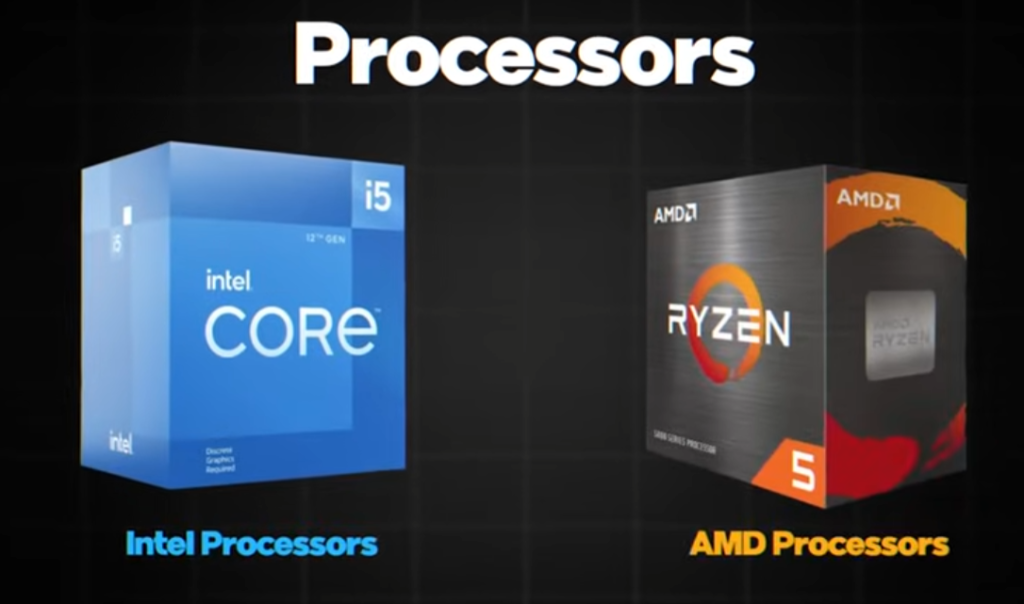

Intel CPU Graphics Types
What is Intel Graphics CPU ?
- Intel Graphics CPU means an Intel processor that comes with built-in graphics inside the CPU itself, called integrated graphics (iGPU). This graphics system helps the computer display images, videos, games, and user interface without needing a separate graphics card.
- Intel includes this graphics unit so that users can run a computer even without a dedicated GPU. It is mainly used for basic and medium-level tasks like browsing, watching videos, office work, and light gaming.
- These integrated graphics are not as powerful as dedicated graphics cards, but they are energy-efficient and cost-effective. They are suitable for laptops and budget PCs where high-end gaming or heavy graphics work is not required.
- Intel graphics have different versions such as HD Graphics, UHD Graphics, Iris Plus, and Iris Xe, which improve in performance with each generation.
- In short, an Intel Graphics CPU is a processor that includes its own simple graphics system to handle everyday visual tasks without extra hardware.
Without Graphics CPU, How Display Output Works
- If a CPU does not have integrated graphics, it cannot directly generate display output to the monitor. In this case, the system depends on a dedicated graphics card (GPU) to handle all visual processing tasks.
- The dedicated GPU takes the job of creating images, videos, and user interface graphics. The CPU sends data to the GPU, and then the GPU processes it and sends the final output to the monitor.
- All display connections like HDMI, DisplayPort, or VGA are connected to the graphics card instead of the motherboard. So the monitor gets signal only from the GPU, not from the CPU.
- Without either integrated graphics or a dedicated GPU, the computer will not show any display output at all.
- In short, when a CPU has no built-in graphics, the graphics card becomes essential for showing everything on the screen.
Intel CPU Graphics Types
Intel HD Graphics:
Intel HD Graphics is an older integrated graphics type found in 4th to 6th generation Intel processors. It is designed for basic tasks like web browsing, watching videos, and simple office work. It cannot handle heavy gaming or advanced video editing, and performance is very limited compared to newer graphics.
Intel UHD Graphics:
Intel UHD Graphics is a more modern and improved version used in 7th to 10th generation Intel CPUs. It is suitable for everyday computing tasks, full HD video playback, and light gaming at low settings. It is still entry-level but more efficient than HD Graphics.
Intel Iris Plus Graphics:
Intel Iris Plus Graphics offers better performance than UHD and is found in some mid-range Intel processors. It is designed for smoother multimedia work, light photo editing, and casual gaming. It provides better visual quality and faster rendering than basic UHD graphics.
Intel Iris Xe Graphics:
Intel Iris Xe Graphics is the latest and most powerful integrated graphics from Intel, used in 11th generation and newer CPUs. It supports better gaming performance, smoother 1080p gameplay, and decent video editing capabilities. It is currently the best Intel integrated graphics option without a dedicated GPU.
Final Idea
Intel graphics improve with each generation: HD (basic) → UHD (everyday use) → Iris Plus (mid-level) → Iris Xe (best performance).
- Intel HD Graphics → Old basic graphics
- Intel UHD Graphics → Standard everyday graphics
- Intel Iris Plus → Better performance for light editing/gaming
- Intel Iris Xe → Latest and strongest integrated graphics

What is Intel Socket
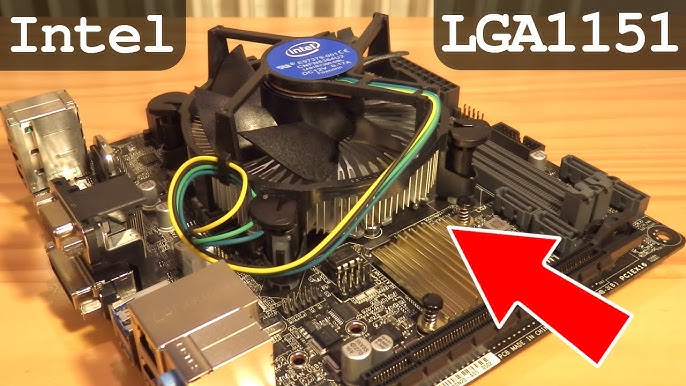
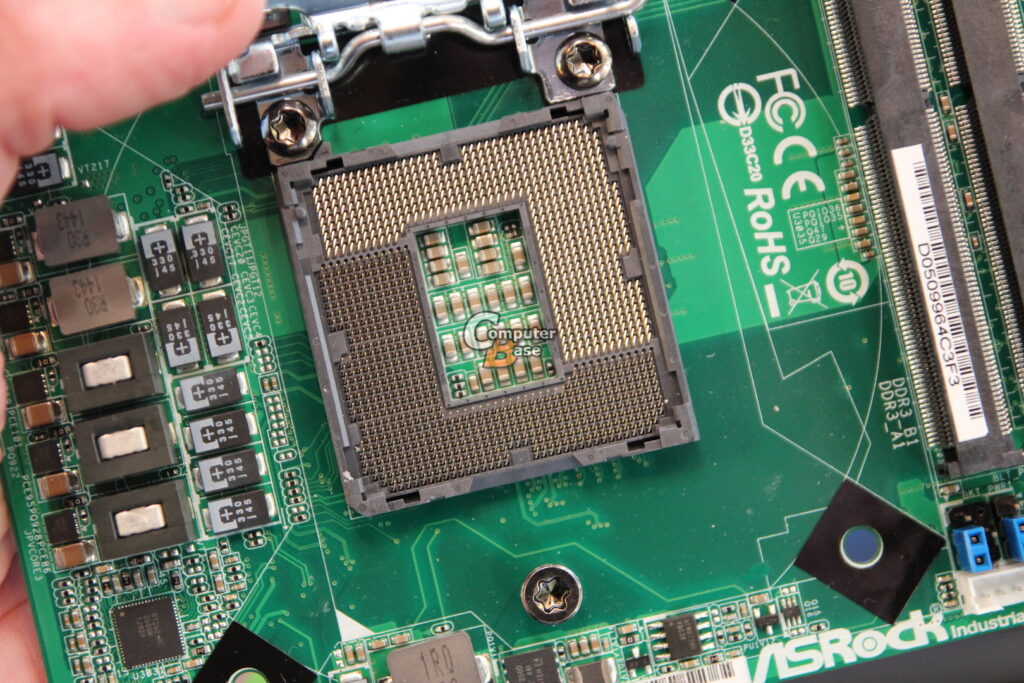
- An Intel socket is a physical slot on the motherboard where an Intel processor (CPU) is installed. It holds the CPU in place and allows it to connect with the motherboard.
- The socket is important because it provides electrical connections between the CPU and other components like RAM, storage, and input/output devices. Without a socket, the CPU cannot communicate with the system.
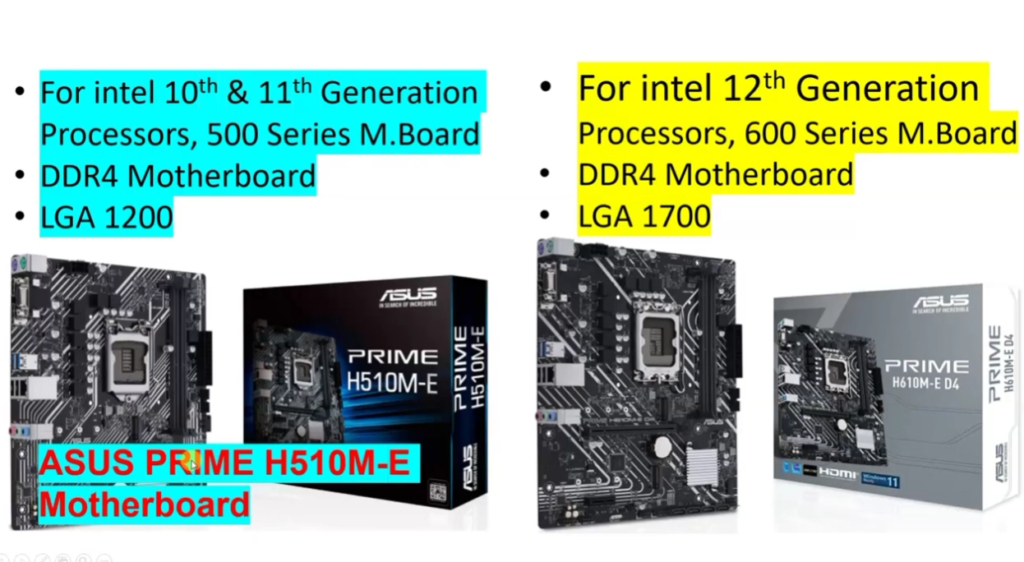
- Each Intel socket is designed to support specific generations of processors. This means a CPU will only work if it matches the correct socket type on the motherboard.
- Common Intel sockets include LGA 1151, LGA 1200, and LGA 1700, each supporting different CPU generations and features.
- In short, an Intel socket is the CPU installation point on the motherboard that ensures compatibility and proper system communication.
Intel CPU Sockets:
- Socket 370 → Used for old Intel Pentium III and Celeron processors
- Socket 478 → Supported Pentium 4 CPUs in early desktops
- LGA 775 → Popular socket for Pentium 4, Core 2 Duo, and Core 2 Quad
- LGA 1156 → Used for 1st generation Intel Core CPUs
- LGA 1155 → Supported 2nd and 3rd gen Intel Core processors
- LGA 1150 → Used for 4th and 5th gen Intel Core CPUs
- LGA 1151 → Supported 6th to 9th gen Intel Core processors
- LGA 1200 → Used for 10th and 11th gen Intel Core CPUs
- LGA 1700 → Supports 12th, 13th, and 14th gen Intel CPUs
- LGA 1851 → Newer socket for upcoming latest Intel processors
Server/Workstation Intel Sockets:
- LGA 1366 → High-performance socket for Intel Xeon and Core i7 Extreme
- LGA 2011 → Used for enthusiast and workstation CPUs
- LGA 2066 → Supported Intel X-series high-end desktop processors
- LGA 3647 → Used in powerful Intel Xeon server CPUs
- LGA 4189 → Modern server socket for Intel Xeon scalable processors
Intel Processor Generations Table:
| Generation | Codename | Common Socket | Example CPU |
|---|---|---|---|
| 1st Gen | Nehalem / Westmere | LGA 1156 | Intel Core i5-750 |
| 2nd Gen | Sandy Bridge | LGA 1155 | Intel Core i5-2500K |
| 3rd Gen | Ivy Bridge | LGA 1155 | Intel Core i7-3770 |
| 4th Gen | Haswell | LGA 1150 | Intel Core i5-4690 |
| 5th Gen | Broadwell | LGA 1150 | Intel Core i7-5775C |
| 6th Gen | Skylake | LGA 1151 | Intel Core i5-6600K |
| 7th Gen | Kaby Lake | LGA 1151 | Intel Core i7-7700K |
| 8th Gen | Coffee Lake | LGA 1151 | Intel Core i5-8400 |
| 9th Gen | Coffee Lake Refresh | LGA 1151 | Intel Core i9-9900K |
| 10th Gen | Comet Lake / Ice Lake | LGA 1200 | Intel Core i5-10400 |
| 11th Gen | Rocket Lake | LGA 1200 | Intel Core i7-11700K |
| 12th Gen | Alder Lake | LGA 1700 | Intel Core i5-12600K |
| 13th Gen | Raptor Lake | LGA 1700 | Intel Core i7-13700K |
| 14th Gen | Raptor Lake Refresh | LGA 1700 | Intel Core i9-14900K |
Intel CPU Price List
- Intel Core i3 (₹8,000 – ₹14,000) → Entry-level processors like i3-12100, i3-13100, and i3-14100 are used for basic tasks such as browsing, MS Office, online classes, and light gaming, making them best for budget and student PCs.
- Intel Core i5 (₹15,000 – ₹30,000) → Mid-range processors like i5-12400, i5-13400, and i5-14400 are the most popular CPUs for gaming and multitasking, offering a perfect balance of performance and price for gaming PCs and editing systems.
- Intel Core i7 (₹30,000 – ₹60,000) → High-performance CPUs like i7-12700, i7-13700, and i7-14700 are designed for heavy gaming, video editing, streaming, and professional workloads with more cores and faster processing power.
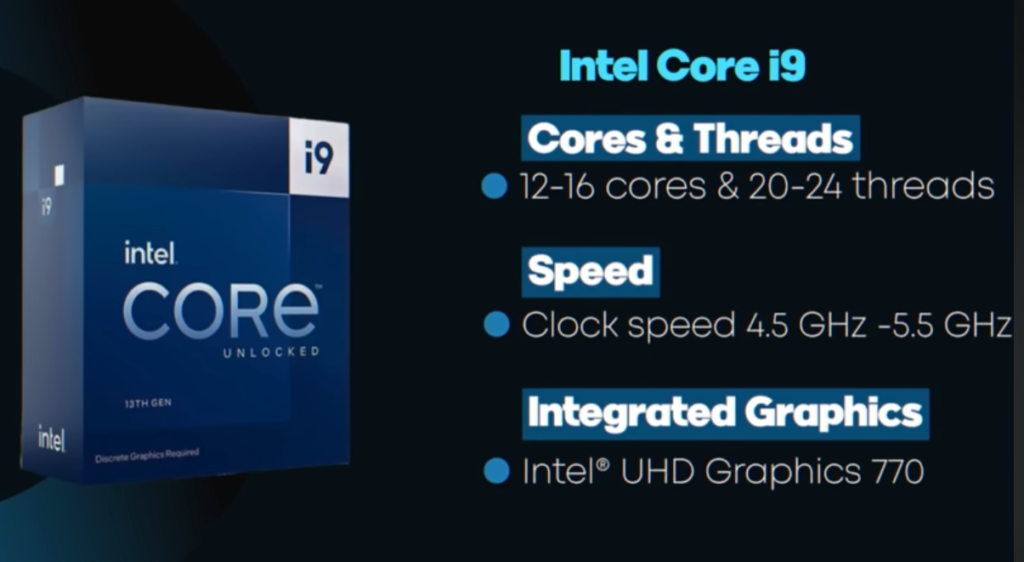
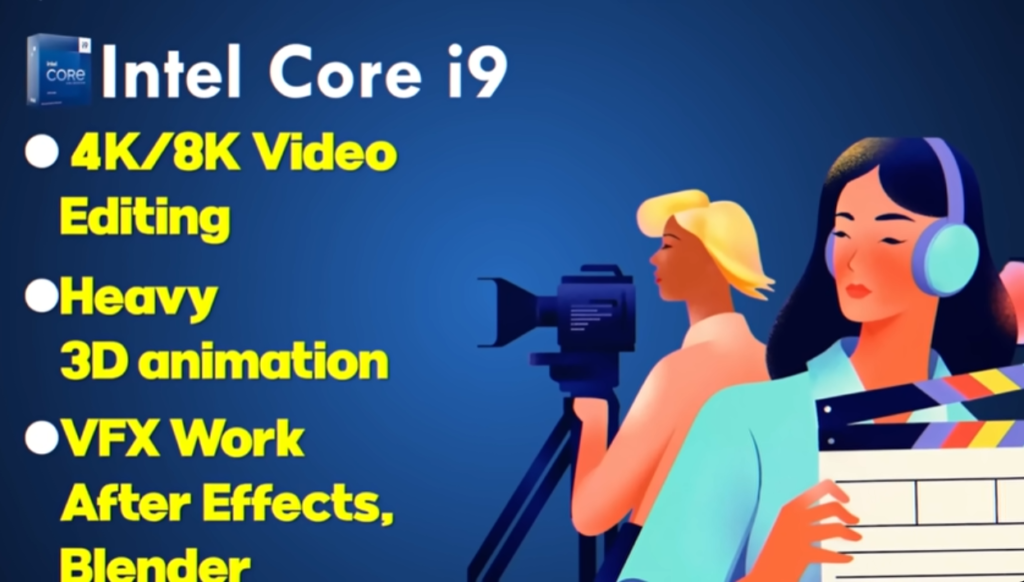
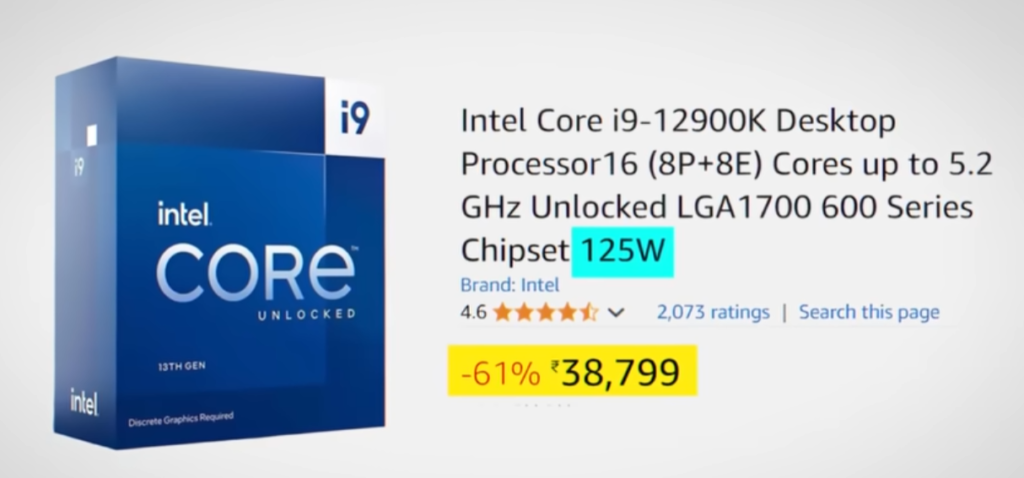
- Intel Core i9 (₹60,000 – ₹1,00,000+) → Extreme performance processors like i9-12900K, i9-13900K, and i9-14900K are used in high-end gaming rigs, 4K/8K video editing, AI workloads, and workstation-level tasks requiring maximum speed and power.
What is Intel Ultra Series CPU
What is Intel Core Ultra Series CPU ?
- Intel Core Ultra is Intel’s new generation processor series designed for modern laptops and AI-powered computing. It is built to provide better performance, improved battery efficiency, and advanced graphics compared to older Intel Core processors.
- One of the biggest features of Intel Core Ultra processors is the inclusion of an NPU (Neural Processing Unit). This dedicated AI processor helps handle artificial intelligence tasks such as voice recognition, AI image processing, background blur, and smart assistant features while using less power.
- Intel Core Ultra CPUs also use a hybrid architecture that combines Performance cores (P-cores) and Efficiency cores (E-cores). This design improves multitasking, power management, and overall system speed.
- These processors include improved integrated graphics based on Intel Arc graphics technology, allowing better gaming, video editing, and graphics performance without needing a dedicated GPU in many laptops.
- Intel Core Ultra processors are mainly used in thin and modern laptops focused on AI features, productivity, portability, and battery life.
- In short, Intel Core Ultra is Intel’s latest AI-focused processor series designed for faster performance, smarter computing, better graphics, and improved power efficiency.
Intel Core Ultra CPU Models
- Intel Core Ultra 5 125H → Mid-range AI laptop CPU for multitasking, office work, and light editing with good battery life.
- Intel Core Ultra 5 125U → Power-efficient processor designed for thin laptops, browsing, study, and daily use.
- Intel Core Ultra 7 155H → High-performance laptop CPU for gaming, programming, video editing, and heavy multitasking.
- Intel Core Ultra 7 165H → Premium performance processor with stronger AI and graphics capabilities for professional work.
- Intel Core Ultra 9 185H → Flagship Intel Ultra CPU built for extreme performance, AI workloads, 4K editing, and workstation laptops.
- Intel Core Ultra 9 285H → Advanced next-generation Ultra processor with top-tier speed, AI acceleration, and powerful integrated graphics.
Intel Desktop CPU List
- Intel Celeron G5905 → Basic desktop CPU for office work, browsing, and simple tasks.
- Intel Pentium Gold G7400 → Budget processor with better multitasking than Celeron for home and student PCs.
- Intel Core i3-12100 → Entry-level gaming and productivity CPU with strong everyday performance.
- Intel Core i3-14100 → Latest budget desktop processor for smooth daily computing and light gaming.
- Intel Core i5-12400 → Popular mid-range CPU for gaming, editing, and multitasking with excellent value.
- Intel Core i5-14400 → Modern high-performance mid-range processor for gaming and productivity.
- Intel Core i7-13700K → Powerful CPU for heavy gaming, streaming, programming, and video editing.
- Intel Core i7-14700K → Advanced desktop processor with more cores for professional workloads.
- Intel Core i9-13900K → Extreme performance CPU for 4K editing, rendering, and high-end gaming.
- Intel Core i9-14900K → Flagship Intel desktop processor with maximum speed and multitasking power.