Layer-2 and Layer-3 Switches
Difference Between Layer-2 and Layer-3 Switches
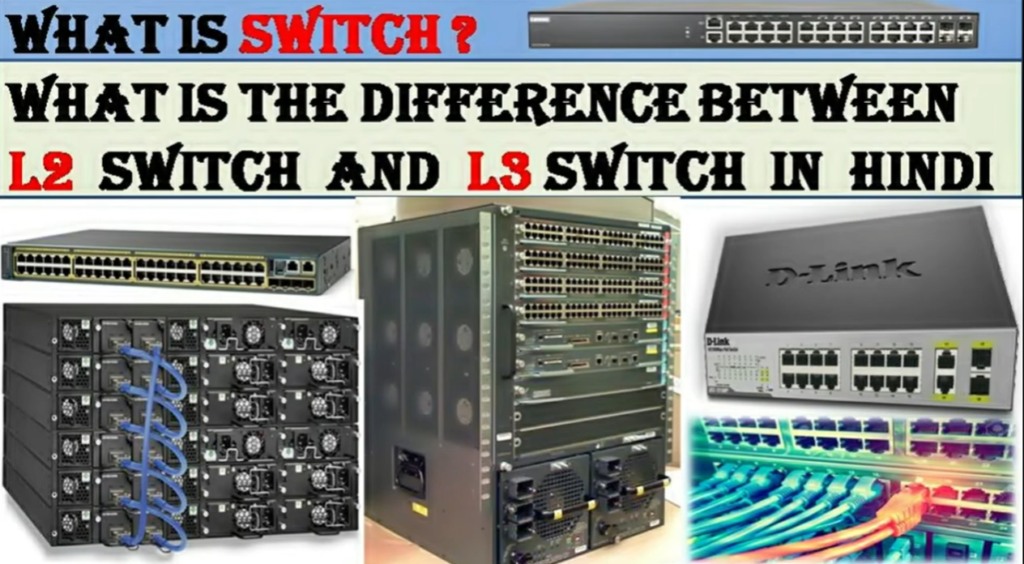
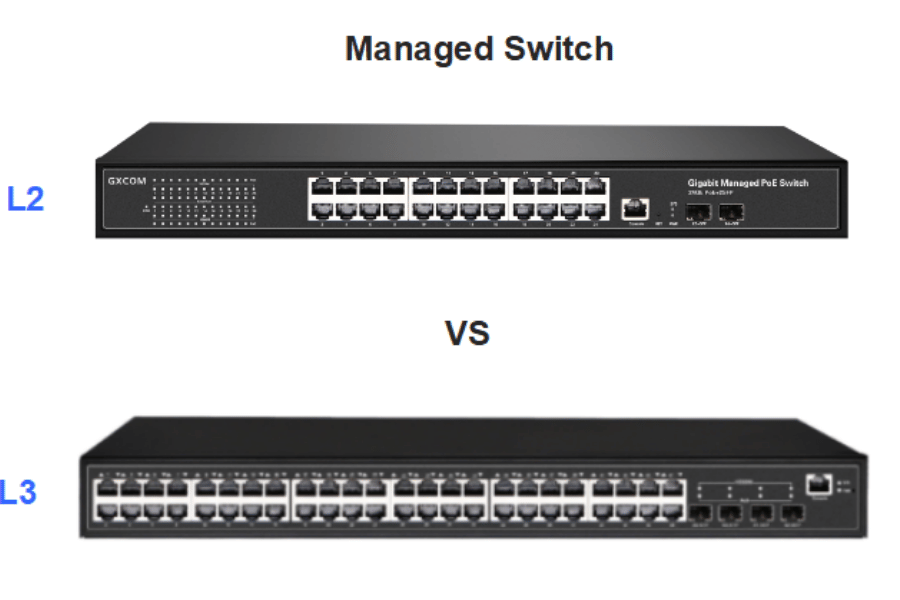
Layer-2 Switch
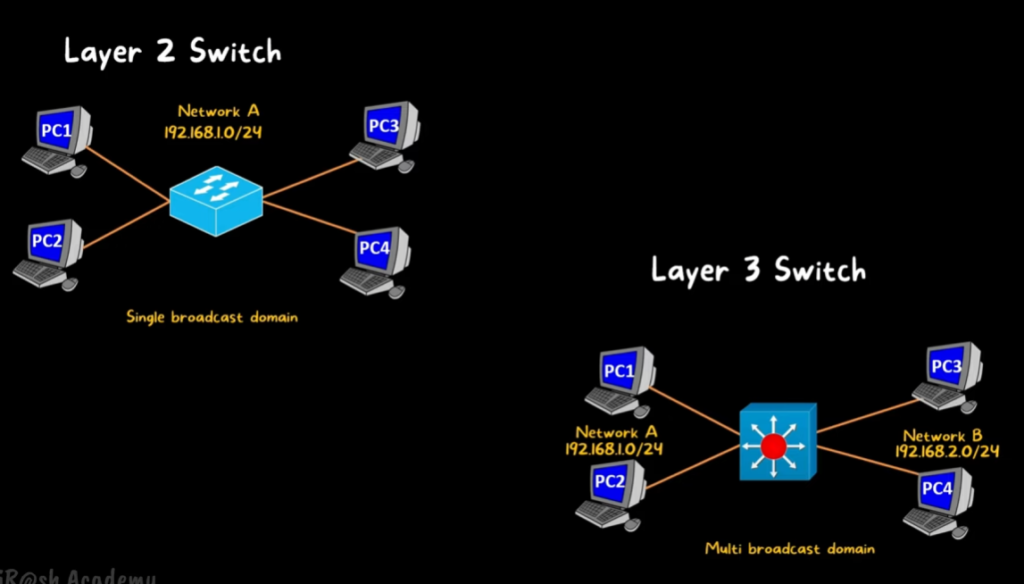
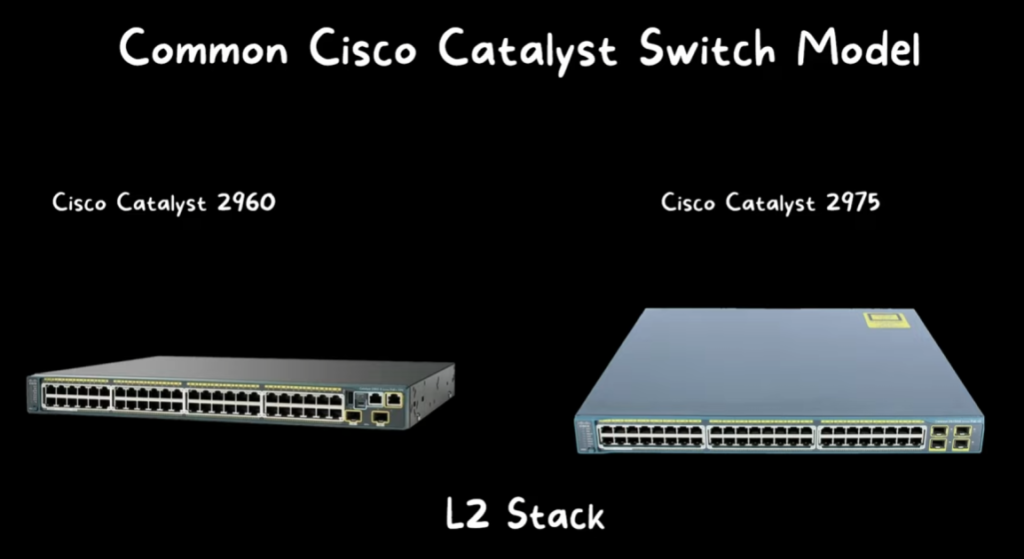
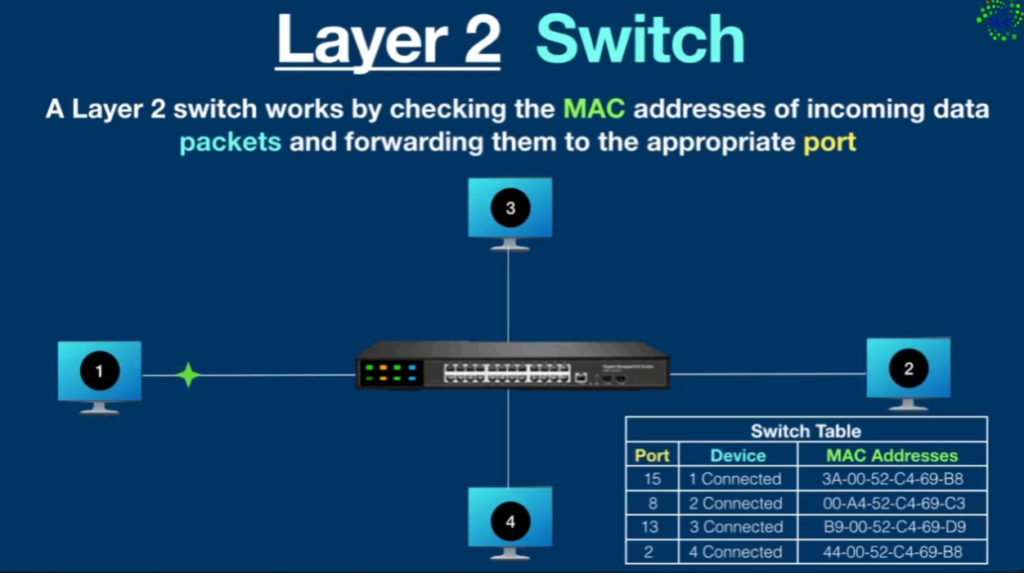
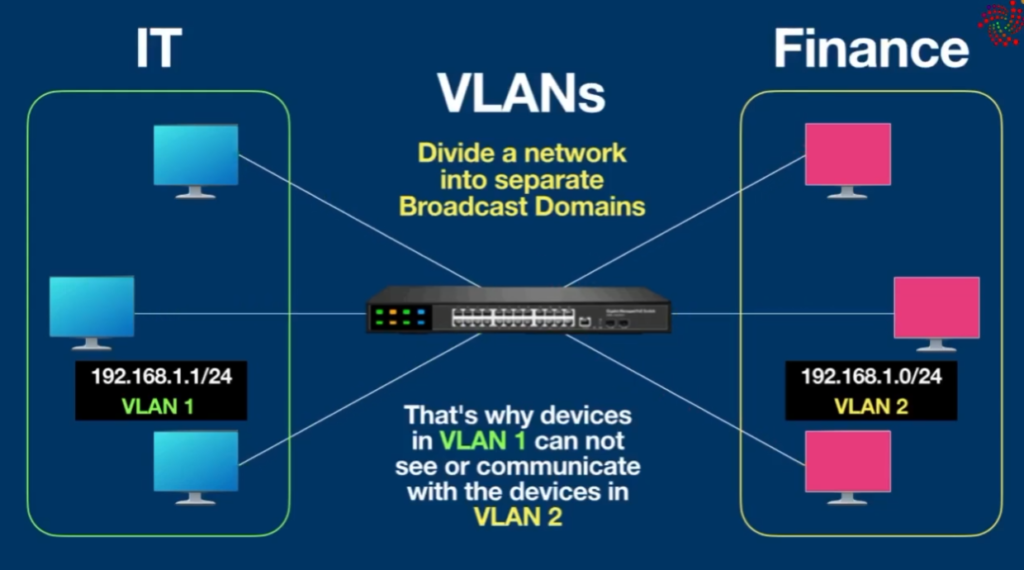
A Layer-2 switch works only with MAC addresses to forward frames inside the same network or VLAN. It is mainly used to connect end devices such as computers, printers, and IP phones. It can create VLANs to separate departments, but it cannot allow communication between VLANs by itself. For inter-VLAN communication, a router or Layer-3 switch is required. Layer-2 switches are commonly used in access layer networks in offices and schools.
Layer-3 Switch
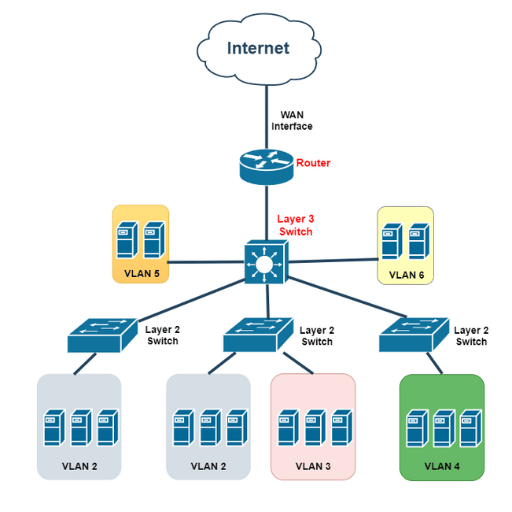
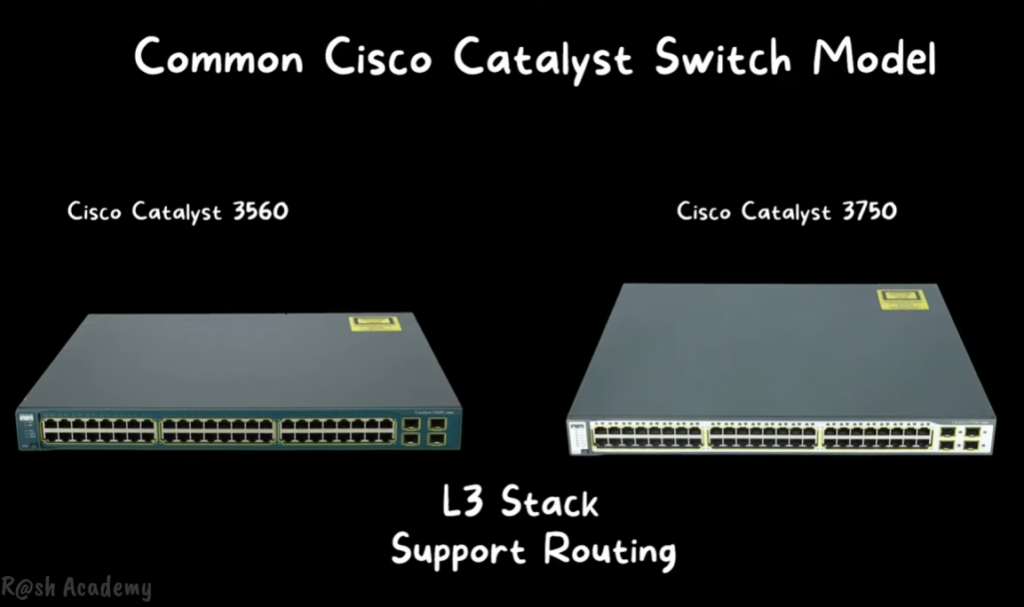
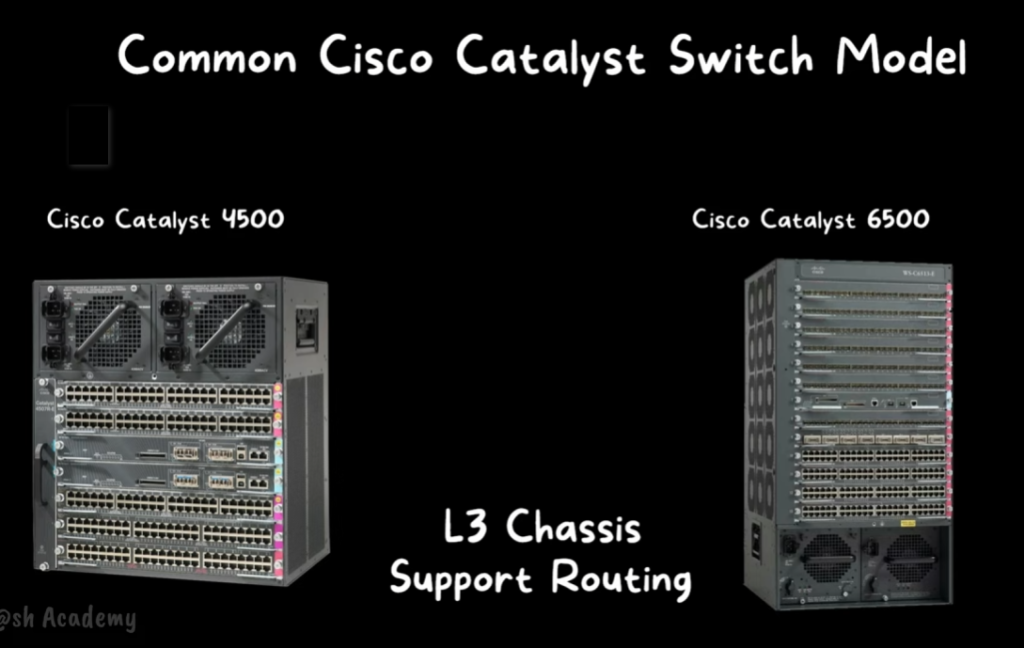
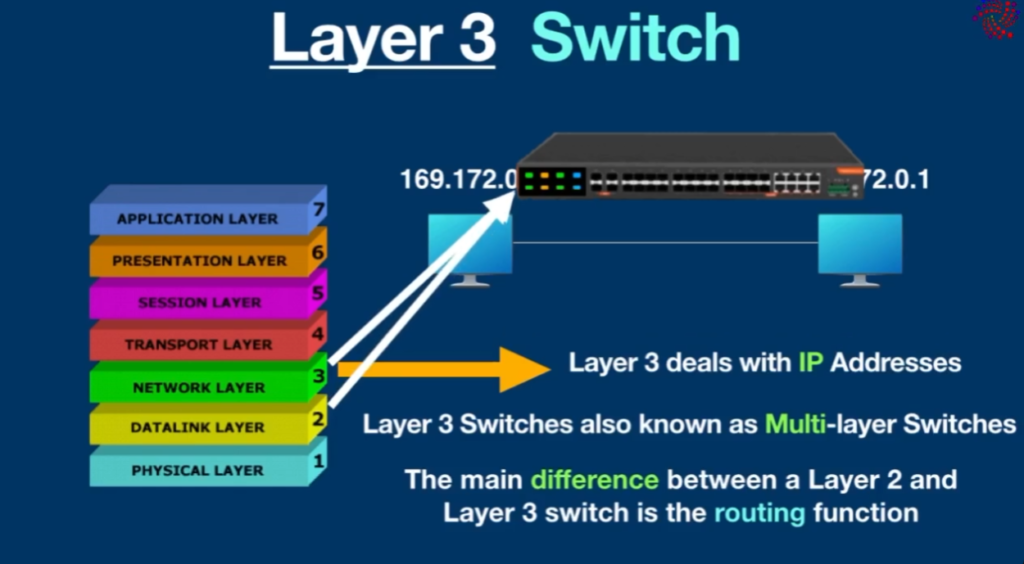
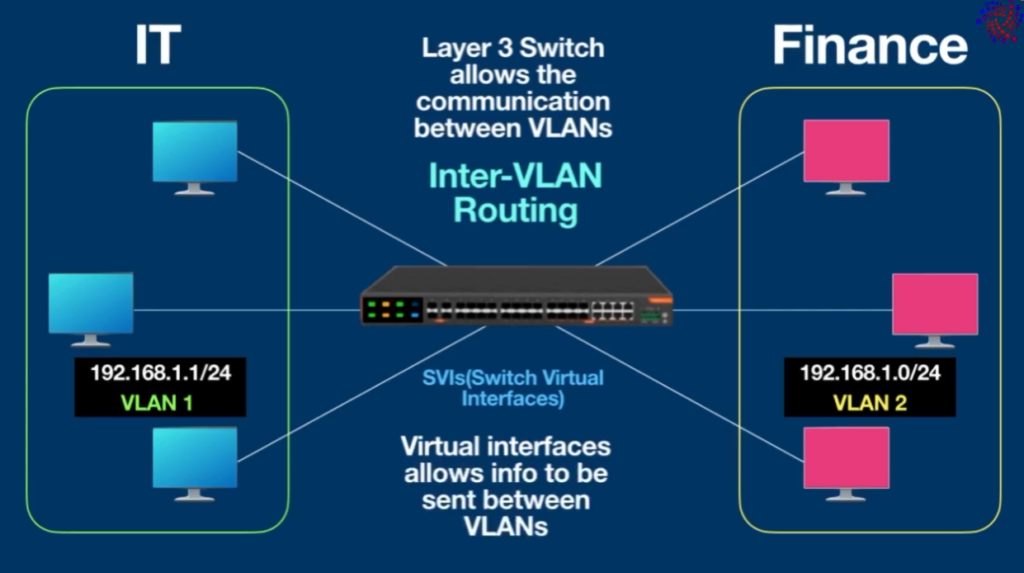
A Layer-3 switch is a combination of a switch and a router. It can forward traffic based on IP addresses and perform routing between VLANs (Inter-VLAN routing) without needing an external router. Layer-3 switches support routing protocols like static routing, OSPF, and RIP. They are used in distribution and core layers of enterprise networks where high speed and efficient routing are required.
Key Differences
- Layer-2 switch: Uses MAC address, no routing.
- Layer-3 switch: Uses IP address and performs routing.
- Layer-2: Needs router for VLAN communication.
- Layer-3: Does routing itself between VLANs.
Example
- Office with one VLAN → Layer-2 switch is enough
- Office with multiple VLANs (HR, Finance, IT) → Layer-3 switch needed for inter-VLAN routing
Conclusion
Layer-2 switches are used for simple device connectivity within the same network, while Layer-3 switches are used in larger networks where routing and VLAN communication are required. A Layer-3 switch improves performance, reduces network complexity, and removes the need for a separate router for internal routing.
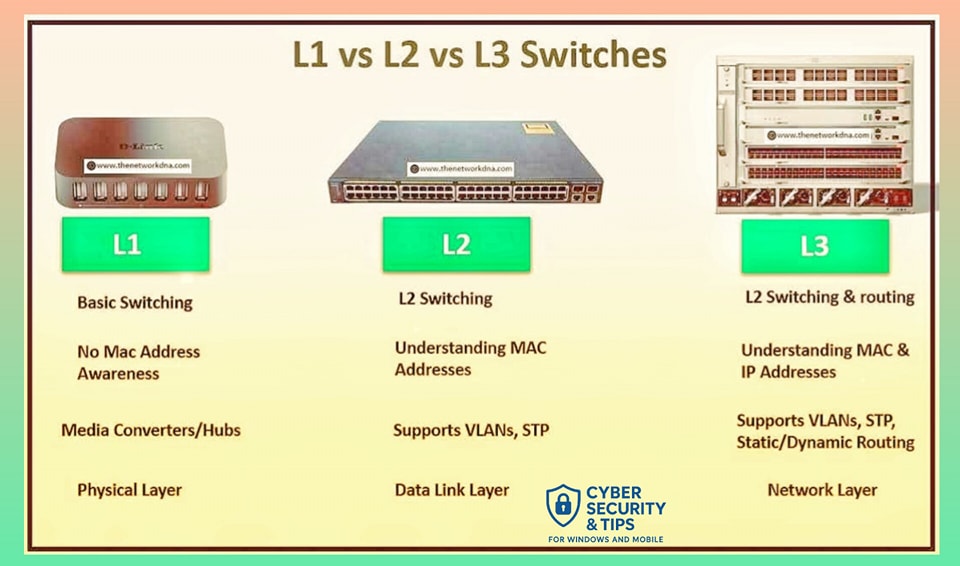
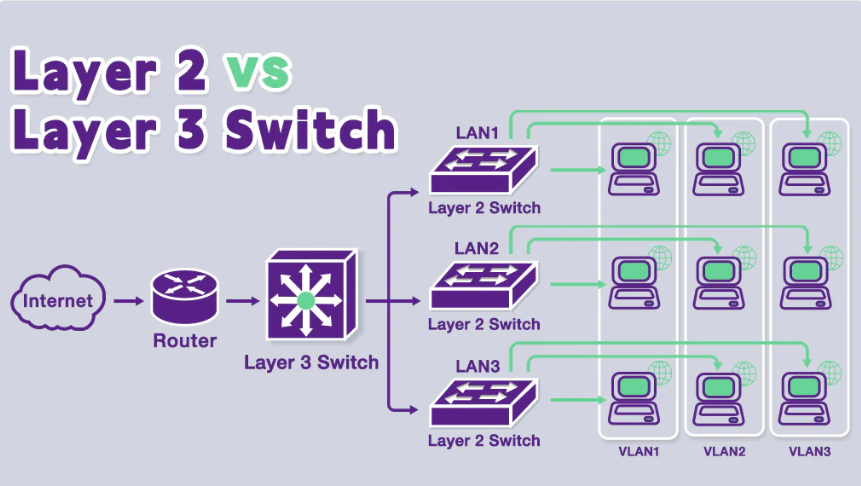

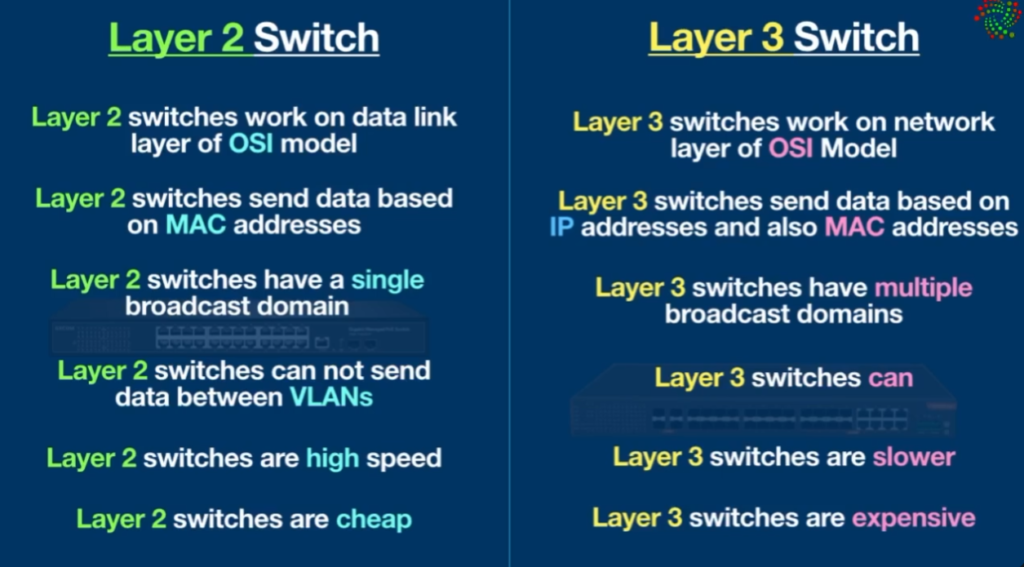
Difference Between Layer 2 and Layer 3 Switches
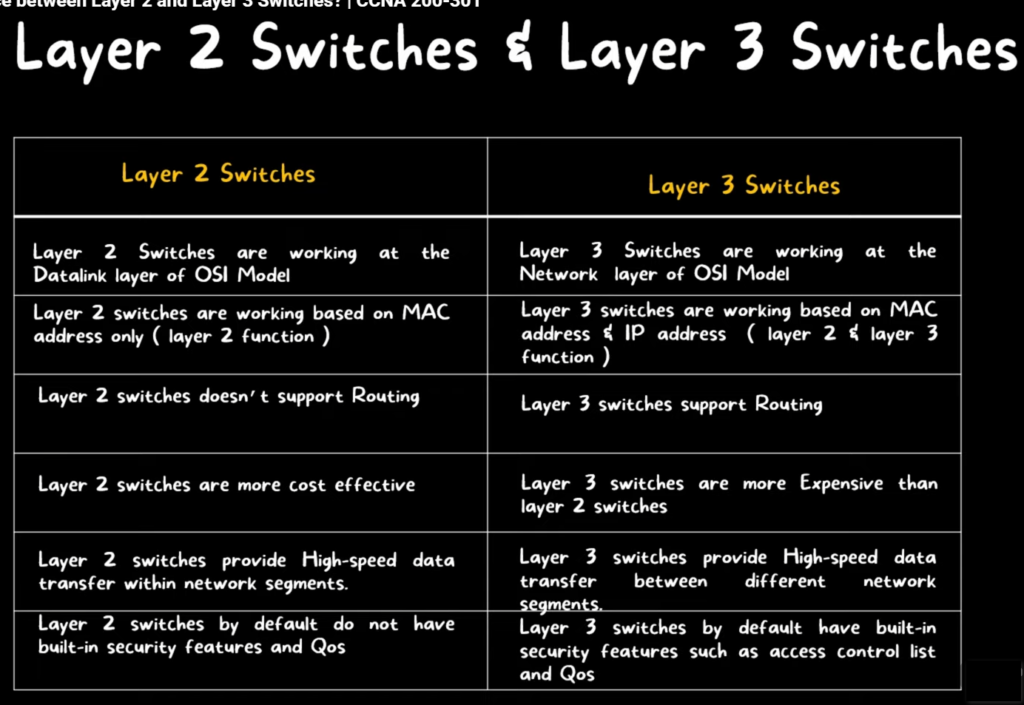
| Feature | Layer 2 Switch | Layer 3 Switch |
|---|---|---|
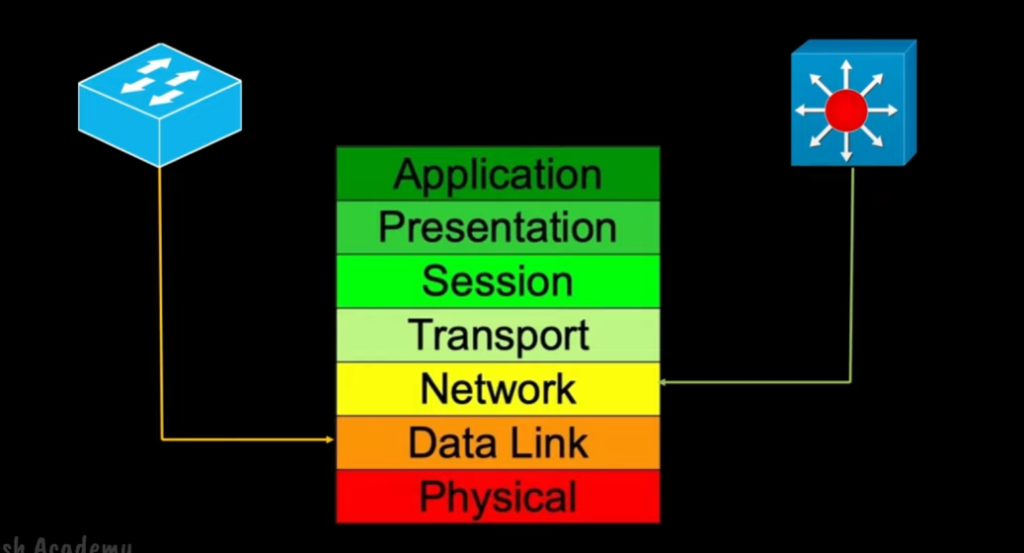
| Operating Layer | Data Link Layer (Layer 2) | Network Layer (Layer 3) |
| Main Function | Switching based on MAC address | Routing based on IP address + MAC address |
| Decision Method | Uses MAC address table | Uses routing table |
| Routing Capability | ❌ No routing | ✔ Yes (Inter-VLAN routing) |
| VLAN Communication | Cannot communicate between VLANs directly | Can communicate between VLANs |
| Speed | Very fast switching | Slightly slower than L2 (due to routing process) |
| Protocol Used | STP (Spanning Tree Protocol) | Routing protocols (OSPF, RIP, EIGRP, etc.) |
| Use Case | Small networks, access layer switches | Enterprise networks, core/distribution layer |
| IP Address Requirement | Not required for switching | Required for management + routing |
| Example Use | Connecting PCs in same network | Connecting different departments/VLANs |
Simple Summary
- Layer 2 Switch → works like a MAC-based traffic manager inside same network
- Layer 3 Switch → works like a router + switch combined, used for different networks/VLANs
L2 vs L3 Switches Choosing the right Switch for your Network
Choosing between a Layer 2 switch and a Layer 3 switch depends on the size of the network and whether routing between different networks is required. Both switches are used in different parts of a network design, and selecting the right one improves performance and reduces complexity.
A Layer 2 switch is suitable for small or simple networks where all devices are in the same network or VLAN. It operates at the Data Link Layer and uses MAC addresses to forward data. It is mainly used to connect devices like PCs, printers, and access points within the same local network. Since it does not perform routing, it is ideal for the access layer of a network where only basic switching is required.
A Layer 3 switch, on the other hand, is used in larger and more complex networks. It works at both the Data Link Layer and Network Layer, meaning it can perform switching as well as routing between VLANs using IP addresses. This makes it useful in environments where different departments such as HR, IT, and Finance are separated into VLANs but still need to communicate with each other. It is commonly used in distribution and core layers of enterprise networks.
In simple terms, a Layer 2 switch is best for connecting devices within the same network, while a Layer 3 switch is required when communication between different networks or VLANs is needed. Therefore, small offices usually use L2 switches, while large organizations and campus networks prefer L3 switches for better scalability and performance.
L3 Switch Example
A Layer 3 switch example is a switch that can perform both switching and routing, commonly used in enterprise networks for inter-VLAN communication.
One classic example is the Cisco Catalyst 3560 Series Switch, which supports Layer 3 routing features like static routing and inter-VLAN routing along with normal Layer 2 switching. It is widely used in campus networks and small-to-medium enterprise setups where multiple VLANs need to communicate without a separate router.
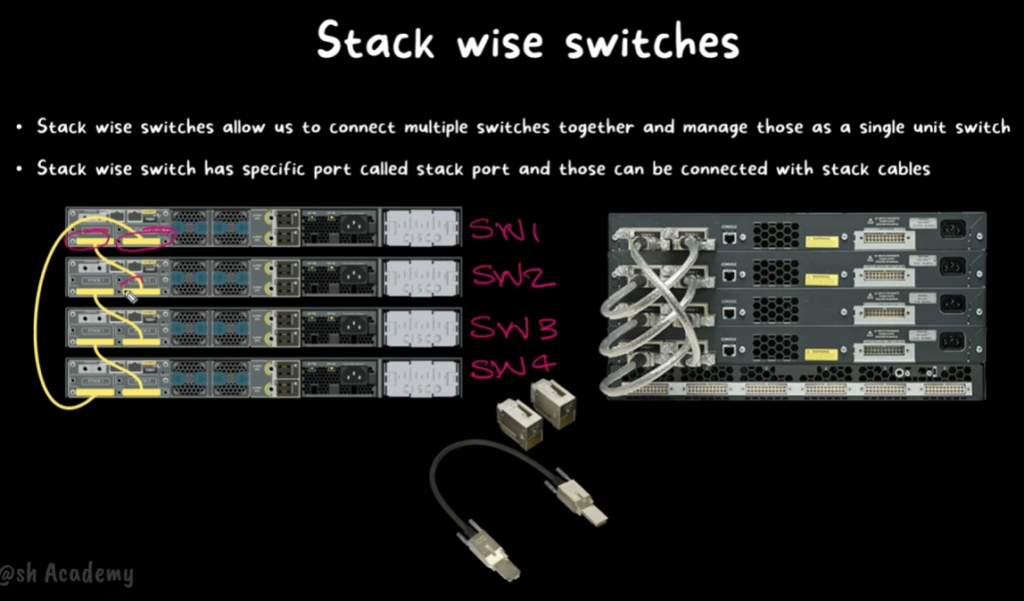
Another modern example is the Cisco Catalyst 9300 Series Switch, which is an advanced enterprise multilayer switch. It supports high-speed Layer 3 routing protocols such as OSPF and EIGRP, along with advanced security, automation, and stacking capabilities. It is commonly used in large organizations, data centers, and core/distribution network layers.
In simple terms, these Layer 3 switches act like a combination of a switch and a router, allowing efficient communication between different networks (VLANs) while still handling normal device switching within the same network.
L3 Switch Example in Company Network
In a company network, different departments are separated using VLANs and subnets to improve security, performance, and management. A Layer 3 switch is used as the central device that connects all these VLANs and also routes traffic between them. Each VLAN is assigned a separate IP subnet so that the network remains organized and easy to control.
For example, the HR Department may use the subnet 192.168.10.0/24, the IT Department may use 192.168.20.0/24, the Finance Department may use 192.168.30.0/24, and the Sales Department may use 192.168.40.0/24. Devices within each subnet can communicate freely without needing routing because they are in the same network.
The Layer 3 switch assigns a virtual interface (SVI) for each VLAN, which acts as the default gateway. For instance, VLAN 10 uses 192.168.10.1, VLAN 20 uses 192.168.20.1, and so on. When a device from one subnet needs to communicate with another subnet, the Layer 3 switch uses its routing table to forward the traffic between VLANs efficiently.
In this way, the Layer 3 switch works as both a switch and a router, allowing smooth communication within the same subnet and between different subnets. This design is widely used in companies because it reduces the need for separate routers, simplifies the network structure, and improves overall performance.
Without a Layer 3 Switch Problem issue Create Company Network?
In a network without a Layer 3 switch, one of the biggest problems is that different VLANs or subnets cannot communicate directly. Each department like HR, IT, and Finance works in separate networks, such as 192.168.10.0/24 and 192.168.20.0/24. Since there is no routing device inside the switch, these networks remain isolated and cannot exchange data.
Another issue is that a separate router is required for inter-VLAN communication. Instead of handling routing inside the switch, all traffic between VLANs must pass through an external router. This increases hardware cost, requires more configuration, and adds extra complexity to the network design.