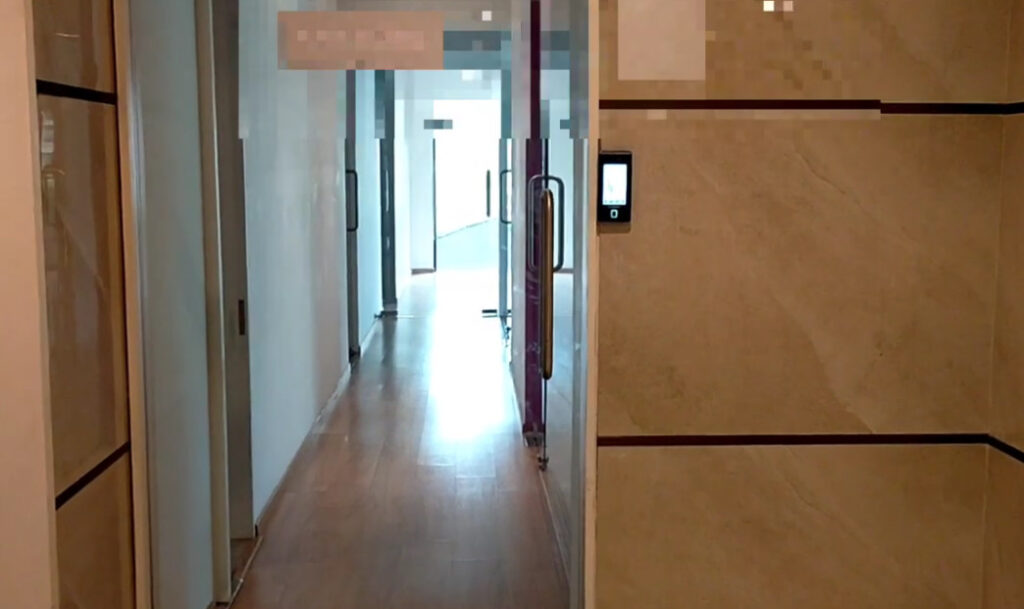
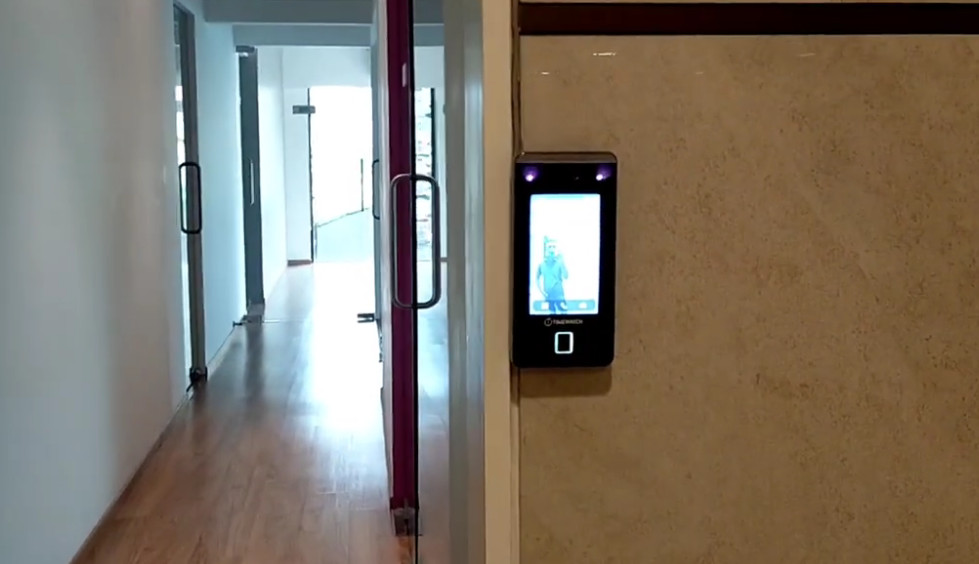
Biometric Installation

Biometric Installation Work Tasks in School & College & Office

1. Site Survey and Planning
2. Device Selection and Setup

3. Wiring and Power Connection

4. Network Configuration

5. Software Installation and Setup

6. User Enrollment (Registration)

7. Testing and Verification

8. Training and Handover

9. Maintenance and Support

10. Biometric Installation Hardware Tasks:

Biometric Software Tasks

Company Management

  • Create Company
  • Edit Company
  • Delete Company
  • Company Details Update
  • Company Address
  • Time Zone
  • Holiday Calendar

Department Management

  • Create Department
  • Edit Department
  • Delete Department
  • Manage Department Hierarchy
  • Assign Employees to Departments

Branch Management

  • Create Branch
  • Edit Branch Information
  • Assign Employees to Branches
  • Configure Branch-Specific Settings

Employee Management

  • Register New Employee
  • Edit Employee Details
  • Delete Employee
  • Employee Transfer
  • Assign Employee ID
  • Assign Department
  • Assign Designation
  • Register Fingerprint
  • Register Face Template
  • Register RFID Card
  • Configure Password
  • Employee Activation/Deactivation

Shift Management

  • Create Shift
  • Edit Shift
  • Delete Shift
  • General Shift
  • Morning Shift
  • Evening Shift
  • Night Shift
  • Rotational Shift
  • Flexible Shift
  • Configure Shift Timings
  • Configure Break Time
  • Configure Grace Time

Shift Assignment

  • Assign Shift to Employees
  • Department-Wise Shift Assignment
  • Monthly Shift Scheduling
  • Weekly Shift Scheduling
  • Automatic Shift Rotation

Attendance Rule

  • Late Arrival Rules
  • Early Departure Rules
  • Half-Day Rules
  • Absent Rules
  • Missing Punch Rules
  • Overtime Rules
  • Grace Period Configuration
  • Attendance Rounding Rules
  • Automatic Attendance Calculation

Leave Management

  • Create Leave Types
  • Casual Leave
  • Sick Leave
  • Earned Leave
  • Annual Leave
  • Maternity Leave
  • Paternity Leave
  • Leave Application
  • Leave Approval
  • Leave Balance
  • Leave Carry Forward
  • Leave Encashment

Holiday Management

  • National Holidays
  • Festival Holidays
  • Weekly Off
  • Company Holidays
  • Branch-Specific Holidays

Overtime Management

  • Configure Overtime Rules
  • Overtime Approval
  • Daily Overtime Calculation
  • Weekly Overtime Calculation
  • Holiday Overtime
  • Weekend Overtime

Device Management

  • Add Biometric Device
  • Delete Device
  • Configure Device IP Address
  • Configure Communication Port
  • Device Time Synchronization
  • Device Restart
  • Device Backup
  • Device Restore
  • Firmware Upgrade
  • Device Status Monitoring

User Synchronization

  • Upload Employees to Device
  • Download Employees from Device
  • Upload Fingerprints
  • Download Fingerprints
  • Upload Face Templates
  • Download Face Templates
  • Upload RFID Cards

Attendance Log MGNT

  • Download Attendance Logs
  • Automatic Log Download
  • Manual Log Download
  • View Transaction Logs
  • Clear Attendance Logs
  • Archive Attendance Data

Access Control MGNT

  • Configure Door Unlock Time
  • Configure Door Sensor
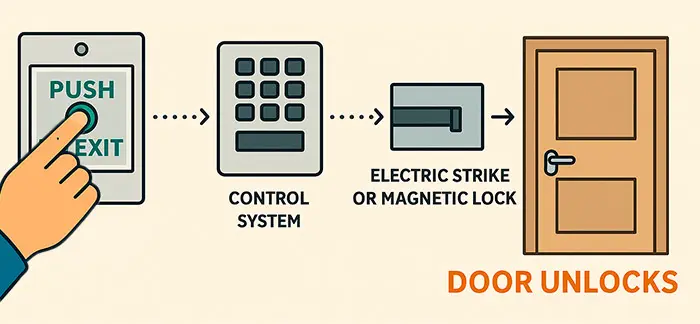
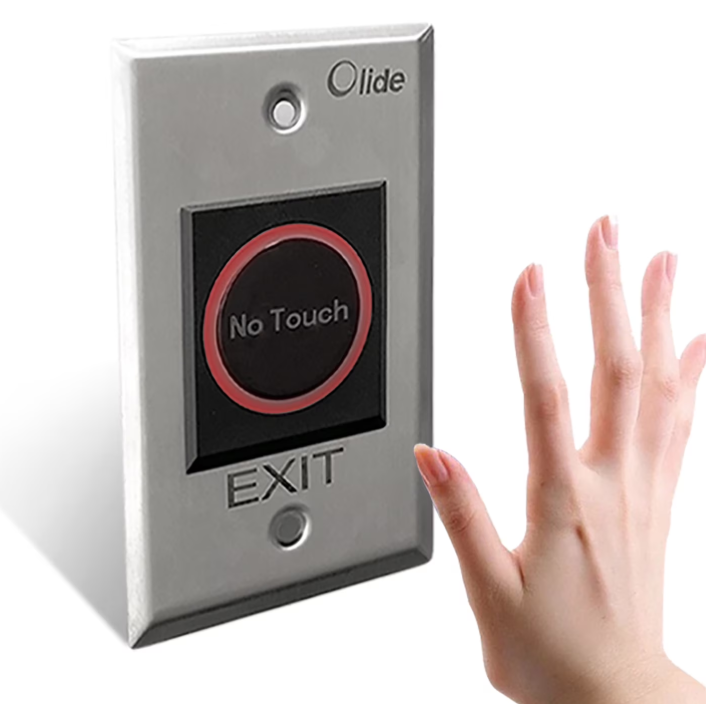
  • Configure Exit Button
  • Configure Alarm Output
  • Configure Auxiliary Input
  • Configure Time Zones
  • Configure Access Levels
  • Configure Access Groups
  • Configure Anti-Passback
  • Configure Door Schedules

Report Management

  • Daily Attendance Report
  • Monthly Attendance Report
  • Employee Attendance Report
  • Department Attendance Report
  • Late Arrival Report
  • Early Departure Report
  • Overtime Report
  • Absent Report
  • Present Report
  • Leave Report
  • Holiday Report
  • Missing Punch Report
  • Device Transaction Report
  • Access Control Report

Database Management

  • Database Backup
  • Database Restore
  • Database Maintenance
  • Database Migration
  • Database Optimization
  • Archive Historical Records

Communication Config

  • TCP/IP Configuration
  • RS232 Configuration
  • RS485 Configuration
  • USB Communication
  • ADMS Configuration
  • Cloud Connectivity
  • Communication Testing

User Roles and Security

  • Administrator Account
  • HR User Account
  • Operator Account
  • Supervisor Account
  • Viewer Account
  • Password Management
  • User Permission Management
  • Access Rights Configuration

Database Management

  • Software Installation
  • SQL Server Installation
  • Software Upgrade
  • Software Configuration
  • License Activation
  • Performance Optimization
  • System Health Check

Installation Work

  • Install Software
  • Install SQL Server
  • Connect Device
  • Configure IP
  • Test Communication
  • Register Employee
  • Configure Shift
  • Configure Leave
  • Configure Holiday
  • Download Attendance
  • Generate Reports
  • Database Backup
  • Client Training

Common Troubleshooting

  • Device Offline
  • Ping Failed
  • Port 4370 Closed
  • Attendance Not Download
  • Out Time Missing
  • Duplicate Punch
  • Wrong Shift
  • Wrong OT
  • Device Time Wrong
  • User Not Sync
  • Fingerprint Not Match
  • Face Not Match
  • Card Not Reading
  • Database Error
  • SQL Error

Troubleshooting

  • Device Offline Issue
  • Communication Failure
  • Attendance Not Downloading
  • Missing IN/OUT Punch
  • Incorrect Shift Assignment
  • Incorrect Overtime Calculation
  • Device Time Mismatch
  • Fingerprint Recognition Failure
  • Face Recognition Failure
  • RFID Card Reading Issue
  • Database Connection Error
  • SQL Server Error
  • Network Connectivity Issue
  • Backup and Restore Issues

Biometric Engineer Task

  • Company Create
  • Department Create
  • Employee Add
  • Device Add
  • IP Configuration
  • Communication Test
  • User Upload
  • User Download
  • Attendance Download
  • Shift Create
  • Shift Assign
  • Leave Create
  • Holiday Create
  • Late Rule
  • Early Out Rule
  • Overtime Rule
  • Weekly Off
  • Device Time Sync
  • Clear Device Log
  • Backup Database
  • Restore Database
  • Report Generate
  • User Permission
  • Door Unlock Setting
  • Access Group
  • Anti Passback
  • Duplicate Punch
  • Firmware Upgrade
  • ADMS Configuration
  • SQL Database Maintenance
  • Troubleshooting Device Communication

1. Company Creation

2. Department Management

3. Employee Management

4. Shift Management

5. Shift Assignment

6. Leave Management

7. Holiday Management

8. Attendance Rule Configuration

9. Device Management

10. Attendance Log Management

11. Report Generation

12. Database Backup & Restore

Example of Office 3 Shift System

School/College Biometric Attendance Example 

What is Punch Begin?

				
					| Punch Time | Result                                    |
| ---------- | ----------------------------------------- |
| 7:30 AM    | Not Accepted / May Be Ignored             |
| 7:55 AM    | Not Accepted                              |
| 8:00 AM    | Accepted as IN Punch                      |
| 8:15 AM    | Accepted                                  |
| 8:45 AM    | Accepted                                  |
| 9:00 AM    | Accepted                                  |
| 9:10 AM    | Accepted (Late rules apply if configured) |


What is Punch After Begin?

				
					| Punch Time | Status                        |
| ---------- | ----------------------------- |
| 8:55 AM    | On Time                       |
| 9:00 AM    | On Time                       |
| 9:05 AM    | On Time                       |
| 9:10 AM    | On Time                       |
| 9:15 AM    | On Time (Last Allowed Minute) |
| 9:16 AM    | Late Arrival                  |
| 9:25 AM    | Late Arrival                  |


What is Grace Time?

				
					| Punch Time | Status                      |
| ---------- | --------------------------- |
| 8:55 AM    | On Time                     |
| 9:00 AM    | On Time                     |
| 9:05 AM    | On Time                     |
| 9:09 AM    | On Time                     |
| 9:10 AM    | On Time (Last Grace Minute) |
| 9:11 AM    | Late Arrival                |
| 9:20 AM    | Late Arrival                |


What is Early Out?

				
					| Out Time | Status    |
| -------- | --------- |
| 6:00 PM  | Normal    |
| 6:05 PM  | Normal    |
| 5:59 PM  | Early Out |
| 5:45 PM  | Early Out |
| 5:30 PM  | Early Out |


What is Missing Punch?

				
					| Employee | IN Time | OUT Time | Result            |
| -------- | ------- | -------- | ----------------- |
| John     | 8:55 AM | 6:05 PM  | Present           |
| David    | 9:02 AM | Missing  | Missing OUT Punch |
| Sarah    | Missing | 6:00 PM  | Missing IN Punch  |
| Alex     | Missing | Missing  | Absent            |


What is Overtime (OT)?

				
					| OUT Time | Overtime      |
| -------- | ------------- |
| 6:00 PM  | No OT         |
| 6:15 PM  | 15 Minutes OT |
| 6:30 PM  | 30 Minutes OT |
| 7:00 PM  | 1 Hour OT     |
| 8:00 PM  | 2 Hours OT    |


					| OUT Time | Overtime      |
| -------- | ------------- |
| 6:10 PM  | No OT         |
| 6:20 PM  | No OT         |
| 6:30 PM  | 30 Minutes OT |
| 7:00 PM  | 1 Hour OT     |


					| Employee | IN Time | OUT Time | OT Result            |
| -------- | ------- | -------- | -------------------- |
| John     | 9:00 AM | 6:20 PM  | No OT                |
| David    | 9:00 AM | 6:30 PM  | 30 Minutes OT        |
| Sarah    | 9:00 AM | 7:30 PM  | 1 Hour OT            |
| Alex     | 9:00 AM | 8:00 PM  | 1 Hour 30 Minutes OT |


What is Half Day?

				
					| Punch In | Punch Out | Working Hours | Status   |
| -------- | --------- | ------------- | -------- |
| 9:00 AM  | 1:30 PM   | 4.5 Hours     | Half Day |
| 1:30 PM  | 6:00 PM   | 4.5 Hours     | Half Day |


What is Absent?

				
					| IN Time | OUT Time | Status |
| ------- | -------- | ------ |
| Missing | Missing  | Absent |


					| IN Time | OUT Time | Working Hours     | Status |
| ------- | -------- | ----------------- | ------ |
| 9:00 AM | 10:30 AM | 1 Hour 30 Minutes | Absent |


What is Present?

				
					| IN Time | OUT Time | Status  |
| ------- | -------- | ------- |
| 8:55 AM | 6:05 PM  | Present |
| 9:00 AM | 6:00 PM  | Present |
| 9:05 AM | 6:10 PM  | Present |


					| IN Time | OUT Time | Status                                    |
| ------- | -------- | ----------------------------------------- |
| 9:08 AM | 6:00 PM  | Present                                   |
| 9:10 AM | 6:05 PM  | Present                                   |
| 9:11 AM | 6:00 PM  | Present (Late, if company policy applies) |


					| IN Time | OUT Time | Status                         |
| ------- | -------- | ------------------------------ |
| 9:00 AM | 7:30 PM  | Present + 1 Hour 30 Minutes OT |


					| Employee | IN Time | OUT Time | Result              |
| -------- | ------- | -------- | ------------------- |
| John     | 8:58 AM | 6:02 PM  | Present             |
| David    | 9:07 AM | 6:00 PM  | Present             |
| Sarah    | 9:20 AM | 6:15 PM  | Present (Late In)   |
| Alex     | 9:00 AM | 7:00 PM  | Present + 1 Hour OT |


Manual Punch (Manual Attendance Entry)

What is Duplicate Punch Features?

				
					| Punch Time | Result                                    |
| ---------- | ----------------------------------------- |
| 8:58 AM    | Valid IN Punch                            |
| 8:59 AM    | Duplicate Punch (Ignored)                 |
| 9:01 AM    | Duplicate Punch (Ignored)                 |
| 9:05 AM    | Accepted (Depending on software settings) |


What is Anti-Passback (APB)?

				
					| Time    | Action         | Result         |
| ------- | -------------- | -------------- |
| 9:00 AM | IN Punch       | Access Granted |
| 9:05 AM | IN Punch Again | Access Denied  |
| 6:00 PM | OUT Punch      | Access Granted |
| 6:05 PM | IN Punch       | Access Granted |


					| Employee              | Action   | Result         |
| --------------------- | -------- | -------------- |
| John                  | IN Punch | Access Granted |
| Alex uses John's Card | IN Punch | Access Denied  |


What is Leave

1. Casual Leave (CL)

				
					| Employee | Reason          | Leave Type |
| -------- | --------------- | ---------- |
| John     | Family Function | CL         |


2. Sick Leave (SL)

				
					| Employee | Reason | Leave Type |
| -------- | ------ | ---------- |
| Sarah    | Fever  | SL         |


3. Earned Leave (EL)

				
					| Employee | Reason   | Leave Type |
| -------- | -------- | ---------- |
| David    | Vacation | EL         |


4. Privilege Leave (PL)

				
					| Employee | Reason          | Leave Type |
| -------- | --------------- | ---------- |
| Alex     | Family Vacation | PL         |


5. Maternity Leave (ML)

				
					| Employee | Reason     | Leave Type |
| -------- | ---------- | ---------- |
| Priya    | Childbirth | ML         |


6. Paternity Leave (PTL)

				
					| Employee | Reason            | Leave Type |
| -------- | ----------------- | ---------- |
| Rahul    | Newborn Baby Care | PTL        |


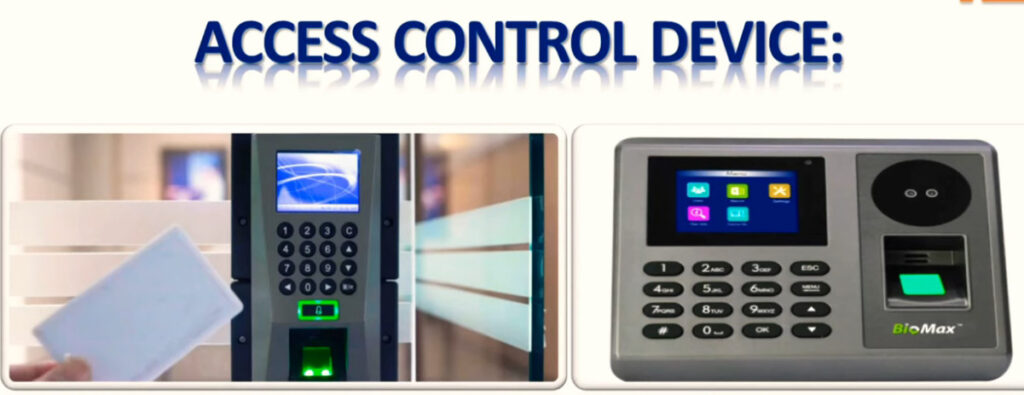
What is Biometric Device Add to P.C Software

What is Standalone Biometric

What is Multi-Door (Multi Door Access Control)

What is Controller in Biometric System (Access Control)

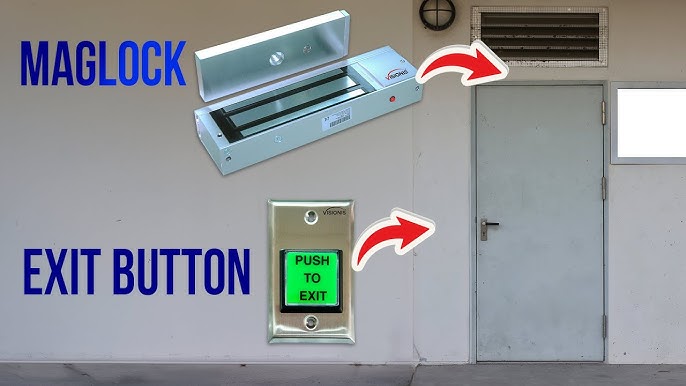
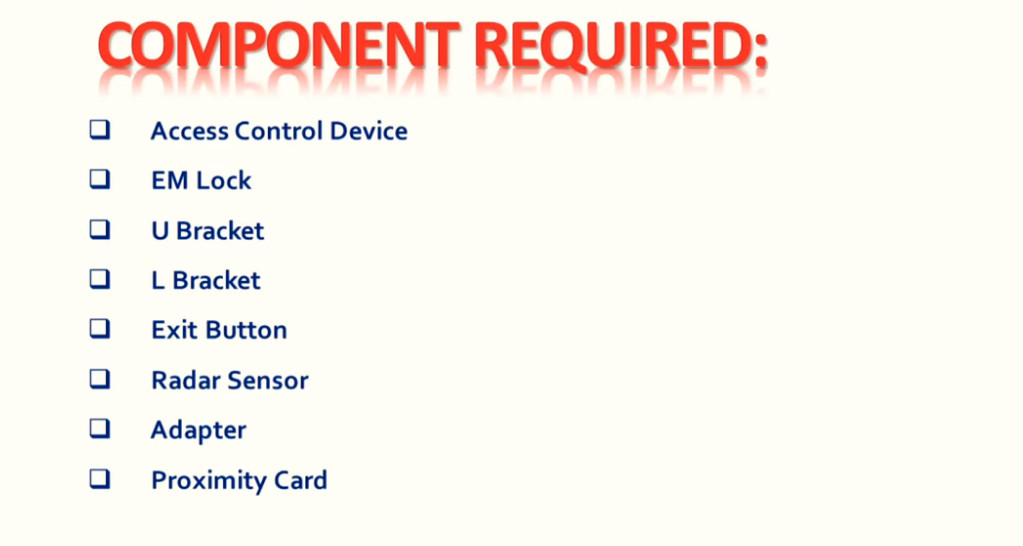
Components of Biometric Installation

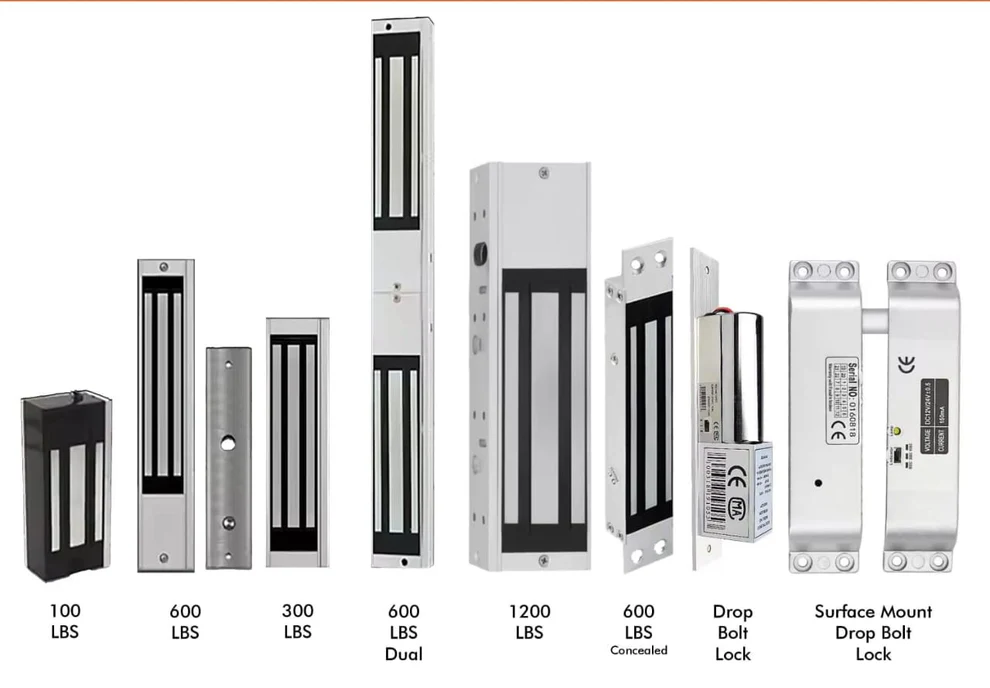
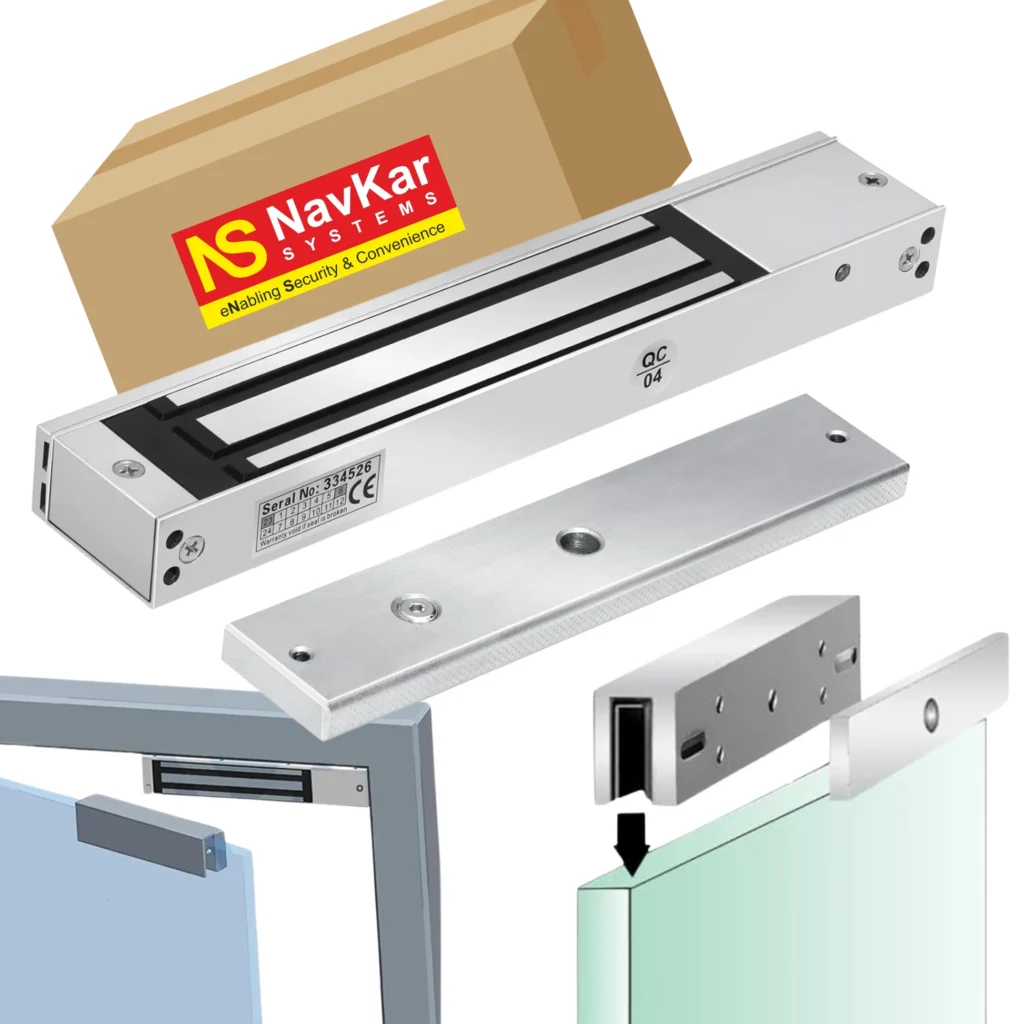
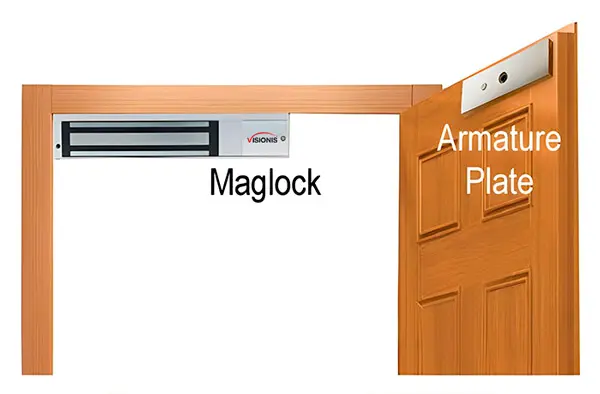
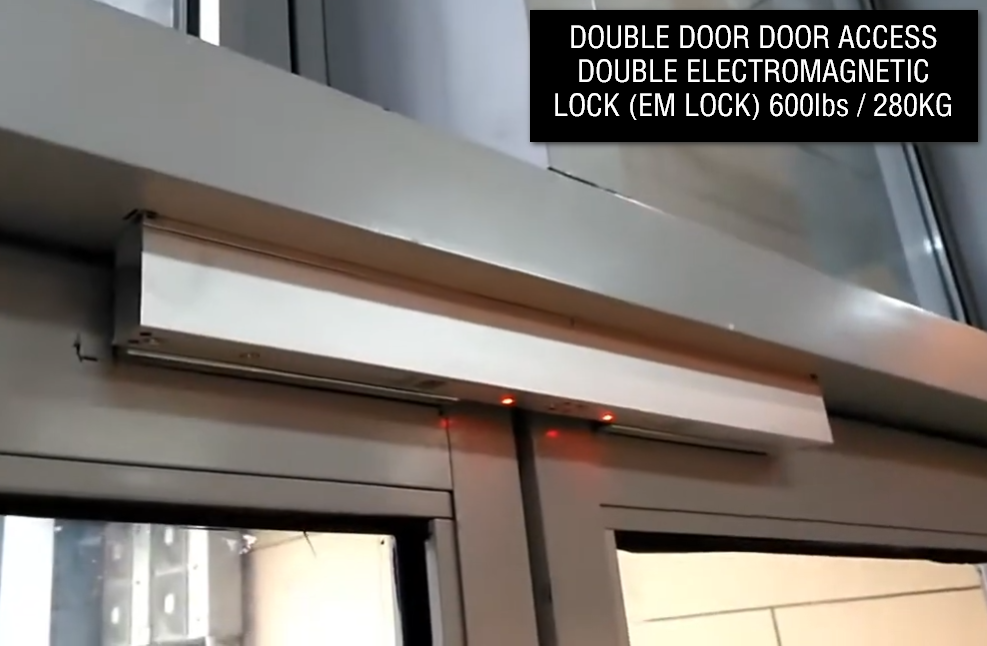
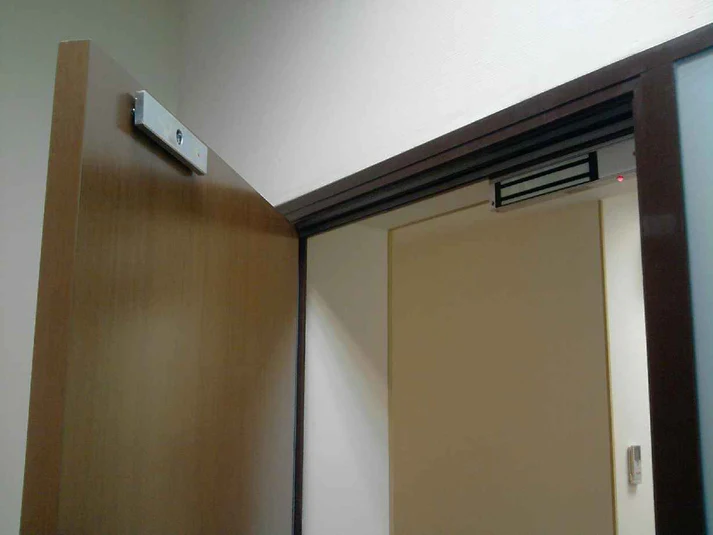
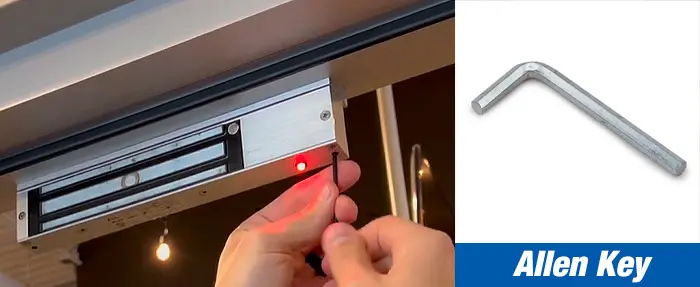

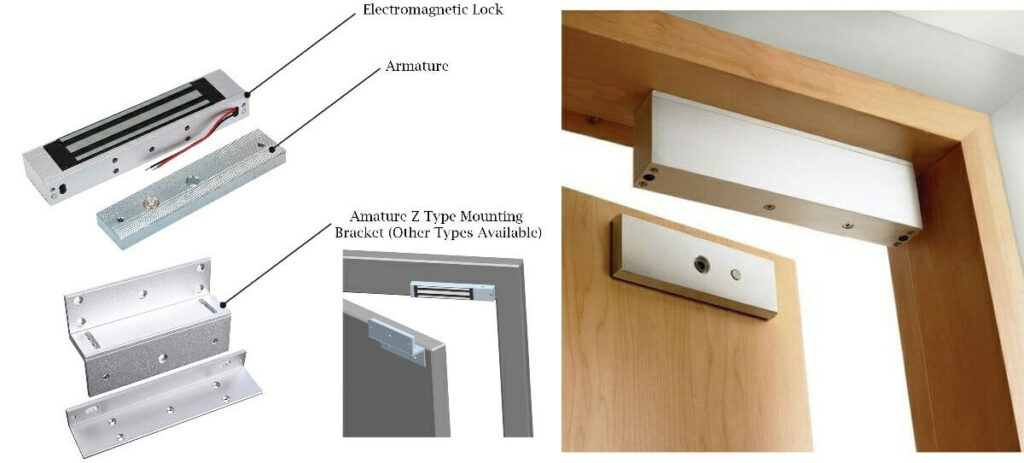
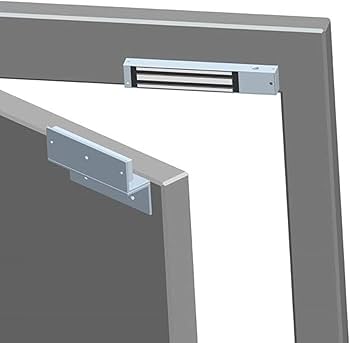
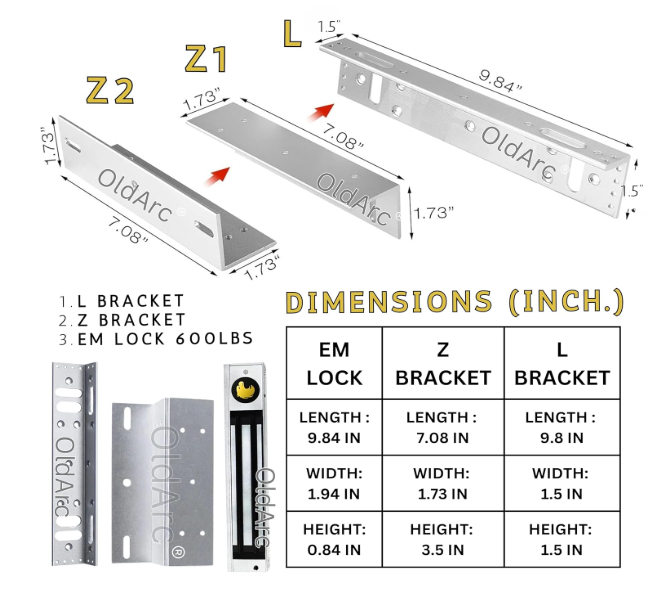
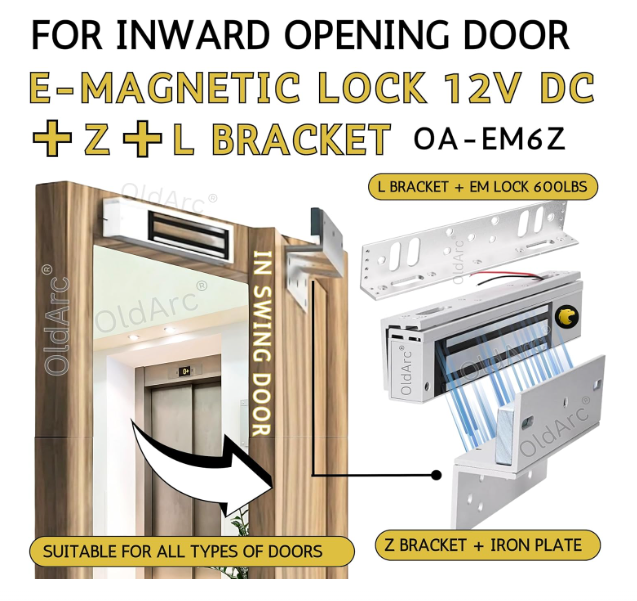
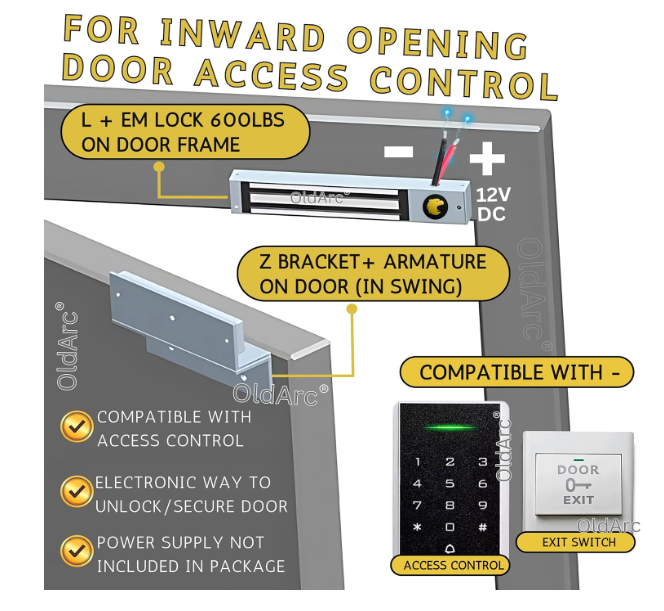
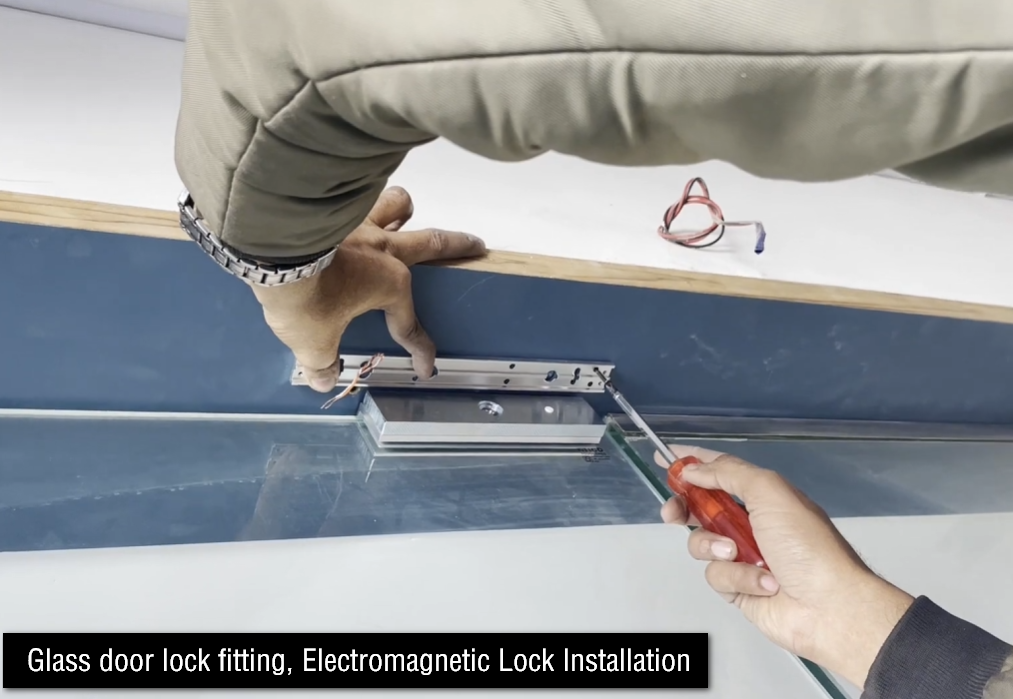
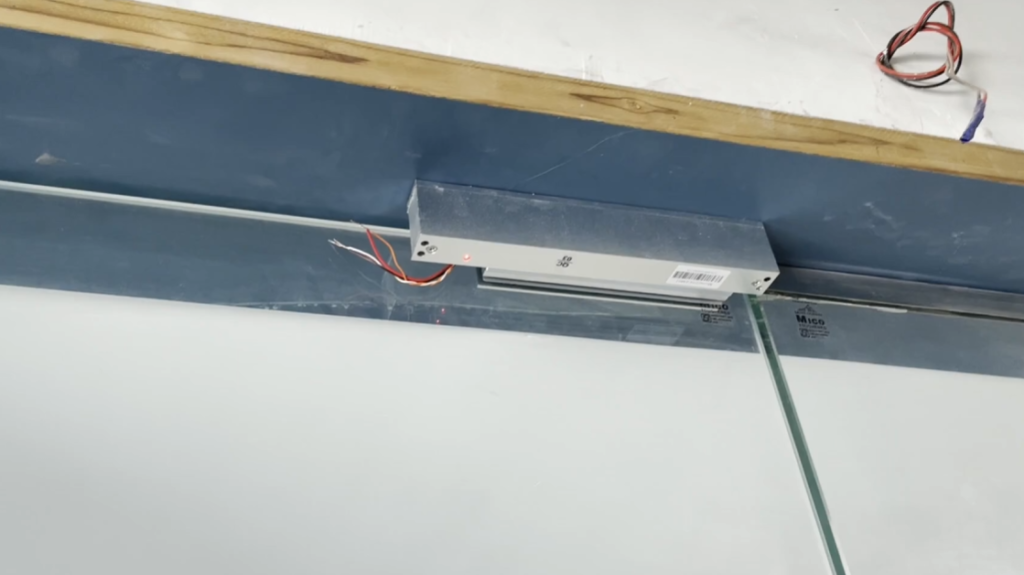
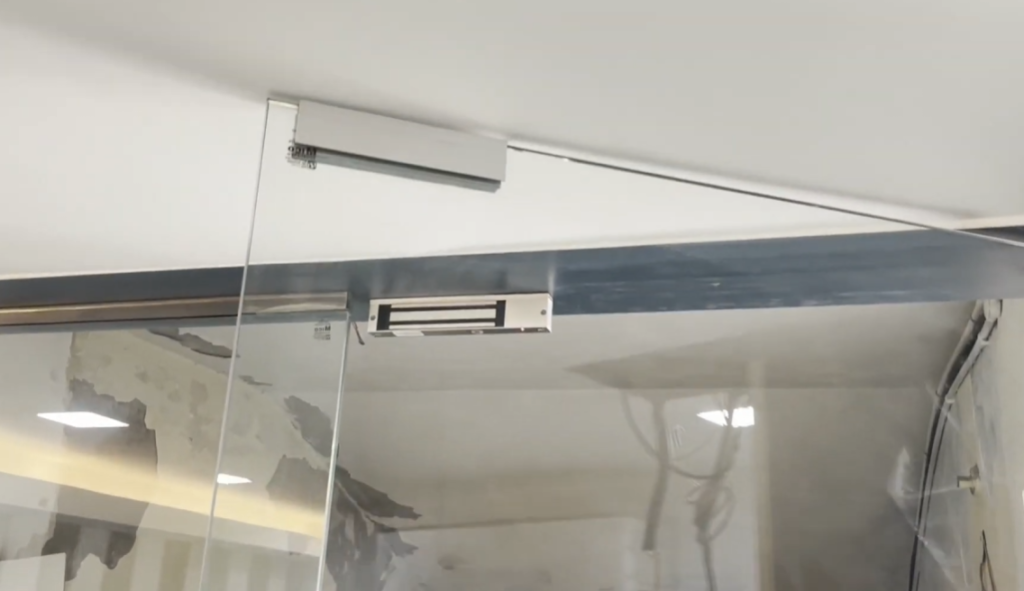
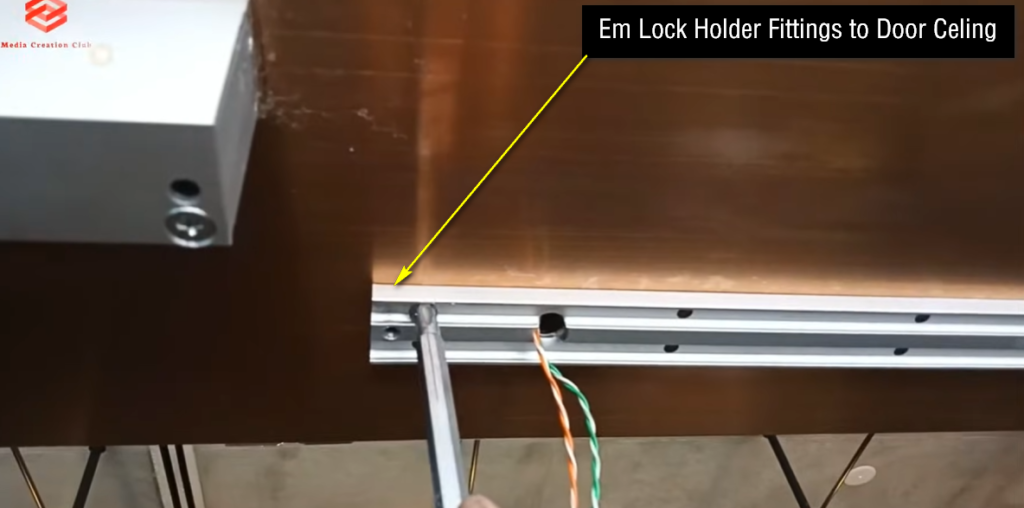
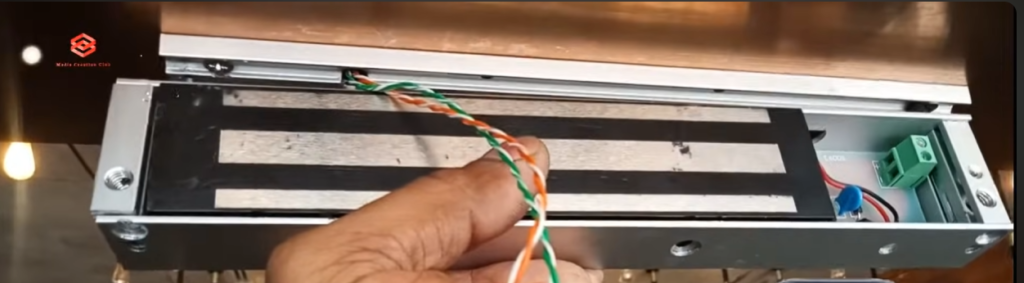
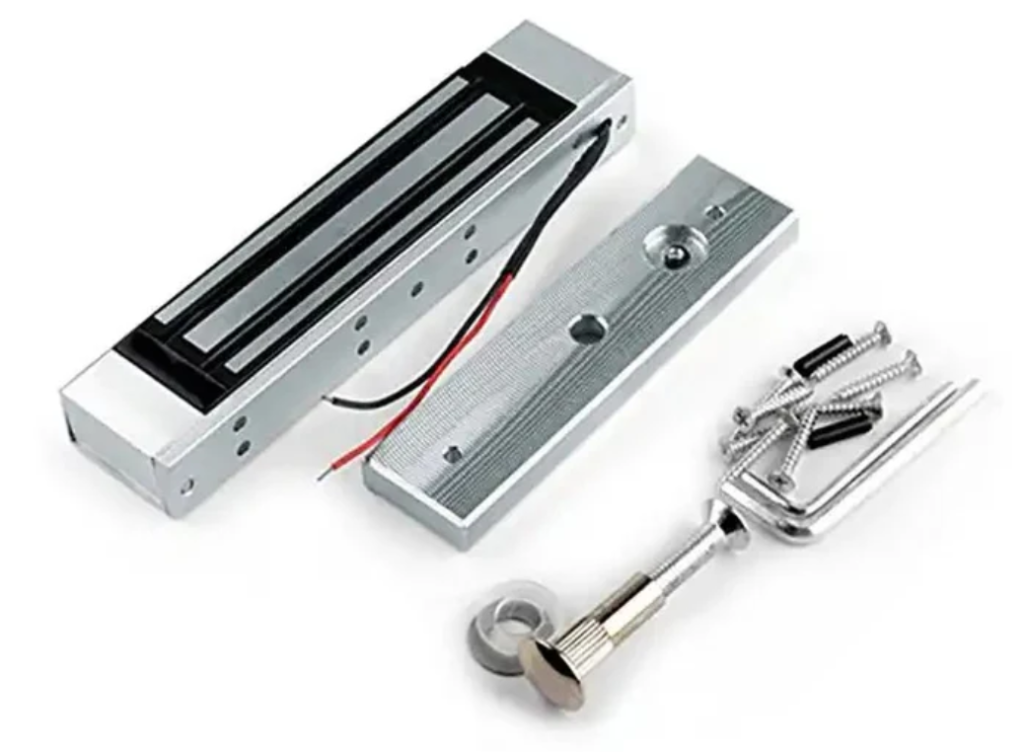
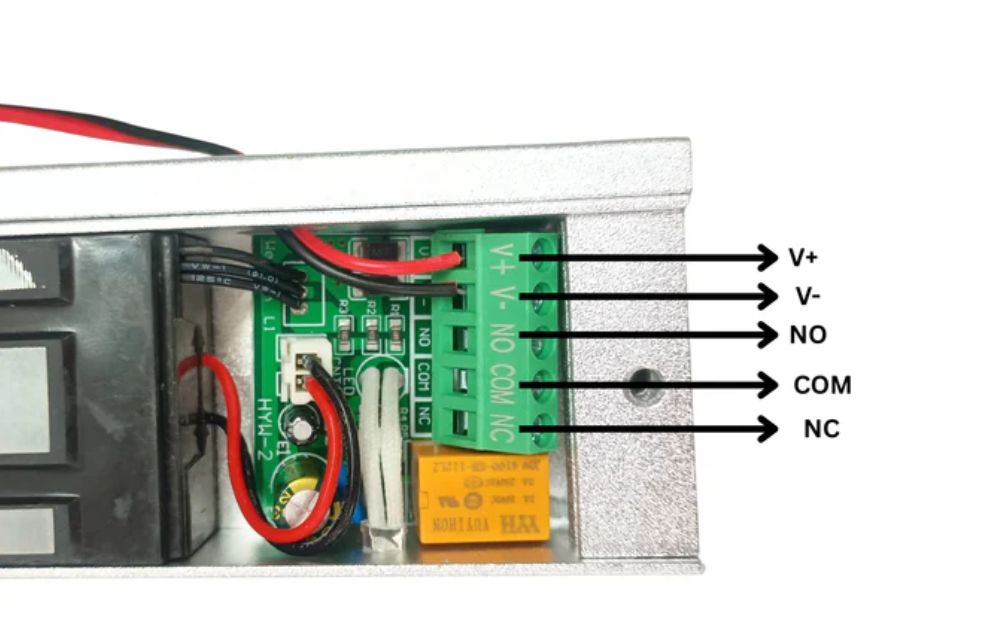
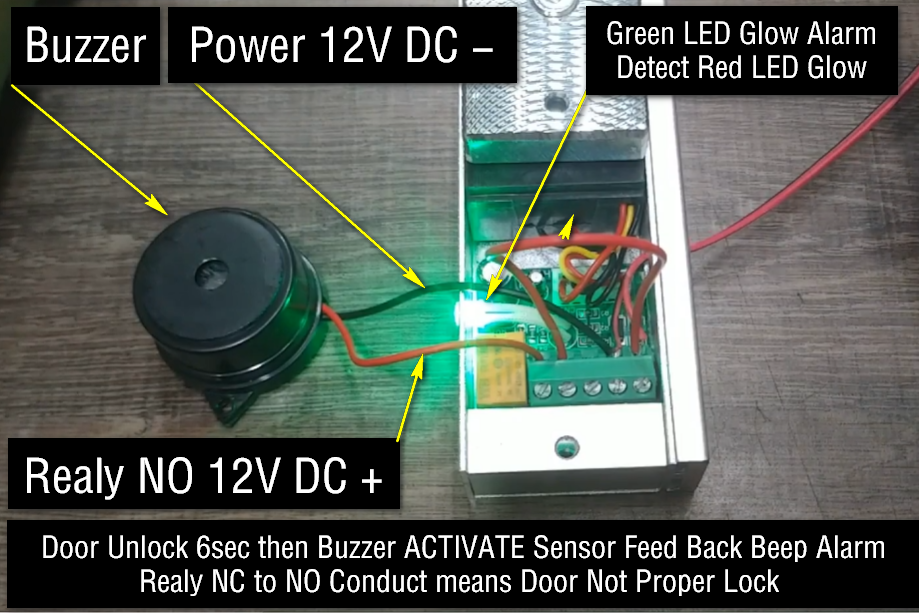
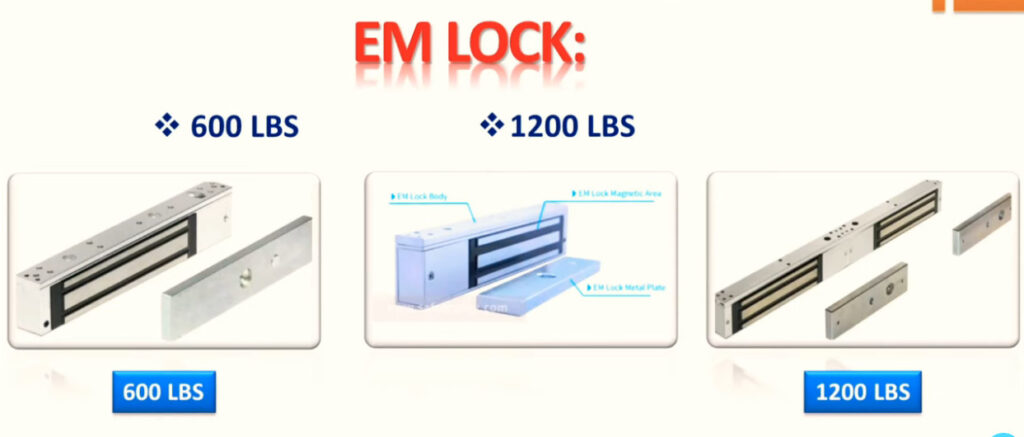
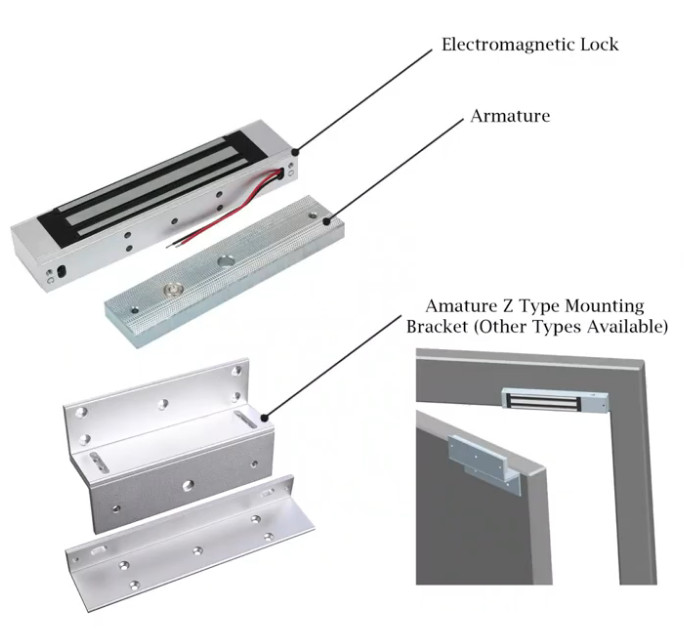
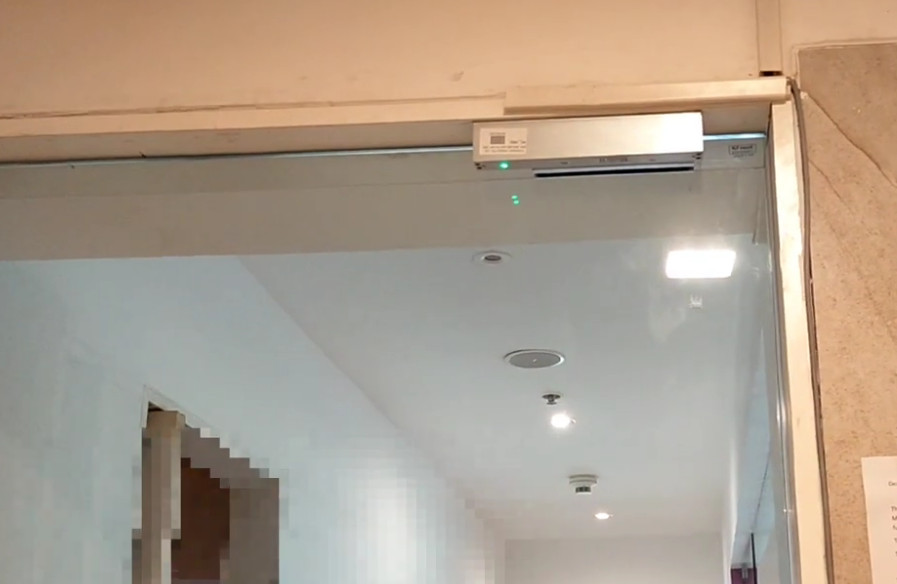
What is EM Lock (Electromagnetic Lock)

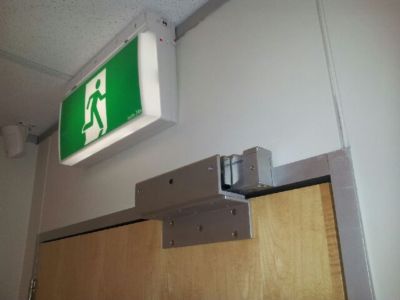
Real Example of an EM Lock

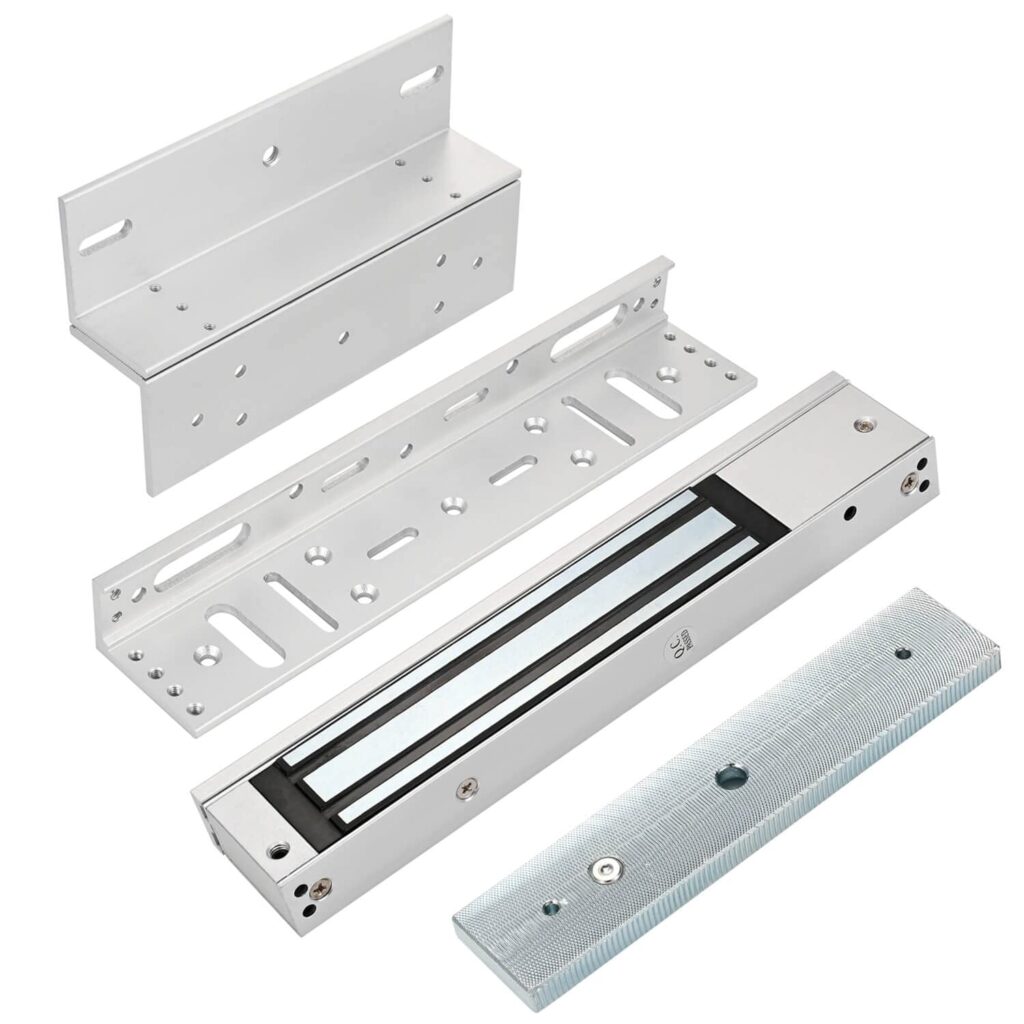
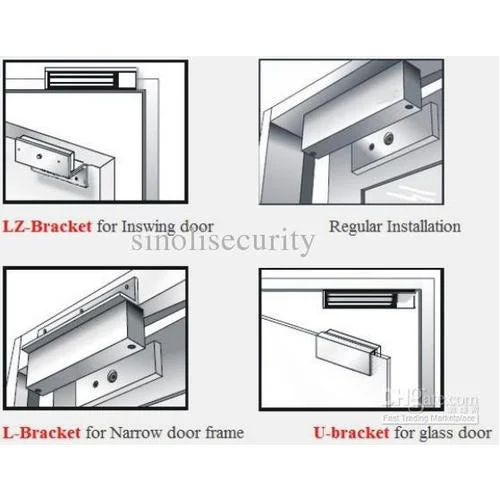
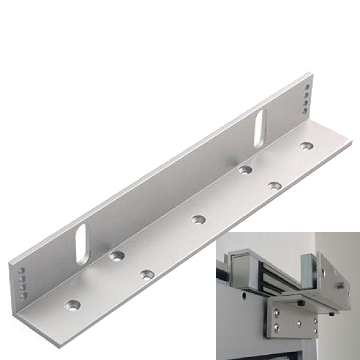
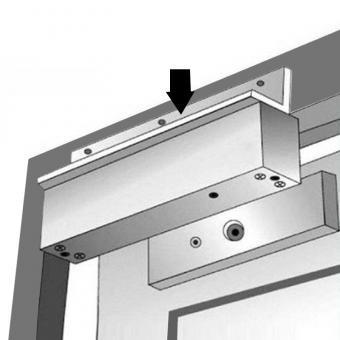
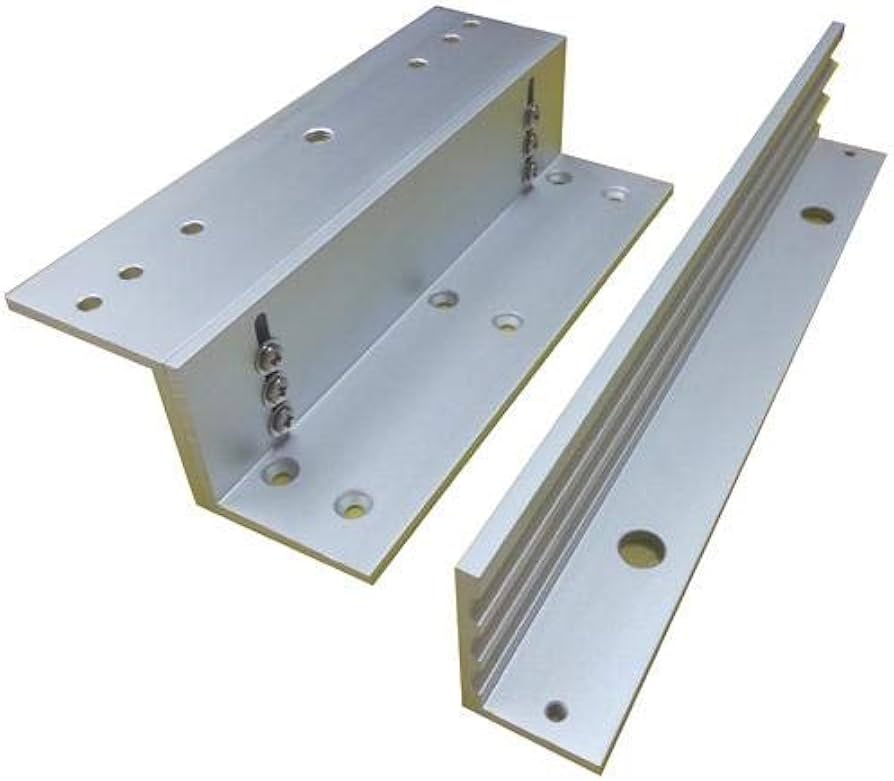
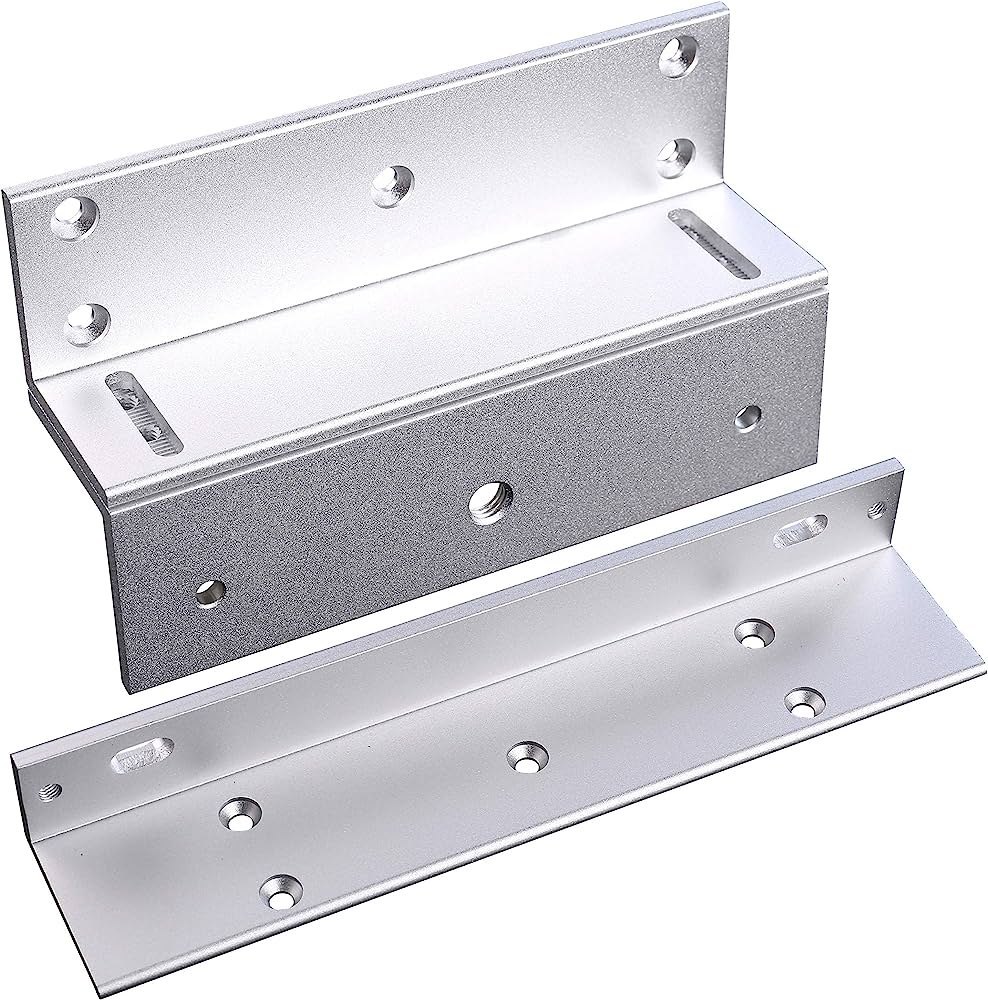
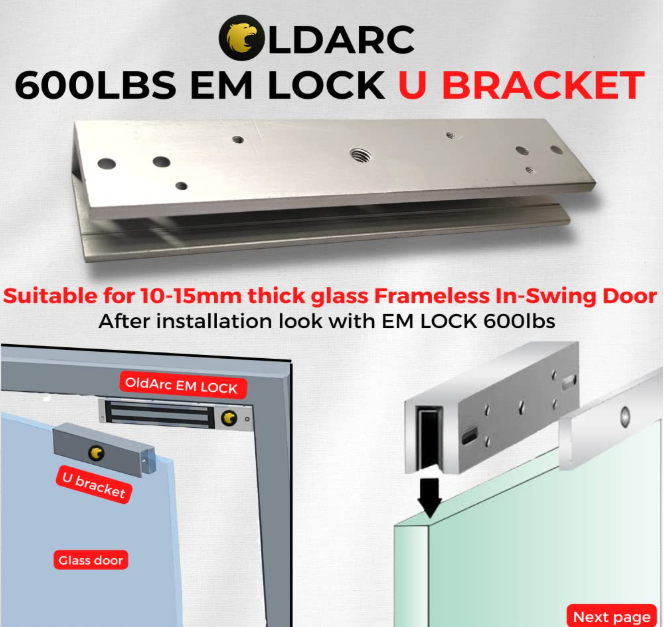
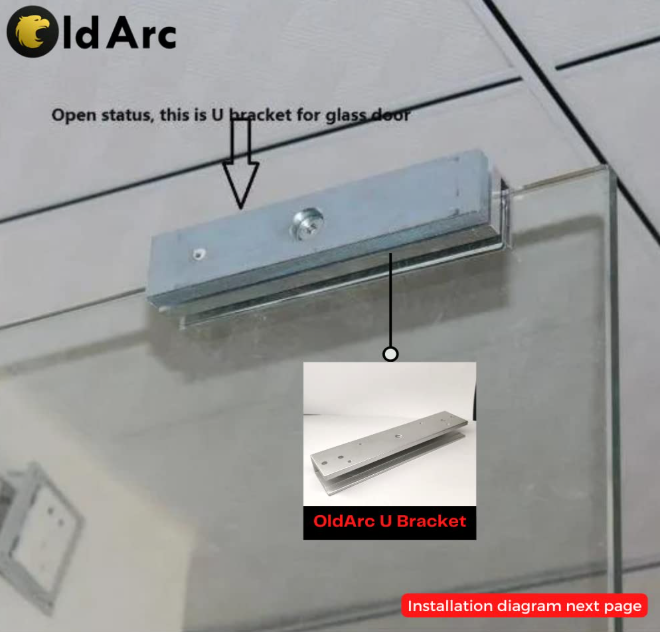
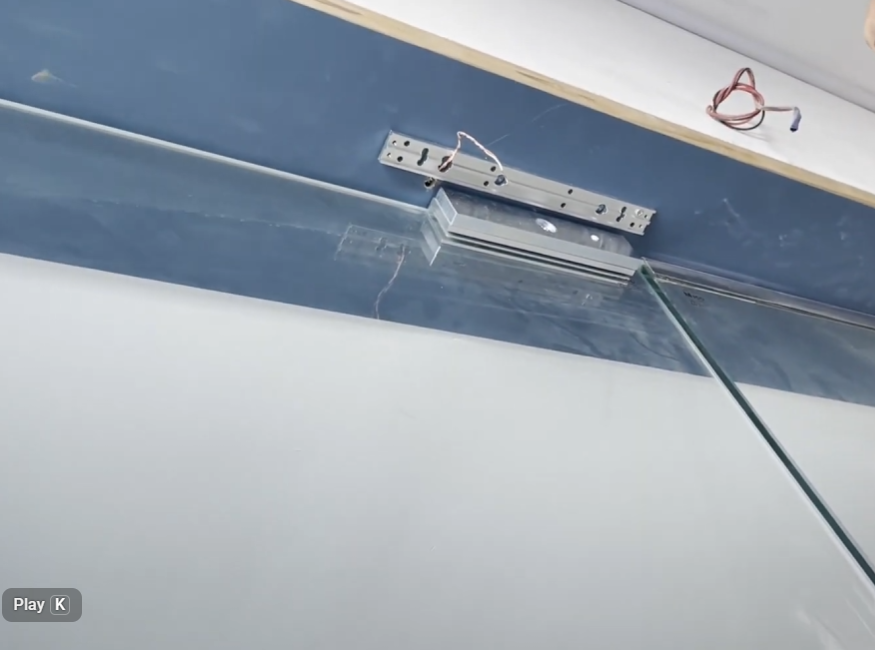
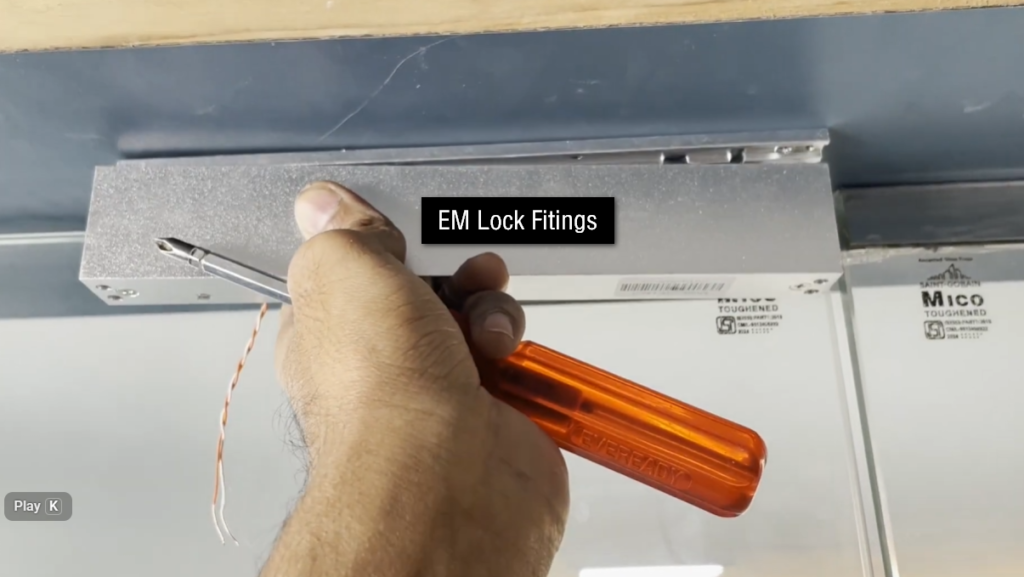
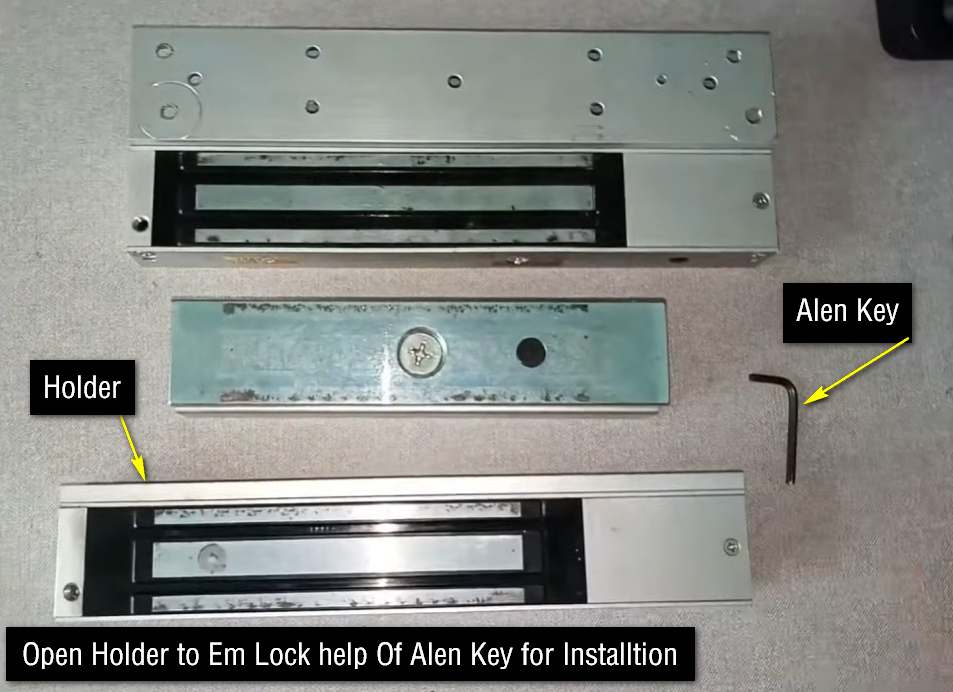
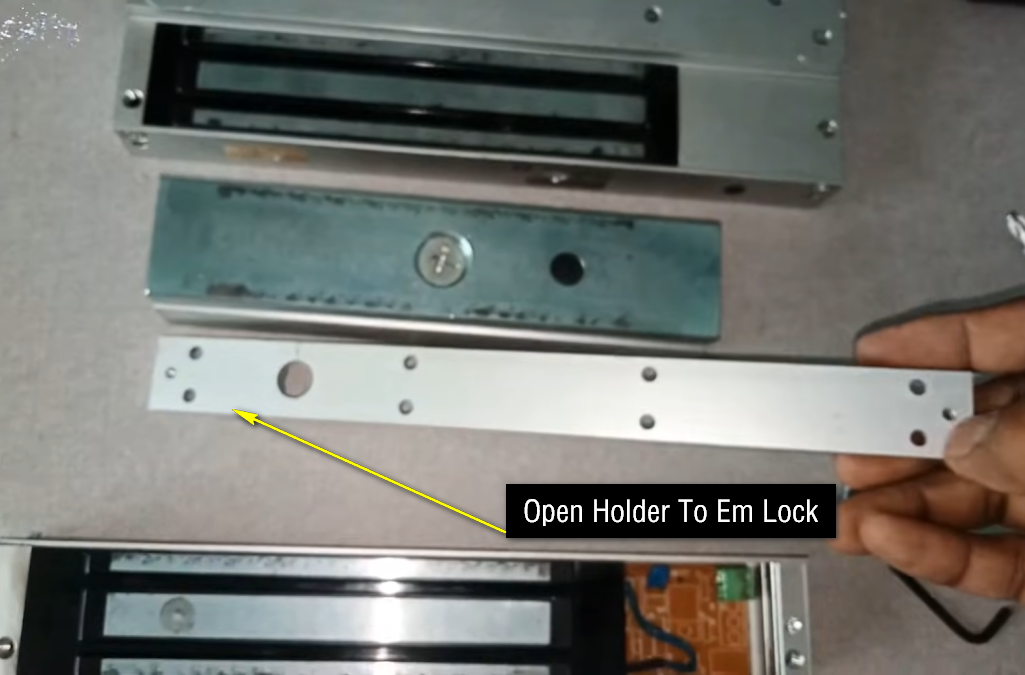
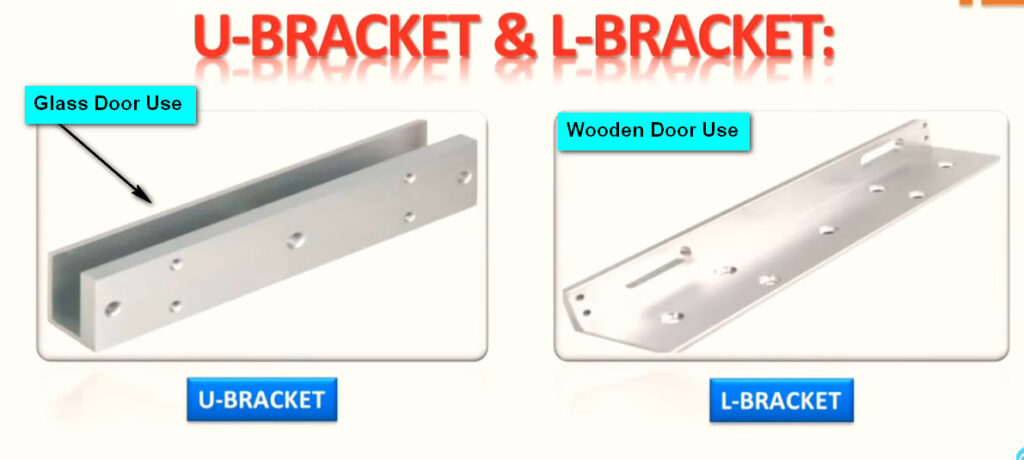
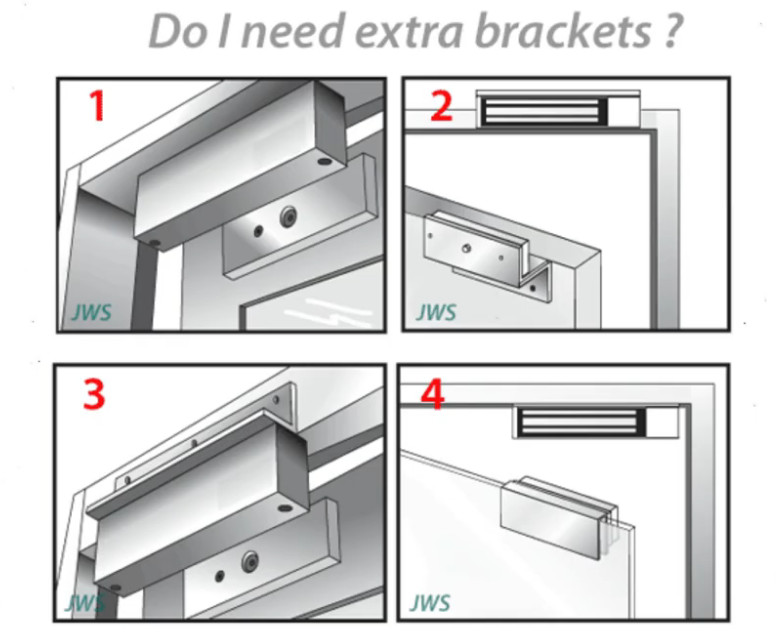
EM Lock Brackets

L Bracket EM Lock

ZL Bracket EM Lock

U Bracket EM Lock

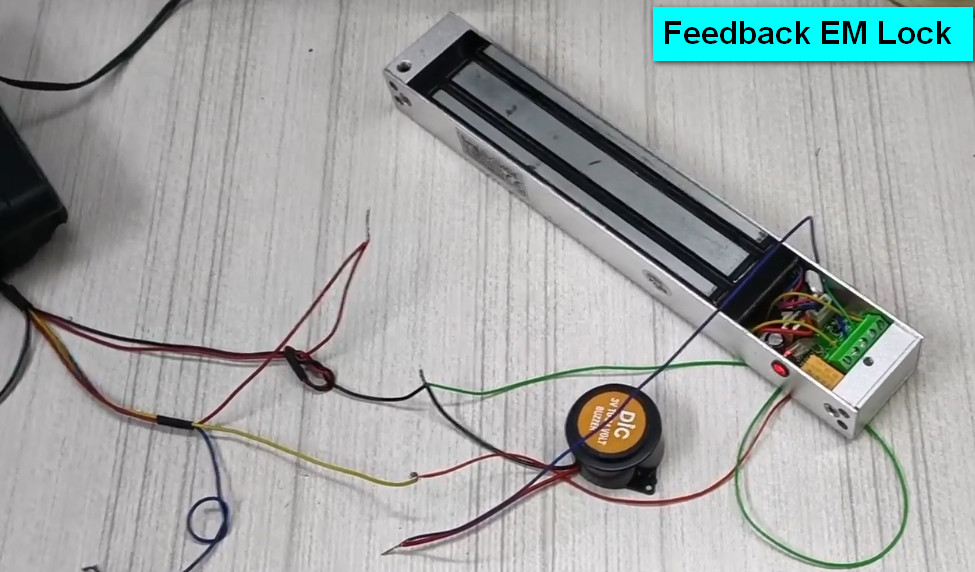
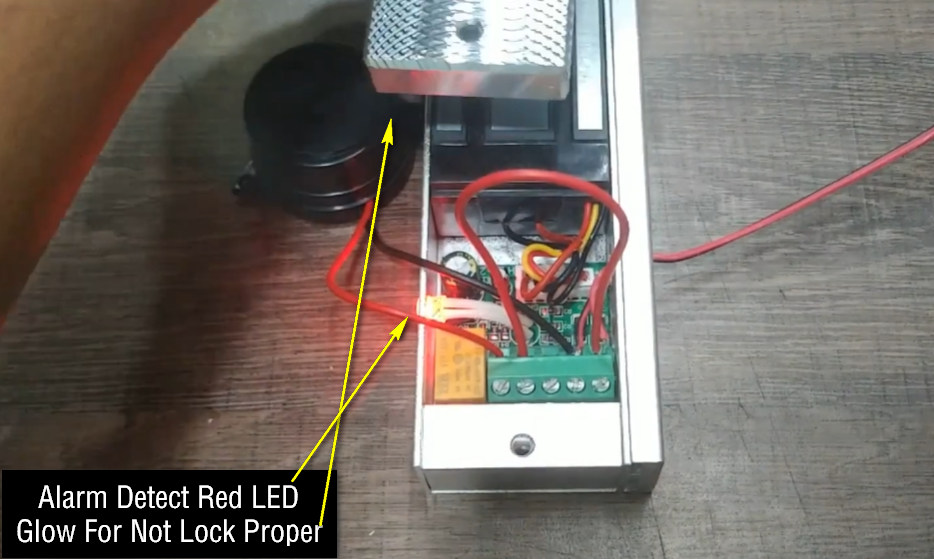
What is Feedback EM Lock

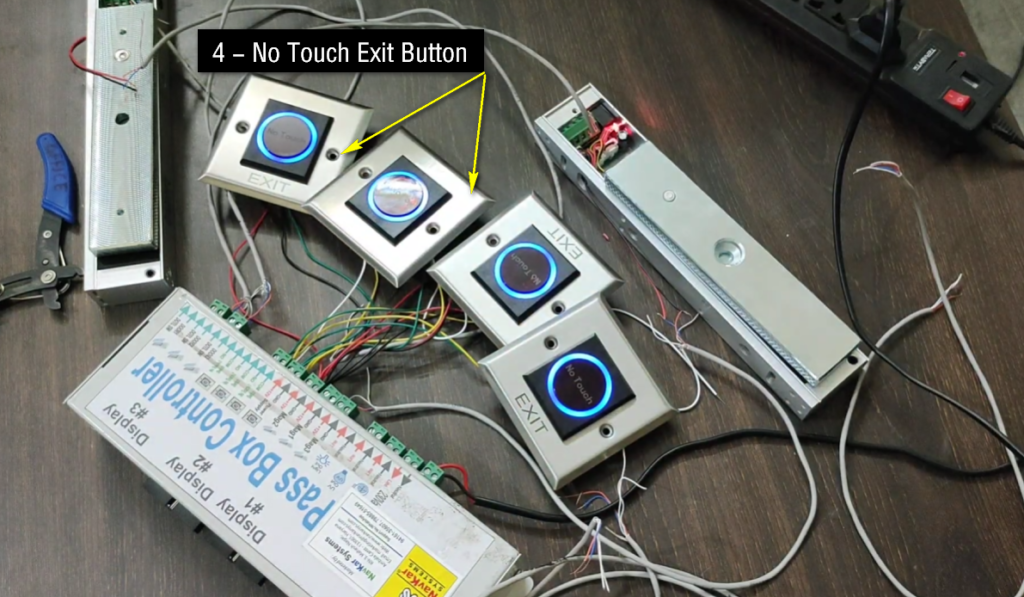
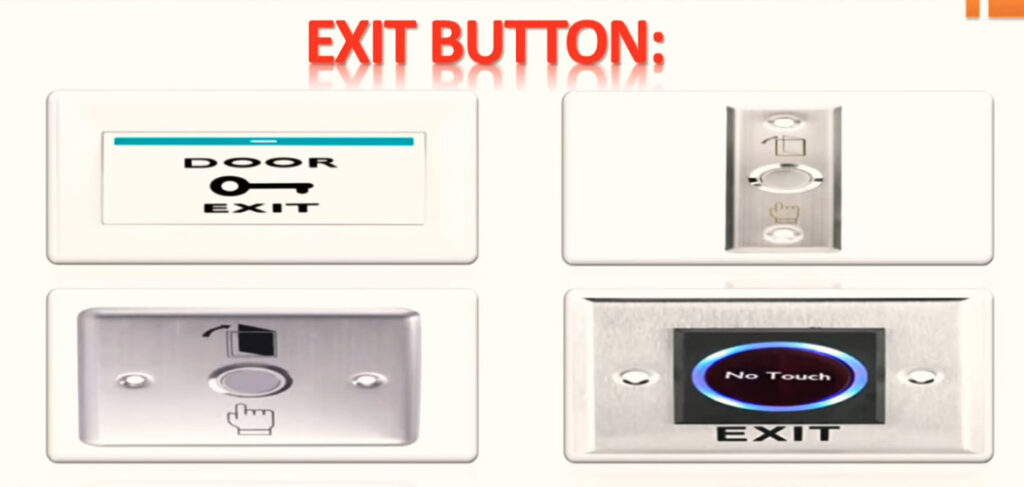
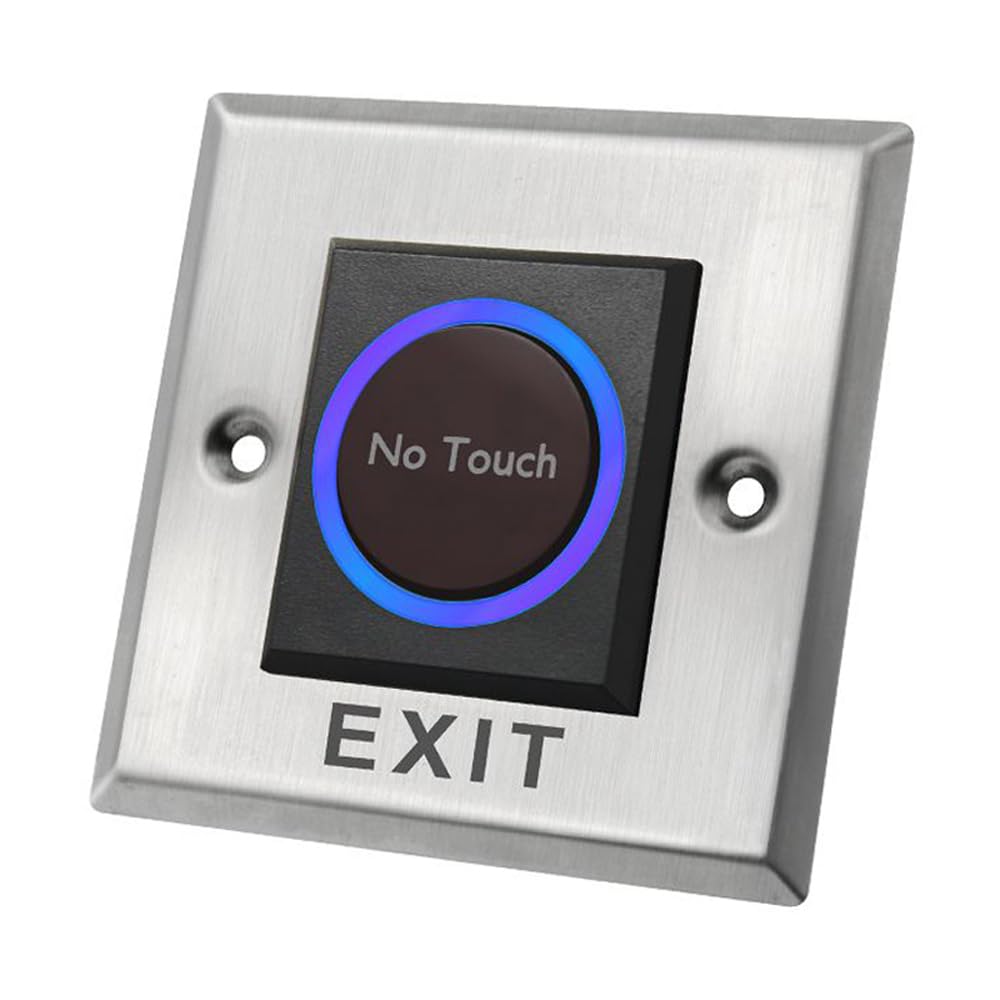
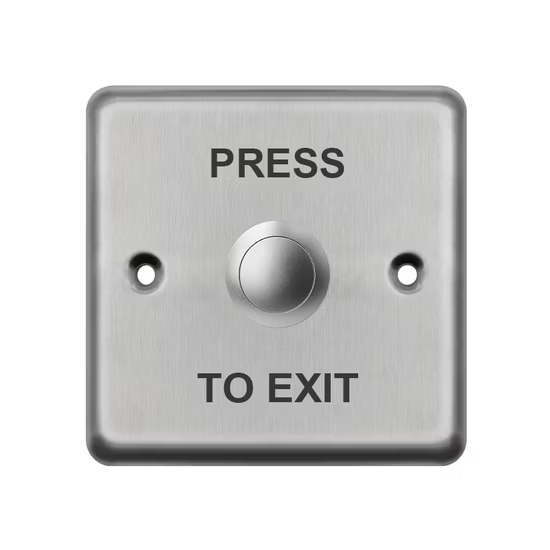
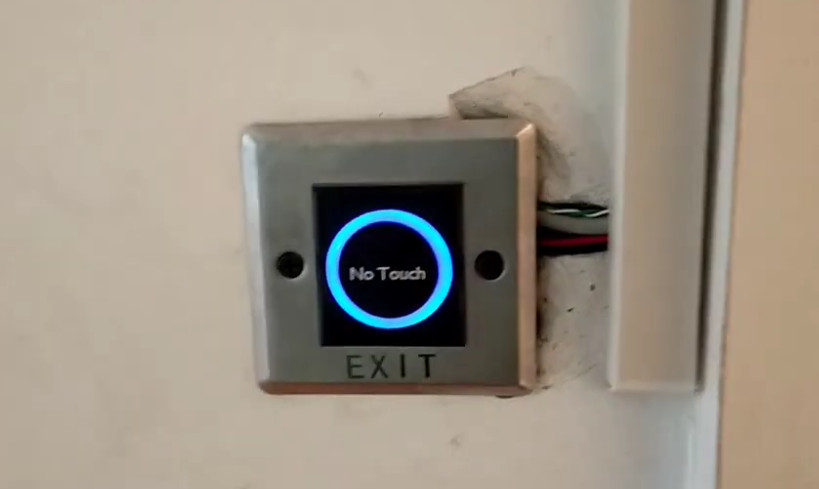
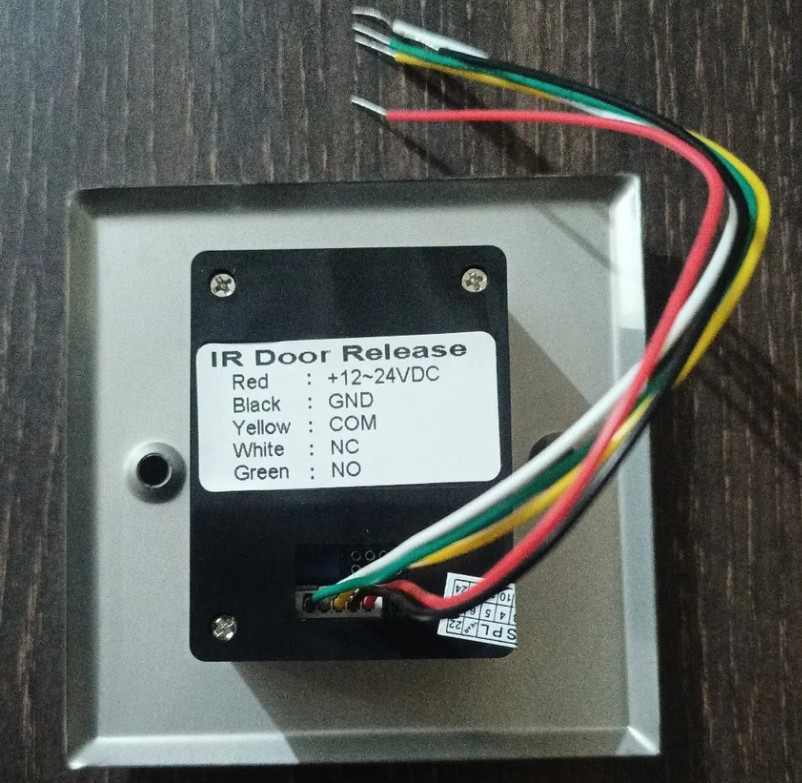
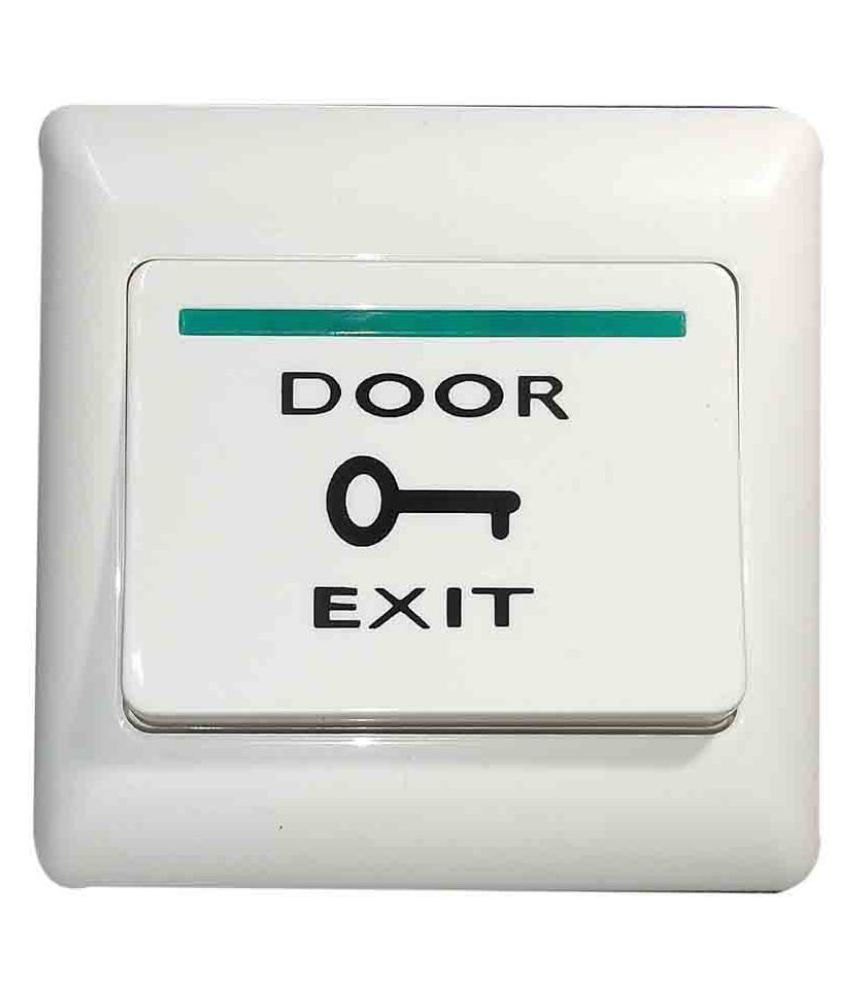
What is Exit Button

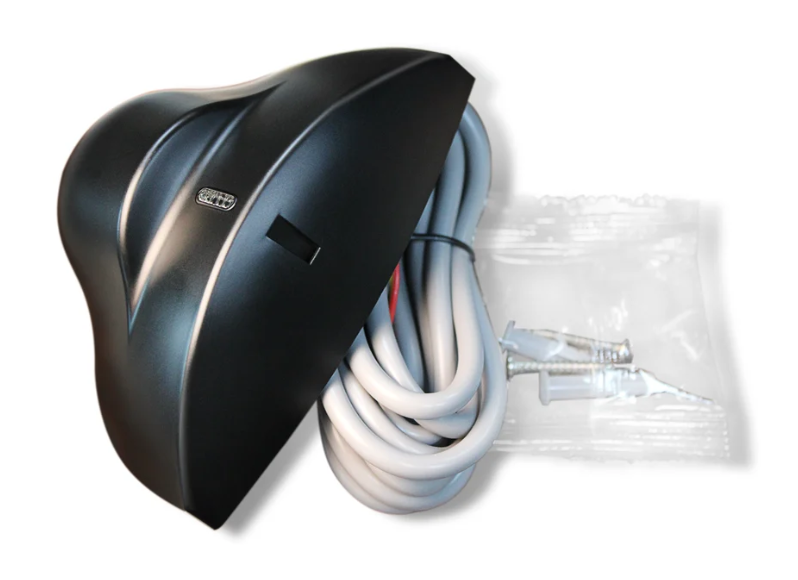
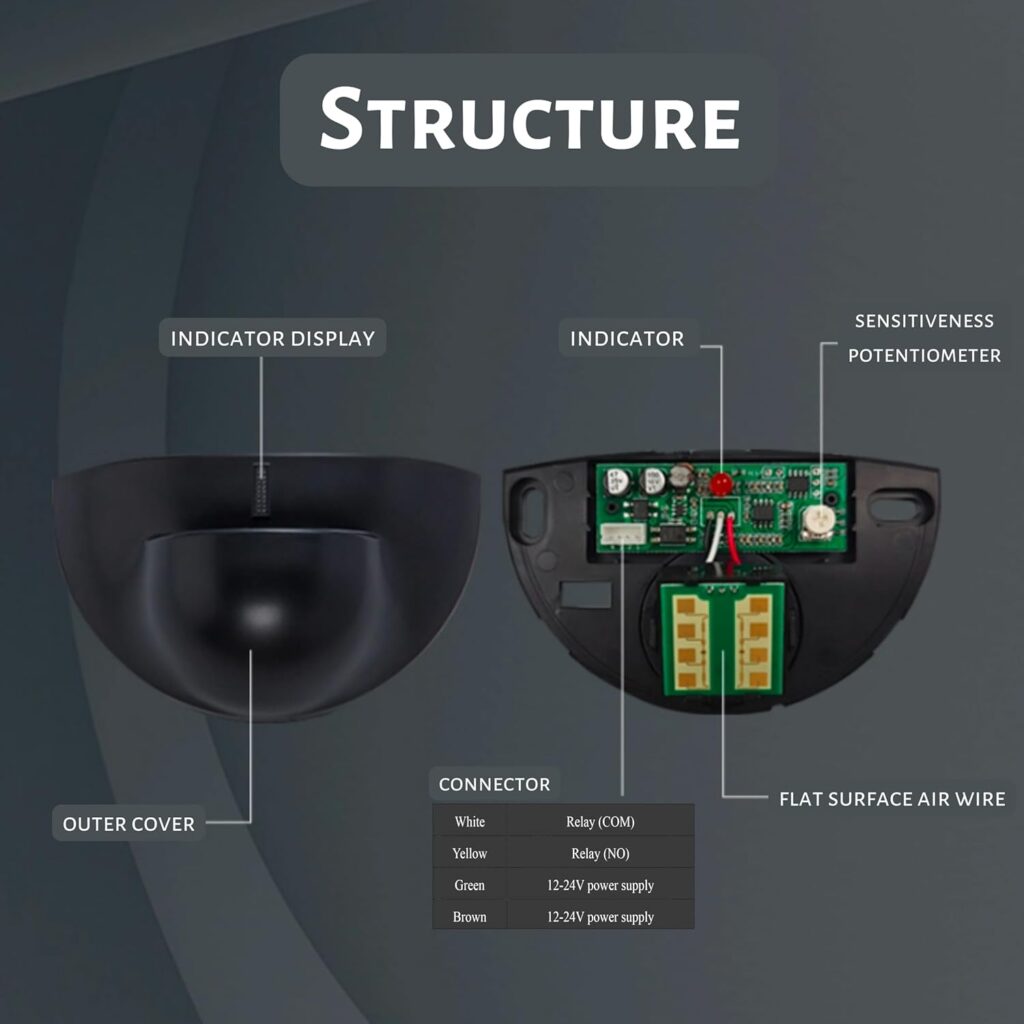
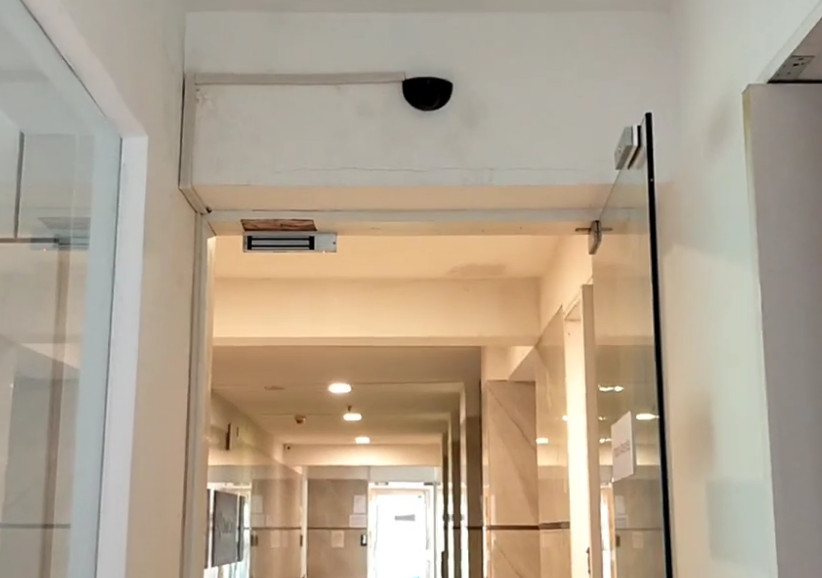
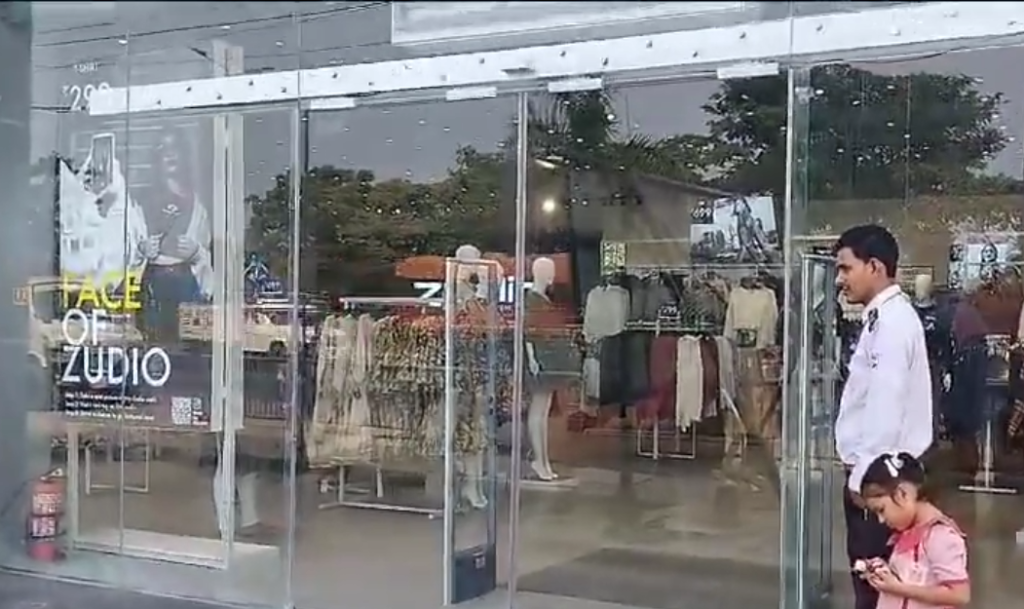
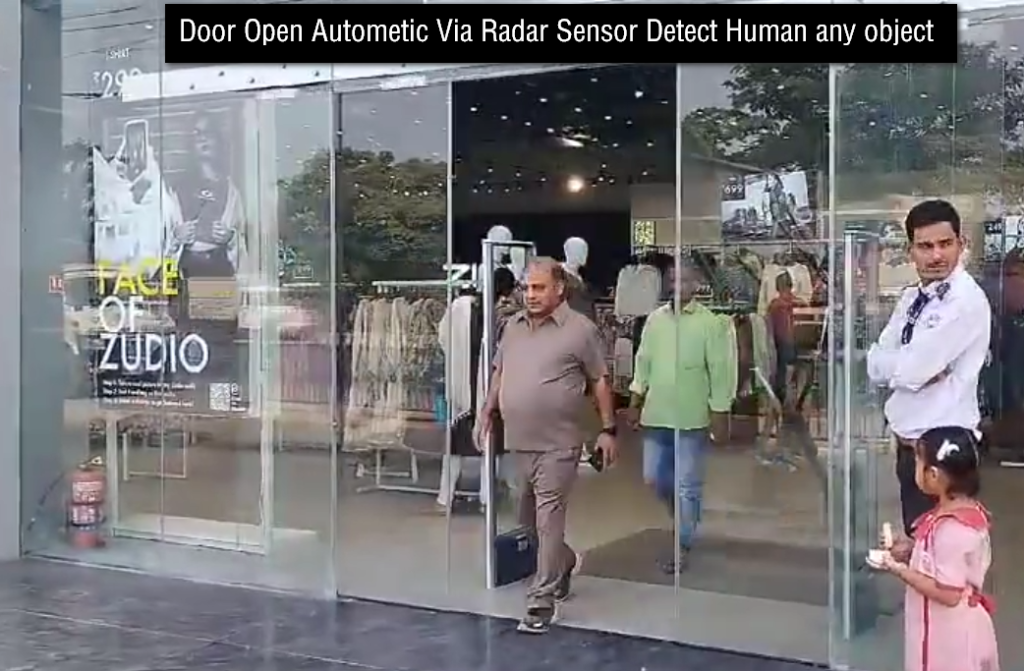
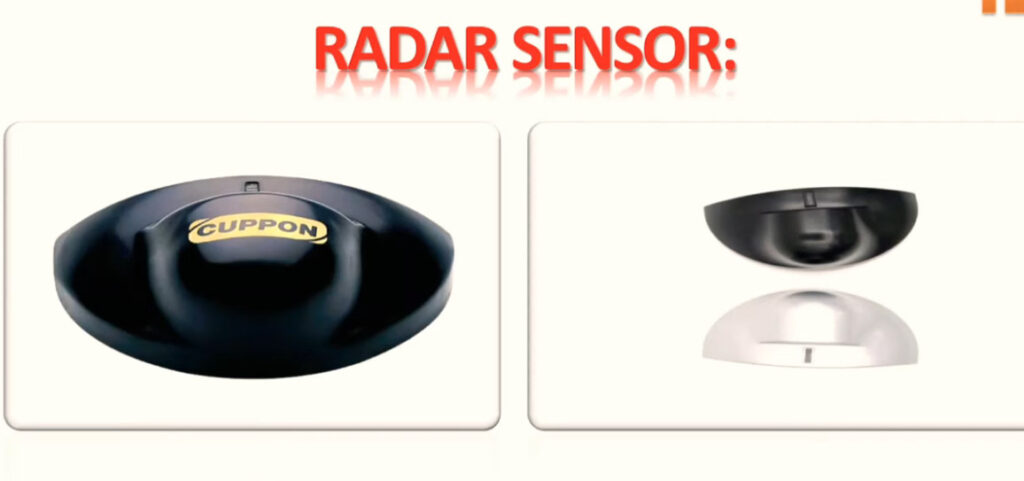
What is Radar Sensor And Microwave Sensor

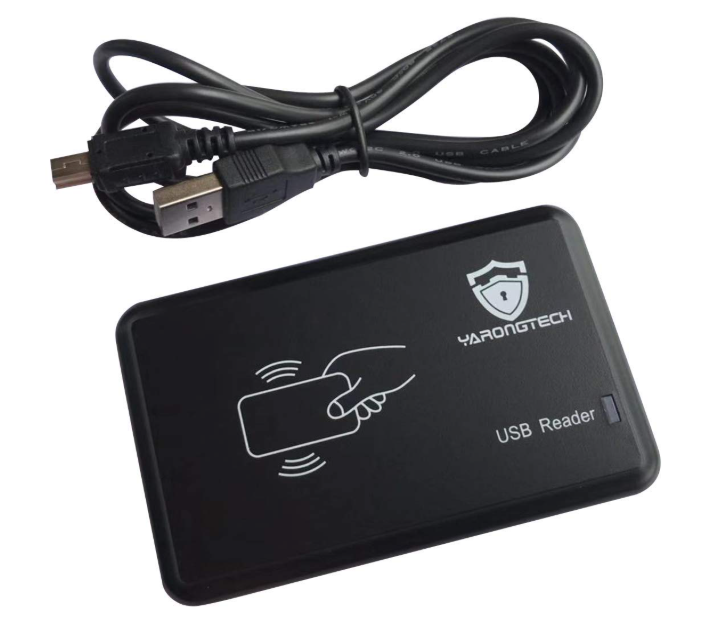
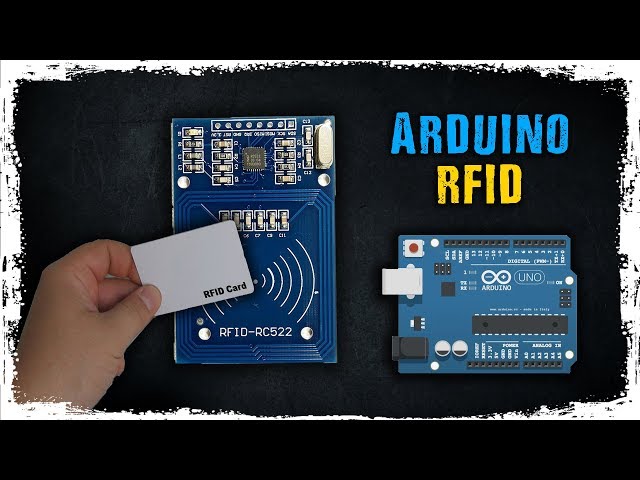
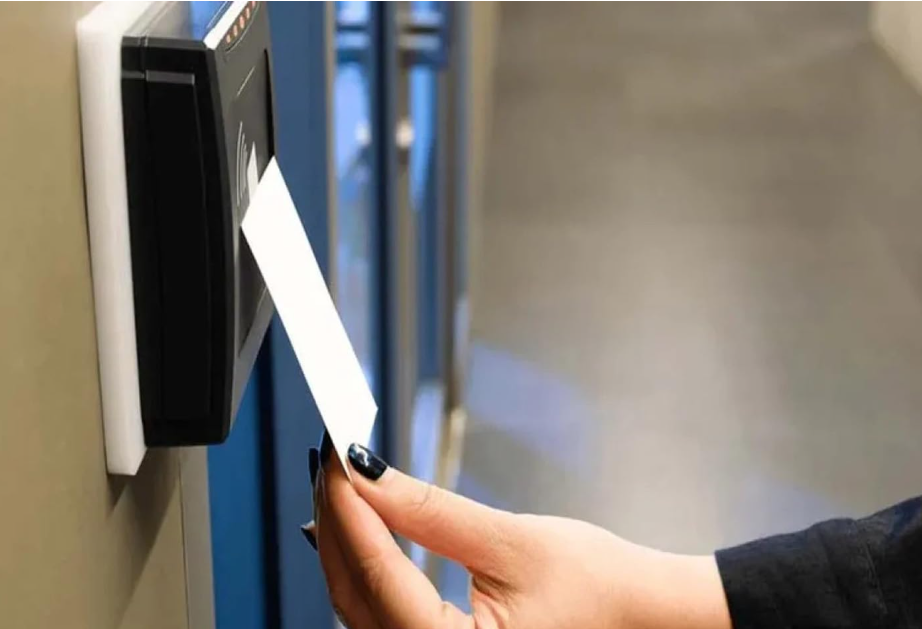
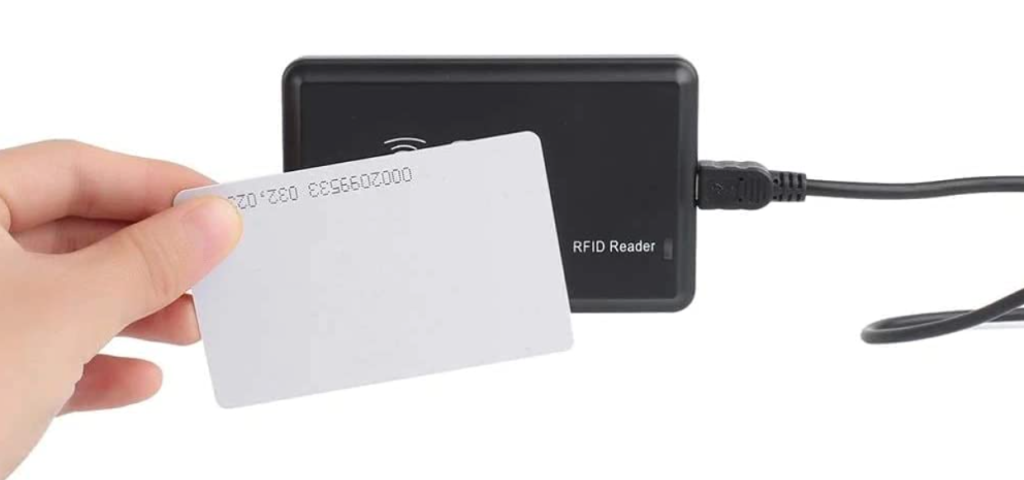
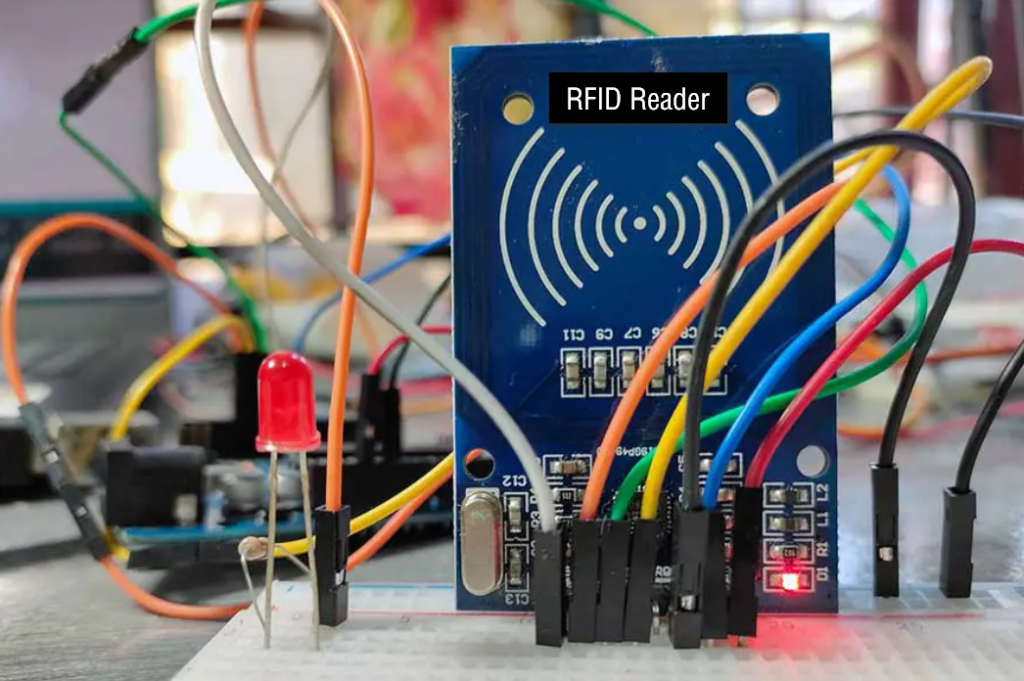
What is RFID

How RFID Works

Do we have to enroll the card first in Access Controler

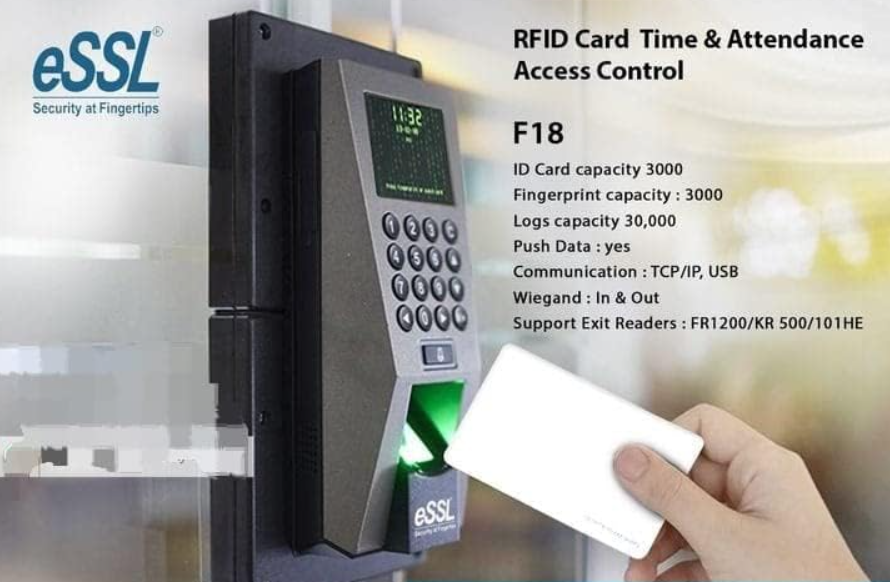
Does a Biometric Device Have Inbuilt RFID

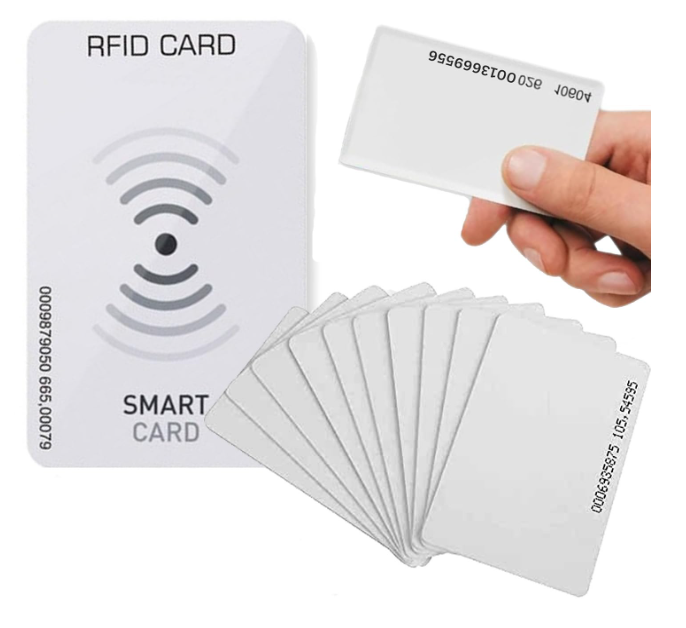
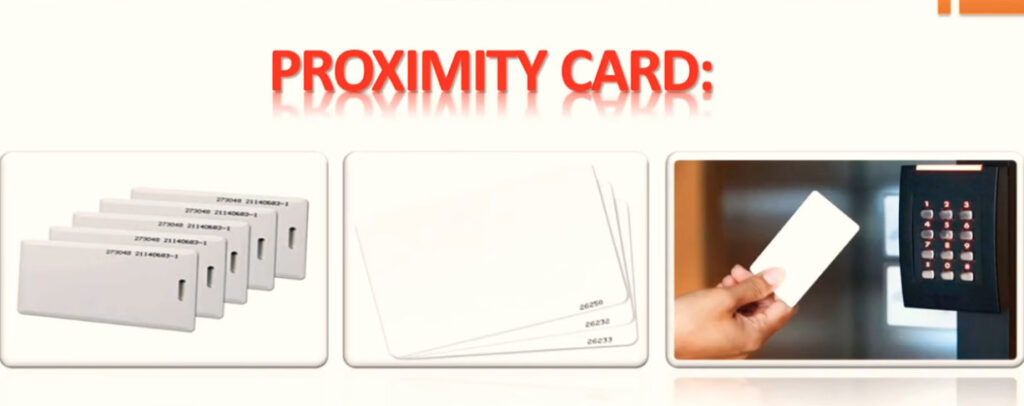
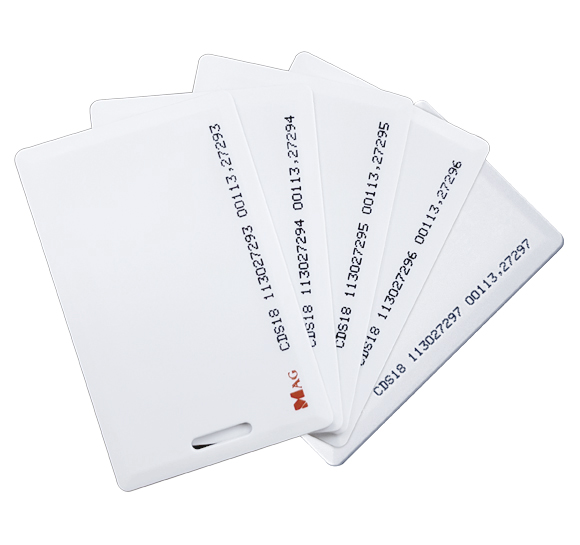
What is Proximity Card

Types of Proximity Cards

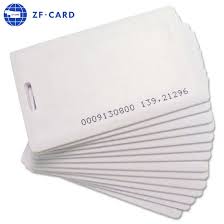
125kHz Access Card Proximity RFID Smart Card

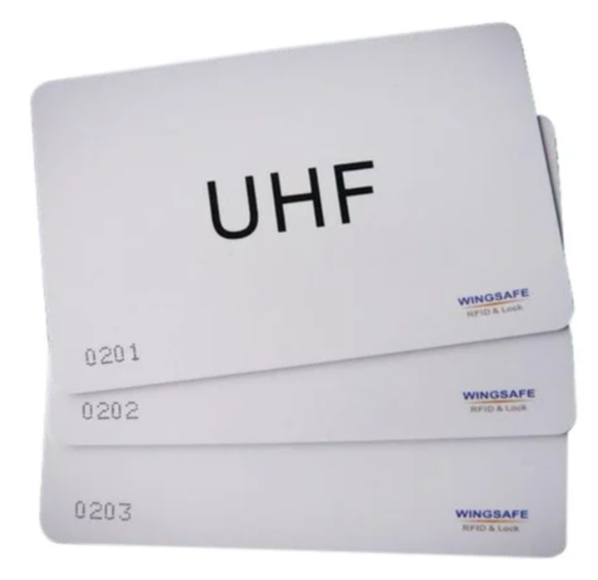
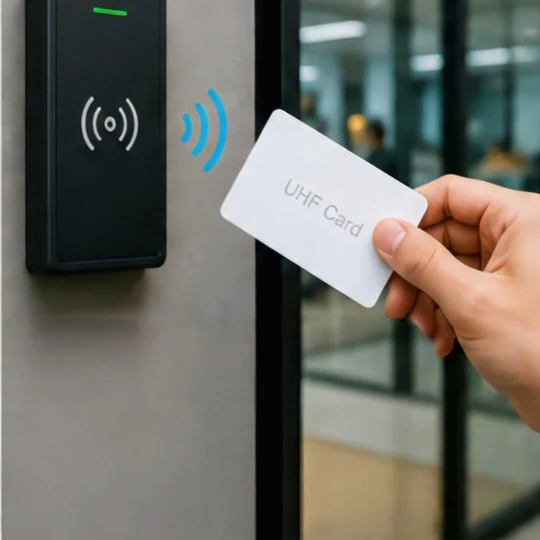
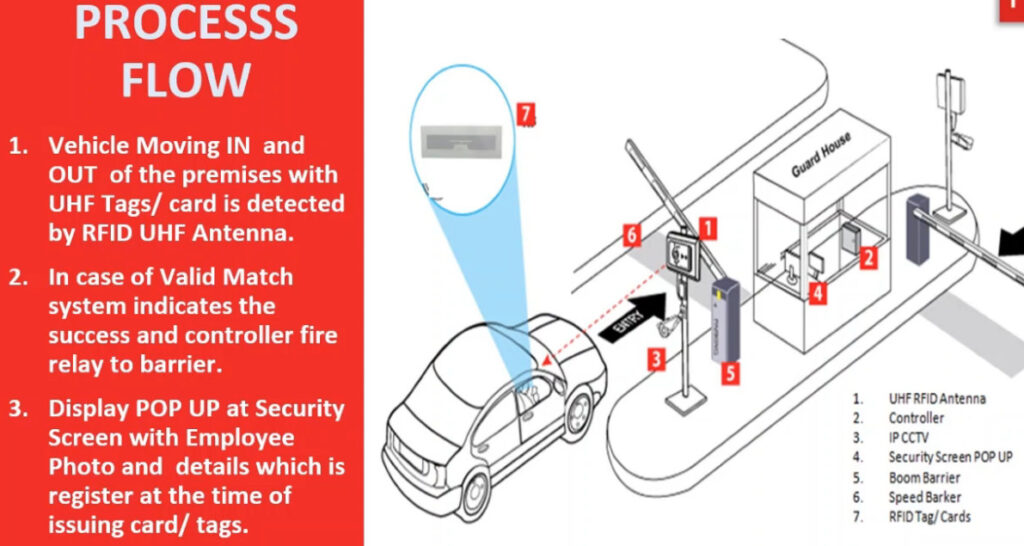
UHF RFID Card

RFID UHF Smart Card | Up to 10 Mtr- For Access, ID & Payment

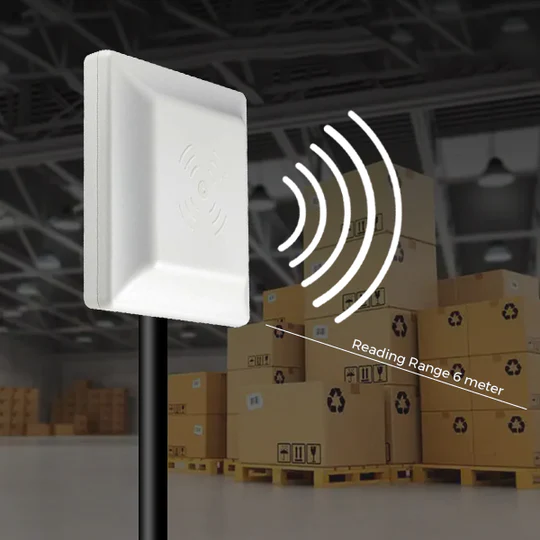
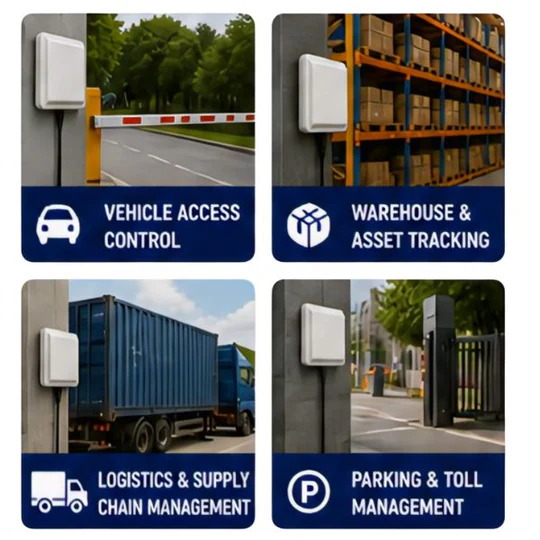
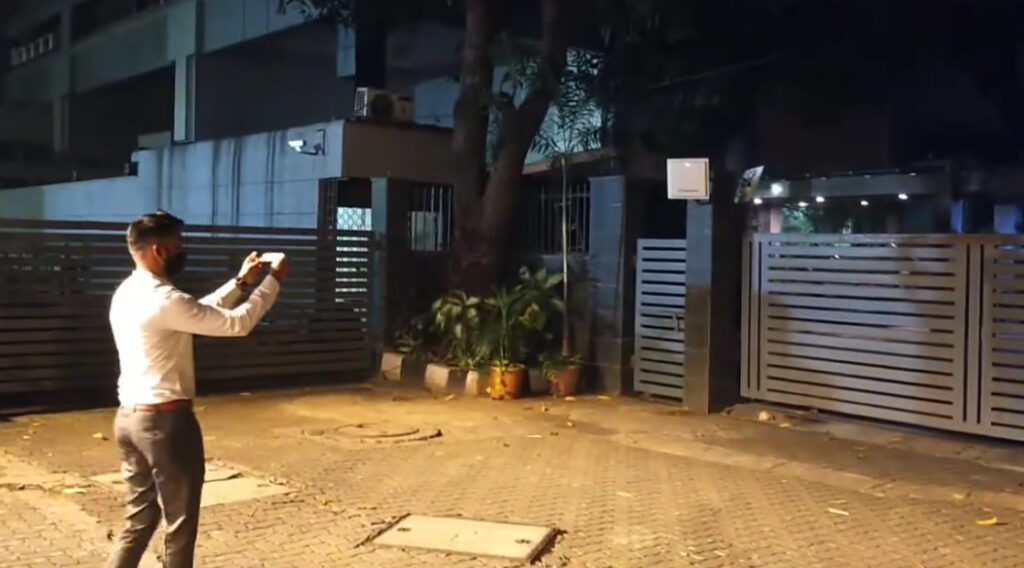
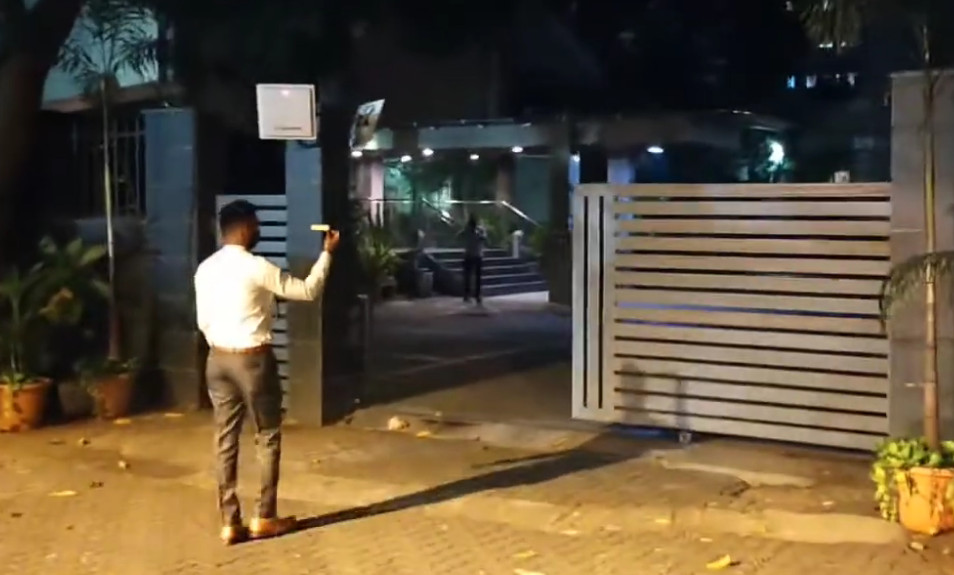
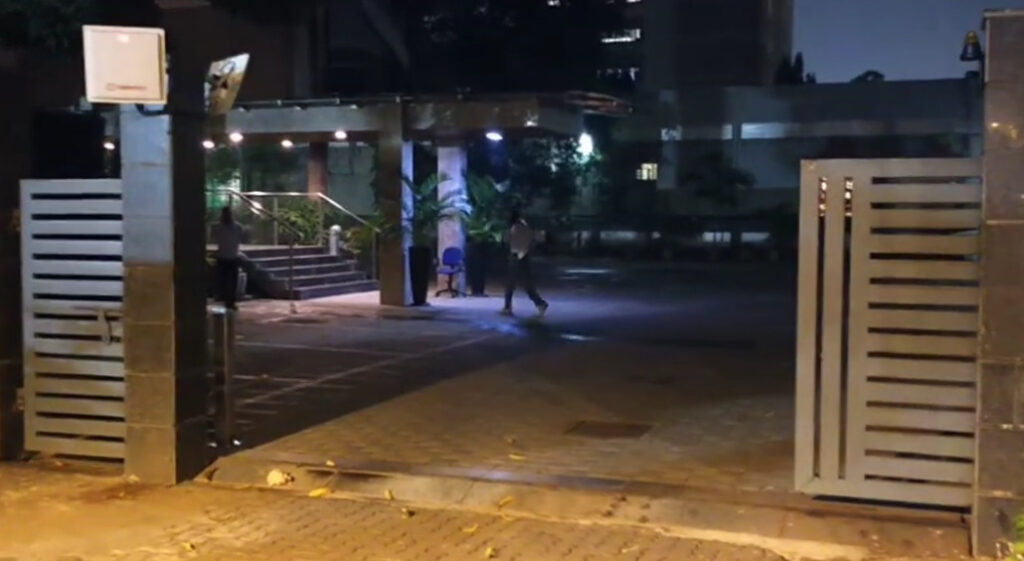
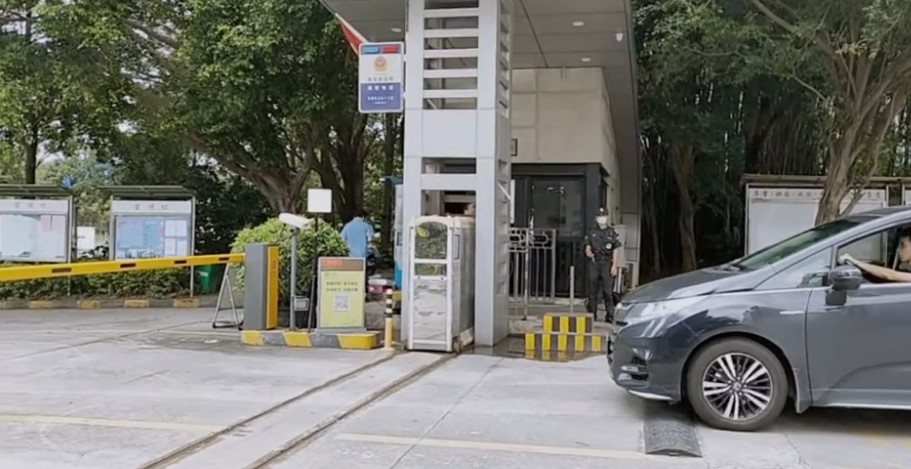
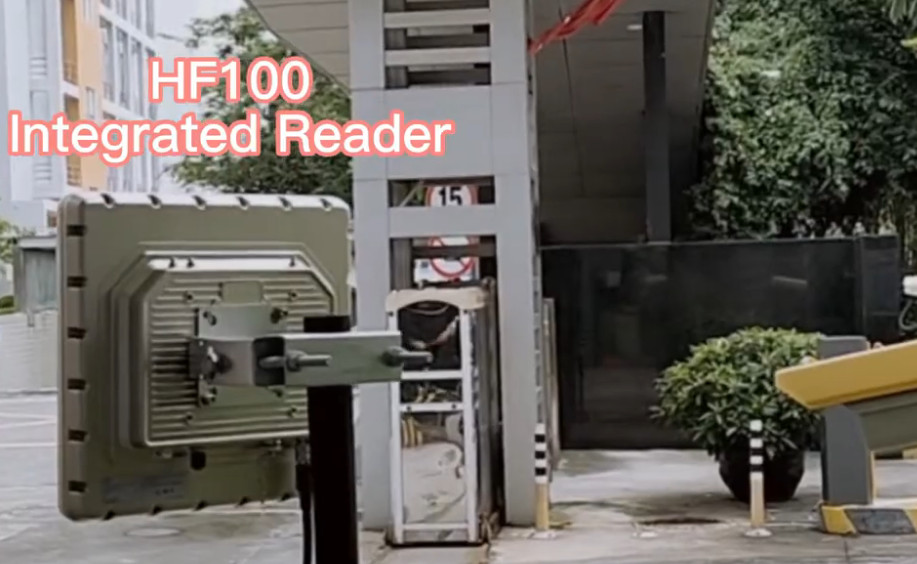
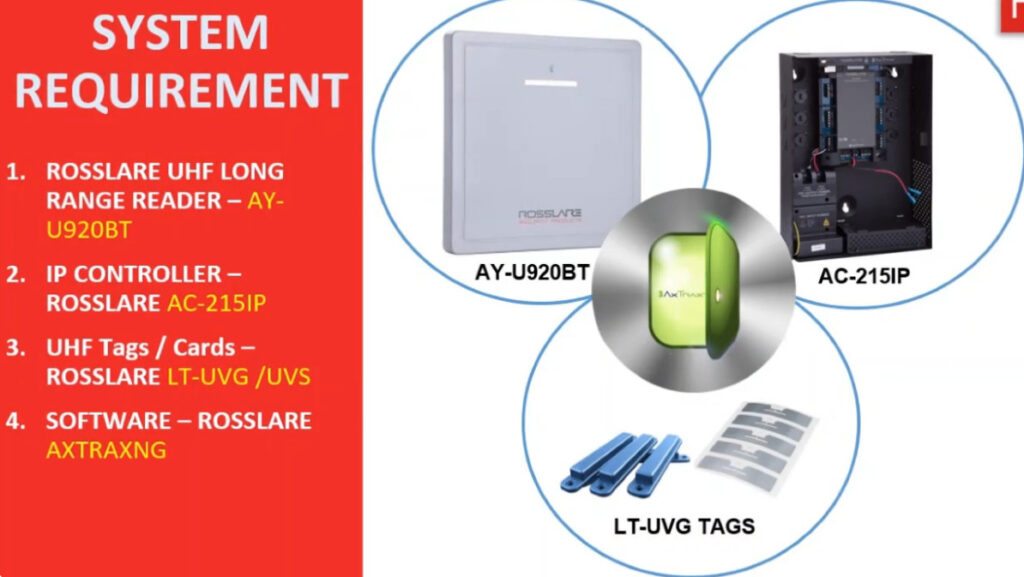
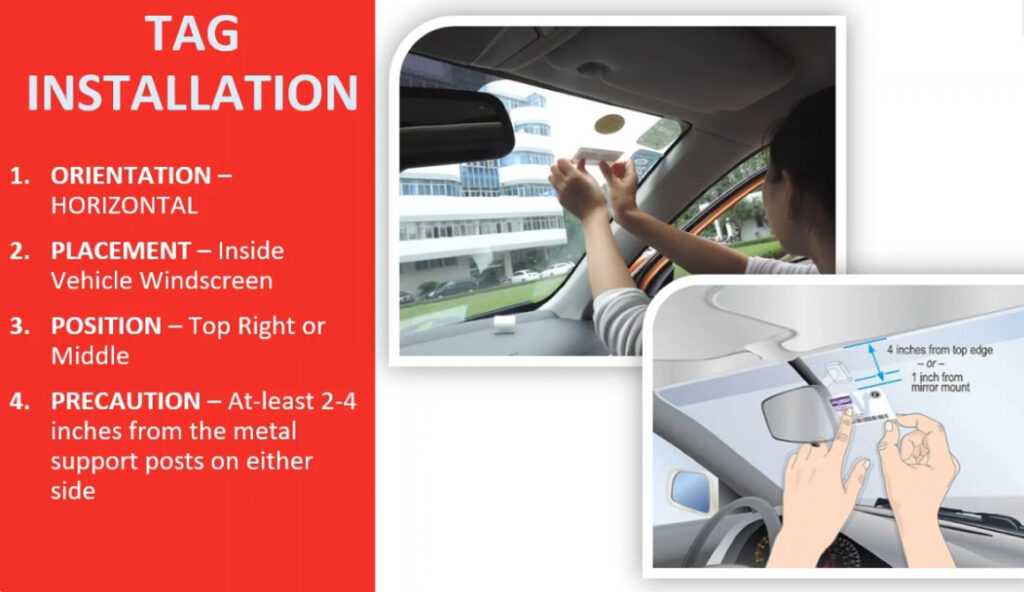
Long Range UHF RFID Reader (5–12 Meter) | USB & Ethernet Connectivity | Integrated Antenna | Vehicle Access Control

RFID Mifare Card Reader 13.56Mhz USB (14H)

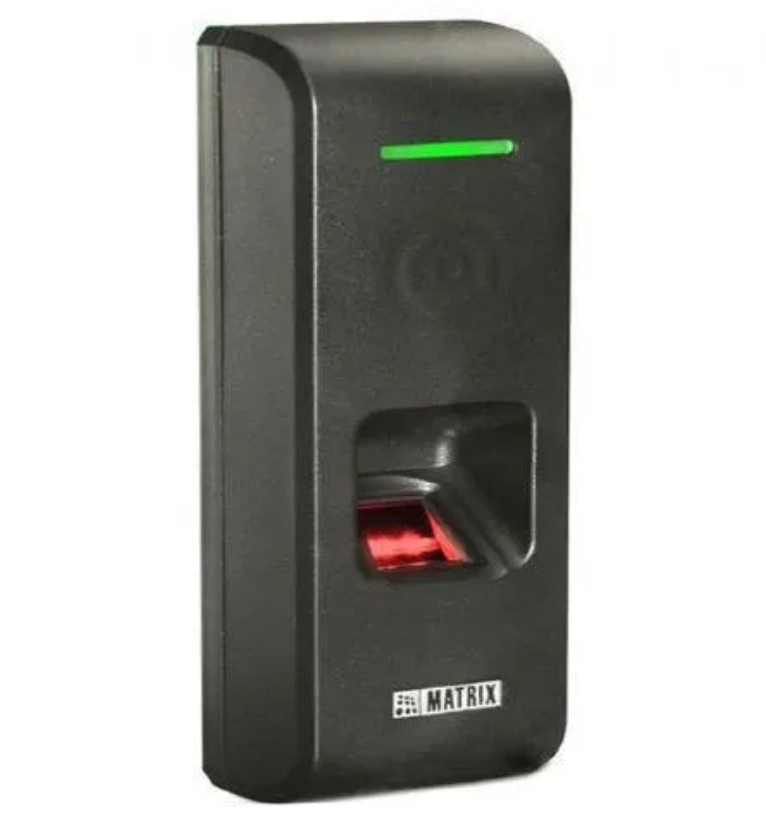
Finger Print & Mifare Card Reader RS ₹ 15,900

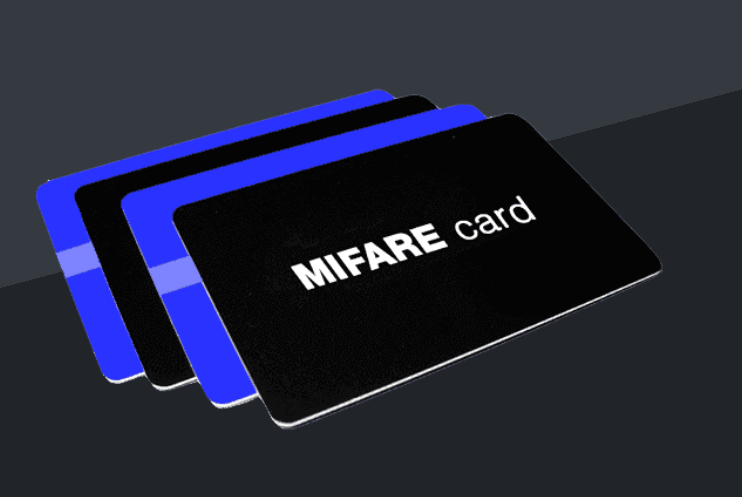
MIFARE 13.56 Mhz Card

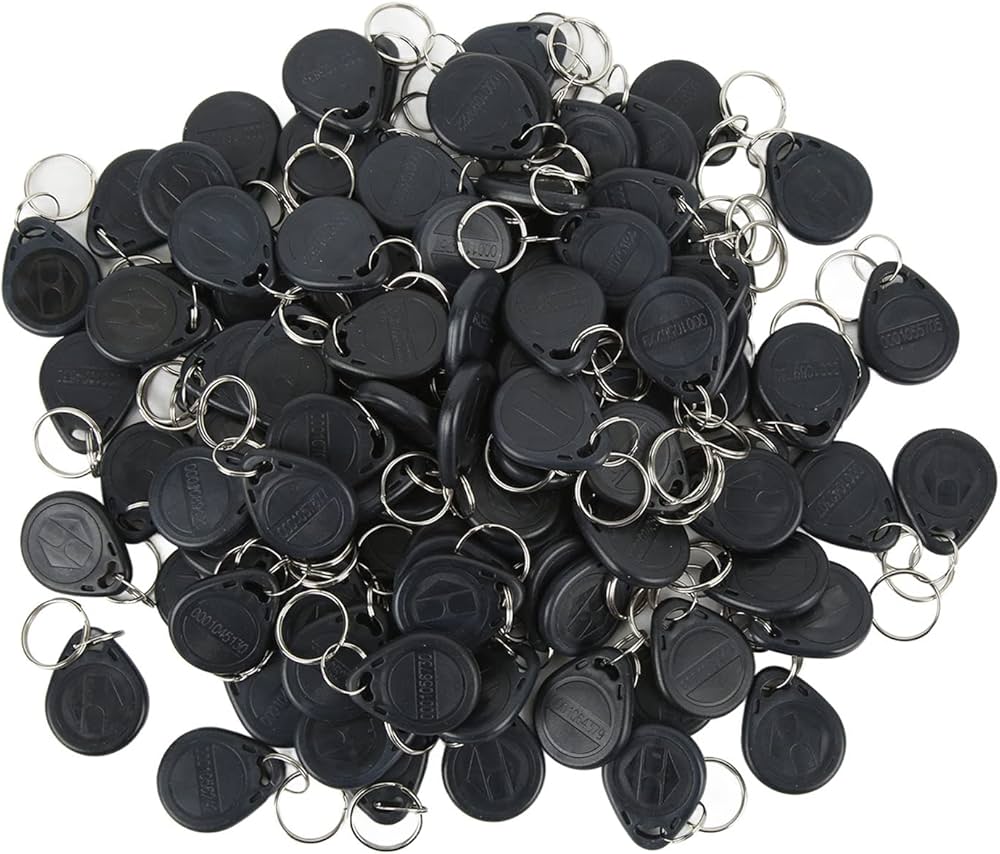
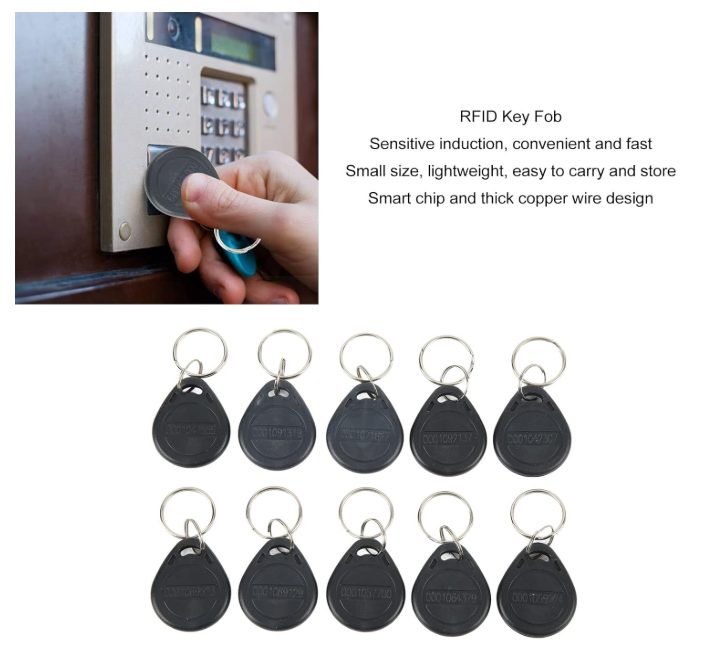
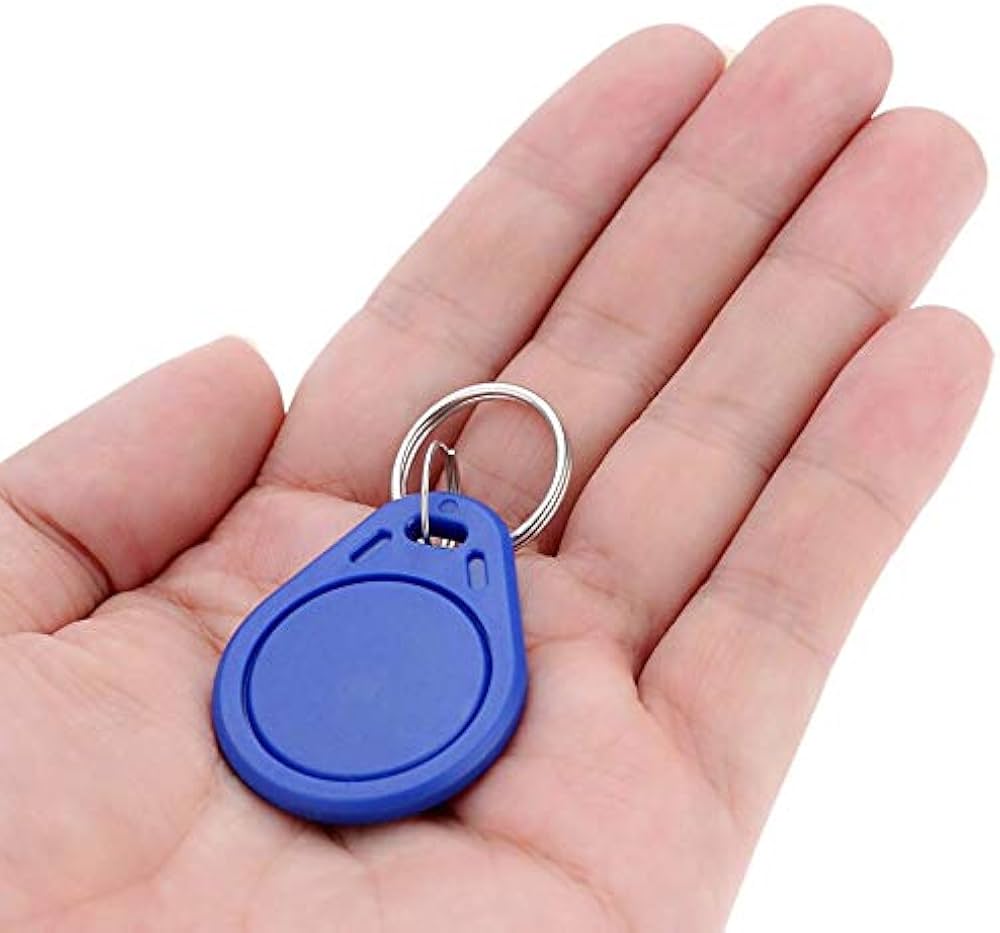
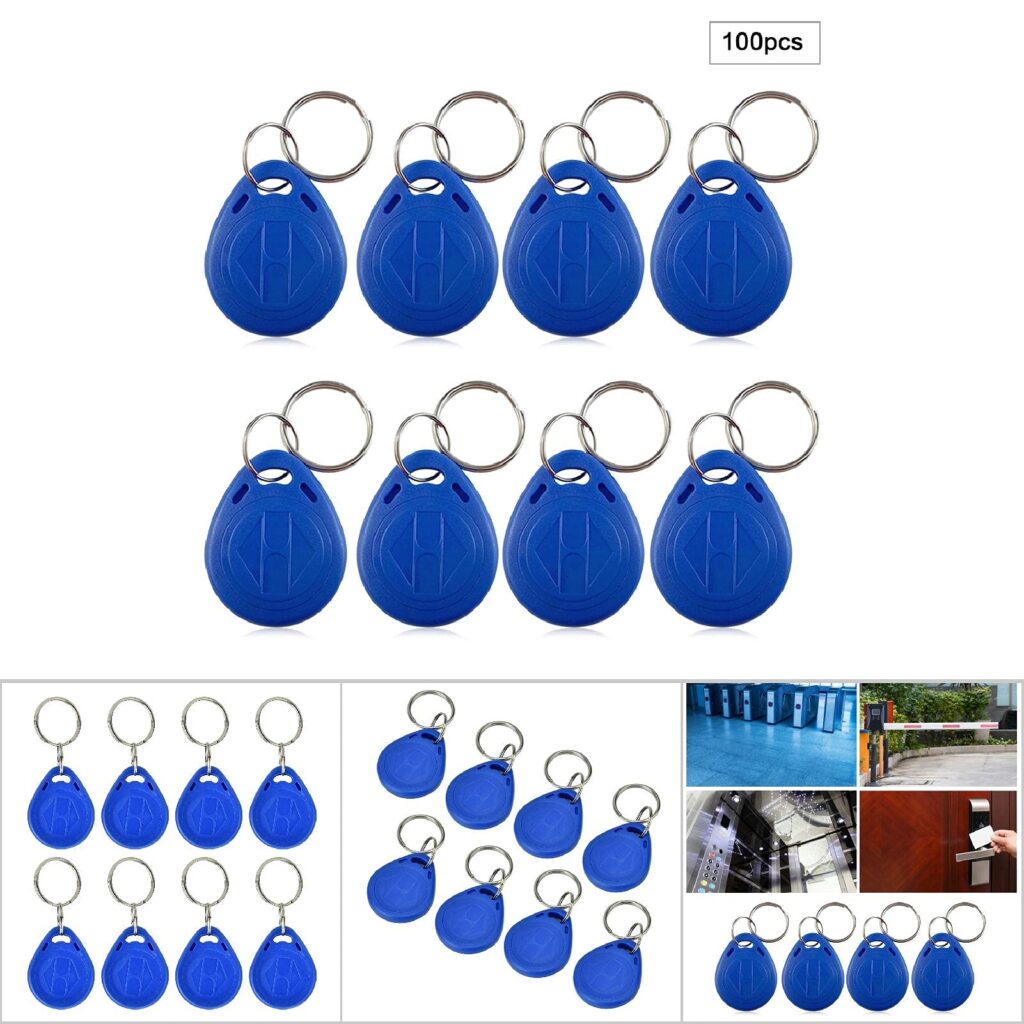
RFID Key Fob Chip Card

Components of Biometric Installation