
What is CPU & How Works
First CPU Idea Who Person
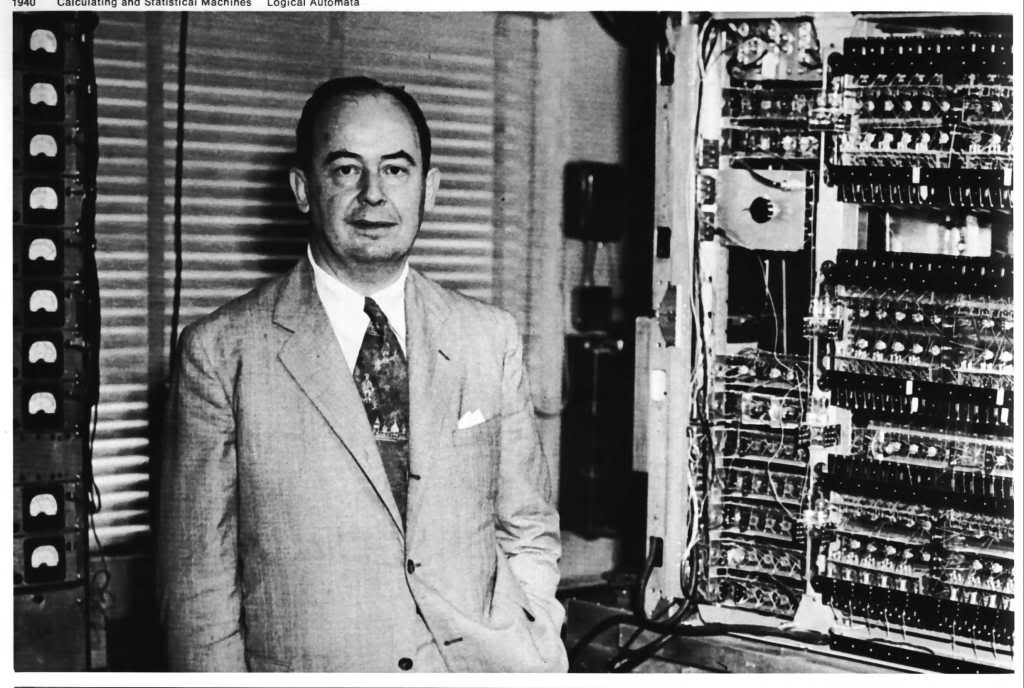
- The idea of the first CPU is mainly linked with John von Neumann, who introduced the concept of the stored-program computer. In this system, both instructions and data are stored in the same memory, which became the foundation of modern computer processors.
- Before real CPUs were built, early computer pioneers like J. Presper Eckert and John Mauchly worked on machines such as ENIAC and UNIVAC. These were large early computers that helped develop the path toward modern processing systems.
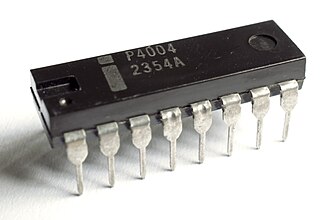
- The first real microprocessor (CPU on a single chip) was developed by Intel in 1971, called the Intel 4004, created by engineers Federico Faggin, Ted Hoff, and Stanley Mazor. This chip is considered the beginning of modern CPU technology.
- In simple terms, John von Neumann gave the idea of CPU design, and later Intel engineers built the first real CPU chip.

Who is Father of Computer
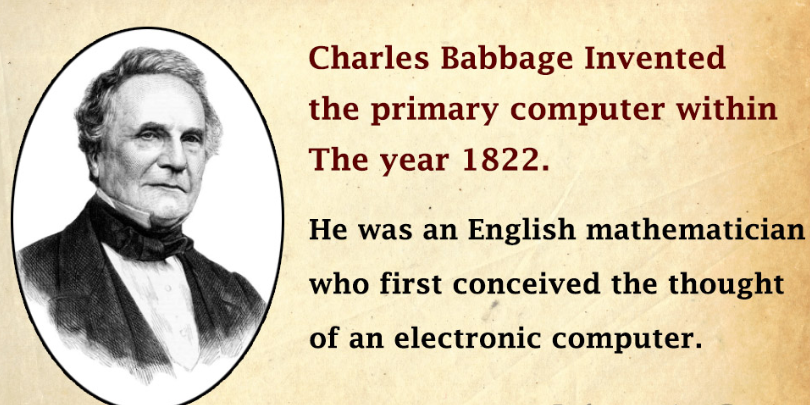
- Charles Babbage was an English mathematician and inventor who is known as the father of the computer because he designed the first concept of a programmable mechanical computer.
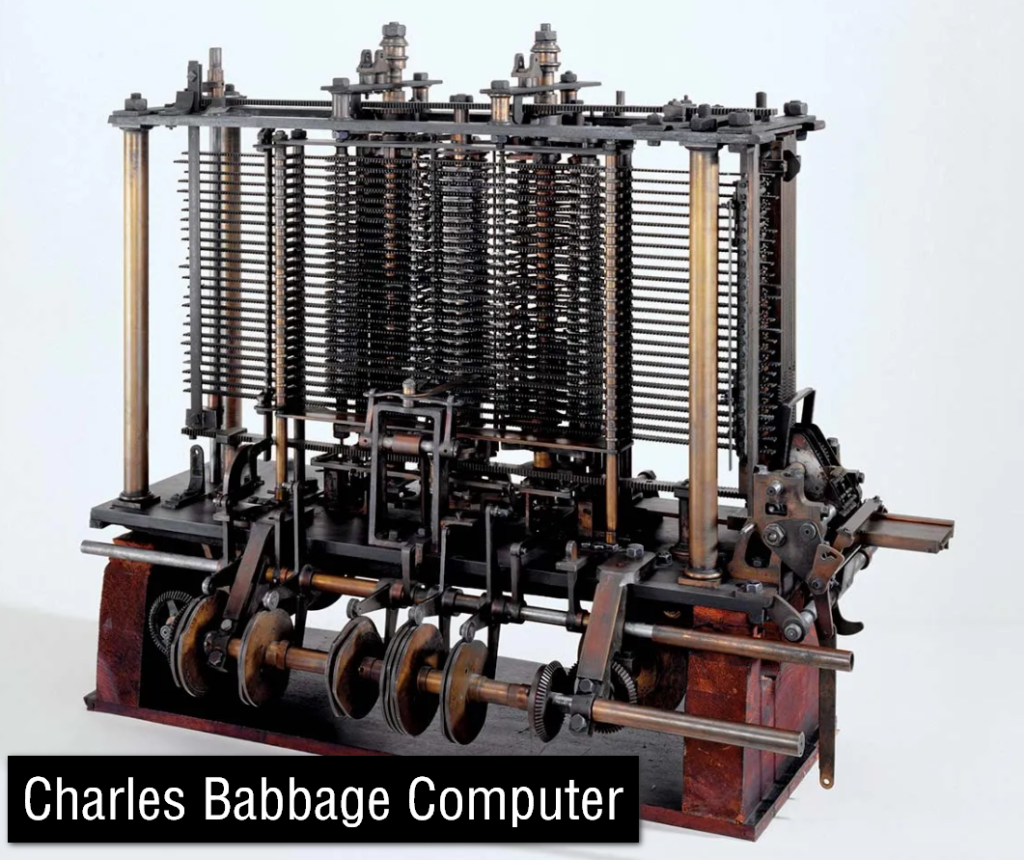
- He invented the Difference Engine and later the Analytical Engine, which is considered the early design of a modern computer. The Analytical Engine had many features like a CPU, memory, and input/output system, which are similar to today’s computers.
- Although he could not fully build the machine during his lifetime due to technical limitations, his ideas became the foundation of modern computing systems.
Simple Understanding:
Charles Babbage is called the father of computer because he first designed the idea of a programmable machine like a modern computer.
Who is Mother of Computer First Computer Programmer
Mother of Computer:
- The Mother of Computer is Ada Lovelace.
- Ada Lovelace was an English mathematician and writer who worked with Charles Babbage on the Analytical Engine. She is known as the mother of computer because she wrote the first algorithm intended to be processed by a machine.
- She understood that computers could do more than just calculations and could be used for general-purpose tasks. Her notes included the first concept of programming instructions.
- Because of her contribution, she is considered the first computer programmer in history.


History of CPU
- The history of the CPU started before electronic computers were invented. In the early mechanical era (before 1940s), machines used gears, levers, and punch cards to perform calculations. These systems were very slow and large, and they were not true CPUs, but they helped develop the idea of automated computing.
- In the 1940s and 1950s, the first electronic computers were built using vacuum tubes. These machines were faster than mechanical systems but were extremely large, consumed a lot of electricity, and produced a lot of heat. Early computers like ENIAC belonged to this generation.
- In the 1950s and 1960s, vacuum tubes were replaced by transistors. Transistors were smaller, faster, more reliable, and used less power. This improvement made computers more efficient and marked a big step toward modern CPU design.
- In the 1960s and 1970s, integrated circuits (ICs) were introduced. ICs combined many transistors onto a single chip, making CPUs smaller, cheaper, and more powerful. This allowed computers to become more practical for business and scientific use.
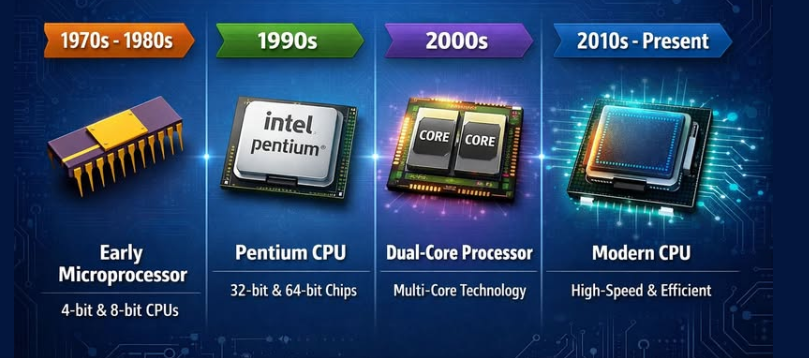
- In the 1970s and 1980s, the microprocessor era began. The CPU was built on a single chip for the first time. One of the first microprocessors was developed by Intel Corporation. This revolution made personal computers possible.
- In the 1980s and 1990s, personal computers became common in homes and offices. Companies like Advanced Micro Devices (AMD) also started producing powerful processors. CPUs became faster and more affordable for everyday users.
- In the 2000s to present, modern CPUs use multiple cores and advanced technology. Companies like Apple Inc. and Qualcomm also produce powerful processors for computers and smartphones. Modern CPUs focus on speed, multitasking, energy efficiency, and AI performance.
- The first CPU (microprocessor) made by Intel Corporation was the Intel 4004, introduced in 1971. It is considered the world’s first commercially available microprocessor, meaning it was the first complete CPU built on a single chip. This invention marked the beginning of modern CPU technology.
- The Intel 4004 was a 4-bit processor and was very small compared to modern CPUs. It contained around 2,300 transistors and operated at a speed of about 740 kHz, which is extremely slow compared to today’s gigahertz processors. Even though it was weak by modern standards, it was a major breakthrough in computing history.
- This processor was originally developed for use in a Busicom calculator. It was not designed for personal computers at that time, but for simple electronic machines like calculators and control systems. However, its success showed that a full CPU could be built on a single chip.
- The importance of the Intel 4004 is very high in computer history. It proved that complex processing could be done on a single integrated circuit, which led to the development of more powerful processors. This innovation eventually led to modern CPUs like Core i3, i5, i7, and i9 used in today’s computers.
- In simple terms, the Intel 4004 was the first microprocessor ever made by Intel in 1971. It was small and slow, but it changed the world by starting the era of modern computing.
What is CPU (Central Processing Unit) in Computer
1. Meaning of CPU:
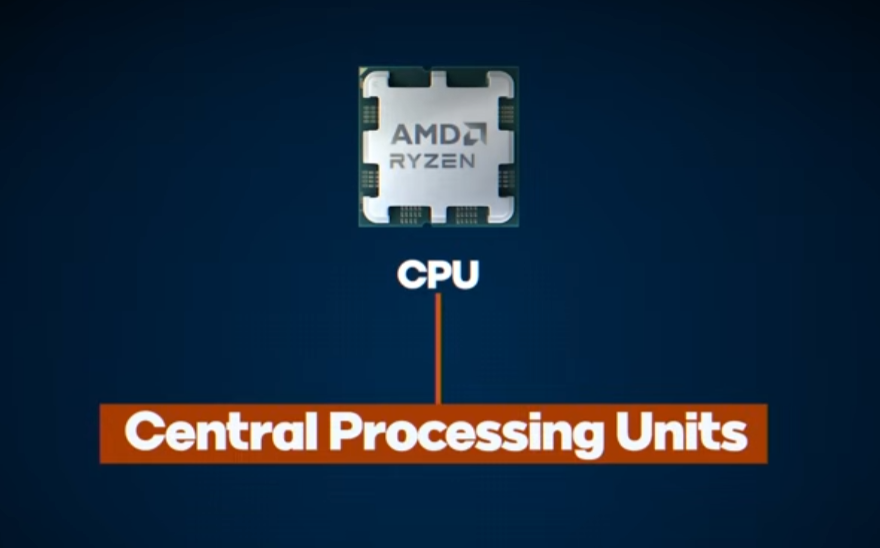
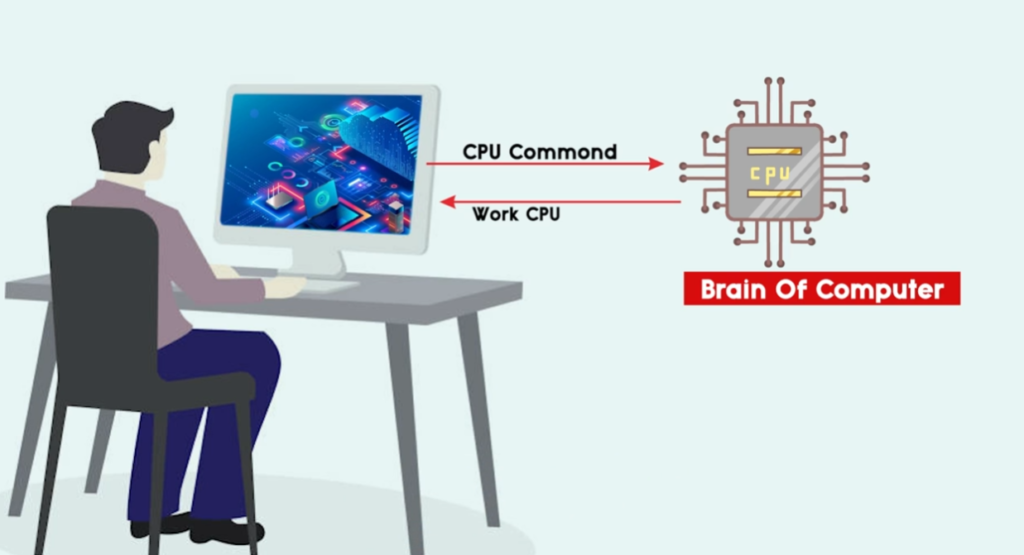
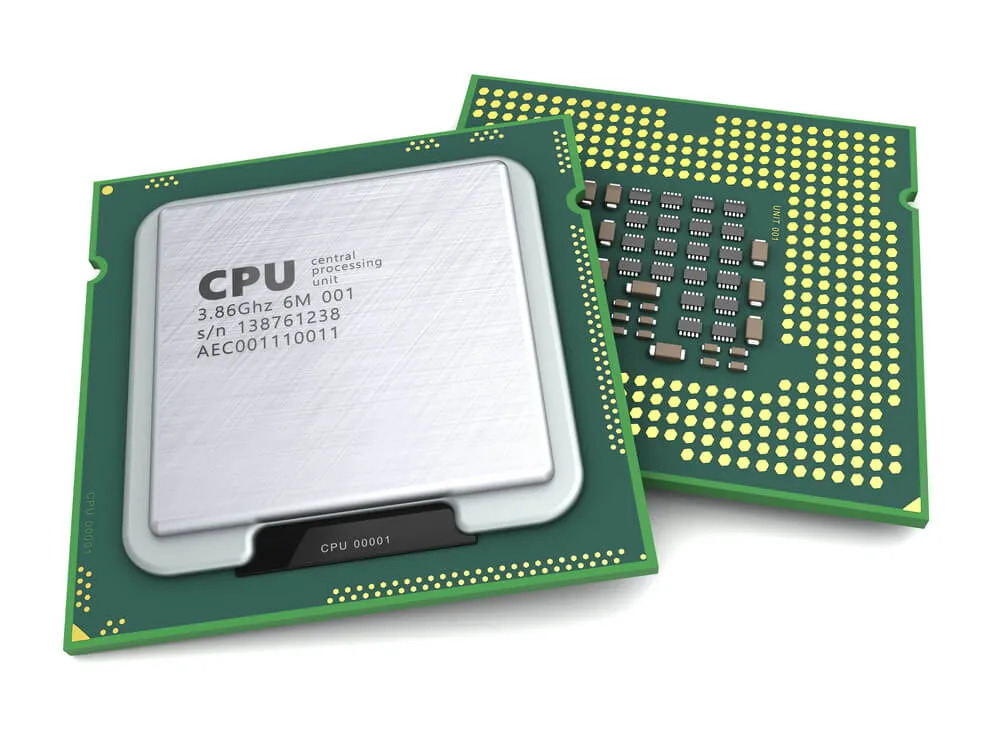
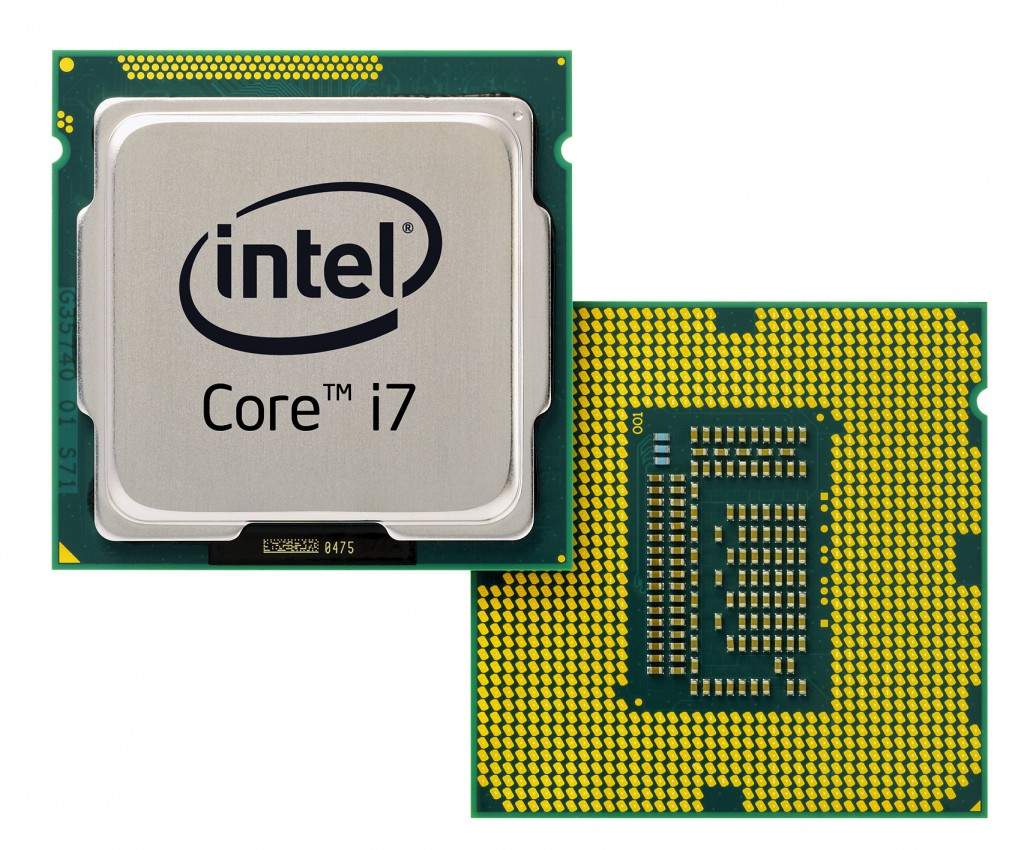
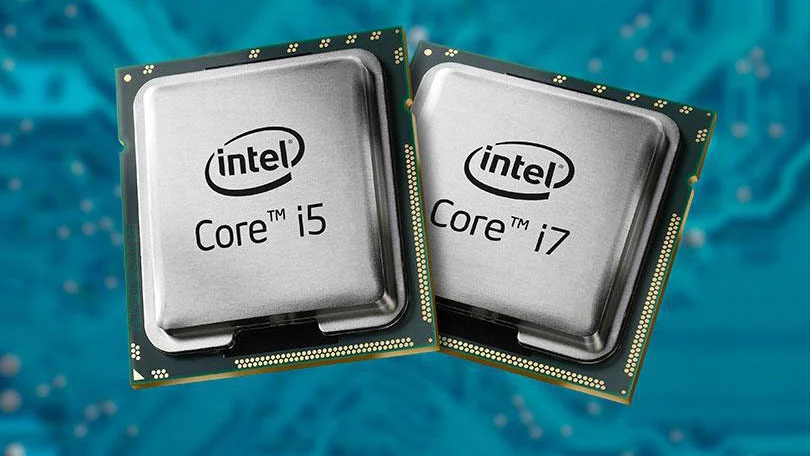
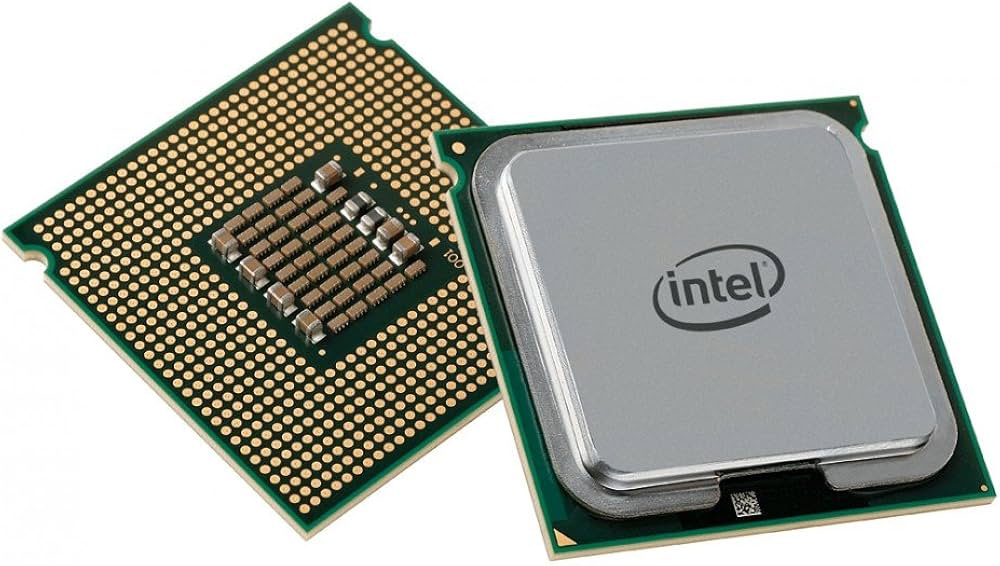
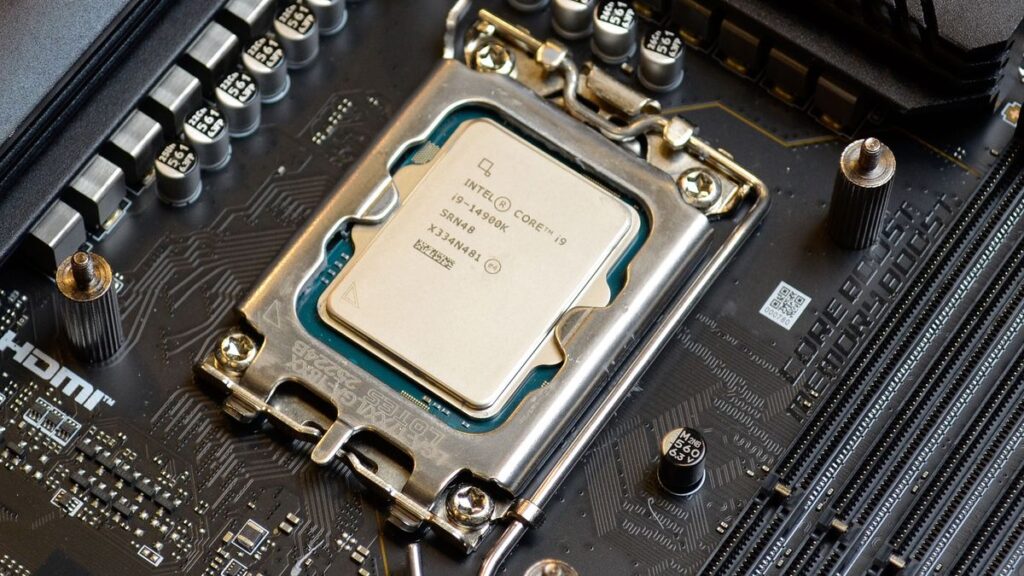
CPU stands for Central Processing Unit. It is the main processing component of a computer system that handles all instructions and calculations. It is often called the brain of the computer because it controls and coordinates every operation inside the system.
2. Role in computer system:
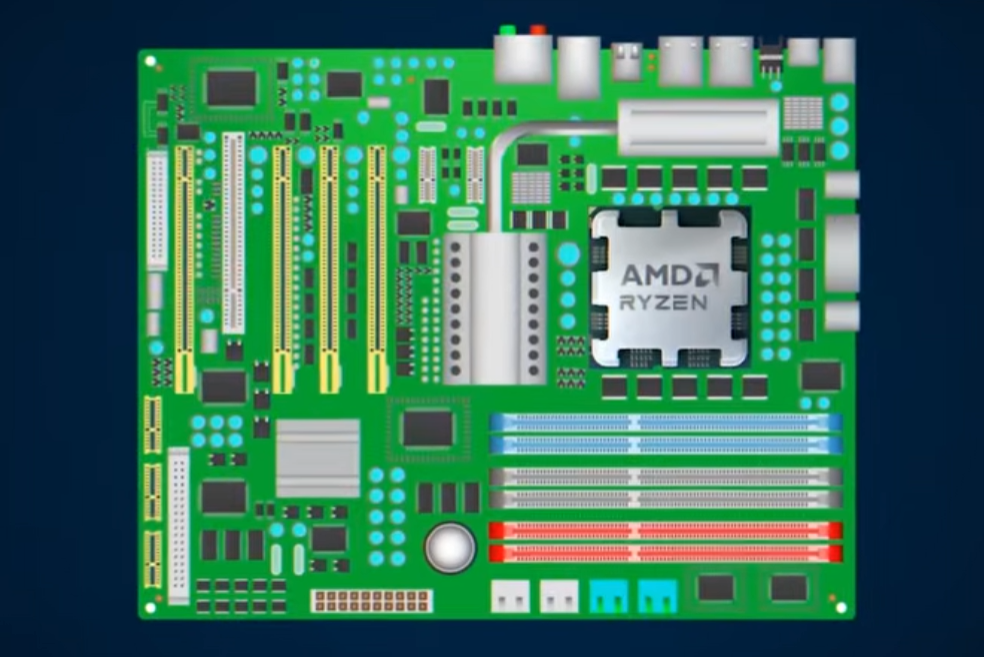
The CPU is responsible for running all programs and performing all tasks such as opening applications, processing data, executing commands, and controlling hardware devices like RAM, storage, and GPU.
3. How CPU works (Working process):
The CPU works in a continuous cycle called Fetch → Decode → Execute. First, it fetches instructions from RAM, then decodes the instruction to understand what needs to be done, and finally executes the task. This process happens billions of times per second, making the computer function smoothly.
4. Components of CPU:
The CPU is made up of several important parts:
- ALU (Arithmetic Logic Unit): Performs mathematical calculations and logical decisions
- CU (Control Unit): Controls and directs all operations inside the CPU
- Registers: Small, very fast memory inside the CPU used to store temporary data
5. Cores and Threads:
Modern CPUs have multiple cores, and each core can perform tasks independently. Some CPUs also support hyper-threading, which allows each core to handle multiple tasks at the same time. More cores and threads improve multitasking and performance.
6. Clock speed (GHz):
CPU speed is measured in gigahertz (GHz), which indicates how many cycles it can perform per second. Higher clock speed usually means faster processing, but real performance also depends on architecture and number of cores.
7. Types of CPU:
There are different types of CPUs used in different systems:
- Desktop CPU: High performance for gaming and workstations
- Laptop CPU: Balanced performance with low power consumption
- Server CPU: Extremely powerful processors used in data centers and cloud computing
Popular CPU manufacturers are Intel and AMD.
8. Importance of CPU:
The CPU is the most important part of a computer because without it, no system can operate. It manages all instructions and ensures communication between all hardware components.
9. CPU and other components relationship:
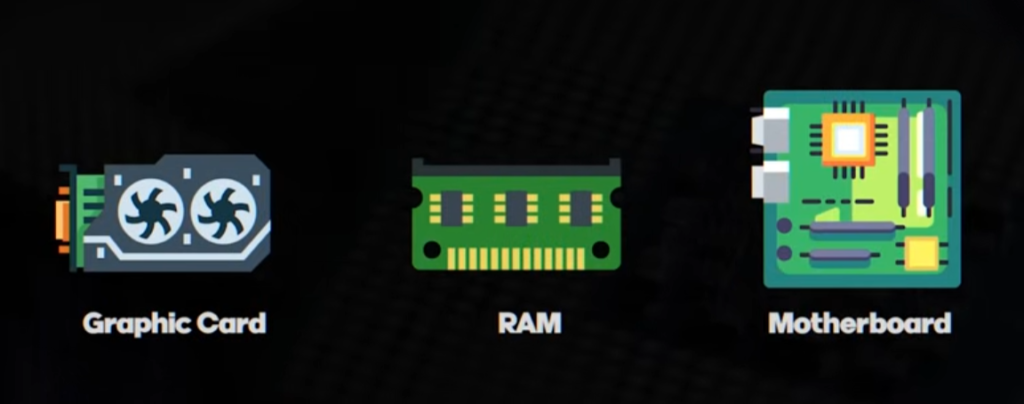
- CPU processes data
- RAM stores temporary data for CPU use
- Storage keeps permanent data
- GPU handles graphics processing
All parts work together, but the CPU is the central controller.
10. Real-life example:
A computer system can be compared to a human body:
- CPU = Brain (controls everything)
- RAM = Short-term memory
- Storage = Long-term memory
- GPU = Eyes (visual processing)
11. Conclusion:
In simple terms, the CPU is the central unit of a computer that executes instructions, performs calculations, and controls all operations. It is the most essential component that determines the overall speed and performance of the system.
- CPU stands for Central Processing Unit, called the brain of the computer.
- It processes all instructions and controls all computer operations.
- It works in a Fetch → Decode → Execute cycle very fast.
- CPU contains ALU, Control Unit, and Registers.
- It has cores and threads for multitasking performance.
- CPU speed is measured in GHz (gigahertz).
- Types include desktop, laptop, and server CPUs.
- Popular brands are Intel and AMD.
- CPU controls communication between RAM, storage, and GPU.
- Without CPU, a computer cannot work at all.



How CPU Works
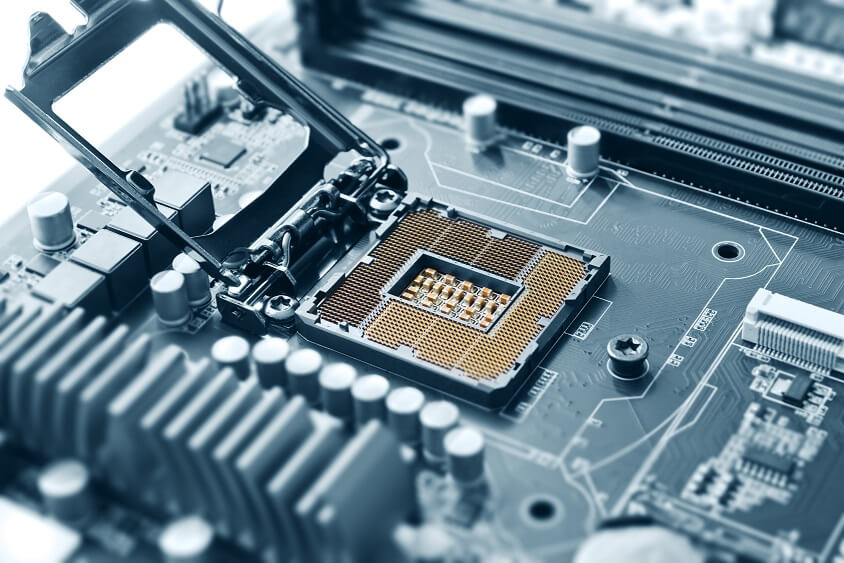
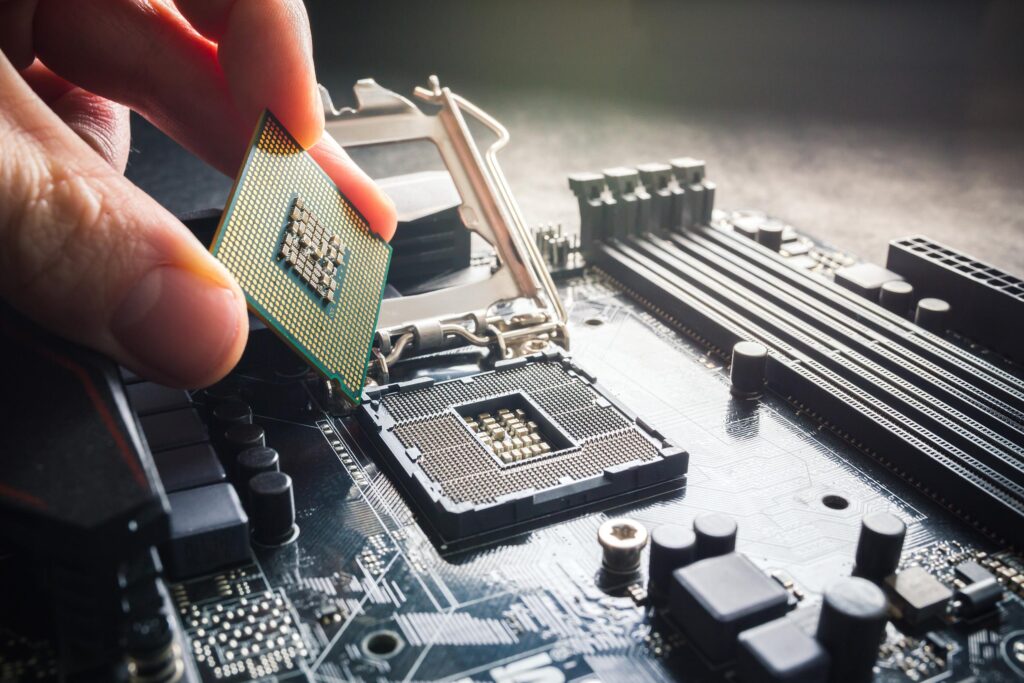
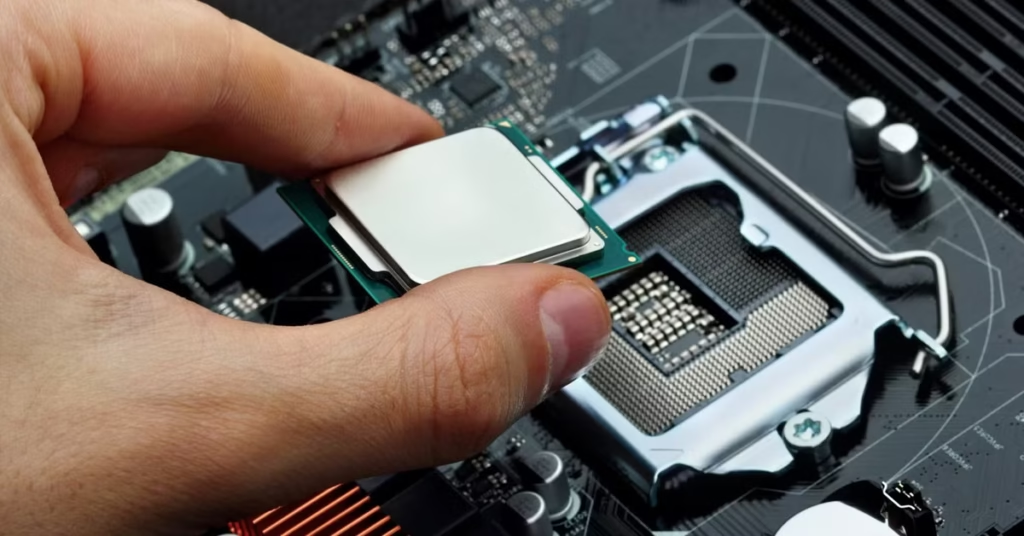
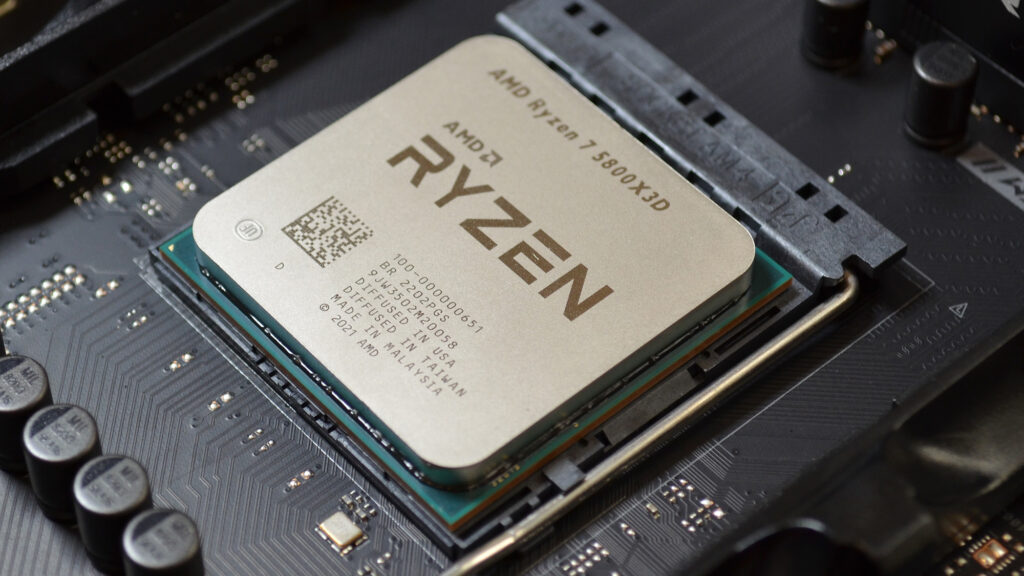
- The CPU (Central Processing Unit) is the main processing unit of a computer that controls all operations and executes instructions from software and hardware. It acts like the brain of the computer, managing every task the system performs.
- The CPU works in a continuous cycle called Fetch → Decode → Execute → Store. First, it fetches instructions from RAM, then decodes them to understand the task, executes the instruction using its internal units like ALU, and finally stores or sends the result to memory or output devices.
- Inside the CPU, the Control Unit (CU) directs all operations, while the Arithmetic Logic Unit (ALU) performs calculations and logical decisions. Small storage areas called registers help the CPU quickly access temporary data during processing.
- Modern CPUs have multiple cores and threads, allowing them to perform many tasks at the same time. This improves multitasking, gaming performance, and overall system speed.
- The CPU operates at very high speed measured in GHz (gigahertz), meaning it can perform millions or billions of cycles per second. This fast processing makes computers responsive and efficient.
- In simple terms, the CPU constantly takes instructions, processes them step by step, and produces results very quickly, making the entire computer system work smoothly.
Real Example of How CPU Works?
1. Opening a program (Chrome or any app):
When you click on an application icon, the CPU receives the instruction, fetches required data from RAM, and starts loading the program. It processes each step quickly so the application opens on your screen.
2. Watching a video (YouTube or any player):
When you play a video, the CPU processes the request and coordinates with RAM and GPU. The GPU handles the graphics, while the CPU manages overall control so video and audio play smoothly together.
3. Typing in keyboard (MS Word or Notepad):
When you press any key, the CPU detects the input signal from the keyboard, processes it, and instantly displays the corresponding letter or symbol on the screen.
4. Playing a game:
In gaming, the CPU handles important tasks like game logic, player actions, physics, and AI behavior. It also sends graphics-related data to the GPU to display smooth visuals.
5. Saving a file:
When you click “Save”, the CPU processes the command and transfers data from RAM to storage (HDD or SSD), ensuring your file is properly stored.
6. Conclusion:
In simple terms, every action on a computer—opening apps, typing, gaming, or saving files—is controlled and processed step by step by the CPU in real-time.
What is Binary and Decimal in Computer
- Binary is a number system used by computers that contains only two digits: 0 and 1. It is called the machine language because the computer’s processor can understand only binary signals in the form of ON (1) and OFF (0).
- Decimal is the number system used by humans in daily life. It contains ten digits from 0 to 9 and is used for normal counting, calculations, and communication.
- When a user gives input to the computer, it is usually in decimal form. The computer converts this decimal data into binary so that the CPU can process it.
- Inside the computer, all processing happens in binary because electronic circuits understand only two states: high voltage (1) and low voltage (0).
- After processing, the result is again converted from binary back into decimal or human-readable form so that the user can understand it on the screen.
- In simple terms, binary is the computer language, decimal is the human language, and the computer acts as a converter and processor between the two.
Binary & Decimal (Real Example)
- When you press a number like 5 on the keyboard, it is in decimal form because humans use the decimal number system (0 to 9) in daily life.
- Inside the computer, this decimal number is converted into binary form because the computer only understands binary language made of 0 and 1. For example, decimal 5 becomes 101 in binary.
- The CPU then processes all calculations using binary numbers because electronic circuits inside the processor work using two states: ON (1) and OFF (0).
- After processing, the result is again converted back from binary into decimal form so that the user can understand it on the screen.
- In simple terms, whatever you type in decimal is converted into binary for processing, and then converted back into decimal for display.
What is CPU Transistor
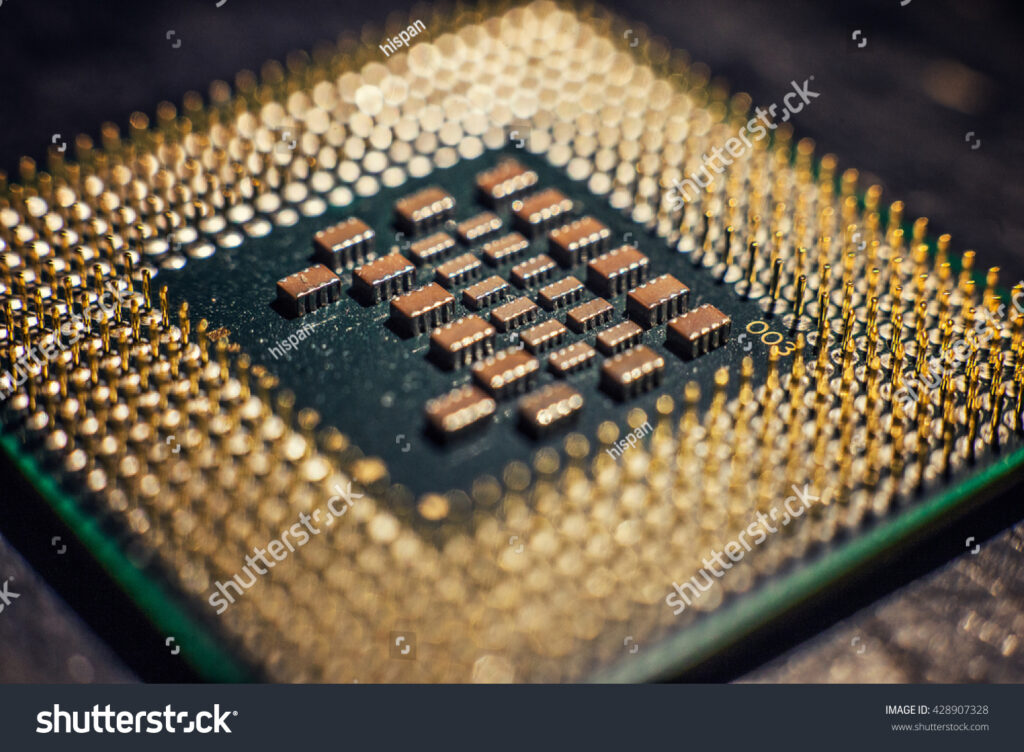
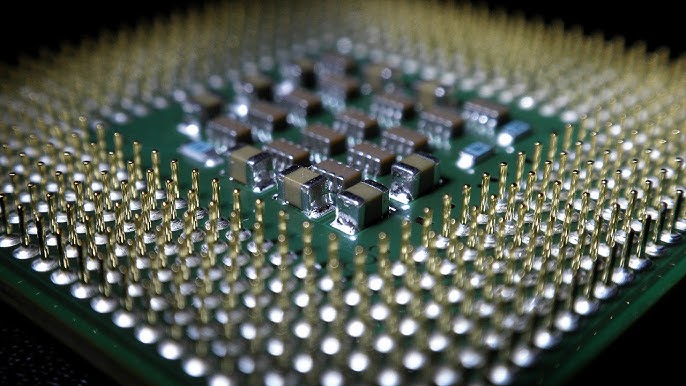
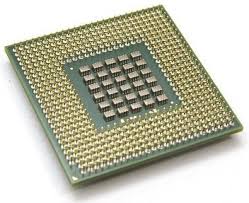
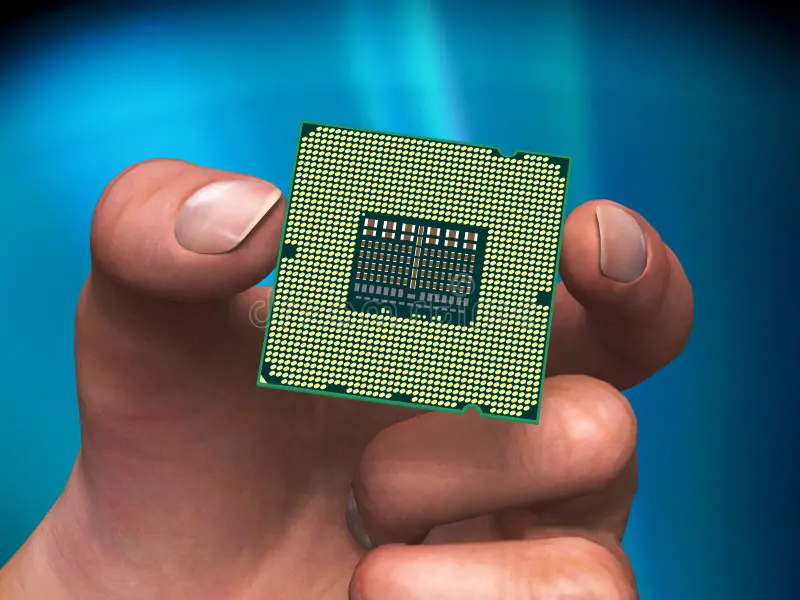
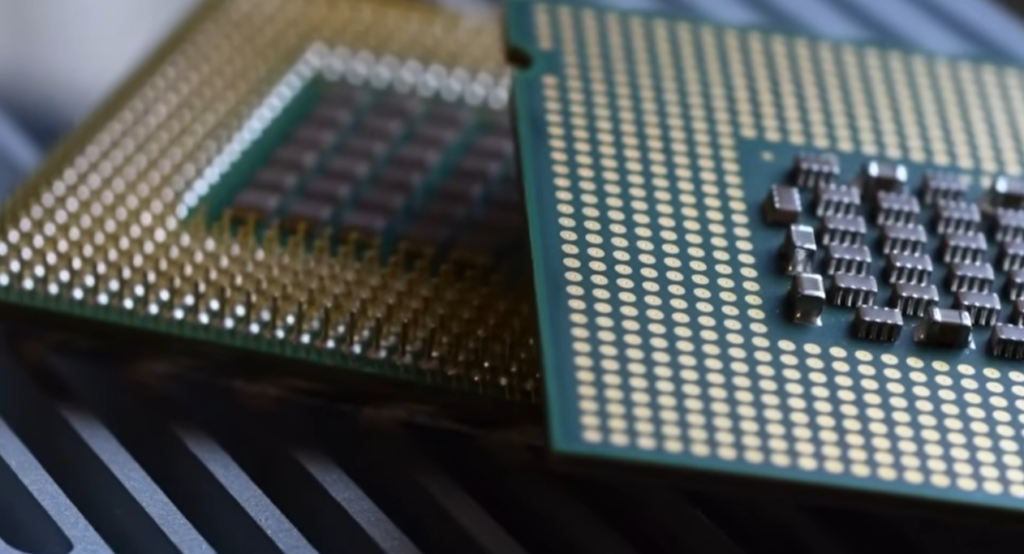
- A CPU transistor is a very small electronic switch inside a processor that controls the flow of electricity and helps the computer process information. It is made using semiconductor material like silicon and is the basic building block of all modern CPUs.
- Inside a CPU, a transistor works like an ON and OFF switch. When it is ON, electricity passes through it and represents the value 1. When it is OFF, no electricity flows and it represents the value 0. These two states (0 and 1) are used in binary language, which is how computers understand all data and instructions.
- In a CPU, billions of transistors work together to perform tasks such as calculations, decision-making, and data processing. Every instruction given to the computer is broken into very small operations that are handled by these transistors. This is how programs, games, and applications run smoothly.
- For example, a modern processor like the Intel Core i5-12400 contains billions of transistors packed into a very small space. These transistors work extremely fast together, allowing the CPU to perform complex tasks in a fraction of a second.
- In simple terms, a CPU transistor is like a tiny switch that turns electricity ON and OFF to represent data. Millions and billions of these switches working together form the brain of the computer and make all digital operations possible.
What is CPU Core
What is CPU Core?
1. Meaning of CPU core:
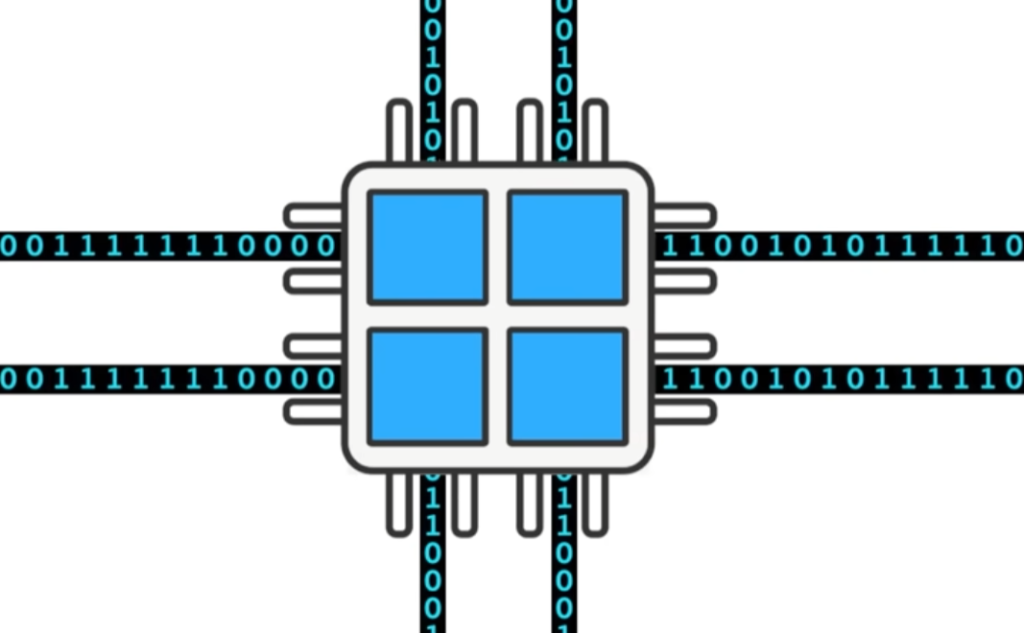
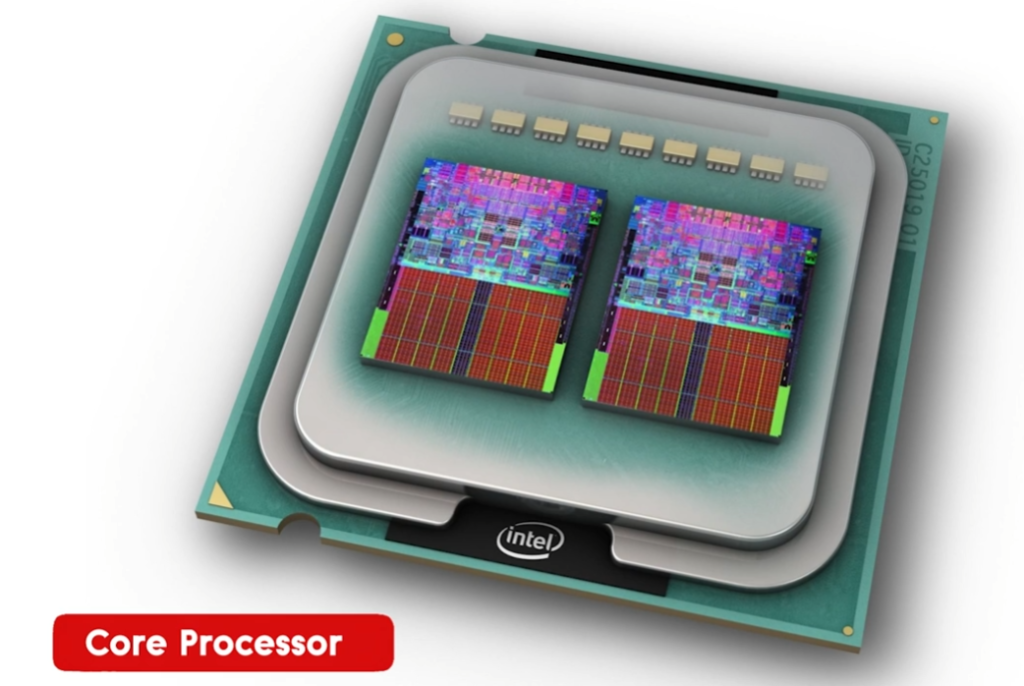
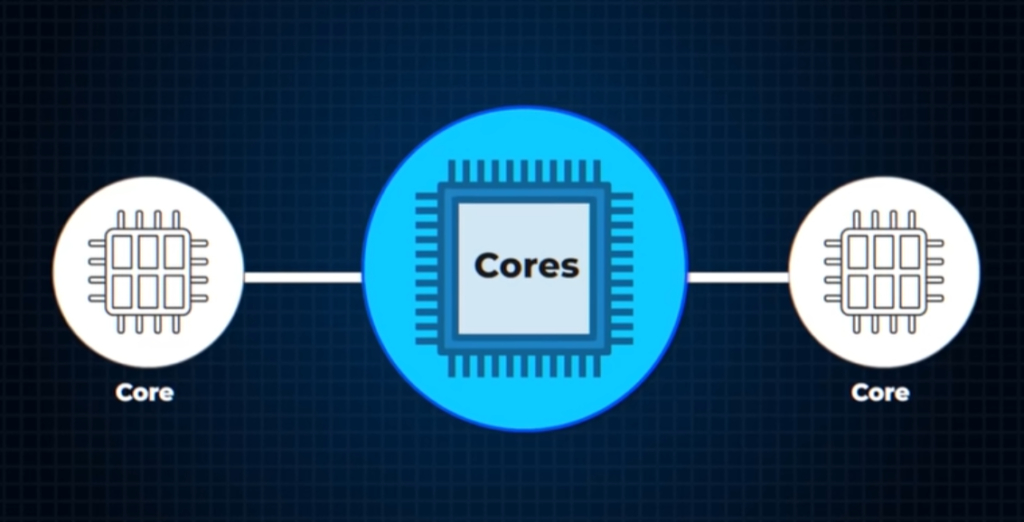
A CPU core is a small independent processing unit inside the CPU that can execute instructions, perform calculations, and handle tasks. It works like a mini processor inside the main processor.
2. Role of a core:
Each core is responsible for running programs and processing data. It takes instructions from the system, processes them step by step, and produces results. A CPU with more cores can handle more work at the same time.
3. How cores work together:
Modern CPUs contain multiple cores (like 2, 4, 6, 8 or more). These cores work independently but in coordination, dividing tasks between them. This parallel processing improves overall speed and efficiency.
4. Multitasking performance:
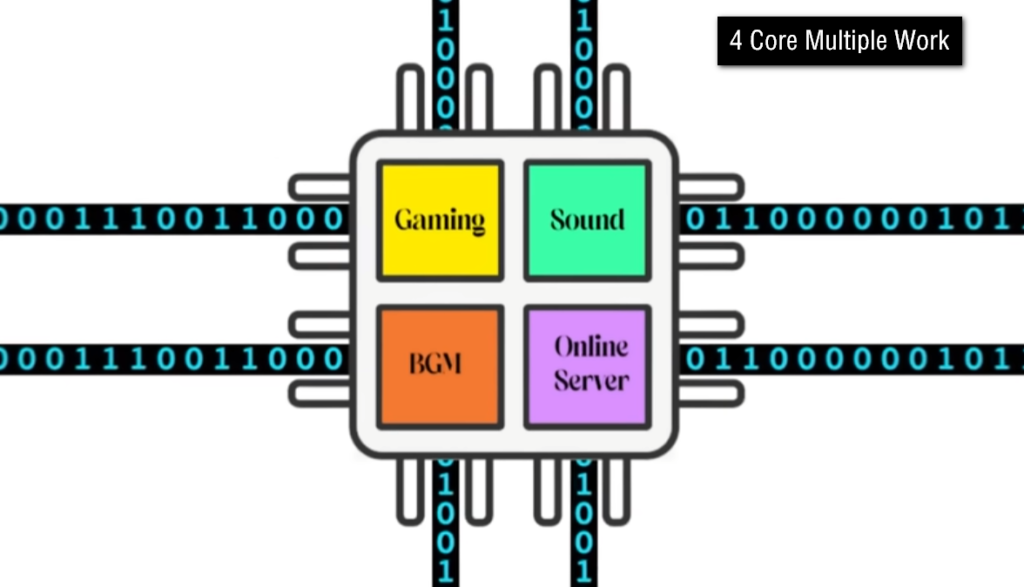
More CPU cores allow a computer to perform multiple tasks simultaneously. For example, one core can run a game, another can handle background apps, and another can manage system processes without slowing down the system.
5. Real-world example:
If a CPU has 4 cores, it is like having 4 workers in a factory. Each worker handles different tasks at the same time, so the work gets completed faster compared to only one worker doing everything.
6. Importance in gaming and software:
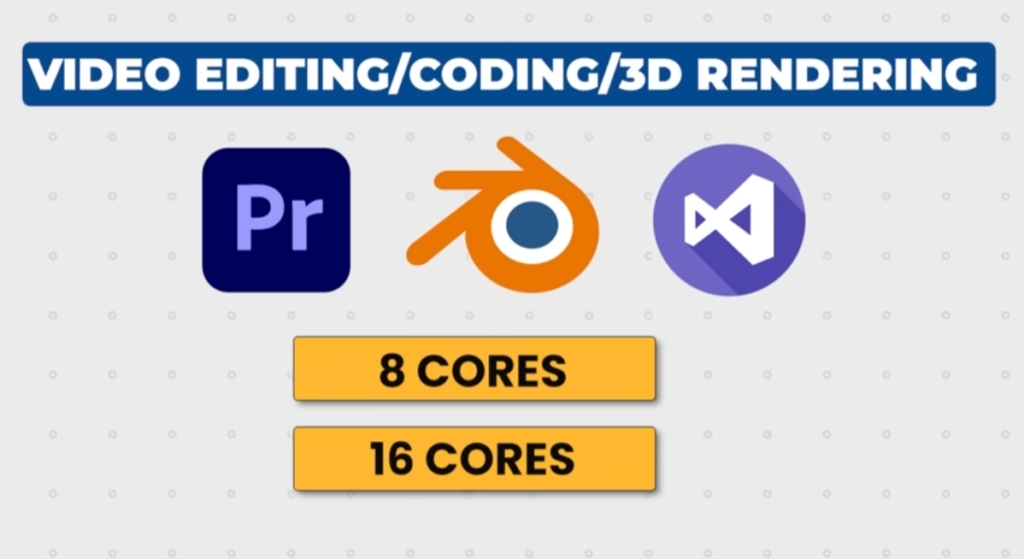
CPU cores are very important for gaming, video editing, programming, and heavy software. Games and professional applications use multiple cores to improve speed, smoothness, and performance.
7. Core vs CPU:
The CPU is the whole processor, while cores are the individual processing units inside it. A CPU can have multiple cores, but all cores together form one complete processor.
8. Conclusion:
In simple terms, a CPU core is a processing unit inside the CPU that executes instructions. More cores mean better multitasking, faster processing, and improved overall computer performance.
Real Example of CPU Core ?
1. Gaming example:
When you play a game like GTA or PUBG, one CPU core handles game physics, another handles player movement, and another handles background tasks. This makes the game run smoother.
2. Watching video + browsing:
If you watch YouTube and also open Chrome tabs, different cores share the work. One core handles video playback while others manage browsing and system tasks.
3. Video editing example:
When editing a video in software like Premiere Pro, multiple CPU cores are used to render video frames faster, apply effects, and export the final video.
4. Opening multiple apps:
If you open MS Word, Chrome, and music player together, each core helps run different applications at the same time without slowing down the system.
5. Downloading + multitasking:
When downloading a file while using the computer, one core manages the download process while others handle your normal work smoothly.
Conclusion:
In real life, CPU cores divide tasks between them so your computer can do many things at the same time without lag or slowdown.
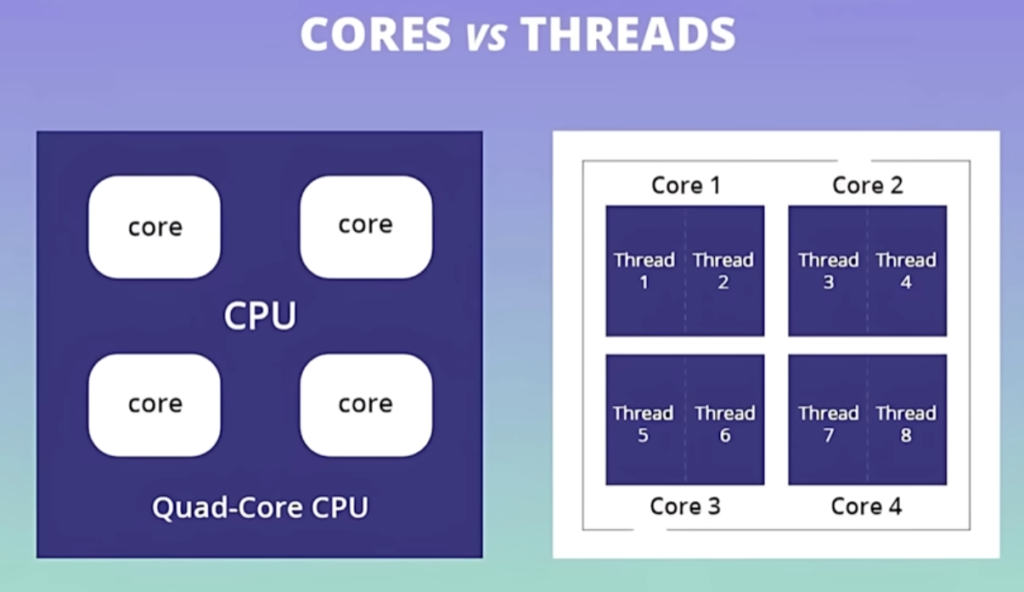
- Core → Physical CPU unit that performs actual processing work
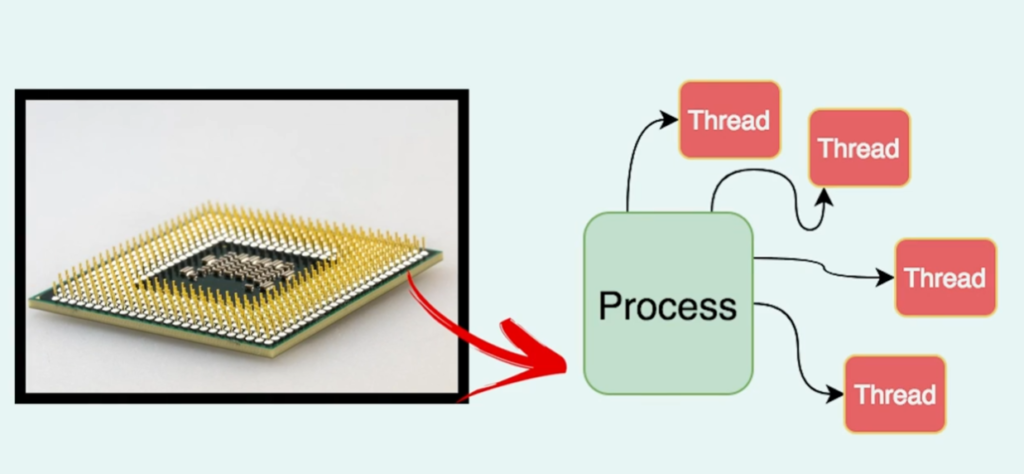
- Thread → Virtual path that helps a core handle multiple tasks at the same time
- More cores → Better overall performance
- More threads → Better multitasking ability
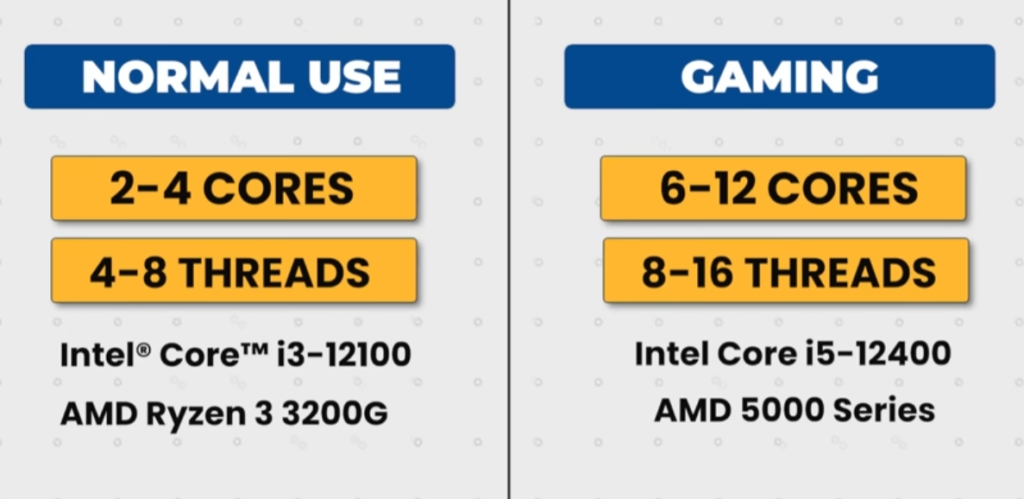
- Core example → Intel i5-12400 has 6 cores (6 physical workers)
- Thread example → Same CPU has 12 threads (each core handles 2 tasks)
- Real use → You can play a game + browse Chrome smoothly at the same time
Core vs Threads comparison Table:
| Feature | Core | Threads |
|---|---|---|
| Meaning | Physical processing unit in CPU | Virtual processing path inside a core |
| Function | Does actual computing work | Helps cores do multiple tasks |
| Performance | Higher cores = more power | Higher threads = better multitasking |
| Nature | Physical hardware | Logical/virtual unit |
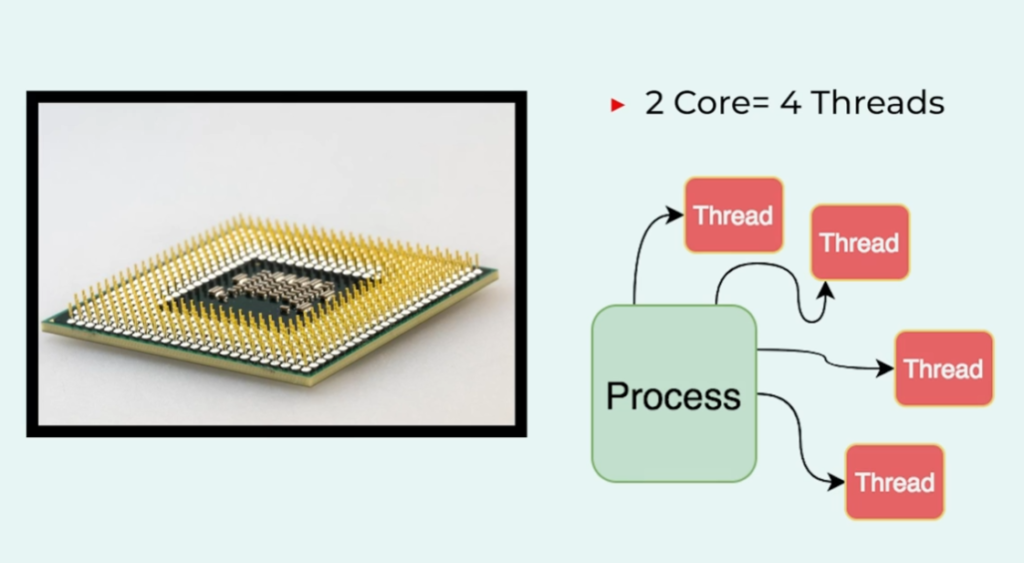
| Example | 4-core CPU has 4 cores | 4-core CPU may have 8 threads (with Hyper-Threading) |



What is Hyper-Threading
1. Meaning:
Hyper-Threading is a technology used in Intel CPUs that allows one physical CPU core to act like two virtual cores. It helps the processor handle more tasks at the same time.
2. How it works:
Normally, one CPU core processes one task at a time. With Hyper-Threading, that same core is split into two logical threads, so it can work on two instructions simultaneously, improving efficiency.
3. Performance benefit:
Hyper-Threading improves multitasking performance. It does not double speed, but it helps the CPU use its resources better, reducing idle time and making the system smoother.
4. Example:
If a CPU has 4 cores with Hyper-Threading, it will show 8 threads. This means it can handle more tasks at once, like gaming, browsing, and background apps together.
5. Where it is used:
Hyper-Threading is used in Intel processors and is helpful in gaming, video editing, programming, and heavy multitasking workloads.
6. Conclusion:
In simple words, Hyper-Threading allows one CPU core to handle multiple tasks at the same time, improving multitasking and overall system performance.
Hyper-Threading Real Example :
- When you are using a computer with Hyper-Threading, the CPU can handle multiple tasks more smoothly at the same time.
- For example, imagine you are playing a game, downloading a file, and listening to music together. Normally, a single CPU core would handle tasks one by one, which may cause lag. But with Hyper-Threading, each CPU core is split into two virtual threads, so it can process more than one task at the same time.
- In this situation, one thread may handle the game graphics and movement, another thread may manage the download process in the background, and another thread may keep the music playing smoothly. Because of this sharing system, the computer does not freeze or slow down easily.
- Another example is video editing. While rendering a video, Hyper-Threading allows the CPU to divide work between threads, so effects, transitions, and encoding happen faster. This reduces waiting time and improves productivity.
- In simple terms, Hyper-Threading helps your CPU work like it has extra mini-workers inside each core, making multitasking smoother and more efficient in real-life usage.

What are P-Cores and E-Cores
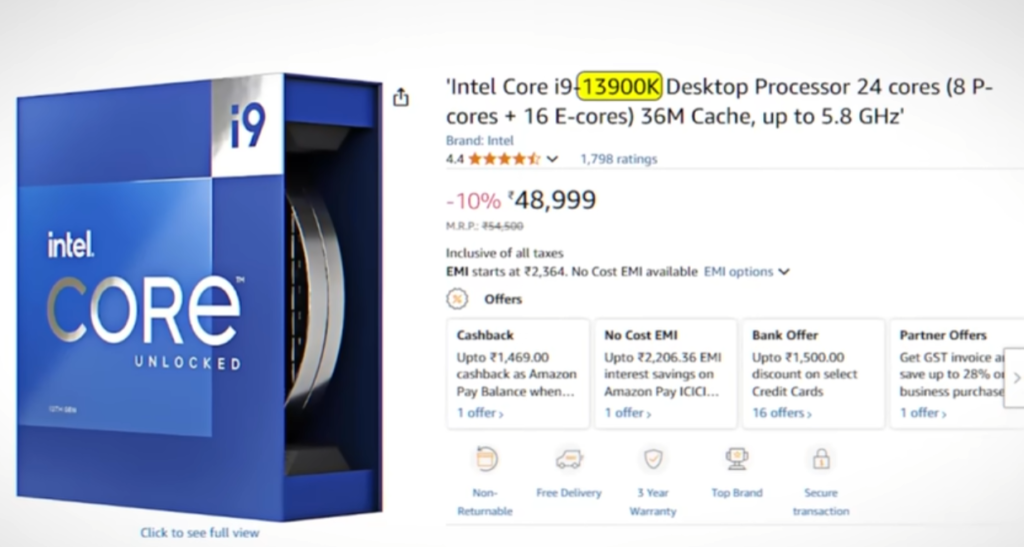
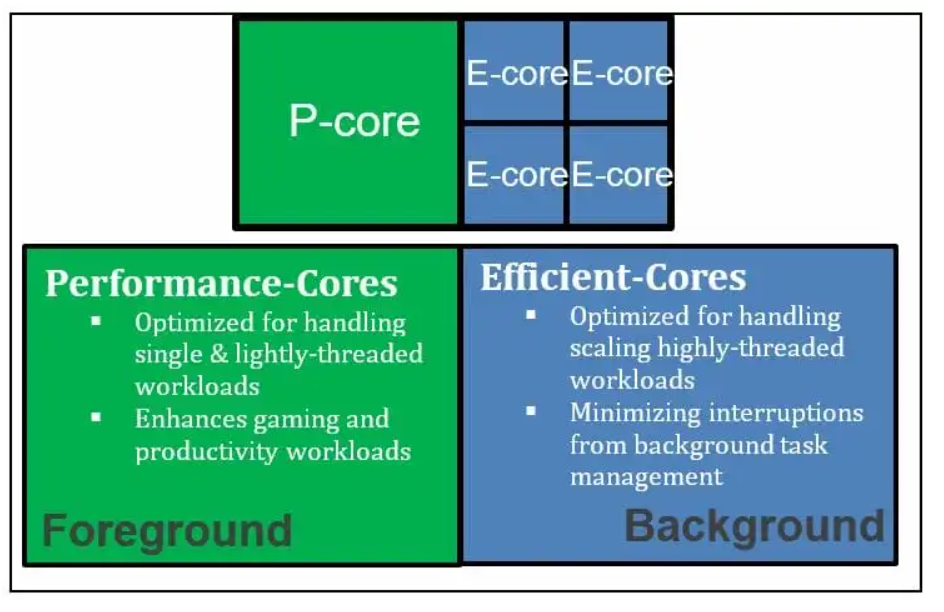
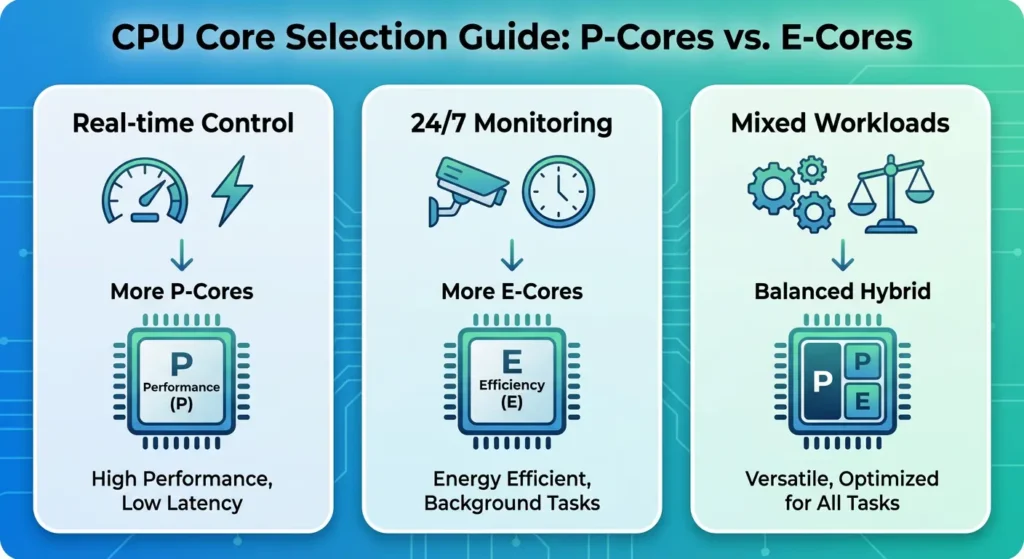
- Modern Intel processors use a hybrid architecture that combines two different types of CPU cores known as Performance Cores (P-Cores) and Efficiency Cores (E-Cores). This design helps provide both high performance and better power efficiency.
- P-Cores (Performance Cores) are designed for demanding tasks that require maximum processing power. They handle activities such as gaming, video editing, 3D rendering, software development, and other intensive workloads. P-Cores operate at higher clock speeds and are optimized to deliver the best possible performance.
- E-Cores (Efficiency Cores) are designed to perform lighter tasks while consuming less power. They handle background processes such as system updates, web browsing, music playback, antivirus scans, and other everyday activities. Because they use less power, they help reduce heat generation and improve battery life in laptops.
- When both types of cores work together, the operating system automatically assigns heavy workloads to P-Cores and lighter background tasks to E-Cores. This allows the processor to maintain high performance without wasting power on simple tasks.
- For example, when playing a game on a system with an Intel Core i7-14700K processor, the game primarily runs on the P-Cores, while background applications such as a web browser, music player, or system services can run on the E-Cores.
- In simple terms, P-Cores focus on speed and performance, while E-Cores focus on efficiency and power saving. Together they help modern processors deliver better multitasking, higher performance, and improved energy efficiency.
- P-Core (Performance Core) – Handles heavy workloads like gaming, video editing, 3D rendering, and high-performance applications. It delivers maximum speed and power for demanding tasks.
- E-Core (Efficiency Core) – Handles background and light tasks such as browsing, system updates, music playback, and antivirus processes. It focuses on saving power and reducing heat.
- Working Together – Modern CPUs automatically assign tasks: P-Cores handle important high-performance work, while E-Cores manage simple background tasks.
- Performance Benefit – This hybrid design improves multitasking, increases efficiency, and helps balance performance with battery life.
- Example CPU – A processor like Intel Core i7-14700K uses both P-Cores and E-Cores to deliver strong performance and efficiency together.
What is TDP in CPU
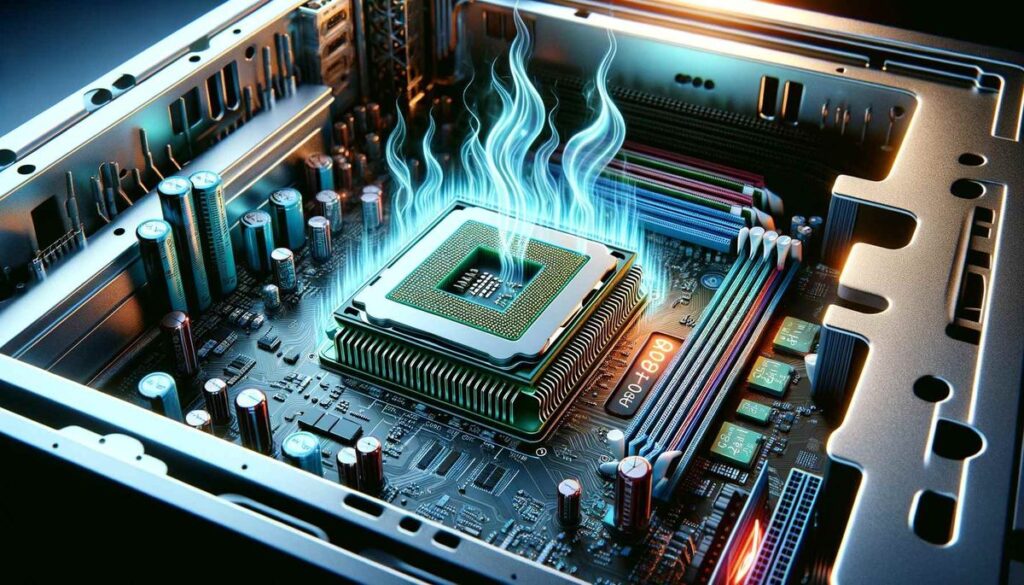
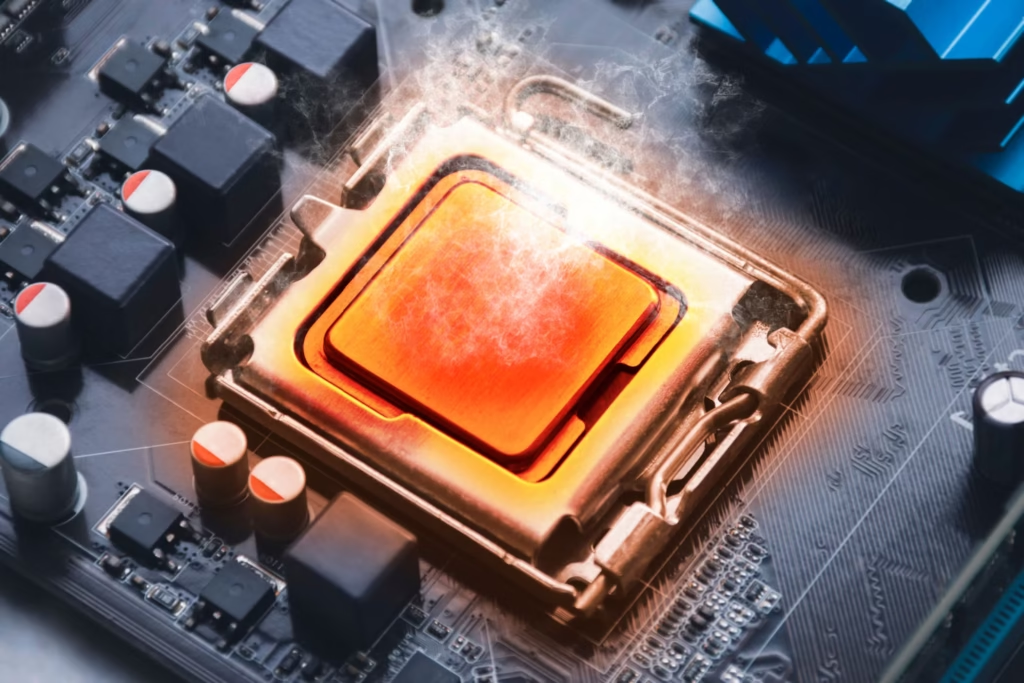
- TDP (Thermal Design Power) is a measurement that shows how much heat a CPU can produce under normal workload. It is usually measured in watts (W) and helps in selecting the proper cooling system for the processor.
- TDP is mainly used by manufacturers to design coolers like heatsinks and fans so that the CPU does not overheat during usage. It does not always represent the exact power consumption, but it gives an idea of heat generation.
- A CPU with low TDP produces less heat and is more power efficient. This type of processor is commonly used in laptops where battery life and cooling are important.
- A CPU with high TDP generates more heat and requires better cooling solutions. These processors are usually found in gaming PCs, high-performance desktops, and workstation systems.
- For example, a processor like Intel Core i7-14700K has a high TDP because it is designed for heavy workloads such as gaming, editing, and multitasking.
- In simple terms, TDP helps you understand how much cooling power a CPU needs to run safely and efficiently.
- TDP (Thermal Design Power) means the amount of heat a CPU produces under normal working load, measured in watts (W). It helps manufacturers design proper cooling systems like fans and heatsinks.
- TDP is not exact power consumption, but it shows how much cooling a CPU needs to run safely. Higher TDP CPUs generate more heat and need better cooling.
- Low TDP CPUs are used in laptops for better battery life and less heat, while high TDP CPUs are used in gaming PCs and workstations for better performance.
Intel CPU Examples:
- Intel Core i3-12100 → 65W TDP (basic desktop use, office work, browsing)
- Intel Core i5-12400 → 65W TDP (mid-range gaming and multitasking)
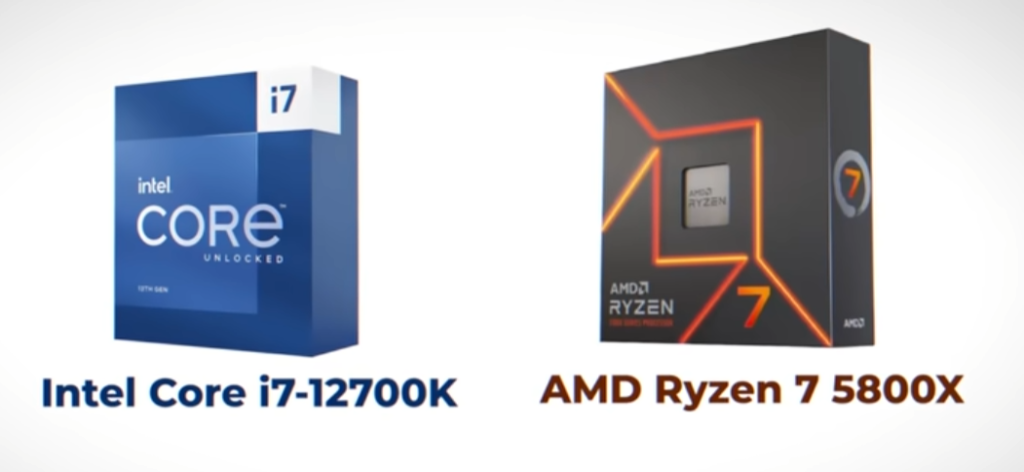
- Intel Core i7-12700K → 125W base TDP (can boost ~190W+) (high performance gaming & editing)
- Intel Core i9-14900K → 125W base TDP (can exceed 250W+) (extreme gaming & workstation tasks)
AMD CPU Examples:
- AMD Ryzen 3 4100 → 65W TDP (entry-level PC use)
- AMD Ryzen 5 5600X → 65W TDP (balanced gaming & work)
- AMD Ryzen 7 5800X → 105W TDP (high-performance gaming & editing)
- AMD Ryzen 9 7950X → 170W TDP (can boost higher) (professional workload & extreme performance)
Intel Laptop CPUs:
- U Series (9W – 28W) – Ultra low power, best battery life, basic tasks (browsing, office work)
- P Series (28W – 35W) – Balanced performance, thin & light laptops
- H Series (35W – 45W) – High performance laptops for gaming and editing
- HX Series (55W – 157W+) – Extreme performance, gaming laptops, workstation level
AMD Laptop CPUs:
- U Series (15W – 28W) – Power efficient, long battery life laptops
- HS Series (35W) – Balanced performance and efficiency
- H Series (45W – 75W) – High performance gaming and creative work laptops
- HX Series (55W – 75W+) – Maximum performance laptops, gaming & workstation use
Desktop CPU Watt (TDP) List :
- Intel Core i3 (35W–65W) – Basic desktop CPUs for office work, browsing, and light multitasking with low power usage.
- Intel Core i5 (65W–125W) – Mid-range CPUs suitable for gaming, productivity, and balanced performance.
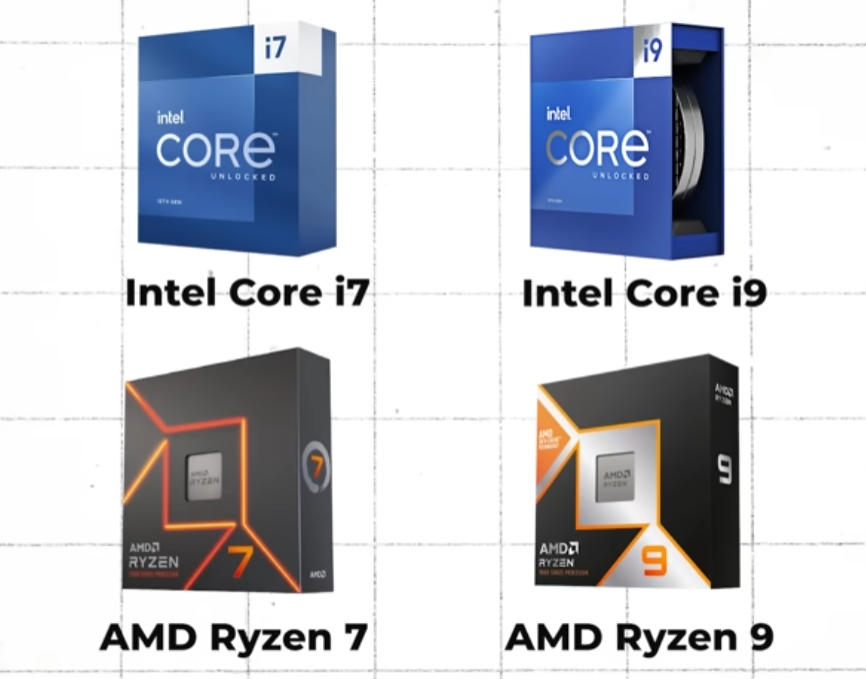
- Intel Core i7 (65W–150W) – High-performance CPUs for gaming, video editing, and heavy multitasking.
- Intel Core i9 (65W–253W+) – Extreme performance CPUs used for professional workloads and high-end gaming.
- AMD Ryzen 3 (35W–65W) – Entry-level CPUs for basic computing and everyday tasks.
- AMD Ryzen 5 (65W–95W) – Balanced CPUs for gaming and general productivity.
- AMD Ryzen 7 (65W–105W) – High-performance CPUs for gaming and content creation.
- AMD Ryzen 9 (105W–170W+) – Top-tier CPUs for heavy workloads, streaming, and professional use.
Important Notes:
- CPUs can boost above their rated TDP during heavy workloads.
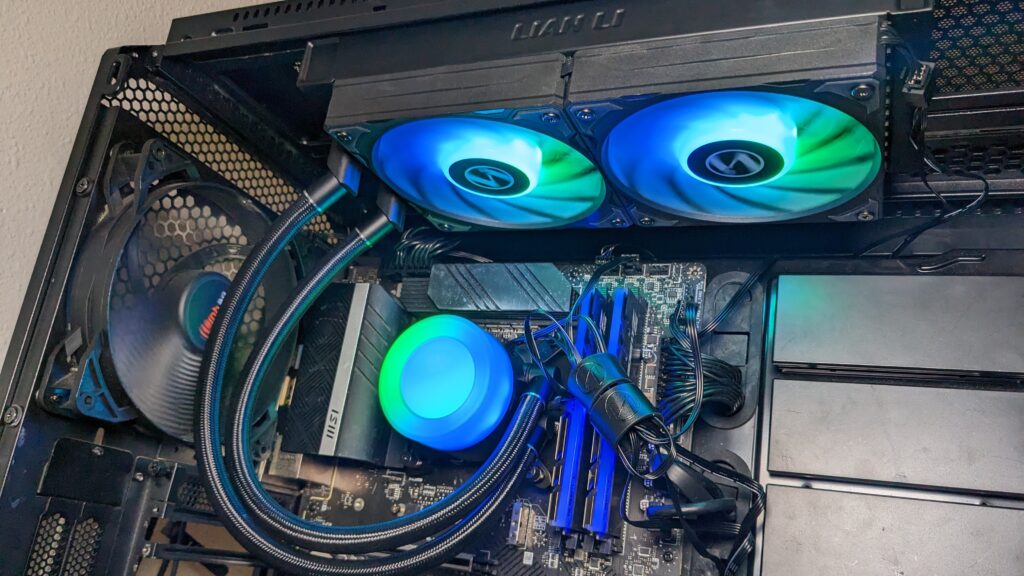
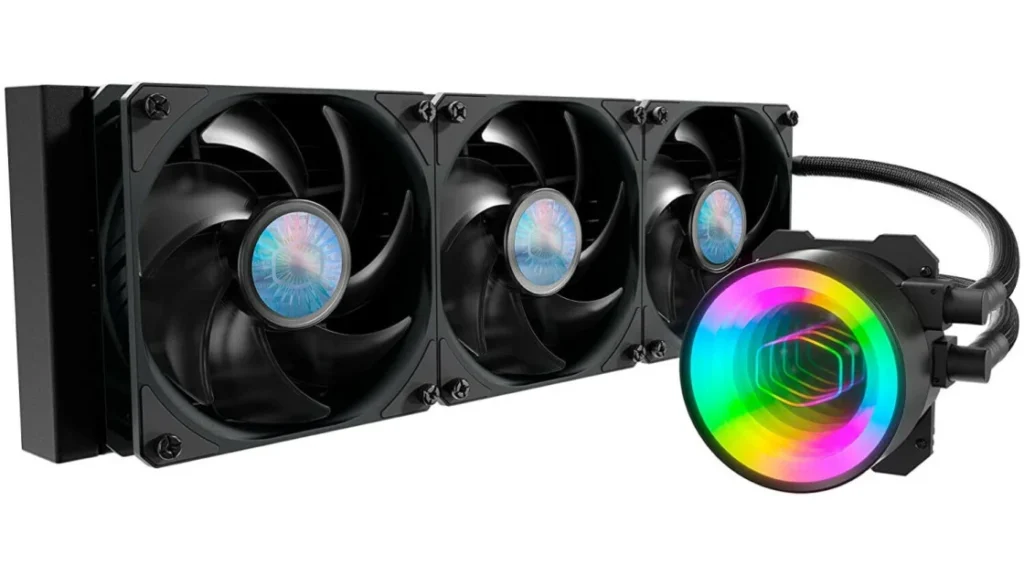
- Higher wattage CPUs require better cooling systems (air or liquid cooling).
- Desktop CPUs generally deliver more performance than laptop CPUs due to higher power limits.
Simple Summary
- Low Watt (35W–65W) → Basic use
- Mid Watt (65W–125W) → Gaming & work
- High Watt (125W–253W+) → Heavy gaming & professional tasks
What is CPU’s Gigahertz (GHz)
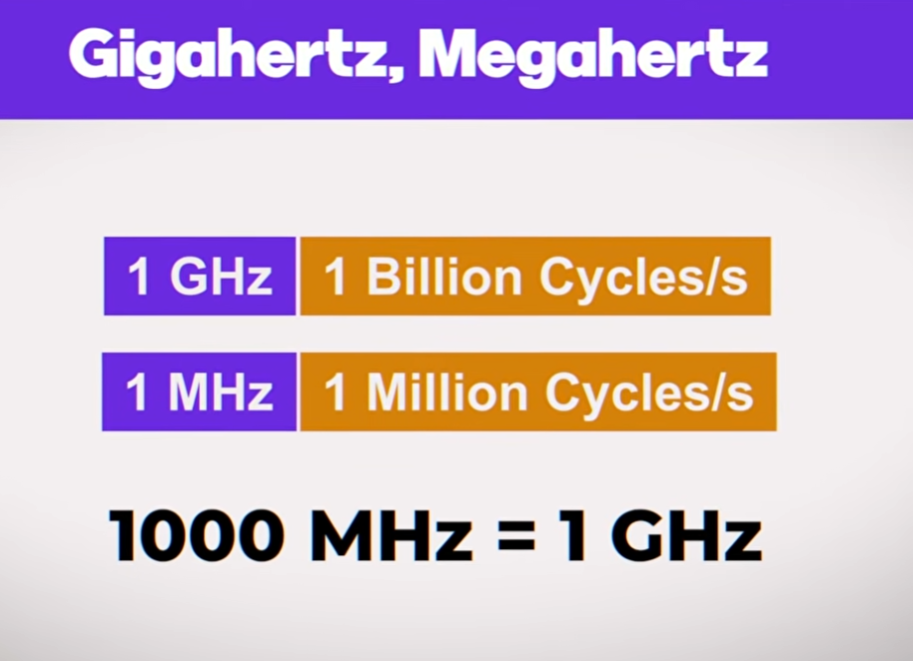
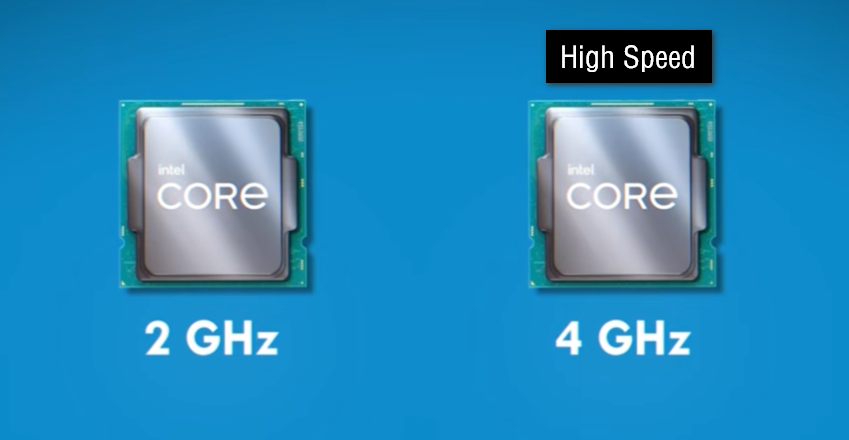
- A CPU’s gigahertz (GHz) is a unit that measures how fast the processor’s internal clock runs. The CPU clock acts like a timing signal that keeps everything inside the processor synchronized. Every time this clock “ticks,” the CPU can perform small parts of tasks such as calculations, moving data, or comparing values. So, when we say a CPU runs at 1 GHz, it means it completes about 1 billion of these cycles every second. A higher GHz generally means the processor can perform these basic operations more quickly.
- However, GHz alone does not determine how powerful a processor is. Modern CPUs are designed in a way that allows them to do more work in each cycle, not just rely on speed. This means a newer CPU with a lower GHz can sometimes outperform an older CPU with a higher GHz. Other important factors include the number of cores, which decide how many tasks can be handled at the same time, and the CPU architecture, which affects how efficiently each cycle is used.
- In addition to that, cache memory and RAM speed also influence performance. Cache is a small, very fast memory inside the CPU that stores frequently used data, helping reduce delays. If a CPU has better cache design or faster memory access, it can perform tasks more efficiently even at the same GHz. Power limits and cooling systems also matter because CPUs may reduce their speed if they get too hot or if power is restricted.
- So overall, gigahertz tells you the clock speed of a CPU, but real-world performance depends on a combination of clock speed, design efficiency, cores, and memory system, not just GHz alone.
- A real example of CPU gigahertz can be understood by comparing two actual processors used in computers. Imagine one processor running at 4.2 GHz and another newer processor running at 2.5 GHz. At first, most people think the 4.2 GHz processor must always be faster because the GHz number is bigger. Since GHz means billions of clock cycles per second, the 4.2 GHz CPU is indeed ticking faster than the 2.5 GHz one.
- However, modern processors are much more advanced internally. For example, a newer processor like the Intel Core i5-12400 can often outperform an older processor like the Intel Core i7-7700K even though the older one has a higher clock speed. This happens because newer CPUs are designed to complete more work in each clock cycle. Engineers improve architecture, cache systems, instruction handling, and efficiency over generations.
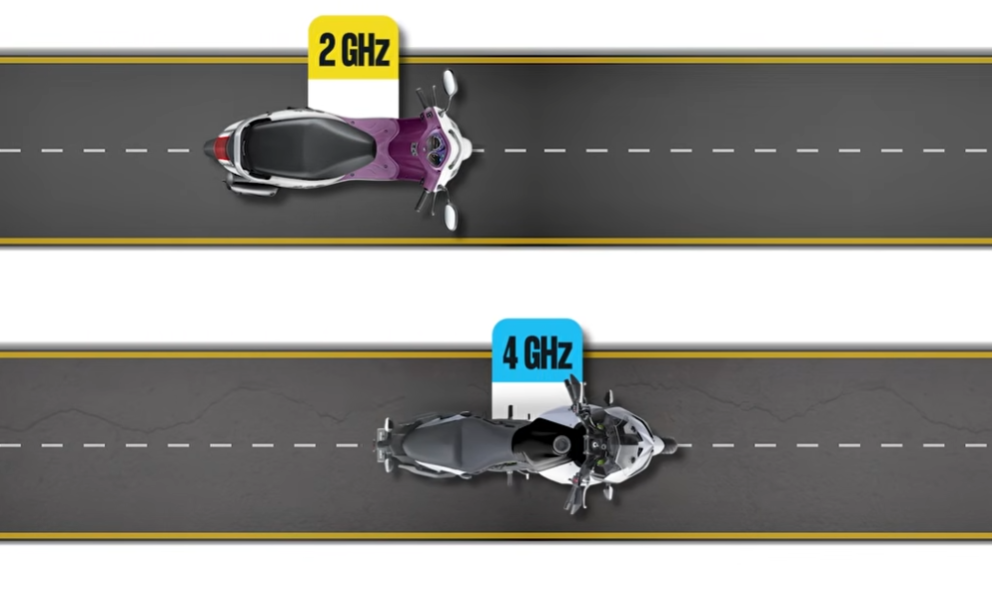
- A simple real-life comparison is two factory workers. One worker moves their hands very quickly but works in a disorganized way. Another worker moves slightly slower but uses smarter tools and better methods. Even though the first worker is “faster” in movement, the second worker may finish more products in the same time. CPU GHz works similarly. Clock speed matters, but efficiency matters too.
- This is why gamers, programmers, and video editors do not look only at GHz while buying a computer. They also check the CPU generation, number of cores, cache memory, and benchmark performance. A balanced modern CPU with lower GHz can still provide smoother gaming, faster software loading, and better multitasking than an older high-GHz processor.
What is CPU Clock Speed
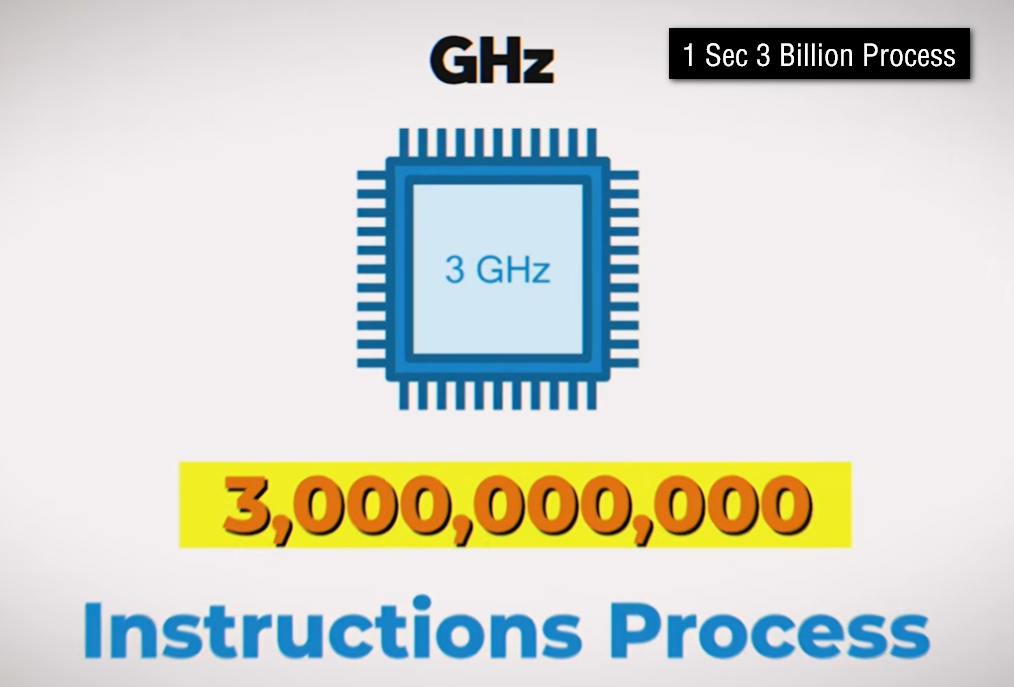
- CPU clock speed is the rate at which a processor works and executes instructions. It tells how many cycles the CPU can perform in one second. Clock speed is usually measured in gigahertz (GHz). If a processor has a clock speed of 3 GHz, it means the CPU clock ticks about 3 billion times every second. Each tick allows the processor to carry out small operations such as calculations, data transfers, or instruction handling.
- The clock inside a CPU acts like a timing system that coordinates all activities happening inside the processor. Every operation follows this timing signal so that tasks happen in the correct order. A higher clock speed generally means the CPU can process instructions faster, which can improve performance in tasks like opening programs, gaming, or calculations.
- However, clock speed alone does not fully decide how powerful a CPU is. Modern processors are designed differently, and some CPUs can do more work in each cycle than others. This means a newer processor with a lower clock speed may still perform better than an older processor with a higher clock speed because of improved architecture and efficiency.
- For example, imagine two students solving math problems. One student writes very quickly but makes mistakes and wastes time. The other student writes a little slower but solves problems more efficiently and correctly. Even though the first student is “faster,” the second student may finish more work overall. CPU clock speed works in a similar way. Higher GHz means faster ticking, but total performance depends on many other factors too.
What is CPU Dual-Core, Quad-Core, Octa-Core, and Deca-Core
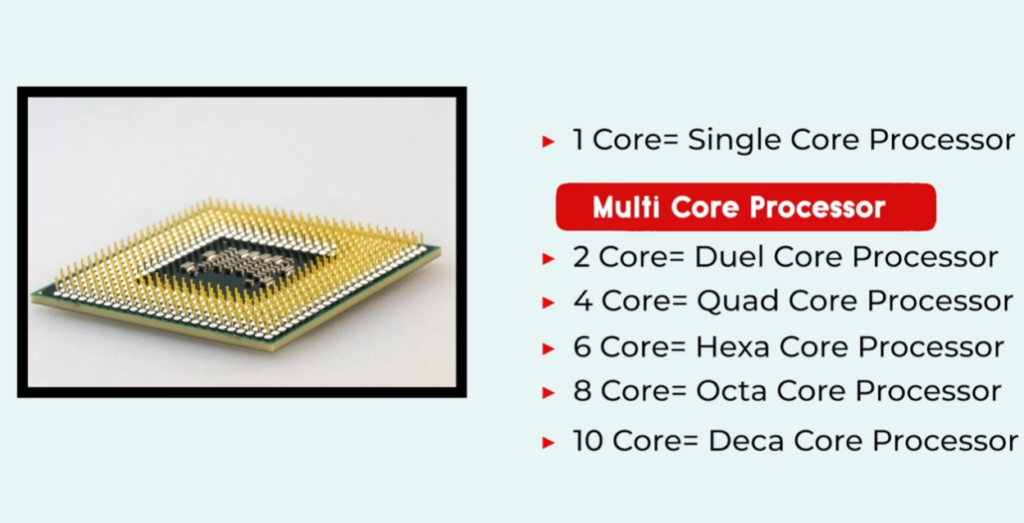
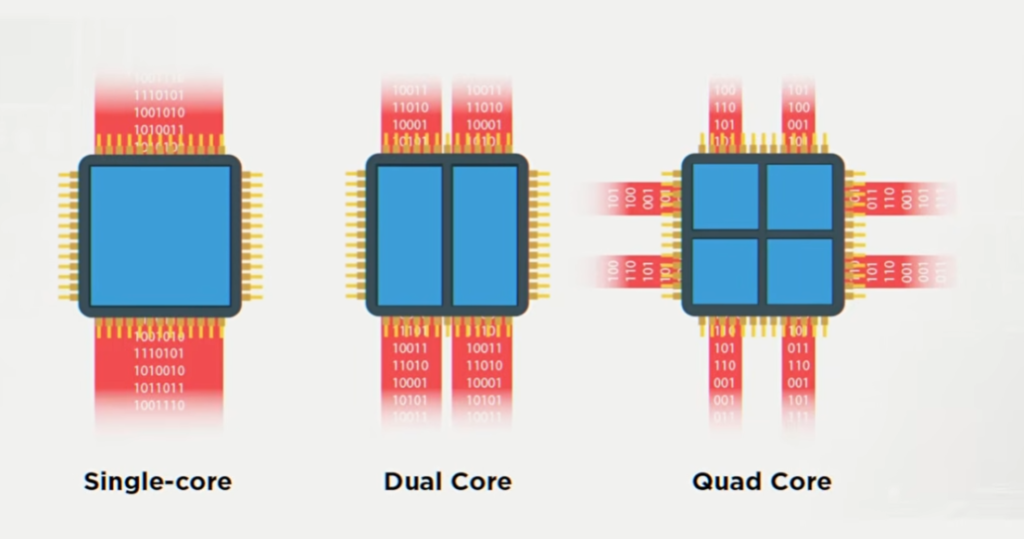
- A CPU core is like an individual worker inside the processor. Each core can handle instructions and tasks independently. When computers became more advanced, manufacturers started adding multiple cores into a single CPU so the processor could do many tasks at the same time. The names like dual-core, quad-core, octa-core, and deca-core simply describe how many cores are inside the processor.
- A dual-core CPU has 2 cores. This means the processor has two workers handling tasks simultaneously. Dual-core processors were a big improvement over single-core CPUs because they allowed smoother multitasking. For example, you could listen to music while browsing the internet without the system slowing down too much. Dual-core CPUs are still found in basic laptops, office computers, and budget devices.
- A quad-core CPU has 4 cores. With four cores, the processor can manage heavier multitasking and more demanding applications. Quad-core processors are common in mainstream laptops, gaming systems, and smartphones. They can handle gaming, video streaming, editing, and running multiple apps more smoothly than dual-core processors.
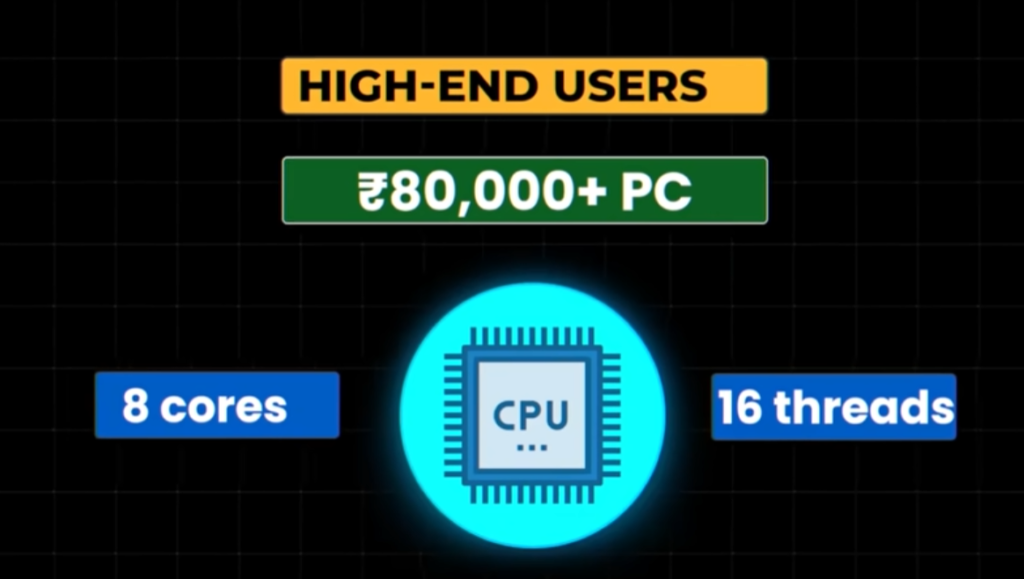
- An octa-core CPU has 8 cores. “Octa” means eight. These processors are widely used in modern smartphones and powerful computers. An octa-core processor can divide work among many cores, making multitasking much faster. For example, one core may handle gaming physics, another may manage background apps, while others deal with graphics or system processes. This improves performance and efficiency.
- A deca-core CPU has 10 cores. “Deca” means ten. These processors are less common but are designed for very heavy workloads. Deca-core CPUs are useful in advanced multitasking, professional editing, 3D rendering, engineering software, and server workloads. More cores allow the processor to manage many complex tasks at the same time.
Here is the simple meaning of the names:
- Dual-core → 2 cores
- Triple-core → 3 cores
- Quad-core → 4 cores
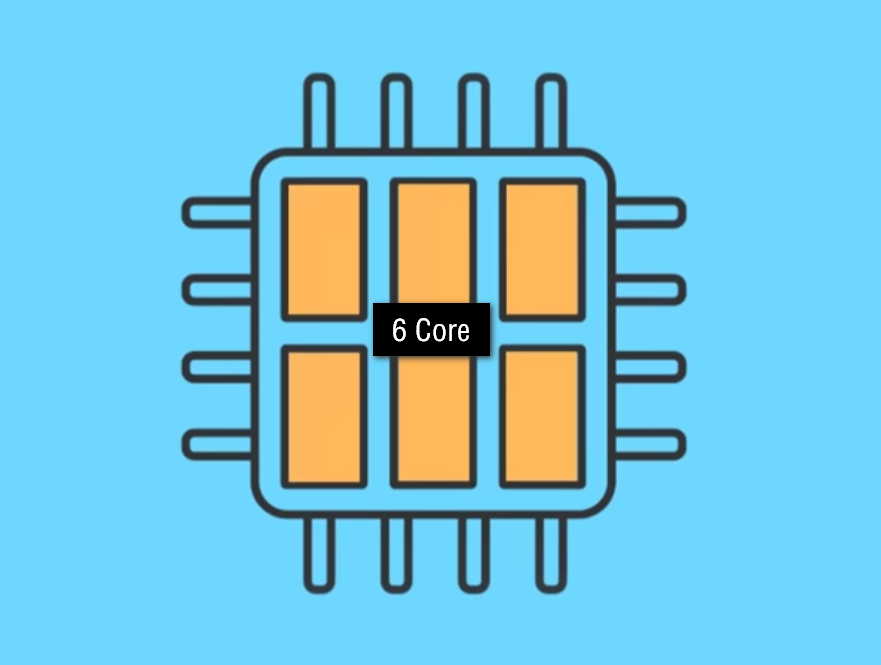
- Hexa-core → 6 cores
- Octa-core → 8 cores
- Deca-core → 10 cores
- A real-life example is a restaurant kitchen. Imagine one cook trying to prepare all dishes alone. Orders will take longer. If there are two cooks, work becomes faster. With eight or ten cooks, many dishes can be prepared at the same time. CPU cores work similarly. More cores help the computer handle multiple tasks together more efficiently.
- However, more cores do not always mean better performance for every situation. Some applications use only one or two cores, while others can fully use many cores. Modern CPUs balance both clock speed and number of cores to achieve better overall performance.
What is CPU Overclocking
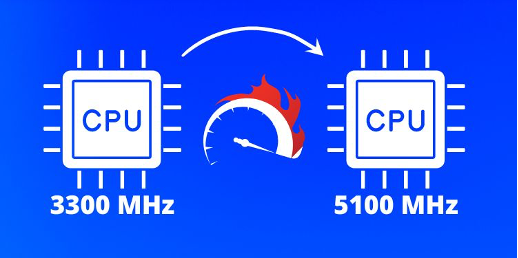
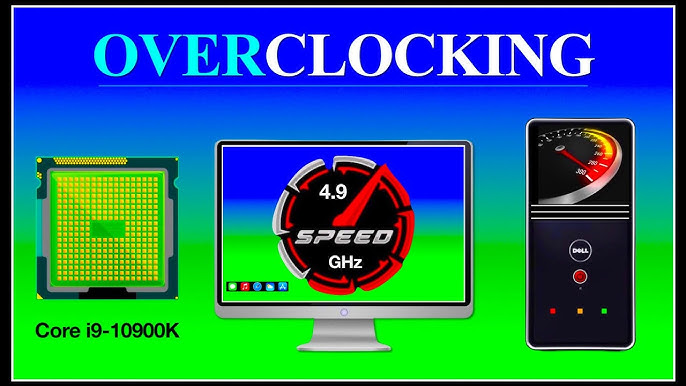
- CPU overclocking is the process of making a processor run at a higher clock speed than the speed set by the manufacturer. In simple words, it means forcing the CPU to work faster so the computer can perform tasks more quickly. Since CPU speed is measured in gigahertz (GHz), overclocking increases that GHz value beyond its normal limit.
- For example, if a processor normally runs at 3.5 GHz, a user may overclock it to 4.2 GHz. This allows the CPU to complete more cycles every second, which can improve performance in gaming, video editing, rendering, programming, and other heavy tasks. People often overclock CPUs to get extra performance without buying a more expensive processor.
- However, overclocking also increases heat generation and power consumption. When a CPU works faster, it needs more electricity and produces more heat. Because of this, strong cooling systems such as large air coolers or liquid cooling are often required. If the processor becomes too hot, the system may crash, slow down automatically, or even get damaged over time.
- A real-life example is making a car engine run beyond its normal safe speed. The car may go faster, but the engine heats up more and experiences greater stress. Similarly, overclocking pushes the CPU harder than its standard operating condition.
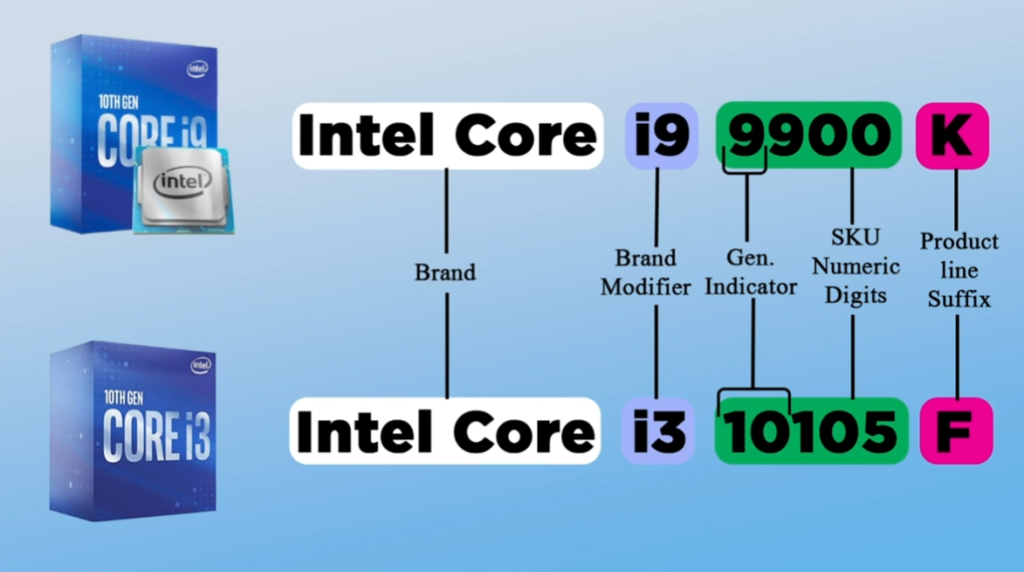
- Not all processors support overclocking. Some CPUs are locked by manufacturers, while others are specially designed for it. For example, certain Intel processors with a “K” in their name, like the Intel Core i9-14900K, are made for overclocking. Many AMD Ryzen processors also allow overclocking.
- Although overclocking can improve speed, it should be done carefully because unstable settings can cause crashes, overheating, reduced lifespan, or data loss. This is why advanced users test temperatures and system stability after changing CPU speeds.
What is CPU Cache Memory
- CPU cache is a very small but extremely fast memory built inside or very close to the CPU. Its job is to store frequently used data and instructions so the processor can access them quickly without waiting for slower RAM. Cache helps the CPU work faster and reduces delays during processing.
- Normally, when a processor needs data, it first checks the cache. If the data is already there, the CPU gets it almost instantly. If the data is not found in cache, the processor must fetch it from RAM, which is slower. Because modern CPUs operate at very high speeds, constantly waiting for RAM would slow the system down. Cache solves this problem by keeping important data nearby.
- A real-life example is a student studying at a desk. The books currently needed are kept on the desk for quick access, while other books remain on a bookshelf farther away. The desk acts like CPU cache, and the bookshelf acts like RAM. Accessing the desk is much faster than walking to the bookshelf every time.
CPU cache is usually divided into levels:
- L1 Cache → Smallest and fastest cache, located closest to the CPU core
- L2 Cache → Larger than L1 but slightly slower
- L3 Cache → Even larger and shared between cores in many processors
The CPU first checks L1 cache, then L2, then L3 before finally going to RAM.
- More cache can improve performance in gaming, multitasking, programming, and heavy applications because the CPU spends less time waiting for data. Modern processors like the AMD Ryzen 7 7800X3D are famous for having large cache memory that boosts gaming performance.
- So, CPU cache is basically a high-speed temporary storage area that helps the processor access important data much faster and improves overall computer performance.
CPU Manufacturing Companies
Intel Corporation:
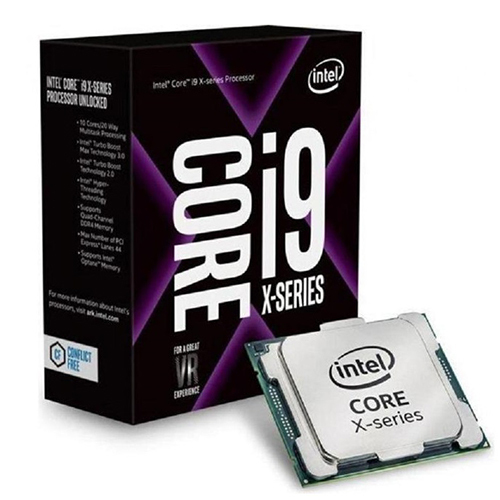
Intel Corporation is one of the most popular CPU manufacturers in the world. It produces processors like Core i3, i5, i7, and i9. These CPUs are widely used in laptops and desktop computers for gaming, office work, and daily tasks.
AMD (Advanced Micro Devices):
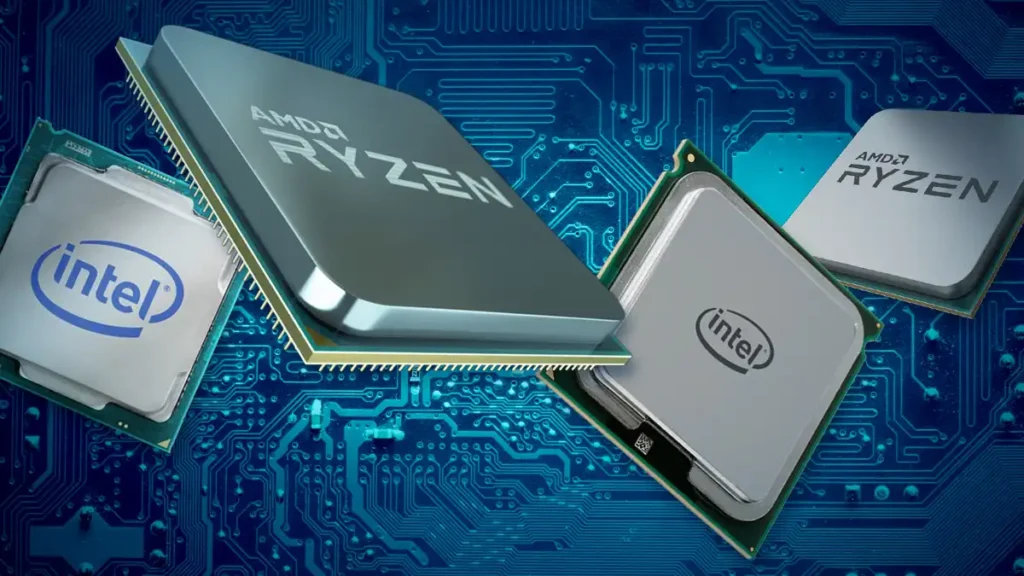
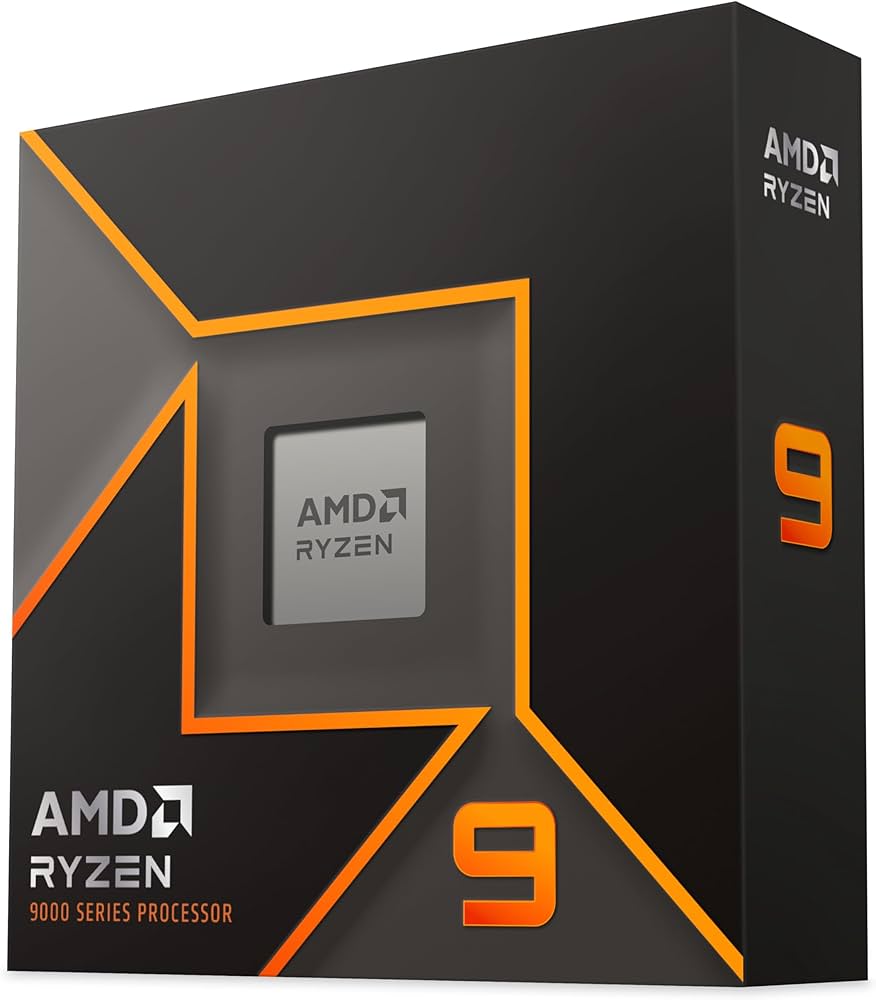
Advanced Micro Devices (AMD) is Intel’s main competitor. It produces Ryzen processors for PCs and EPYC processors for servers. AMD CPUs are known for strong multitasking and good gaming performance at lower prices.
Apple Inc.:
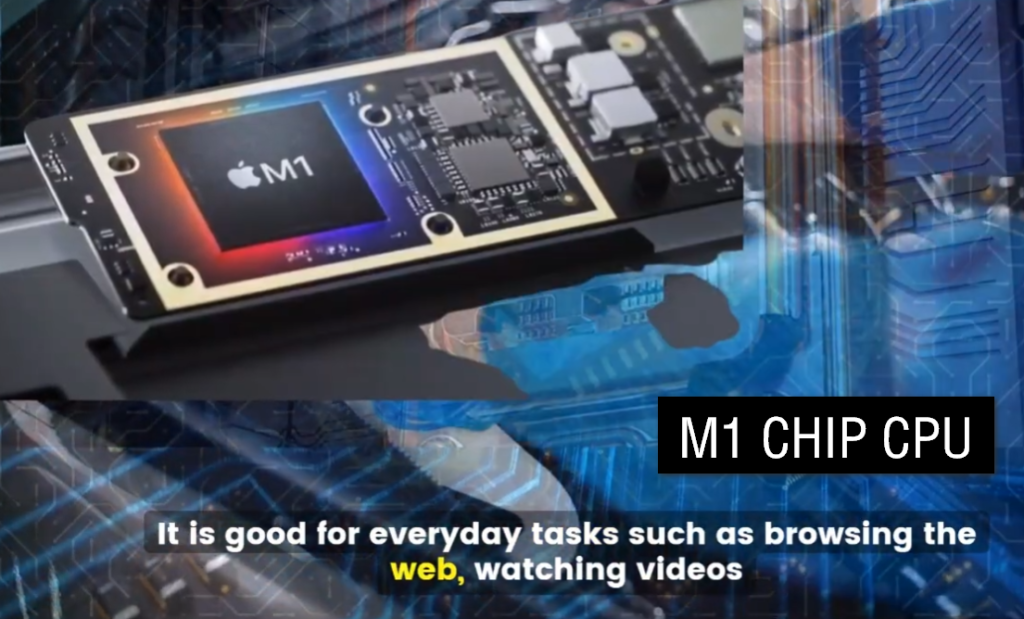
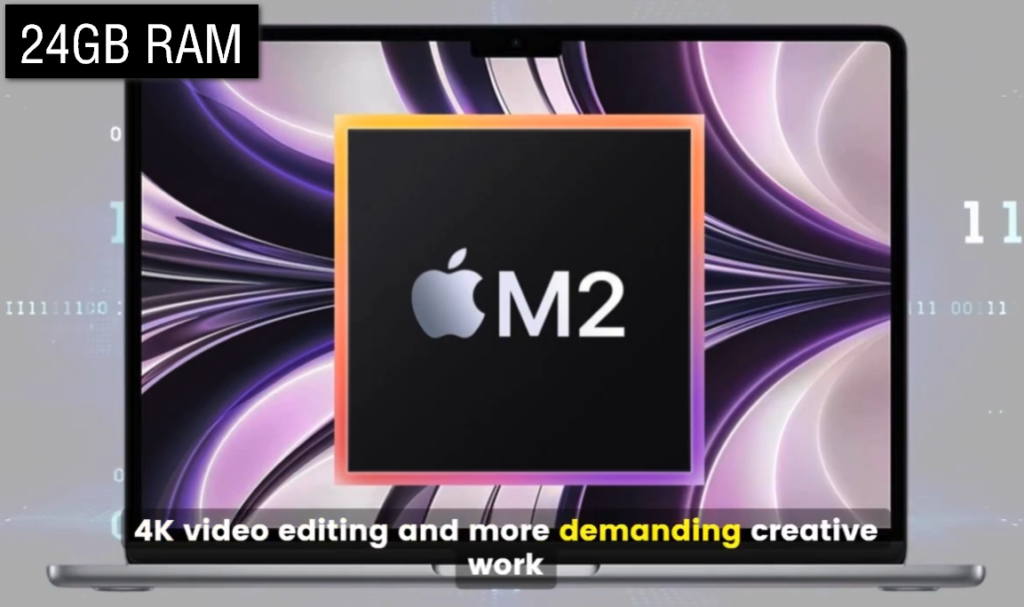
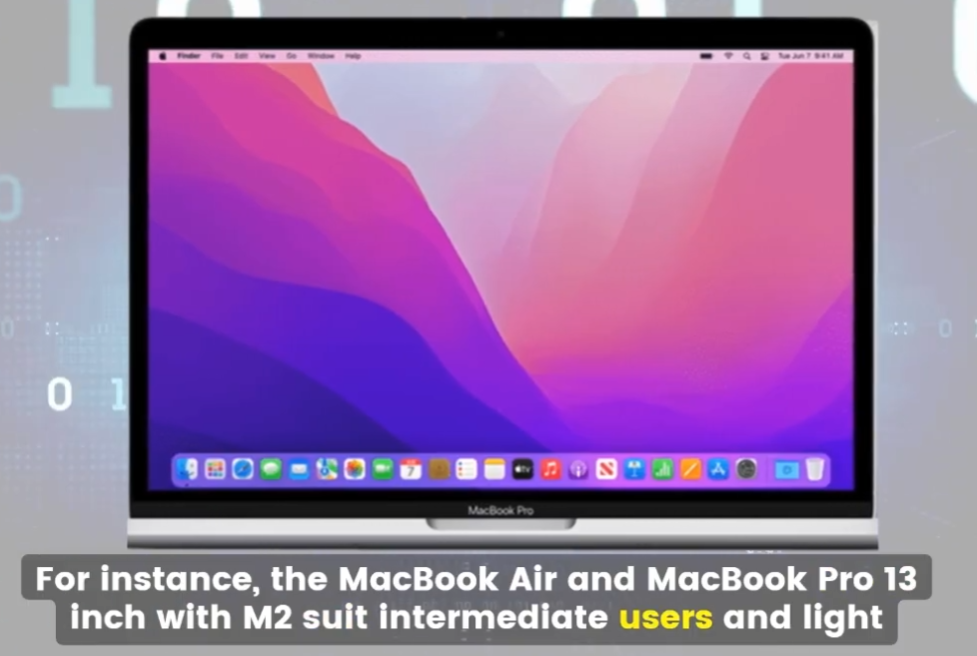
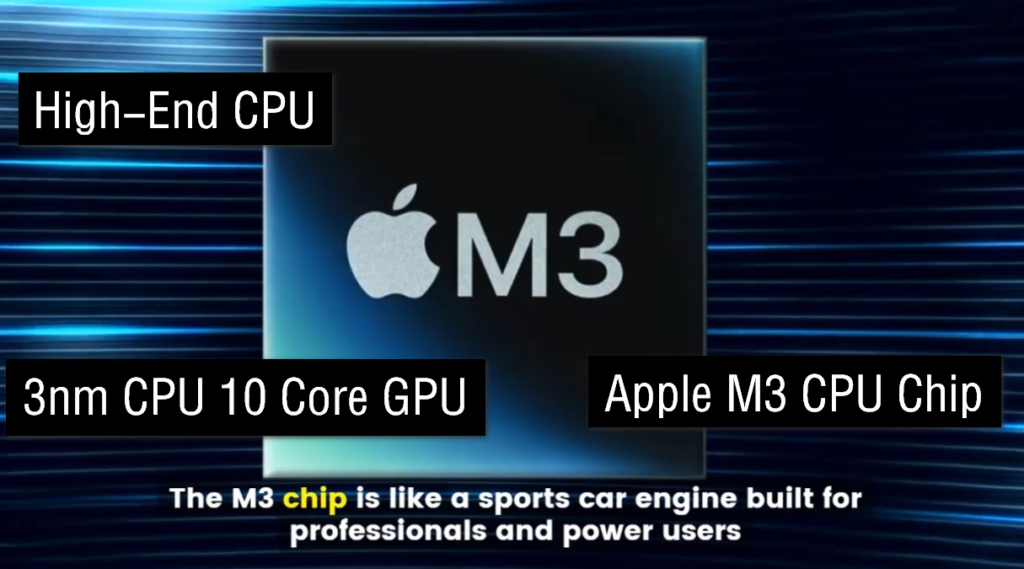
Apple Inc. designs its own processors called Apple Silicon (M1, M2, M3). These chips are used in MacBooks, iPhones, and iPads. They are very fast and energy efficient.
Qualcomm:
Qualcomm makes Snapdragon processors mainly used in Android smartphones and tablets. These chips are optimized for mobile performance and battery life.
NVIDIA Corporation:
NVIDIA Corporation is mainly known for graphics cards (GPUs), but it also produces advanced processors for AI, gaming, and data centers.
Summary:
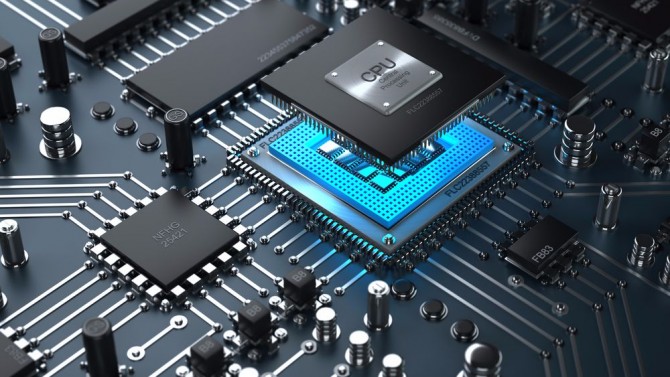
Intel and AMD focus on PC and server CPUs, Apple designs chips for its own devices, Qualcomm focuses on mobile processors, and NVIDIA works mainly in graphics and AI computing




What is CPU, GPU, NPU
CPU (Central Processing Unit):
The CPU is the main processor of a computer and is often called the “brain of the computer.” It controls and processes most general tasks such as running programs, managing the operating system, performing calculations, and handling system instructions. CPUs are designed for fast and flexible processing of everyday computing tasks.
GPU (Graphics Processing Unit):
The GPU is a specialized processor mainly used for graphics and parallel processing tasks. It is responsible for rendering images, videos, animations, and game graphics. GPUs contain many smaller cores that can process multiple tasks at the same time, making them very powerful for gaming, video editing, and graphic-intensive applications.
NPU (Neural Processing Unit):
The NPU is a processor specially designed for artificial intelligence (AI) and machine learning operations. It handles AI-related tasks like voice recognition, image detection, real-time translation, and smart assistant features. NPUs are optimized for fast AI calculations while consuming less power than CPUs or GPUs.
Final Idea:
CPU handles general computing tasks, GPU focuses on graphics and parallel processing, and NPU is designed specifically for AI and machine learning operations.
CPU Work Example:
When you open a web browser, type on a keyboard, use Microsoft Word, or run the Windows operating system, the CPU handles all these general computing tasks. For example, an Intel Core i5 processor manages calculations, program instructions, and overall system control.
GPU Work Example:
When you play games like PUBG, GTA V, or edit videos in Adobe Premiere Pro, the GPU processes graphics, animations, and visual effects. For example, an NVIDIA GeForce RTX graphics card renders game graphics and improves video editing performance.
NPU Work Example:
When you use AI features like voice assistants, face unlock, live translation, or AI photo enhancement, the NPU performs those AI calculations. For example, the Apple Neural Engine in iPhones quickly processes Face ID and smart camera functions.
CPU vs GPU vs NPU Table
| Feature | CPU | GPU | NPU |
|---|---|---|---|
| Full Form | Central Processing Unit | Graphics Processing Unit | Neural Processing Unit |
| Main Work | General processing | Graphics and parallel processing | AI and machine learning tasks |
| Best For | Everyday computing | Gaming, video editing | AI features and neural tasks |
| Processing Style | Few powerful cores | Many smaller cores | Specialized AI cores |
| Speed Type | Fast single-task performance | Fast parallel performance | Fast AI calculations |
| Power Usage | Medium | High | Low and efficient |
| Used In | All computers | Gaming PCs, GPUs | Modern AI laptops/phones |
| Example Tasks | Running Windows, apps | Rendering graphics, gaming | AI voice, image recognition |
| Example | Intel Core i5 | NVIDIA RTX 4060 | Intel AI Boost, Apple Neural Engine |