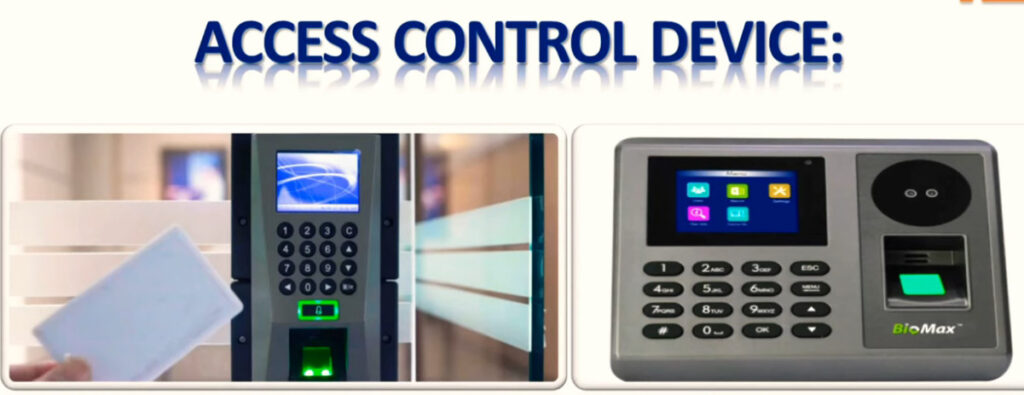
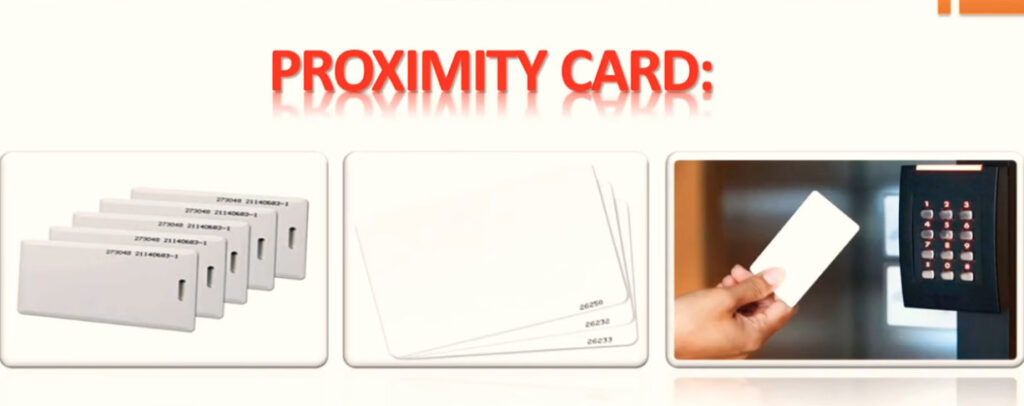
1. Biometric Device (Reader Unit):
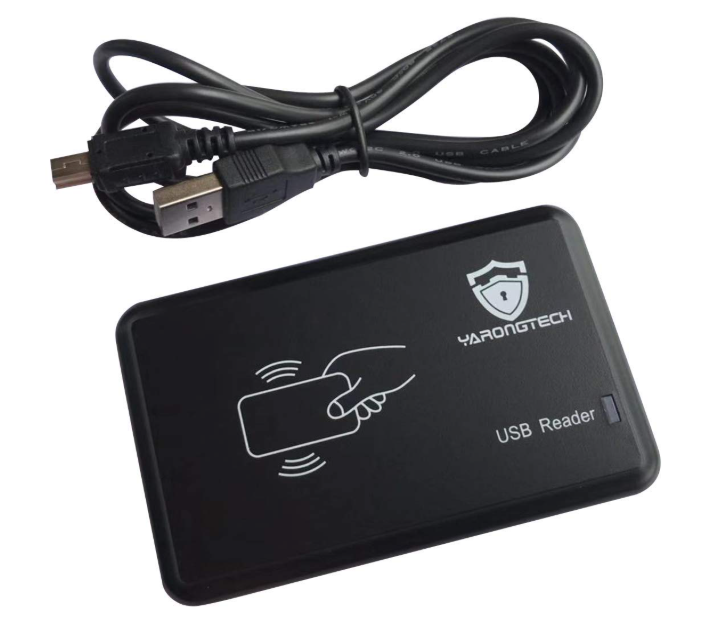
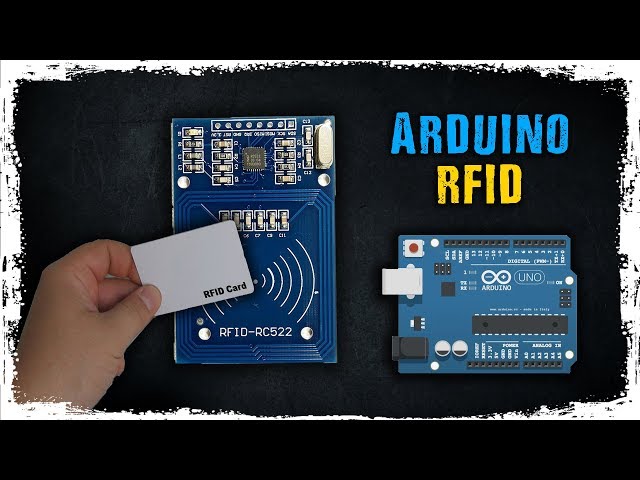
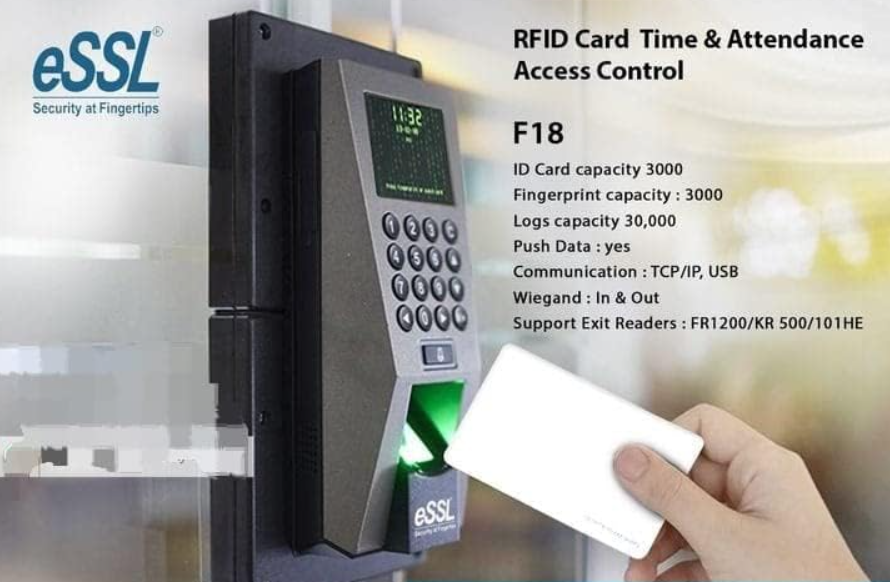
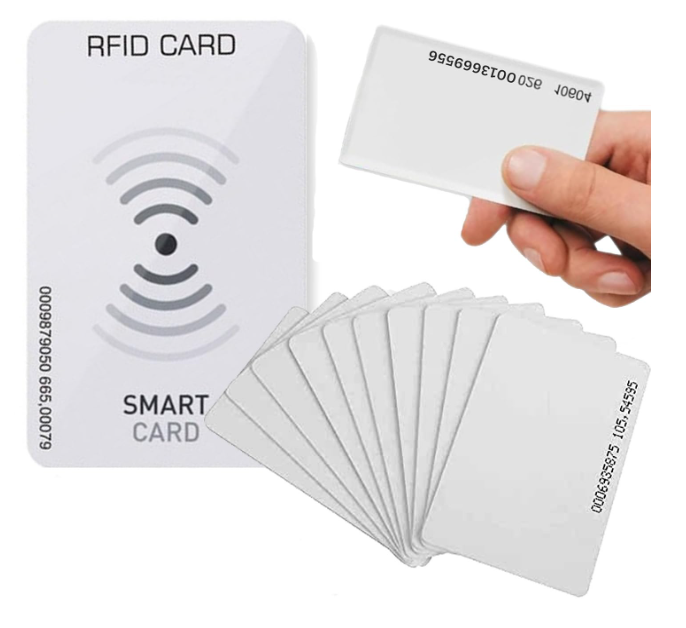
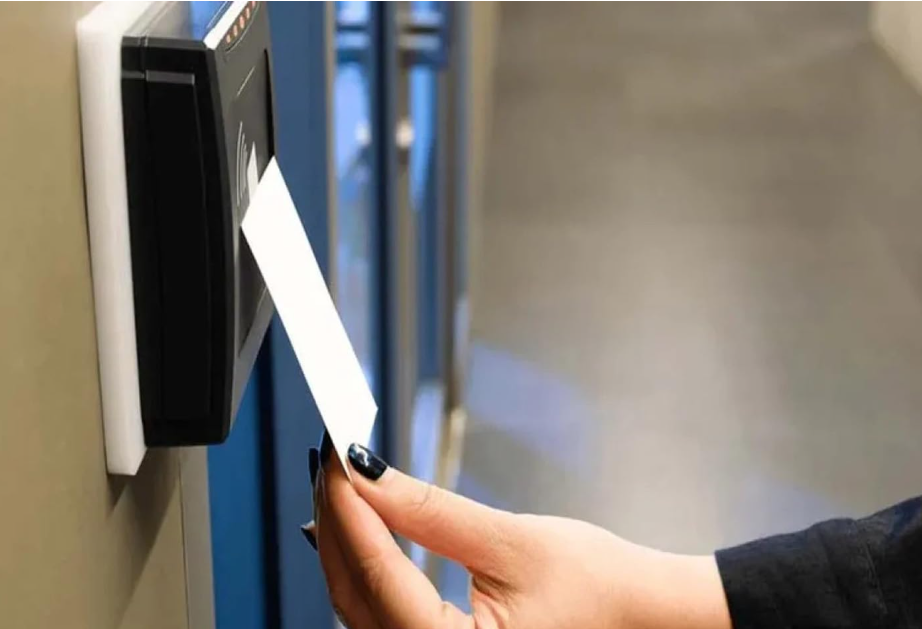
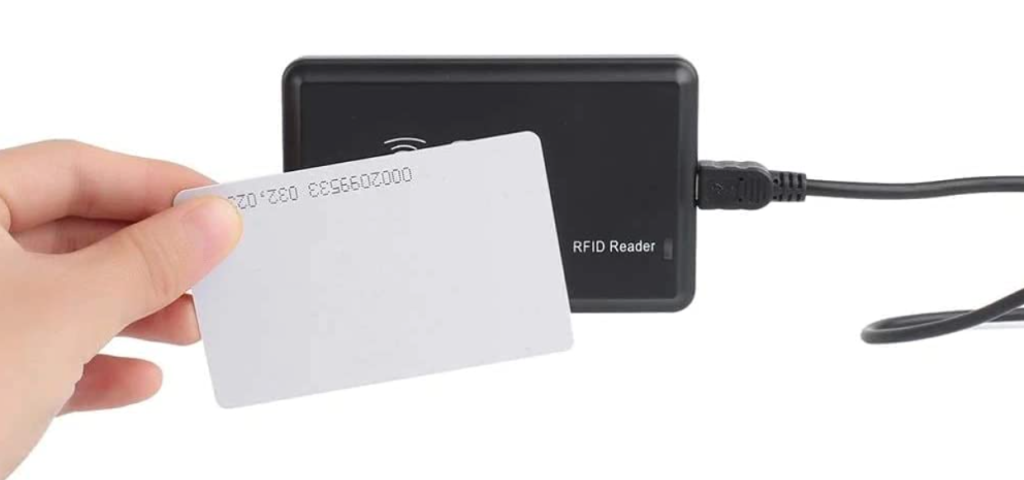
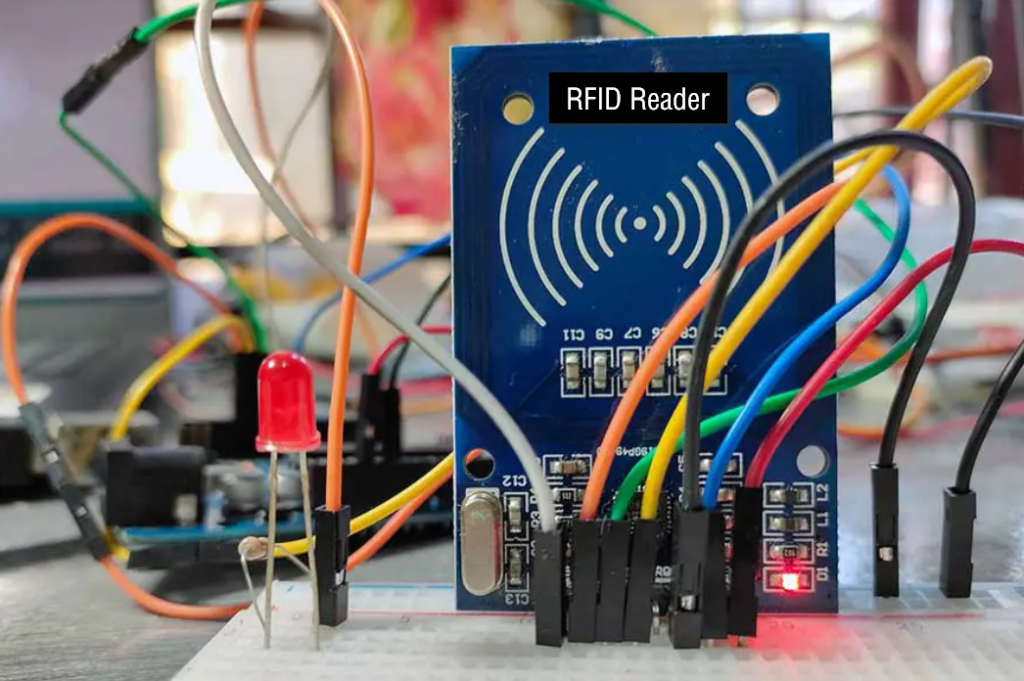
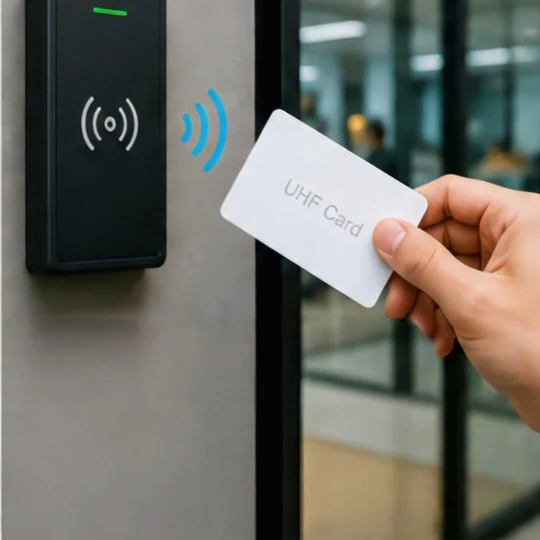
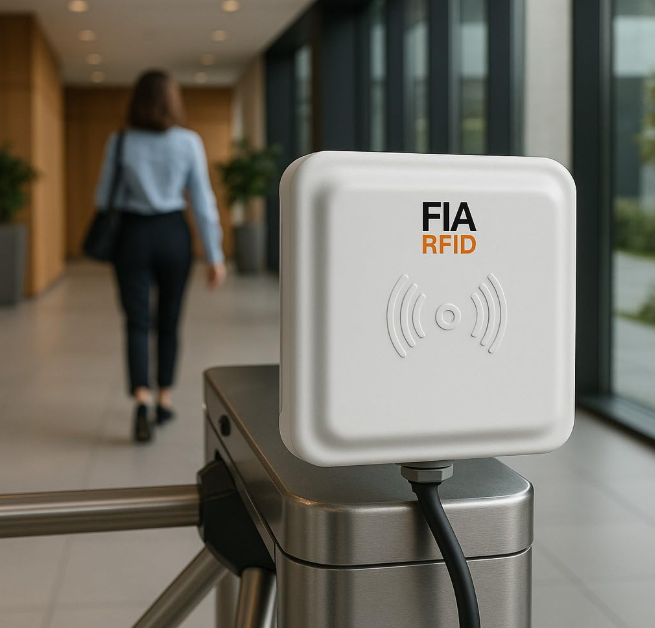
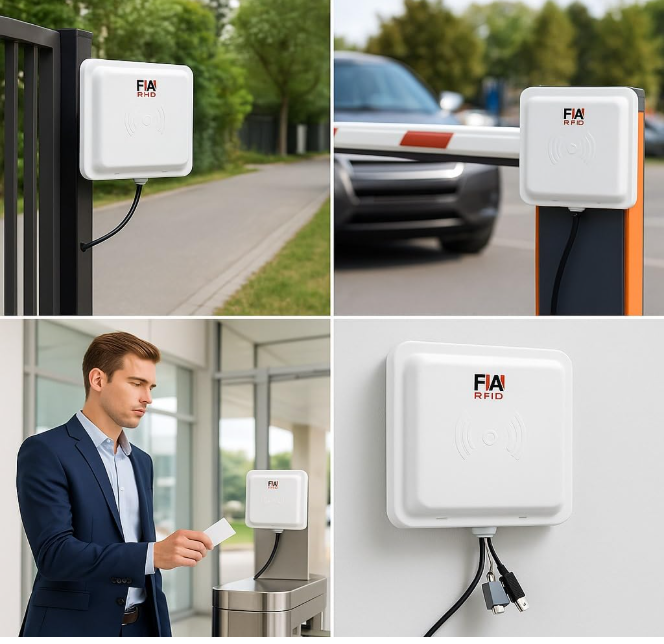
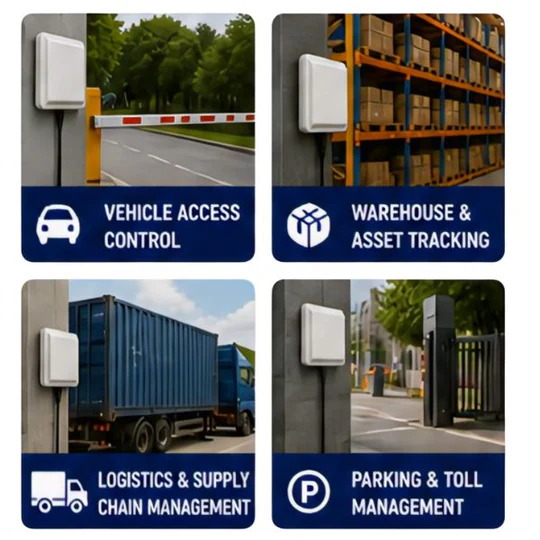
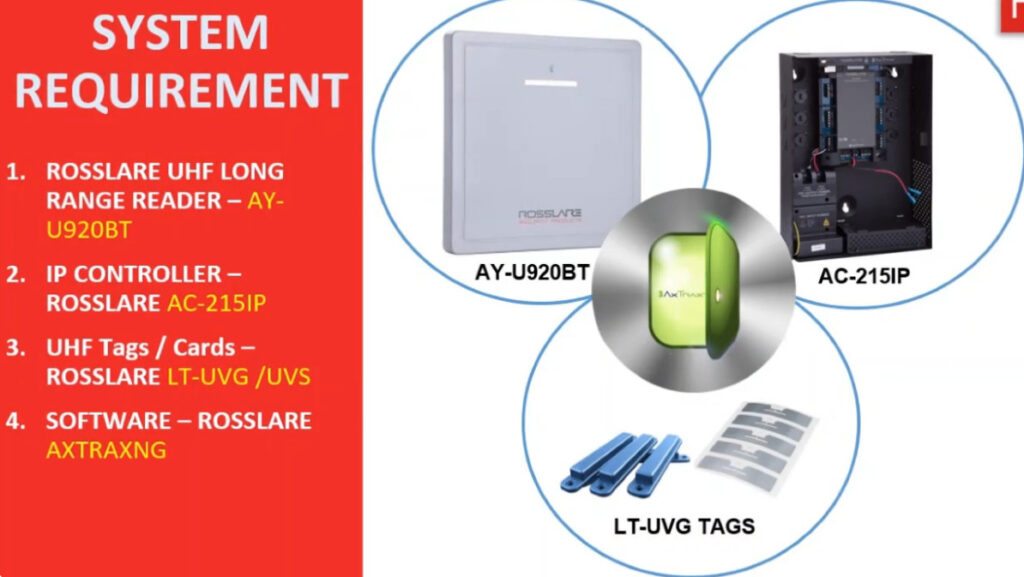
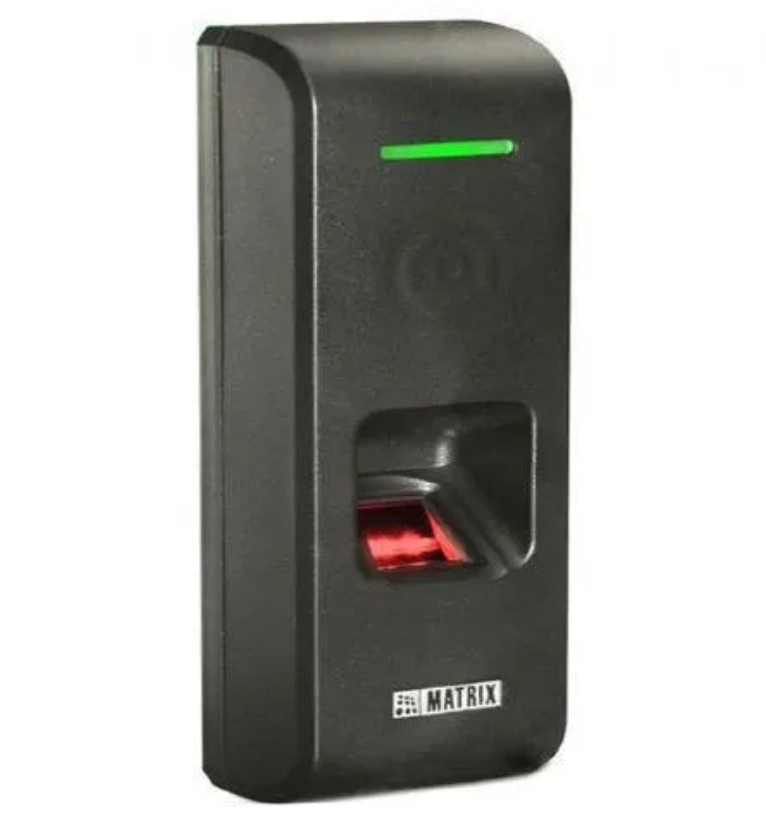
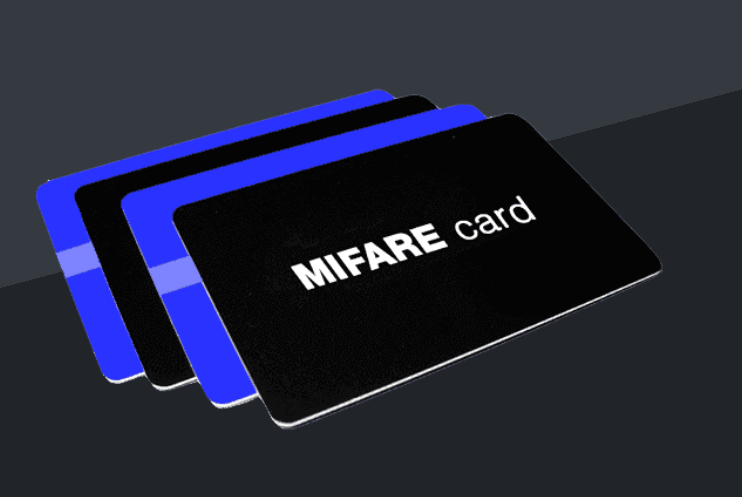
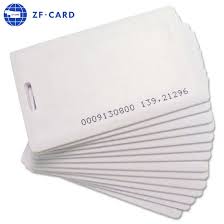
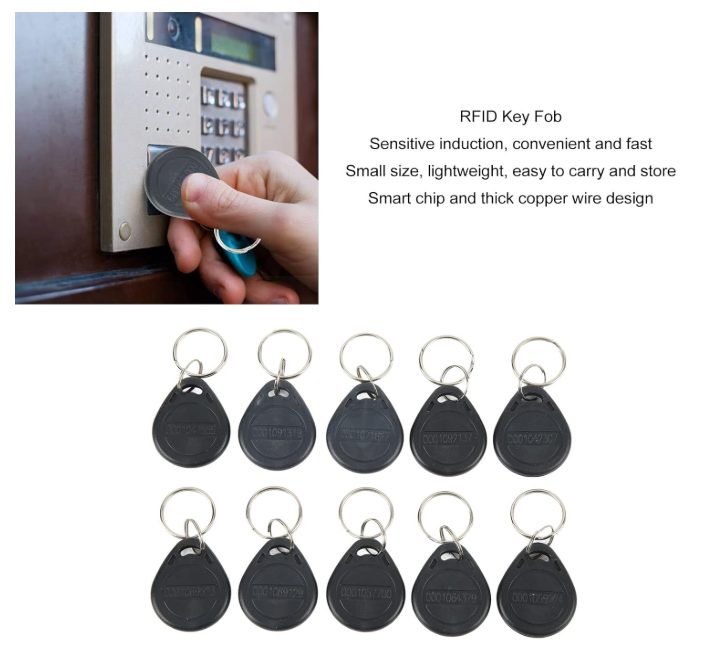
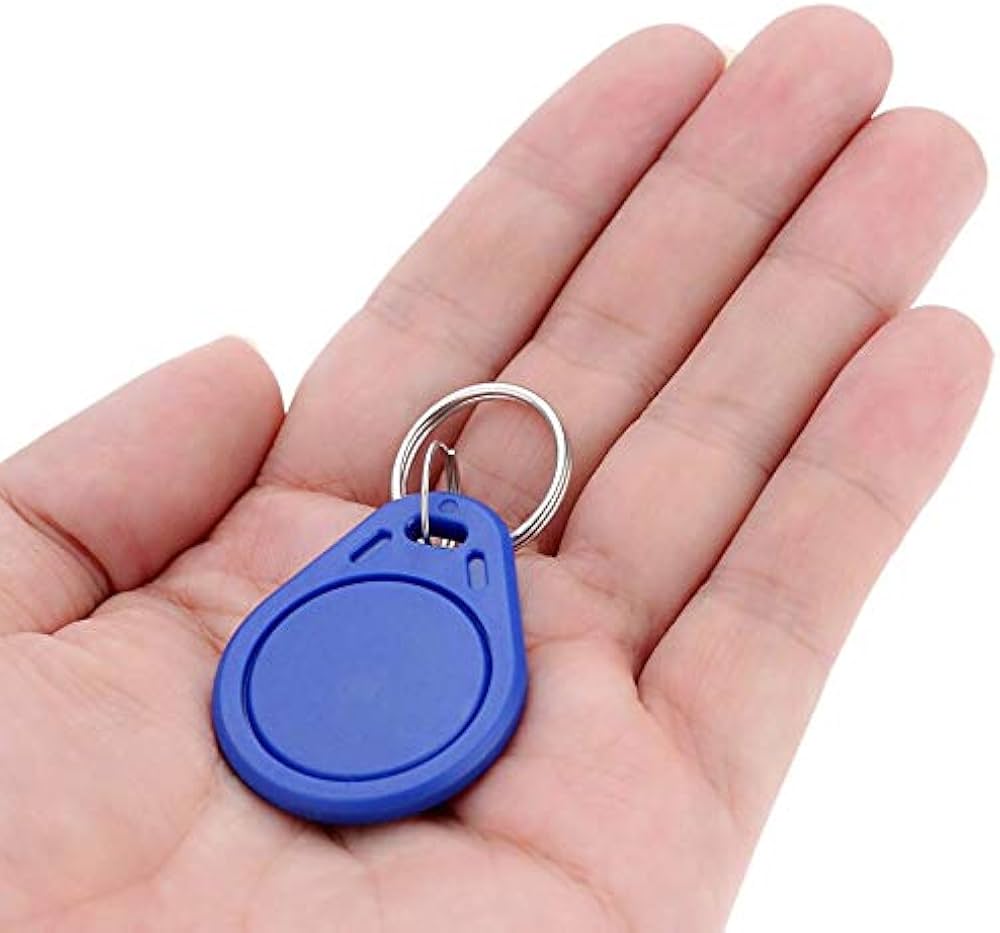
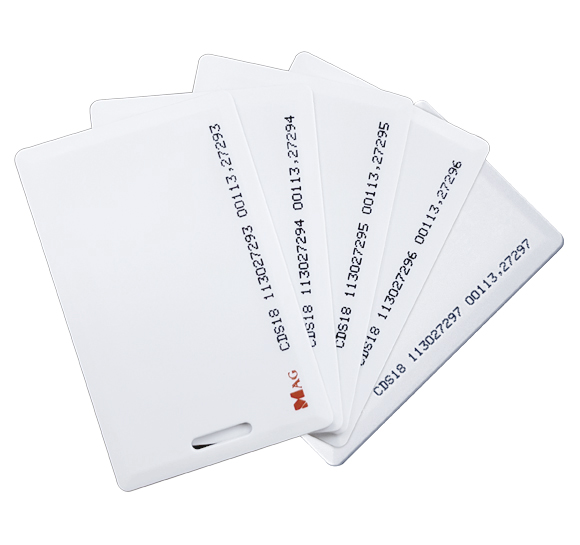
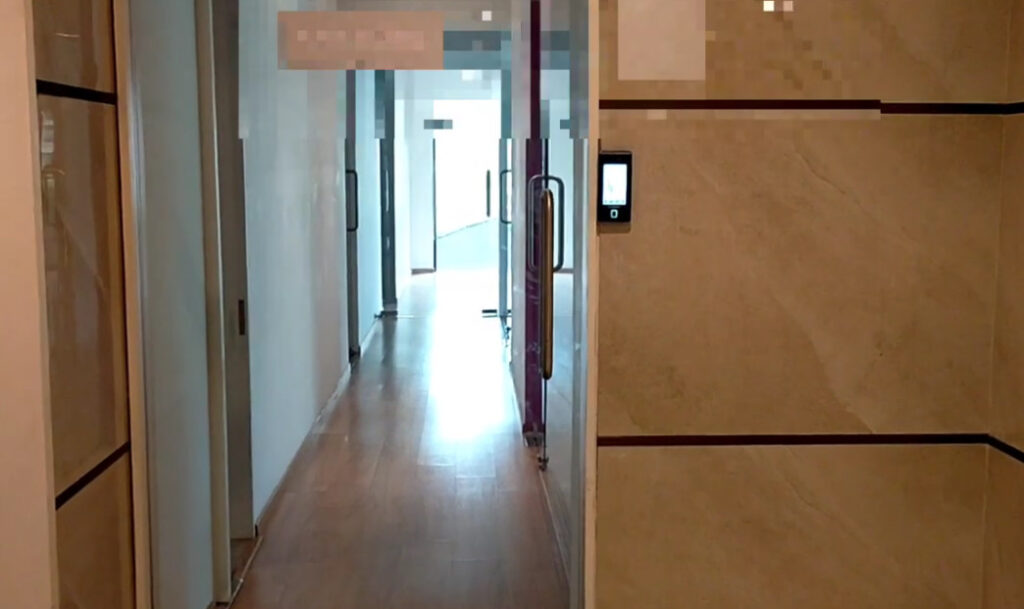
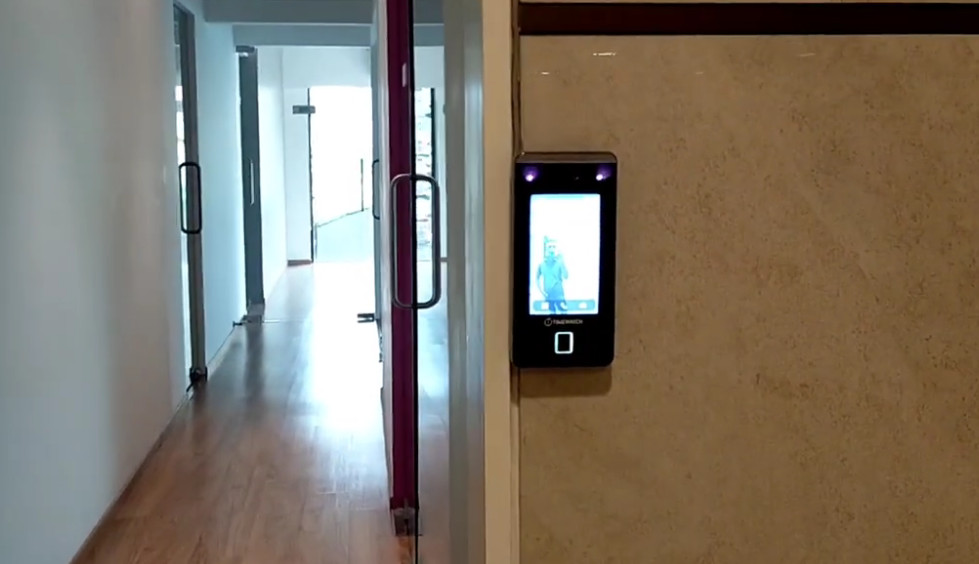
The biometric device is the main input unit that captures fingerprint, face, or card data. It is installed at entry points like gates, doors, or attendance areas. It identifies users and sends data to the controller or software.
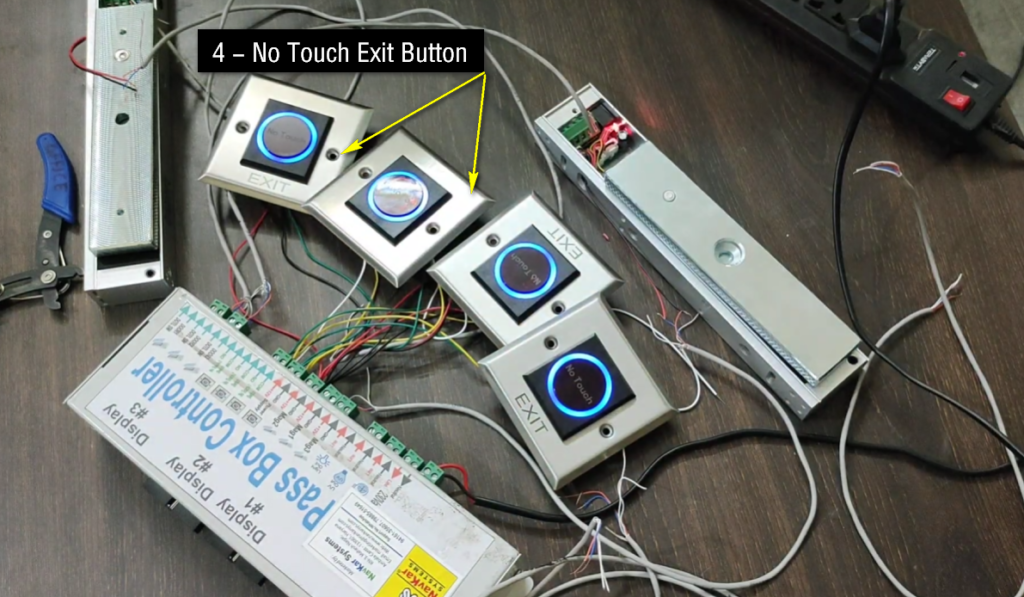
2. Controller:
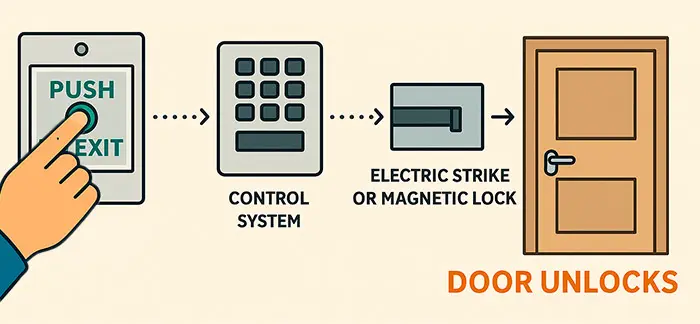
The controller is the brain of the system. It receives data from the biometric reader, checks user permission, and decides whether to allow or deny access. It also controls door locking and unlocking operations.
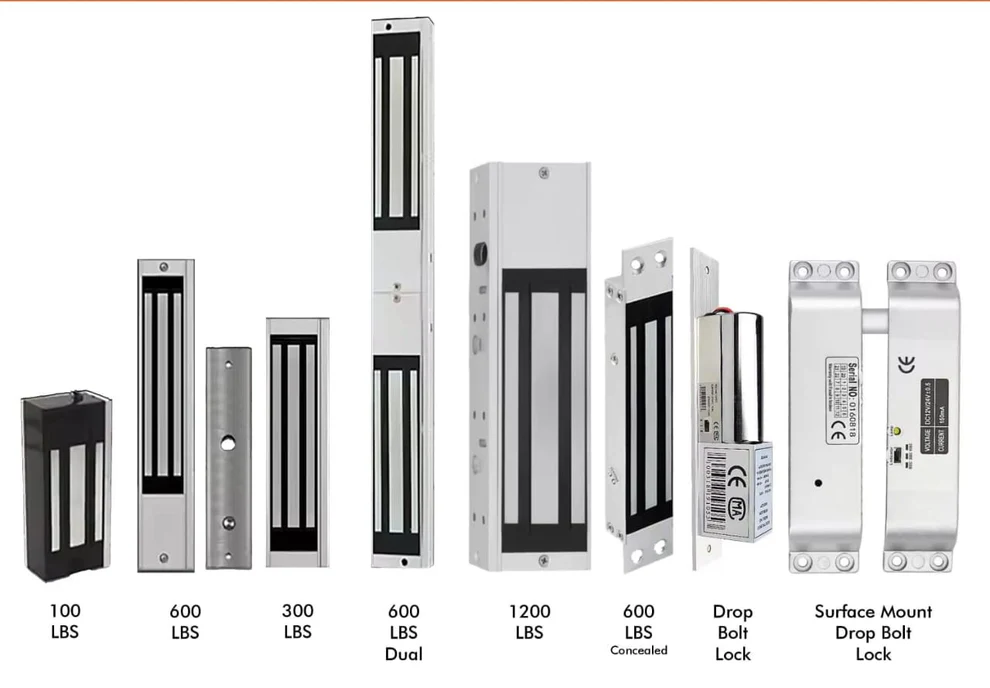
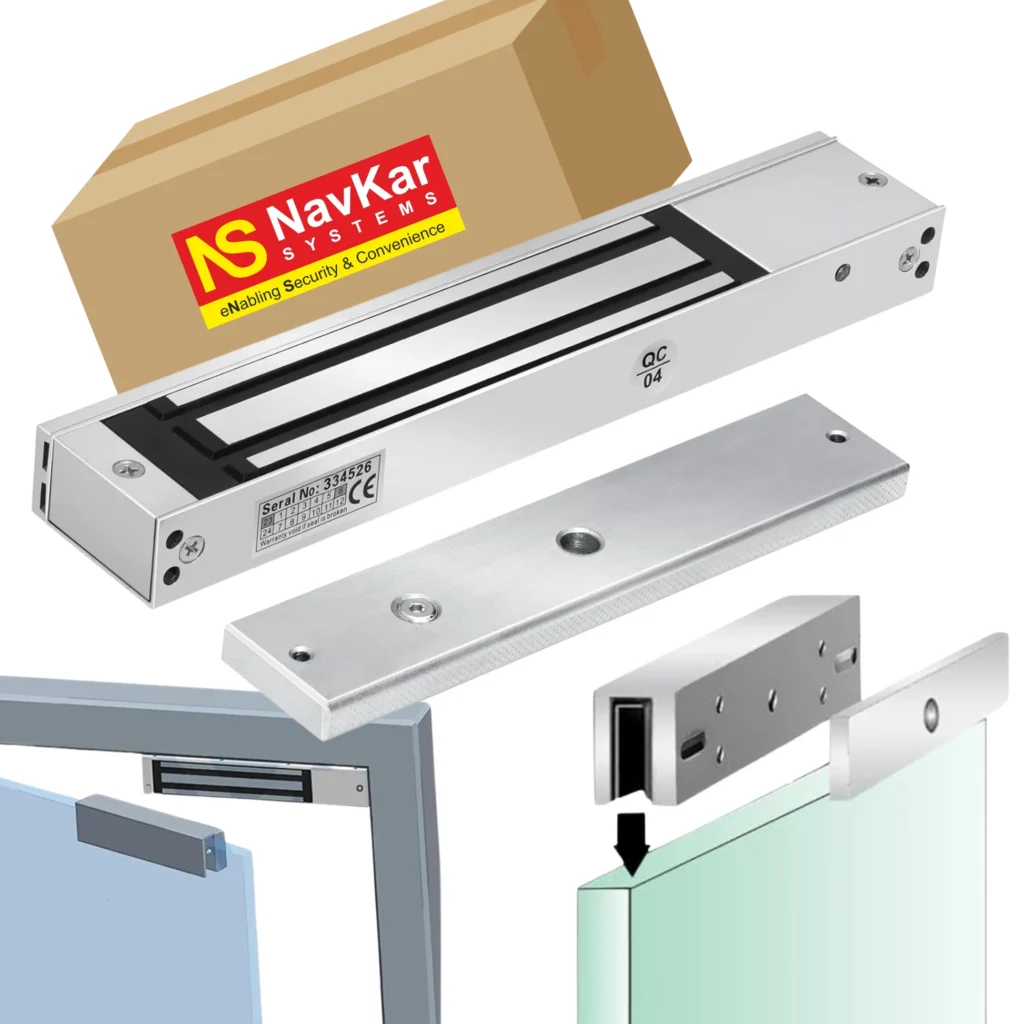
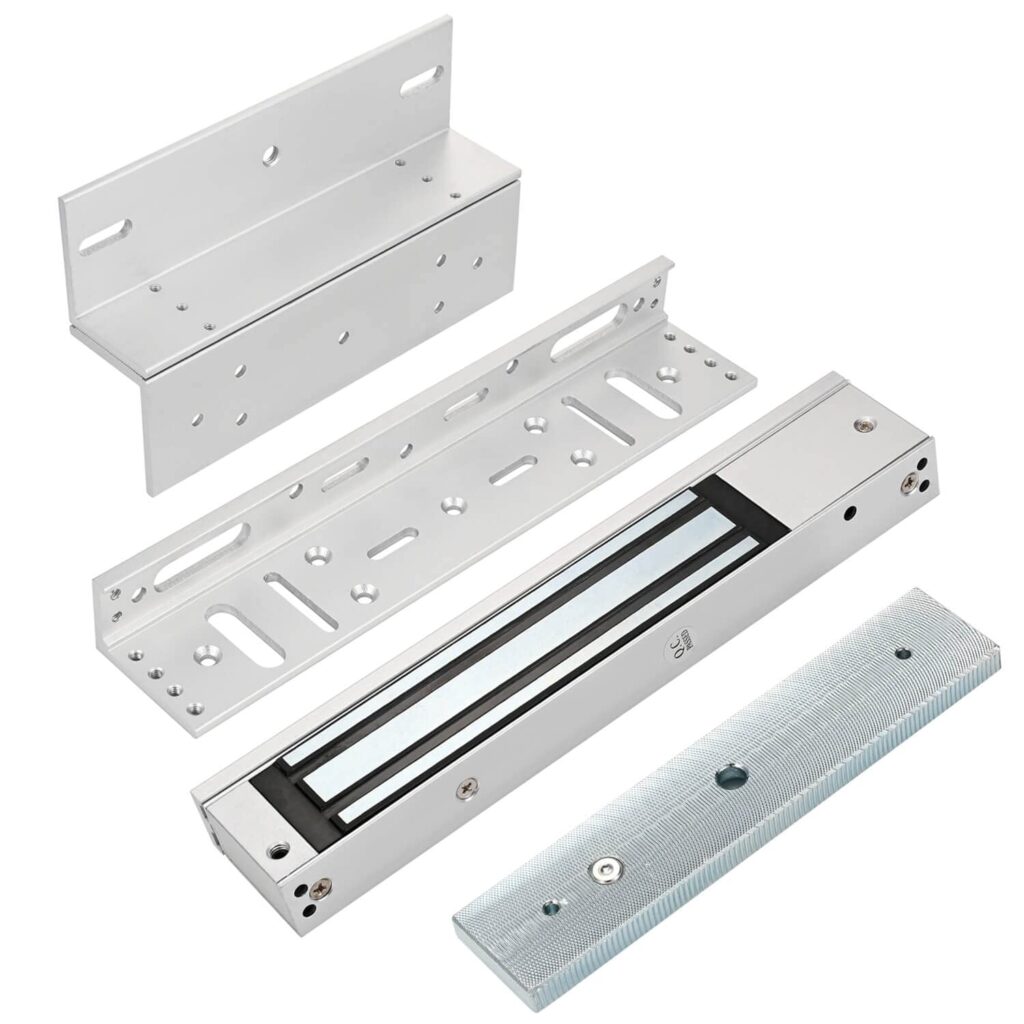
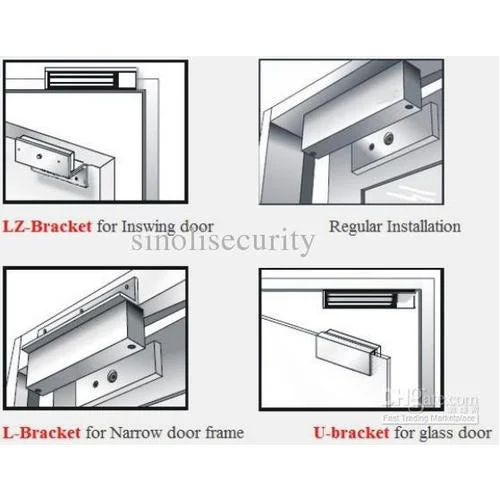
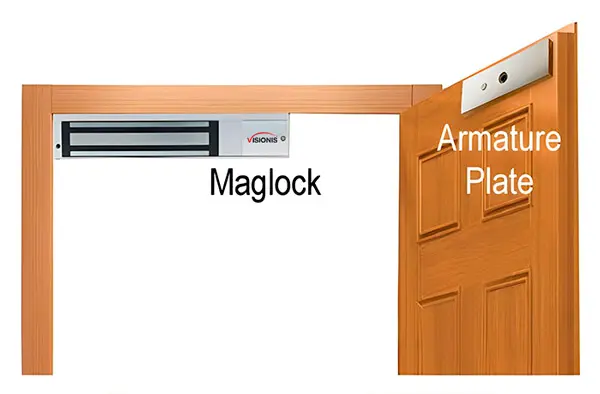
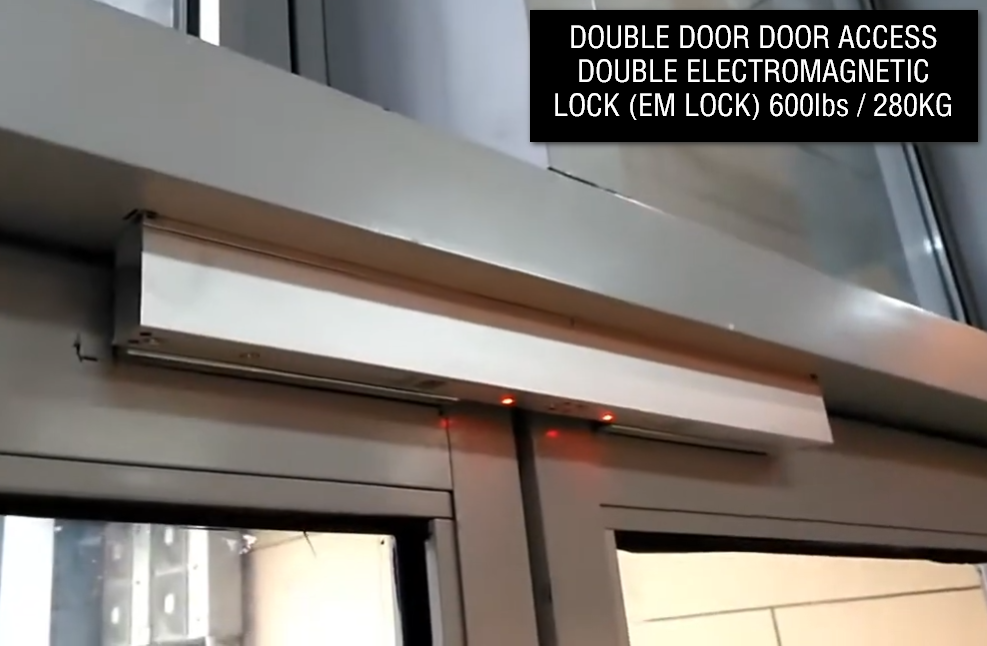
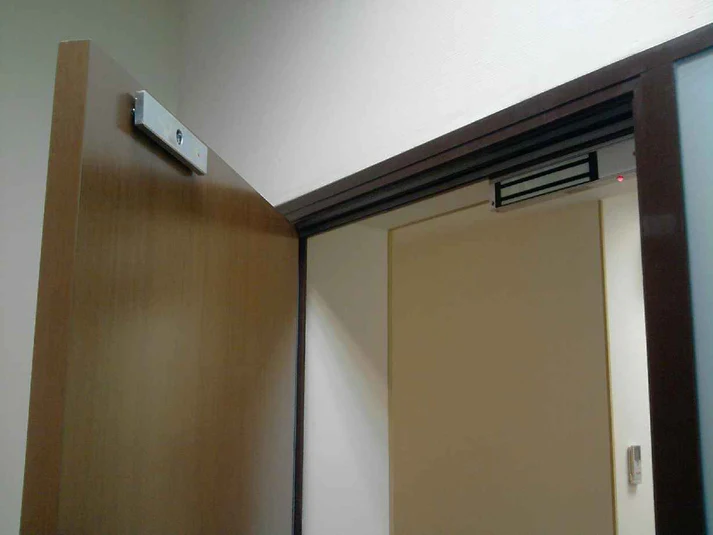

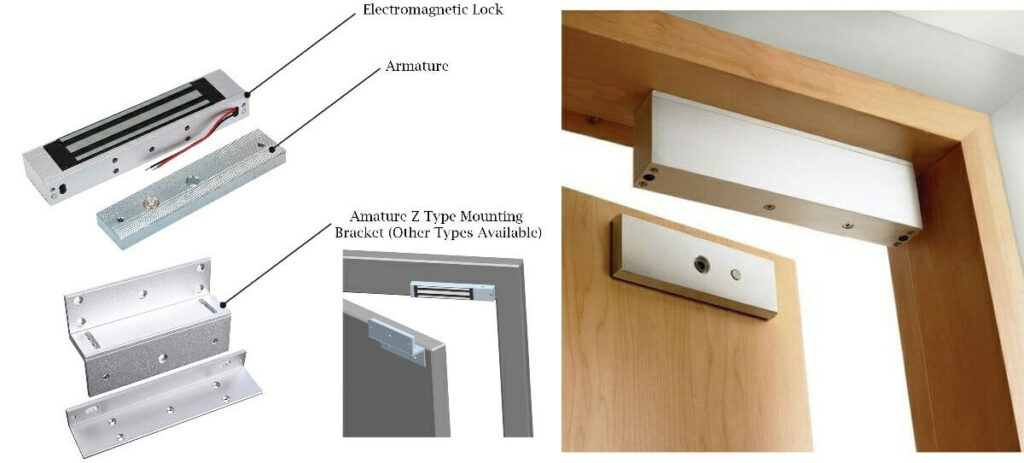
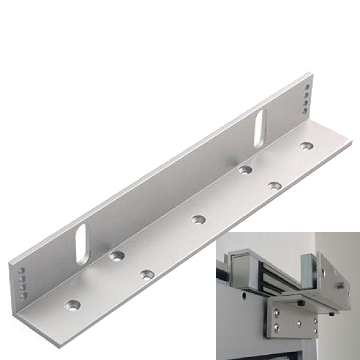
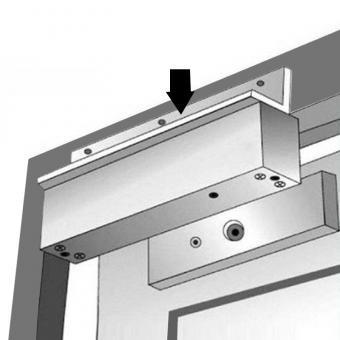
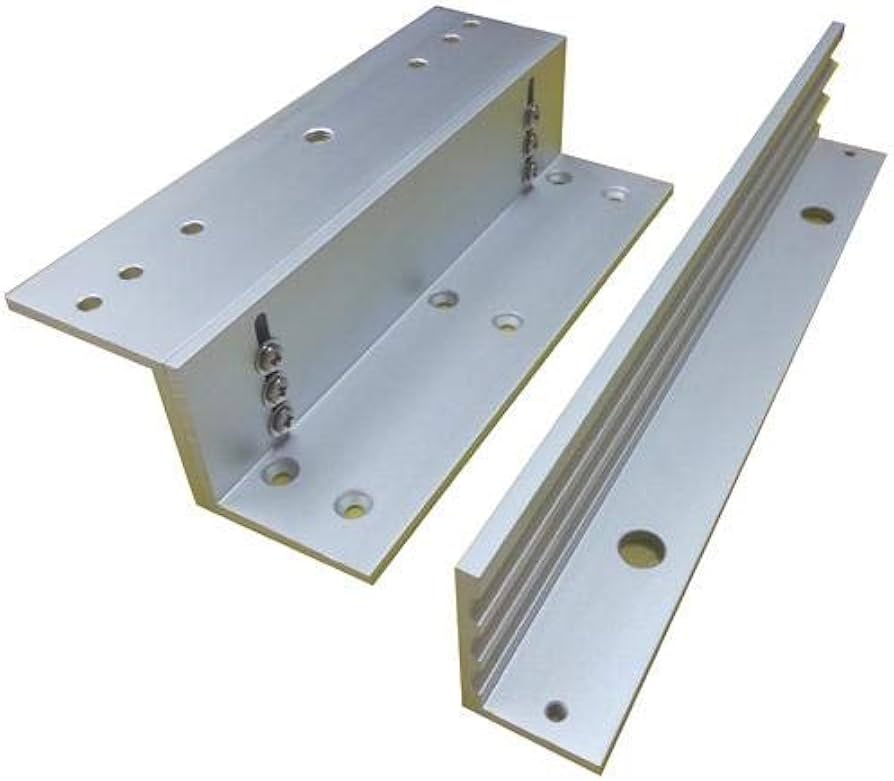
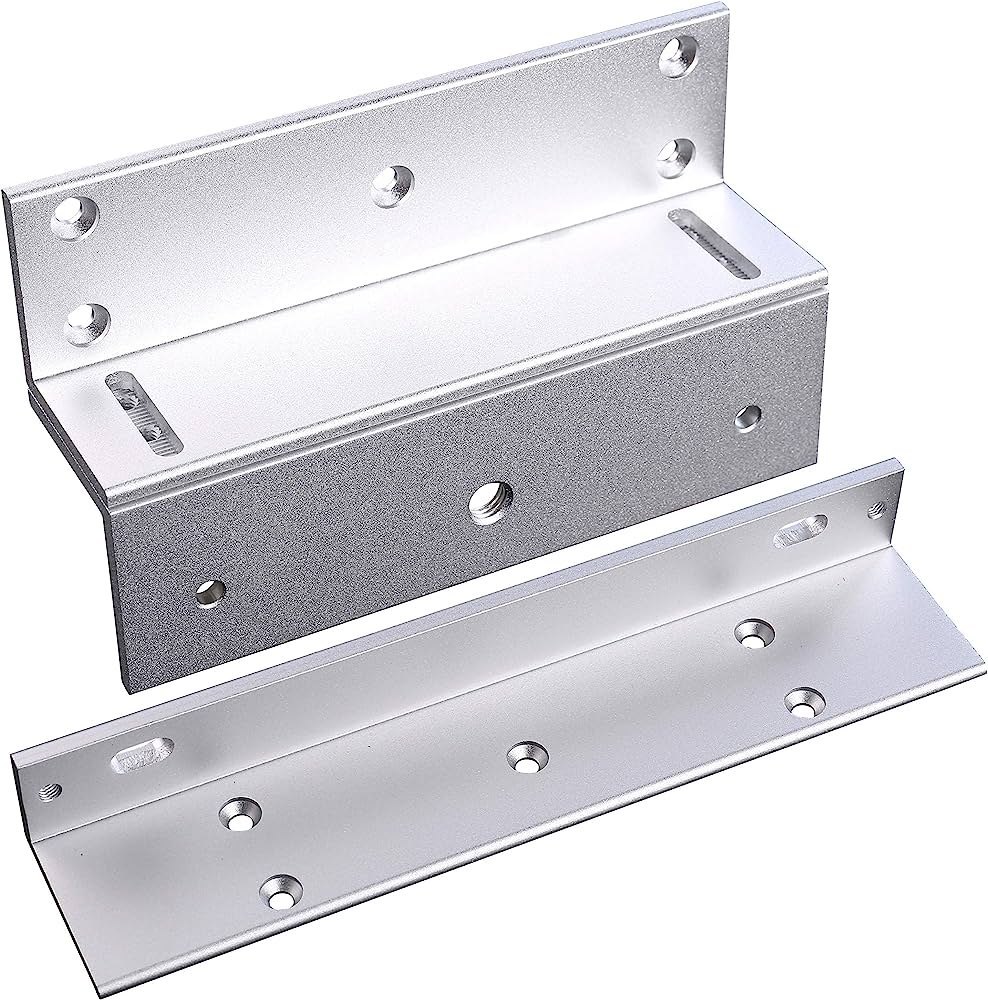
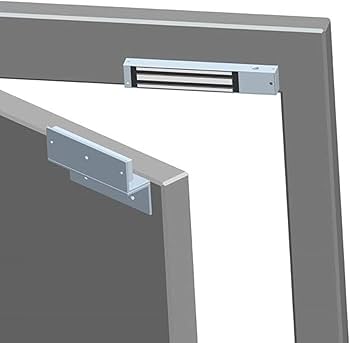
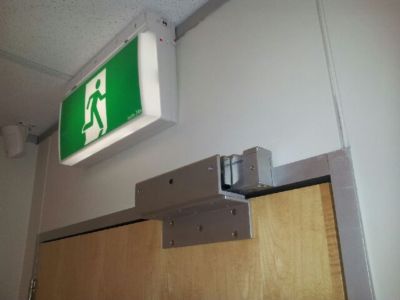
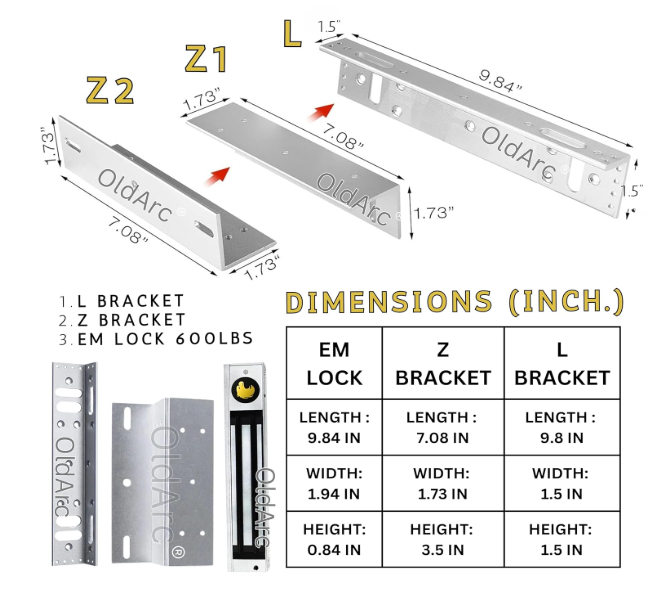
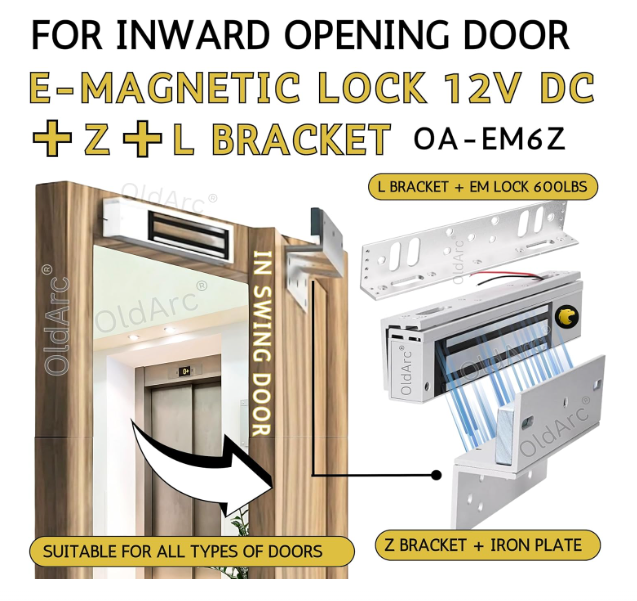
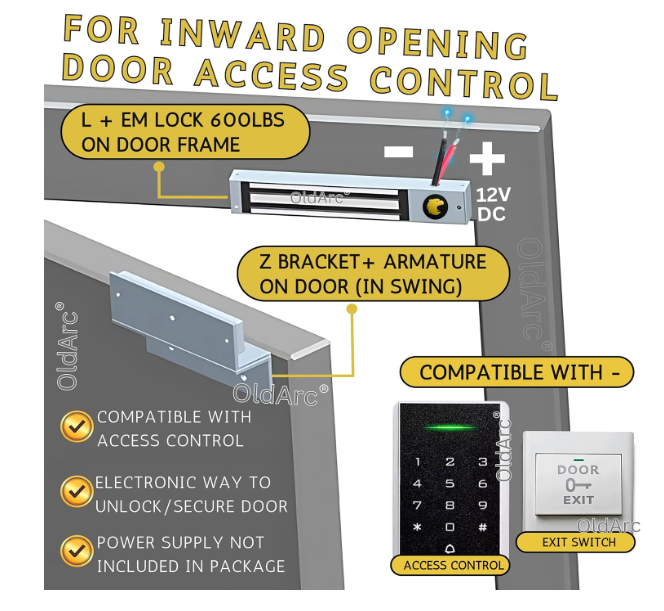
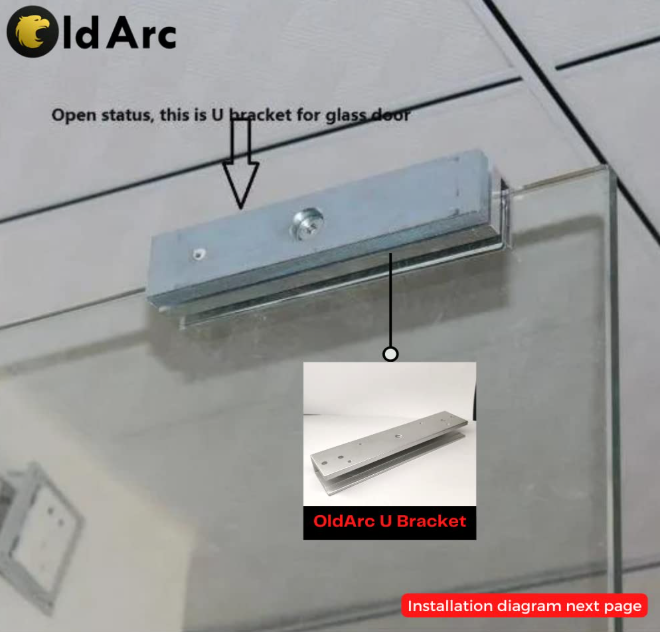
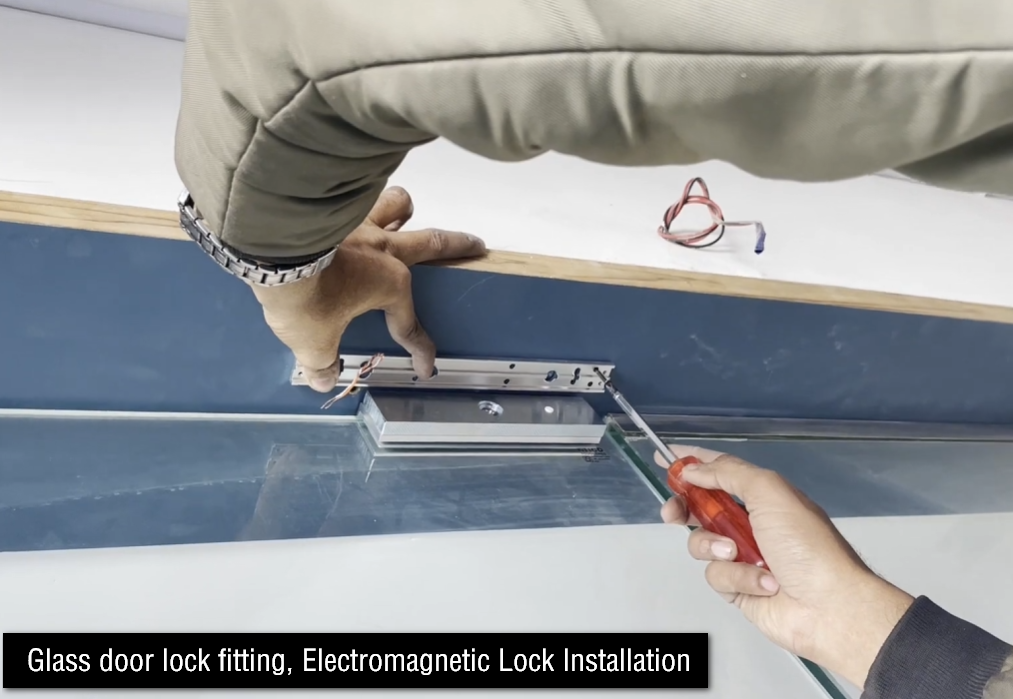
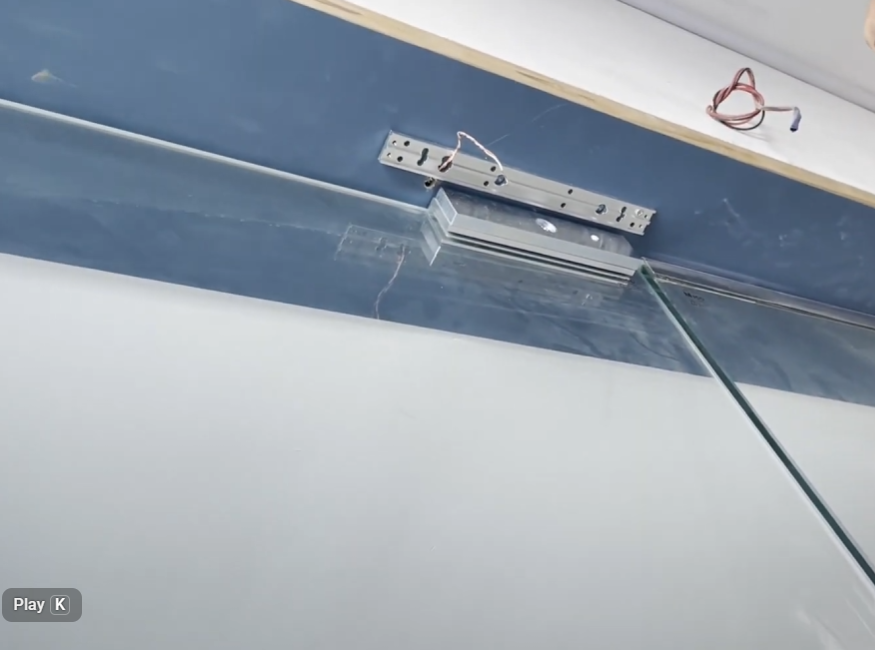
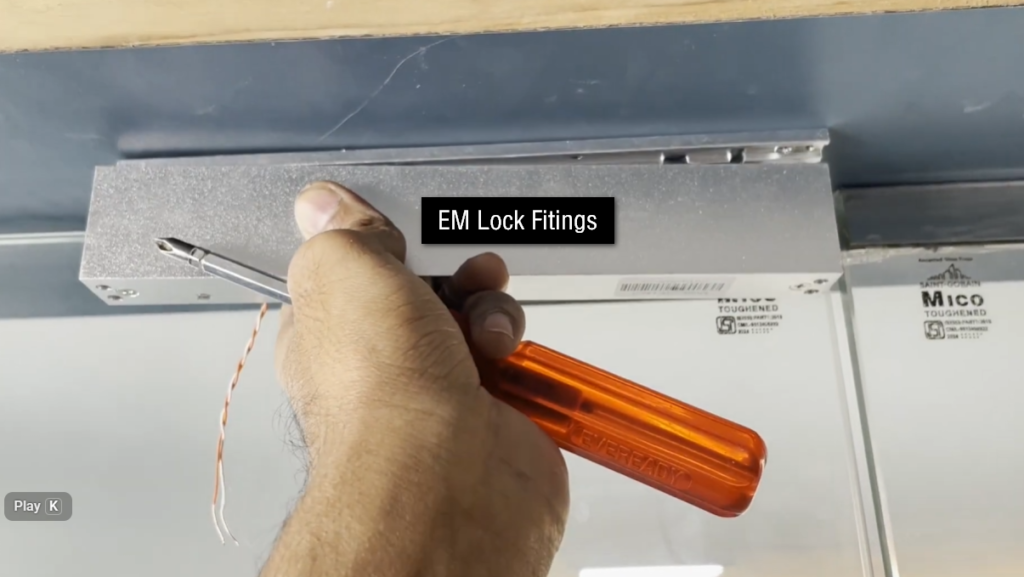
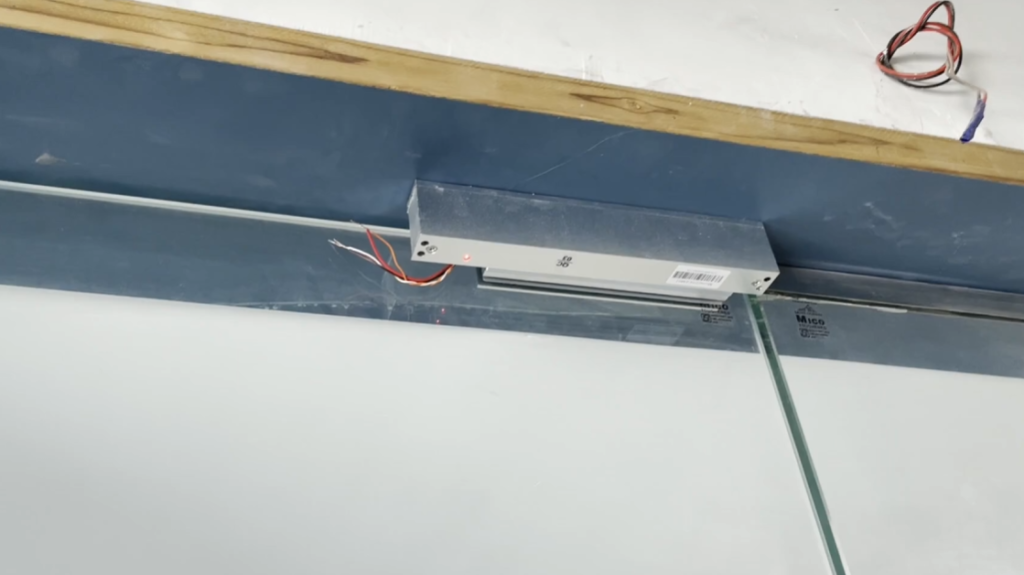
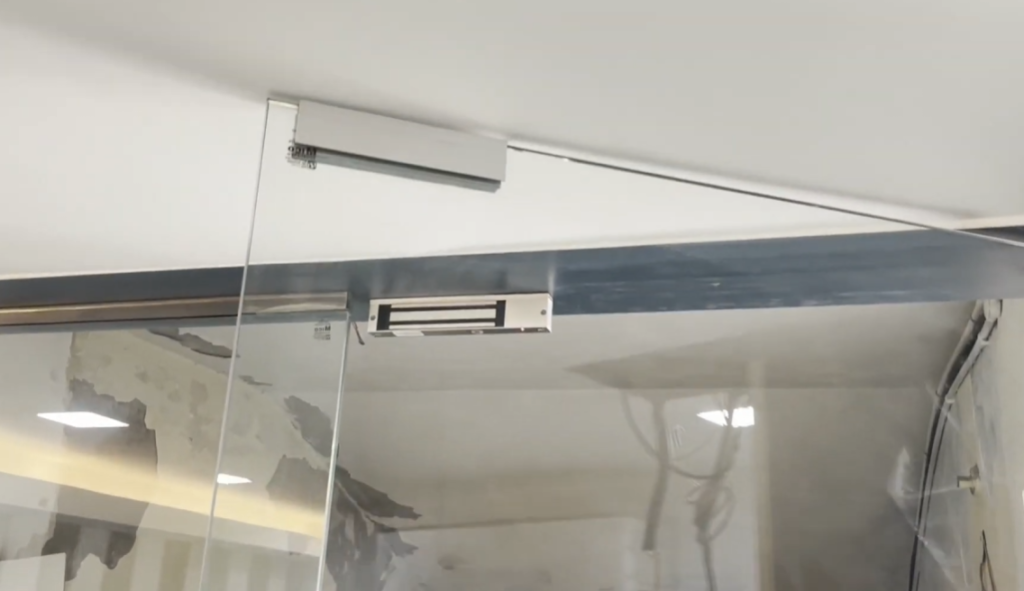
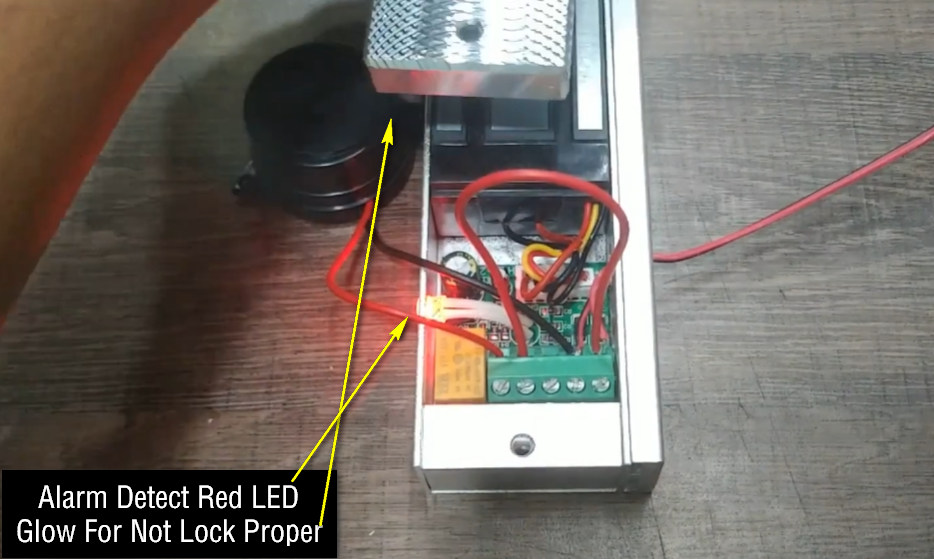
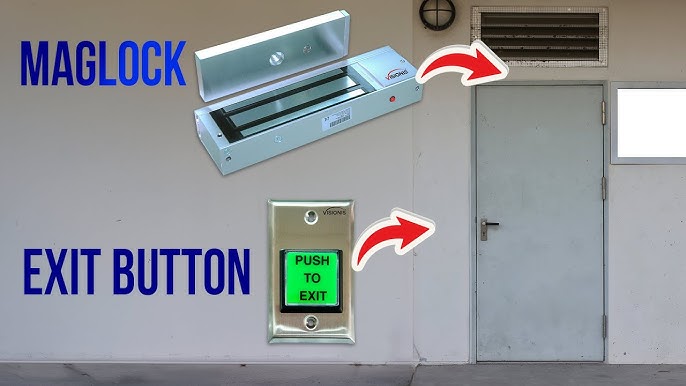
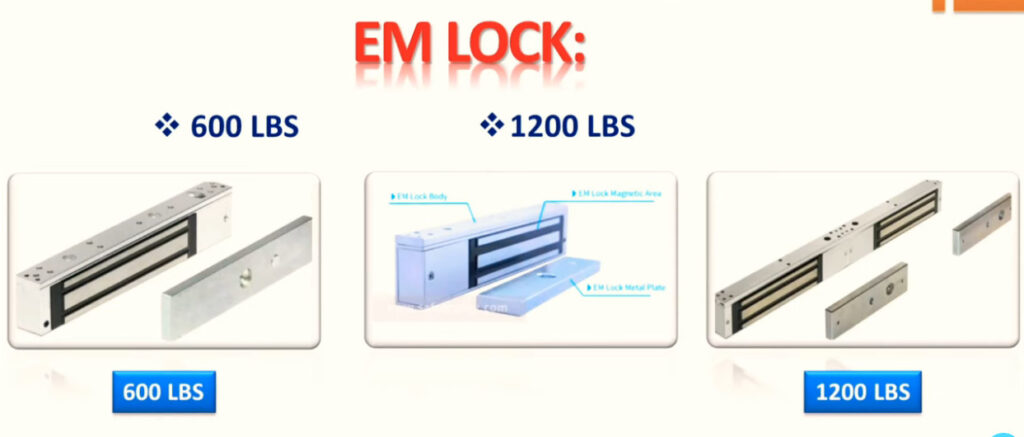
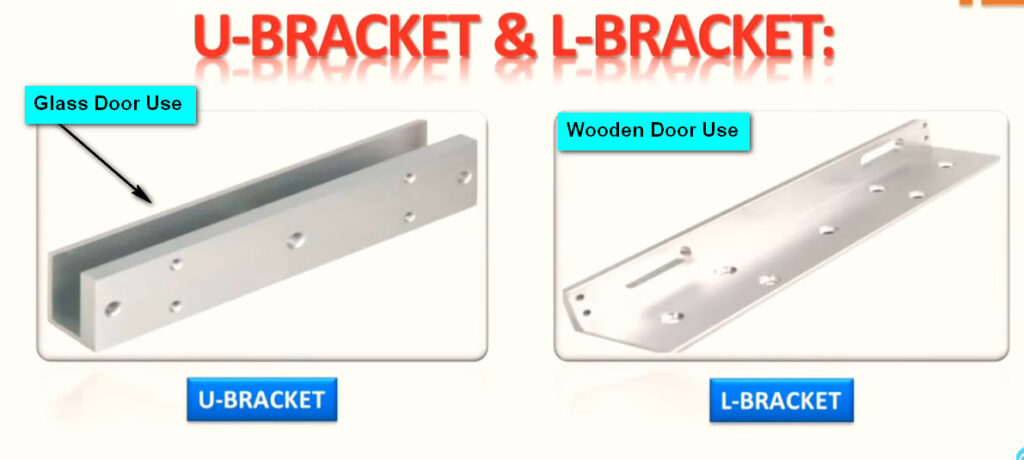
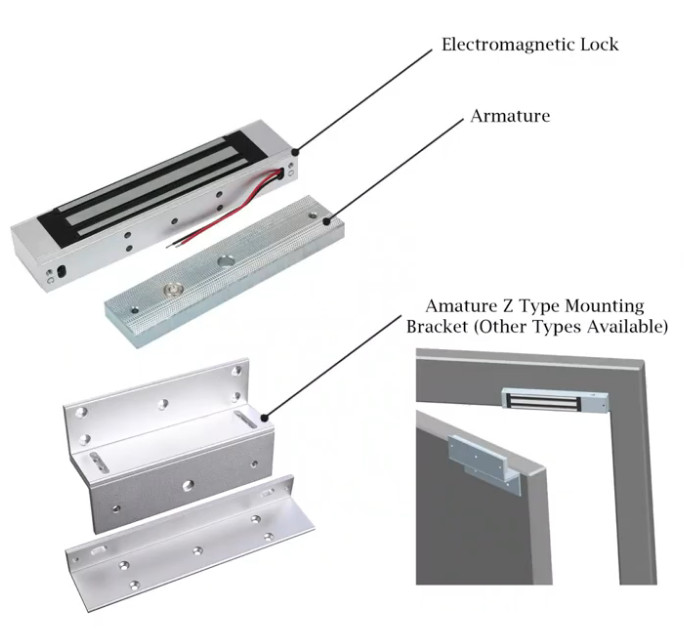
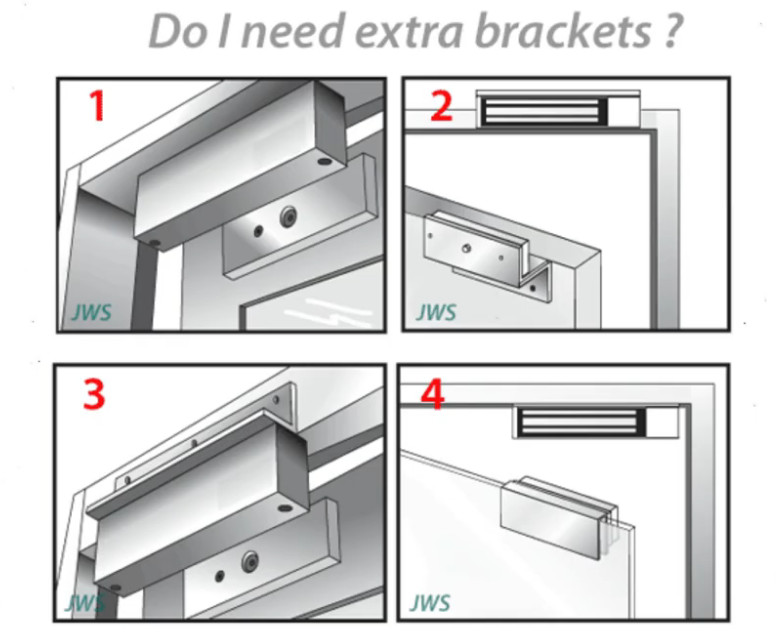
3. Electric Lock / Magnetic Lock:
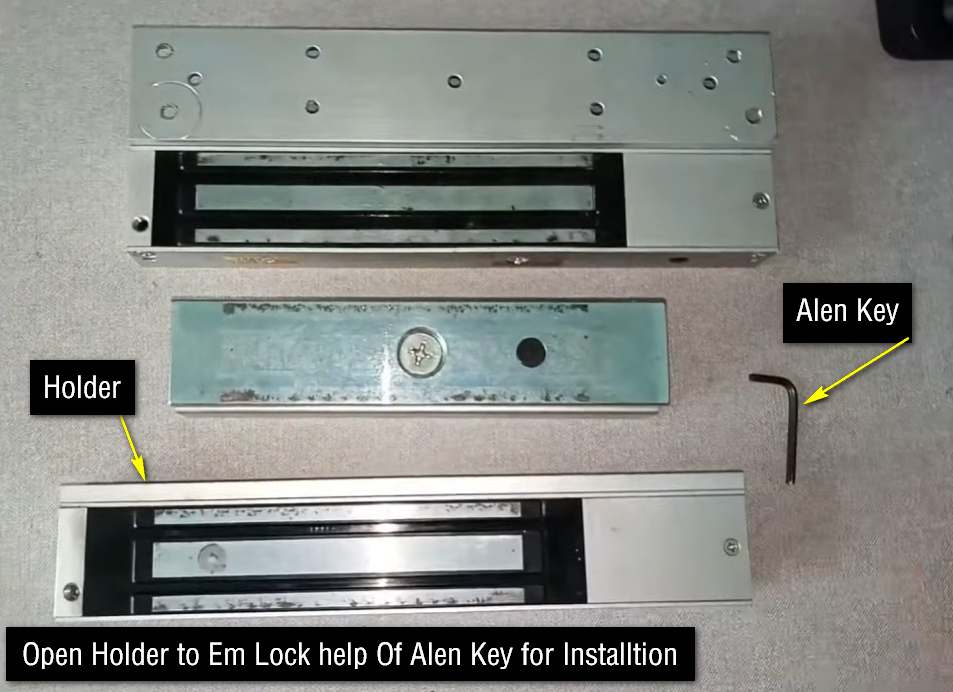
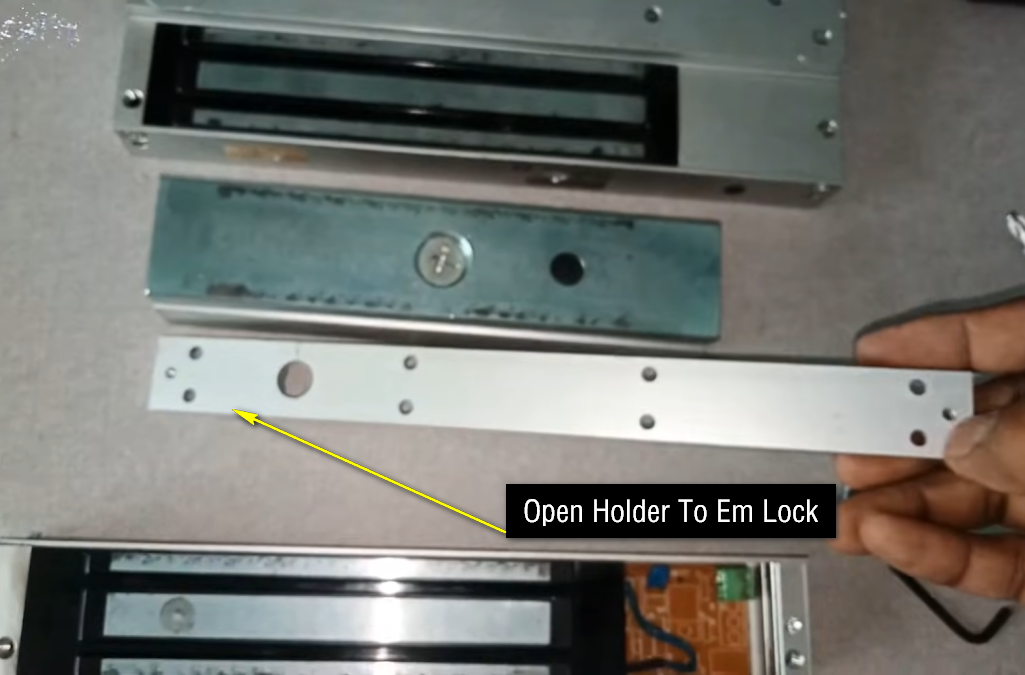
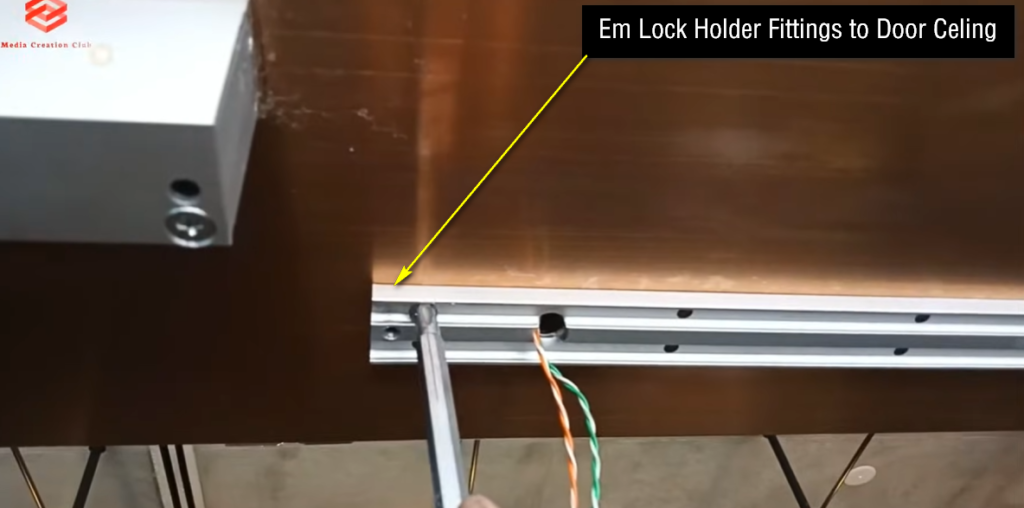
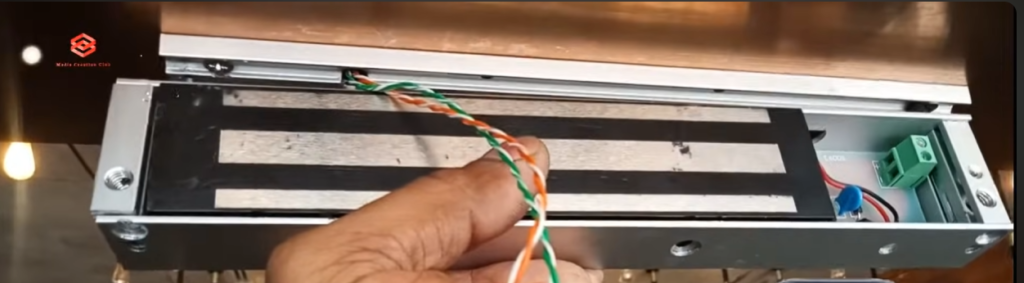
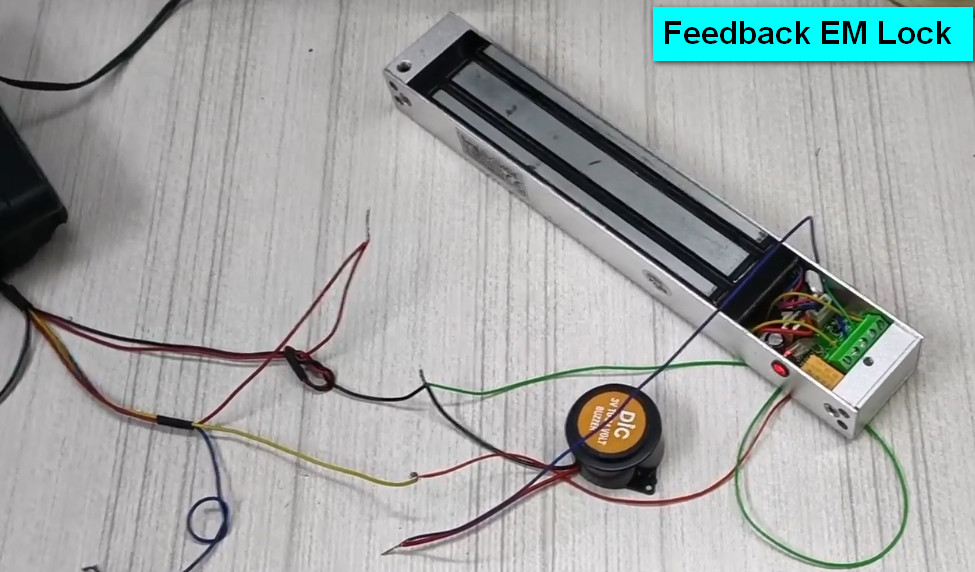
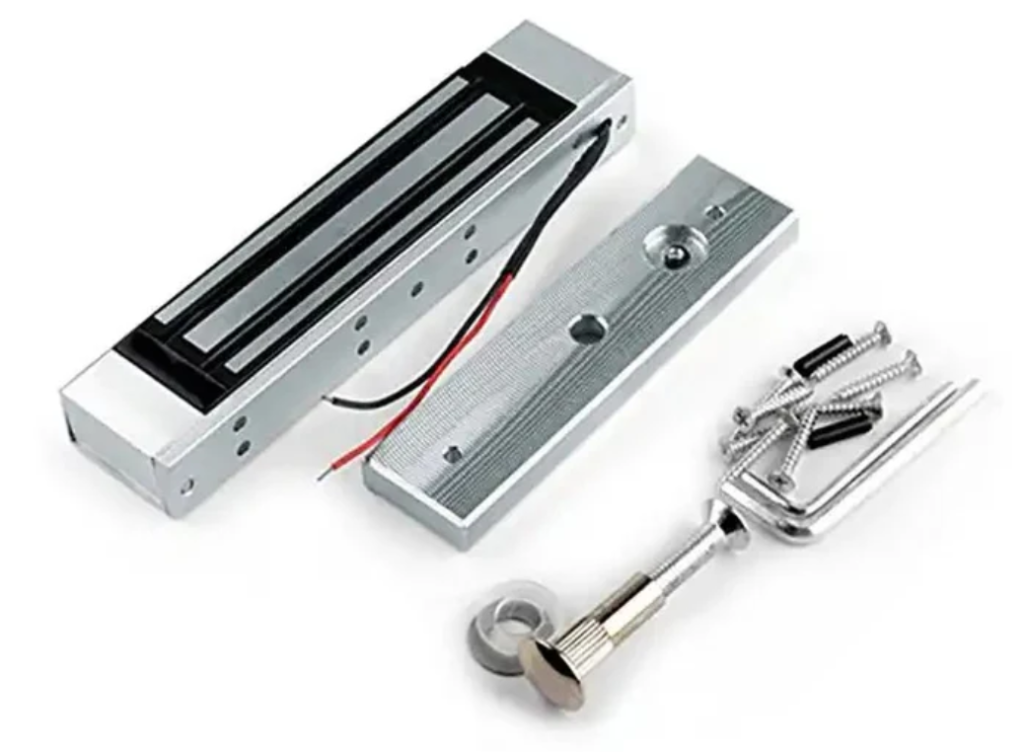
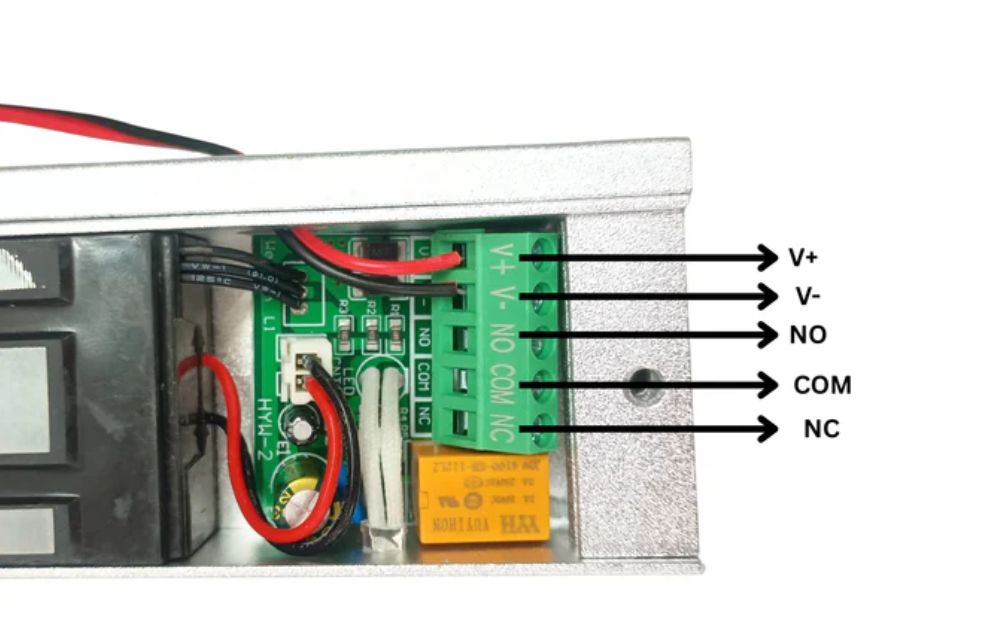
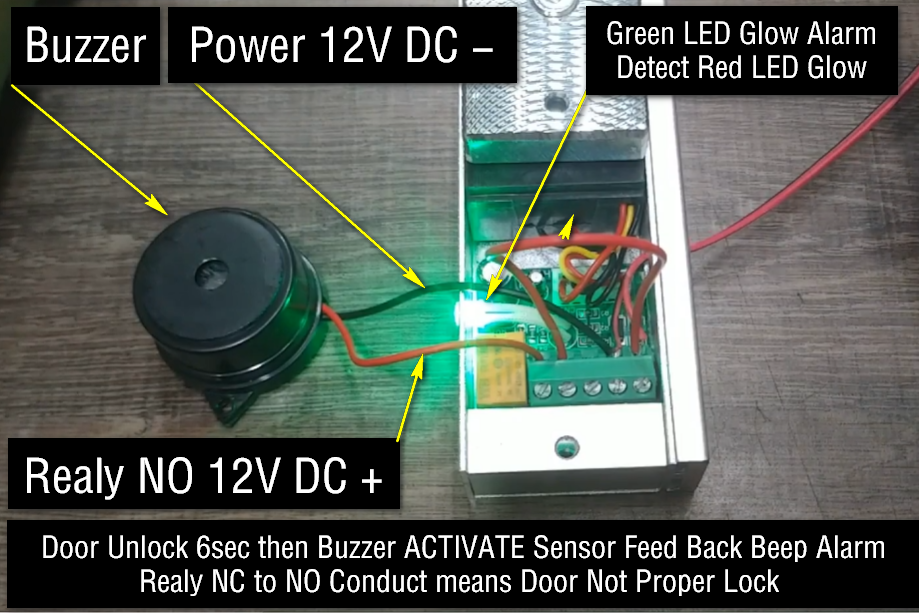
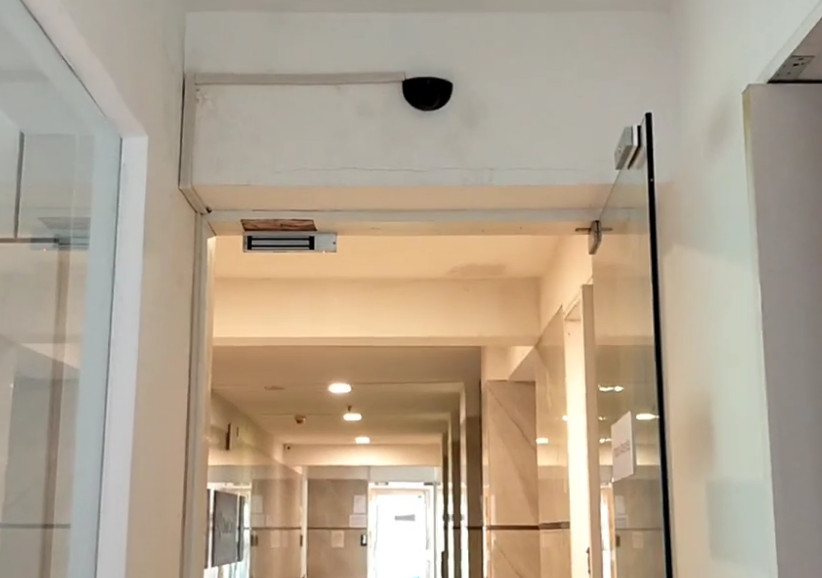
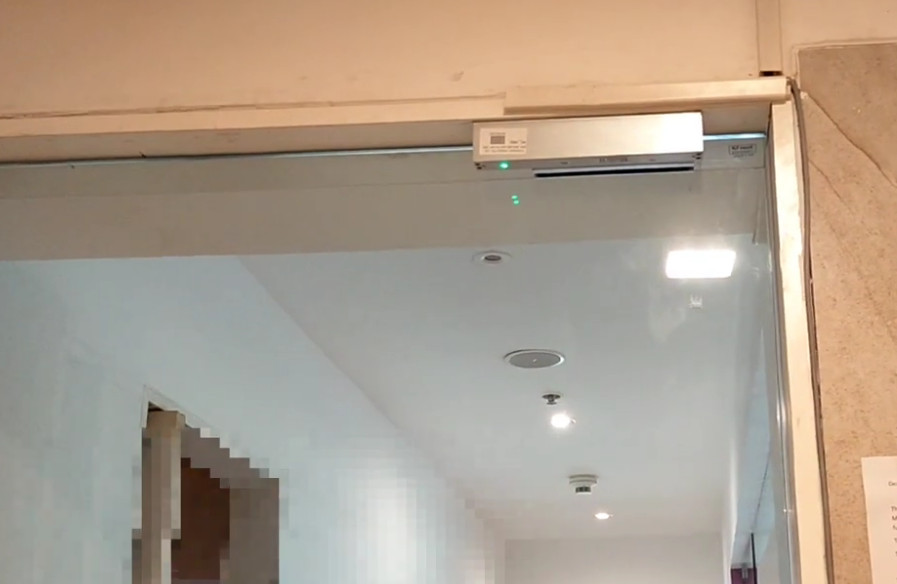
This is the output device that physically locks or unlocks the door. When the controller gives permission, the lock opens. It is used for securing doors in offices, schools, and restricted areas.
4. Power Supply Unit (PSU):
The power supply provides electricity to biometric devices, controller, and locks. It usually uses 12V DC supply and may include backup systems like UPS or battery for power failure protection.
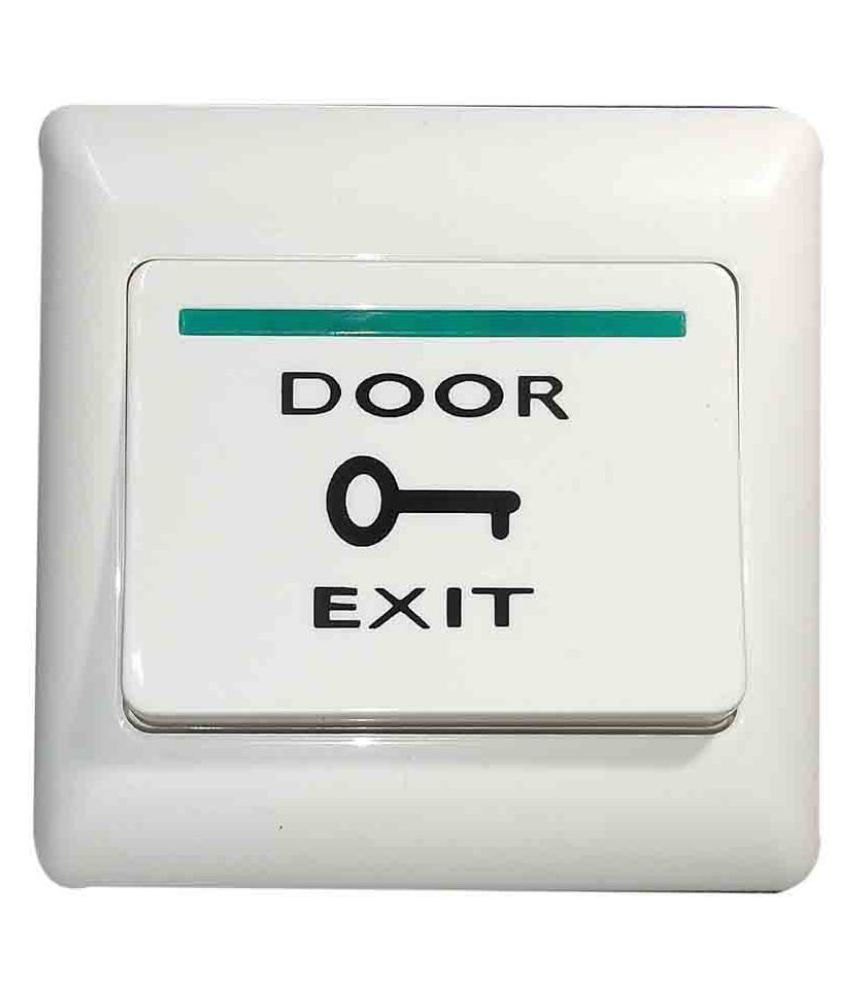
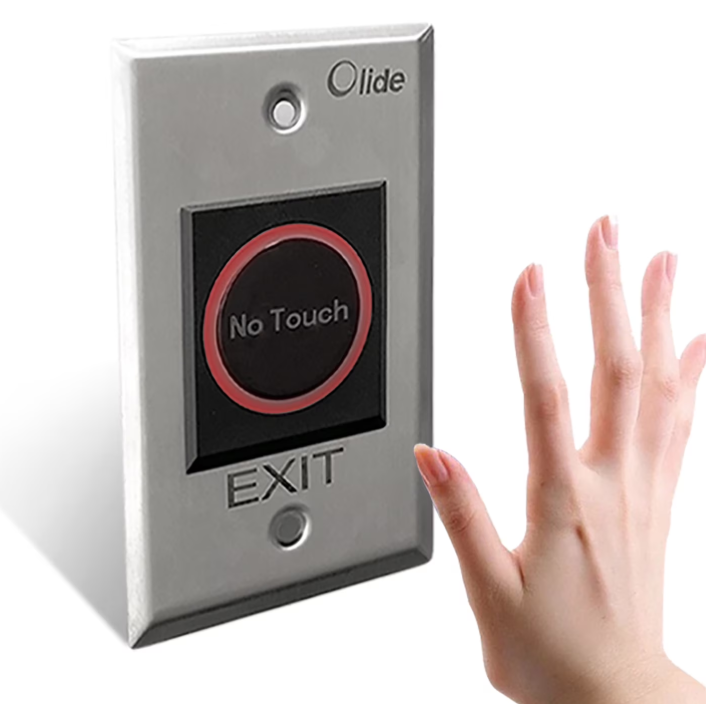
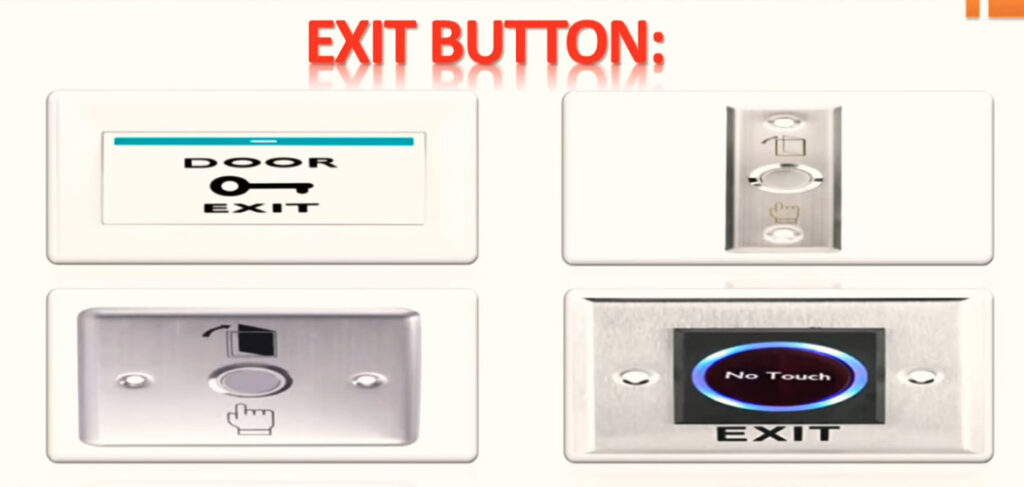
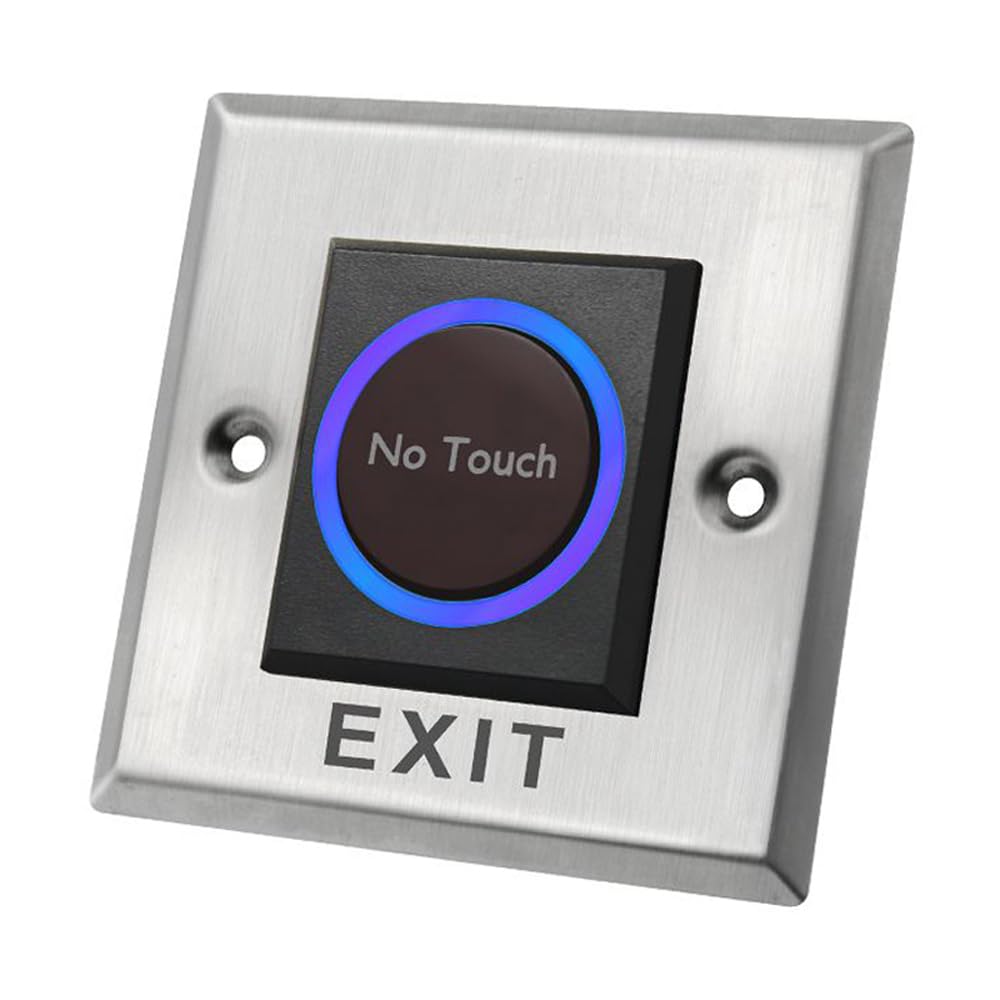
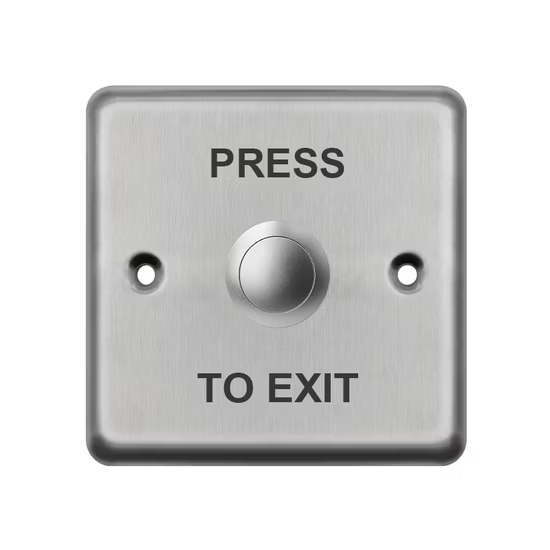
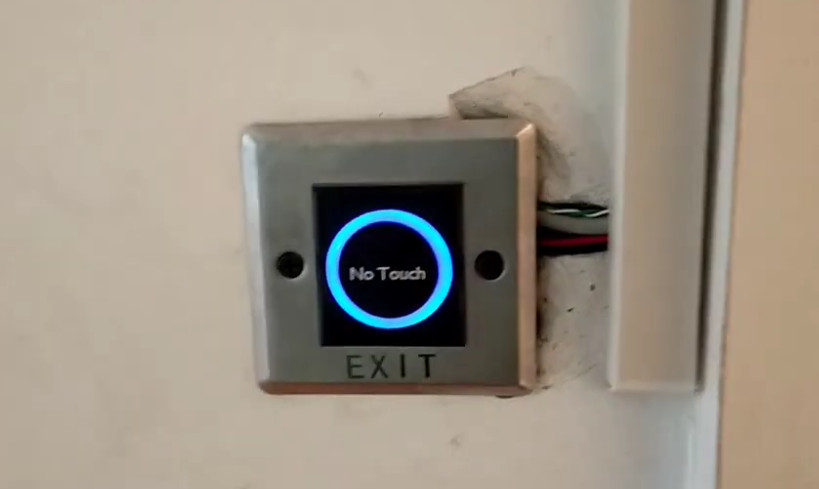
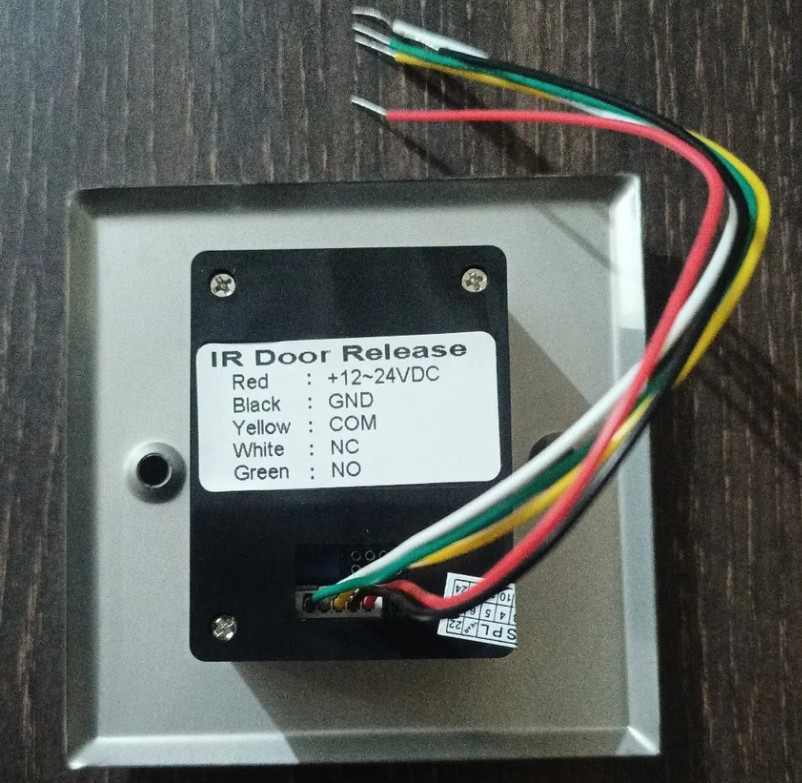
5. Exit Button (Push Button):
The exit button is used to open the door from inside without biometric verification. When pressed, it sends a signal to the controller to unlock the door for exit.
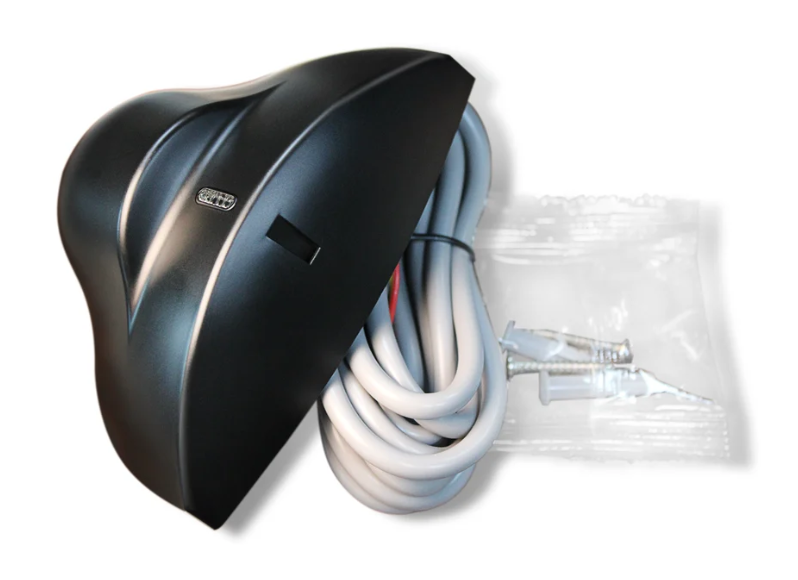
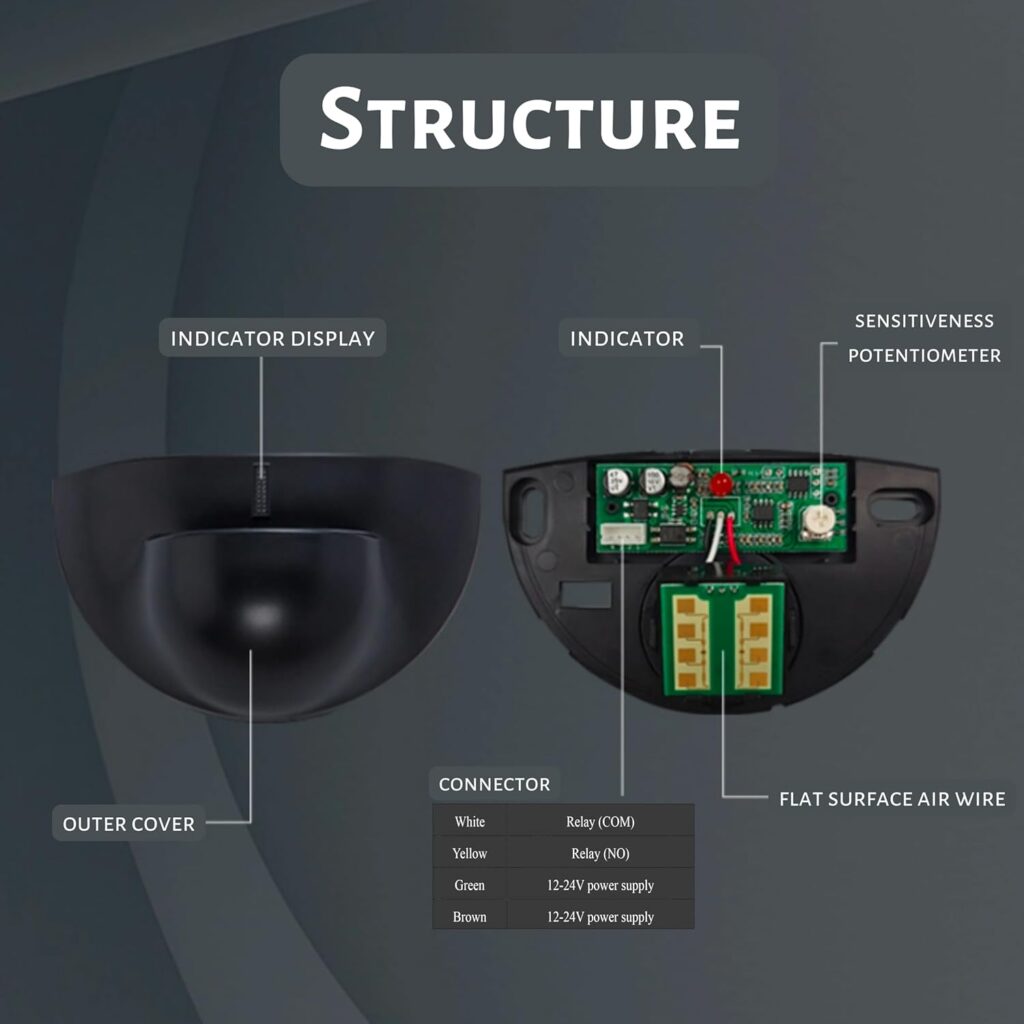
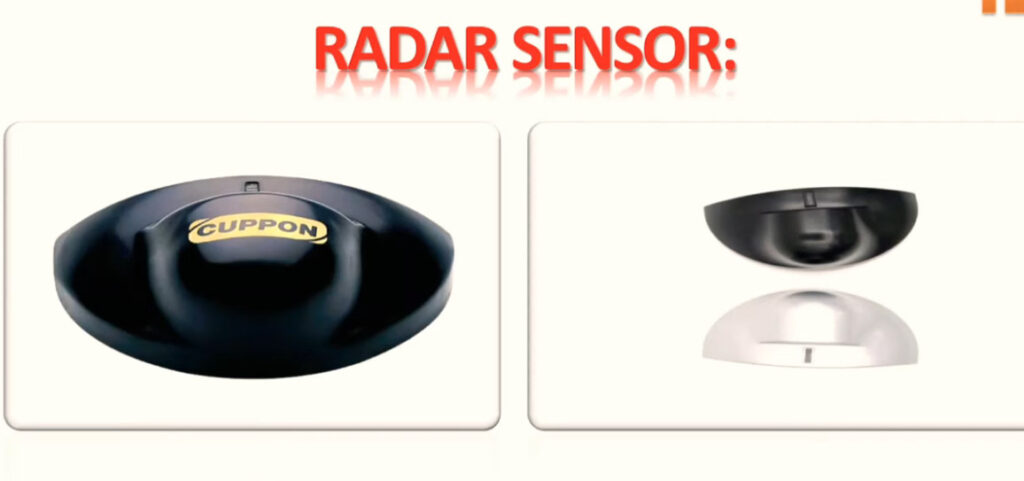
6. Door Sensor:
The door sensor detects whether the door is open or closed. It helps in security monitoring and sends alerts if the door is left open or forced open.
7. Network Switch / Router:
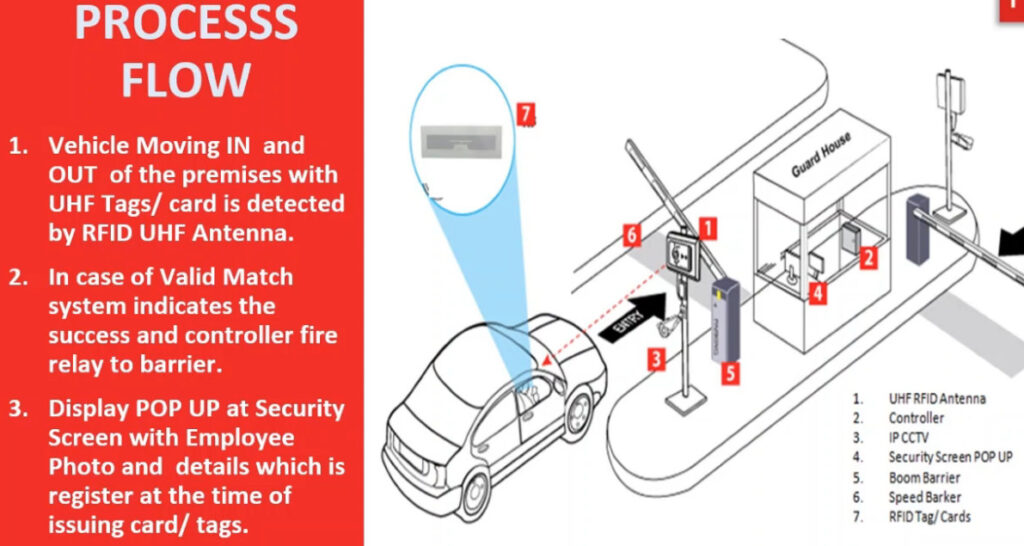
In network-based systems, switches or routers connect biometric devices to the server or software. It helps in data communication and real-time attendance monitoring.
8. Attendance Software / Server:
This is the central system where all attendance data is stored and managed. It processes IN/OUT logs, generates reports, and manages users, shifts, and permissions.
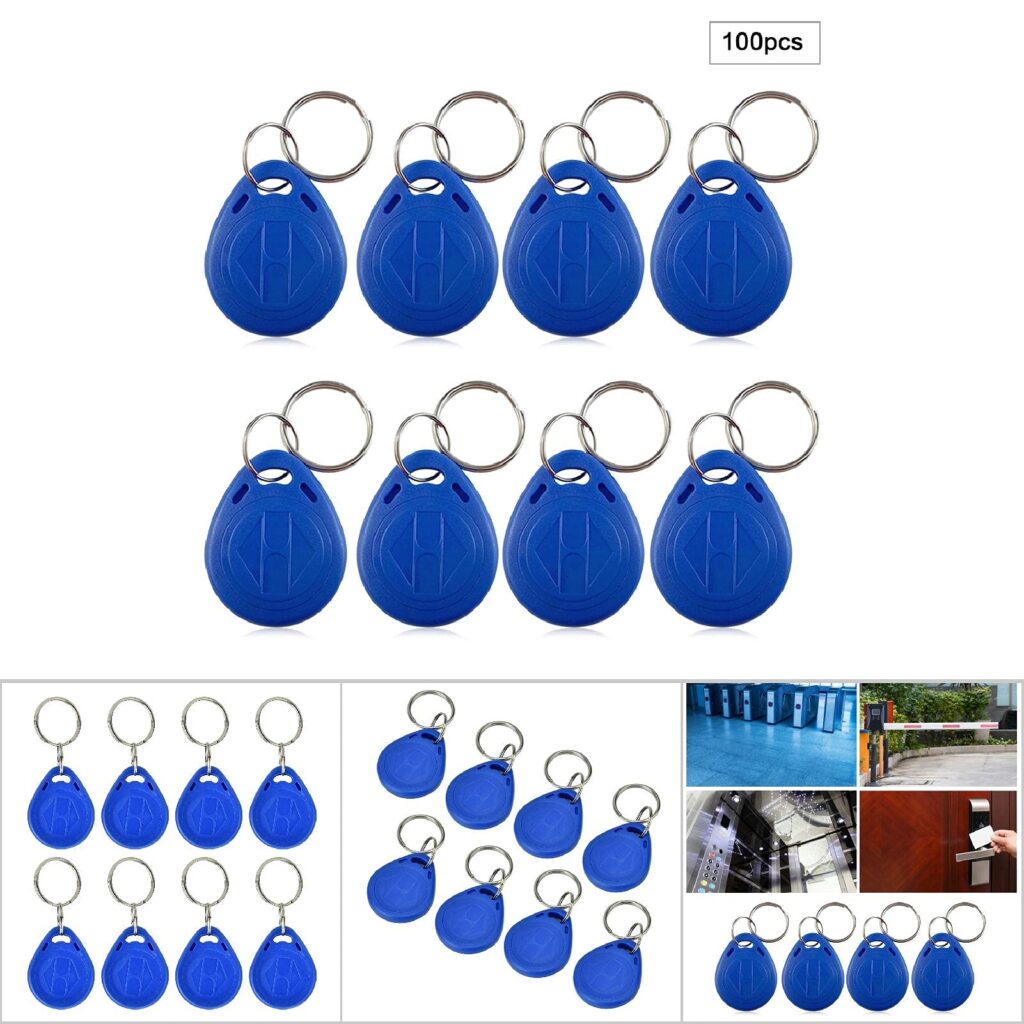
9. Cables and Wiring (LAN, Power, Signal):
Different types of cables are used for installation such as LAN cables for network, power cables for electricity, and signal cables for door control and sensors.
10. Backup System (UPS / Battery):
Backup power systems ensure that biometric devices continue working during power failure. It keeps the system active and prevents data loss.
Conclusion:
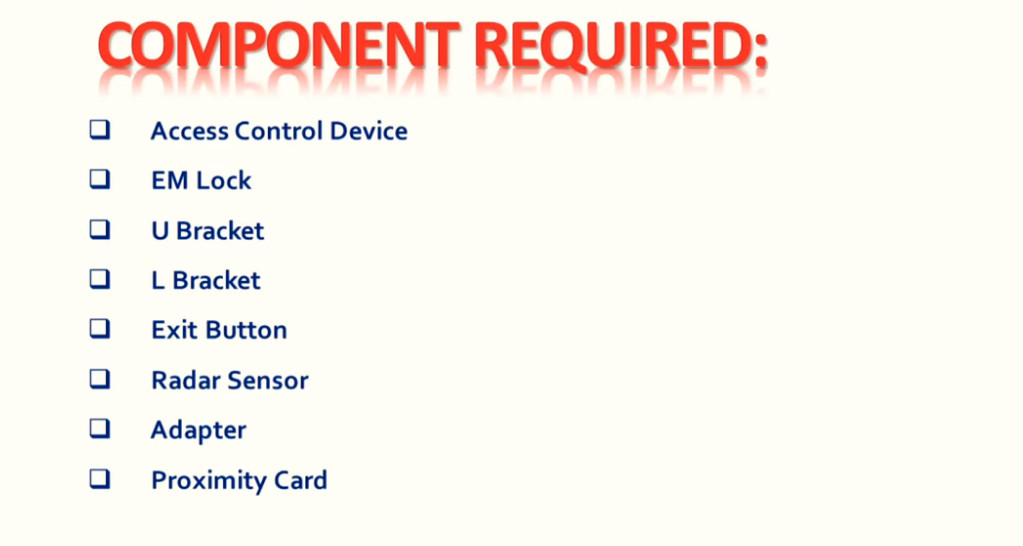
All these components work together to create a complete biometric attendance and access control system used in offices, schools, colleges, and industries for security and attendance management.