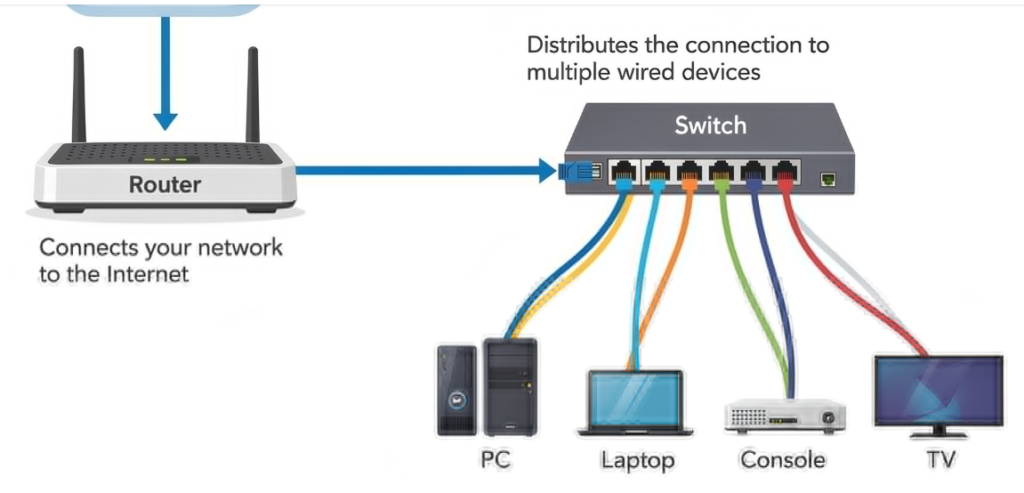
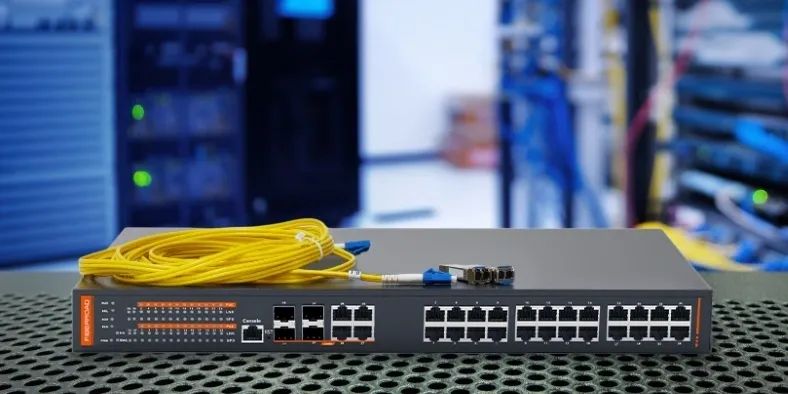
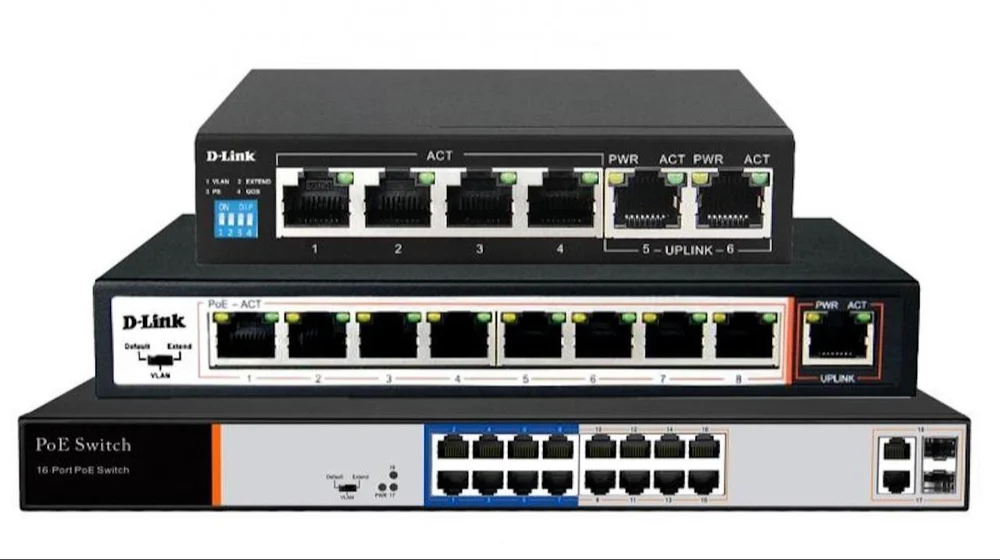
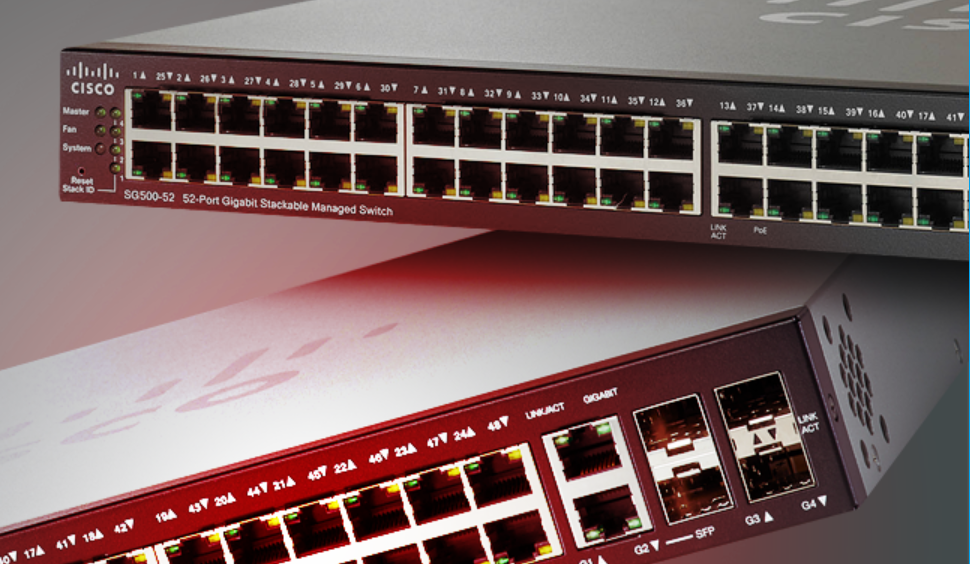
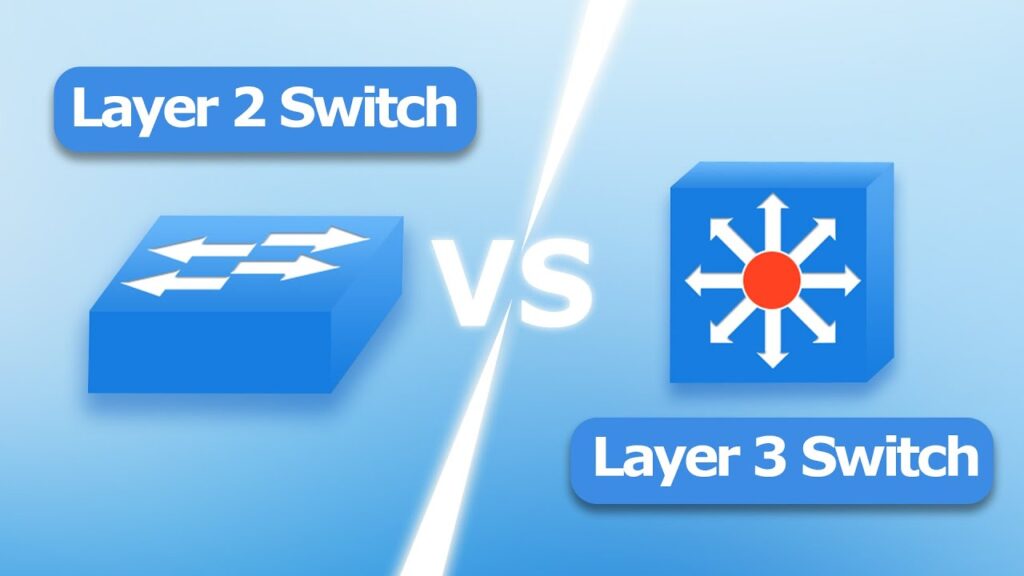
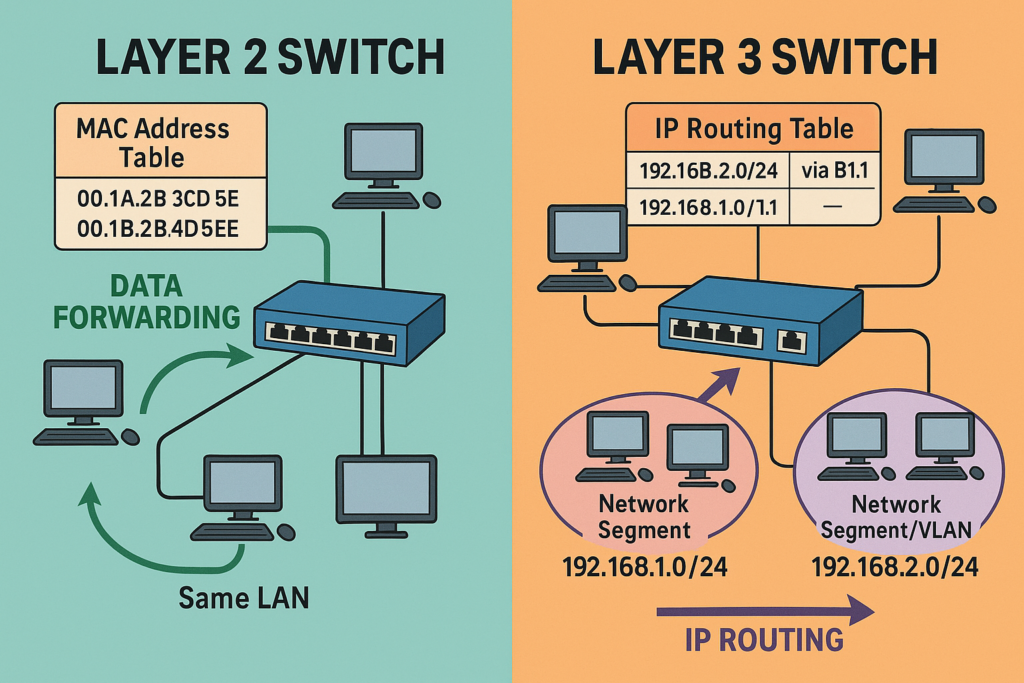
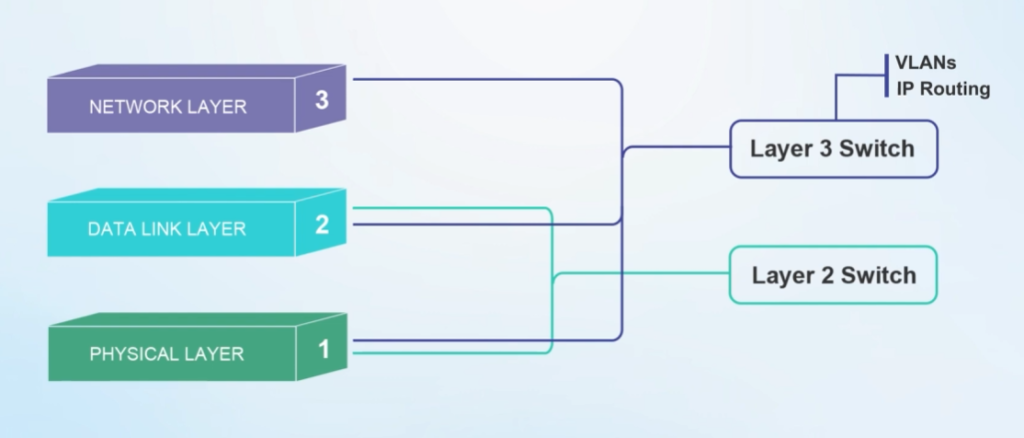
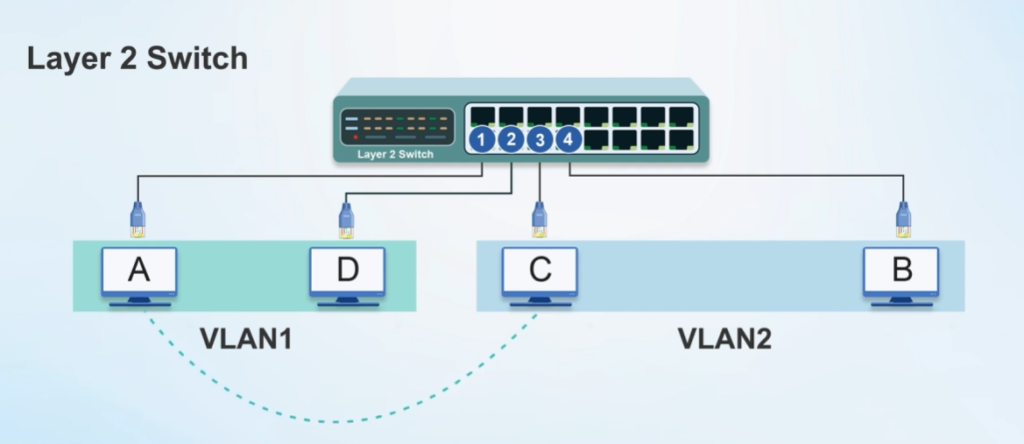
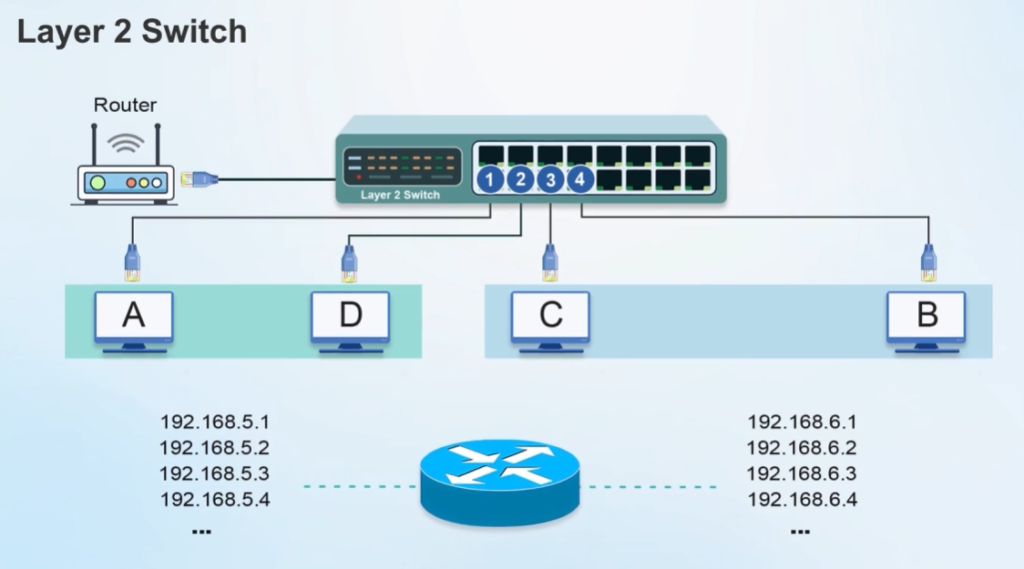
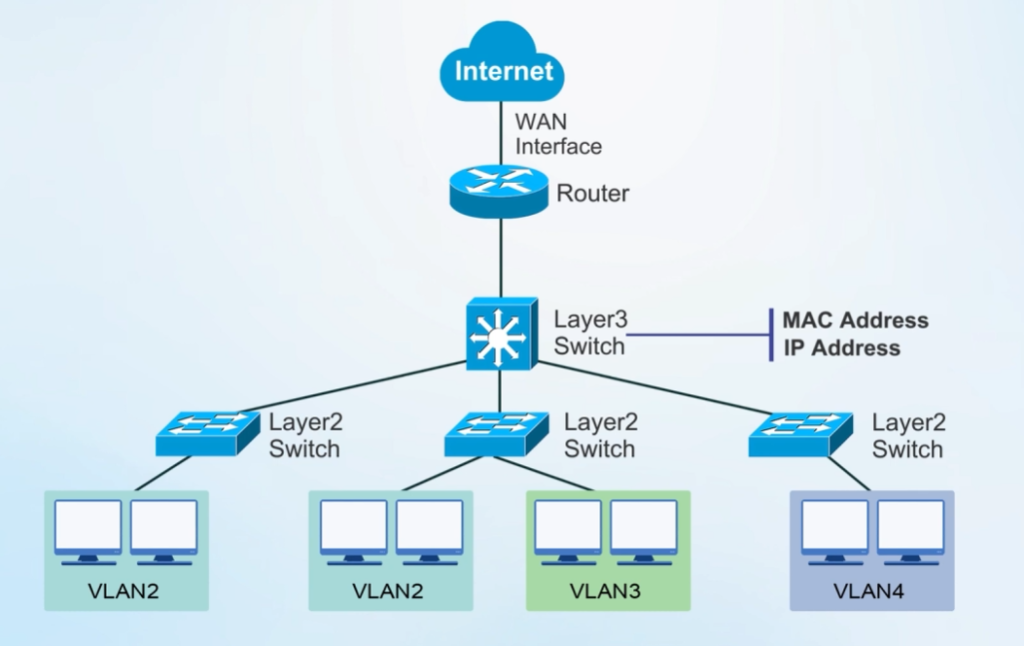
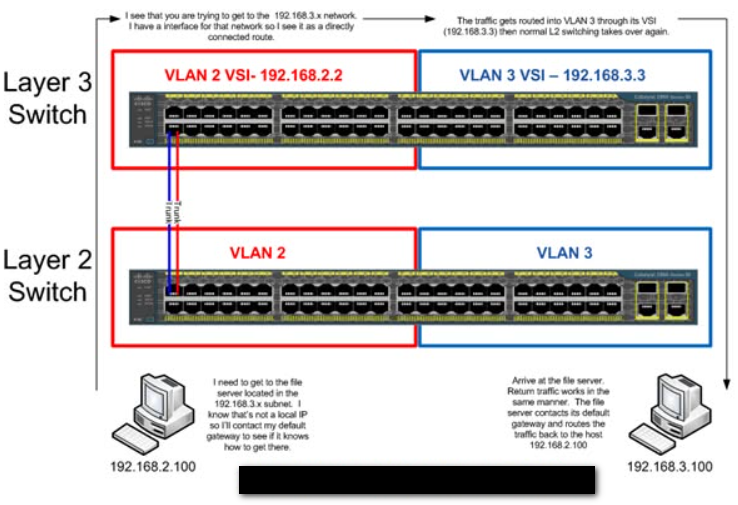
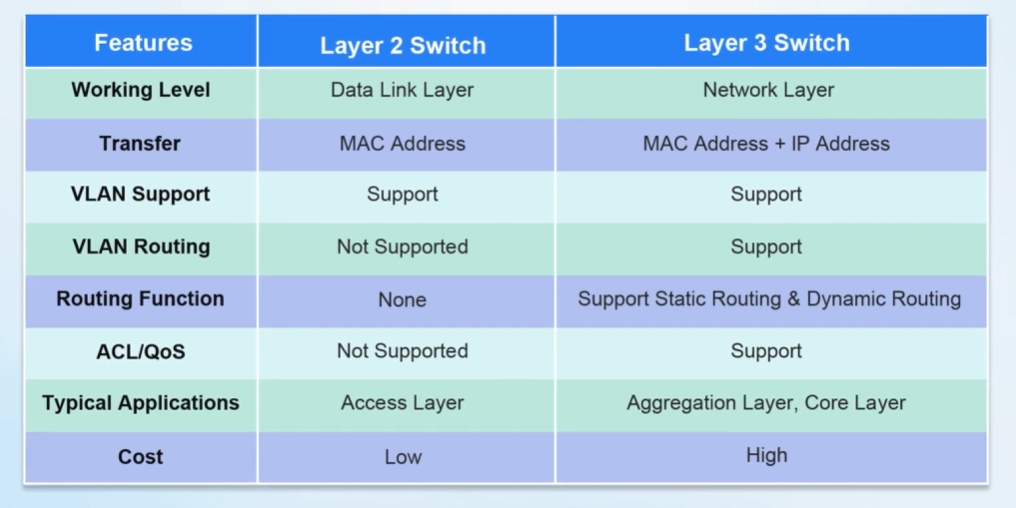
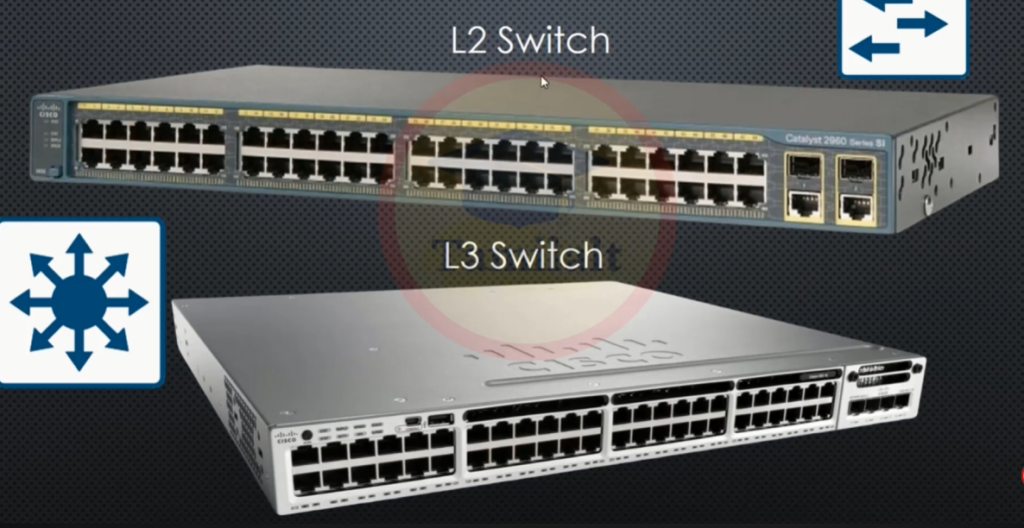
A Layer 3 switch is needed when a network has multiple VLANs, different subnets, or separate departments that need to communicate with each other. A normal Layer 2 switch can only transfer data within the same network, but it cannot route data between different networks. A Layer 3 switch solves this problem by using IP addresses to route data between different VLANs or subnets quickly and efficiently.
It is needed for inter-VLAN communication, where separate networks such as Sales (192.168.10.0/24), Accounts (192.168.20.0/24), and HR (192.168.30.0/24) need to exchange data. A Layer 3 switch receives the data, checks the destination IP address, and forwards it to the correct subnet. This makes communication between departments possible while keeping networks separate for better organization and security.
Layer 3 switches are also needed because they provide high-speed routing, better traffic management, advanced security, and reduced network congestion. They are commonly used in large offices, campuses, hospitals, enterprise networks, and data centers where fast communication between multiple networks is required.
In simple words:
Need Layer 3 Switch = To connect and route traffic between different networks/subnets efficiently.
Cisco Systems Catalyst Switch Models
1) Catalyst 1000 Series
Catalyst 1000 series is a small business managed switch. It is mainly used in small offices, shops, schools, and branch networks. This switch supports basic Layer 2 features like VLAN, STP, port security, and trunking. Some models also support PoE for IP phones, access points, and CCTV cameras. It is a low-cost and easy-to-manage switch.
2) Catalyst 1200 / 1300 Series
Catalyst 1200 and 1300 series are business-class managed switches. They provide Layer 2 switching and limited Layer 3 features. These switches support VLAN, QoS, security features, and PoE connectivity. They are suitable for medium-size office networks where better management and performance are needed.
3) Catalyst 2960 Series
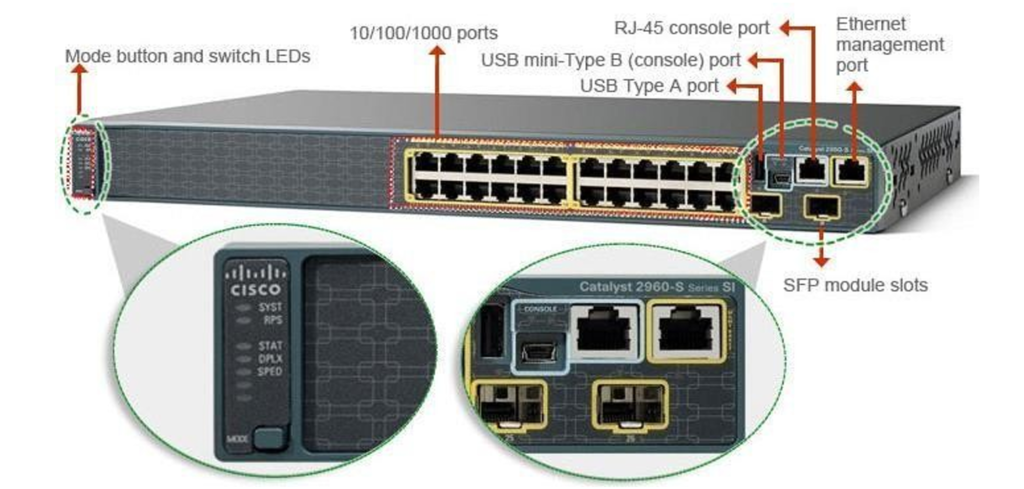
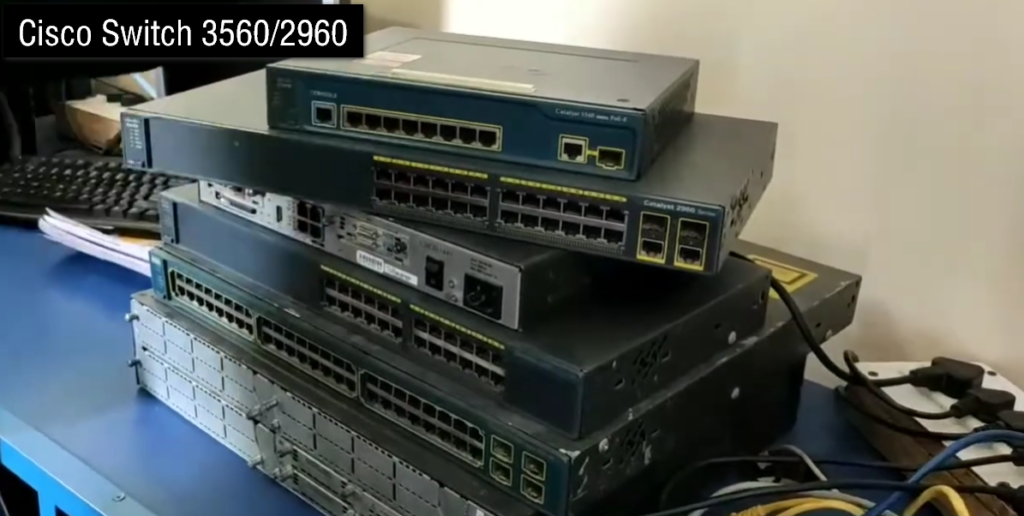
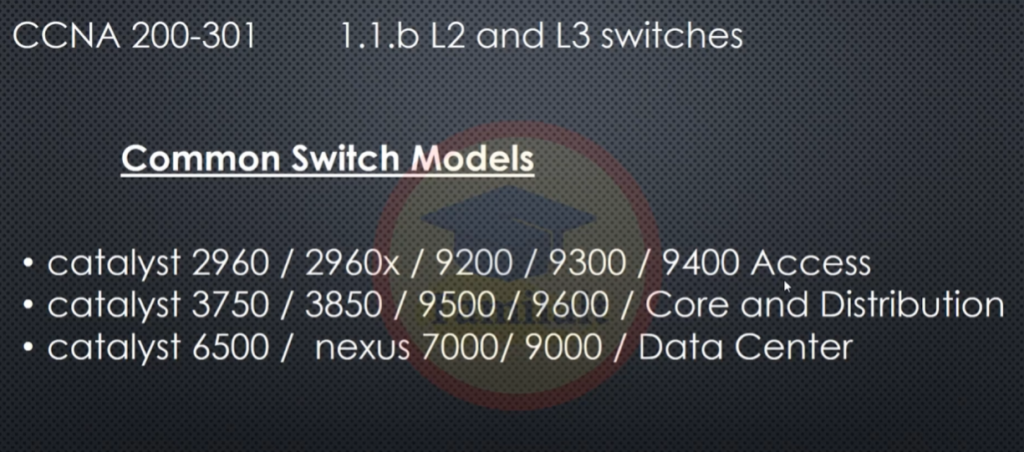
Catalyst 2960 series is one of the most popular Cisco access switches. It is mainly a Layer 2 managed switch used for connecting computers, printers, IP phones, and wireless access points. It supports VLAN, trunk ports, STP, EtherChannel, and port security. Many companies used this model for office LAN access networks.
4) Catalyst 3560 Series
Catalyst 3560 is a Layer 3 switch. It can perform switching and routing in the same device. It supports static routing, inter-VLAN routing, and dynamic routing protocols like OSPF and EIGRP. This switch is commonly used in departments where routing between multiple VLANs is required.
5) Catalyst 3750 Series
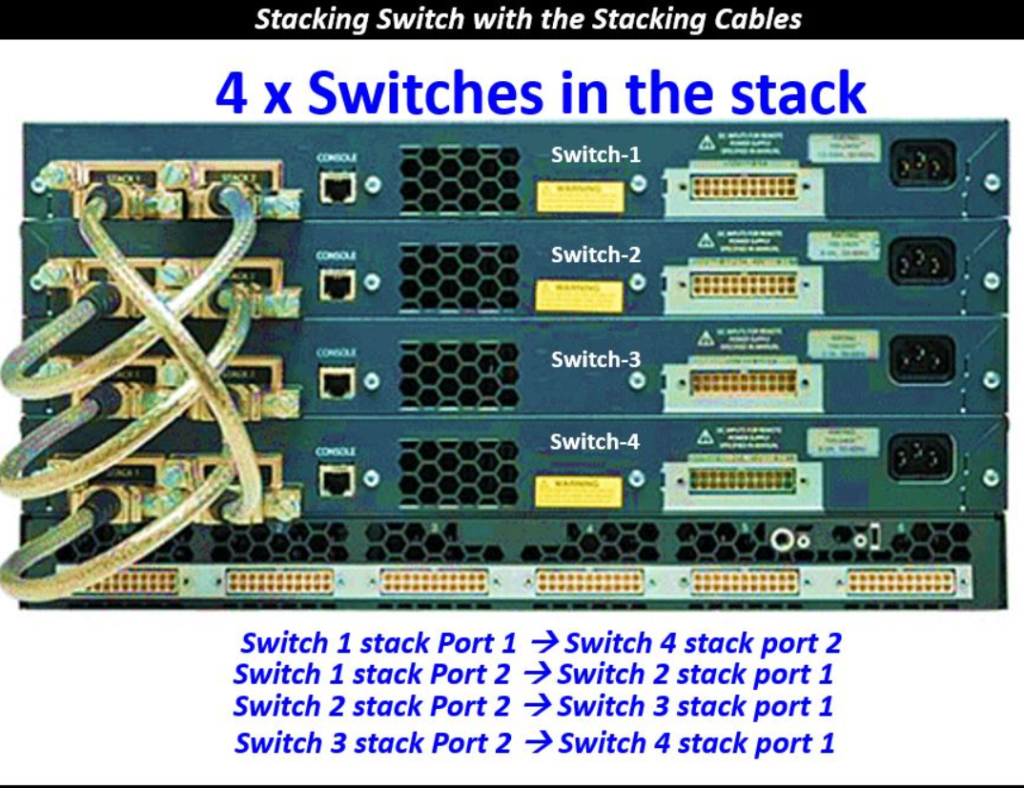
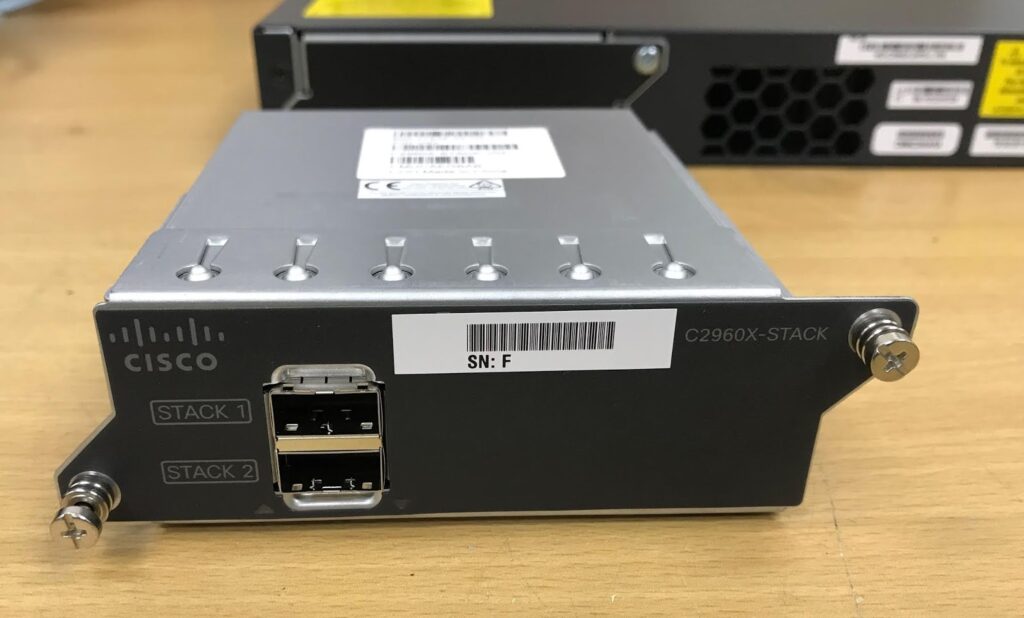
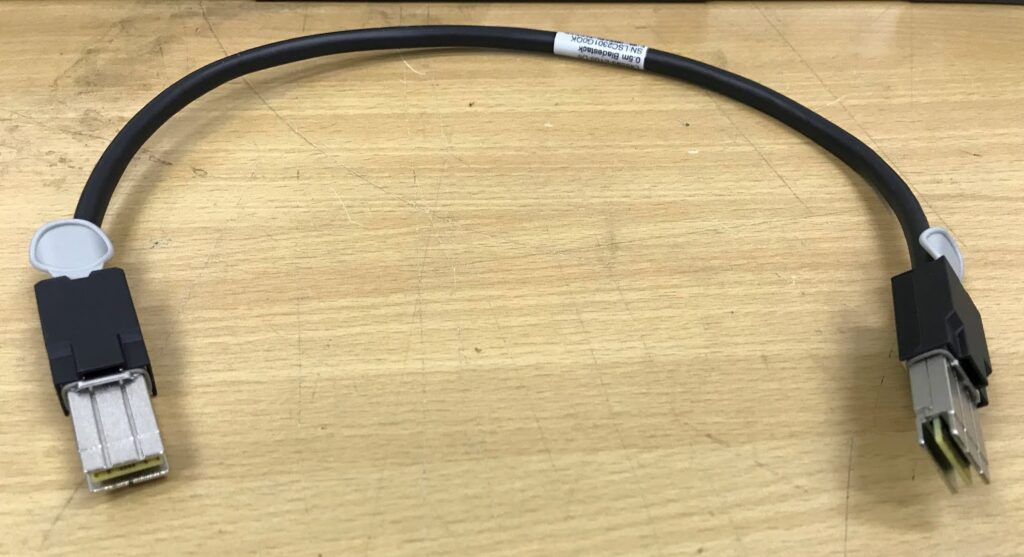
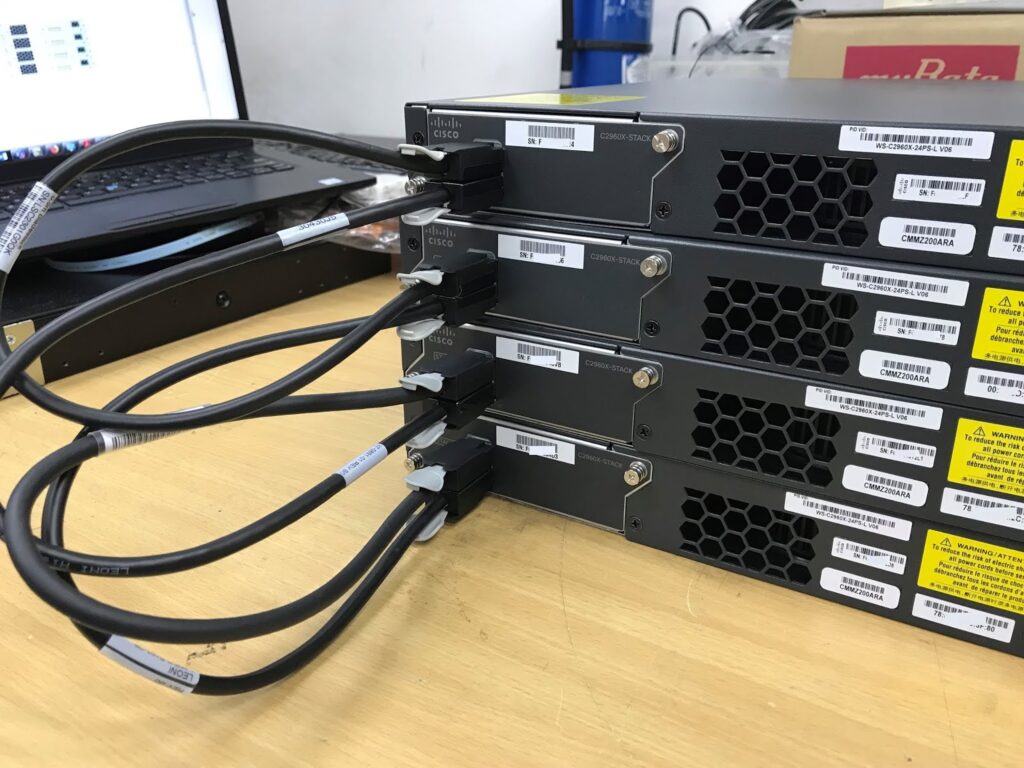
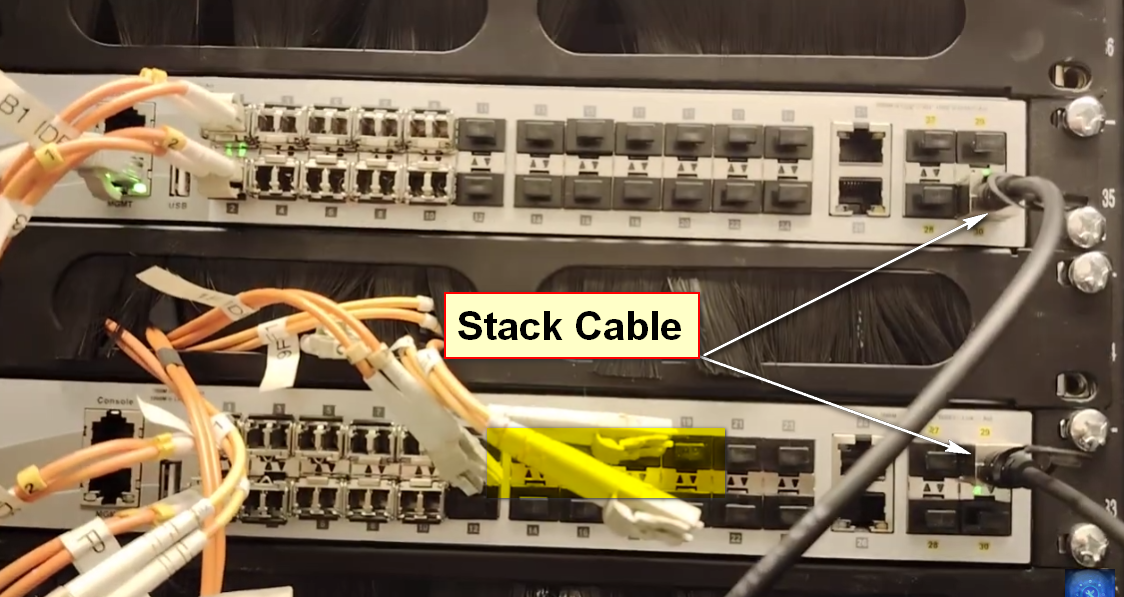
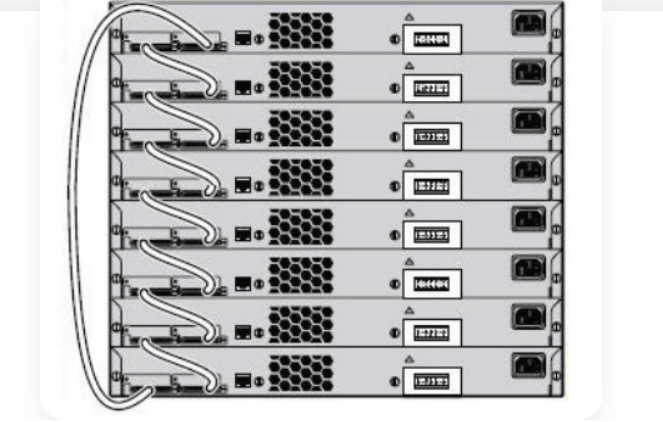
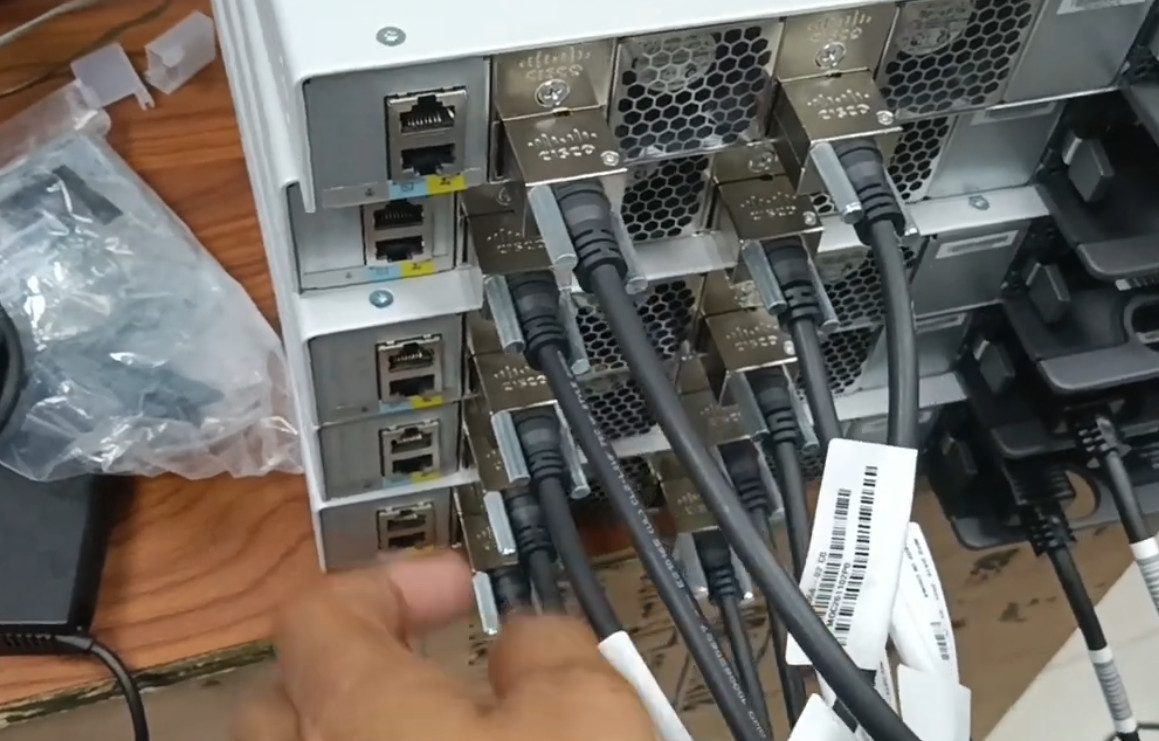
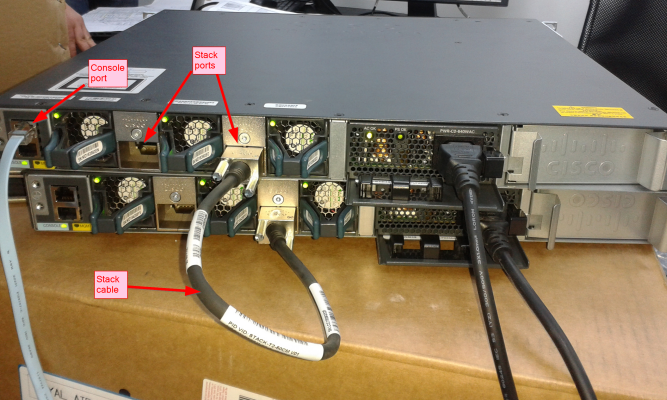
Catalyst 3750 is an advanced stackable Layer 3 switch. Multiple switches can be connected together using stack cables and managed as one switch. This improves scalability, performance, and redundancy. It is used in enterprise networks where many users need high-speed and reliable connectivity.
6) Catalyst 3850 Series
Catalyst 3850 is a high-performance enterprise switch. It supports Layer 2 and Layer 3 networking, switch stacking, advanced security, and wireless controller features. It can manage wired and wireless network traffic together. This makes it useful in campus and enterprise environments.
7) Catalyst 9200 Series
Catalyst 9200 series is the modern replacement for older access switches like 2960. It offers stronger security, automation, better power efficiency, and advanced management features. It supports Layer 2 and Layer 3 features, PoE, stacking, and high-speed uplinks. It is widely used in modern office networks.
8) Catalyst 9300 Series
Catalyst 9300 series is one of Cisco’s most widely used enterprise access switches today. It provides high performance, advanced Layer 3 routing, strong security, stackability, and high-speed uplinks like 10G and 25G. It is commonly deployed in large office and campus networks.
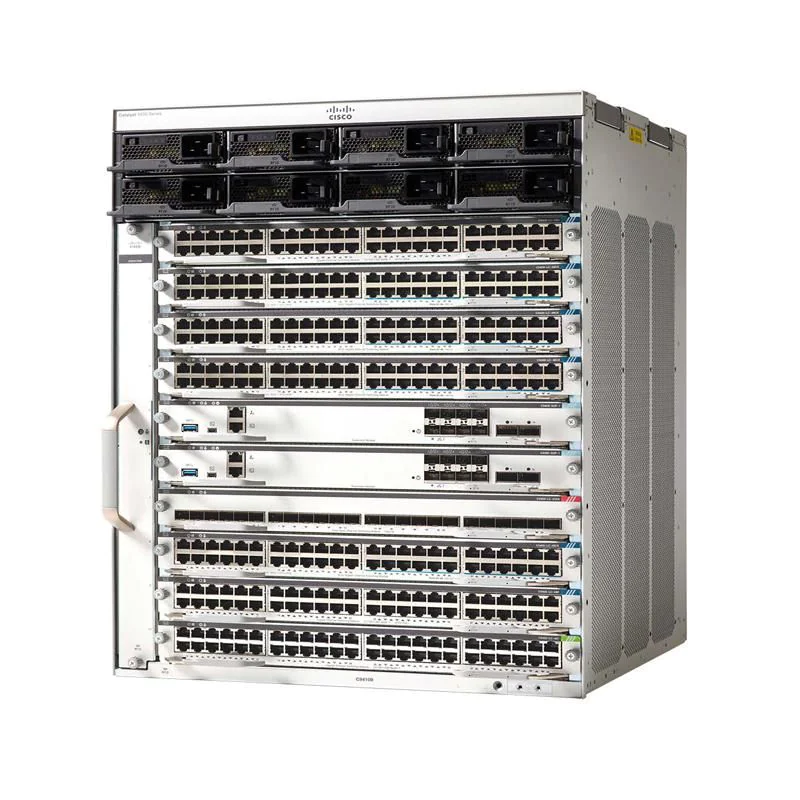
9) Catalyst 9400 Series
Catalyst 9400 is a modular chassis switch. It uses supervisor modules, line cards, and redundant power supplies. This design allows expansion, high availability, and large port capacity. It is mainly used in distribution layer networks in large campuses and enterprises.
10) Catalyst 9500 Series
Catalyst 9500 is a fixed core switch designed for high-speed enterprise routing and switching. It supports 10G, 25G, 40G, and 100G connectivity. It provides very high throughput, security, and automation features. It is mostly used in core layer networks.
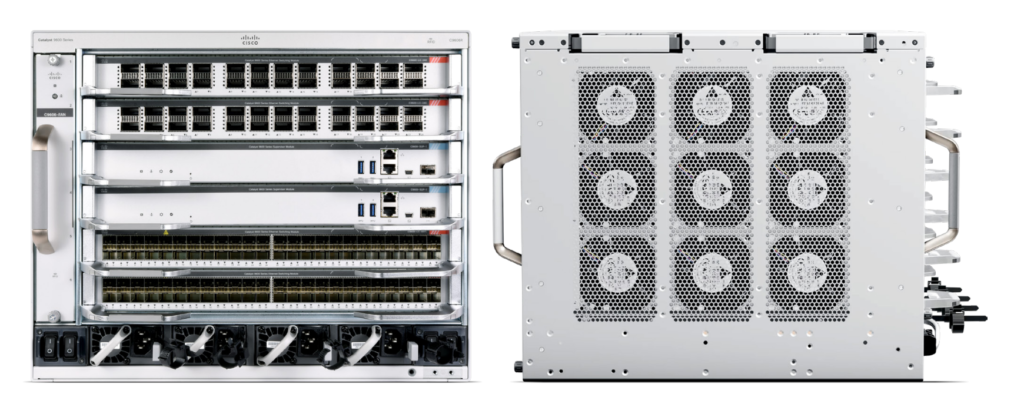
11) Catalyst 9600 Series
Catalyst 9600 is a high-end modular core switch built for very large enterprise networks. It delivers maximum performance, very high bandwidth, and strong redundancy. It supports advanced routing, security, and large-scale network operations. It is commonly used as a backbone switch in big organizations.
Cisco Core Layer Switch Models:
Cisco Catalyst 9500 Series
The Cisco Catalyst 9500 Series is a high-performance fixed-core switch designed for enterprise campus networks. It is widely used as a core layer switch because it offers very fast switching speeds, low latency, and advanced Layer 3 routing capabilities. It supports uplinks ranging from 10 Gigabit to 100 Gigabit Ethernet, making it suitable for organizations with heavy network traffic. It also includes security features, automation support, and redundancy options, which help keep the network reliable and always available. For medium to large enterprises, this is one of Cisco’s most common core switches.
Cisco Catalyst 9600 Series
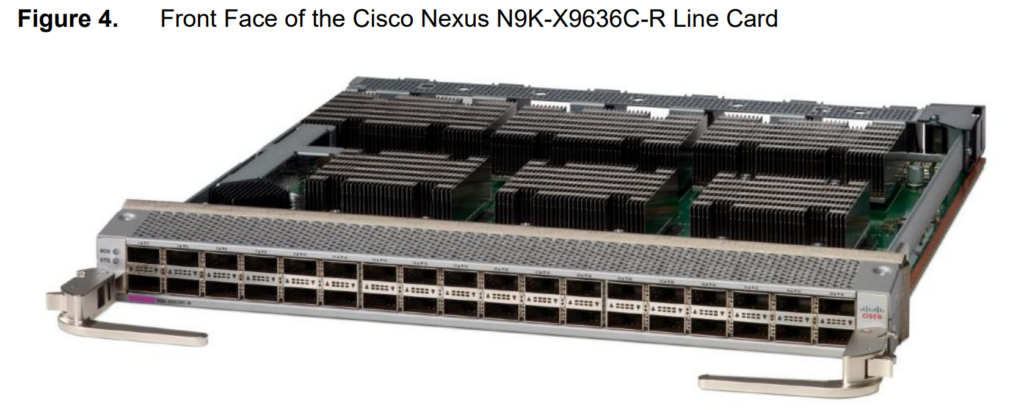
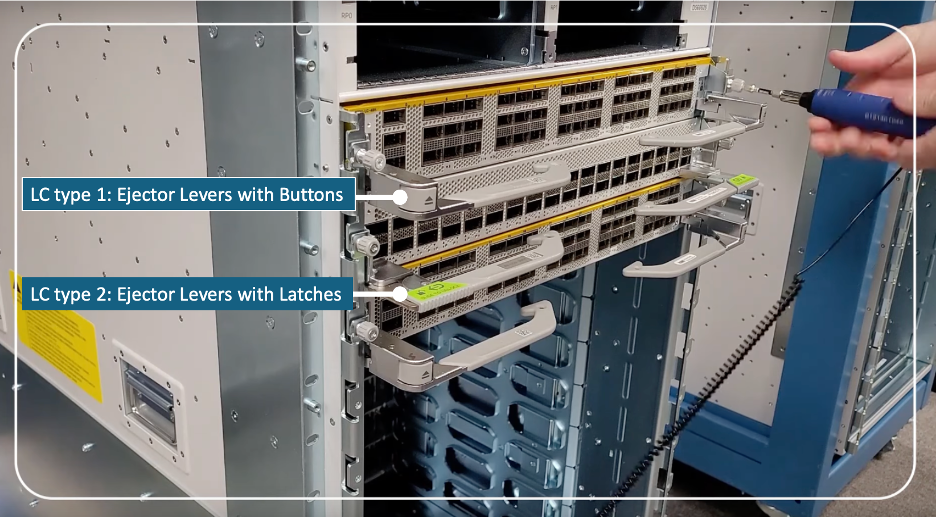
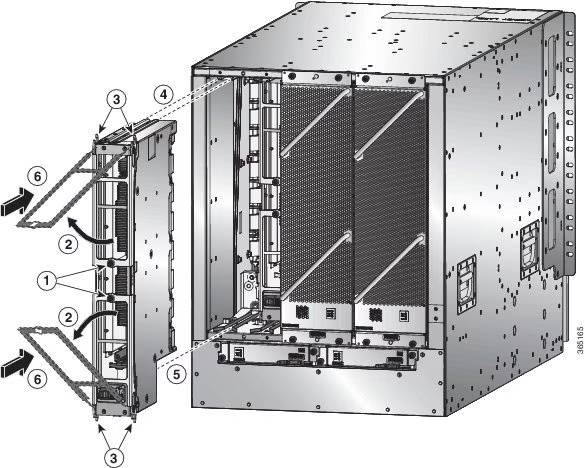
The Cisco Catalyst 9600 Series is a modular chassis-based switch built for very large enterprise networks. Unlike fixed switches, it allows network engineers to add different line cards and modules depending on network requirements. This makes it highly scalable and flexible. It supports high-density 10G, 25G, 40G, and 100G connections, and it includes redundant supervisors, power supplies, and cooling systems for maximum uptime. Because of its powerful hardware and modular design, it is commonly deployed in university campuses, financial institutions, and large corporate headquarters where network downtime is unacceptable.
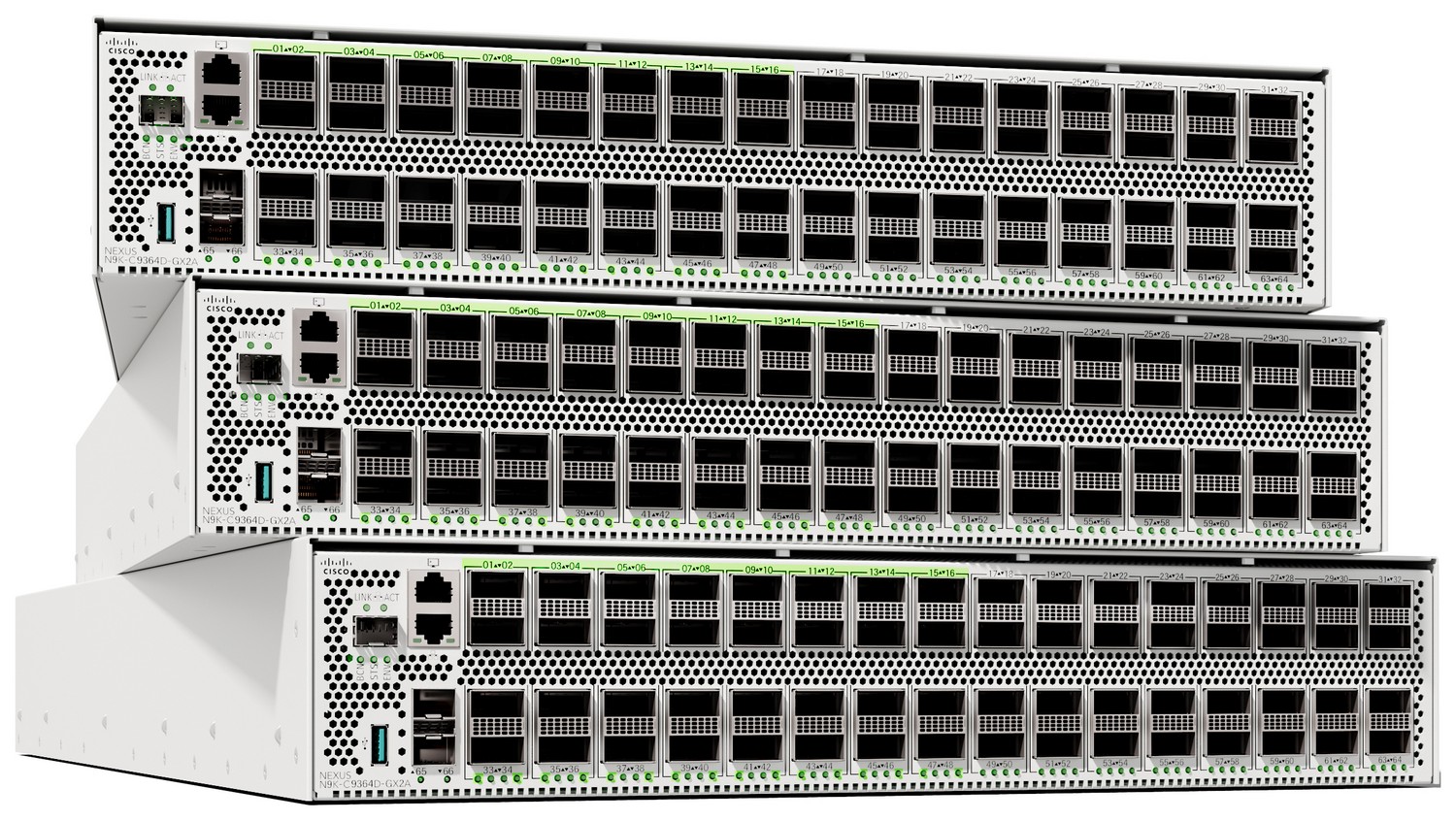
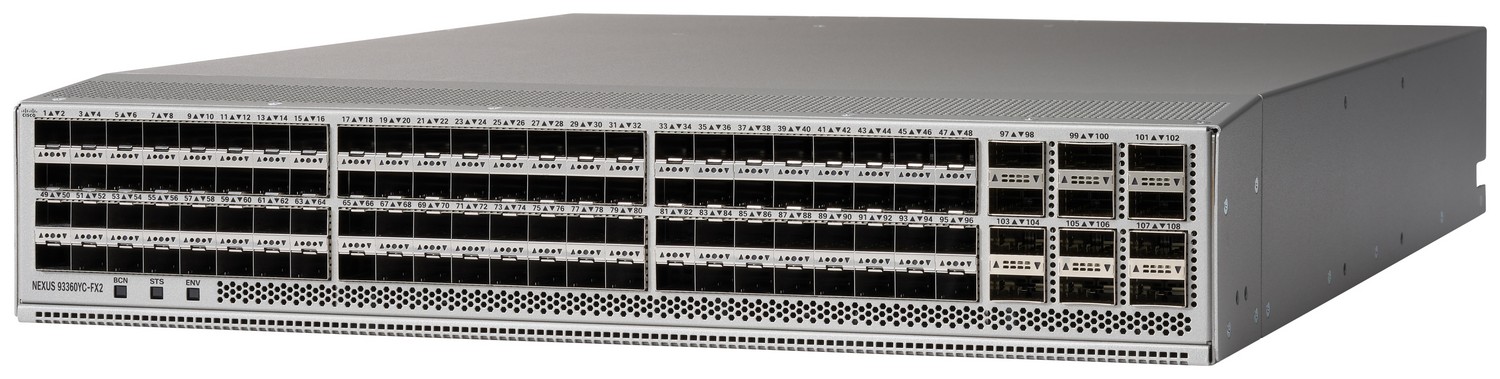
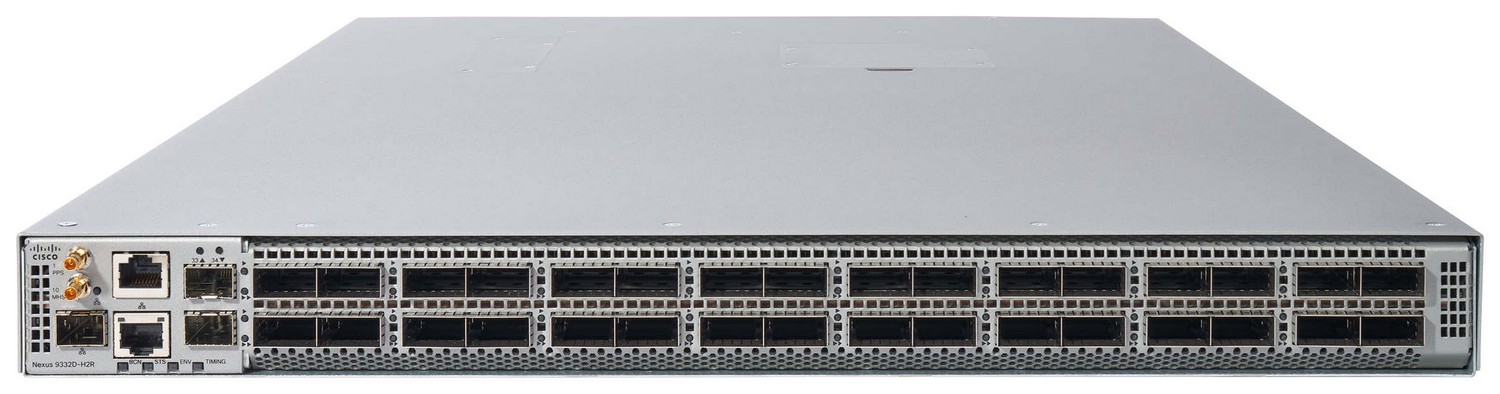
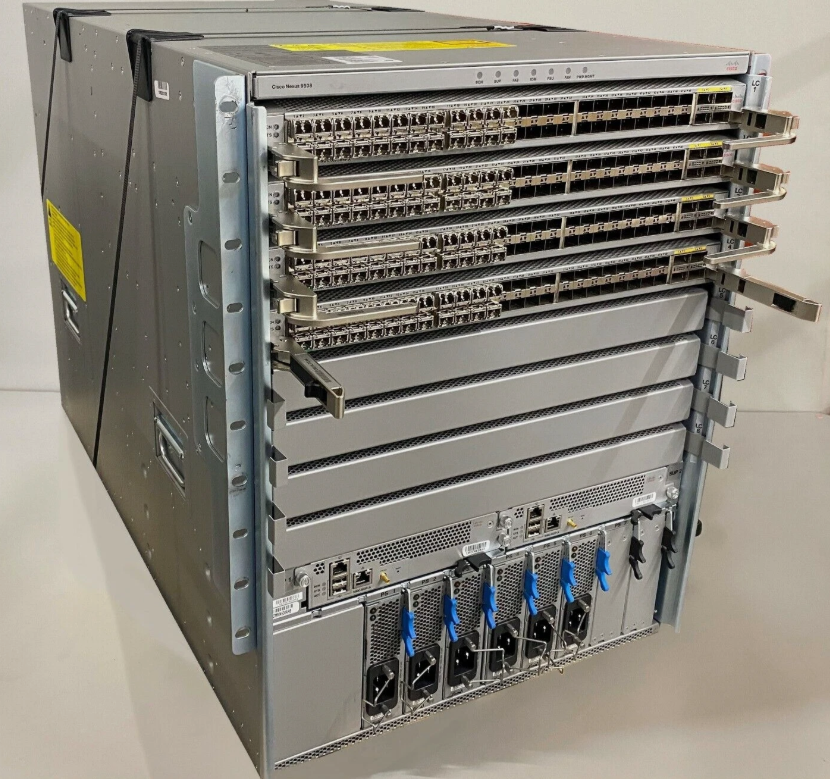
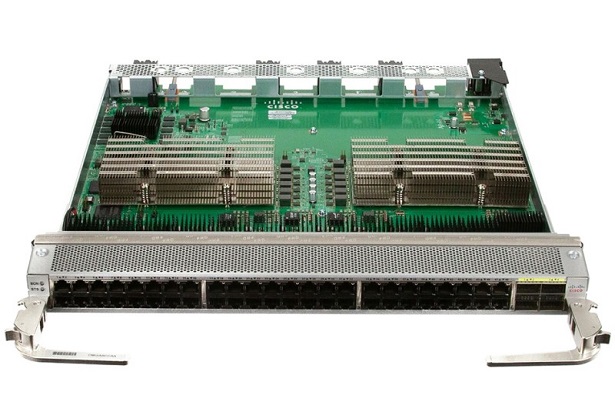
Cisco Nexus 9000 Series
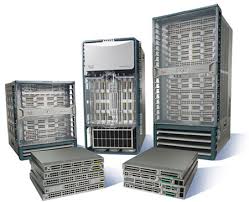
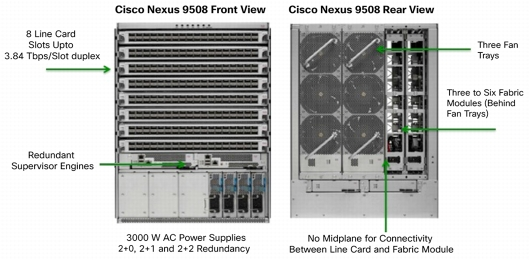
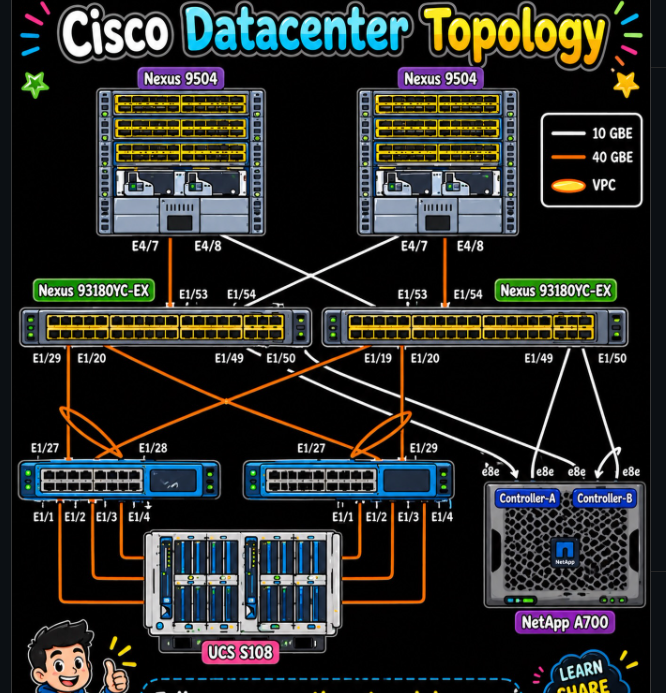
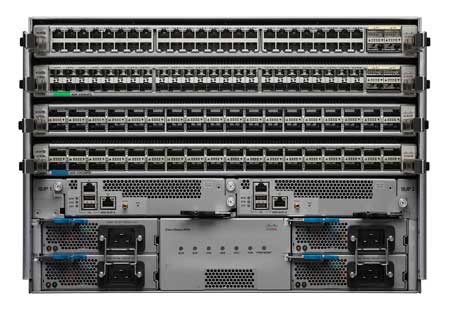
The Cisco Nexus 9000 Series is mainly designed for data center core and cloud networking environments. It provides extremely low latency, very high throughput, and support for modern technologies such as virtualization, software-defined networking (SDN), and automation. It supports high-speed interfaces ranging from 10G to 400G, making it ideal for connecting servers, storage systems, and large-scale cloud infrastructure. Organizations that run data centers or private cloud environments often choose Nexus 9000 switches because of their performance, scalability, and advanced data center features.
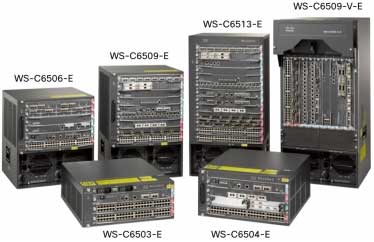
Cisco Catalyst 6800 Series
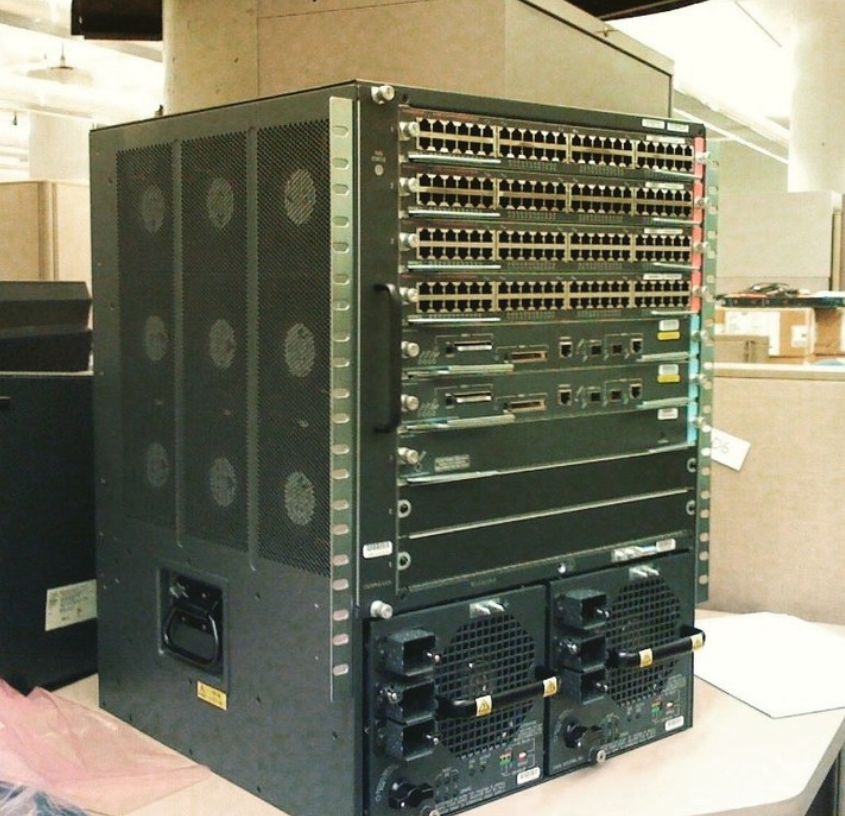
The Cisco Catalyst 6800 Series is an older but still powerful core switch platform used in many enterprise campus networks. It is chassis-based and provides large port density, strong Layer 3 routing, and reliable high-speed connectivity between distribution and access layers. Although newer Catalyst 9000 models have largely replaced it, the 6800 Series remains in operation in many established organizations because of its stability and proven performance. It was widely used as a core backbone switch in large offices and enterprise networks.
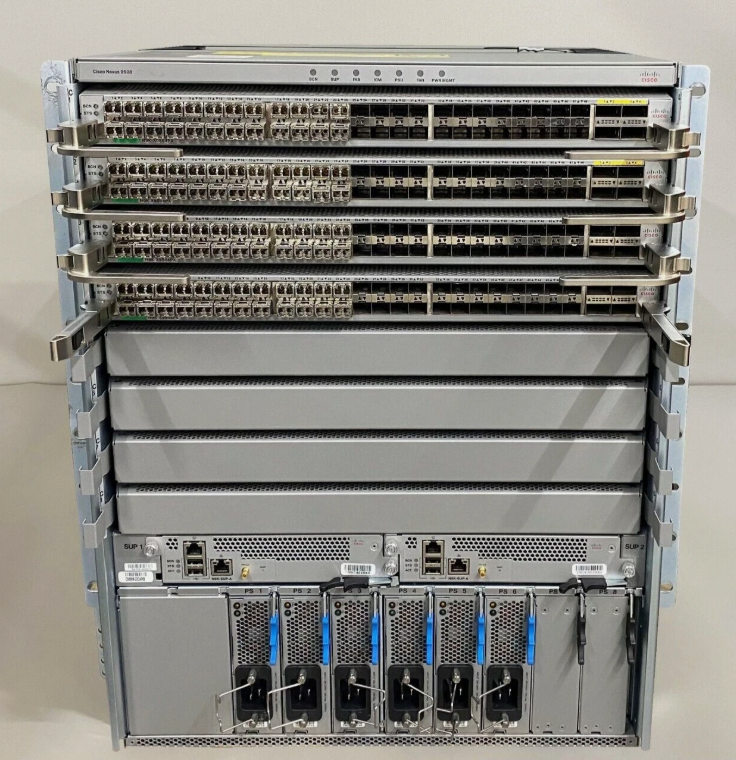
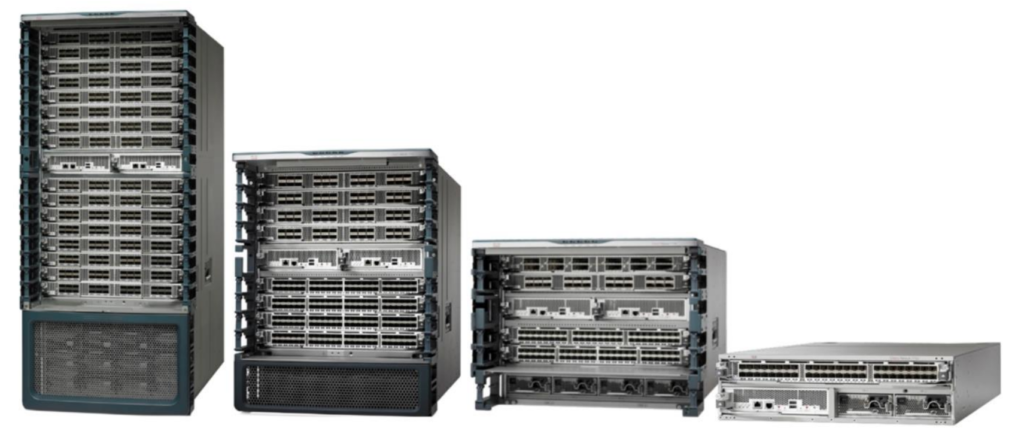
Cisco Nexus 7000 Series
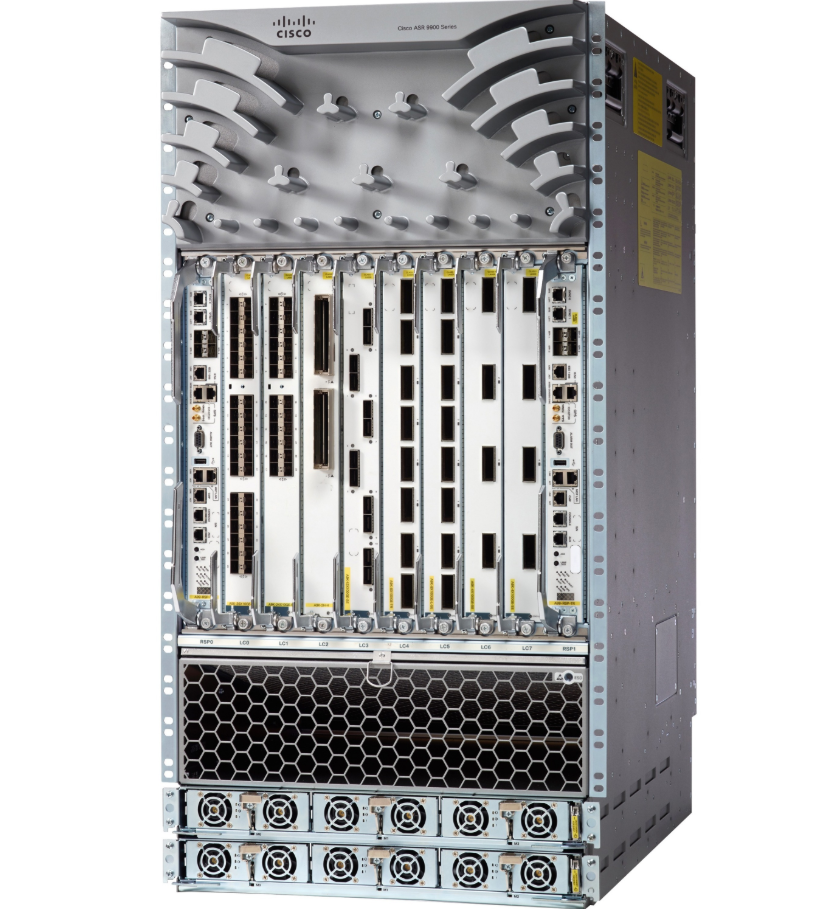
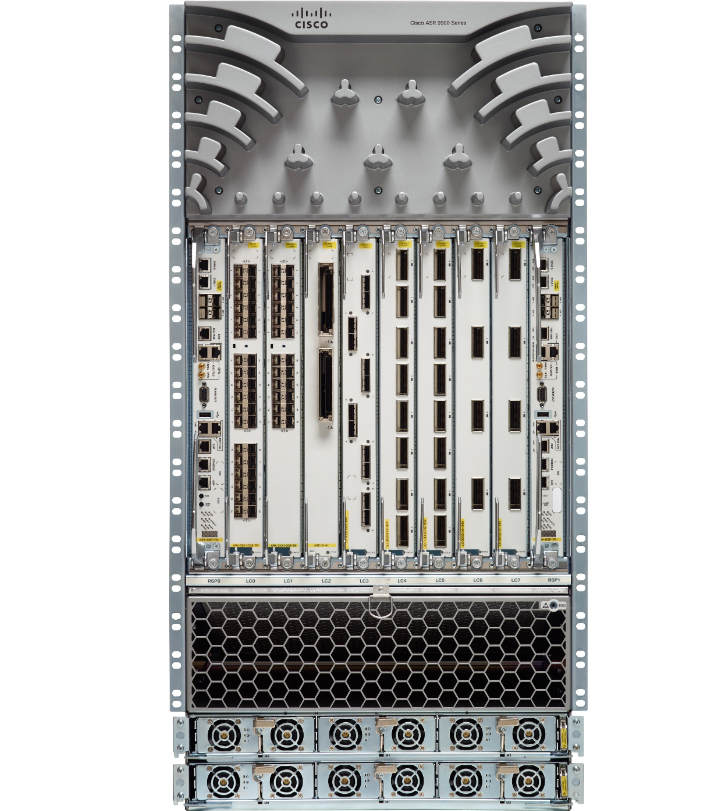
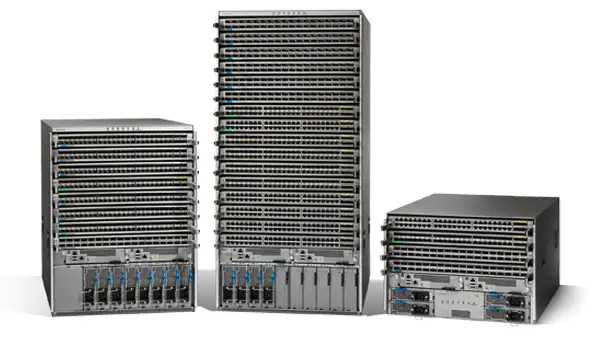
The Cisco Nexus 7000 Series is a high-end modular core switch built for very large data centers, service providers, and enterprise backbone networks. It offers massive scalability, high port density, and extremely fast forwarding performance. It supports redundant supervisors, multiple line cards, and advanced network services, making it suitable for mission-critical environments. Because of its carrier-grade design, it is often used in large ISPs, banking networks, and enterprise data centers where maximum performance and reliability are required.
Distribution Switch (Cisco)
A distribution switch is the middle layer switch in the three-tier network design (Access → Distribution → Core). It works as the connection point between access layer switches and the core layer switch. The main job of a distribution switch is to collect traffic from multiple access switches, apply network policies, and forward traffic to the core layer. It performs functions such as routing between VLANs (Inter-VLAN Routing), access control lists (ACLs), Quality of Service (QoS), security policies, and redundancy. Because of these functions, the distribution layer is often called the policy layer of the network.
Cisco Catalyst 9300 Series
The Cisco Catalyst 9300 Series is one of the most common switches used in the distribution layer of enterprise campus networks. It is a fixed, stackable Layer 3 switch that supports high-speed uplinks such as 10G, 25G, and 40G. It provides strong routing performance, advanced security features, automation support, and redundancy options. Because multiple Catalyst 9300 switches can be stacked together and managed as one unit, it offers scalability and simplified network management, making it suitable for medium and large organizations.
Cisco Catalyst 9400 Series
The Cisco Catalyst 9400 Series is a modular chassis-based switch designed for larger distribution layer deployments. It offers high port density, modular expansion, and redundant supervisor engines for high availability. This switch is ideal for organizations that need a scalable and reliable distribution layer, such as universities, hospitals, and large office campuses. It supports advanced Layer 3 routing, policy enforcement, and secure network segmentation.
Cisco Catalyst 9500 Series
The Cisco Catalyst 9500 Series can also be used in the distribution layer, especially in high-performance campus networks. It is often deployed where very fast uplinks to the core are needed, such as 40G or 100G connections. Its strong Layer 3 routing capabilities, security, and automation features make it suitable as either a high-end distribution switch or a smaller network’s core switch.
Cisco Catalyst 3850 Series
The Cisco Catalyst 3850 Series is an older generation switch that was widely used in the distribution layer. It supports Layer 3 routing, stacking, and enterprise security features. Although newer Catalyst 9000 Series switches have replaced it in many deployments, it is still found in existing enterprise networks because of its reliability and solid performance.
Simple understanding:
- Access Layer → connects end devices (PCs, printers, phones)
- Distribution Layer → controls and routes traffic from access switches
- Core Layer → high-speed backbone of the network
Access Switch (Cisco)
An access switch is the first layer in a three-tier network design (Access → Distribution → Core). It is the switch that directly connects end-user devices such as computers, printers, IP phones, wireless access points, CCTV cameras, and other network devices. The main purpose of the access layer is to provide network connectivity to users and devices while also applying basic network policies such as VLAN assignment, port security, PoE (Power over Ethernet), authentication (802.1X), and Quality of Service (QoS). Access switches are designed to provide many user ports, easy management, and reliable connection to the distribution layer.
Cisco Catalyst 9200 Series
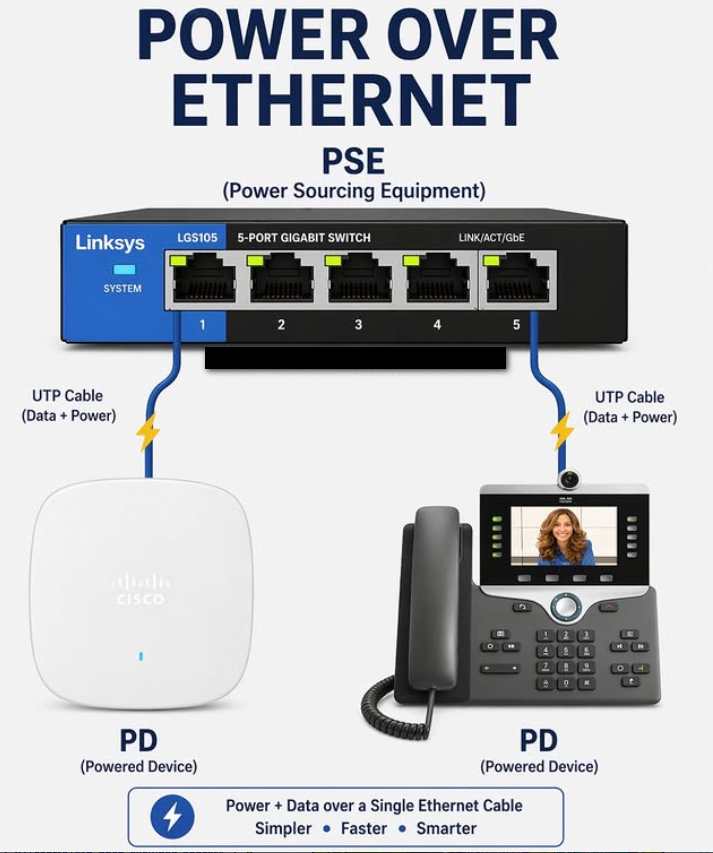
The Cisco Catalyst 9200 Series is one of the most common access switches used in enterprise networks. It is designed for secure and reliable access layer connectivity, offering 24-port and 48-port models with Gigabit Ethernet interfaces. Many models support PoE or PoE+, which allows devices like IP phones, wireless access points, and cameras to receive power directly through the network cable. It also supports Layer 2 switching, limited Layer 3 features, VLANs, security policies, and uplinks to distribution switches using 1G, 10G, or higher-speed connections.
Cisco Catalyst 9300 Series
The Cisco Catalyst 9300 Series is a higher-performance switch that can also be used in the access layer, especially in large enterprise environments. It offers stacking capability, advanced security, automation, and high-speed uplinks. It supports full PoE, multigigabit ports for Wi-Fi 6/6E access points, and advanced Layer 3 routing. Because of its flexibility, many organizations use it as a premium access switch or even as a distribution switch.
Cisco Catalyst 1000 Series
The Cisco Catalyst 1000 Series is an entry-level access switch designed for small businesses and branch offices. It provides basic Layer 2 switching, VLAN support, PoE options, and simple management features. It is a cost-effective solution for networks that do not require advanced routing or enterprise-level automation.
Cisco Catalyst 2960-X Series
The Cisco Catalyst 2960-X Series is an older access switch model that was widely deployed in enterprise networks. It offers reliable Layer 2 switching, Gigabit Ethernet ports, PoE support, VLAN configuration, and strong security features. Although newer Catalyst models have replaced it in many networks, it is still commonly found in existing installations because of its proven stability.