Network Patch Panel
What is Patch Panel
What is a Patch Panel?
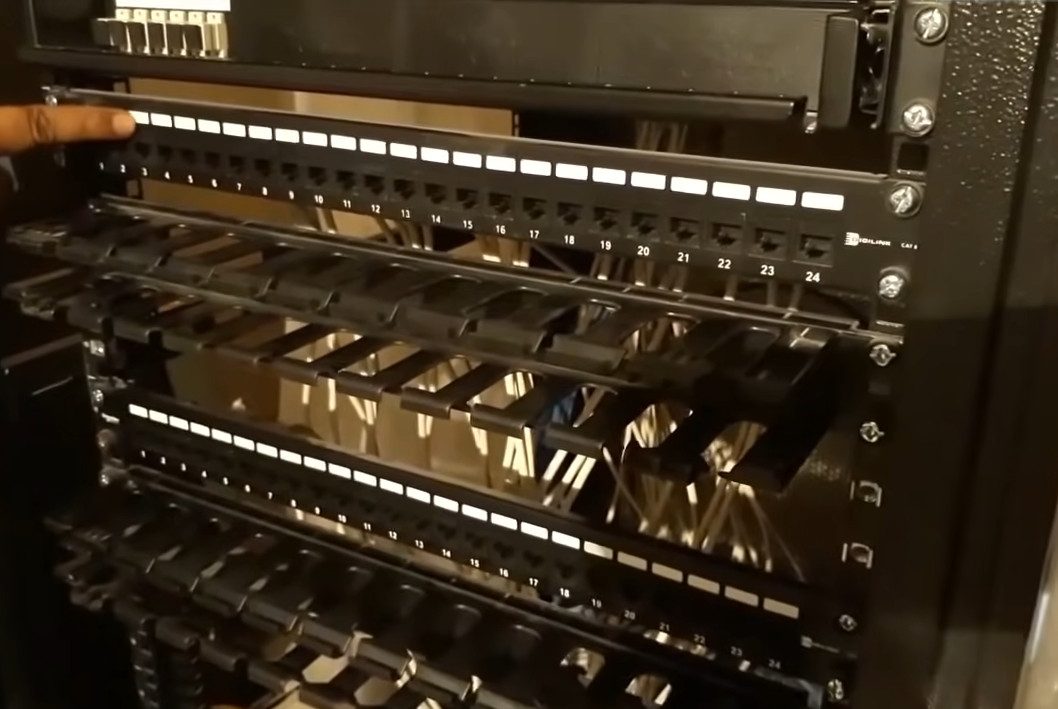
A patch panel is a hardware device used in networking to organize and manage multiple cables in a structured way. It acts as a central point where all network cables (like LAN or fiber cables) are connected, making it easier to control, maintain, and troubleshoot the network.
How It Works
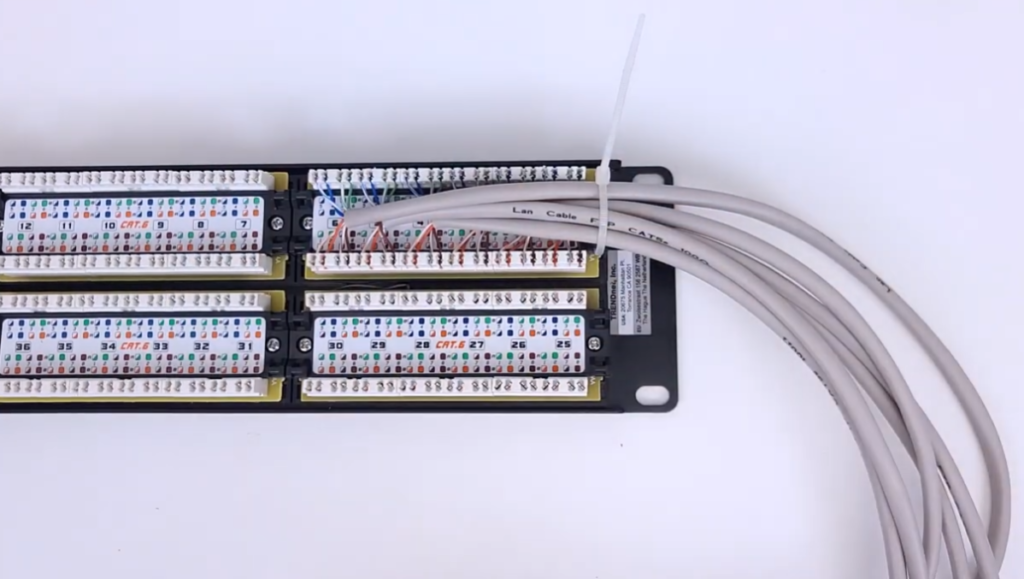
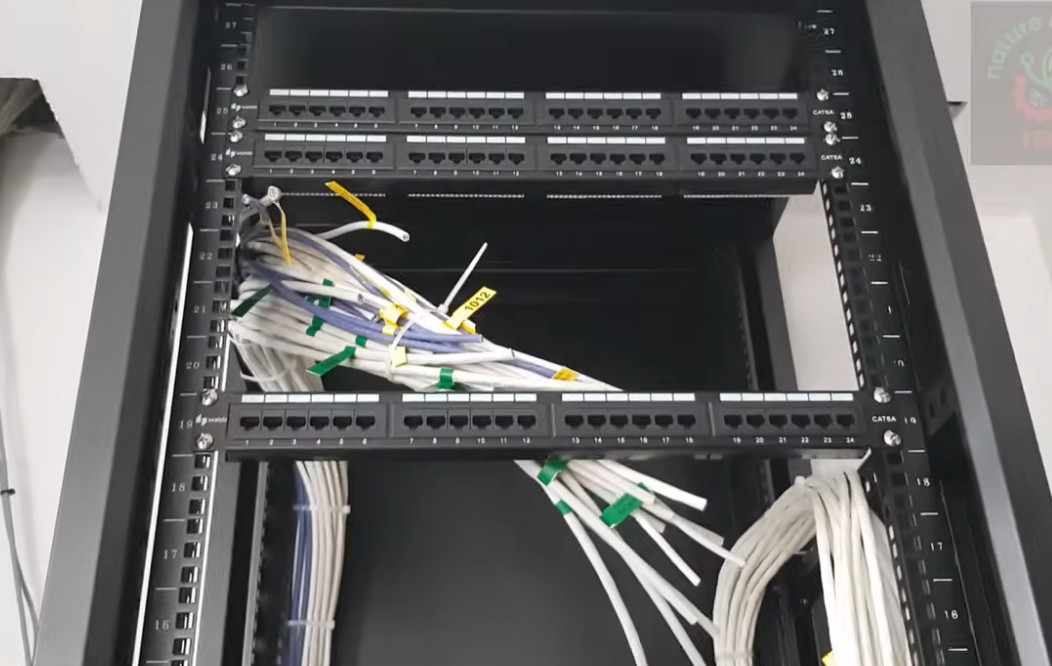
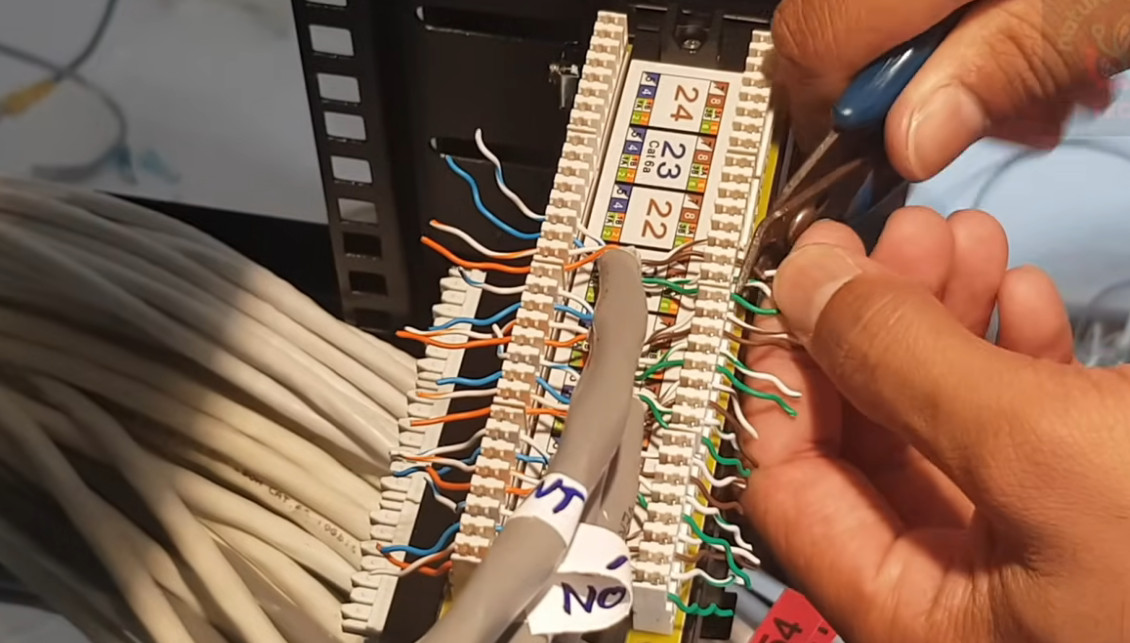
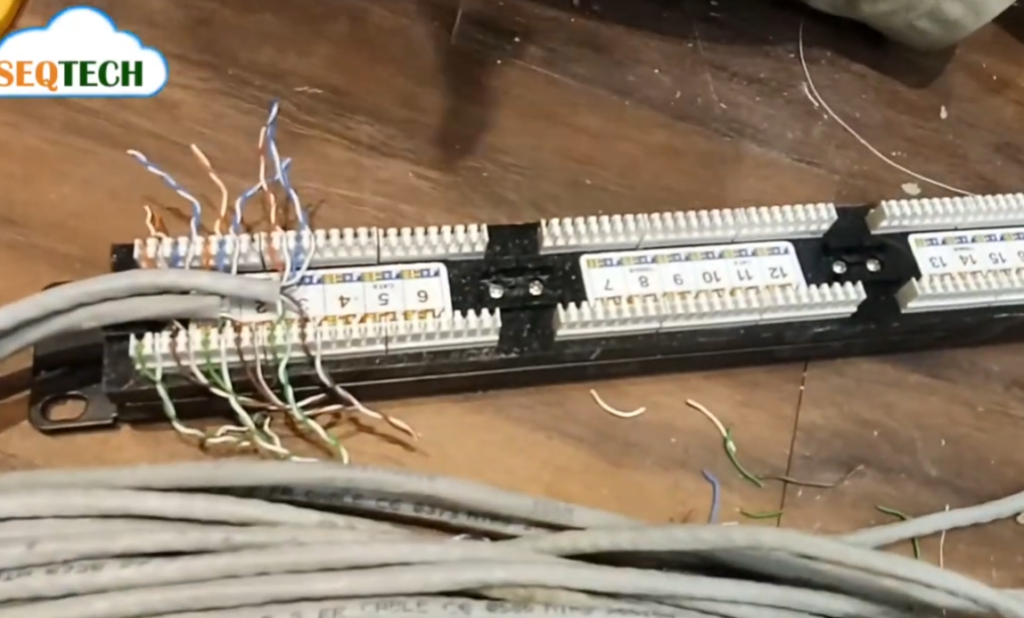
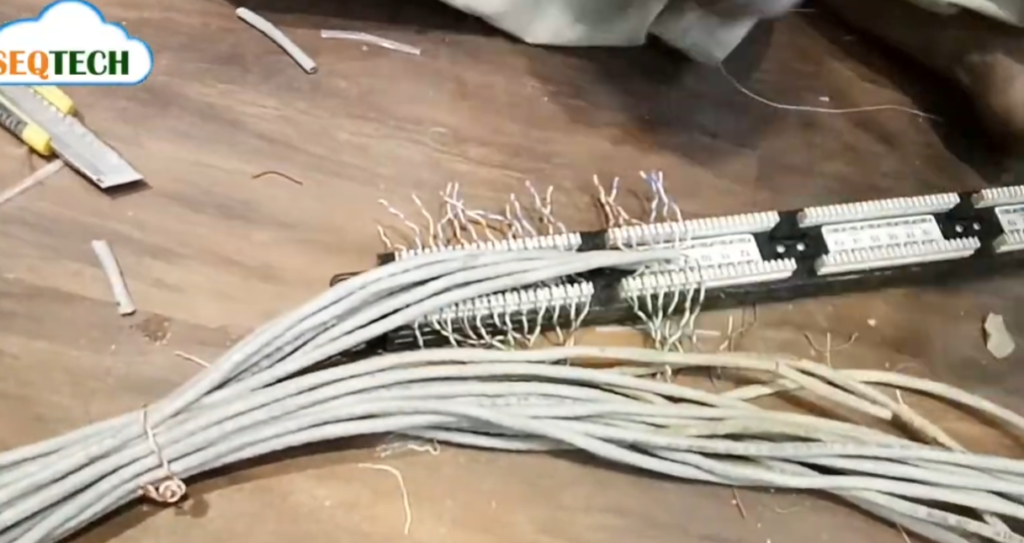
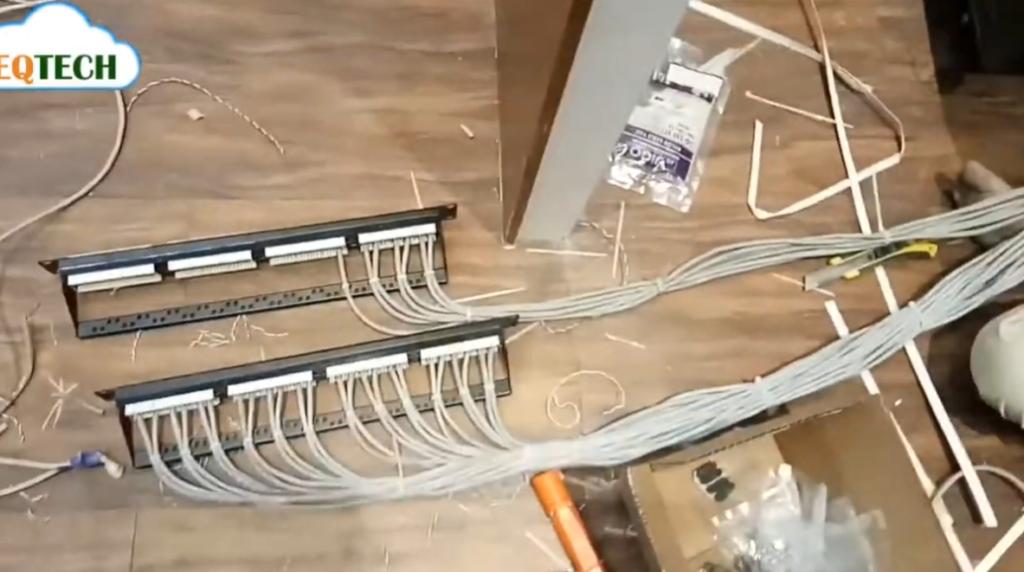
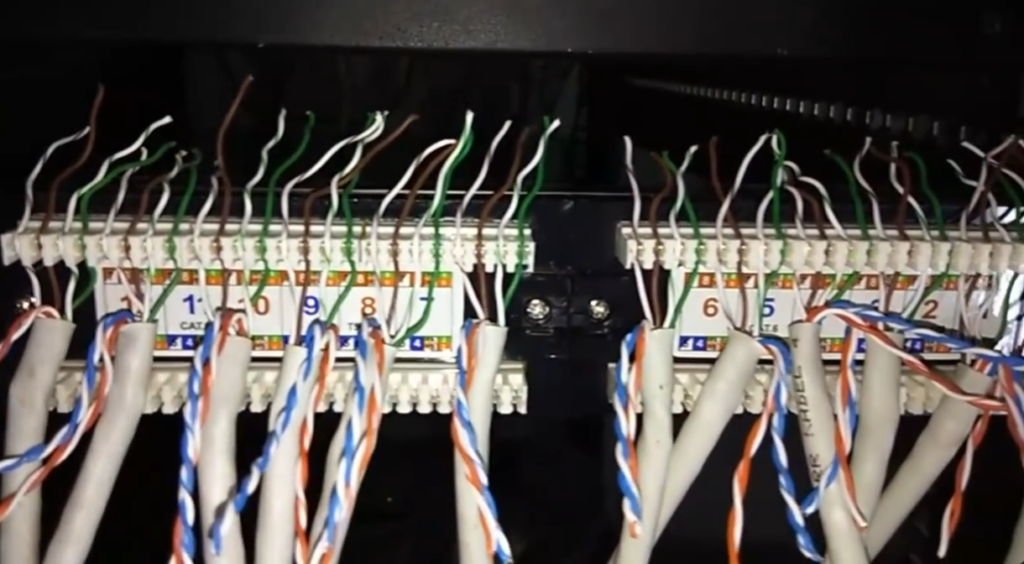
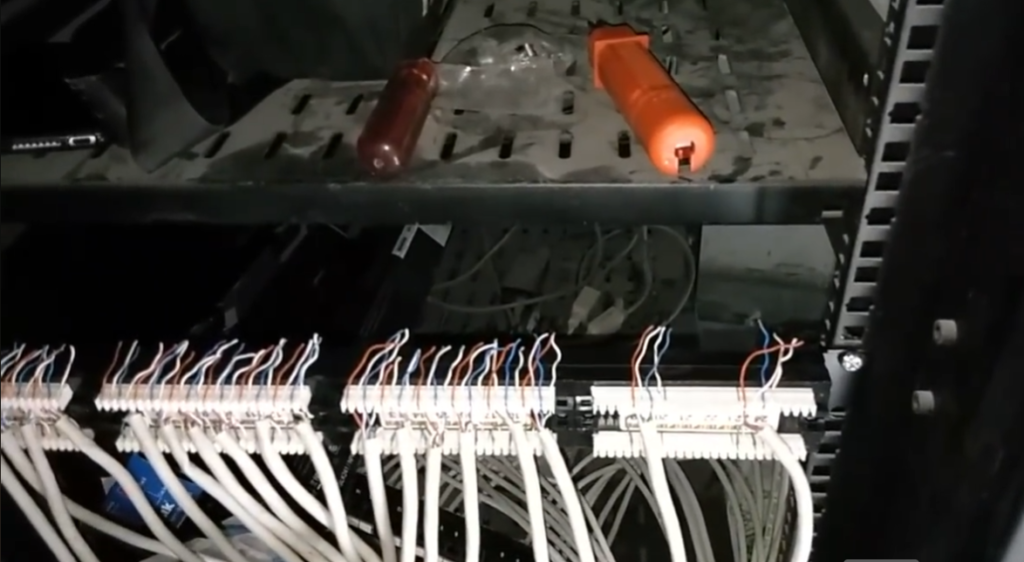
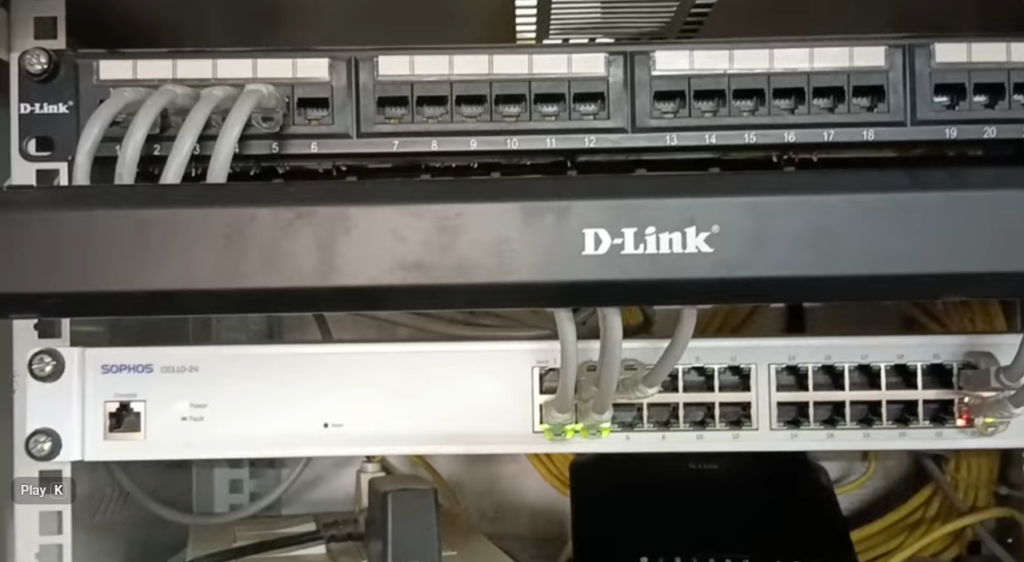
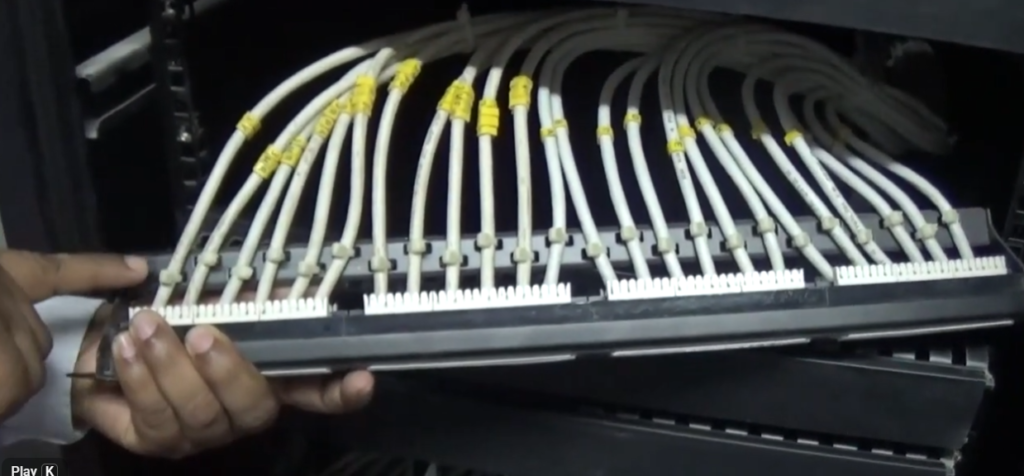
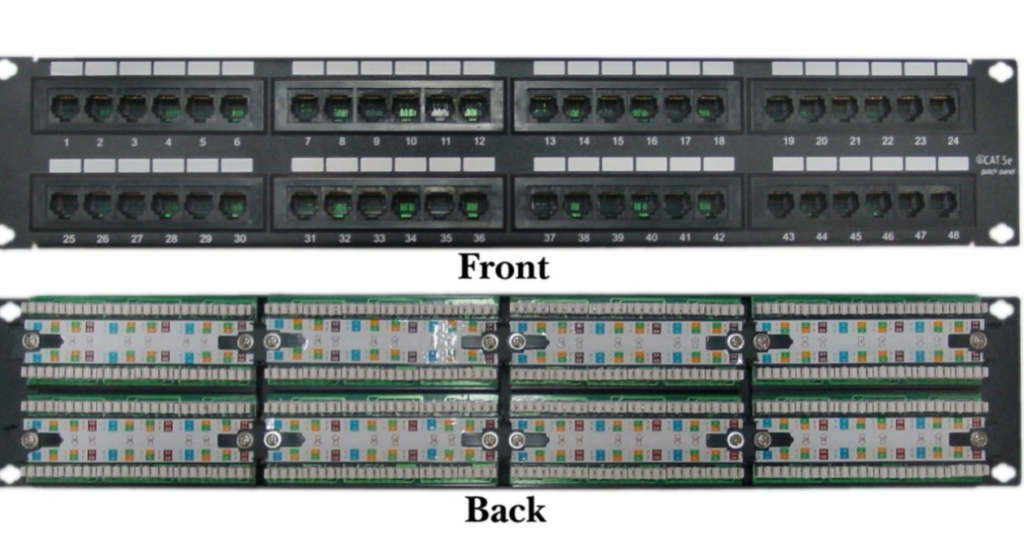
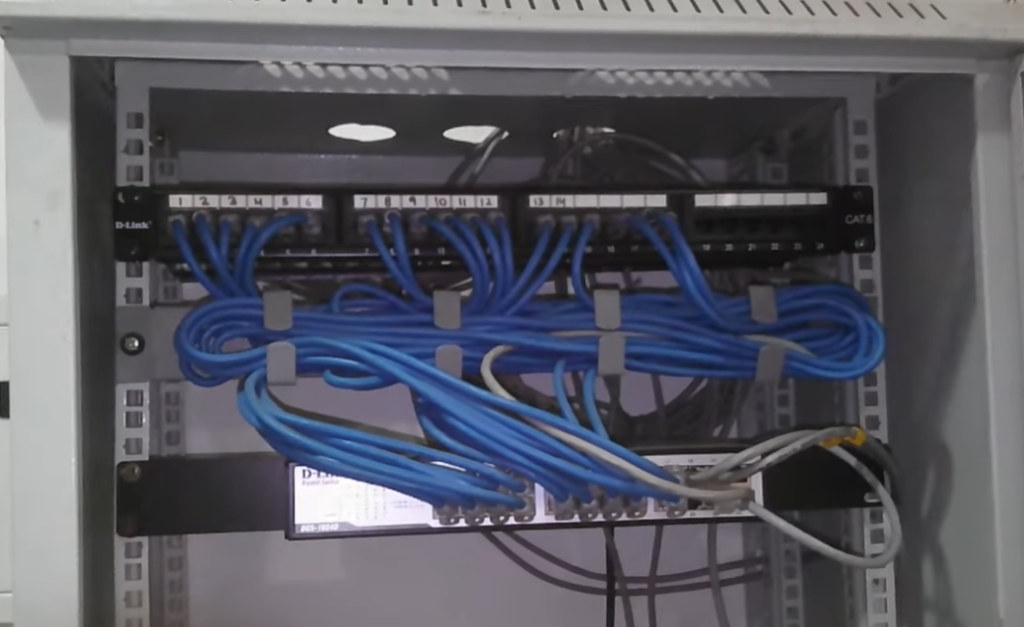
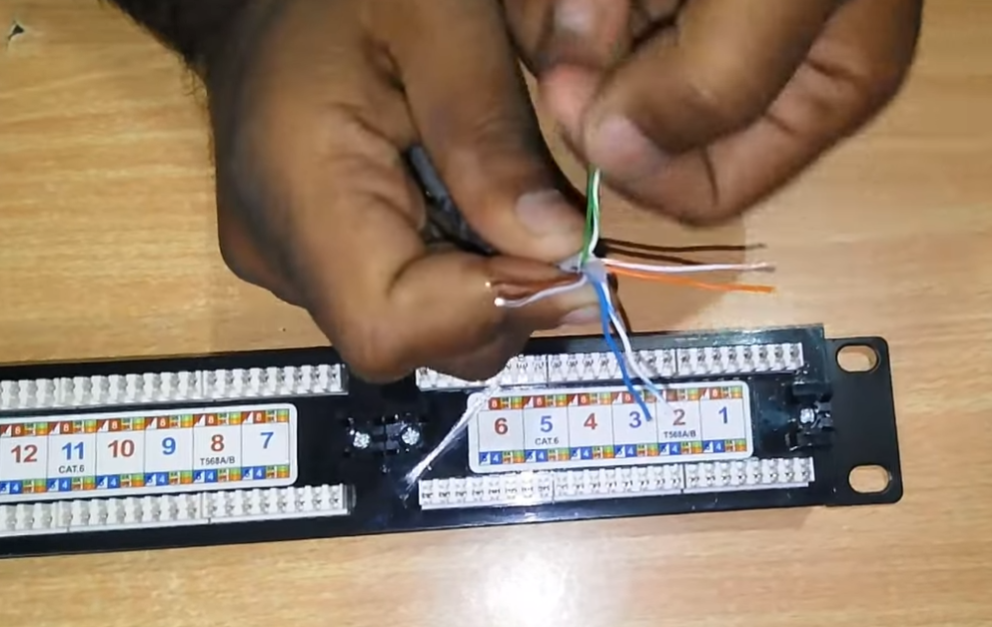
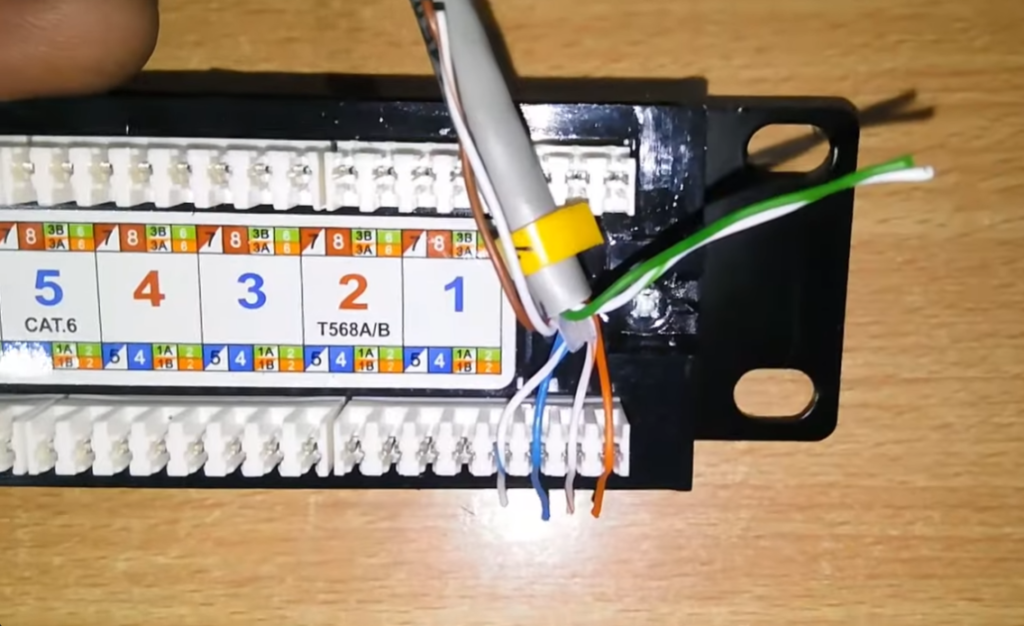
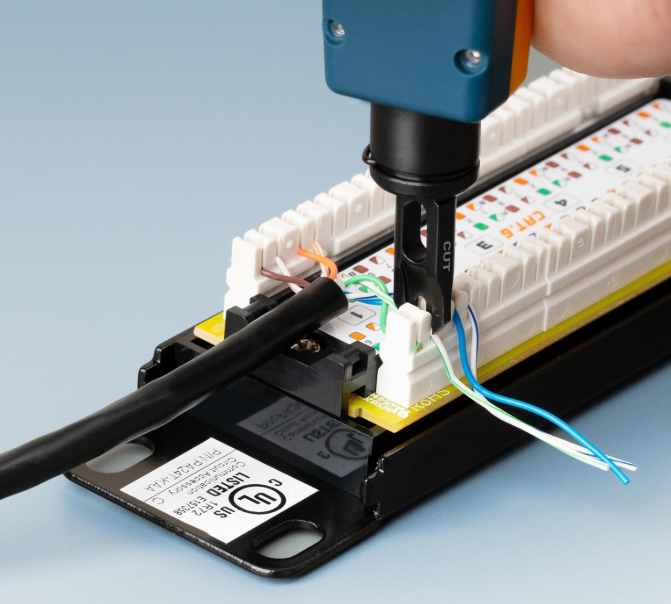
All cables from different rooms or devices are terminated on the back side of the patch panel. On the front side, short cables (called patch cords) are used to connect these ports to network devices like switches. This avoids direct messy connections and keeps everything neat.
Features of Patch Panel
- Organizes large numbers of cables
- Makes network management easy
- Simplifies troubleshooting
- Reduces cable damage
- Provides flexibility to change connections
Example
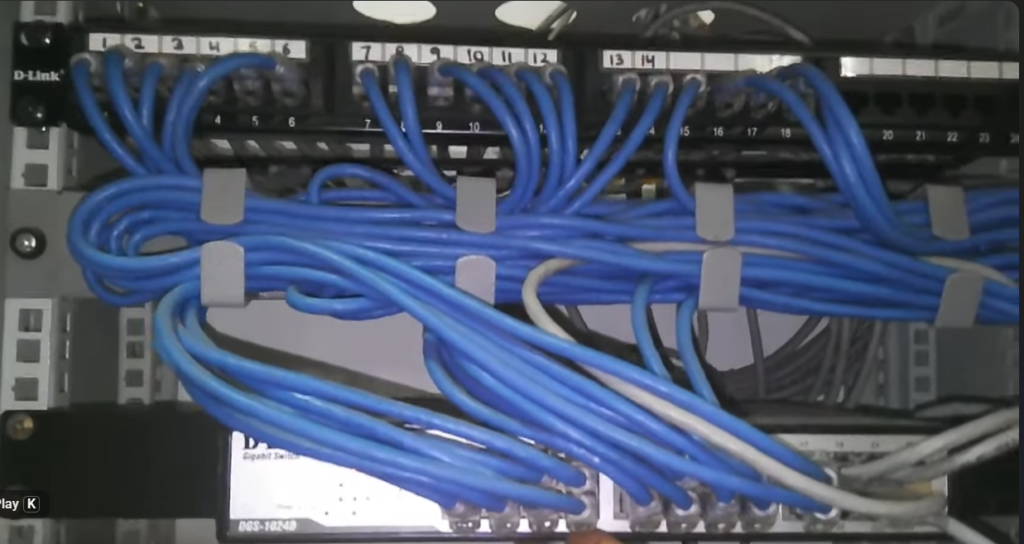
In an office, cables from all computers come to a patch panel in a server rack. From the patch panel, short patch cords connect to a network switch. If any system needs changes, you just reconnect cables on the panel instead of rewiring everything.
Why do we need a Patch Panel
A patch panel is used to keep network cabling organized, flexible, and easy to manage. Instead of directly connecting all cables to a switch, cables first terminate on the patch panel, and then short patch cords connect to the switch.
Main Reasons (Why Needed)
1. Cable Management
It organizes all cables in one place, avoiding messy wiring and confusion.
2. Easy Troubleshooting
If a network issue occurs, you can quickly identify and fix the problem by checking ports on the patch panel.
3. Flexibility
You can easily change connections (move, add, remove users) without touching main cables.
4. Protects Network Devices
Frequent plugging/unplugging happens on the patch panel instead of the switch, increasing switch life.
5. Professional Setup
Used in offices, data centers, and telecom networks for clean and structured cabling.
What Happens Without a Patch Panel (Problems)
1. Messy Cabling
All cables go directly into the switch → looks unorganized and confusing.
2. Difficult Troubleshooting
Hard to find which cable belongs to which device → wastes time.
3. Risk of Damage
Frequent cable changes can damage switch ports.
4. No Flexibility
Any change requires unplugging main cables → risky and inconvenient.
5. Poor Network Maintenance
Difficult to manage large networks (especially offices or buildings).
Example
In an office with 50 computers:
- With Patch Panel: Clean setup, easy changes
- Without Patch Panel: Tangled cables, hard to manage, more errors
Types of Patch Panel
1. Ethernet Patch Panel (RJ45 Patch Panel)
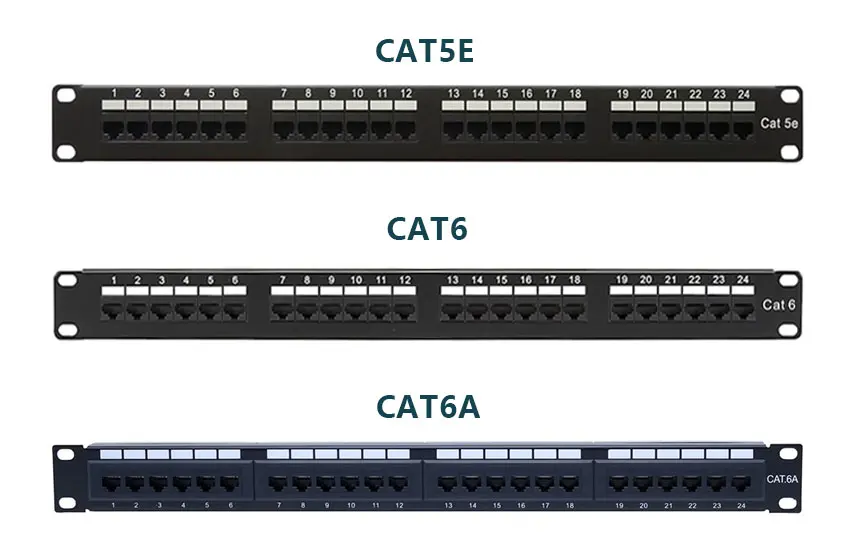
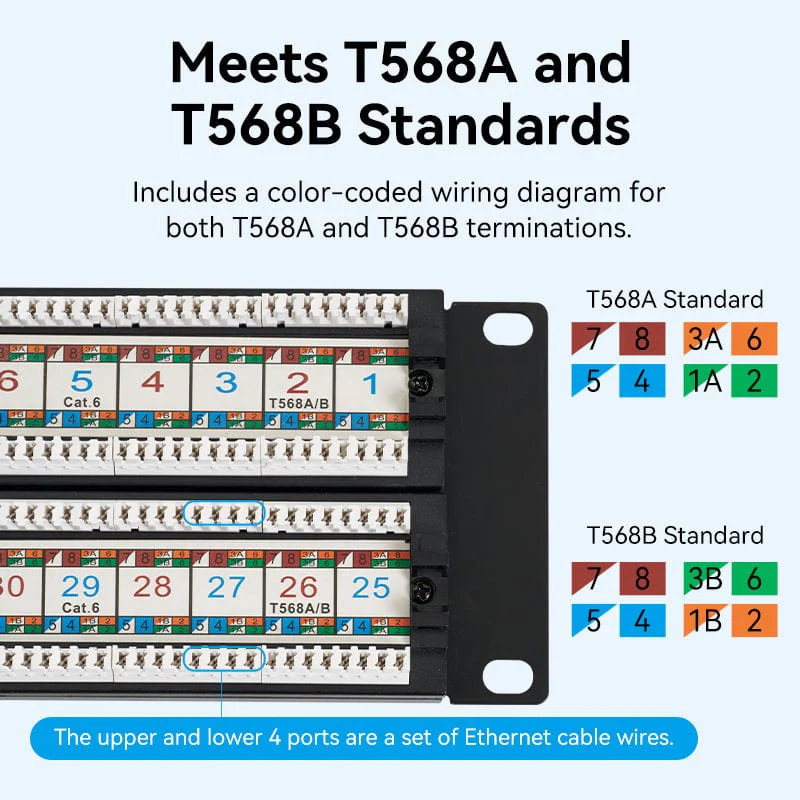
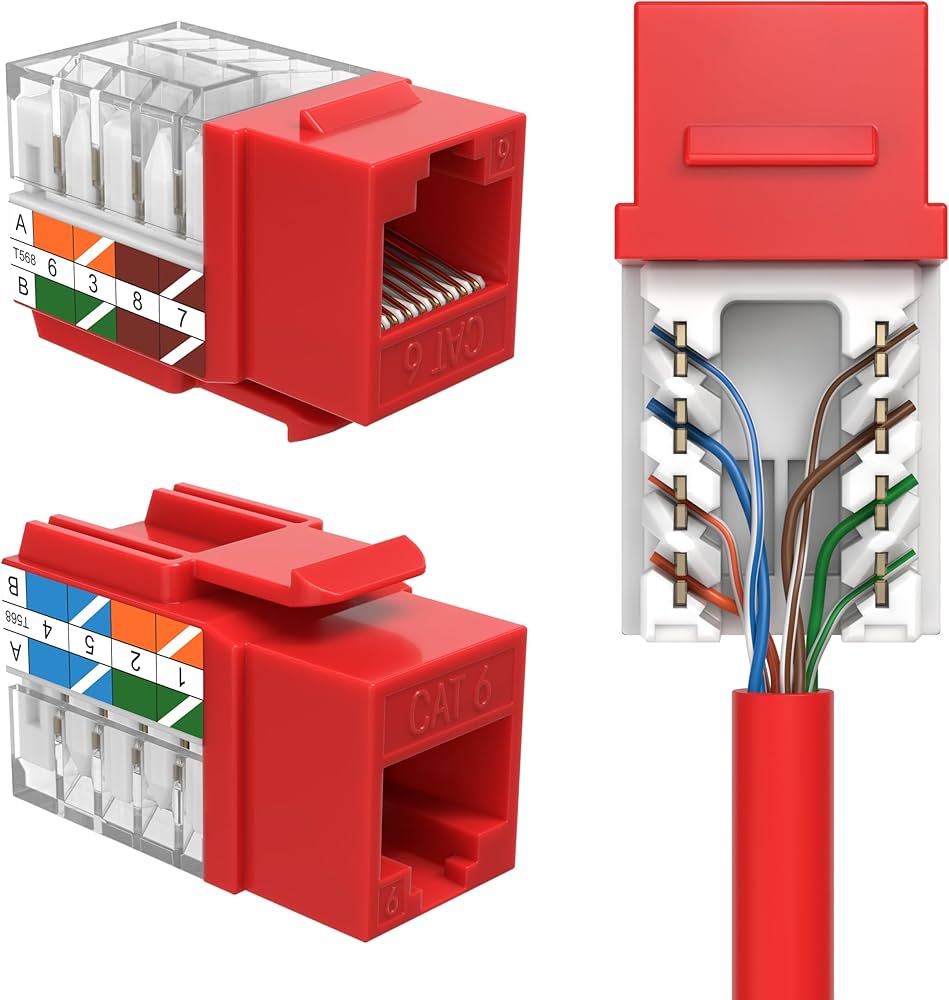
This is the most common type used in LAN networks. It connects Ethernet cables (Cat5e, Cat6, Cat6a) and is used in offices, schools, and data centers.
👉 Example:
All office computers connect to an RJ45 patch panel, which then connects to a network switch.
2. Fiber Patch Panel
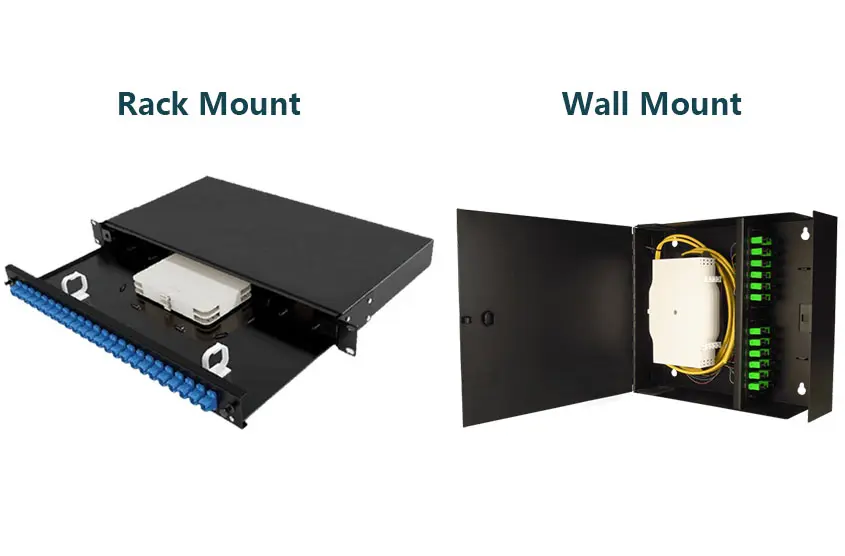
Used in fiber optic networks, this panel manages optical fiber cables. It supports high-speed data transmission and is used in FTTH and ISP networks.
👉 Example:
In a telecom room, fiber cables from different areas terminate in a fiber patch panel.
3. PoE Patch Panel (Power over Ethernet)
This patch panel supports both data and power transmission over Ethernet cables. It is used for devices like IP cameras, wireless access points, and VoIP phones.
👉 Example:
CCTV cameras in a building get both power and data through a PoE patch panel.
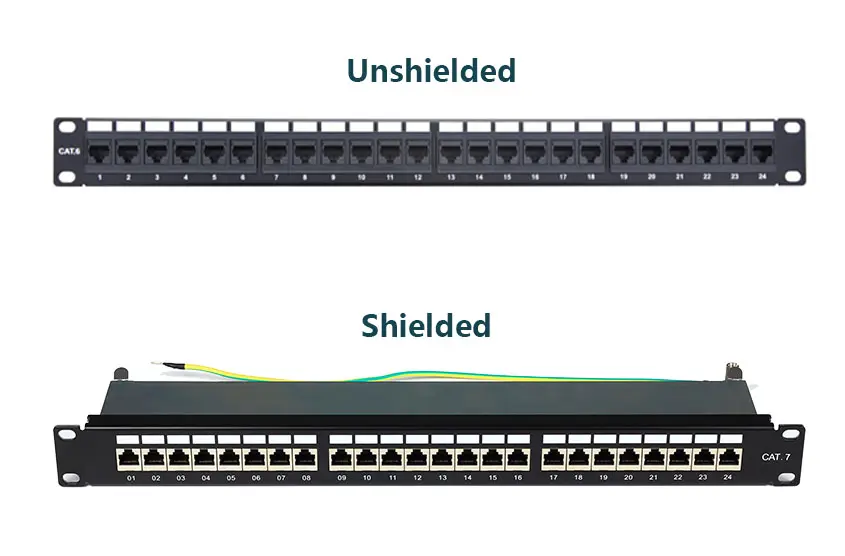
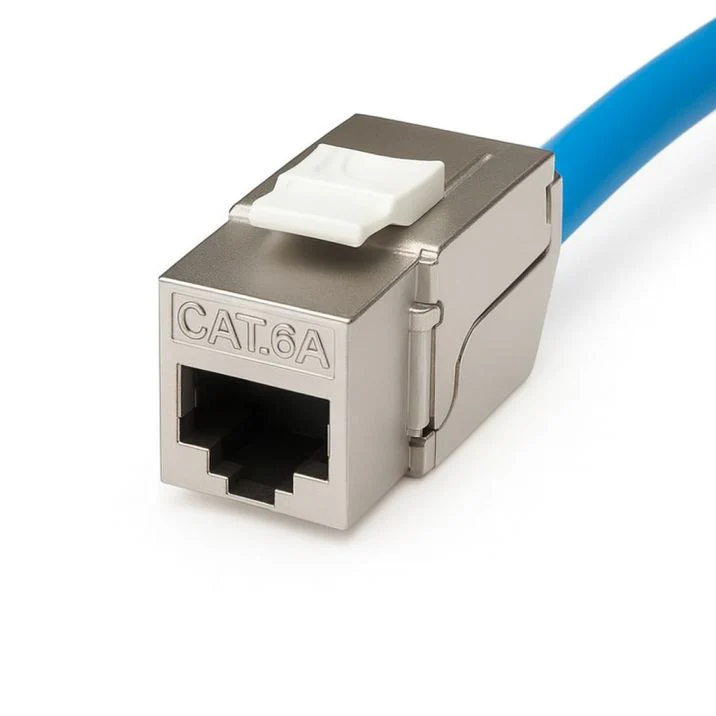
4. Shielded Patch Panel
This type is used in environments with high electrical interference (EMI). It protects signals from noise and ensures stable communication.
👉 Example:
Used in industrial areas where heavy machines create interference.
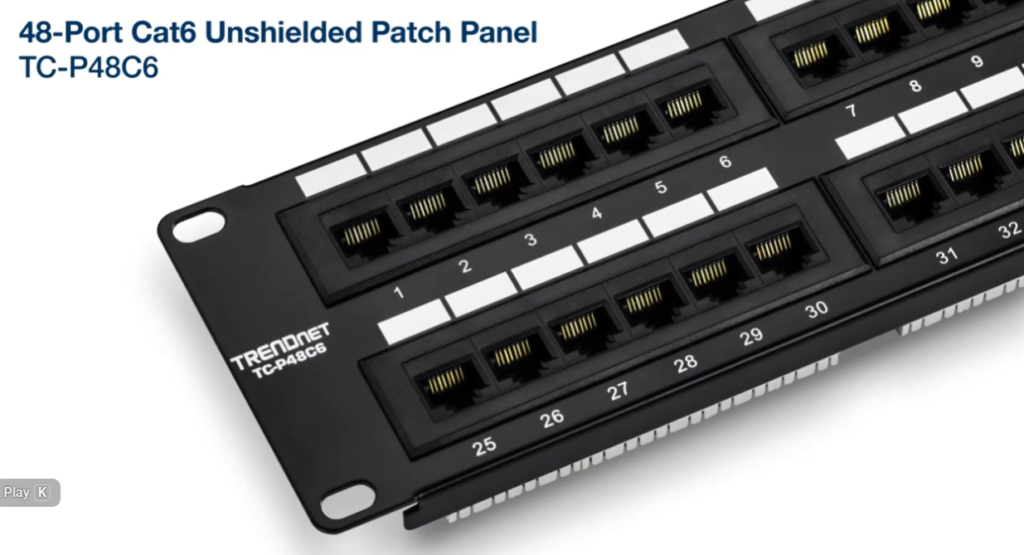
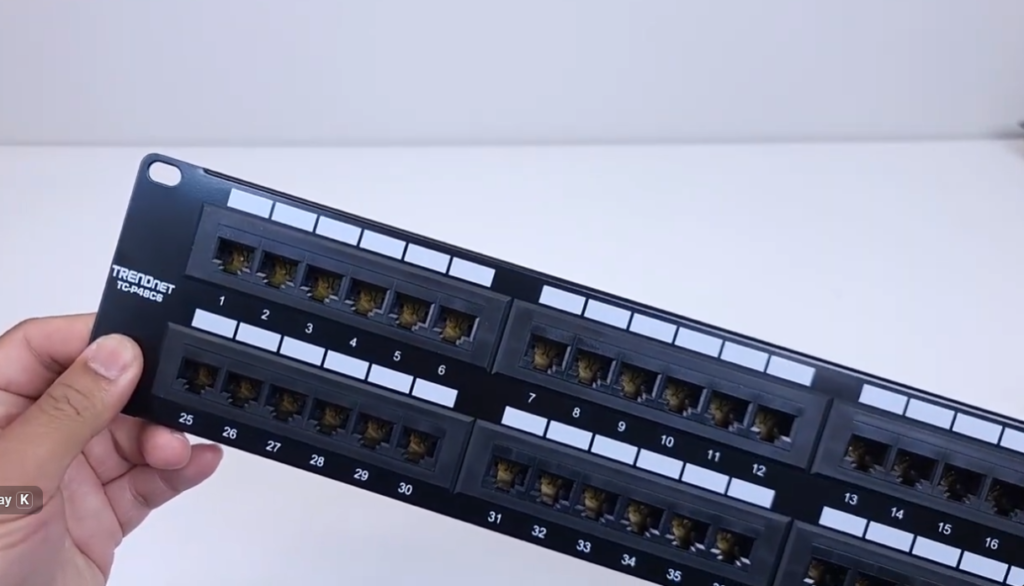
5. Unshielded Patch Panel (UTP)
This is a standard and cost-effective patch panel used in normal environments where interference is low.
👉 Example:
Commonly used in homes and small offices.
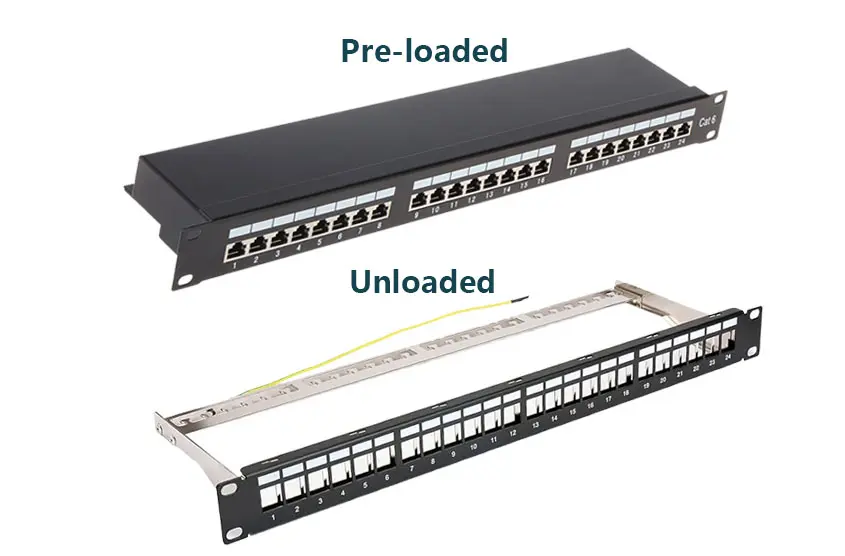
6. Modular Patch Panel
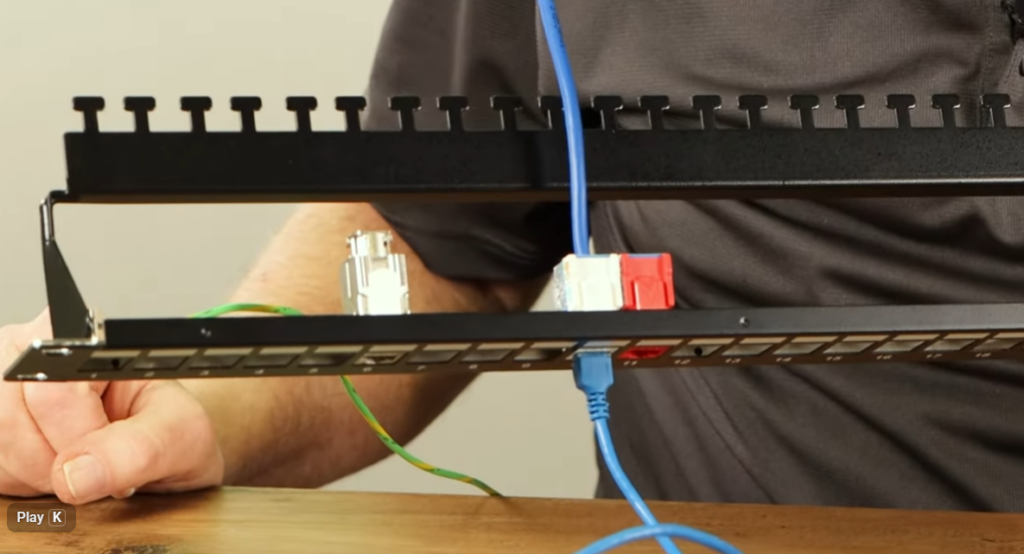
This panel allows custom modules (keystone jacks) to be inserted. You can mix different types like Ethernet, fiber, HDMI, etc.
👉 Example:
A patch panel with both LAN ports and fiber ports in the same frame.
7. Fixed Patch Panel
Ports are pre-installed and cannot be changed. It is simple and commonly used in standard networks.
👉 Example:
A 24-port fixed Ethernet patch panel in a server rack.
Types of Patch Panel
Ethernet Patch Panel
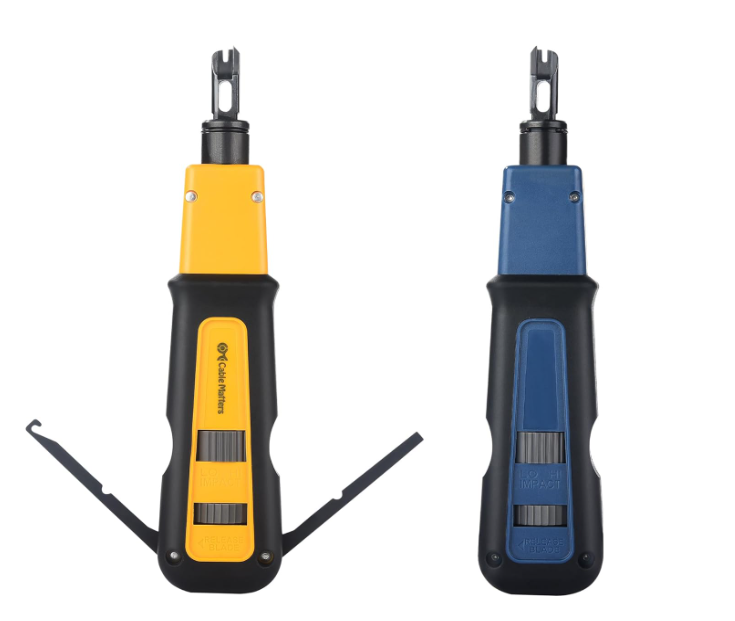
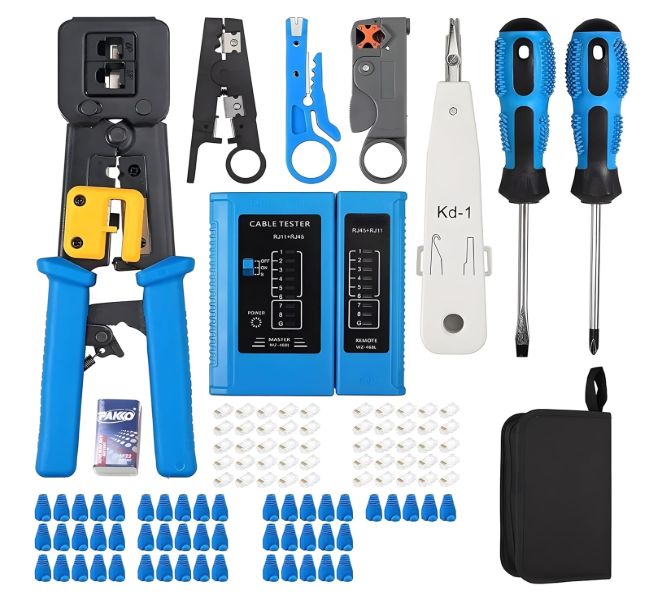
Punch Down Tool
Unshielded / Shielded Patch Panel
Pre-loaded / Unloaded Keystone Patch Panel
Rack Mount / Wall Mount Fiber Patch Panel
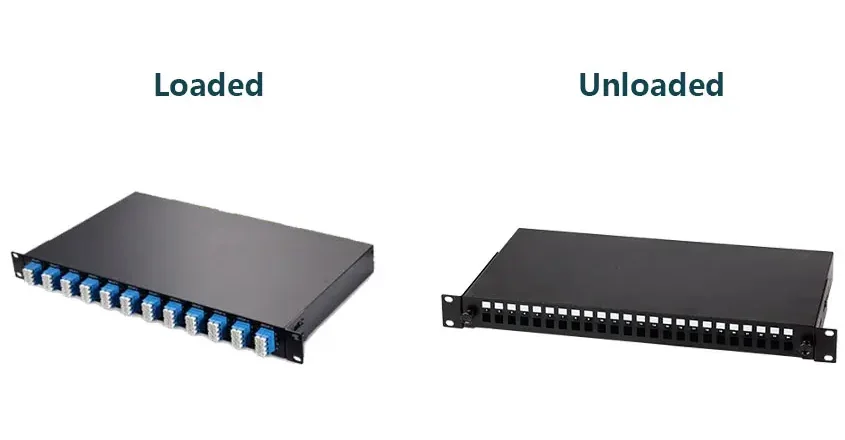
Loaded / Unloaded ODF