Router Technology
What is Router & How Works
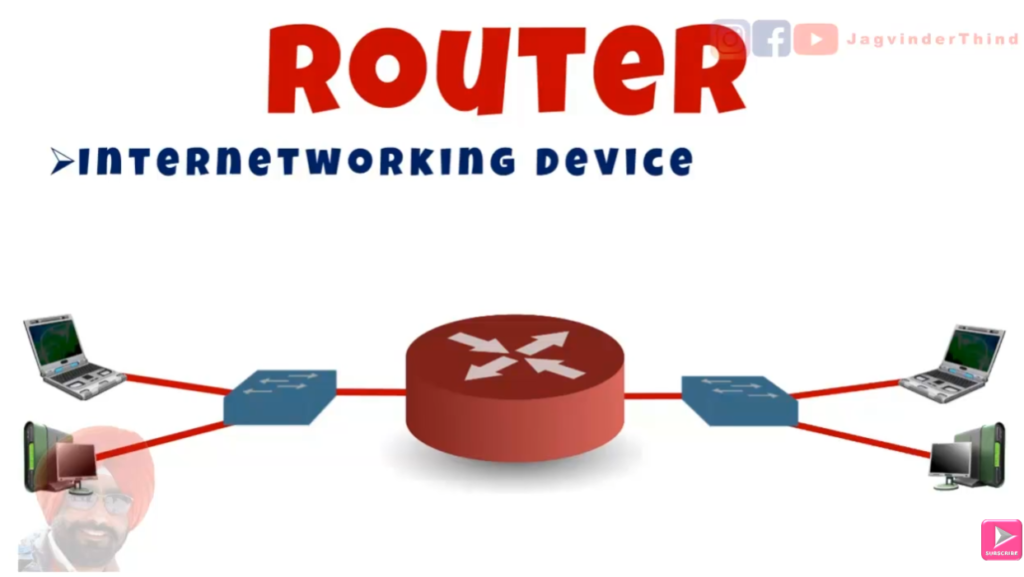
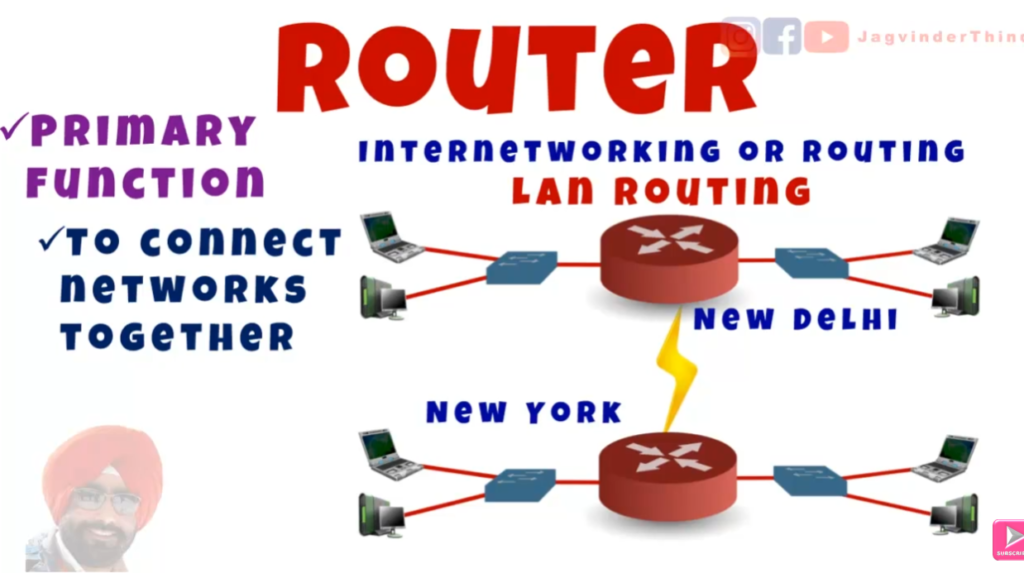
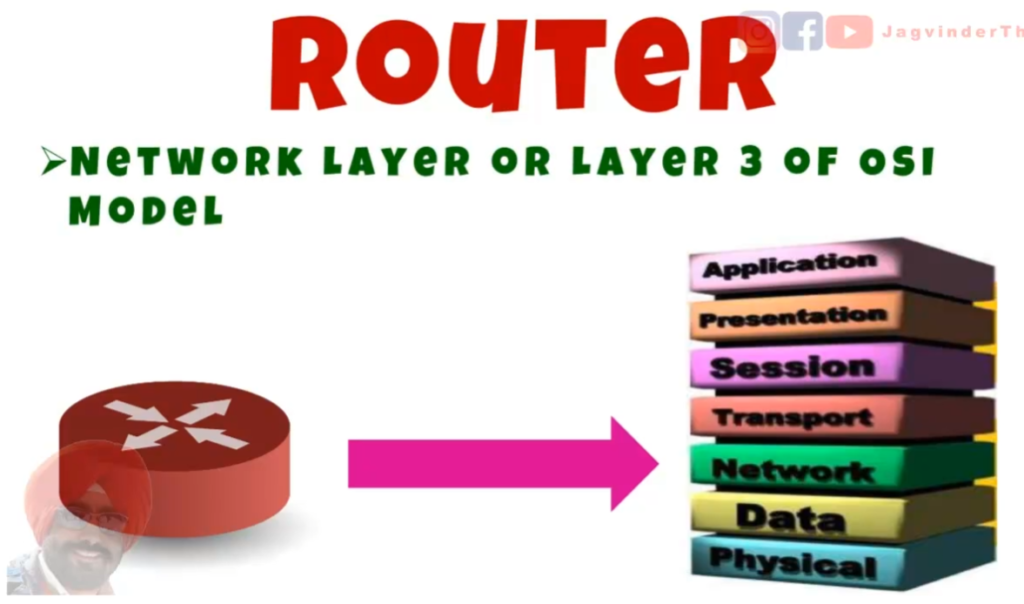
A router is a networking device used to connect multiple networks and forward data from one network to another. It works at Layer 3 (Network Layer) of the OSI model and makes decisions based on IP Addresses. The main function of a router is to determine the best path for data packets to reach their destination using a routing table.
In simple terms, when you send data (like opening a website), your device sends packets to the router. The router checks the destination IP address and decides where to send the data next. It may send the data to another router or directly to the destination network. This process is called routing.
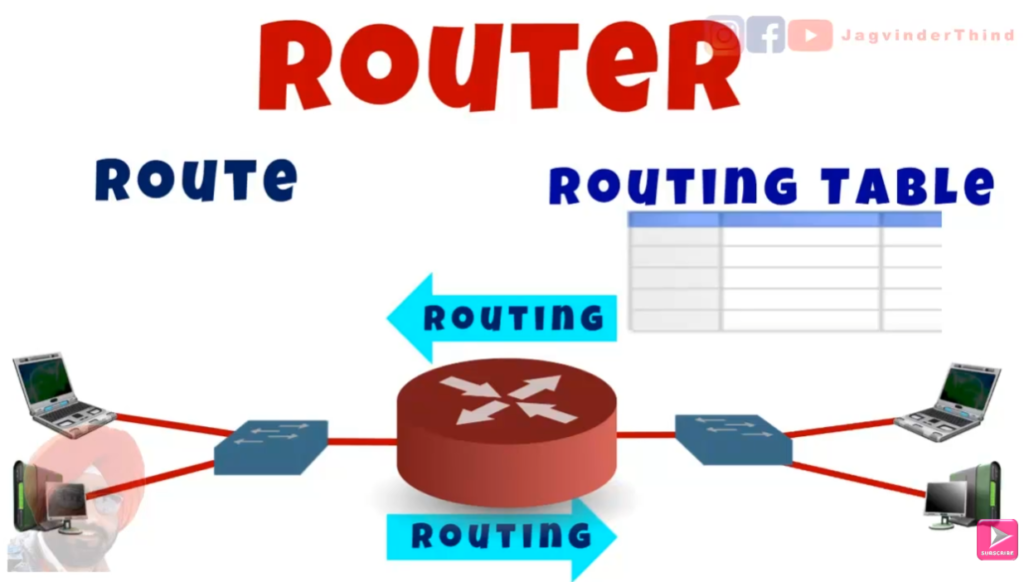
Routers maintain a Routing Table, which contains information about different networks and the best paths to reach them. This table can be created manually (Static Routing) or automatically using routing protocols like BGP, OSPF, RIP, or EIGRP (Dynamic Routing). Based on this table, the router selects the most efficient route for data transmission.
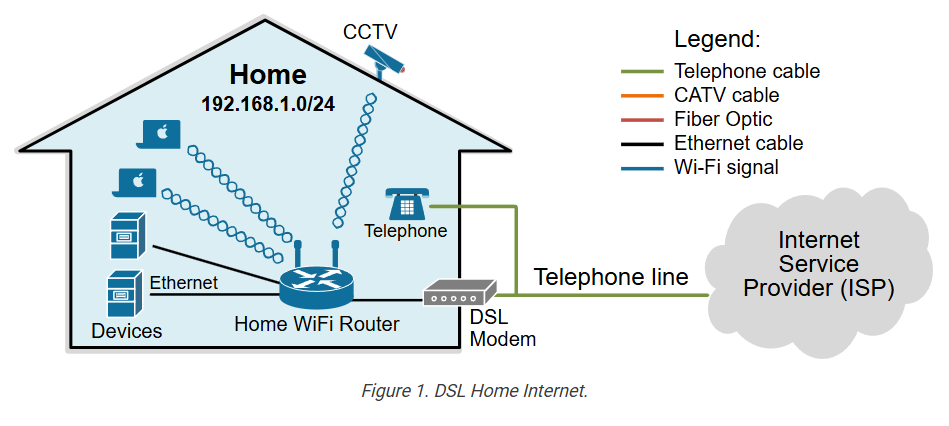
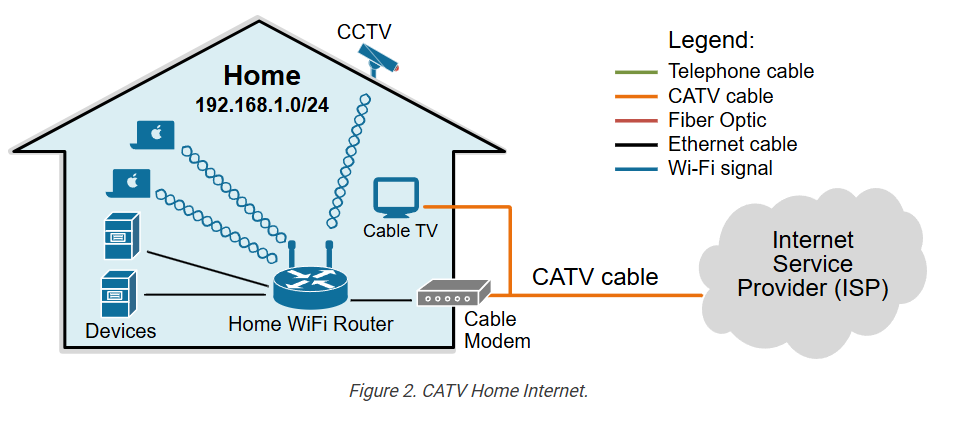
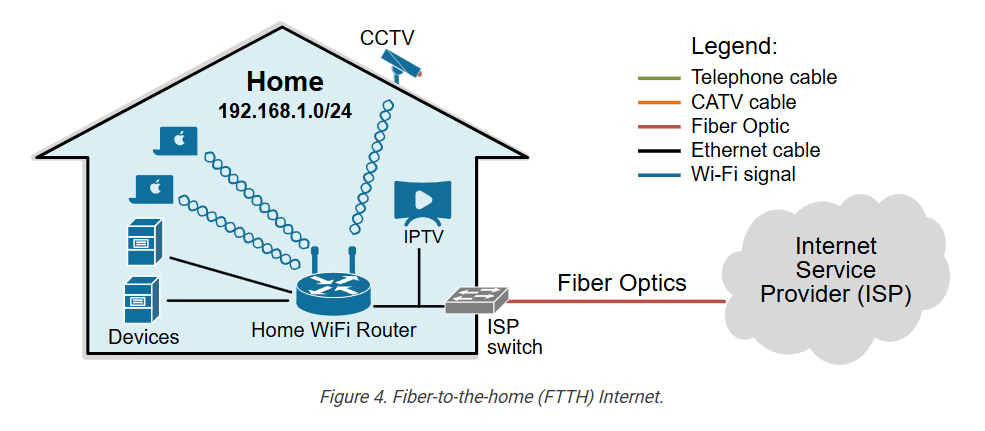
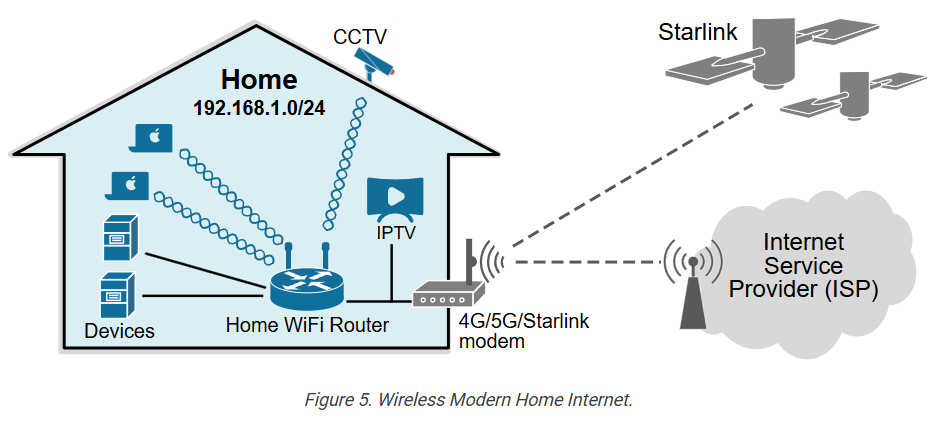
For Example, in a home network, your Wi-Fi router connects your local devices (like laptops and smartphones) to the internet. When you request a webpage, the router sends your request to your Internet Service Provider (ISP) and then forwards the response back to your device.
In Summary, a router is an intelligent device that directs network traffic, ensures efficient data delivery, and connects different networks together.
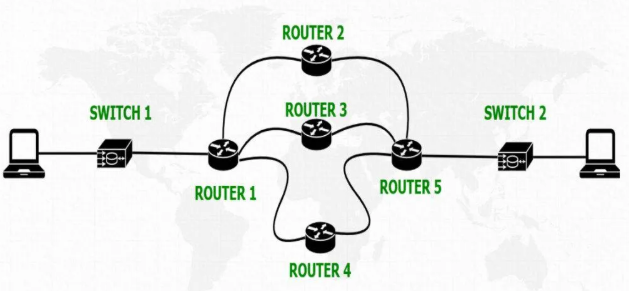
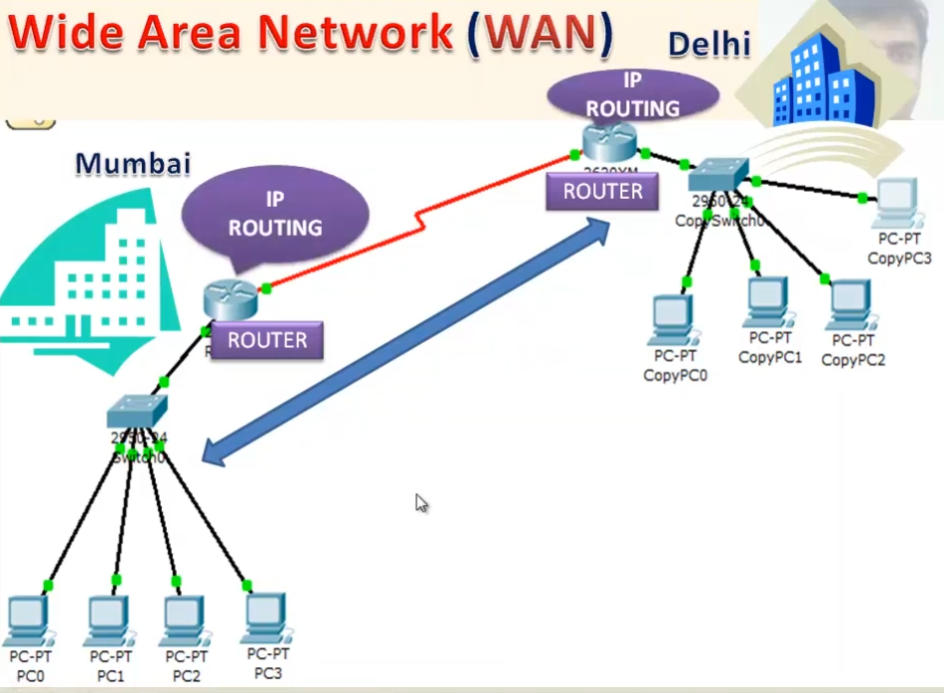
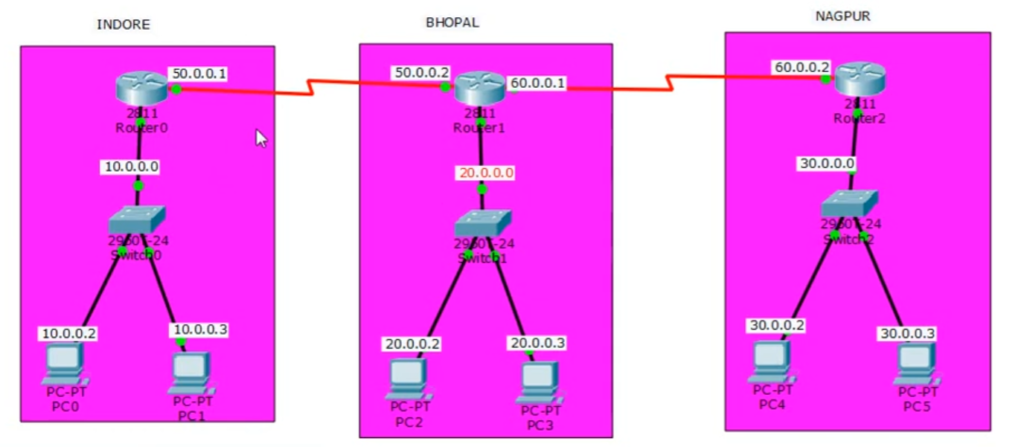

How to Data flow from router to Internet when accessing Facebook?
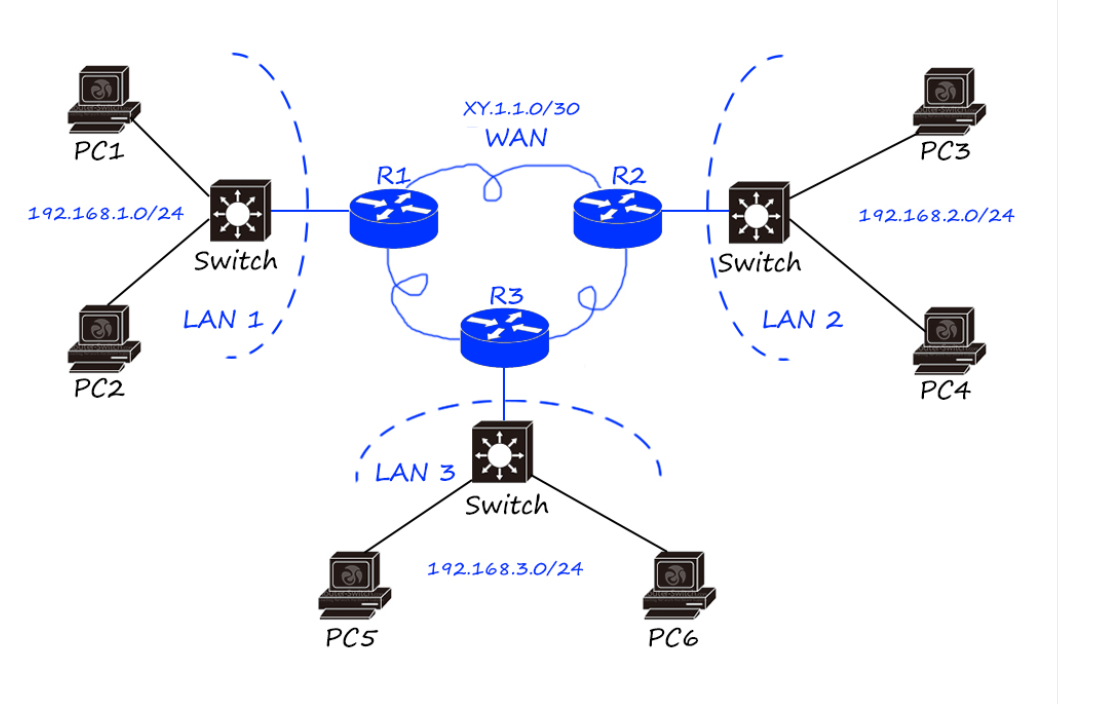
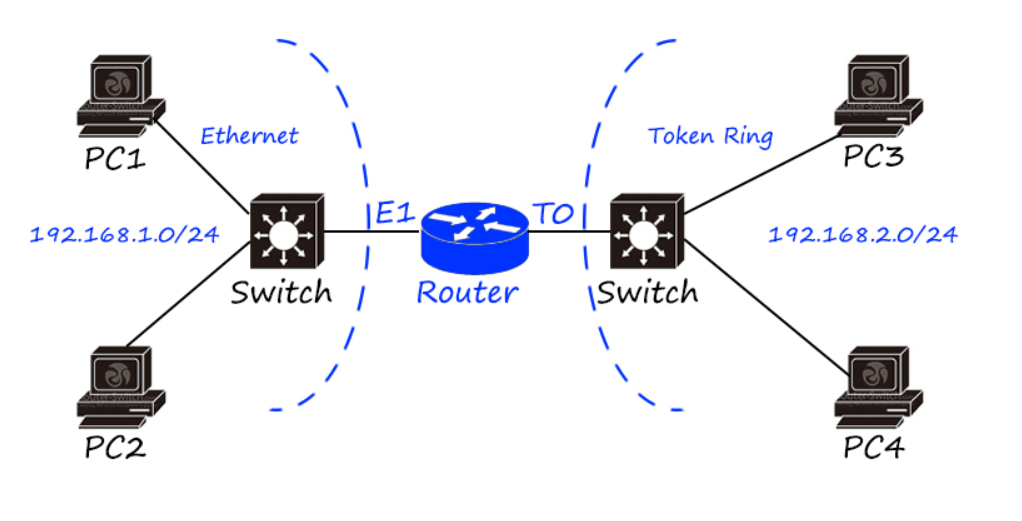
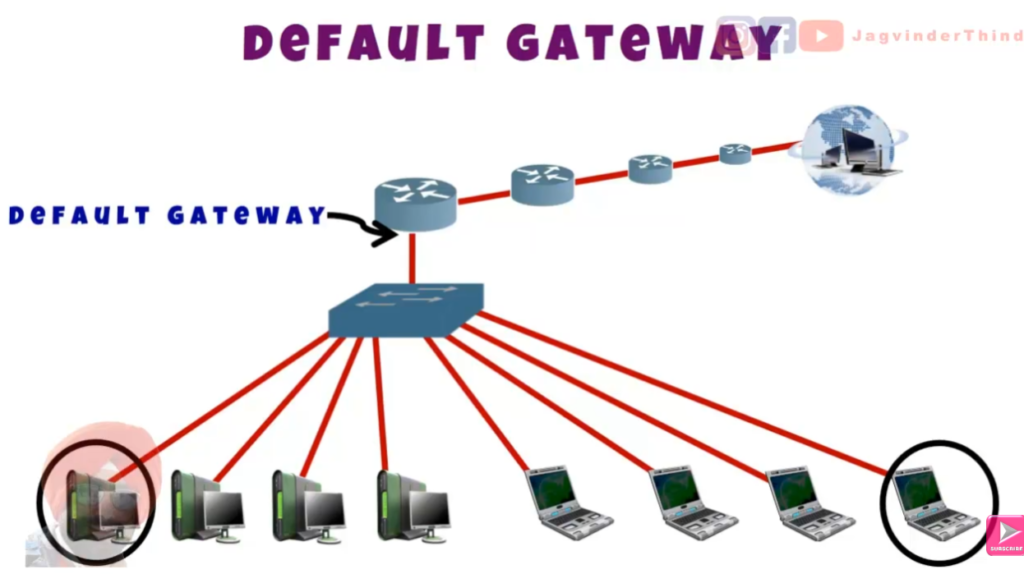
When a user opens Facebook, the request first goes from the user’s device (PC or mobile) to the local switch, and then it reaches the router inside the network. The device sends the request using a private IP address, such as 192.168.1.100.
The router receives this request and performs NAT (Network Address Translation). It converts the private IP address into a public IP address 103.202.20.100 assigned by the ISP so that the request can be sent over the Internet. After translation, the router forwards the packet to the ISP (Internet Service Provider) network.
From the ISP, the data travels through multiple routers across the Internet backbone. The request is then routed to Facebook’s Server Data Center, where the request is processed. Facebook finds the required data (login page, feed, etc.) and sends the response back.
The response follows the same path in reverse: Facebook server → Internet backbone → ISP → router → switch → user device. The router again uses NAT to convert the public IP back to the correct internal private IP and delivers the data to the user.
A router is a network device that connects different networks and directs data between them, such as from a home network to the Internet.
When a device (like a mobile or PC) sends data, the router first receives the packet and reads the destination IP address. Based on this IP address, the router checks its routing table, which contains information about the best path to send the data.
If the destination is outside the local network (for example, a website like Facebook), the router forwards the data to the next network (ISP). If the device is using a private IP address, the router also performs NAT (Network Address Translation) to convert it into a public IP address before sending it to the Internet.
The router then sends the data through the best available path using different connected networks. Each intermediate router on the Internet repeats the same process until the data reaches the destination server.
When the response comes back from the server, the router again uses NAT to translate the public IP back to the private IP and forwards the data to the correct device inside the local network.
In simple terms, a router works like a traffic controller that finds the best path for data and ensures it reaches the correct destination between different networks.
1. Receives data packet – Router gets data from a device like PC or mobile through switch or directly.
2. Reads destination IP – It checks where the data needs to go using the destination IP address.
3. Checks routing table – Router looks in its routing table to find the best path for the data.
4. Performs NAT (if needed) – Converts private IP to public IP for Internet communication.
5. Selects best path – Chooses the fastest or most efficient route to send data.
6. Forwards packet – Sends data to the next router or ISP network.
7. Internet forwarding – Data travels through multiple routers until it reaches the server (like Facebook).
8. Response return – Server sends data back using same path in reverse.
9. NAT reverse translation – Router converts public IP back to private IP.
10. Sends to device – Final data is delivered to the correct user device.
Router Example
Without a router, a network faces many major problems because devices cannot communicate outside their local network. The most important issue is that there is no connection to the Internet, since a router is required to connect a LAN to external networks. As a result, users cannot access websites or online services like Google or Facebook.
Another problem is that there is no inter-network communication. Devices can only communicate within the same local network, and they cannot send data to other networks or branches. This makes the network completely isolated.
Without a router, IP Routing and NAT (Network Address Translation) cannot take place. This means private IP addresses cannot be converted into public IP addresses, so internal devices cannot communicate with external networks.
It also becomes impossible to Select the Best Path for Data Transmission, because routers are responsible for finding and forwarding data through the most efficient route. Without this, data flow becomes very limited and unmanaged.
In conclusion, without a router, the network becomes isolated, has no Internet access, and cannot communicate between different networks, making it unsuitable for modern communication systems.
Here is a Real-life Example of a Network Without a Router?
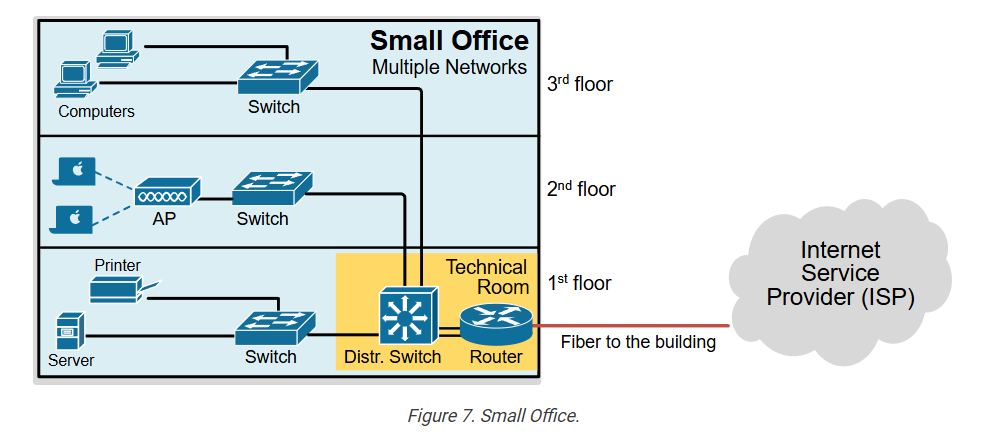
In a small office, suppose 5 computers are connected using only a switch. In this setup, all devices are in the same local network (LAN) and can share files or printers with each other. For example, a file sent from one PC can easily reach another PC because they are in the same network segment.
However, there is no router connected in this network, so the office cannot connect to the Internet. The employees cannot open websites like Google, Facebook, or YouTube because there is no device to connect the LAN to external networks. Also, if the company has another branch in a different location, the two networks cannot communicate with each other.
This shows that without a router, the network is limited only to internal communication and becomes completely isolated from the outside world.
Here is a Real-life Example of a Network with a Router?
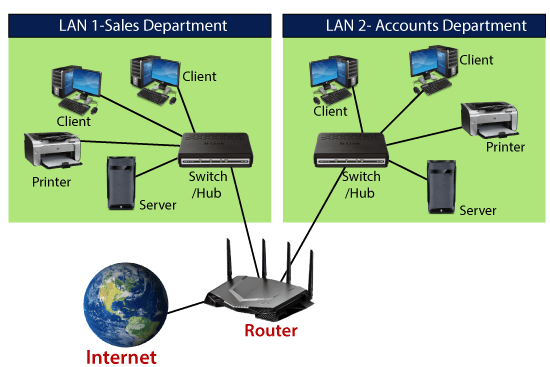
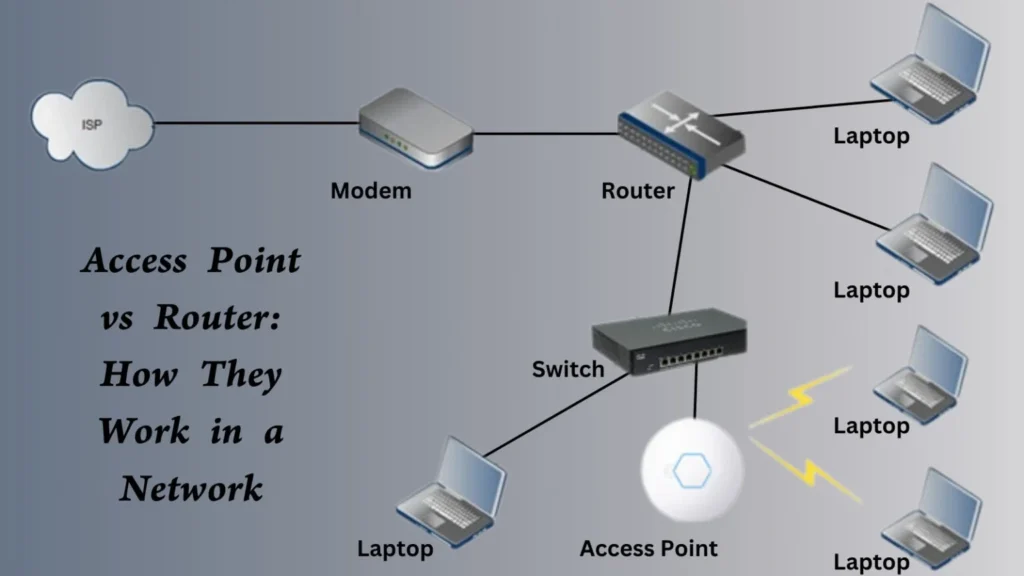
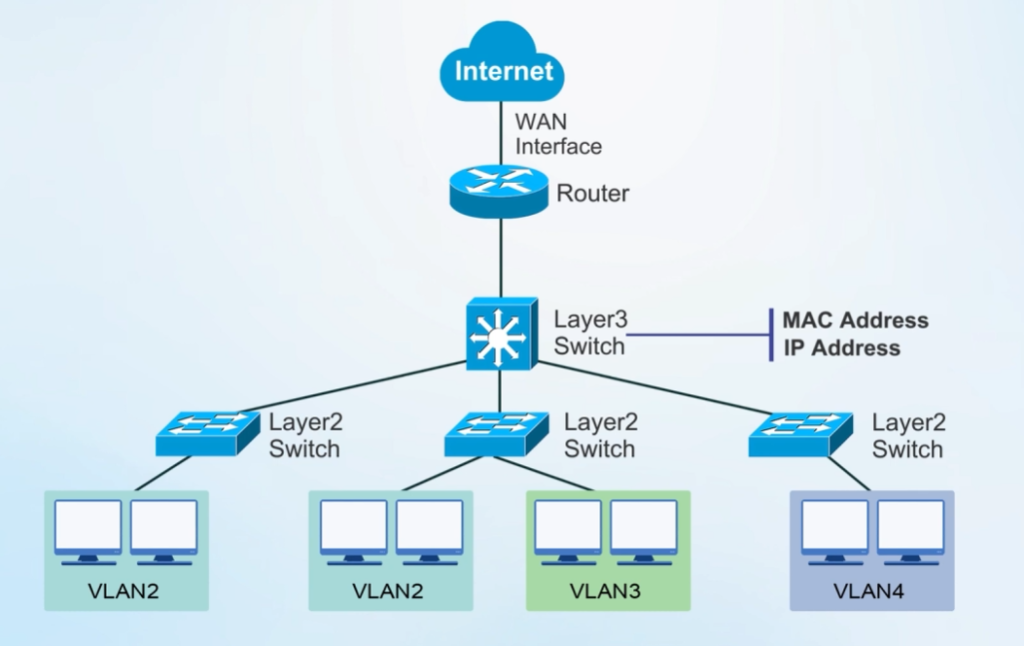
In a typical office network, multiple computers and devices are connected through a switch, and the switch is connected to a router. All devices use private IP addresses like 192.168.1.0/24. For example, HR, IT, and Finance computers are connected in the same LAN through the switch.
The router connects this internal network to the Internet through an ISP. When an employee opens a website like Facebook, the request goes from the PC → switch → router. The router performs NAT (Network Address Translation) and converts the private IP into a public IP, then sends the request to the Internet. The response from Facebook comes back through the same router and is delivered to the correct computer inside the office.
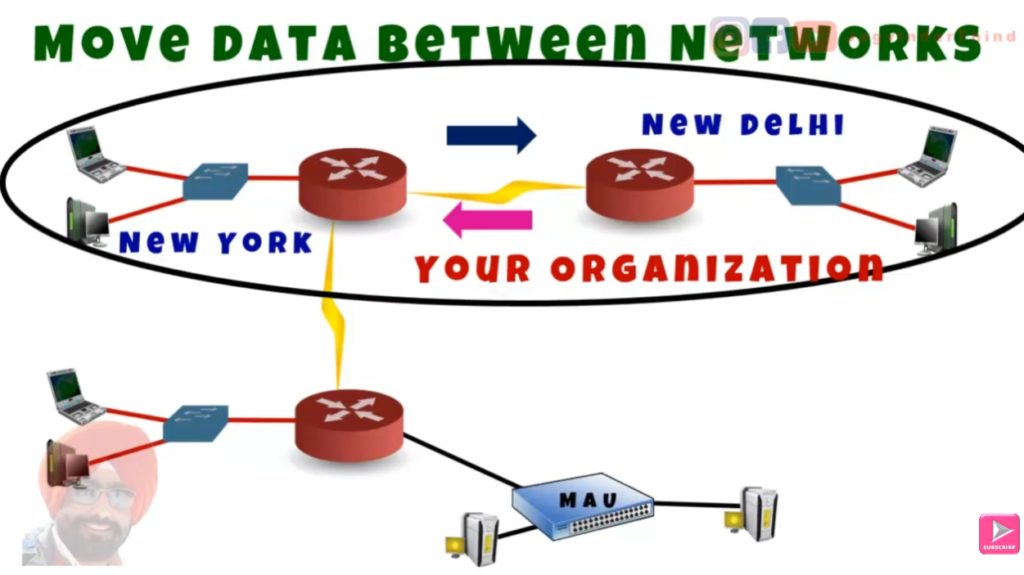
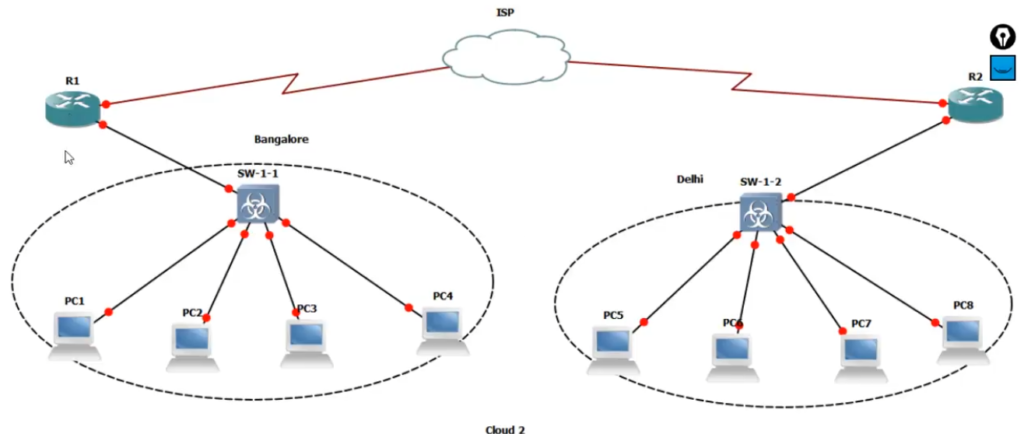
The router also allows communication between different networks or branches. For example, if the company has another office in a different city, the router can connect both networks using VPN or routing, allowing secure data exchange.
This shows that with a router, the network becomes fully functional, enabling Internet access, inter-network communication, and proper data routing between internal and external systems.
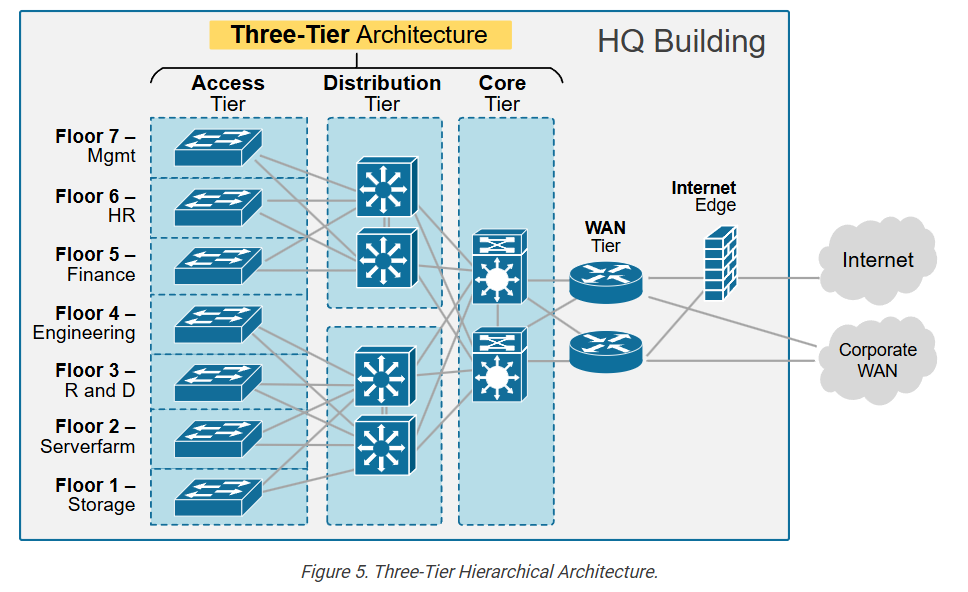

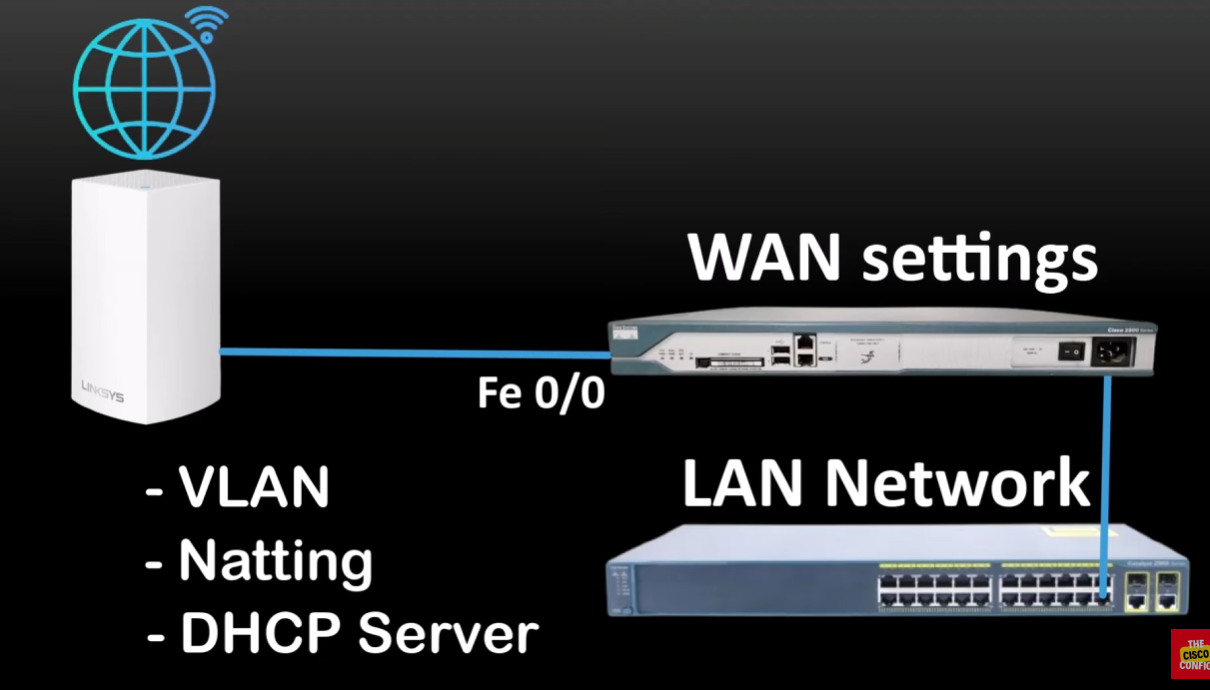
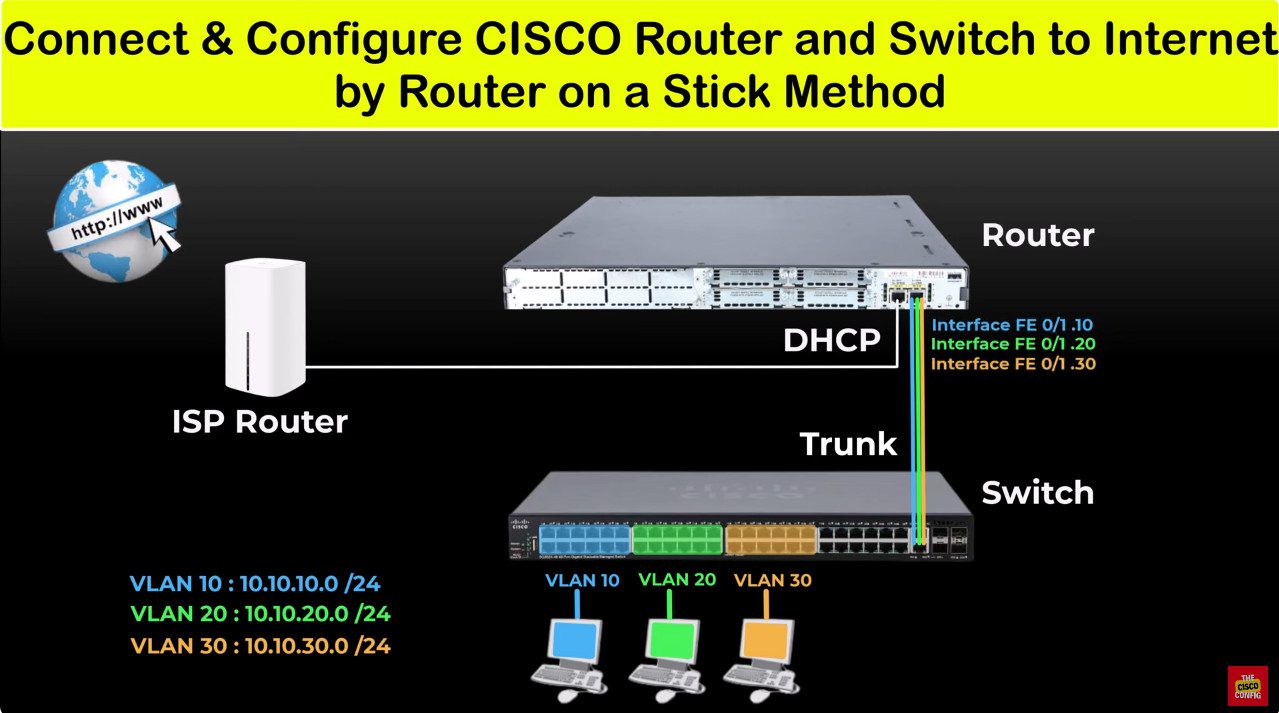
Type of Router
1. Wired Router
A wired router connects devices using physical cables like Ethernet. It provides stable and fast connectivity, which is why it is commonly used in offices and data centers. In this type, each device must be connected through a cable, making it less flexible but more secure and reliable.
2. Wireless Router
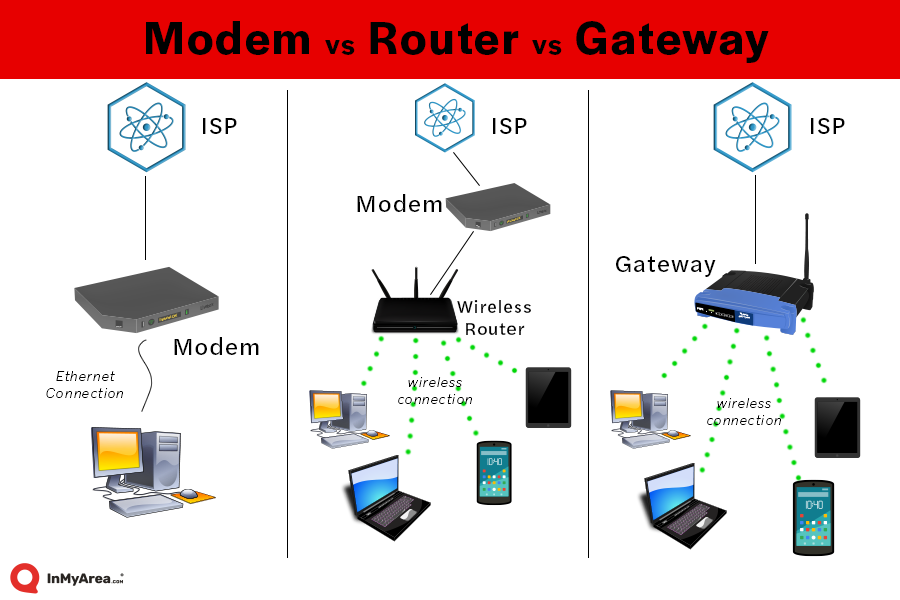
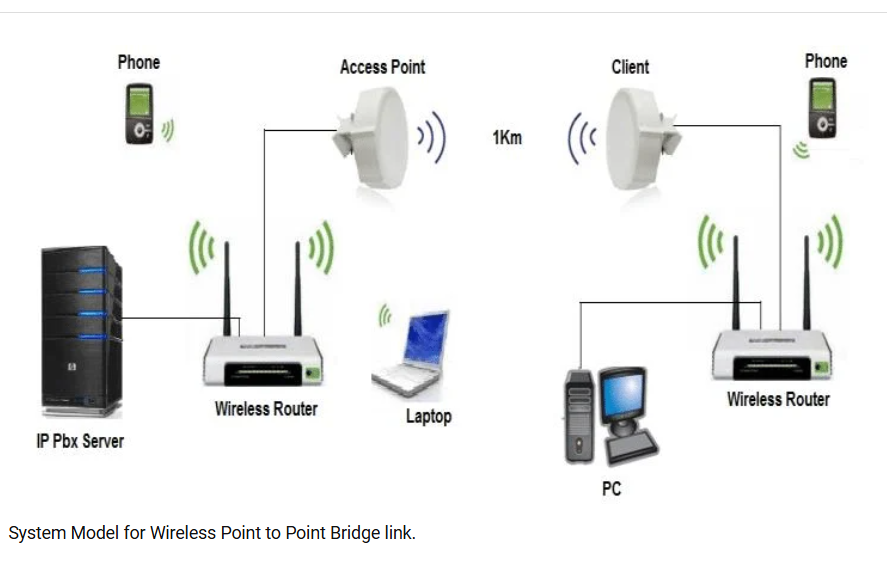
A wireless router allows devices to connect without cables using Wi-Fi. It is the most commonly used router in homes and small businesses. It combines the functions of a router and an access point, enabling smartphones, laptops, and smart devices to access the internet easily.
3. Core Router
A core router is used in the backbone of large networks, such as by Internet Service Providers (ISPs). It is designed to handle very high traffic and speed. These routers do not connect end users directly but manage data transmission within large networks.
4. Edge Router
An edge router is placed at the boundary (edge) of a network. It connects an internal network to external networks like the internet. It often includes security features such as firewalls and filtering to protect the network.
5. Virtual Router
A virtual router is a software-based router that runs on a virtual machine or cloud environment. Instead of physical hardware, it performs routing functions using software, making it flexible and scalable for modern networks.
6. Broadband Router
A broadband router is used for internet connections like DSL, cable, or fiber. It connects home or office networks to the ISP and often includes built-in Wi-Fi and basic security features.
7. Enterprise Router
An enterprise router is designed for large organizations. It supports advanced routing protocols, high security, and handles large network traffic efficiently. These routers are powerful and expensive compared to home routers.
Types of Routers in Shorts
- Core Router – used in large networks to handle high-speed data transfer inside backbone networks.
- Edge Router – connects internal network to external networks like the Internet.
- Distribution Router – used in medium networks to connect multiple LAN segments together.
- Wireless Router – provides Wi-Fi connectivity along with routing functions.
- Broadband Router – used in homes and small offices for Internet access.
- Virtual Router – software-based router used in cloud or virtual environments.
- Enterprise Router – high-performance router used in large organizations for complex networking.
What is Core Router
A Core Router is a Powerful and High-Capacity router used in the central part, or Backbone, of a Large Computer Network. Its main purpose is to transfer huge amounts of data quickly and efficiently between different routers within the network. Core routers are designed to handle very high traffic loads and ensure smooth communication across large networks.
These routers are commonly used by large organizations, internet service providers, and data centers where thousands or even millions of data packets need to be routed every second. Because of their advanced processing power, large memory capacity, and high-speed interfaces, core routers can manage network traffic without delays or interruptions.
A core router usually does Not Connect Directly to End-User Devices such as computers or smartphones. Instead, it connects other routers and networking devices, forming the main pathway for data transmission. This helps in maintaining network stability, speed, and efficiency.
In Simple Words, a core router acts like the Main Highway of a Network, carrying large volumes of data from one place to another at very high speed. It plays an important role in keeping large networks fast, reliable, and well connected.
Examples of Core Router?
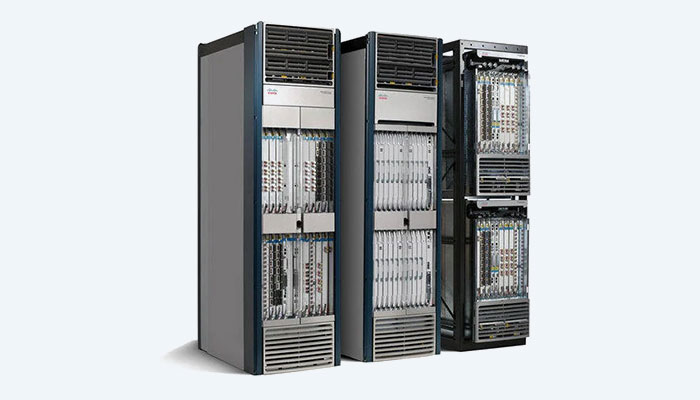
Cisco Systems Cisco CRS Series (Carrier Routing System) – Used by internet service providers and large telecom companies to manage huge amounts of internet traffic. It is designed for high-speed data transfer and large-scale networking.
Juniper Networks Juniper MX Series – A powerful core router used in data centers, enterprise networks, and service provider networks for fast and secure routing.
Huawei Huawei NetEngine Series – Used in large communication networks to support high bandwidth and smooth data flow across networks.
Where is a Core Router needed and who uses it?
A Core Router is needed in Large Networks where a huge amount of data travels every second. It is used in the central part of a network to handle heavy traffic and connect multiple smaller networks together. Core routers are important for maintaining fast speed, smooth communication, and reliable network performance.
Who Uses Core Routers?
- Internet Service Providers (ISPs) – Companies that provide internet service use core routers to manage large internet traffic between cities and countries.
- Large Companies and Enterprises – Big organizations with many branches use core routers to connect their office networks and transfer data quickly.
- Data Centers – Large server farms use core routers to manage communication between thousands of servers and storage systems.
- Telecommunication Companies – Mobile and communication companies use core routers in their backbone networks for voice, video, and internet services.
- Government and Educational Networks – Large universities, research centers, and government departments use core routers for high-speed internal networking.
Simple example
If a company has offices in Delhi, Mumbai, and Kolkata, a core router can be used at the main network center to connect all branch networks and allow fast data sharing between them.
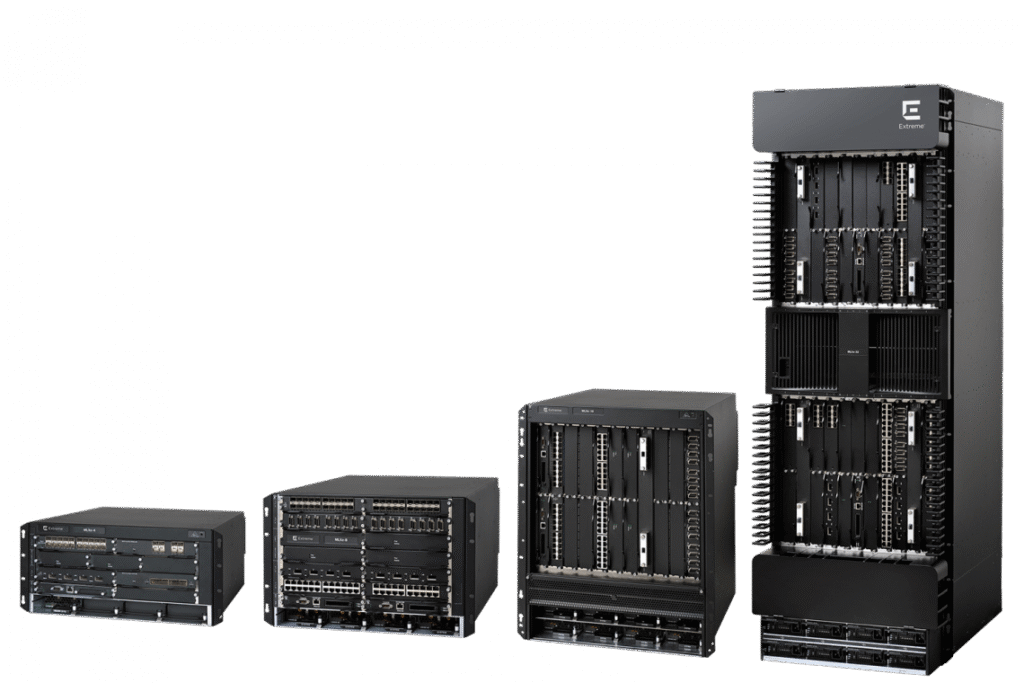
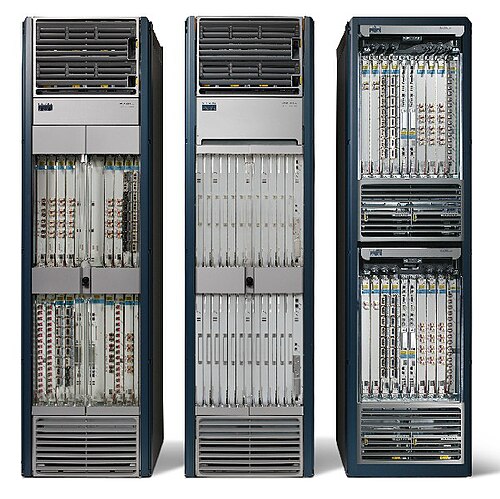
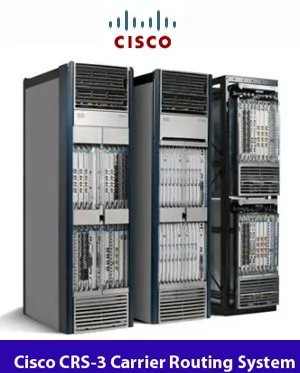
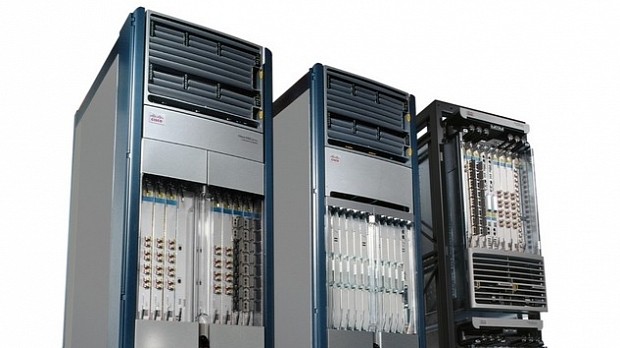
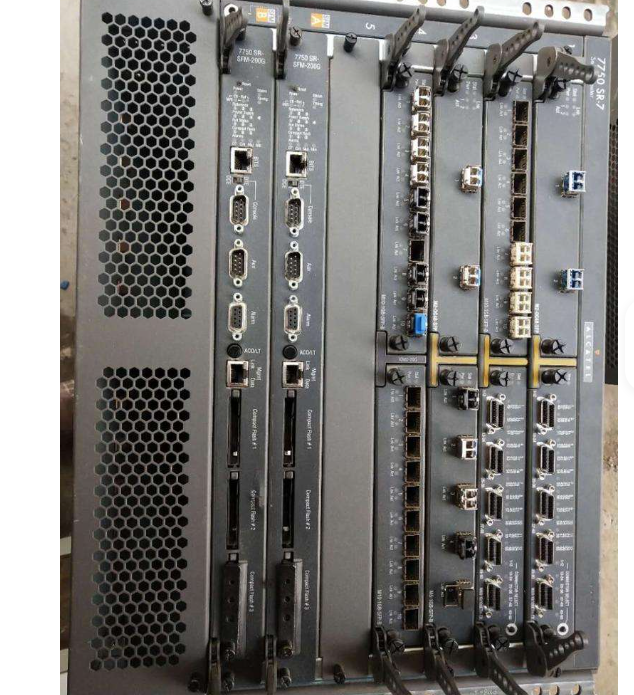
High-End Internet Core ISP BGP Router Price 30 Lakh in India
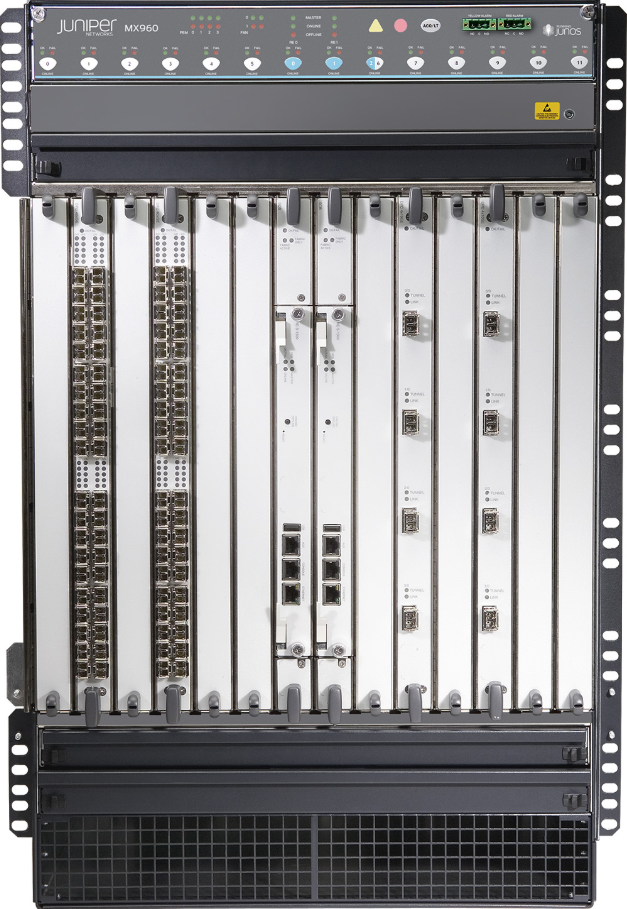
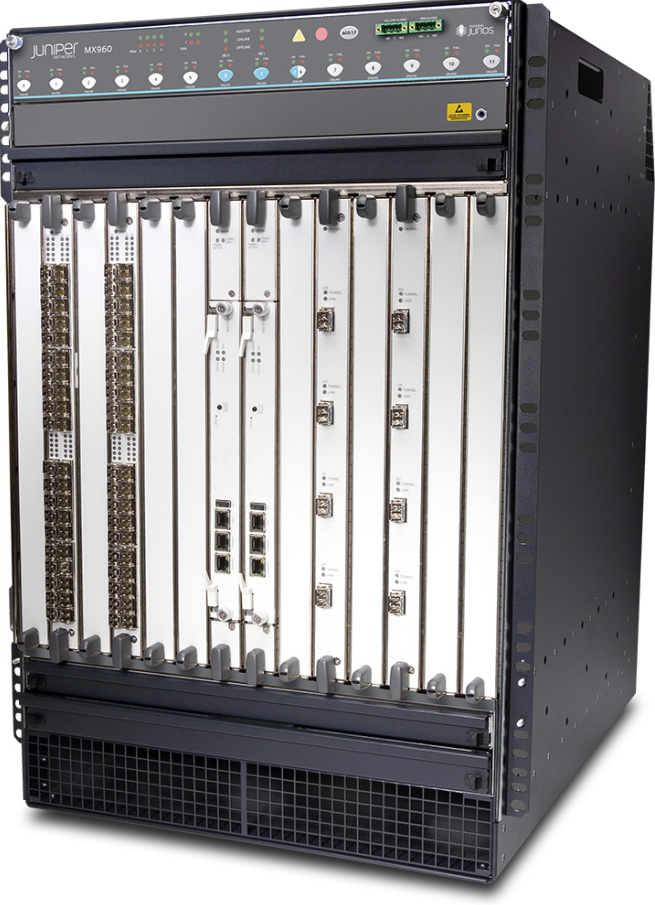
Juniper MX2010 Universal Routing Platform
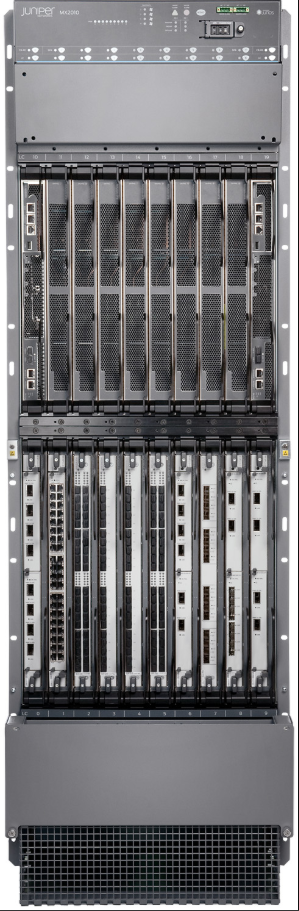
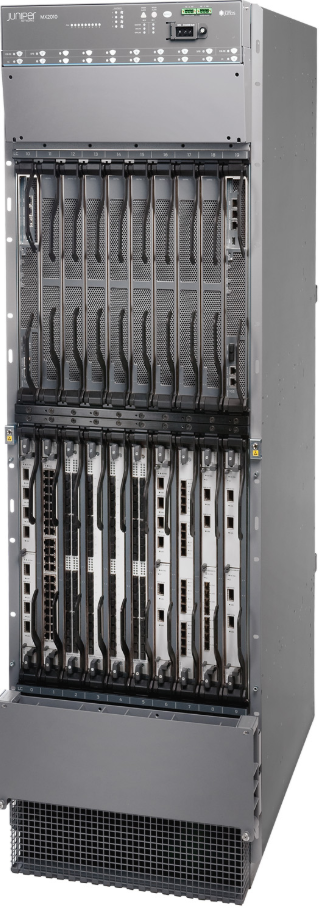
What is Edge Router
An Edge Router is a router placed at the Boundary (Edge) of a Network. Its main job is to connect an internal network, such as a company network or private network, to an External Network, usually the internet. It acts as a gateway through which data enters and leaves the network.
An edge router manages incoming and outgoing data traffic efficiently. It decides the best path for data packets traveling between the local network and outside networks. It may also provide security features such as firewall protection, traffic filtering, and access control to protect the internal network from unwanted access.
Edge routers are commonly used by Internet Service Providers, Businesses, Data Centers, and Large Organizations. For Example, when a company connects its office network to the internet, an edge router is used at the connection point to control communication between the company’s private network and the public internet.
Simple Example
Think of a school campus network. All computers inside the campus are connected internally. To access websites or online services, the network needs a connection to the internet. The router that connects the campus network to the internet is called an edge router. It stands at the network’s edge and controls data flow in and out.
Difference Between Core Router and Edge Router?
| Core Router | Edge Router |
|---|---|
| A core router is used at the center (core) of a large network. | An edge router is used at the boundary (edge) of a network. |
| Its main job is to handle large amounts of data traffic inside the network. | Its main job is to connect the internal network to external networks like the internet. |
| It connects multiple routers and network segments within the backbone network. | It connects the private network to outside networks. |
| Core routers are designed for very high speed and heavy traffic. | Edge routers focus on routing, filtering, and security at the network boundary. |
| Used by ISPs, data centers, telecom companies, and large enterprises. | Used by companies, campuses, ISPs, and organizations for internet connectivity. |
| Example: Cisco Systems Cisco CRS Series | Example: Cisco Systems Cisco ASR Series |
Simple explanation:
- Core Router = Main Highway inside a city (moves huge traffic within the network).
- Edge Router = City Gate (controls traffic entering and leaving the city/network).
So, core router works inside the network backbone, while edge router works at the network boundary connecting to outside networks.
Cisco Edge Router models used in real networks:
- Cisco ISR 4321 Router – widely used in small and medium offices for Internet connectivity and VPN.
- Cisco ISR 4331 Router – used in branch offices with higher performance and more bandwidth support.
- Cisco ISR 4351 Router – enterprise branch router with advanced routing, security, and scalability features.
- Cisco ASR 1001-X Router – high-performance edge router used in enterprise and service provider networks.
- Cisco ASR 1002-X Router – used for large-scale edge routing with high throughput and redundancy.
Cisco ASR Series Models:
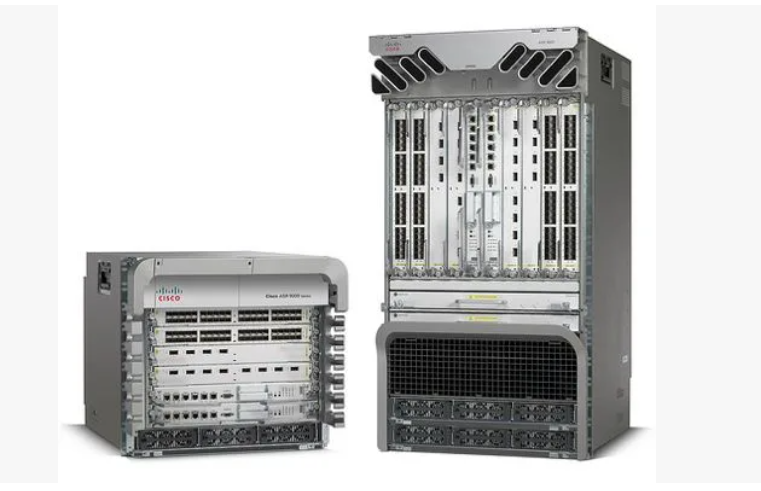
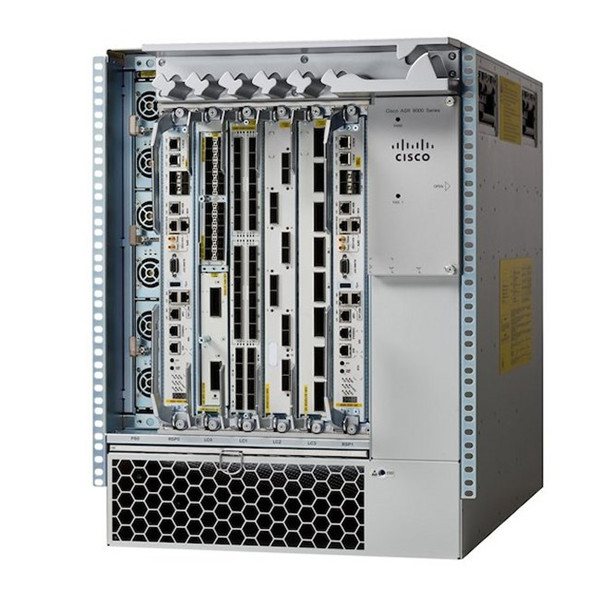
- ASR 900 Series – used in metro and access networks for service provider aggregation and mobile backhaul.
- ASR 1000 Series – used in enterprise and branch edge networks for WAN, Internet, and VPN connectivity.
- ASR 5000 Series – used in mobile core networks for high-scale subscriber and data traffic handling.
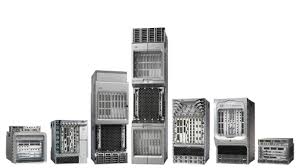
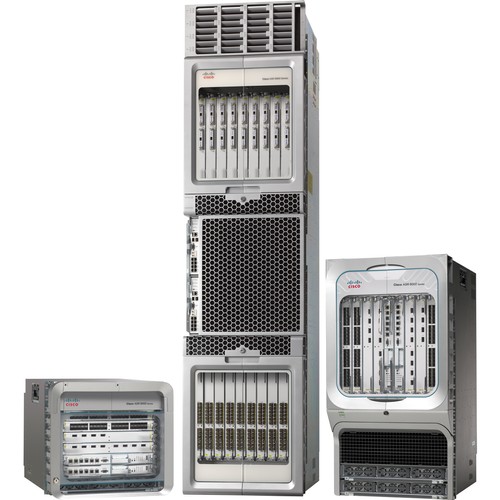
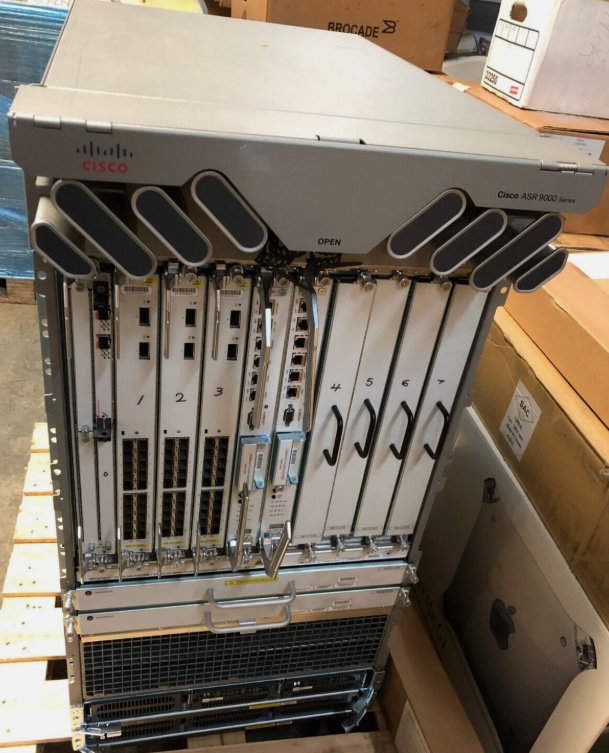
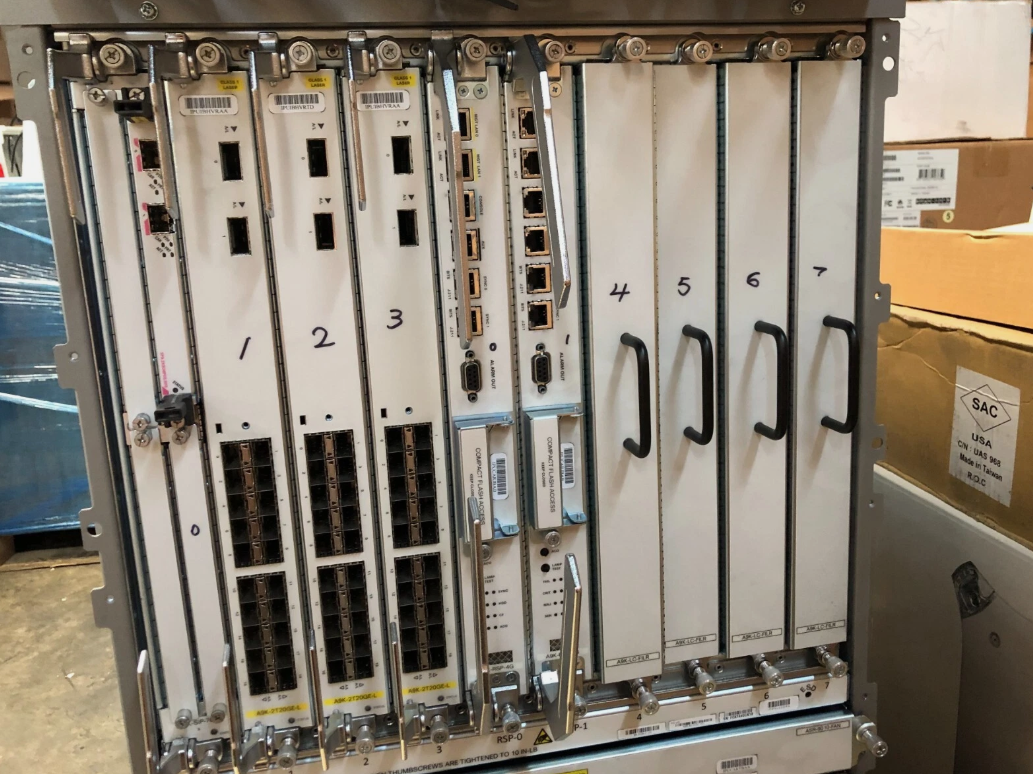
- ASR 9000 Series – used in ISP backbone networks for very high-speed core routing and massive traffic processing.
How Does a Router Work
A Router Works by receiving data packets from one network, analyzing their destination, and forwarding them to the correct network using the best possible path. It acts like a traffic manager that directs data efficiently between devices and networks.
Step 1: Receiving Data Packets
When a device (like a computer or smartphone) sends data, it is broken into small units called packets. These packets are sent to the router. Each packet contains important information such as the source IP address and destination IP address.
Step 2: Checking the Destination IP
The router reads the destination IP address in the packet header. This helps the router understand where the data needs to go—whether it is within the same network or outside (like on the internet).
Step 3: Looking at the Routing Table
The router then checks its routing table, which is like a map of networks. This table tells the router the best path to reach a particular destination.
- If the destination is known → it forwards the packet accordingly
- If not → it may use a default route
Step 4: Selecting the Best Path
Using routing protocols (like OSPF, RIP, EIGRP), the router chooses the most efficient path based on factors such as distance, cost, or speed. This ensures fast and reliable data delivery.
Step 5: Forwarding the Packet
After selecting the path, the router forwards the packet to the next device (another router or the final destination). This process continues until the packet reaches its destination.
Step 6: Delivery to Destination
Finally, the packet reaches the target device, where all packets are reassembled into the original data (like a webpage, video, or file).
Example:
Suppose you open a website:
- Your device sends a request to the router
- The router forwards it to your ISP
- The data travels across multiple routers on the internet
- The website server responds
- The router sends the response back to your device

Functions of a Router
1. Packet Forwarding
The primary function of a router is packet forwarding. It receives data packets from one network and sends them to another network. The router reads the destination IP address and forwards the packet toward its destination.
2. Path Selection (Routing)
A router determines the best path for data to travel. It uses routing algorithms and protocols (like OSPF, RIP, EIGRP) to select the most efficient route based on metrics such as cost, distance, or bandwidth.
3. Routing Table Maintenance
Routers maintain a routing table, which stores information about networks and paths. This table is updated either manually (static routing) or dynamically through routing protocols, helping the router make correct forwarding decisions.
4. Network Address Translation (NAT)
Routers perform NAT, which allows multiple devices in a private network to share a single public IP address. This helps conserve IP addresses and adds a layer of security by hiding internal IP addresses.
5. Interconnecting Networks
Routers connect different networks together, such as a local network (LAN) to a wide area network (WAN) like the internet. This enables communication between devices on different networks.
6. Traffic Management
Routers manage network traffic by controlling data flow. They can prioritize certain types of traffic (like voice or video) to ensure better performance using techniques like Quality of Service (QoS).
7. Security Functions
Routers provide basic security features such as packet filtering, access control lists (ACLs), and sometimes firewall functionality. These features help protect the network from unauthorized access.
8. Broadcasting Control
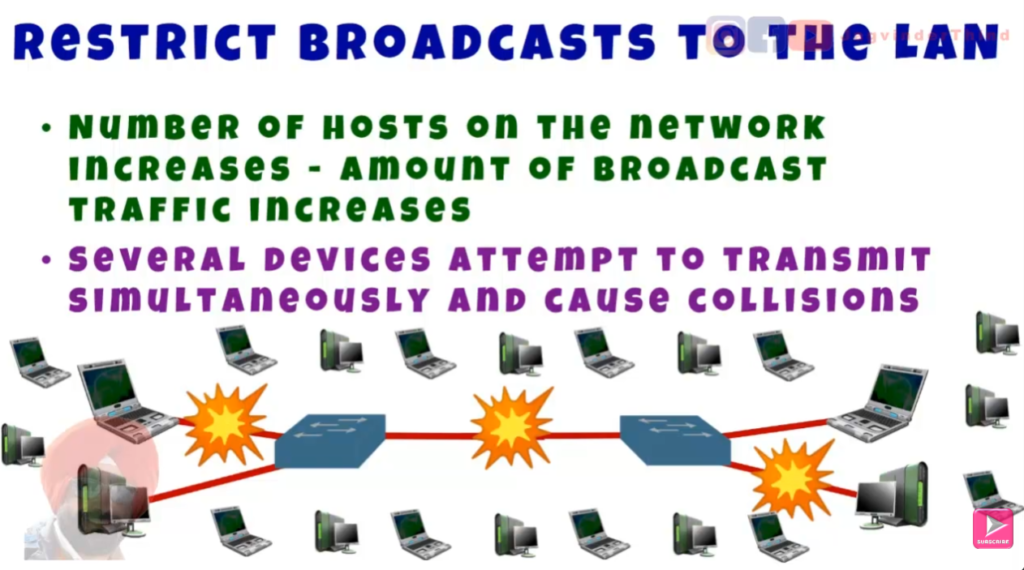
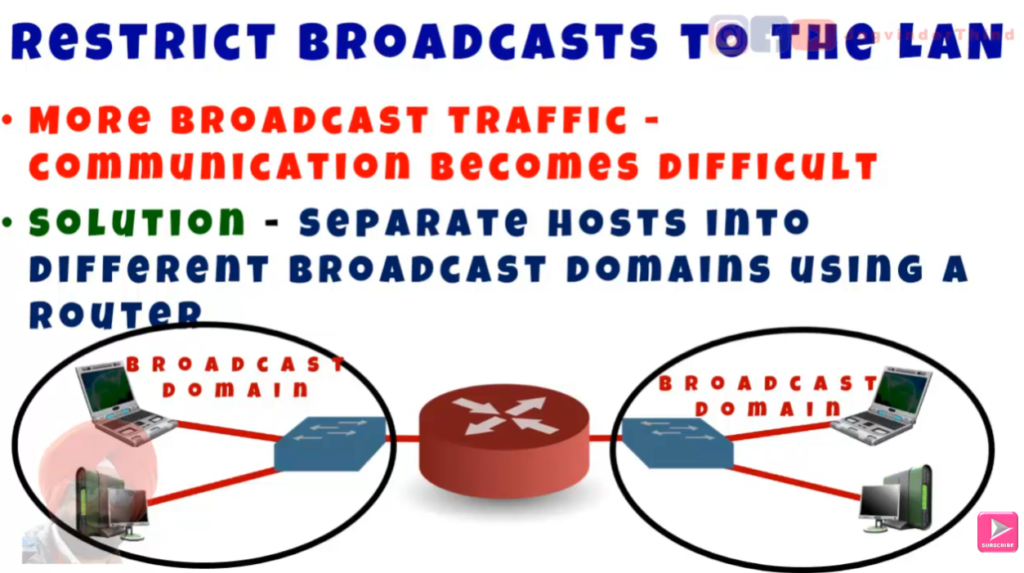
Routers limit broadcast traffic. Unlike switches, routers do not forward broadcast messages by default, which helps reduce unnecessary network traffic and improves performance.
Summary
In short, the main functions of a router are:
- Forwarding data packets
- Choosing the best path
- Maintaining routing information
- Connecting networks
- Providing security and traffic control

Common Routing Protocols
Common Routing Protocols are used by routers to automatically learn network paths and decide the best route for data transmission. These protocols help routers exchange information and update their routing tables dynamically.
1. RIP (Routing Information Protocol)
RIP is one of the oldest routing protocols. It uses hop count (number of routers) as a metric to choose the best path. The maximum hop count is 15, so it is suitable only for small networks. RIP is simple to configure but slower and less efficient in large networks.
2. OSPF (Open Shortest Path First)
OSPF is a widely used link-state routing protocol. It calculates the shortest path using a cost metric based on bandwidth. OSPF is fast, efficient, and supports large networks by dividing them into areas. It quickly adapts to network changes.
3. EIGRP (Enhanced Interior Gateway Routing Protocol)
EIGRP is an advanced routing protocol developed by Cisco. It uses multiple metrics such as bandwidth, delay, reliability, and load to select the best path. It is faster and more efficient than RIP and works well in medium to large networks.
4. BGP (Border Gateway Protocol)
BGP is used for routing between different organizations on the internet (external networks). It is known as an Exterior Gateway Protocol (EGP). BGP selects the best path based on policies, rules, and network attributes rather than just distance. It is the backbone of the internet.
5. IS-IS (Intermediate System to Intermediate System)
IS-IS is another link-state routing protocol similar to OSPF. It is mainly used by large service providers and ISPs. It is highly scalable and works efficiently in large networks.
Summary Chart
| Protocol | Type | Metric Used | Suitable For |
|---|---|---|---|
| RIP | Distance Vector | Hop Count | Small networks |
| OSPF | Link-State | Cost (Bandwidth) | Medium to large networks |
| EIGRP | Hybrid | Multiple metrics | Medium to large networks |
| BGP | Path Vector (EGP) | Policy-based | Internet (large-scale) |
| IS-IS | Link-State | Cost | Large ISP networks |
Final Note:
In short, routing protocols help routers Learn Routes Automatically, choose the Best Path, and Adapt to Network Changes.
- Small network → RIP
- Enterprise → OSPF / EIGRP / ISIS
- Internet → BGP
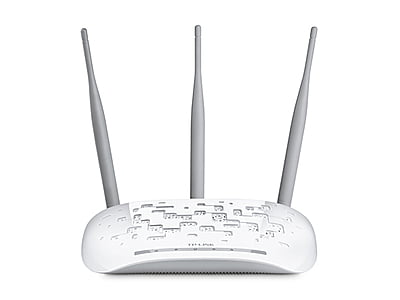
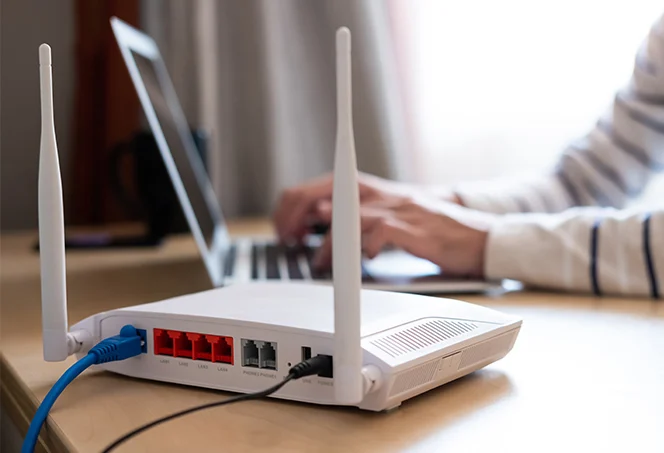
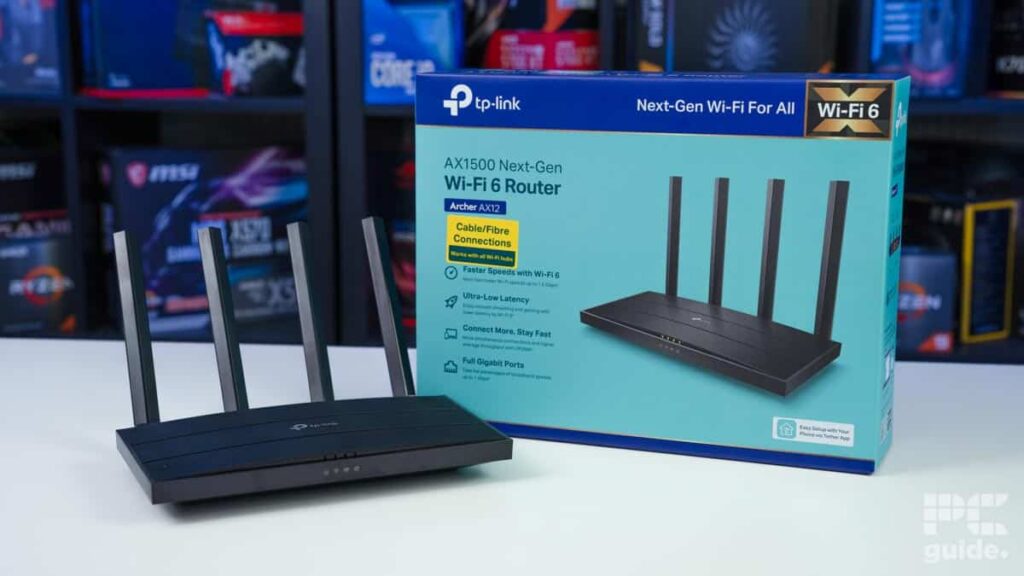
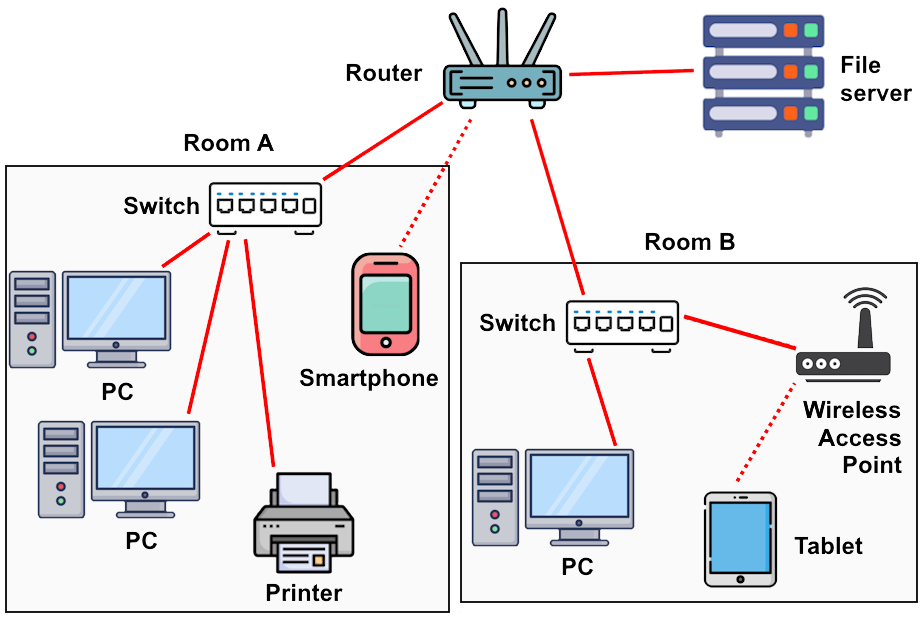
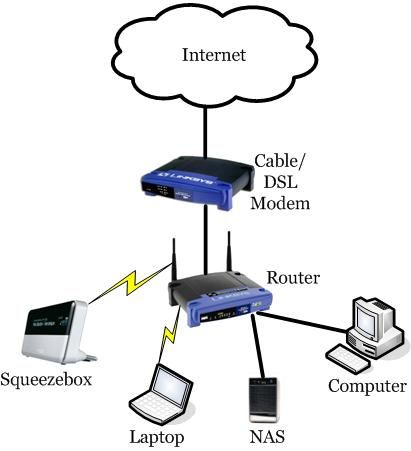
Normal Home Router
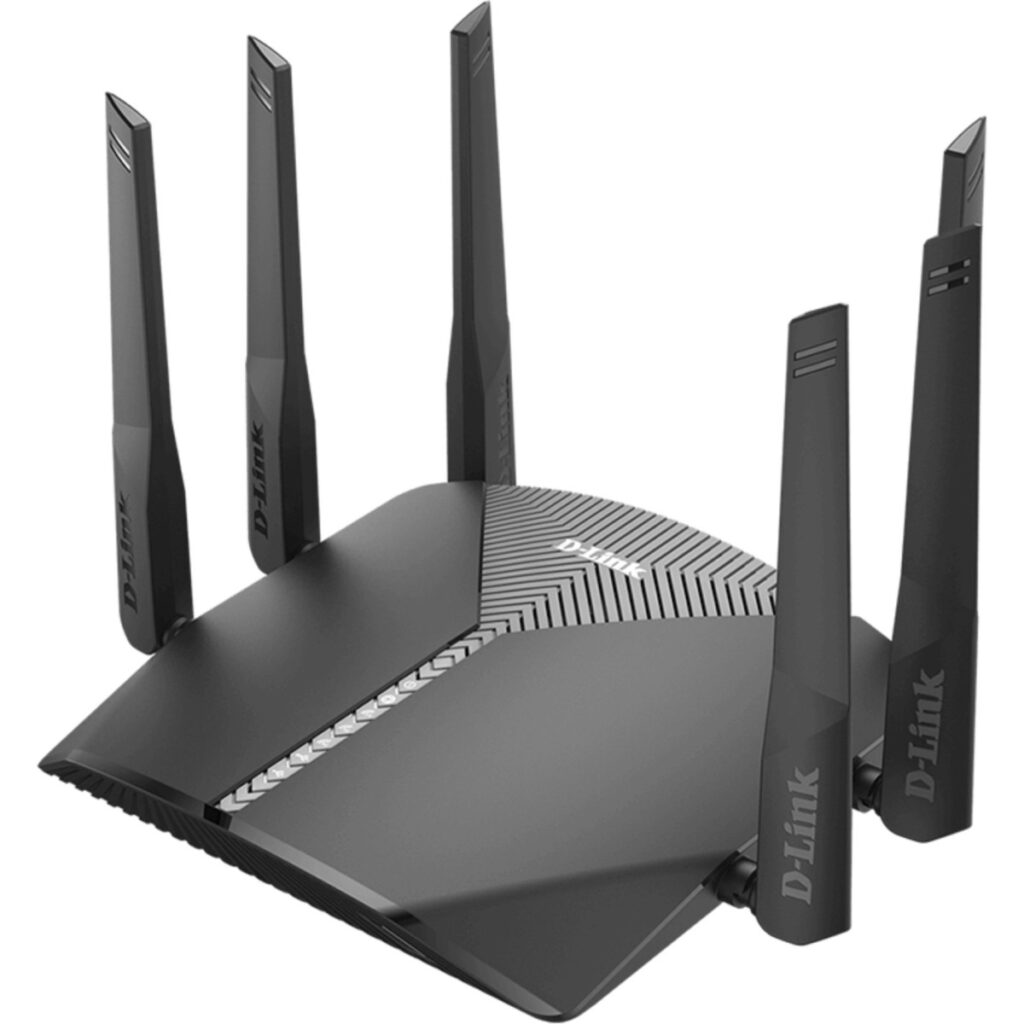
A Normal Home Router Model is a device used in houses to connect multiple devices (like mobiles, laptops, smart TVs) to the internet using both Wi-Fi and Ethernet cables. It is usually a wireless broadband router that combines three main functions: router, switch, and wireless access point.
Common Home Router Models (Examples)?
Here are some popular home router models used in homes:
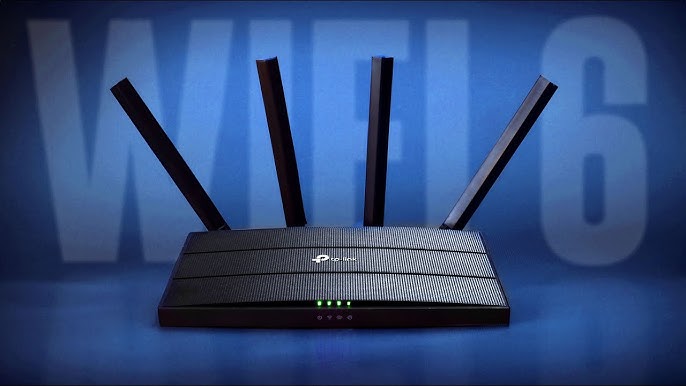
- TP-Link Archer C6 – A budget-friendly dual-band Wi-Fi router suitable for small to medium homes.
- D-Link DIR-825 – Offers good speed and stability for daily internet use.
- Netgear Nighthawk R7000 – A high-performance router ideal for gaming and streaming.
- Tenda AC10 – Affordable router with decent speed for home users.
- Asus RT-AC66U – Known for strong performance and advanced features.
Features of a Normal Home Router?
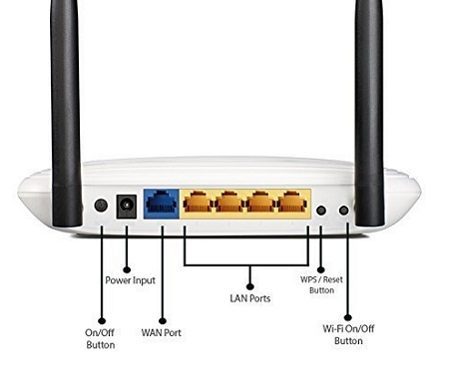
A typical home router includes:
- Wi-Fi Connectivity – Allows wireless internet access
- LAN Ports (Ethernet) – For wired connections
- WAN Port – Connects to ISP modem
- NAT (Network Address Translation) – Shares one internet connection
- DHCP Server – Automatically assigns IP addresses
- Basic Security – WPA2/WPA3 password protection
Simple Example
In your home:
- Internet comes from ISP → goes to router
- Router creates Wi-Fi network
- Your phone, laptop connect → access internet
High-Performance Enterprise Router
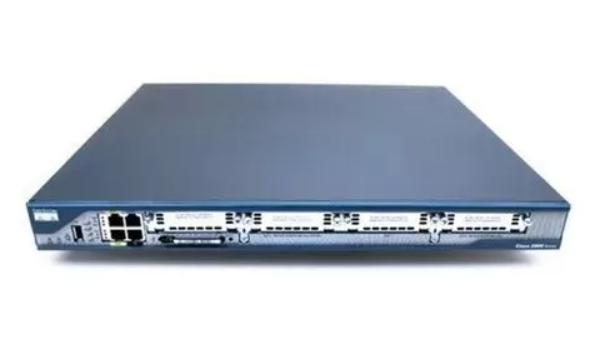
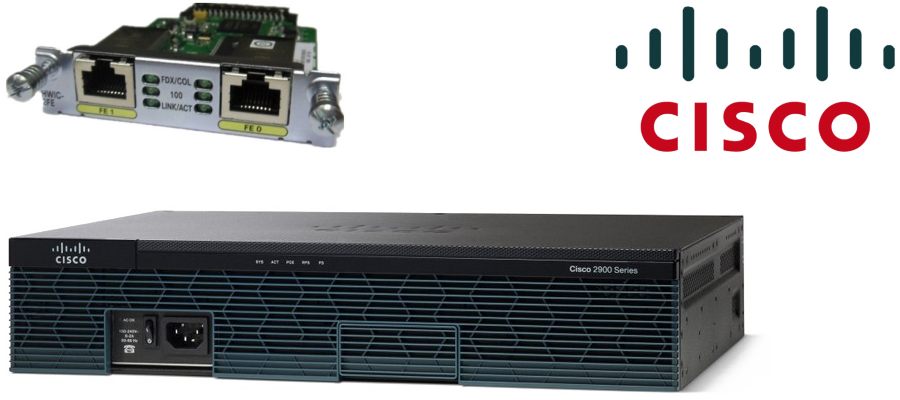
An enterprise router is a high-performance networking device designed for large organizations, businesses, and data centers. Unlike a normal home router, it is built to handle heavy network traffic, advanced routing, and high security requirements.
What is an Enterprise Router?
An enterprise router connects multiple networks within a company and to the internet, while managing large amounts of data efficiently. It supports advanced routing protocols, security features, and high-speed connections for hundreds or even thousands of users.
Key Features of Enterprise Routers?
1. High Performance
Enterprise routers can handle very high data traffic with fast processing speeds. They are designed for continuous operation without downtime.
2. Advanced Routing Protocols
They support complex protocols like OSPF, EIGRP, and BGP for efficient and dynamic routing in large networks.
3. Strong Security
Enterprise routers include advanced security features such as firewalls, VPN support, intrusion prevention, and access control lists (ACLs).
4. Scalability
They can easily expand as the organization grows by adding modules, interfaces, or upgrading capacity.
5. Redundancy & Reliability
These routers support backup links, failover mechanisms, and load balancing to ensure network availability.
6. Multiple Interface Support
They provide various ports like Gigabit Ethernet, fiber (SFP), and WAN interfaces for connecting different network types.
Examples of Enterprise Routers
- Cisco ISR 4000 Series – Widely used in enterprises for branch networking.
- Juniper MX Series – High-end routers used by ISPs and large companies.
- Huawei AR Series – Cost-effective enterprise solution with strong features.
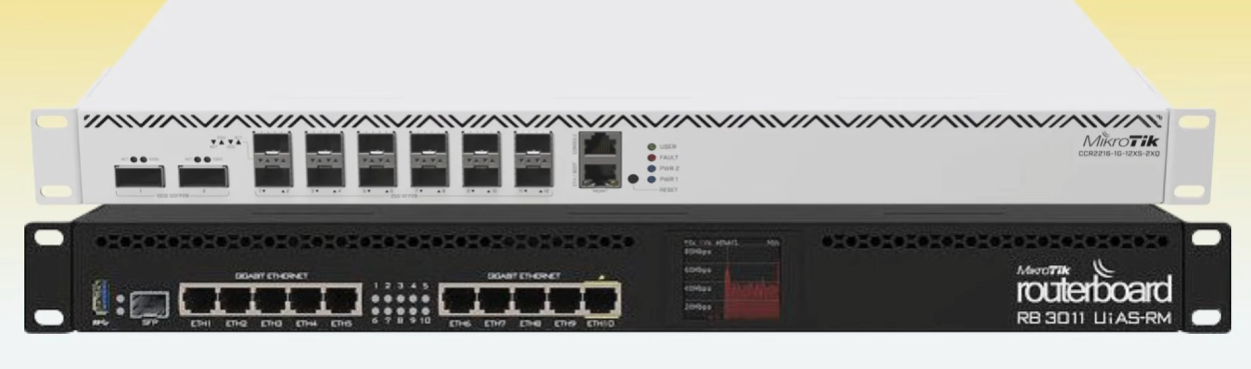
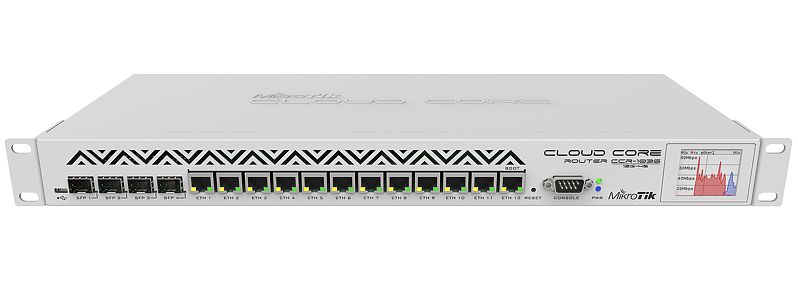
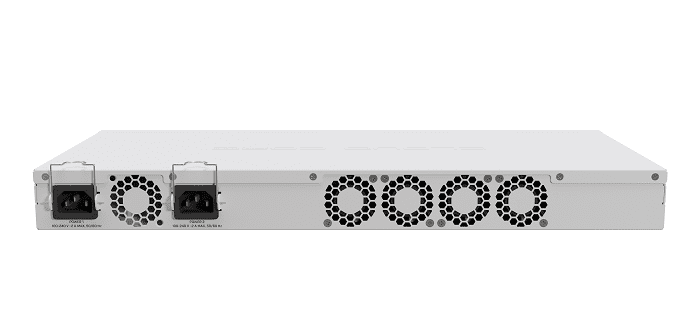
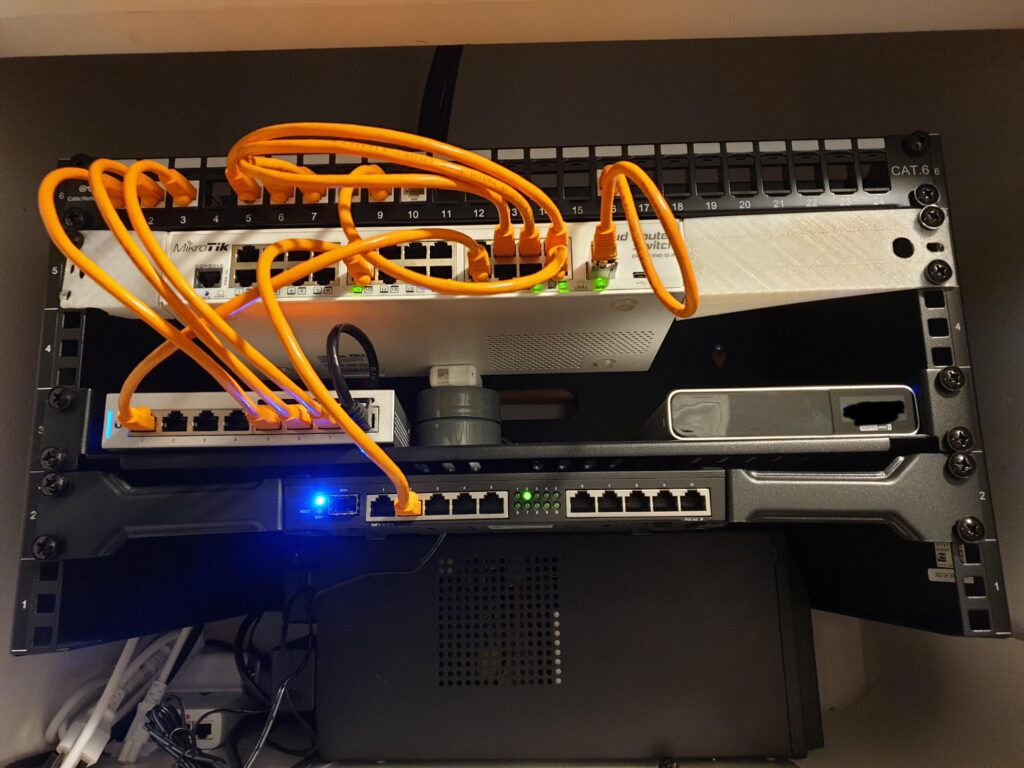
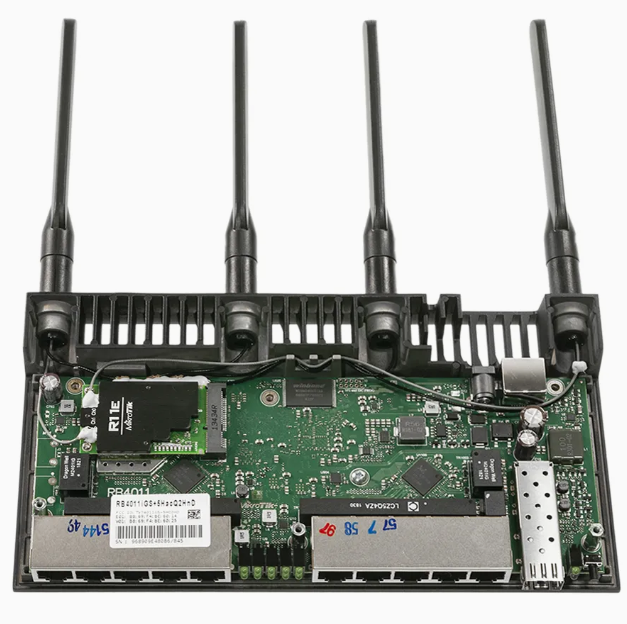
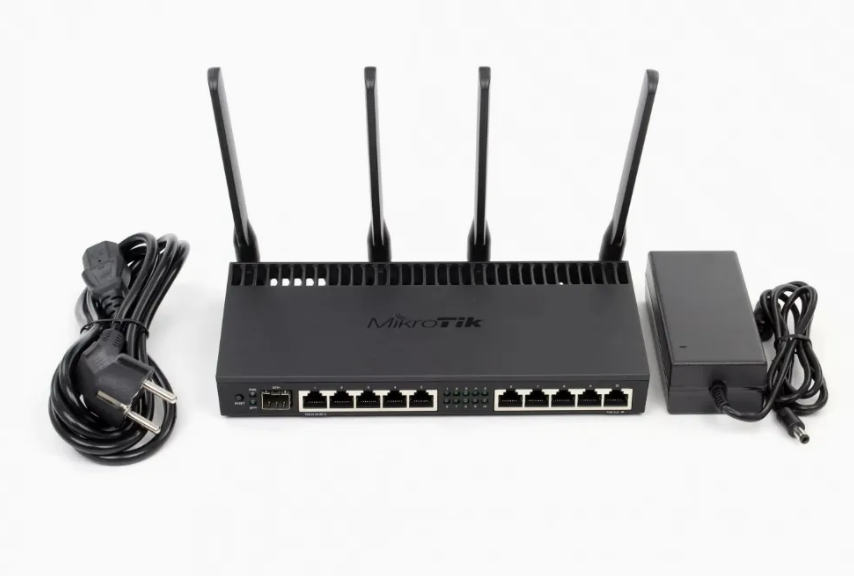
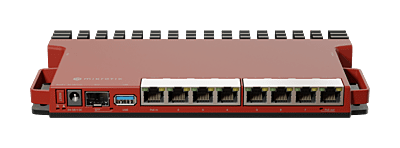
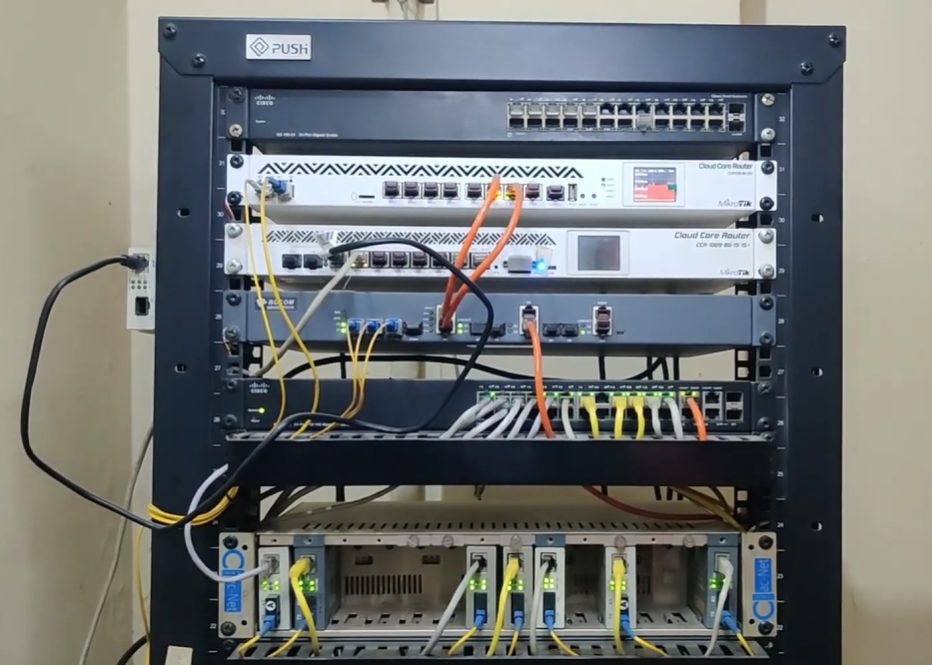
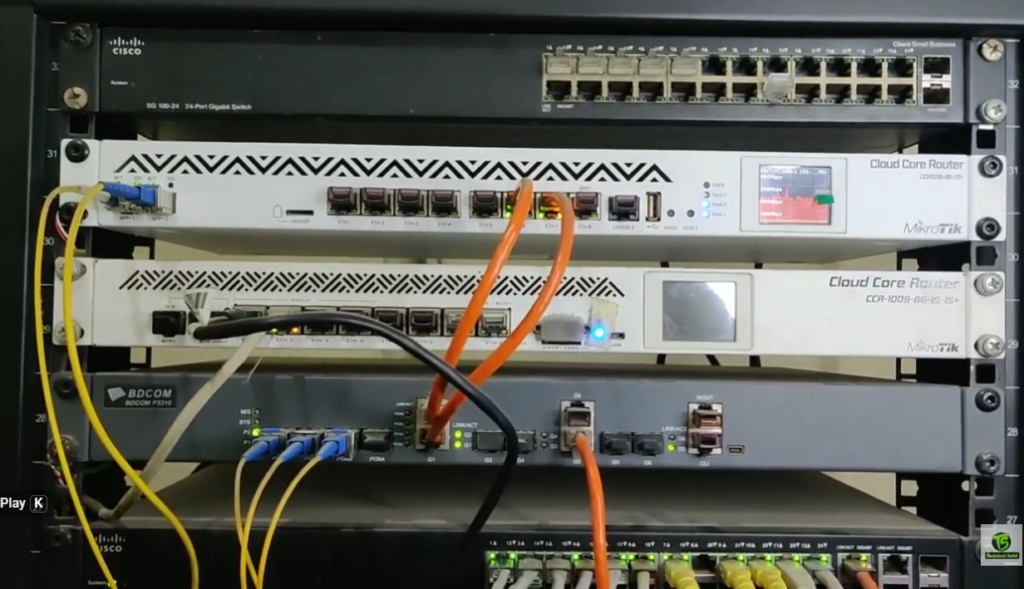
- MikroTik CCR Series – Powerful and budget-friendly for advanced users.
Enterprise Router vs Home Router
| Feature | Home Router | Enterprise Router |
|---|---|---|
| Usage | Used in homes and small offices | Used in large companies and organizations |
| Performance | Low to medium performance | Very high performance |
| Number of Users | Limited (10–50 users approx.) | Supports hundreds to thousands of users |
| Traffic Handling | Basic Internet usage (browsing, streaming) | Heavy traffic, data centers, WAN networks |
| Security Features | Basic firewall and password protection | Advanced security (ACL, VPN, IDS/IPS) |
| Routing Capability | Simple routing (basic NAT) | Advanced dynamic routing (OSPF, BGP, EIGRP) |
| Management | Simple web interface | CLI, SNMP, advanced network management tools |
| Redundancy | No or very limited | High availability and redundancy support |
| Cost | Low cost | Very expensive |
| Example Devices | TP-Link, Netgear routers | Cisco ISR, Cisco ASR series |
Summary
An enterprise router is a powerful, secure, and scalable networking device used in large environments to manage complex network operations efficiently.
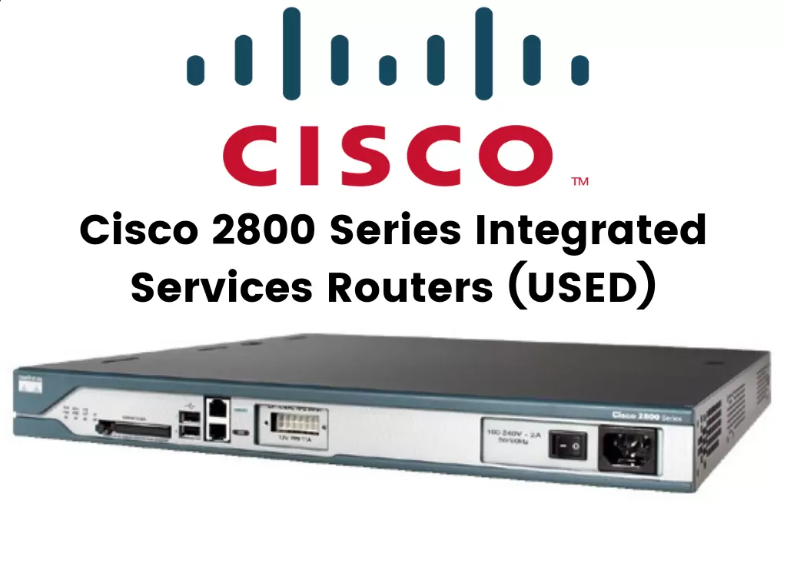
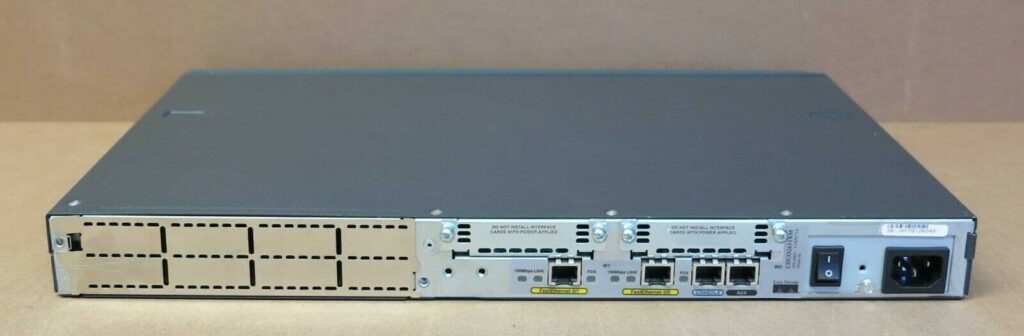
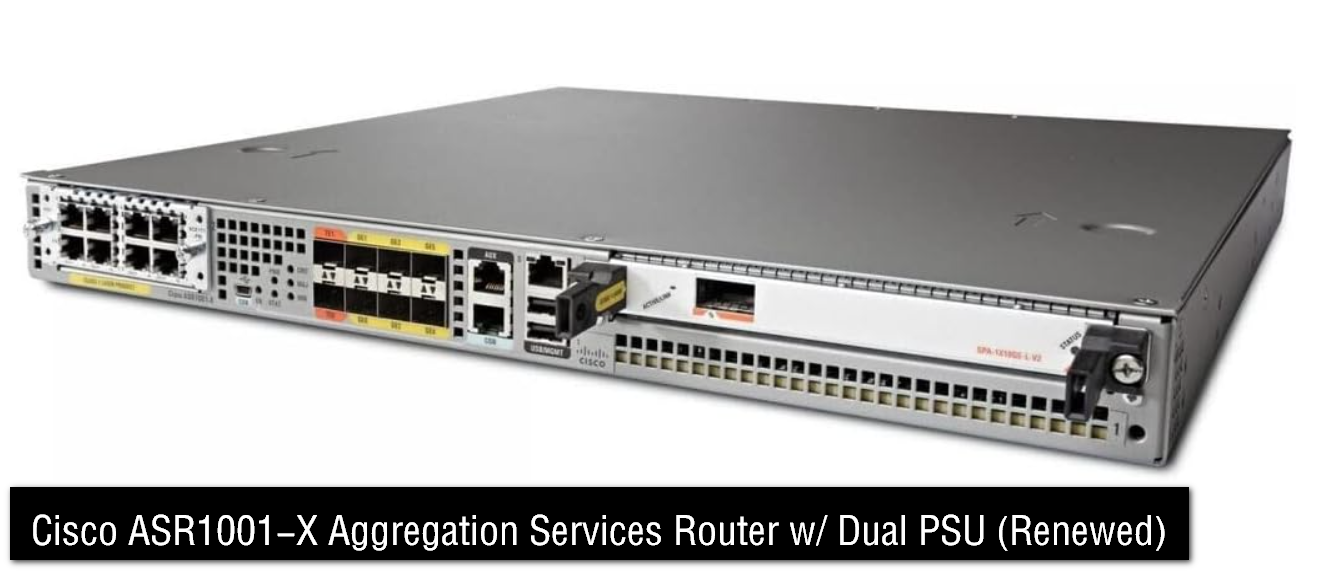
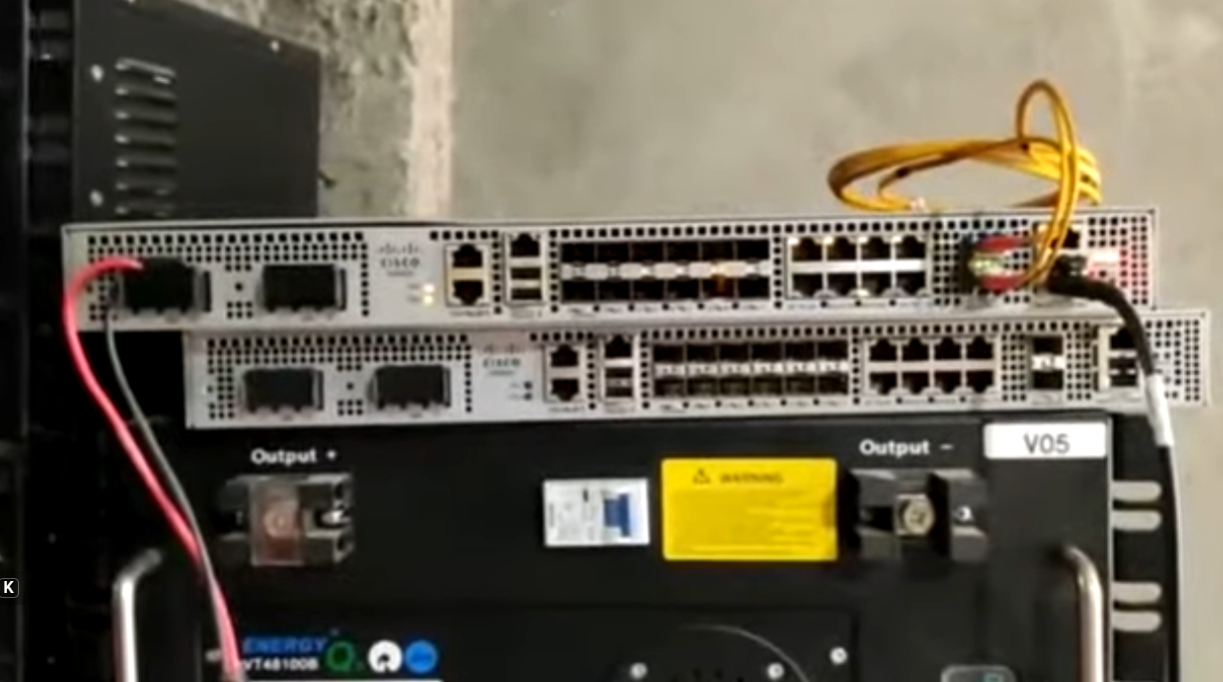
ISP Router (Internet Service Provider Router)
Cisco Cisco Service Provider Routers are designed for Internet Service Providers (ISPs), Telecom Operators, Mobile Backhaul Networks, Cloud Providers, and Large Carrier Backbone Networks. These routers handle very high traffic volumes, support advanced routing protocols, and provide carrier-grade reliability for 24/7 operation. They are mainly used for BGP Internet routing, MPLS VPN services, traffic engineering, broadband aggregation, mobile transport, and core backbone connectivity.
The Cisco ASR 900 Series is widely used in access and aggregation layers of service provider networks. Models such as ASR 903, ASR 907, and ASR 920 are common in metro Ethernet networks, enterprise WAN edge, and telecom access networks. These routers support Carrier Ethernet, MPLS, VPN services, synchronization features for mobile networks, and high availability. They are compact, power-efficient, and ideal for connecting customer edge networks into the service provider backbone.
The Cisco ASR 1000 Series is one of Cisco’s most popular edge routing platforms. Models such as ASR 1001-X, ASR 1002-X, ASR 1006-X, and ASR 1013 are used at ISP edge, large enterprise WAN edge, and data center interconnection points. These routers support BGP, OSPF, IS-IS, MPLS, DMVPN, NAT, firewall services, QoS, IPsec VPN, and deep packet inspection. They run Cisco IOS XE and use dedicated hardware acceleration for high throughput, making them suitable for high-speed WAN and Internet edge deployments.
The Cisco ASR 9000 Series is a true carrier-class routing platform built for large ISPs and telecom core networks. Models like ASR 9001, ASR 9006, ASR 9010, ASR 9904, ASR 9906, and ASR 9912 provide extremely high port density, modular scalability, and multi-terabit forwarding capacity. They run Cisco IOS XR, an operating system designed for high stability, modular upgrades, and nonstop forwarding. These routers are used for MPLS backbone, Internet peering, BGP route reflection, mobile packet core transport, and submarine cable landing station routing.
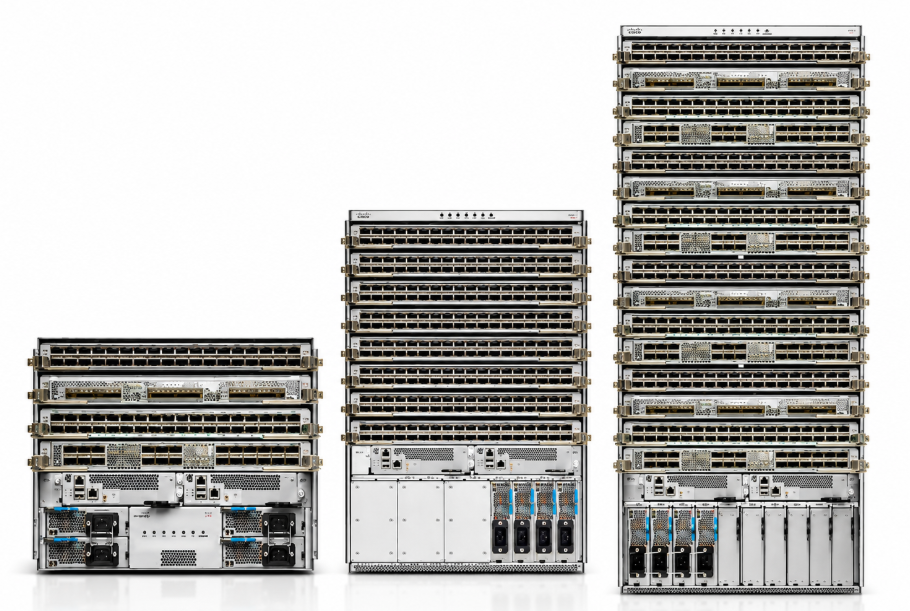
The Cisco NCS Series (Network Convergence System) is Cisco’s modern next-generation service provider platform built for cloud-scale networking and 5G transport. Models include NCS 540, NCS 560, NCS 5500, NCS 5700, and NCS 6000. These routers support 100G, 400G, and even Higher-Speed interfaces, advanced segment routing, EVPN, automation, telemetry, and hyperscale cloud networking. NCS platforms are widely used in 5G transport networks, hyperscale data center interconnects, cloud backbone routing, and next-generation carrier core networks.
Older Cisco service provider platforms include Cisco CRS, Cisco 7600 Series, and Cisco GSR 12000. These were once dominant in carrier backbones but have largely been replaced by newer ASR and NCS families that offer greater scalability, better automation, lower power consumption, and support for modern protocols.
In short, Cisco service provider router lineup can be understood like this:
Access / Metro Edge → ASR 900 / NCS 540
Enterprise Edge / Mid ISP → ASR 1000 / NCS 5500
Carrier Core / Backbone → ASR 9000 / NCS 5700 / NCS 6000
Ultra-large global backbone → NCS 6000 / advanced IOS XR platforms
An ISP router (Internet Service Provider router) is a high-capacity router used by internet service providers to manage and route data across the internet. It connects different networks (like homes, businesses, and data centers) and ensures that internet traffic moves efficiently between them.
What is an ISP Router?
An ISP router is designed to handle very large-scale network traffic. It sits within the ISP’s infrastructure and connects to other routers globally. These routers form the backbone of the internet, allowing communication between different countries, organizations, and users.
Key Functions of an ISP Router?
1. High-Speed Data Routing
ISP routers process and forward massive amounts of data at very high speeds, often in gigabits or terabits per second.
2. Interconnecting Networks
They connect multiple networks such as customer networks, data centers, and other ISPs, enabling global communication.
3. BGP Routing
ISP routers mainly use Border Gateway Protocol (BGP) to exchange routing information between different autonomous systems (AS). This helps in selecting the best path across the internet.
4. Traffic Management
They control and optimize traffic flow, preventing congestion and ensuring smooth internet performance.
5. Redundancy and Reliability
ISP routers are designed for 24/7 operation with backup paths and failover systems to avoid downtime.
Types of ISP Routers
- Core Routers – Handle traffic within the ISP backbone
- Edge Routers – Connect customers to the ISP network
- Aggregation Routers – Combine traffic from multiple users before sending it to the core network
Examples of ISP Routers
- Cisco ASR 9000 Series – High-performance router used by major ISPs
- Juniper PTX Series – Ultra-fast core router for large networks
- Huawei NE40E Series – Popular ISP-grade router for backbone networks
Simple Example
When you open a website:
- Your home router sends a request to your ISP
- The ISP router forwards it through multiple ISP routers across the internet
- It reaches the destination server
- The response comes back through the same network of ISP routers
Summary
An ISP router is a powerful, large-scale router that:
- Connects networks globally
- Handles massive traffic
- Uses BGP for routing
- Ensures reliable internet connectivity
Top ISPs in India
- Reliance Jio Infocomm Limited – Largest ISP in India, offers JioFiber broadband and mobile internet services.
- Bharti Airtel – Second largest ISP, provides Airtel Xstream Fiber and mobile broadband services.
- Vodafone Idea (Vi) – Provides mobile internet and limited broadband services in India.
- Bharat Sanchar Nigam Limited (BSNL) – Government-owned ISP offering fiber and DSL broadband across India.
- Mahanagar Telephone Nigam Limited (MTNL) – Government ISP mainly in Delhi and Mumbai regions.
- ACT Fibernet – Private ISP popular for high-speed fiber broadband in cities.
- Hathway Cable & Datacom – Cable and broadband ISP in multiple Indian cities.
- You Broadband – Offers broadband services in selected urban areas.
- Tikona Digital Networks – Wireless broadband ISP for homes and small offices.
- Asianet Satellite Communications – Regional ISP, mainly strong in Kerala.
Data Center Router Like Google Facebook
Cisco Data Center Routers are High-Performance Routers used to connect data centers to WAN, Internet, cloud networks, and disaster recovery sites. They handle massive traffic volumes, support high-speed interfaces like 10G / 25G / 40G / 100G / 400G, and provide advanced routing, redundancy, and security features. In modern designs, many data center routing functions are also integrated into high-end switches, especially spine-leaf architectures.
The Cisco ASR 1000 Series is commonly used at the Data Center Edge. It connects the data center network to ISP links, MPLS WAN, branch networks, or cloud providers. It supports BGP, OSPF, IS-IS, MPLS, NAT, VPN, QoS, Firewall, and Segmentation, making it a strong WAN edge router for enterprise data centers.
The Cisco ASR 9000 Series is used in large carrier-scale data centers and cloud backbone networks. It offers very high throughput, modular chassis design, and IOS XR software for nonstop operation. Large cloud providers and telecom operators use it for core routing, Internet peering, and data center interconnect (DCI).
The Cisco NCS 5500 / 5700 Series is a modern platform for cloud-scale data center routing. These routers support very high-density 100G / 400G ports, segment routing, EVPN, automation, and telemetry. They are used in hyperscale cloud networks and large data center fabrics.
For Data Center Interconnect (DCI), Cisco also uses platforms like Cisco 8000 Series and advanced NCS routers. These connect multiple data centers over long distances using high-speed optical links, MPLS, and segment routing.
In many enterprise data centers, dedicated routers are reduced because Cisco Nexus 9000 Series switches perform Layer-3 routing inside the data center fabric. So the common design is:
Inside Data Center → Nexus switches (routing + switching)
Outside / WAN Edge → ASR / NCS routers
Short list:
Small DC → ASR 1000
Large Enterprise DC → ASR 1000 / ASR 9000
Cloud / Hyperscale DC → NCS 5500 / NCS 5700 / Cisco 8000
Internal DC Fabric → Nexus 9000 (Layer-3 switching)


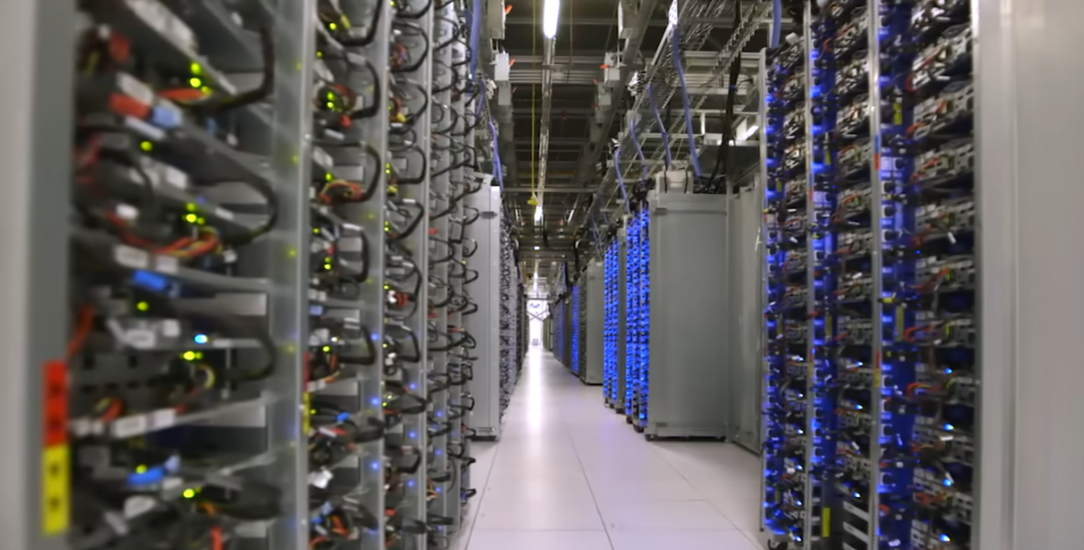
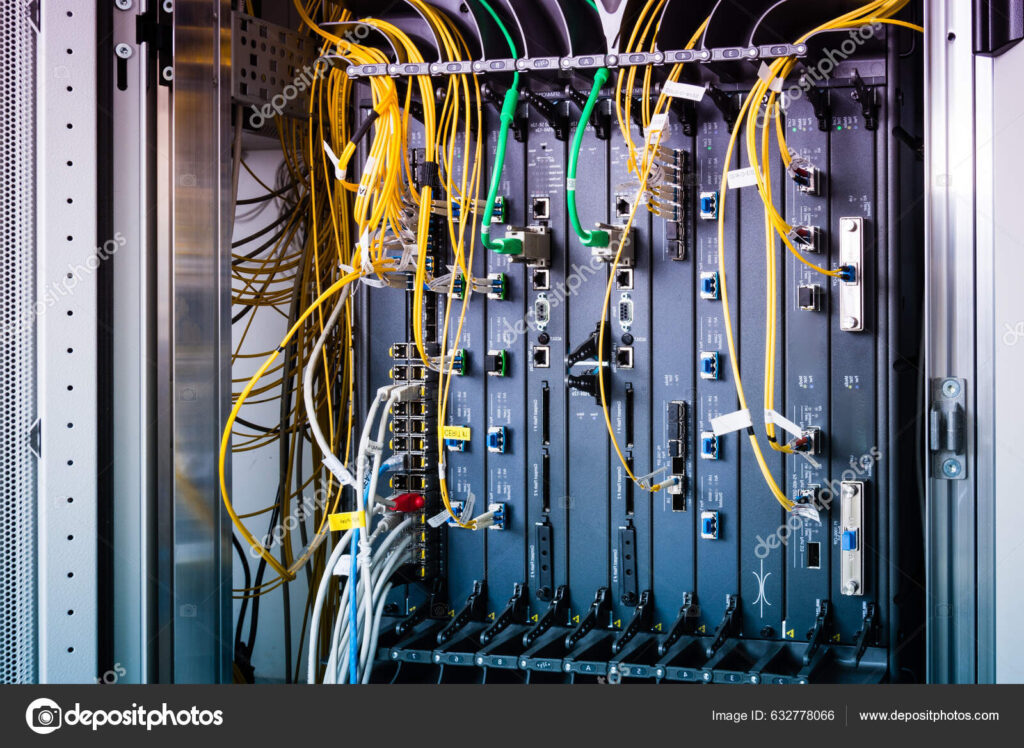
Data Center High End Cisco NCS 5500 Router